File Splitter & Merger
Dire Studio
3.7 ★
529 ratings
100,000+
downloads
Free
In this app, you can split large files into smaller parts or combine multiple files into one. Includes features for selecting files, adjusting output options, and viewing raw data.
AppRecs review analysis
AppRecs rating 3.7. Trustworthiness 0 out of 100. Review manipulation risk 0 out of 100. Based on a review sample analyzed.
★★★☆☆
3.7
AppRecs Rating
Ratings breakdown
5 star
53%
4 star
15%
3 star
5%
2 star
5%
1 star
23%
What to know
✓
Good user ratings
68% positive sampled reviews
✓
Authentic reviews
Natural distribution, no red flags
About File Splitter & Merger
File Splitter & Merger is a free Android tool which allows you to split any file into smaller files or merge multiple files into one.
Note : This is not an audio/video/pdf splitter or merger.
After splitting complex files (audio, video, pdf etc), individual files may be corrupt, and should be merged back to work as before.
Similarly, merging these types of files will only work if the files have been previously split.
The purpose of this application is to provide a way to split large files which are difficult to send/upload and deal with size restrictions and limitations. After splitting, the initial file can be recreated using the merger function.
Works for files of all types and sizes.
★ Splitter
The Splitter function allows you to split a file into multiples files by:
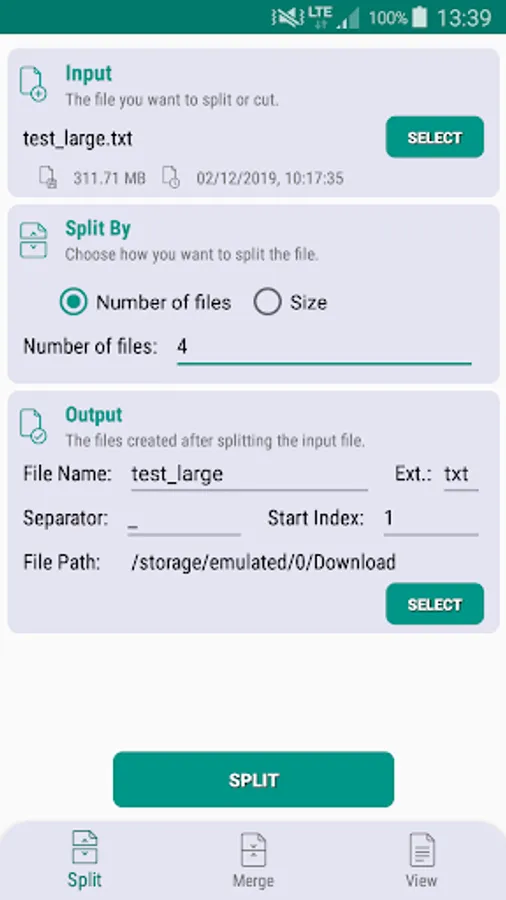
✓ Number of files - choose the number of files you want to split the files into.
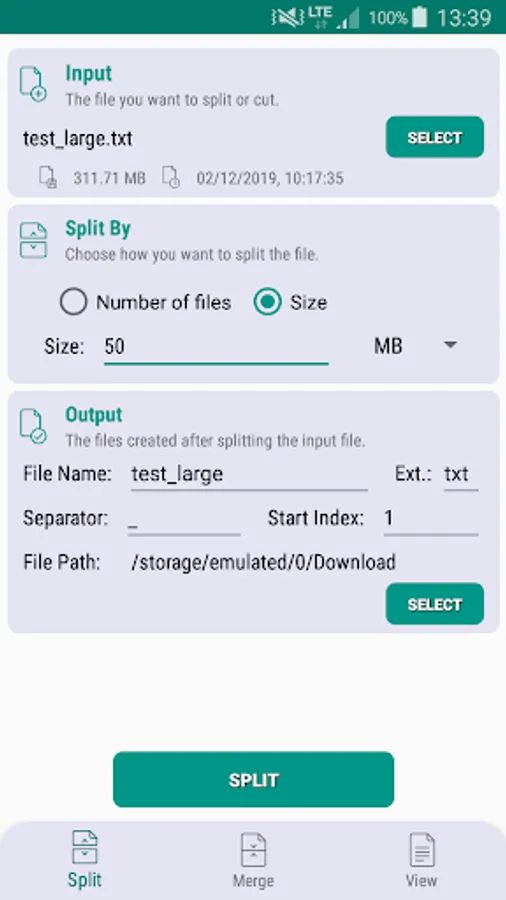
✓ Size - split the file into pieces of equal size. The size can be chosen in B, KB or MB.
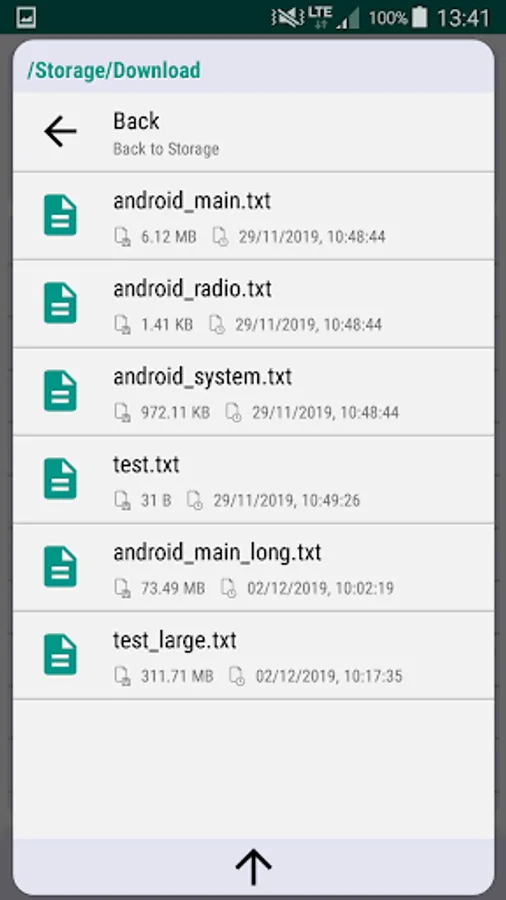
✓ Use the in-app browser to select which file you want to split.
✓ Output :
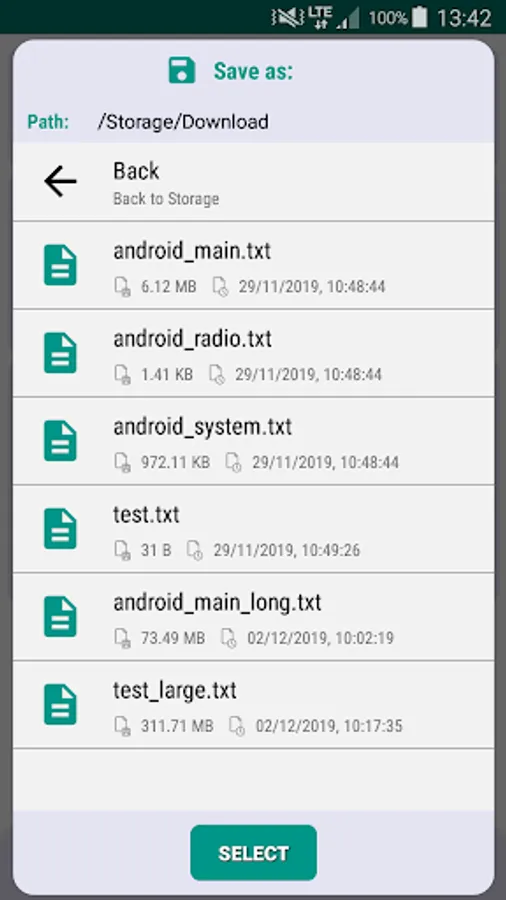
- Choose file name, location (path) and extension.
- Choose separator and starting index, which will be appended at the end of each file.
★ Merger
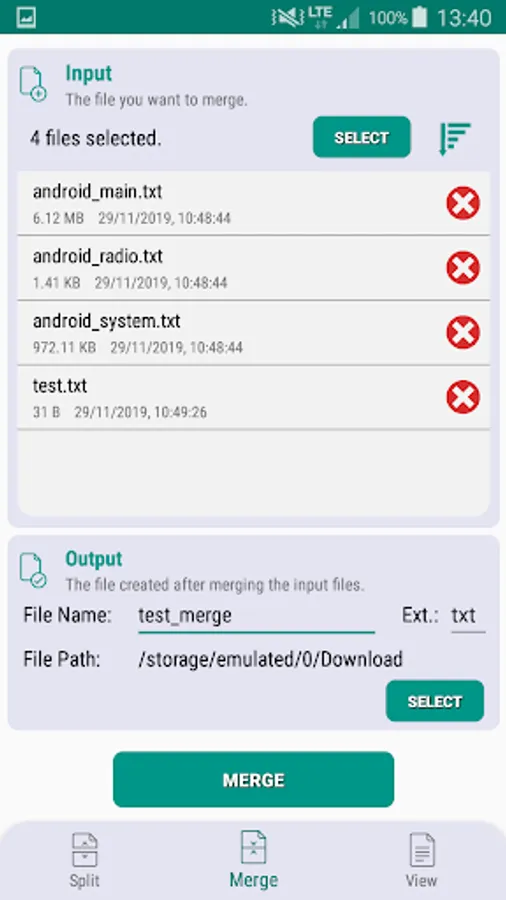
The Merger function allows you to merge multiple files into one file.
✓ Use the in-app browser to select which files you want to merge.
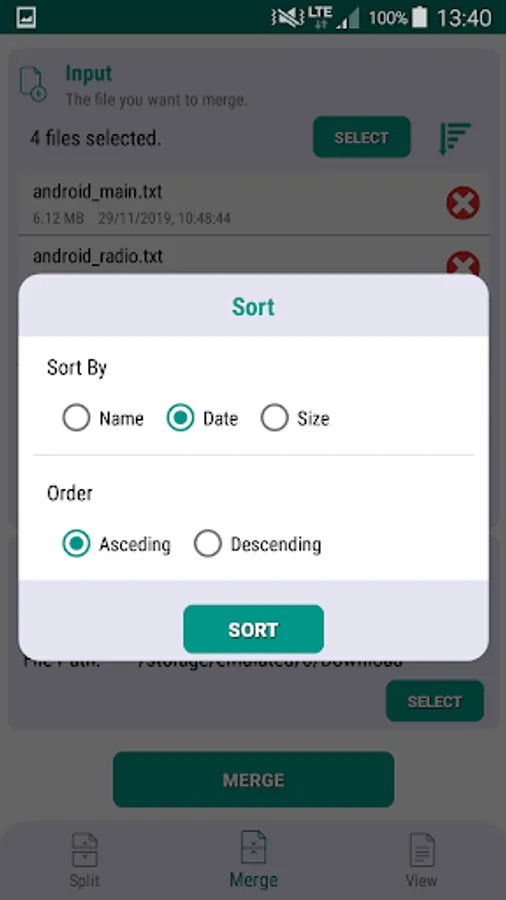
✓ Sort the selected files by name, date or size to choose the order of merge.
✓ Output - Choose file name, location (path) and extension.
★ View Content
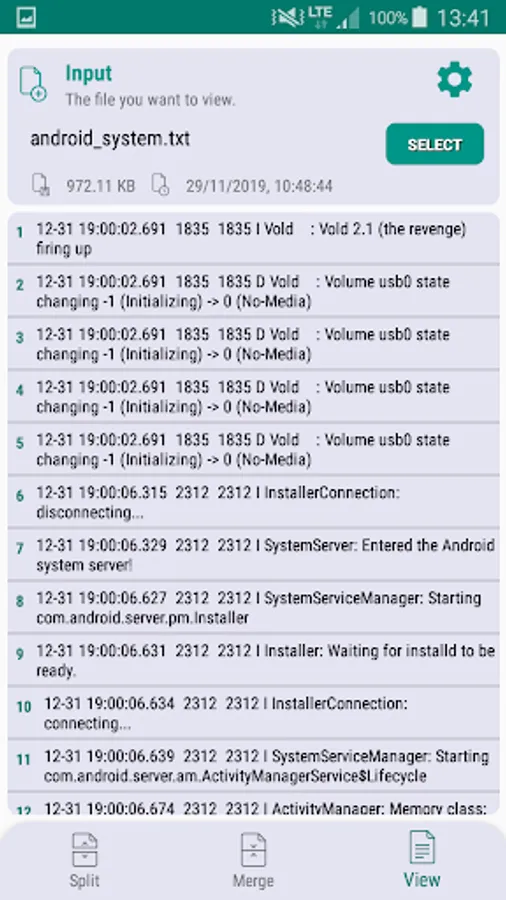
The View function allows you to read the raw data of any file. This is recommended for text files:
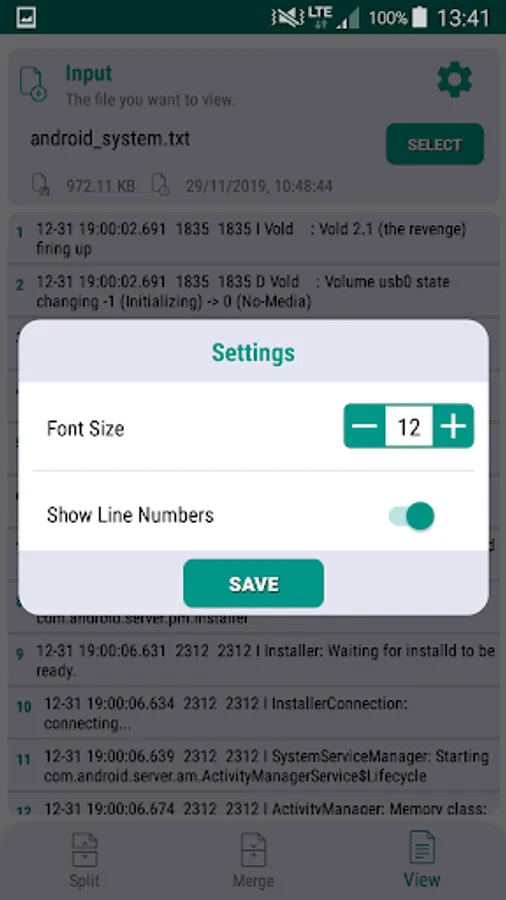
✓ Adjustable font size
✓ Hide/Show line numbers.
Note : This is not an audio/video/pdf splitter or merger.
After splitting complex files (audio, video, pdf etc), individual files may be corrupt, and should be merged back to work as before.
Similarly, merging these types of files will only work if the files have been previously split.
The purpose of this application is to provide a way to split large files which are difficult to send/upload and deal with size restrictions and limitations. After splitting, the initial file can be recreated using the merger function.
Works for files of all types and sizes.
★ Splitter
The Splitter function allows you to split a file into multiples files by:
✓ Number of files - choose the number of files you want to split the files into.
✓ Size - split the file into pieces of equal size. The size can be chosen in B, KB or MB.
✓ Use the in-app browser to select which file you want to split.
✓ Output :
- Choose file name, location (path) and extension.
- Choose separator and starting index, which will be appended at the end of each file.
★ Merger
The Merger function allows you to merge multiple files into one file.
✓ Use the in-app browser to select which files you want to merge.
✓ Sort the selected files by name, date or size to choose the order of merge.
✓ Output - Choose file name, location (path) and extension.
★ View Content
The View function allows you to read the raw data of any file. This is recommended for text files:
✓ Adjustable font size
✓ Hide/Show line numbers.