Log Master - Text Search & Fil
Dire Studio
4.0 ★
87 ratings
10,000+
downloads
Free
With this app, you can browse, display, and filter log or text files to locate specific information quickly. Includes file browser, search and filter options, and customizable display settings.
AppRecs review analysis
AppRecs rating 4.0. Trustworthiness 0 out of 100. Review manipulation risk 0 out of 100. Based on a review sample analyzed.
★★★★☆
4.0
AppRecs Rating
Ratings breakdown
5 star
57%
4 star
20%
3 star
7%
2 star
4%
1 star
12%
What to know
✓
High user satisfaction
77% of sampled ratings are 4+ stars (4.0★ average)
✓
Authentic reviews
Natural distribution, no red flags
About Log Master - Text Search & Fil
Log Master is lightweight, efficient and intuitive application which serves as a tool for viewing logs or any other text files in different forms.
Use the multitude of features to manipulate the text content, and display it in various forms to quickly find the information you are looking for.
Features:
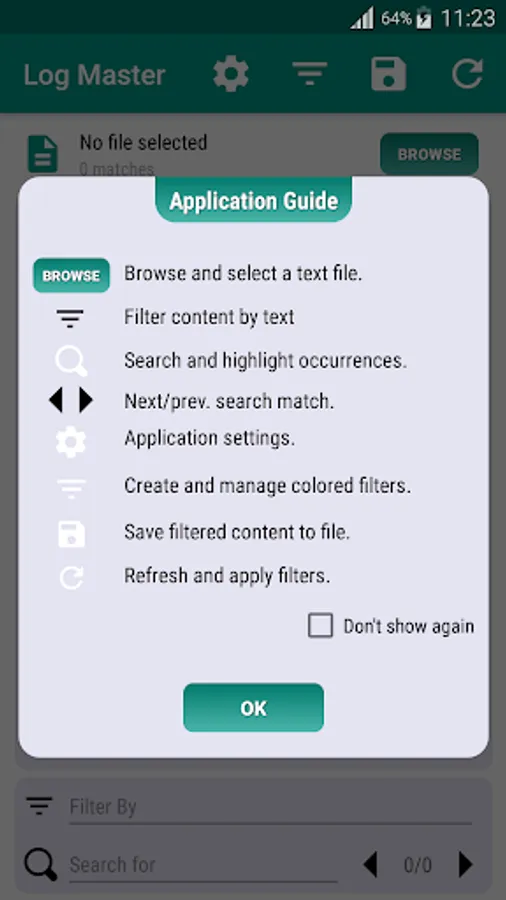
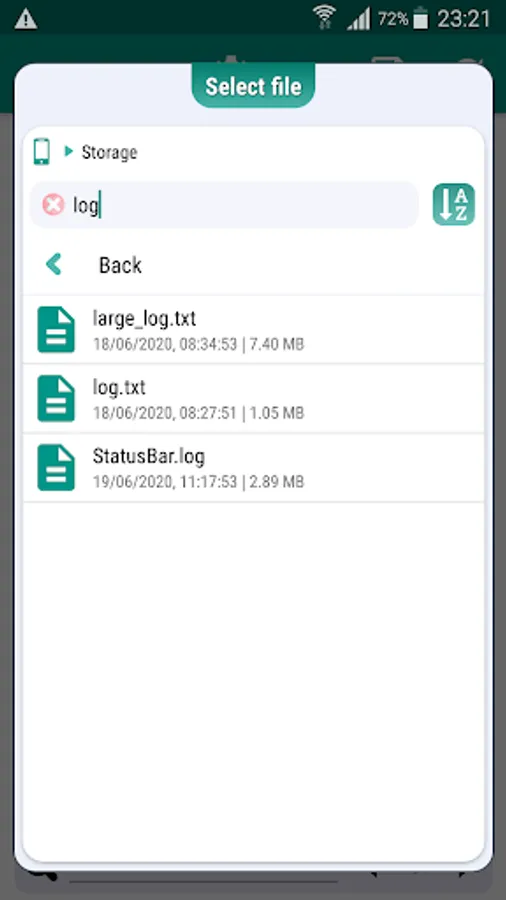
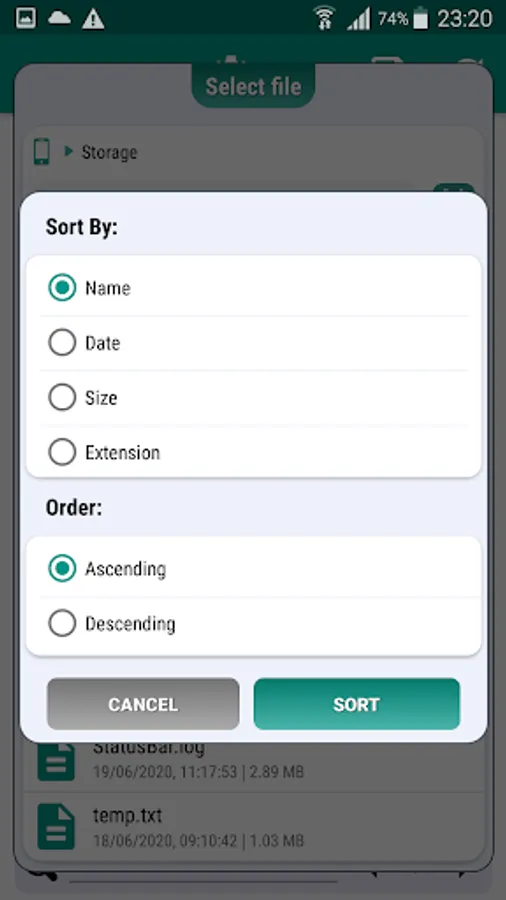
✓ In-App file browser - quickly browse the device's internal storage and select a file
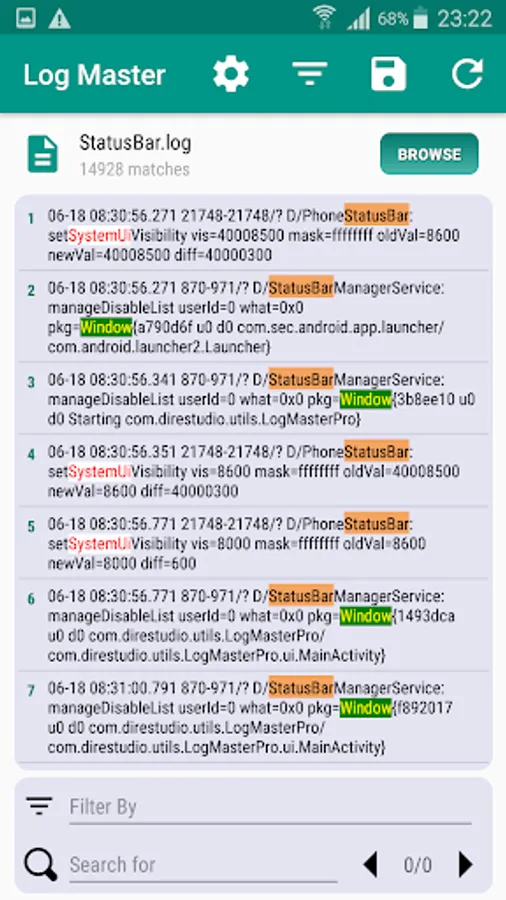
✓ Read and display the raw content of the selected file
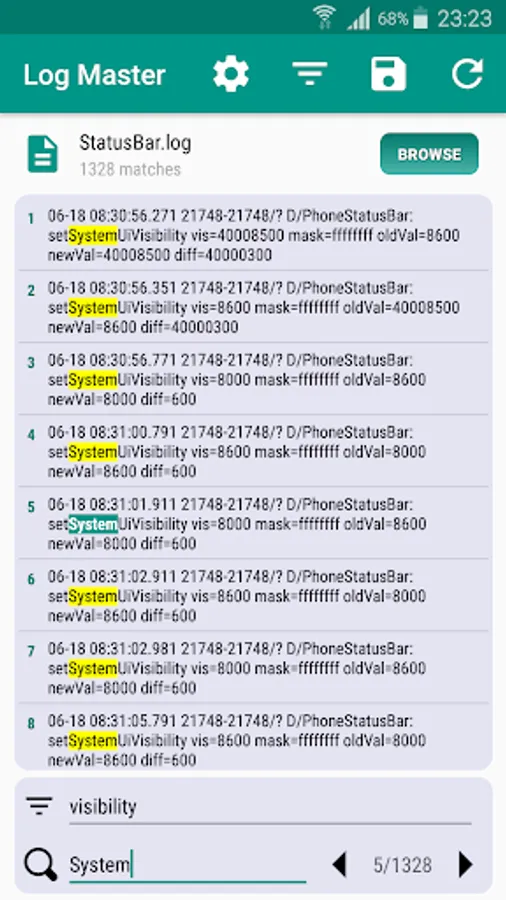
✓ Filter the content by a given text, to display only the lines containing it.
✓ Search and find every occurrence of a text within the file content
✓ Next/Previous functions to navigate between search matches
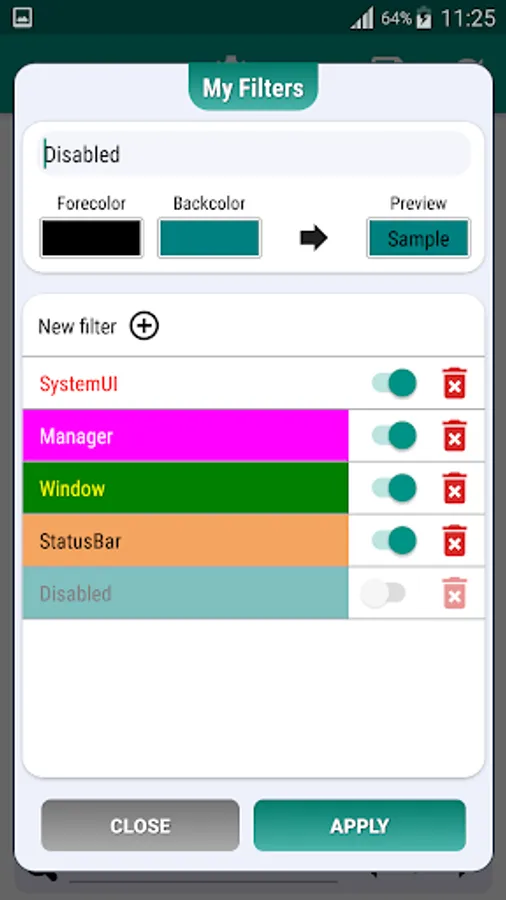
✓ Color filters, to change the appearance of the text, based on a pattern, text color and background color .
✓ Highlight chunks of text using color filters to quickly identify key words or portions of text
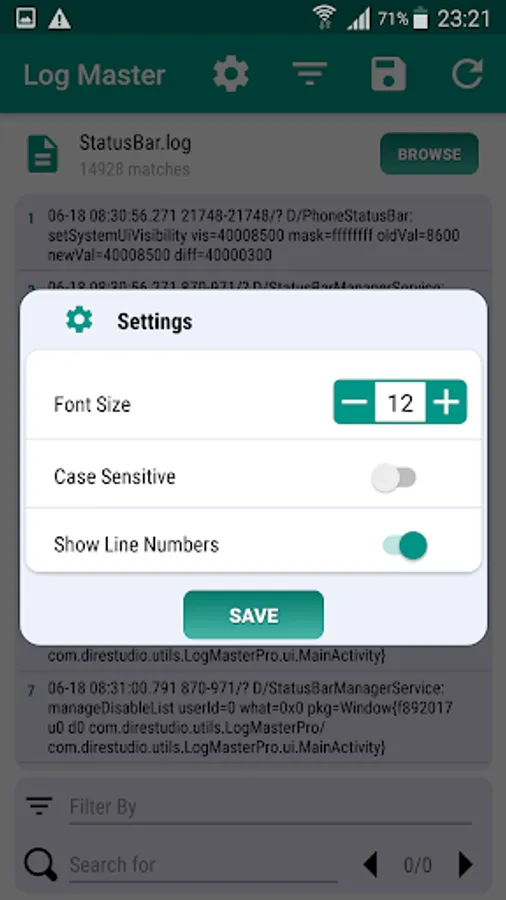
✓ Application settings - change font size, enable/disable line numbers, enable/disable case sensitive.
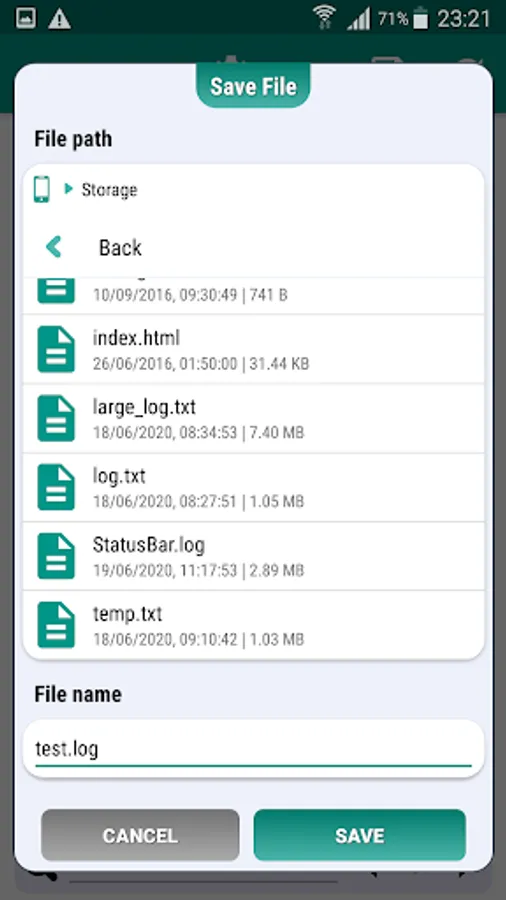
✓ Save the filtered content to file, for later use.
Use the multitude of features to manipulate the text content, and display it in various forms to quickly find the information you are looking for.
Features:
✓ In-App file browser - quickly browse the device's internal storage and select a file
✓ Read and display the raw content of the selected file
✓ Filter the content by a given text, to display only the lines containing it.
✓ Search and find every occurrence of a text within the file content
✓ Next/Previous functions to navigate between search matches
✓ Color filters, to change the appearance of the text, based on a pattern, text color and background color .
✓ Highlight chunks of text using color filters to quickly identify key words or portions of text
✓ Application settings - change font size, enable/disable line numbers, enable/disable case sensitive.
✓ Save the filtered content to file, for later use.