Audyssey MultEQ Editor app
D+M Group
2.7 ★
1K ratings
50,000+
downloads
$19.99
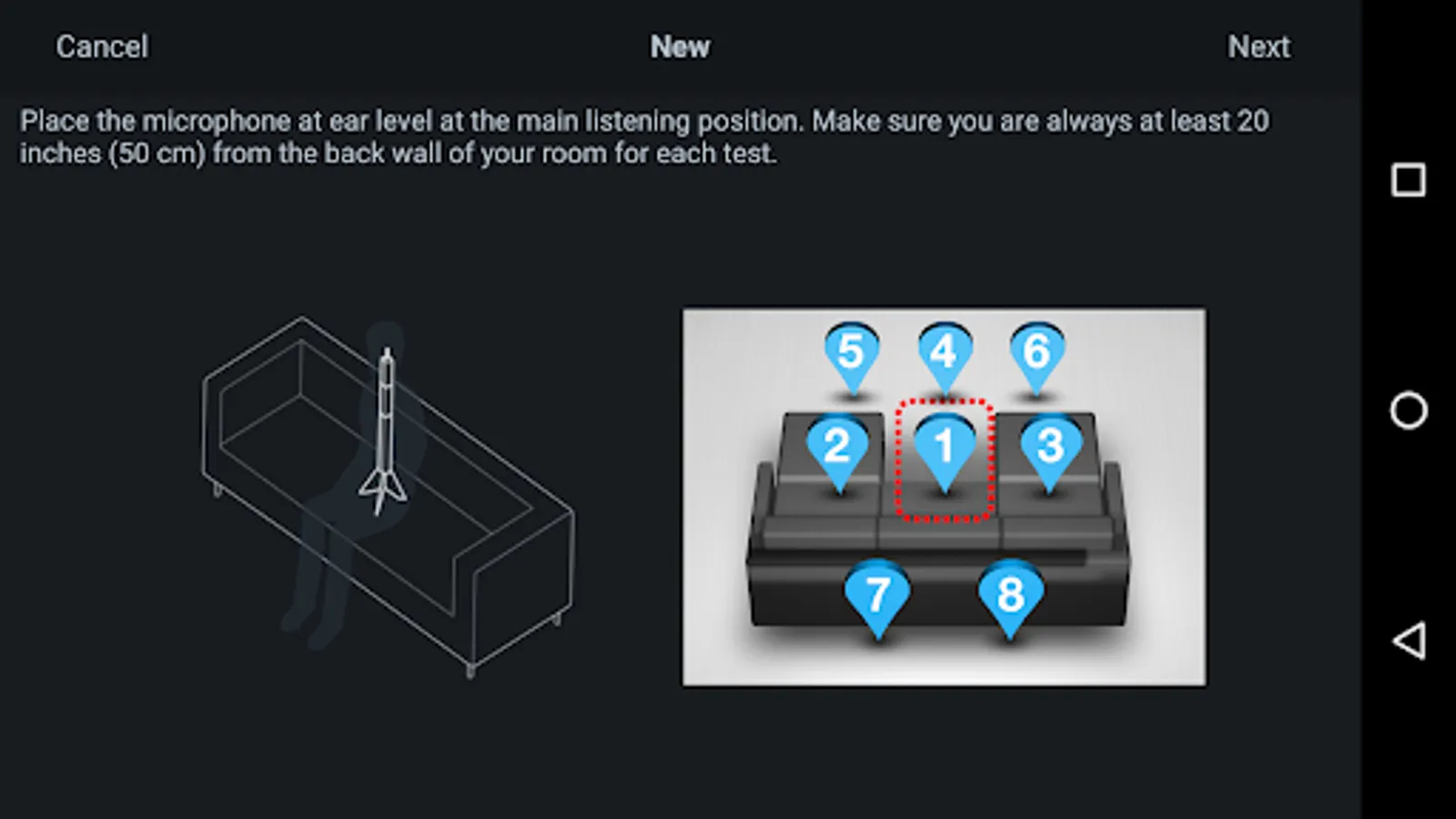
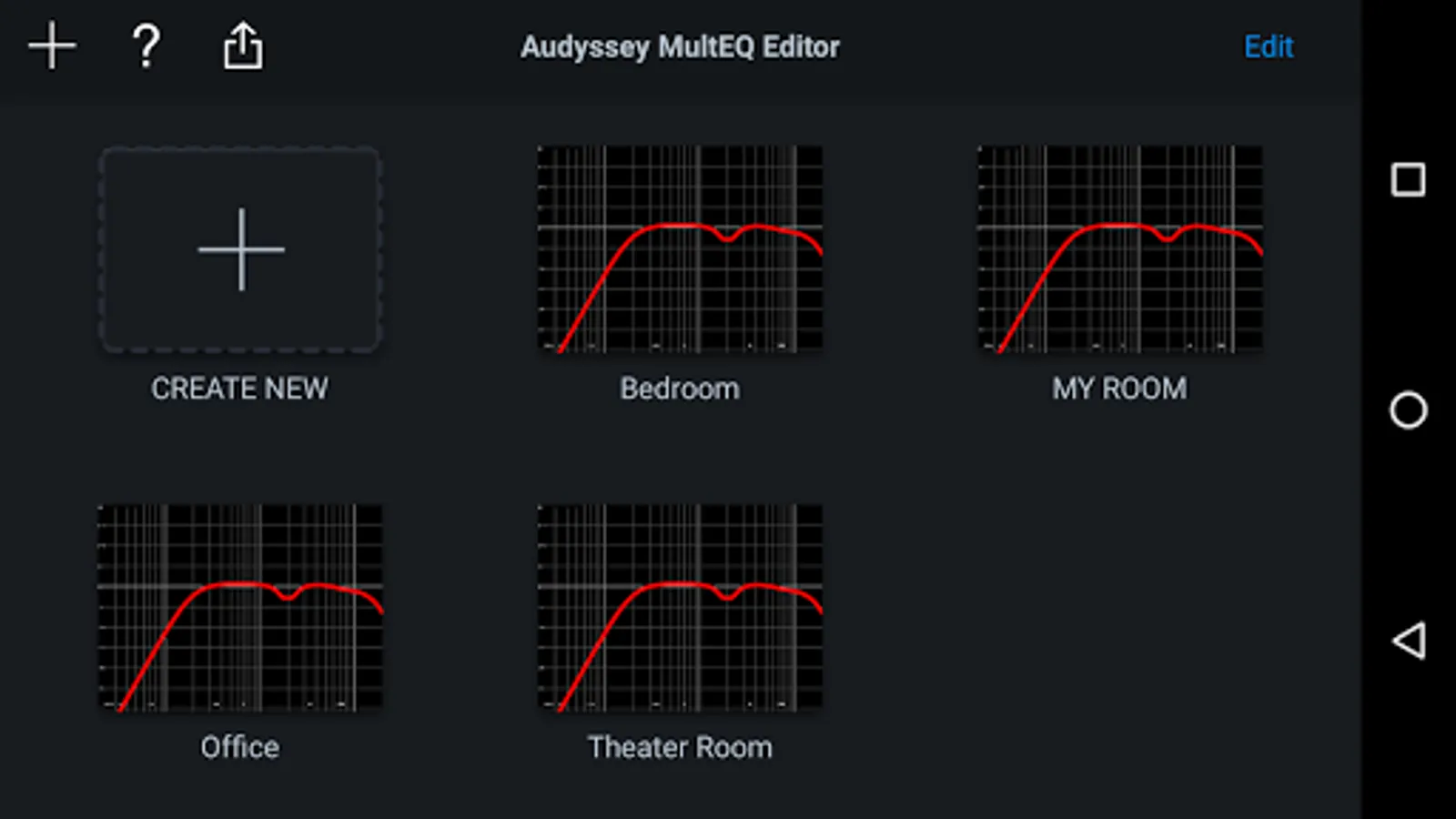
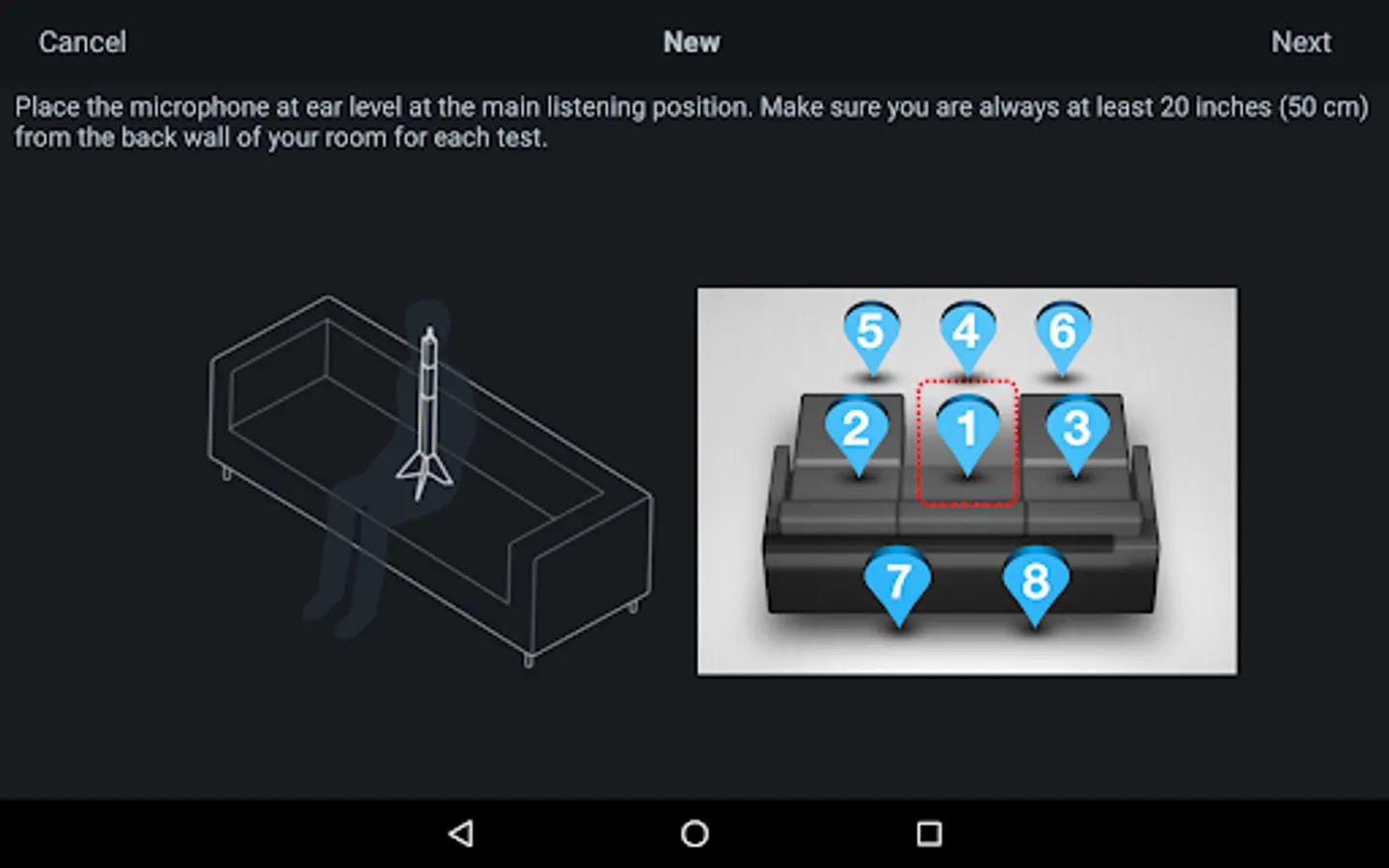
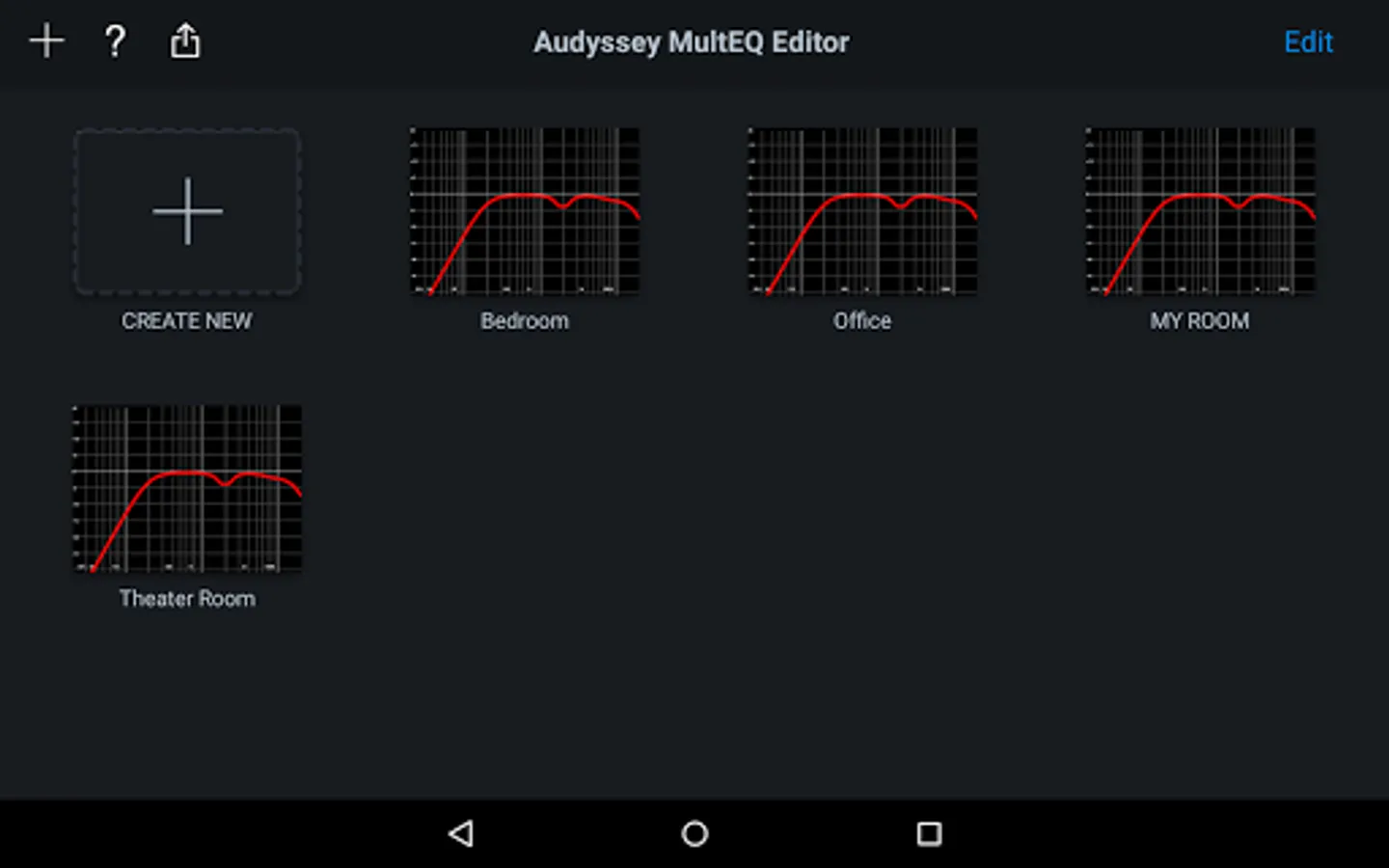
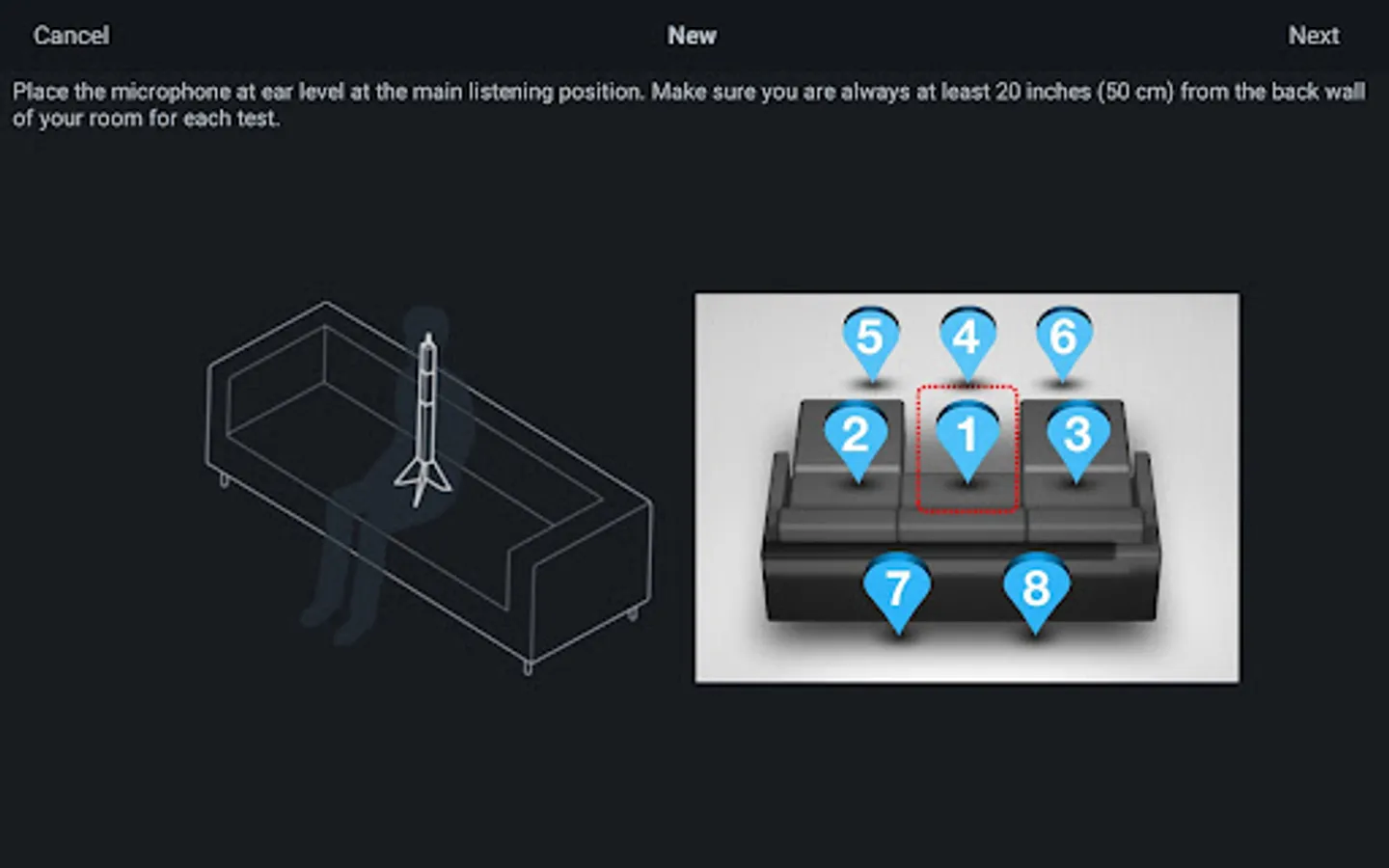
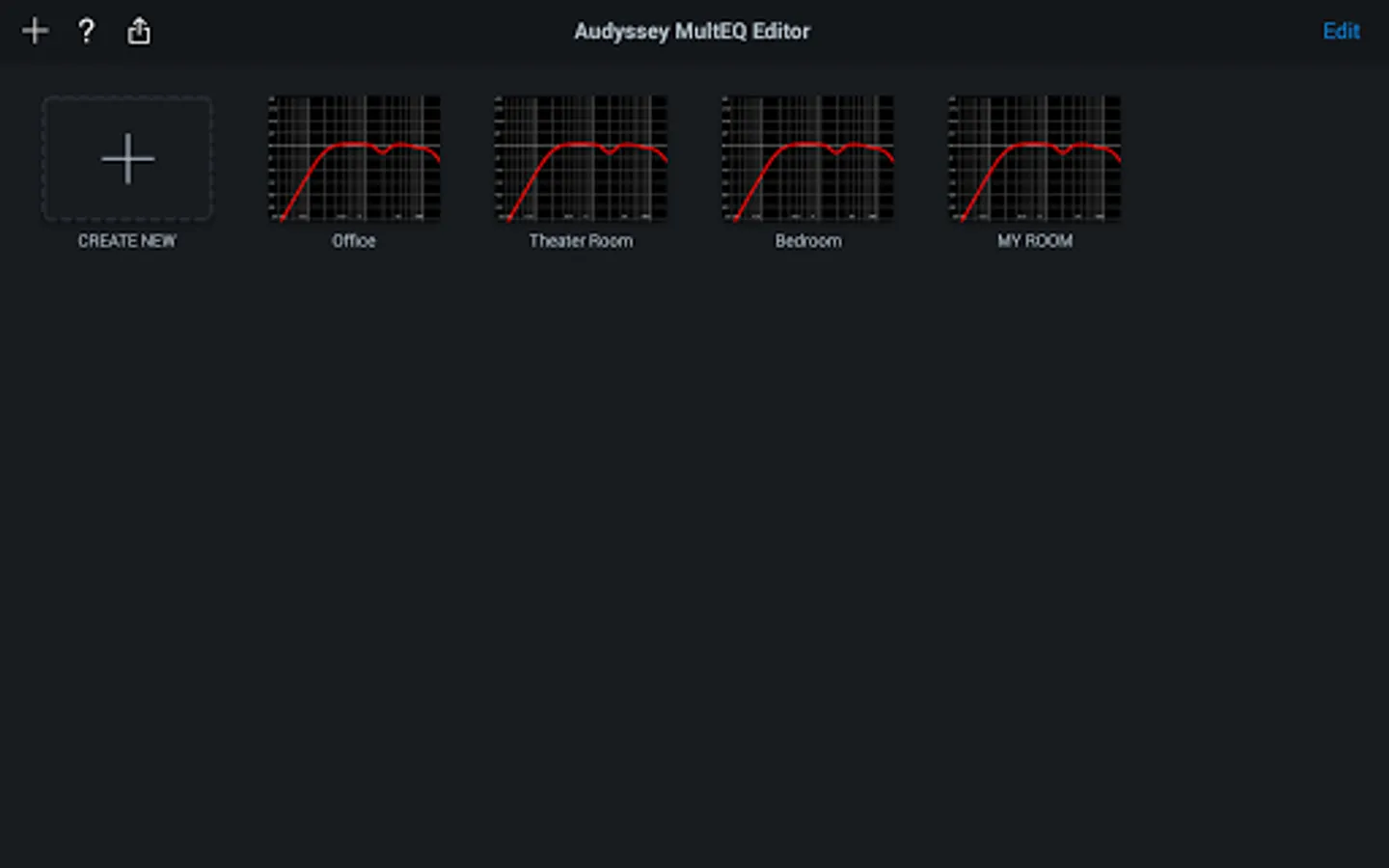
In this app, you can view, adjust, and customize your audio calibration settings for compatible Denon and Marantz receivers. Includes speaker detection, calibration review, target curve editing, and save/load options.
AppRecs review analysis
AppRecs rating 2.6. Trustworthiness 89 out of 100. Review manipulation risk 18 out of 100. Based on a review sample analyzed.
★★☆☆☆
2.6
AppRecs Rating
Ratings breakdown
5 star
23%
4 star
13%
3 star
11%
2 star
15%
1 star
38%
What to know
⚠
Pricing complaints
Many low ratings mention paywalls or pricing
⚠
Mixed user feedback
Average 2.7★ rating suggests room for improvement
⚠
High negative review ratio
53% of sampled ratings are 1–2 stars
About Audyssey MultEQ Editor app
This app will allow you to:
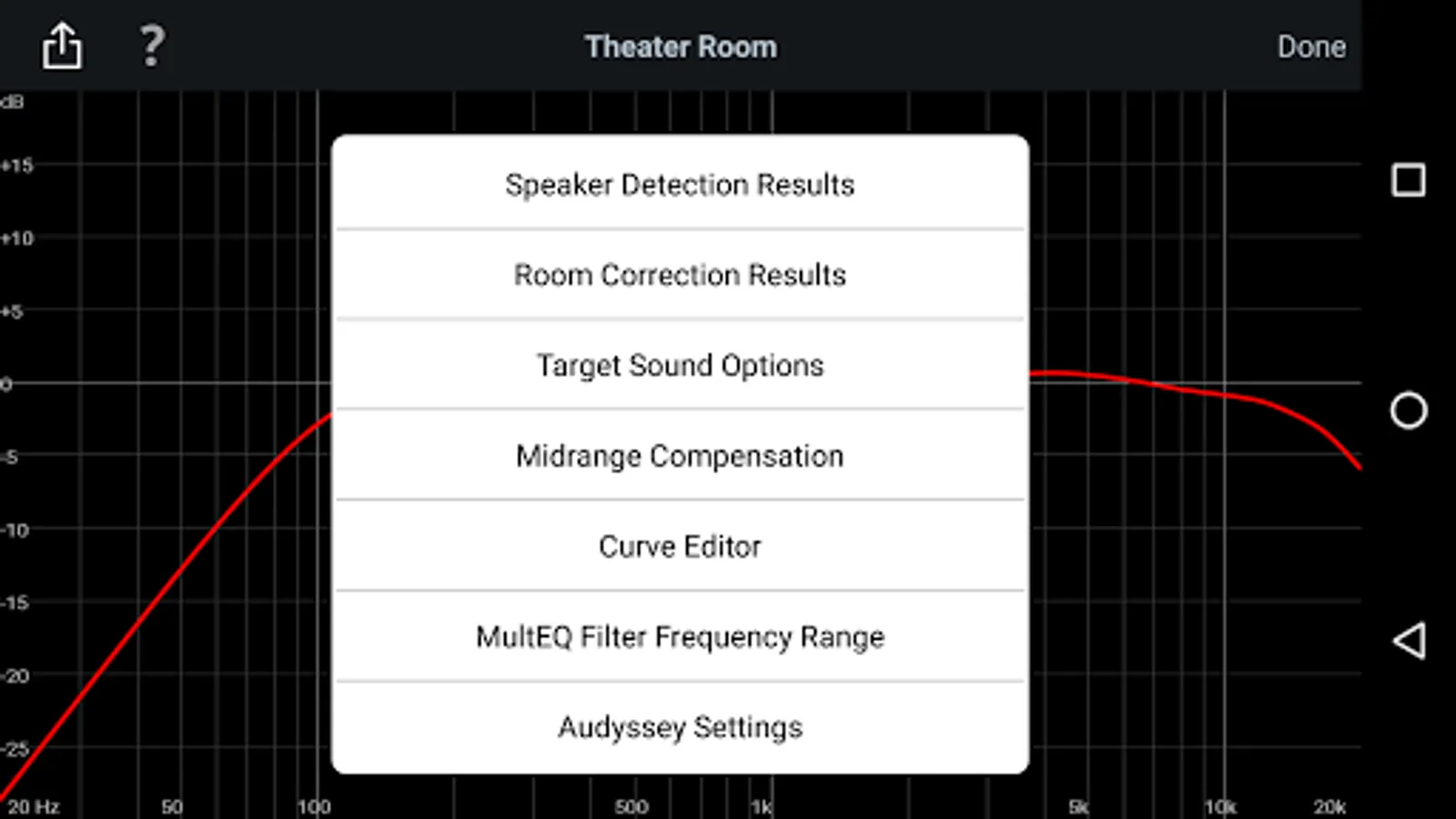
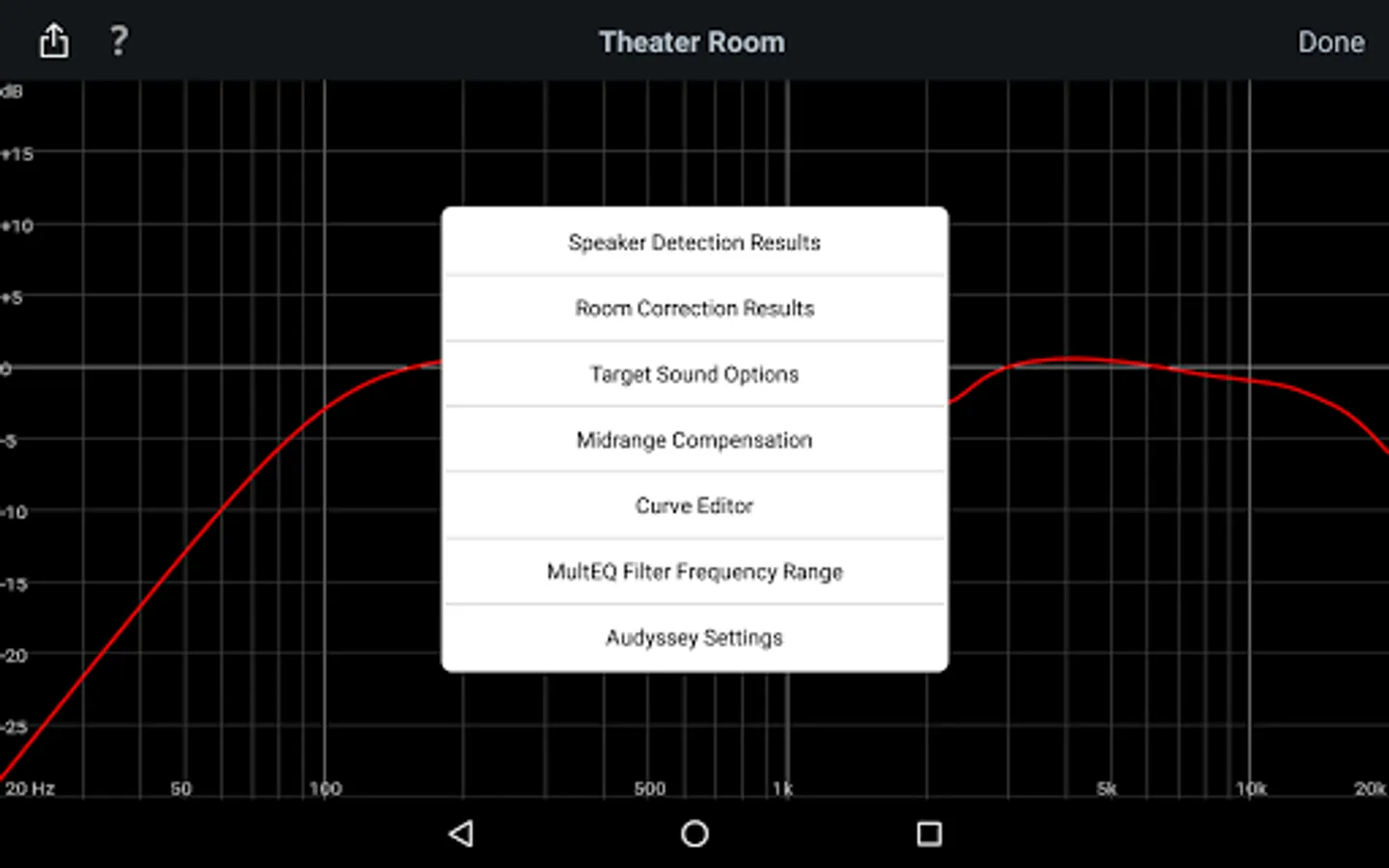
•View the speaker detection results, to check correct installation
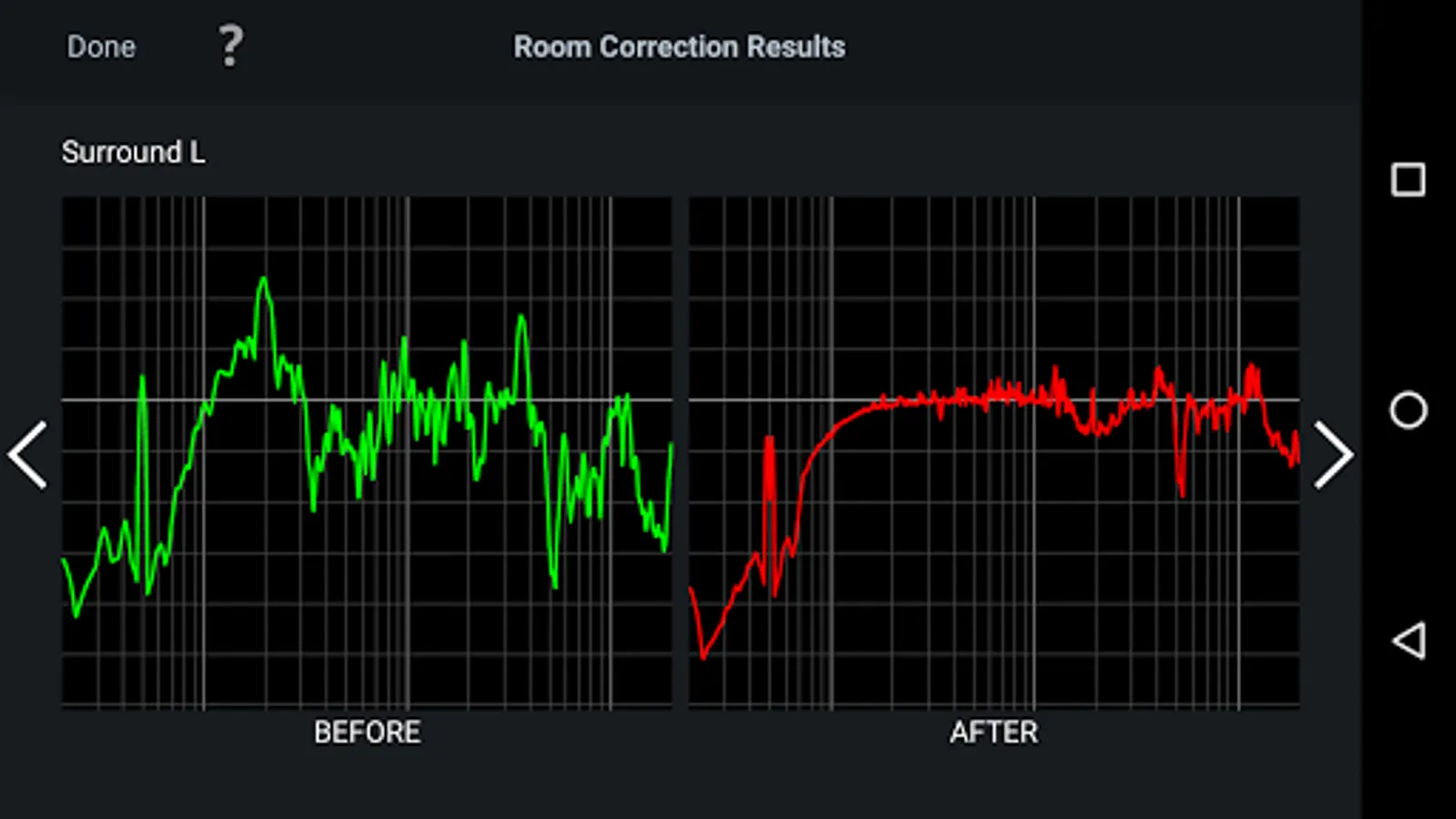
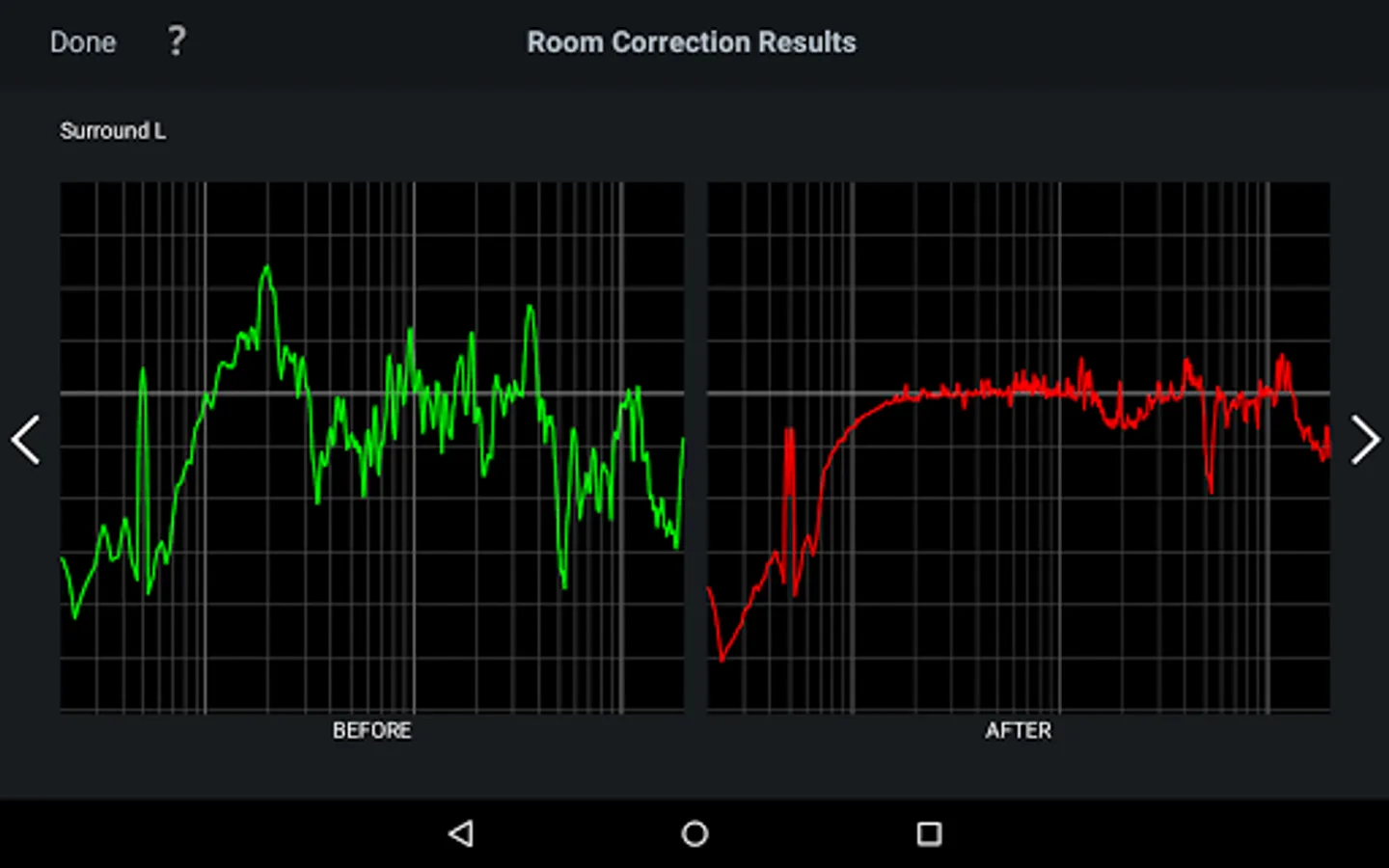
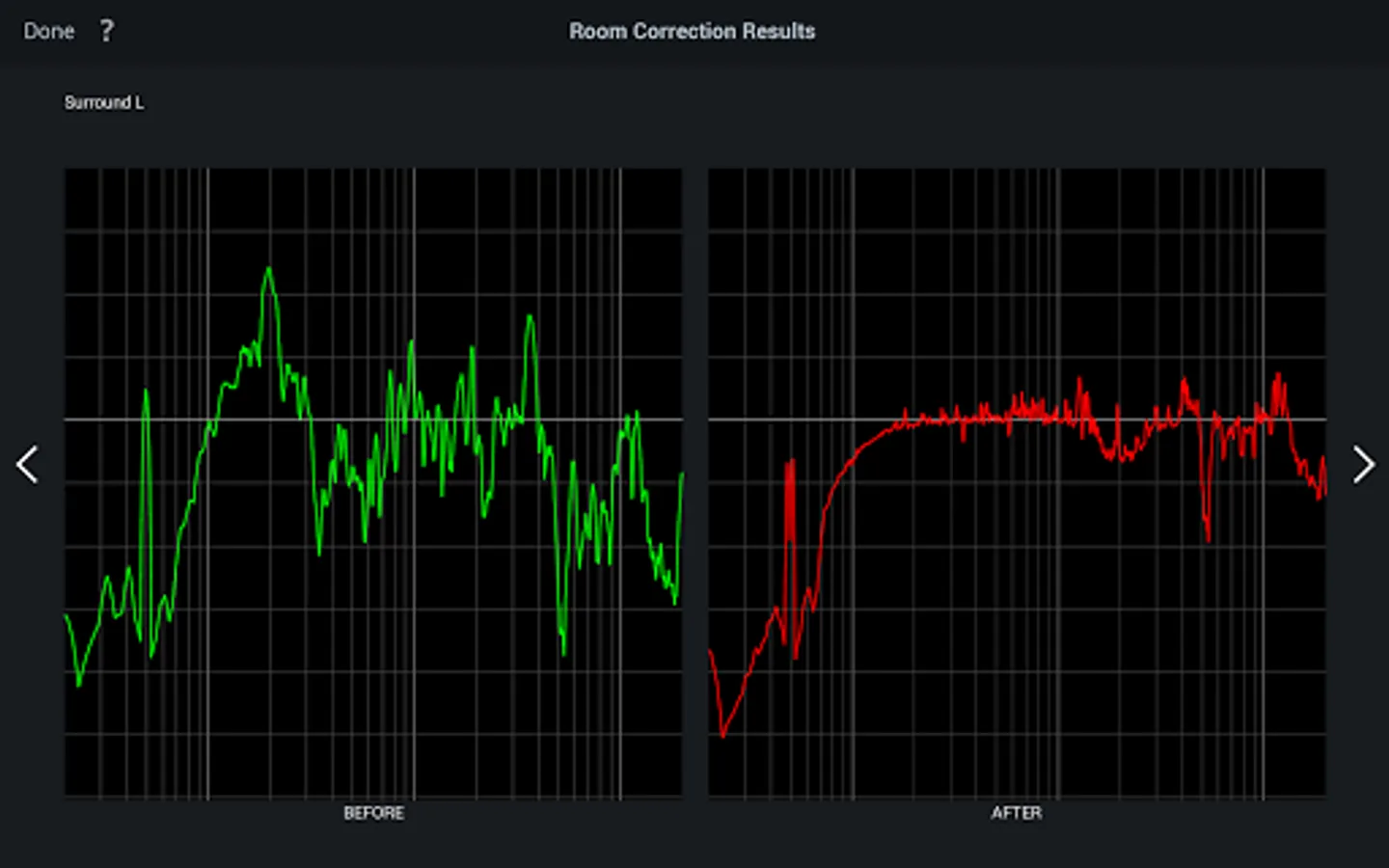
•View before and after results of the Audyssey calibration, making it easy to identify room problems.
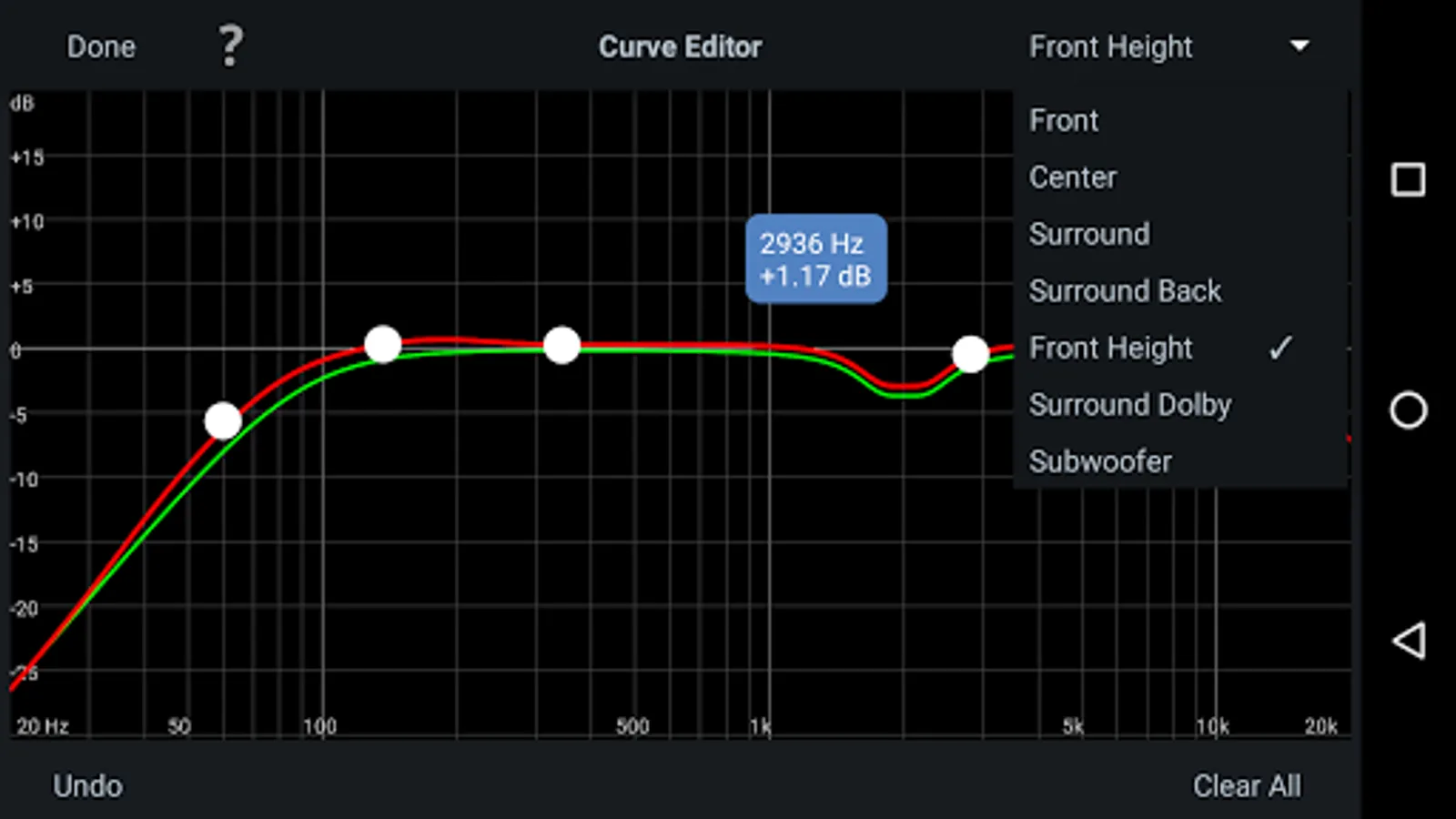
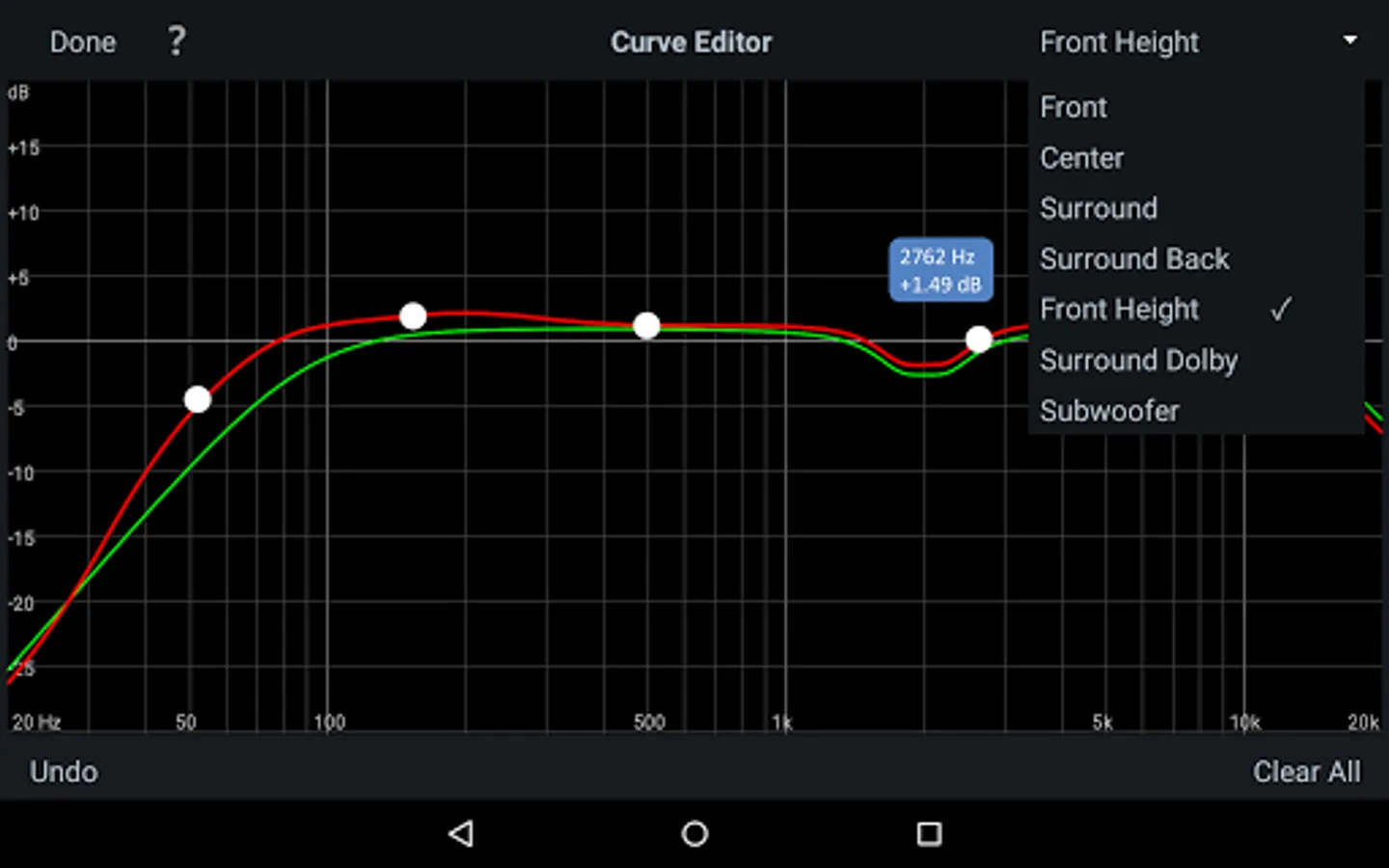
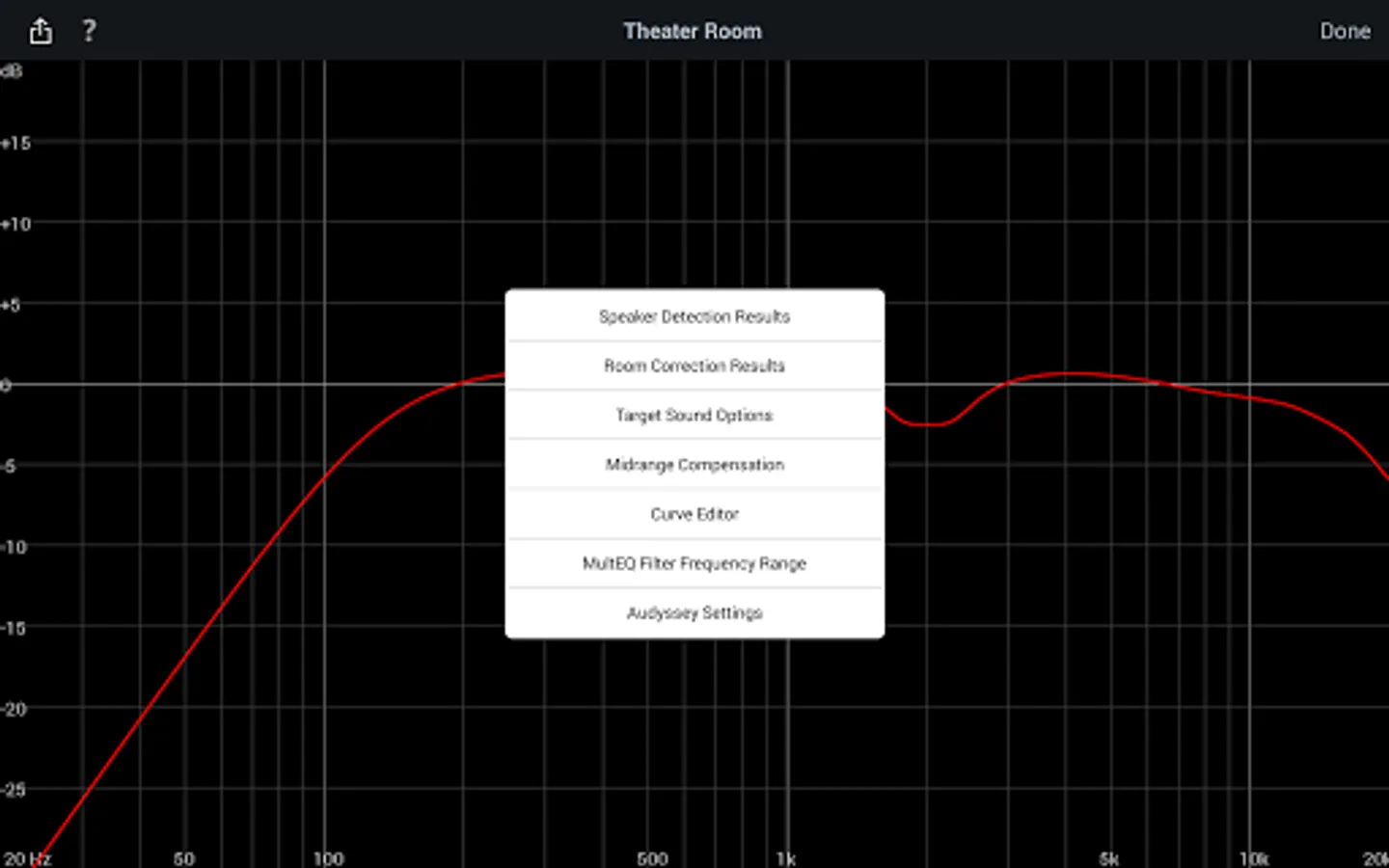
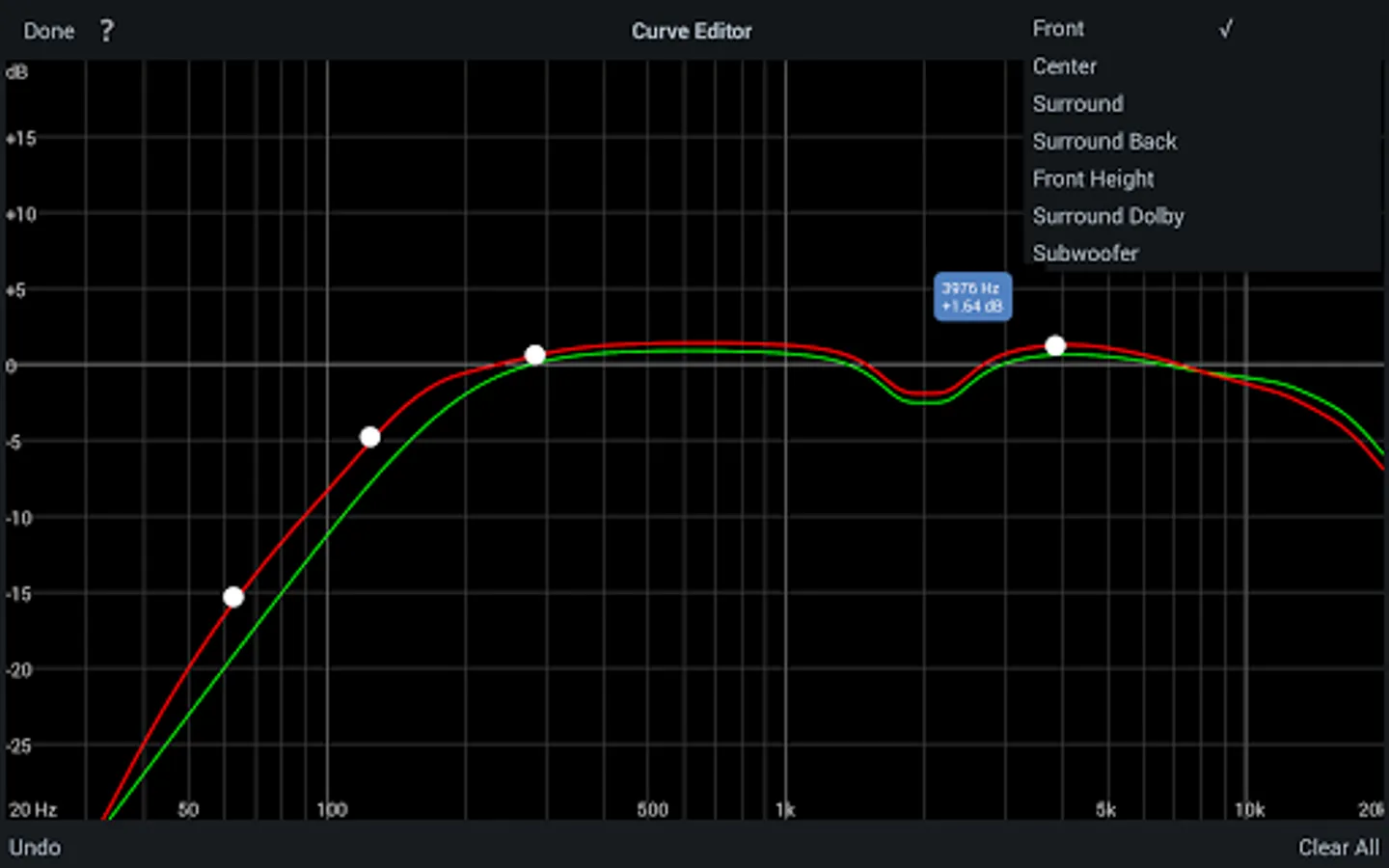
•Edit the Audyssey target curve for each channel pair to suit your tastes
•Adjust the overall EQ frequency rolloff for each channel pair
•Switch between 2 high frequency rolloff target curves
•Enable/Disable midrange compensation to make the sound brighter or smoother
•Save and load calibration results
This app requires specific hardware in your product to function: please double-check that your Denon or Marantz model is supported - see list below - before purchasing.
•Multi-Language Support (English, French, German, Spanish, Italian, Dutch, Swedish, Polish, Russian, Japanese and Simplified Chinese. The OS language setting is automatically detected; when not available, English is selected.)
Compatible models: (Product availability varies depending on regions.)
Denon AV Receiver: AVR-X6300H, AVR-X4300H, AVR-X3300W, AVR-X2300W, AVR-X1300W, AVR-S920W, AVR-S720W, AVR-S930H, AVR-S730H, AVR-X1400H, AVR-X2400H, AVR-X3400H, AVR-X4400H, AVR-X6400H, AVR-X8500H, AVR-S740H, AVR-S940H, AVR-X1500H, AVR-X2500H, AVR-X3500H, AVR-X4500H, AVR-X6500H, AVR-X1600H, AVR-X2600H, AVR-X3600H, AVR-S750H, AVR-S950H, AVR-A110, AVR-X6700H, AVR-X4700H, AVR-X3700H, AVR-X2700H, AVR-S960H, AVR-X8500HA, AVR-X1700H, AVR-S760H, AVR-A1H, AVR-X4800H, AVR-X3800H, AVR-X2800H, AVR-S970H, AVR-X1800H, AVR-S770H, AVR-X6800H, AVR-A10H
Marantz AV Receiver: AV7703, SR7011, SR6011, SR5011, NR1607, NR1608, SR5012, SR6012, SR7012, SR8012, AV7704, AV8805, NR1609, SR5013, SR6013, SR7013, AV7705, NR1710, SR5014, S6014, SR8015, SR7015, SR6015, SR5015, NR1711, AV7706, AV8805A, AV 10, CINEMA 30, CINEMA 40, CINEMA 50, CINEMA 60, CINEMA 70s, AV 20, AV 30
Not compatible with Denon and Marantz models other than those listed above.
Compatible Android devices:
•Android Smartphones with Android OS ver.5.0 (or higher)
•Screen resolution: 800x480, 854x480, 960x540, 1280x720, 1280x800, 1920x1080, 1920x1200, 2048x1536
* This application does not support smartphones in QVGA (320x240) and HVGA (480x320) resolution.
* This application does not support smartphones of less than 2GB RAM capacity.
Confirmed Android devices:
Samsung Galaxy S10 (OS 12), Google (ASUS) Nexus 7 (2013) (OS 6.0.1), Google (LG) Nexus 5X (OS 8.1.0), Google Pixel 2 (OS 9), Google Pixel 3 (OS 12), Google Pixel 6 (OS 13)
Caution:
We do not guarantee that this application works with all Android devices.
Audyssey MultEQ Editor app Screenshots
Tap to Rate:
Reviews for Audyssey MultEQ Editor app
MarkosG Studios (Markos Photo)
2/22/2026
Borderline illegal Managed to eq once and never again tried multiple devices and multiple different connection methods and nothing.... I want a refund .
Igor Reidler
2/9/2026
Used to work well, now it is unable to calibrate my Denon receiver. As others pointed out, it connects to the receiver but at the first speaker calibration, throws an error: "Can not connect to the AVR"