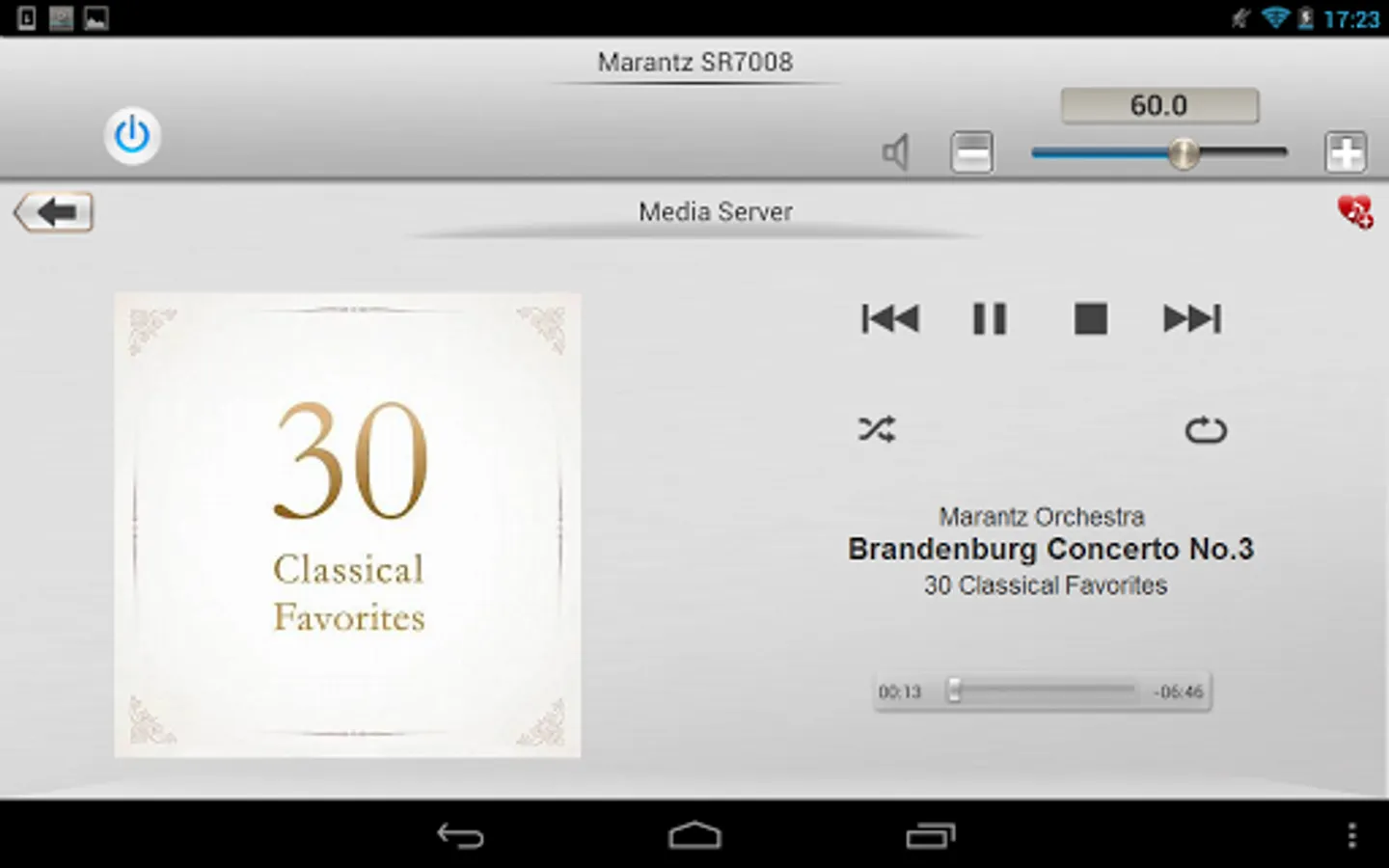
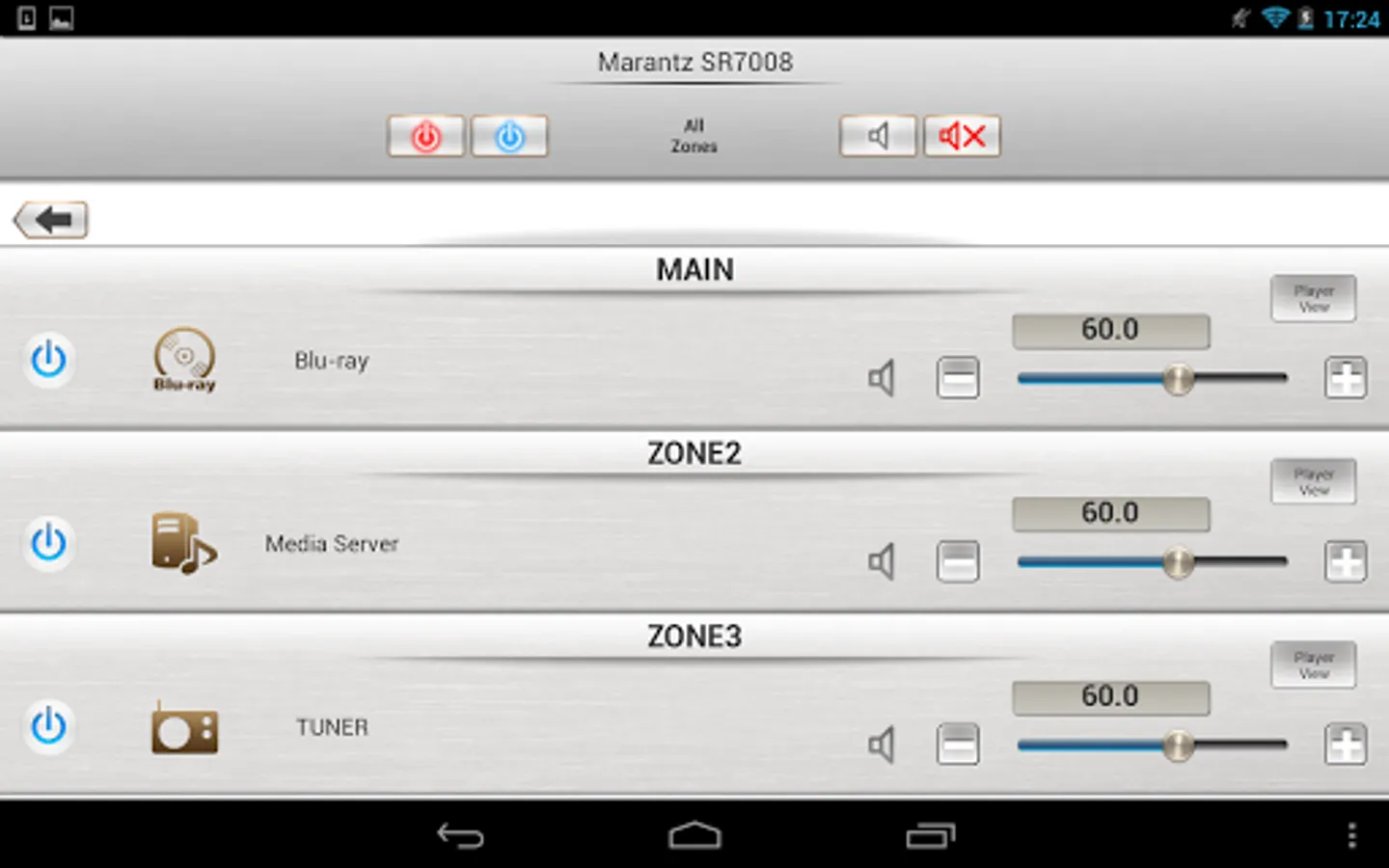
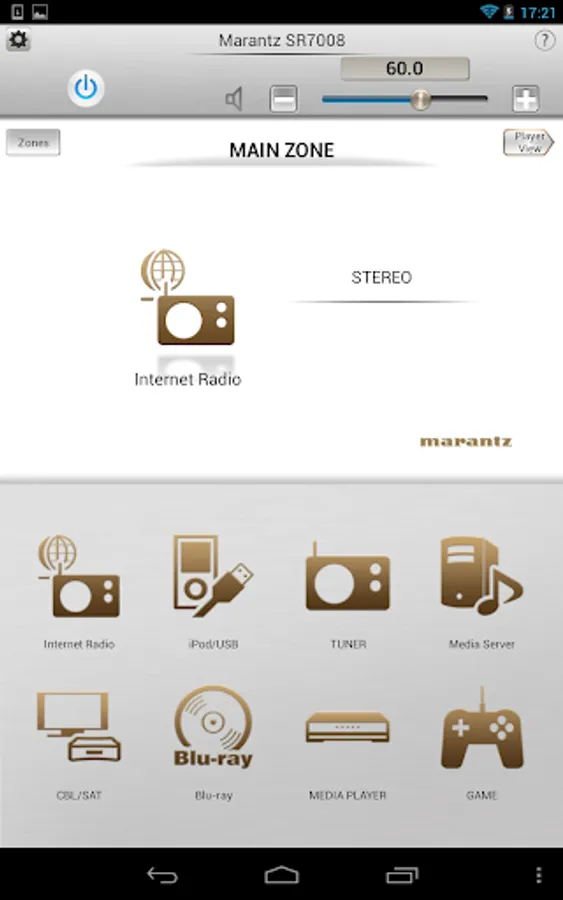
In this remote app, you can control your Marantz network product by adjusting volume, input, and surround mode settings. Includes customizable home screens, multi-zone control, and library browsing features.
AppRecs review analysis
AppRecs rating 2.3. Trustworthiness 81 out of 100. Review manipulation risk 22 out of 100. Based on a review sample analyzed.
★★☆☆☆
2.3
AppRecs Rating
Ratings breakdown
5 star
18%
4 star
14%
3 star
7%
2 star
11%
1 star
50%
What to know
✓
Low review manipulation risk
22% review manipulation risk
⚠
Mixed user feedback
Average 2.4★ rating suggests room for improvement
⚠
High negative review ratio
61% of sampled ratings are 1–2 stars
About Marantz Remote App
Adjust the basic functions of your Marantz product with power, volume, input and surround mode selection. Marantz disc player control is also available via Marantz Remote Terminals (D-BUS, RC-5) connection.
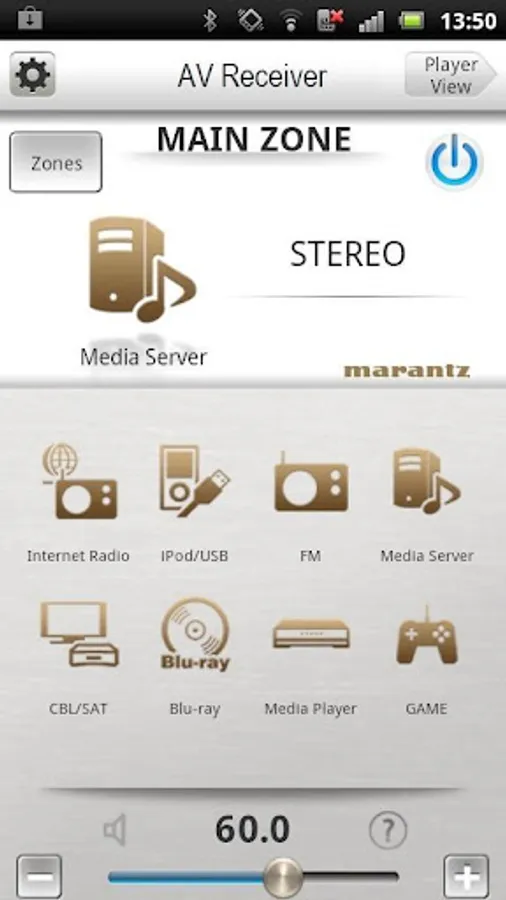
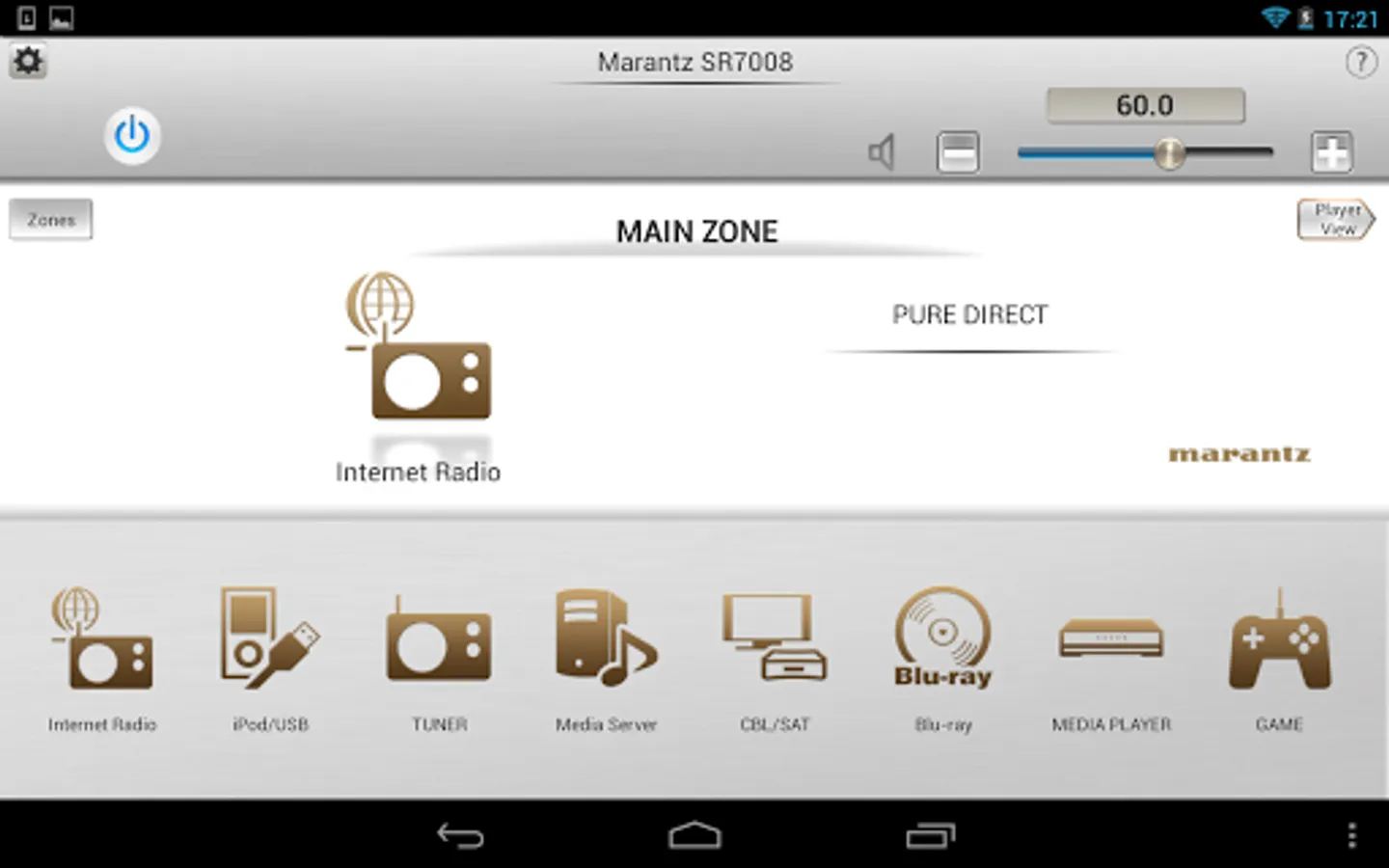
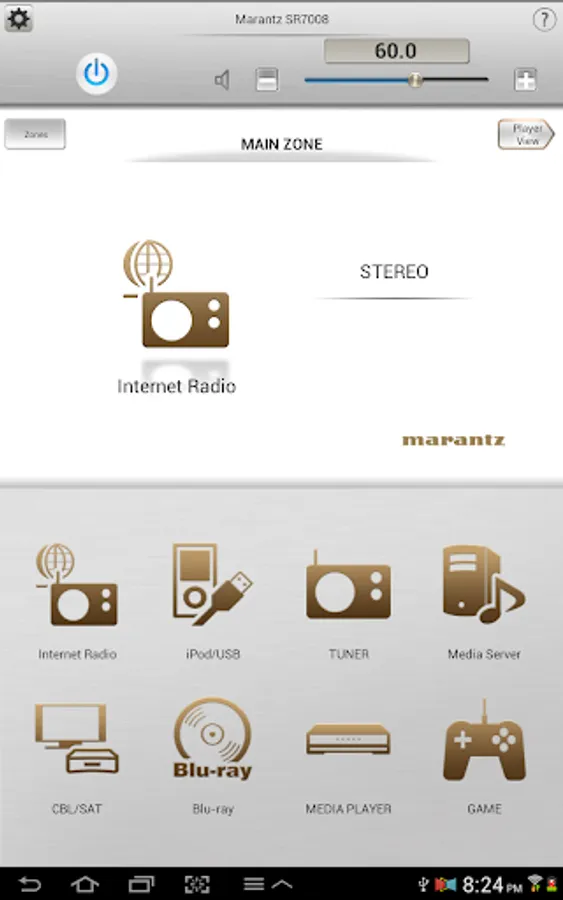
A customizable home screen allows you to tailor the look and function of the Marantz Remote App to suit your needs.
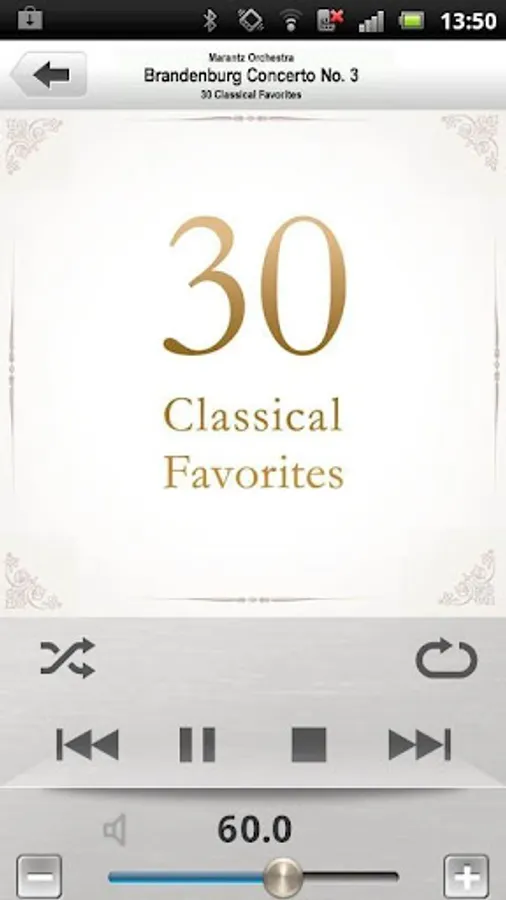
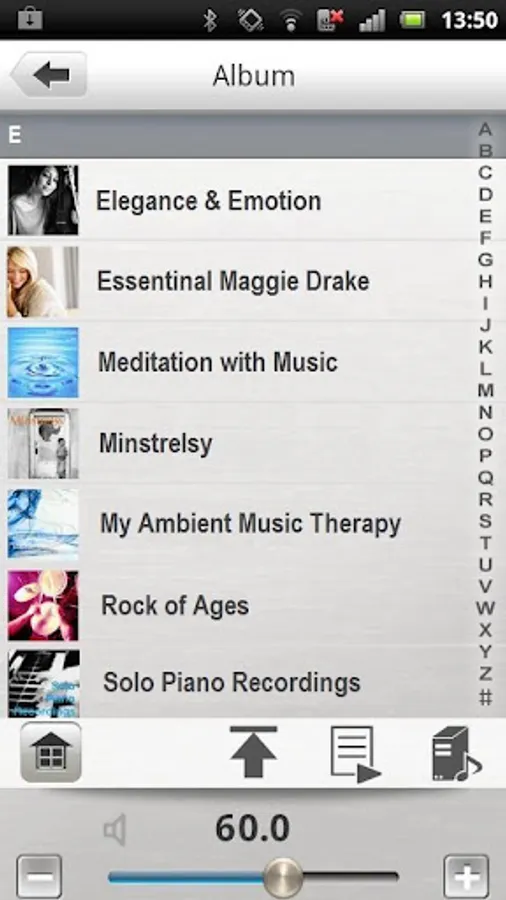
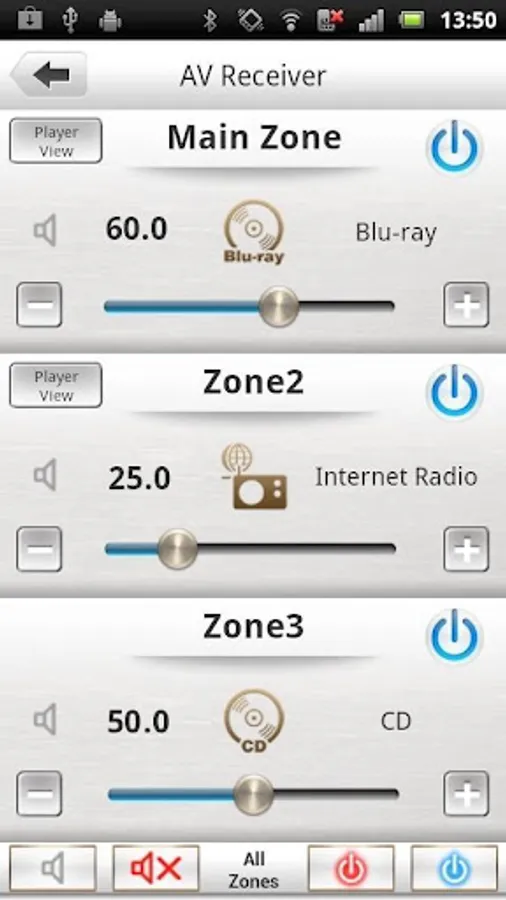
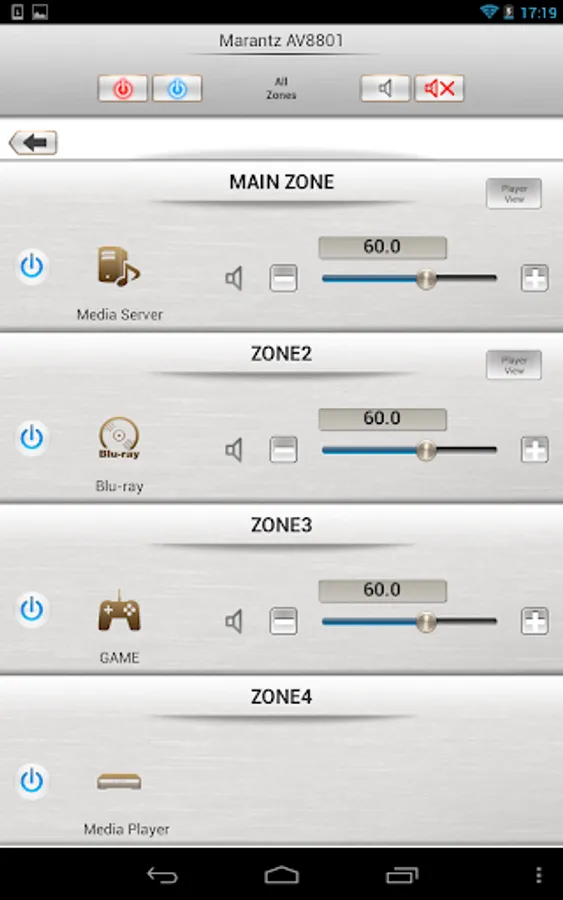
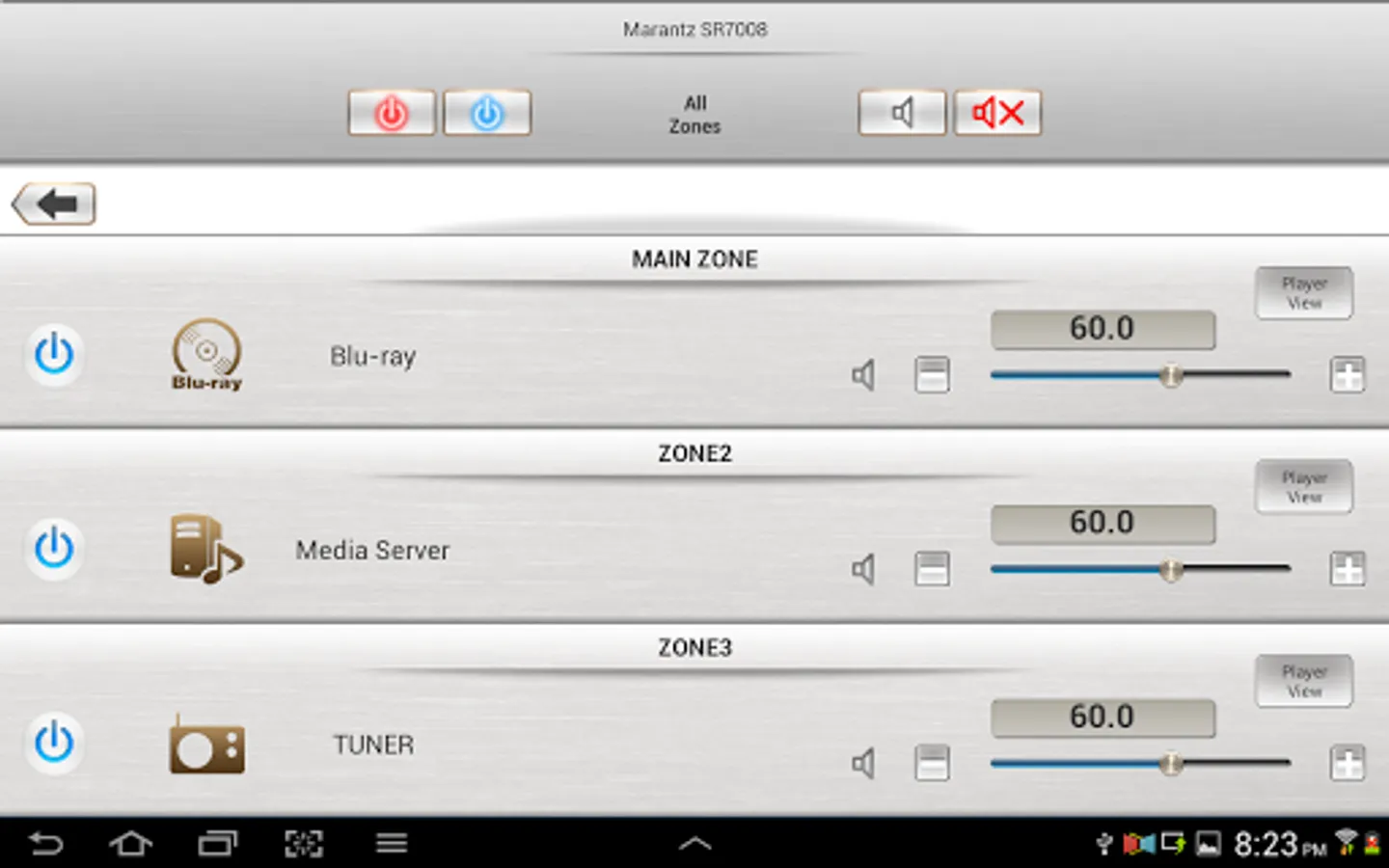
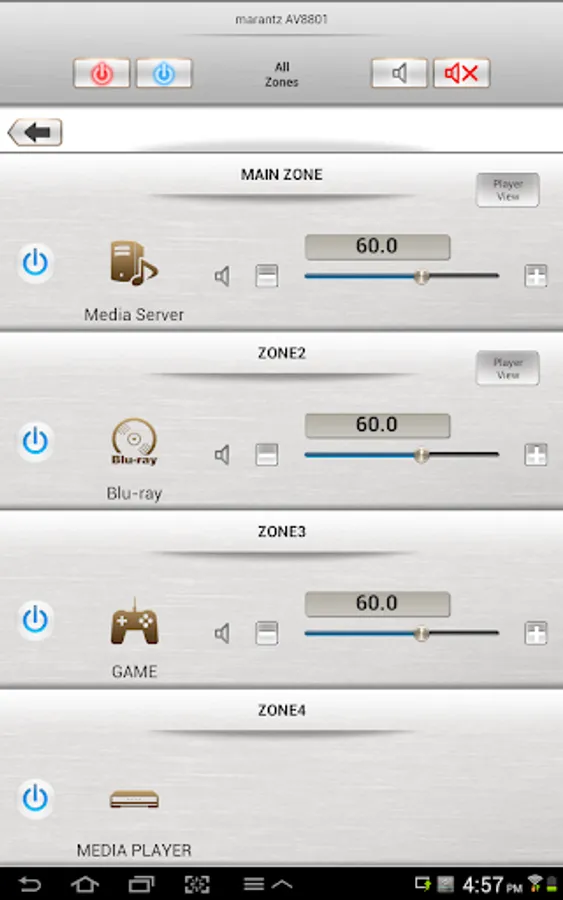
A dedicated page now gives you full, easy to access control of your multi-room system. Fast thumbnail browsing, library search and playlist creation make navigating your large digital media library easier than ever before. The Marantz Remote App takes your listening enjoyment to the next level.
"Because Music Matters"
Main feature:
- Single Page Multi Zone Control Screen for AV Receivers
- Assignable Home Screen Shortcut Buttons
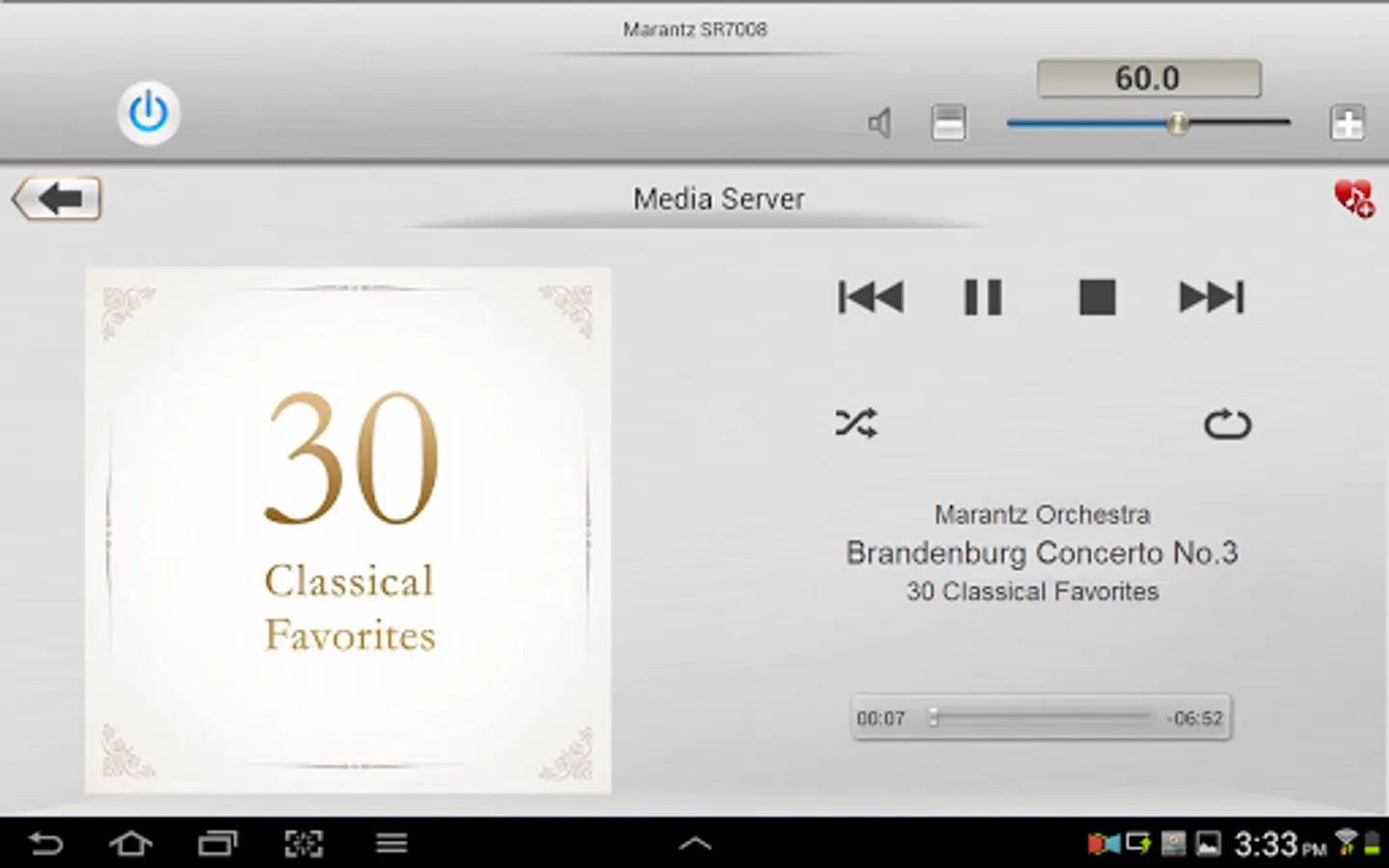
- Fast Thumbnail Browsing for Network Music File Playback (*1)
- Playlist management for Network Music File Playback (Create/Edit/Delete)
- Frequency Direct FM Tuning
- Fast Internet Radio Browsing (*1)
- Volume Limit Setting
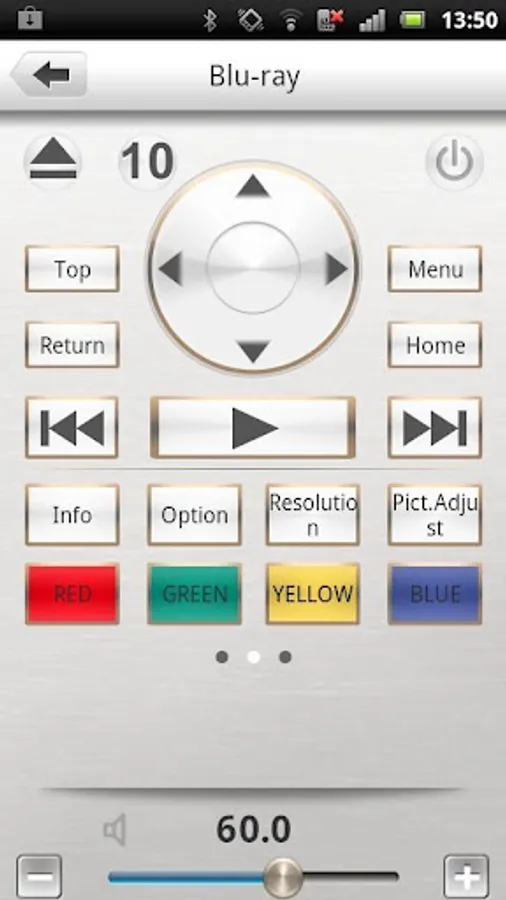
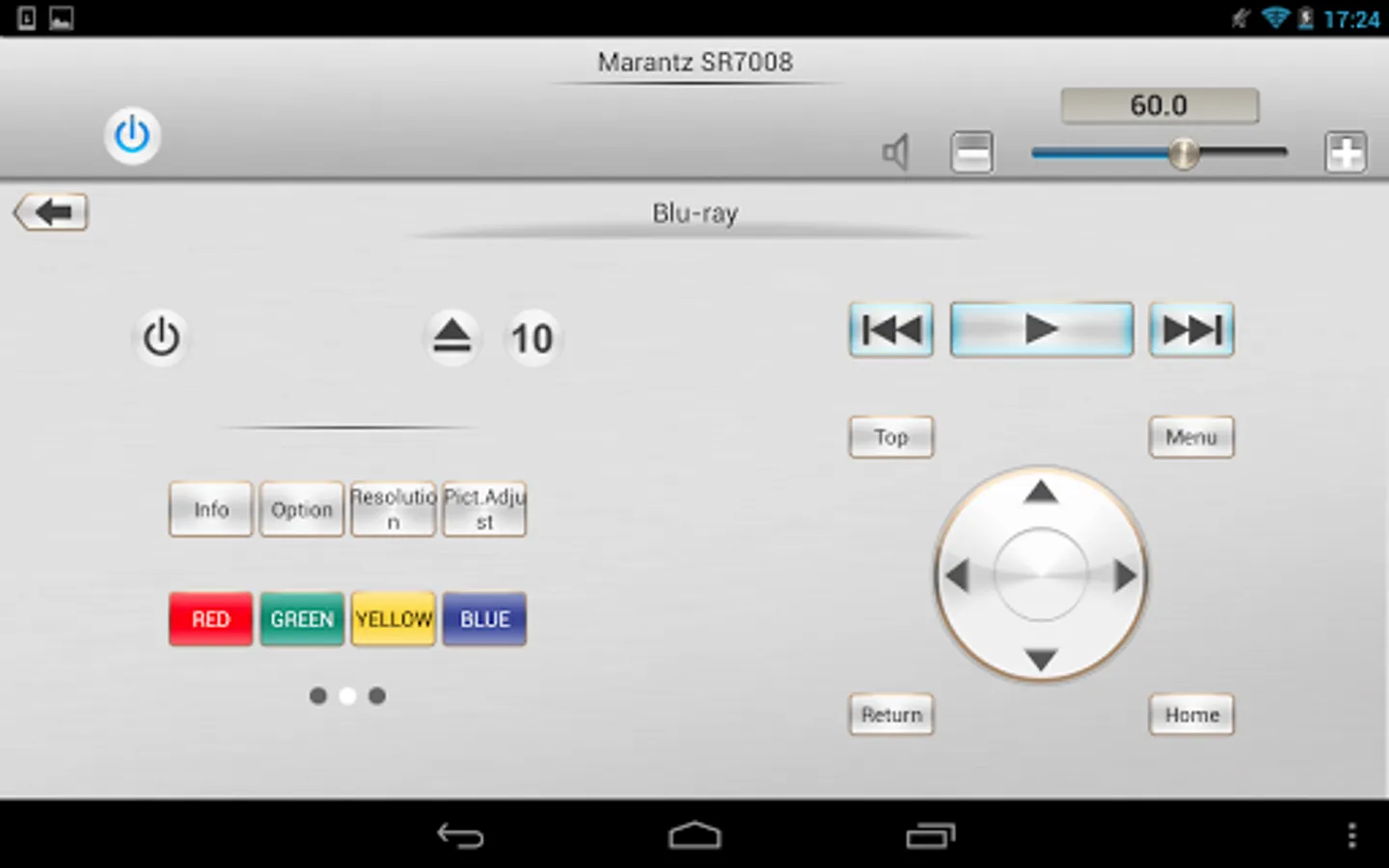
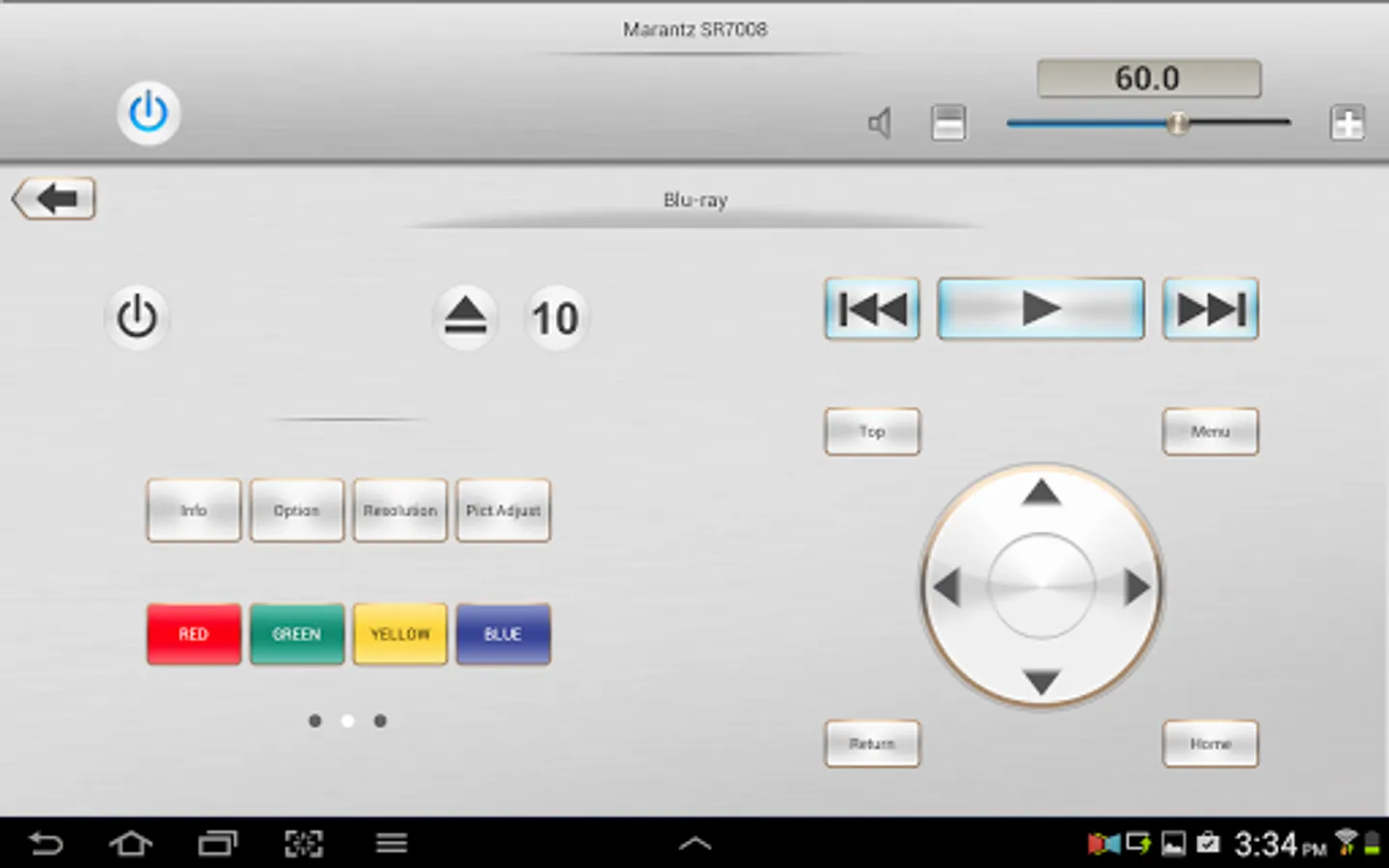
- New Marantz Blu-ray Player Control when paired with 2012 or later Marantz AVR and Marantz Blu-ray Models (*2)
- Photo Slideshow Transition Adjustment
- AVR and Multi Zone Renaming Capability
- Simple Home Screen Help Display
- Multi-Language Support (English, French, German, Spanish, Dutch, Italian, Swedish, Japanese, Simplified Chinese, Russian, Polish) (*3)
Notes:
*1: During fast network browsing, the AVR GUI and Remote App display may be temporarily out of sync.
*2: An HDMI connection between the AVR and Blu-ray player is required. HDMI control needs to be set to ON for both units.
*3: The OS language setting is automatically detected; when not available, English is selected.
Compatible Network models:
2015 Models:
Network AV Receiver SR7010, SR6010, SR5010, NR1606, NR1506
Network AV Pre-Amplifier AV8802(A)
2014 Models:
Network AV Receiver SR7009, SR6009, SR5009, NR1605
Network AV Pre-Amplifier AV7702
Network Audio Player NA8005
2013 Models:
Network AV Receiver SR7008, SR6008, SR5008, NR1604,NR1504
Network CD Receiver M-CR610
Network Receiver M-CR510
Network Audio Player NA-11S1
2012 Models:
Network AV Receiver SR7007, SR6007, SR5007, NR1603
Network AV Pre Tuner AV8801, AV7701
* Not compatible with Marantz models other than those listed above.
Note:
Please update to a latest firmware by following each User manual.
Please set the "IP Control / Network / Network Control” = “Always On / On" of the device to ensure a smooth operation with the Marantz remote app.
- Compatible Android devices:
• Android Smartphones with Android OS ver.5.0(or higher) or Android Smartphones/Tablets with Android OS ver.5.0(or higher)
• Screen resolution: 800x480, 854x480, 960x540, 1280x720, 1280x800, 1920x1080, 1920x1200, 2048x1536 *This application does not support smartphones in QVGA(320x240) and HVGA(480x320) resolution.
• Confirmed Android devices:
Samsung Galaxy S5(OS5.0.0), Google(ASUS) Nexus 7 (2013) (OS5.1), Google(LG) Nexus 5 (OS5.0.1), Google(LG) Nexus 4 (OS5.0.1), Google(HTC) Nexus 9 (OS5.0.1), Google(Motorola) Nexus 6 (OS5.1), Google Pixel 2 (OS9), Google Pixel 3 (OS10)
Caution:
We do not guarantee that this application works with all Android devices.
Marantz Remote App Screenshots
Tap to Rate:
Reviews for Marantz Remote App
B Mack
3/30/2025
Revisiting review. Left original below: App works sometimes. Many times it will not find my receiver. I do have the unit dynamically assigned in the gateway... app still has trouble finding it (frequently). I have had no issues with app but am happy to have it and as stated... it usually works with spotify premium and Pandora. Not so much with my Plex server but hey you can't have it all!
Ricardo Maldini
2/6/2025
Stopped working on Android and SR5009. Will be selling a good AMP because of a useless app.