In this app, you can control your Denon Cocoon speaker dock, browse and play music, and access internet radio stations. Includes remote control functions, playlist management, and internet radio browsing features.
AppRecs review analysis
AppRecs rating 2.8. Trustworthiness 54 out of 100. Review manipulation risk 33 out of 100. Based on a review sample analyzed.
★★☆☆☆
2.8
AppRecs Rating
Ratings breakdown
5 star
33%
4 star
17%
3 star
0%
2 star
0%
1 star
50%
What to know
✓
Authentic reviews
Natural distribution, no red flags
⚠
Mixed user feedback
Average 2.8★ rating suggests room for improvement
⚠
High negative review ratio
50% of sampled ratings are 1–2 stars
About Denon Cocoon
Designed to match the beauty of the Cocoon and developed to further enhance your Cocoon experience, the Denon Cocoon App is the one thing you are missing if you purchased the Denon Cocoon (or Cocoon Portable) Speaker Dock.
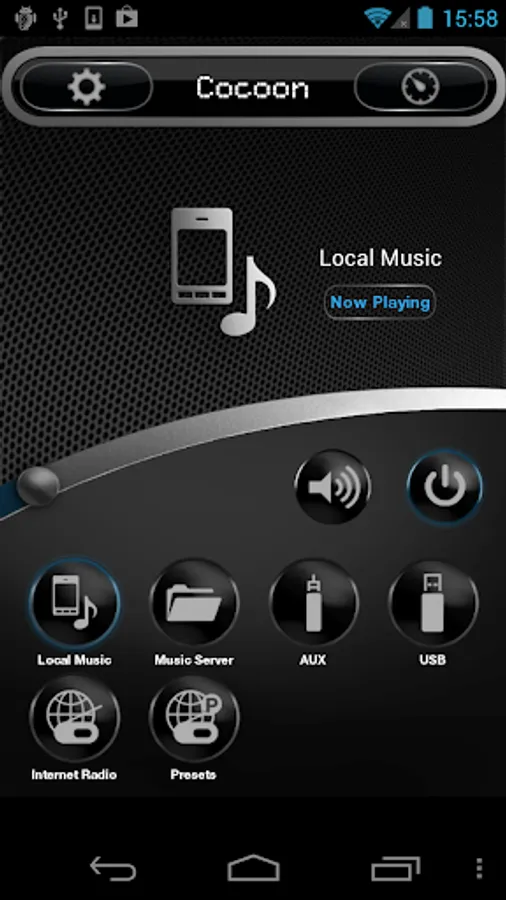
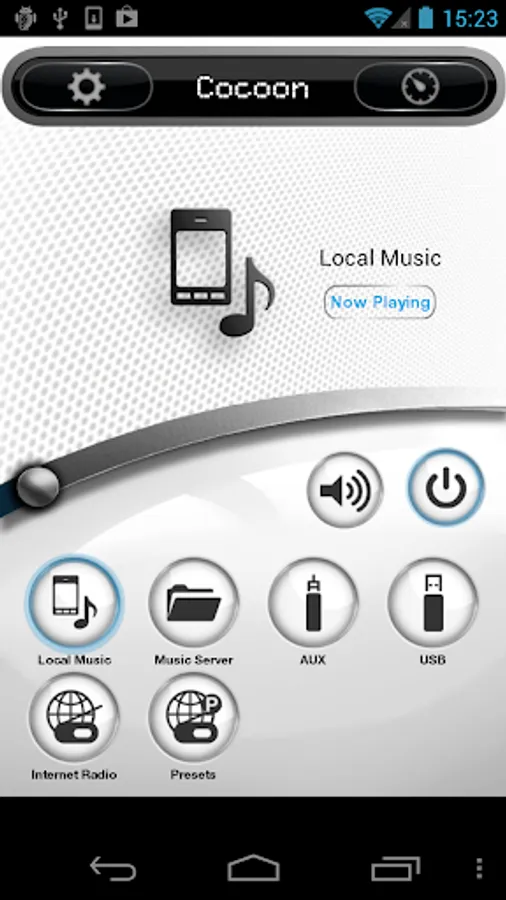
The Denon Cocoon App features premium music playback via your Cocoon for music stored on your Android smartphone and also allows you to create playlists. But you’re not limited to your own music; you can also listen to thousands of free internet radio stations from all over the world. When connected to your home Wi-Fi network you can further expand your choice of music by using the Music Server to browse and play all the music that is stored on your PC, Mac or Network Attached Storage (NAS) drive.
Have fun!
Setup and operation features:
• Automatically selects the same language for the App as your selected Android OS language
• Available language versions: English, Chinese, Spanish, Russian, French, Japanese, German, Italian, Swedish and Dutch
• Rename your Cocoon – useful when you have multiple Cocoon’s in your home
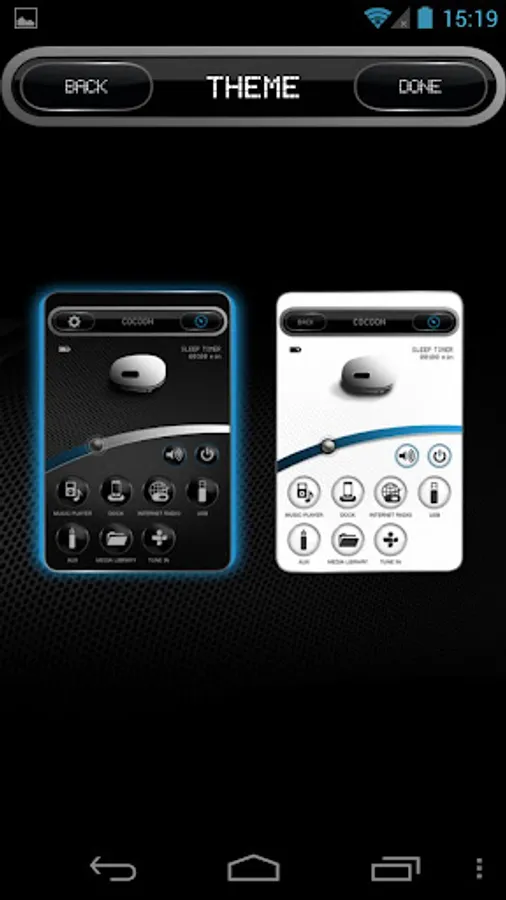
• Full remote control of your Cocoon
• Store 3 of your favorite stations in the Cocoon allowing you to listen to your favorite internet radio stations even without your Android smartphone
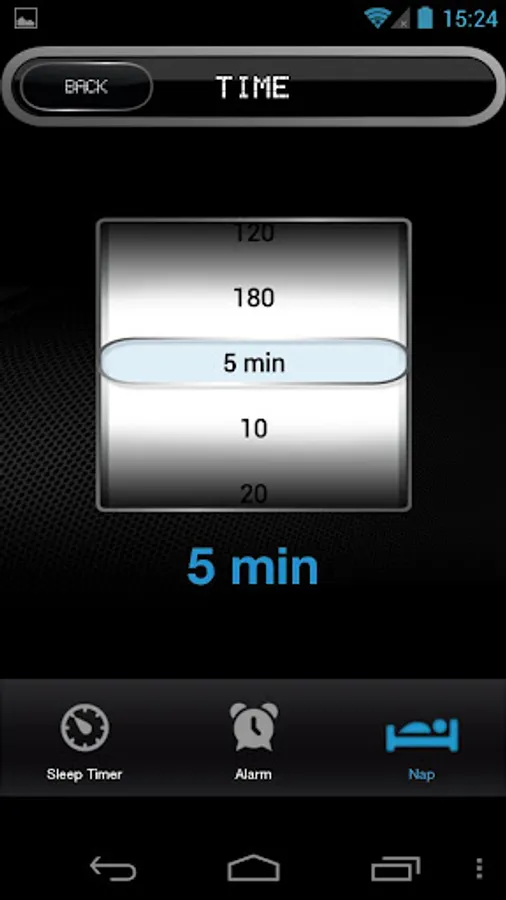
• Advanced Alarm features: Sleep Timer, Alarm and Nap Timer
Music Server features:
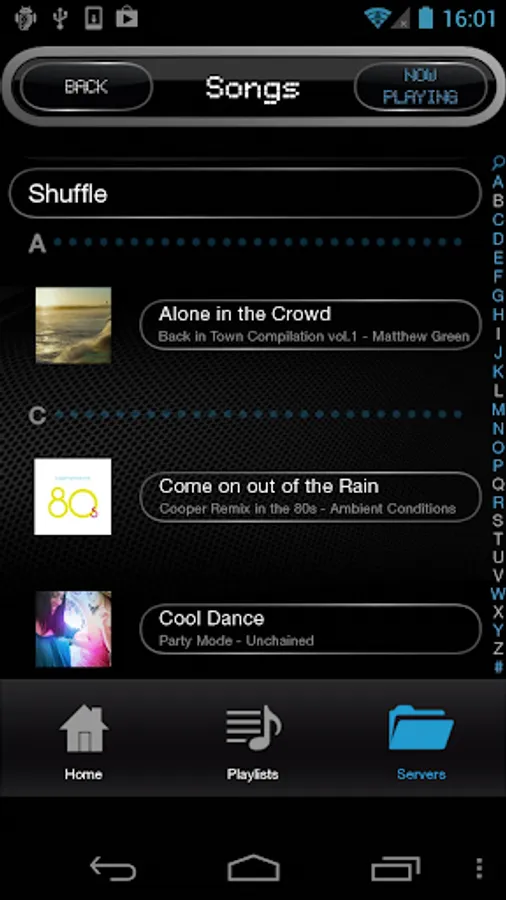
• Browse your Android smartphone’s library by Playlist, Artist, Albums and Folders
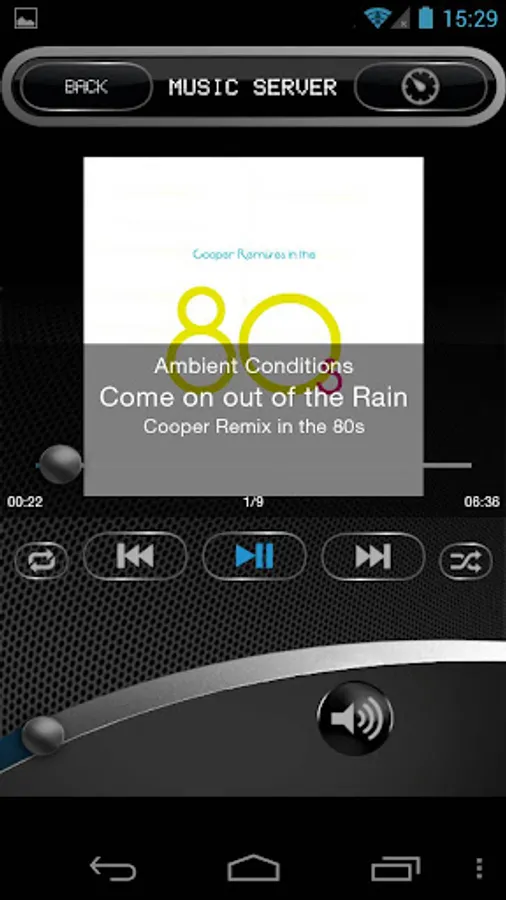
• Shuffle and Repeat playback modes
• Create and edit Playlists
• Browse your home network for your favorite music files
• Play back music that is stored on any PC, Mac or NAS drive connected to your home network
• Browse and play music stored on a USB memory drive, USB hard disc drive or other portable device (feature not available on Cocoon Portable)
Internet radio features:
• Listen to a wide selection of Internet radio stations
• Browse Internet radio stations by location, genre, or Podcast
• Powerful search feature
Save your favorite Internet Radio stations as convenient presets
Notices:
•
• DRM protected music is NOT supported by the Denon Cocoon app (or any 3rd party music app)
• Wi-Fi or data connection required to stream Internet radio
Compatible Android devices:
• Android Smartphones which Android OS ver.5.0(or higher) is installed.
* This application does not support tablet devices.
• Screen resolution: 800x480, 854x480, 1280x720
* This application does not support smartphones in QVGA(320x240) and HVGA(480x320) resolution.
• Confirmed Android devices:
Samsung Galaxy S4 (OS5.0.1), HUAWEI Mate 9 (OS8.0.0), Google Pixel 2 (OS9), Samsung Galaxy S10 (OS10), Xperia H9493 (OS10), Google Pixel 3 (OS11)
Caution:
We do not guarantee that this application works with all Android devices.
The Denon Cocoon App features premium music playback via your Cocoon for music stored on your Android smartphone and also allows you to create playlists. But you’re not limited to your own music; you can also listen to thousands of free internet radio stations from all over the world. When connected to your home Wi-Fi network you can further expand your choice of music by using the Music Server to browse and play all the music that is stored on your PC, Mac or Network Attached Storage (NAS) drive.
Have fun!
Setup and operation features:
• Automatically selects the same language for the App as your selected Android OS language
• Available language versions: English, Chinese, Spanish, Russian, French, Japanese, German, Italian, Swedish and Dutch
• Rename your Cocoon – useful when you have multiple Cocoon’s in your home
• Full remote control of your Cocoon
• Store 3 of your favorite stations in the Cocoon allowing you to listen to your favorite internet radio stations even without your Android smartphone
• Advanced Alarm features: Sleep Timer, Alarm and Nap Timer
Music Server features:
• Browse your Android smartphone’s library by Playlist, Artist, Albums and Folders
• Shuffle and Repeat playback modes
• Create and edit Playlists
• Browse your home network for your favorite music files
• Play back music that is stored on any PC, Mac or NAS drive connected to your home network
• Browse and play music stored on a USB memory drive, USB hard disc drive or other portable device (feature not available on Cocoon Portable)
Internet radio features:
• Listen to a wide selection of Internet radio stations
• Browse Internet radio stations by location, genre, or Podcast
• Powerful search feature
Save your favorite Internet Radio stations as convenient presets
Notices:
•
• DRM protected music is NOT supported by the Denon Cocoon app (or any 3rd party music app)
• Wi-Fi or data connection required to stream Internet radio
Compatible Android devices:
• Android Smartphones which Android OS ver.5.0(or higher) is installed.
* This application does not support tablet devices.
• Screen resolution: 800x480, 854x480, 1280x720
* This application does not support smartphones in QVGA(320x240) and HVGA(480x320) resolution.
• Confirmed Android devices:
Samsung Galaxy S4 (OS5.0.1), HUAWEI Mate 9 (OS8.0.0), Google Pixel 2 (OS9), Samsung Galaxy S10 (OS10), Xperia H9493 (OS10), Google Pixel 3 (OS11)
Caution:
We do not guarantee that this application works with all Android devices.
Denon Cocoon Screenshots
Tap to Rate:
Reviews for Denon Cocoon
Phúc Đặng
9/19/2023
not working...! hic hic
Bhupesh Pant
8/22/2021
update works