In this app, you can control Denon AV receivers and music systems by adjusting power, volume, input, and surround modes. Includes multi-zone control, shortcut customization, and Internet radio browsing.
AppRecs review analysis
AppRecs rating 2.4. Trustworthiness 85 out of 100. Review manipulation risk 20 out of 100. Based on a review sample analyzed.
★★☆☆☆
2.4
AppRecs Rating
Ratings breakdown
5 star
21%
4 star
12%
3 star
11%
2 star
9%
1 star
47%
What to know
✓
Low review manipulation risk
20% review manipulation risk
⚠
Mixed user feedback
Average 2.5★ rating suggests room for improvement
⚠
High negative review ratio
56% of sampled ratings are 1–2 stars
About Denon Remote App
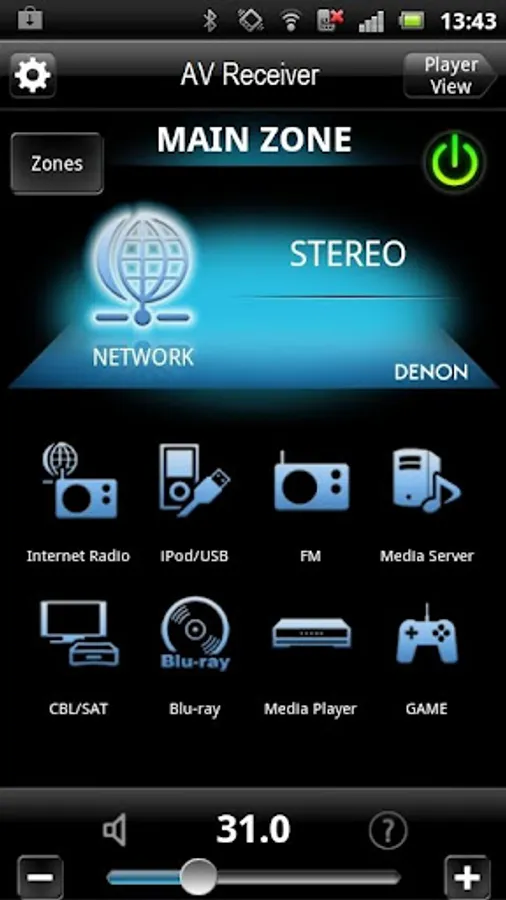
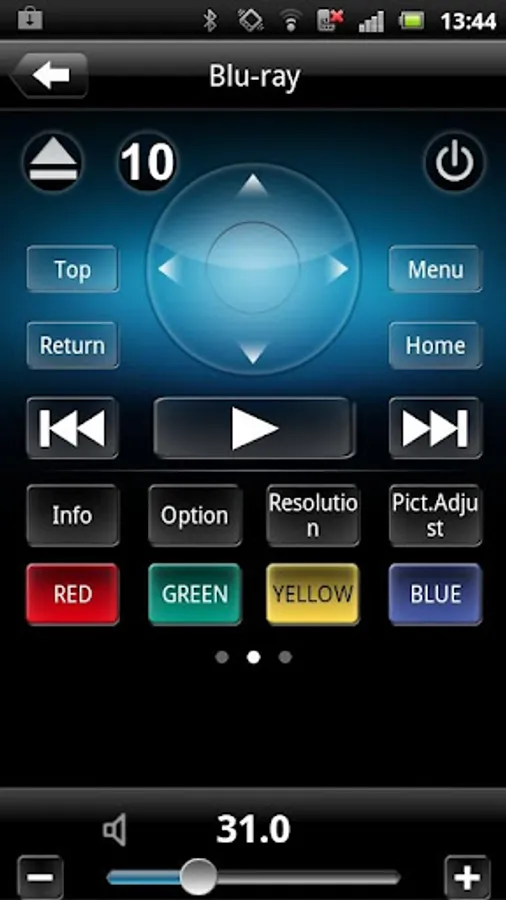
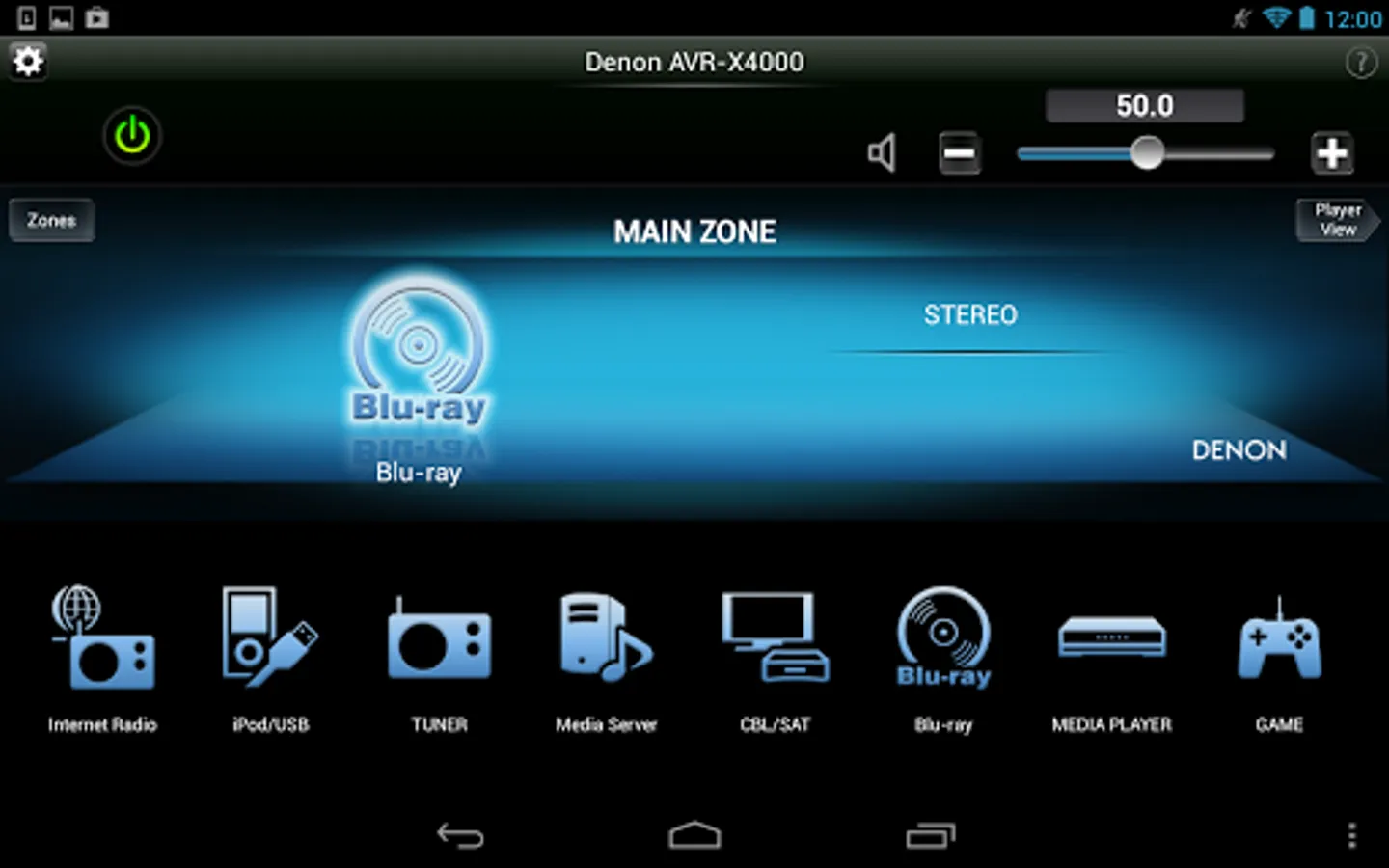
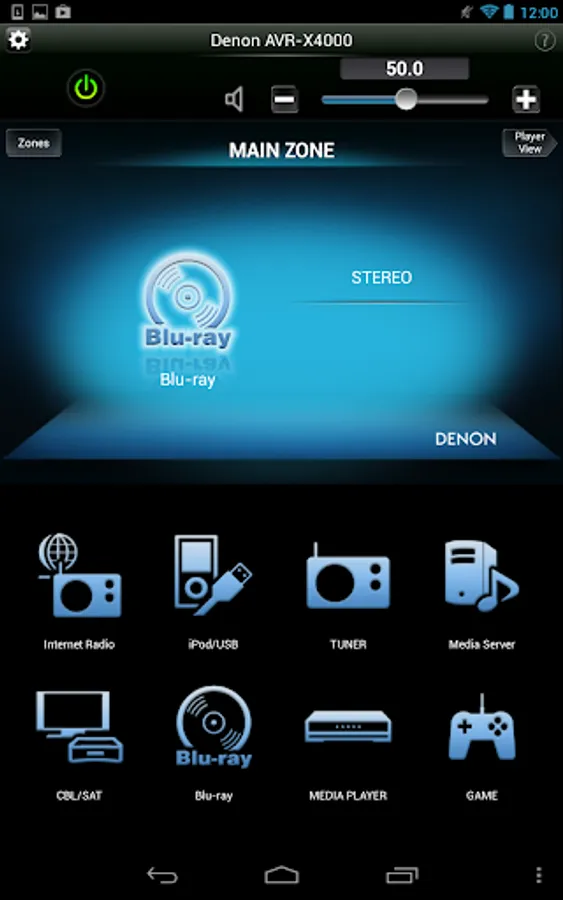
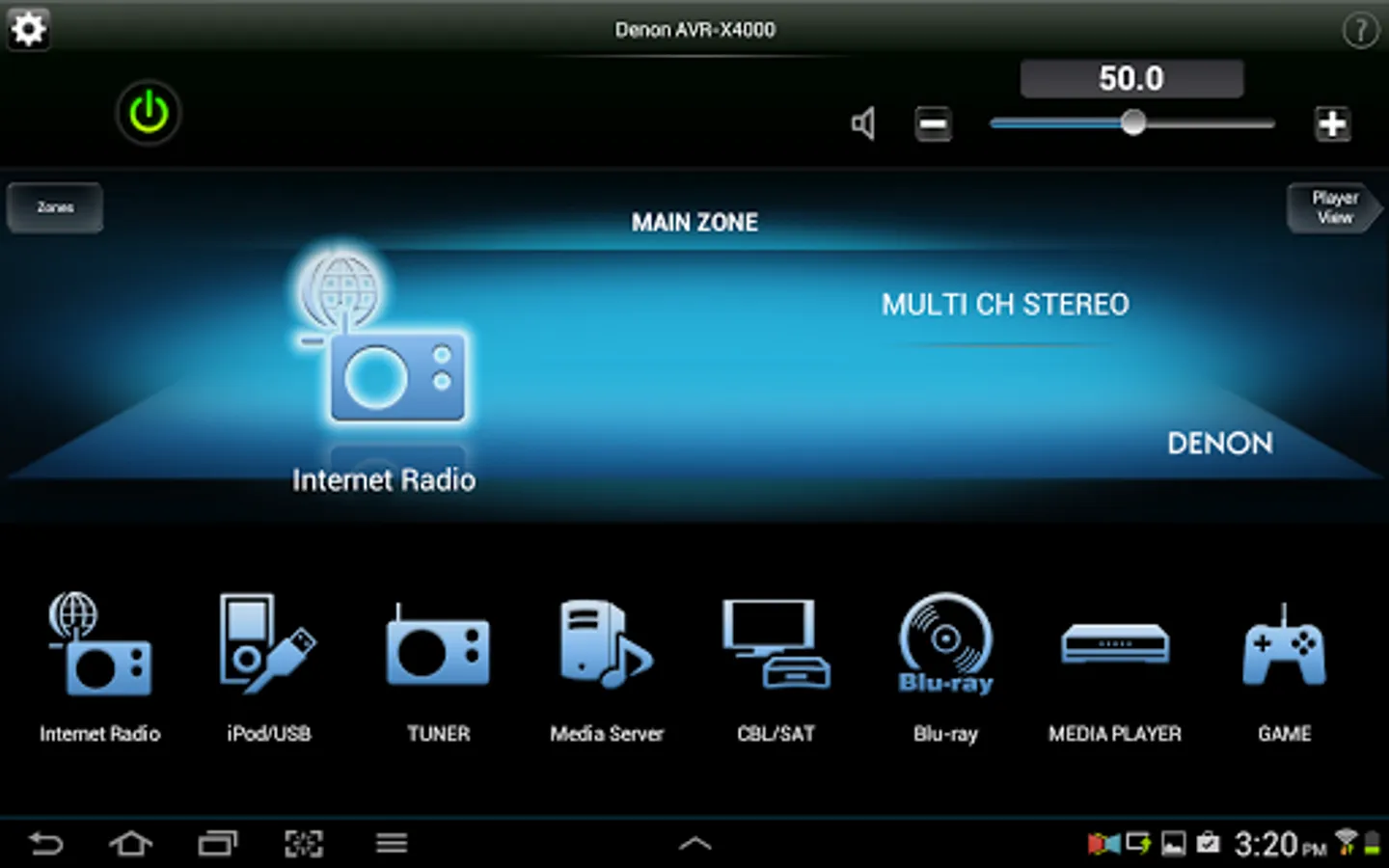
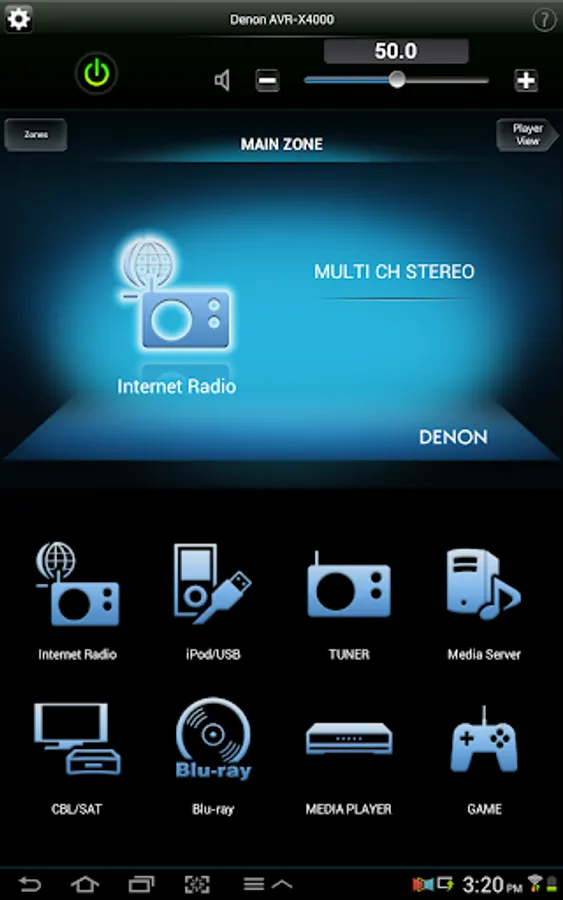
Control the basic functions of your Denon product with power, volume, input and surround mode selection.
8 customizable home screen short cut buttons allow you to tailor the look and function of the Denon Remote App to suit your needs.
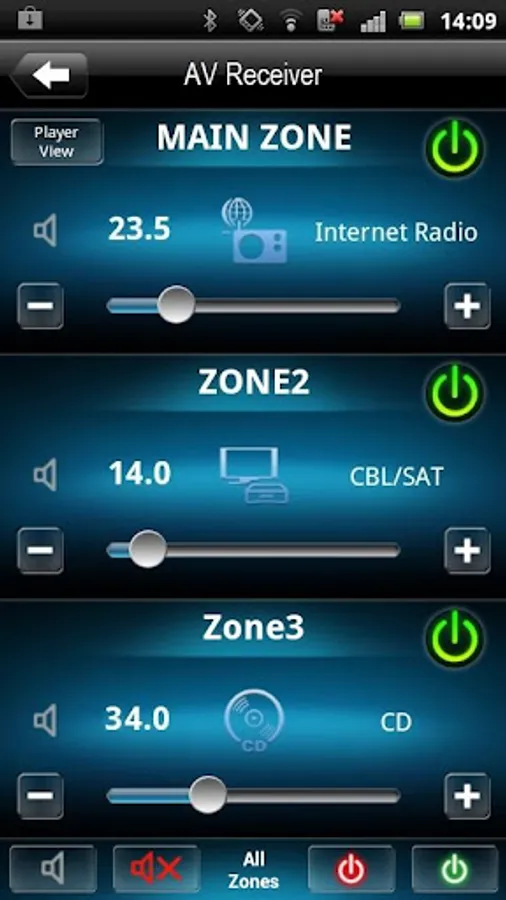
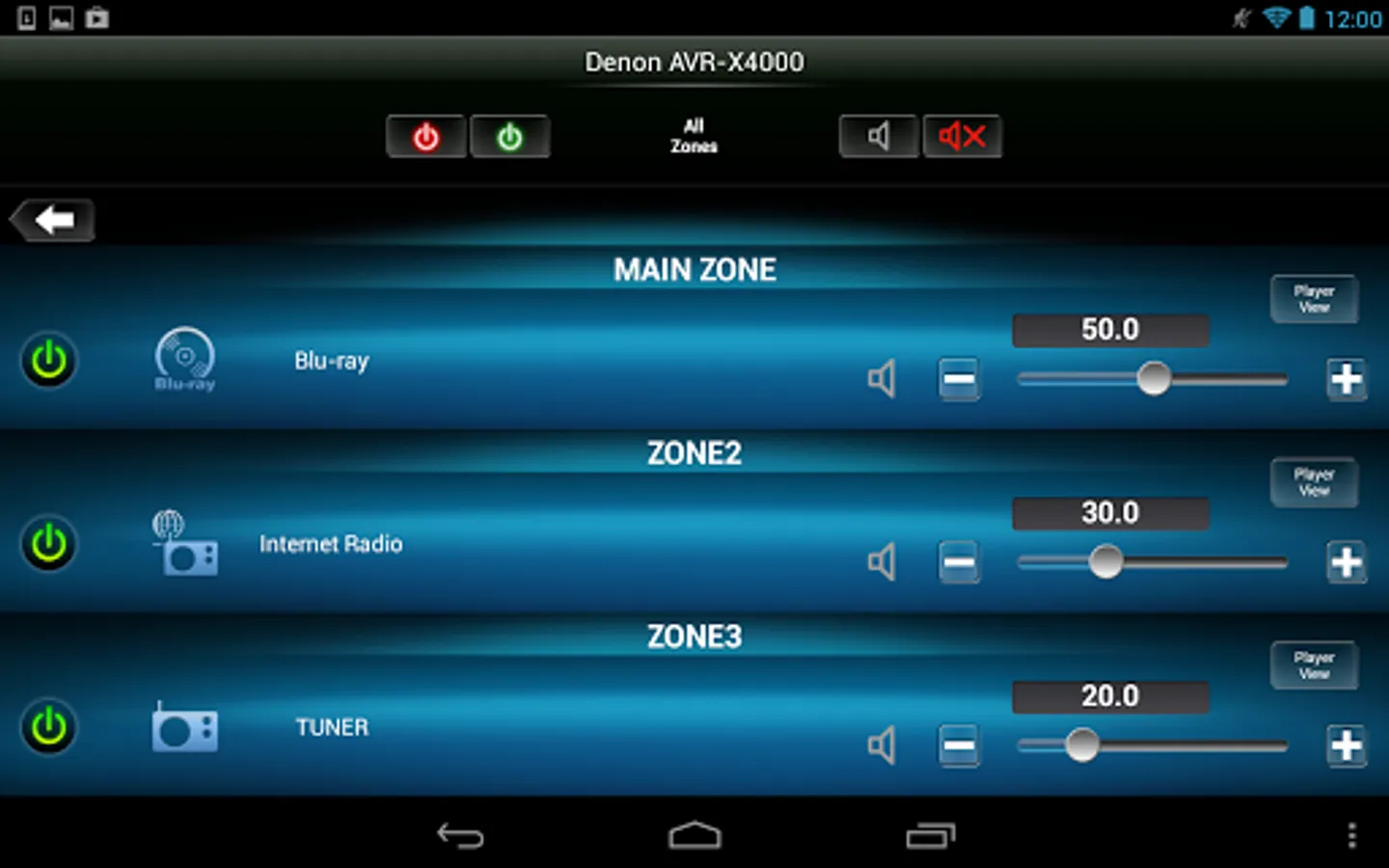
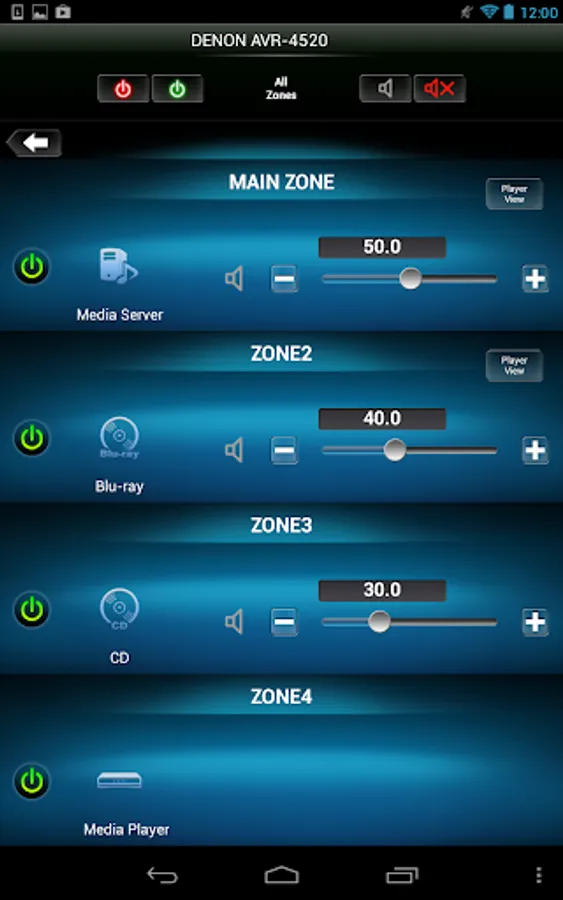
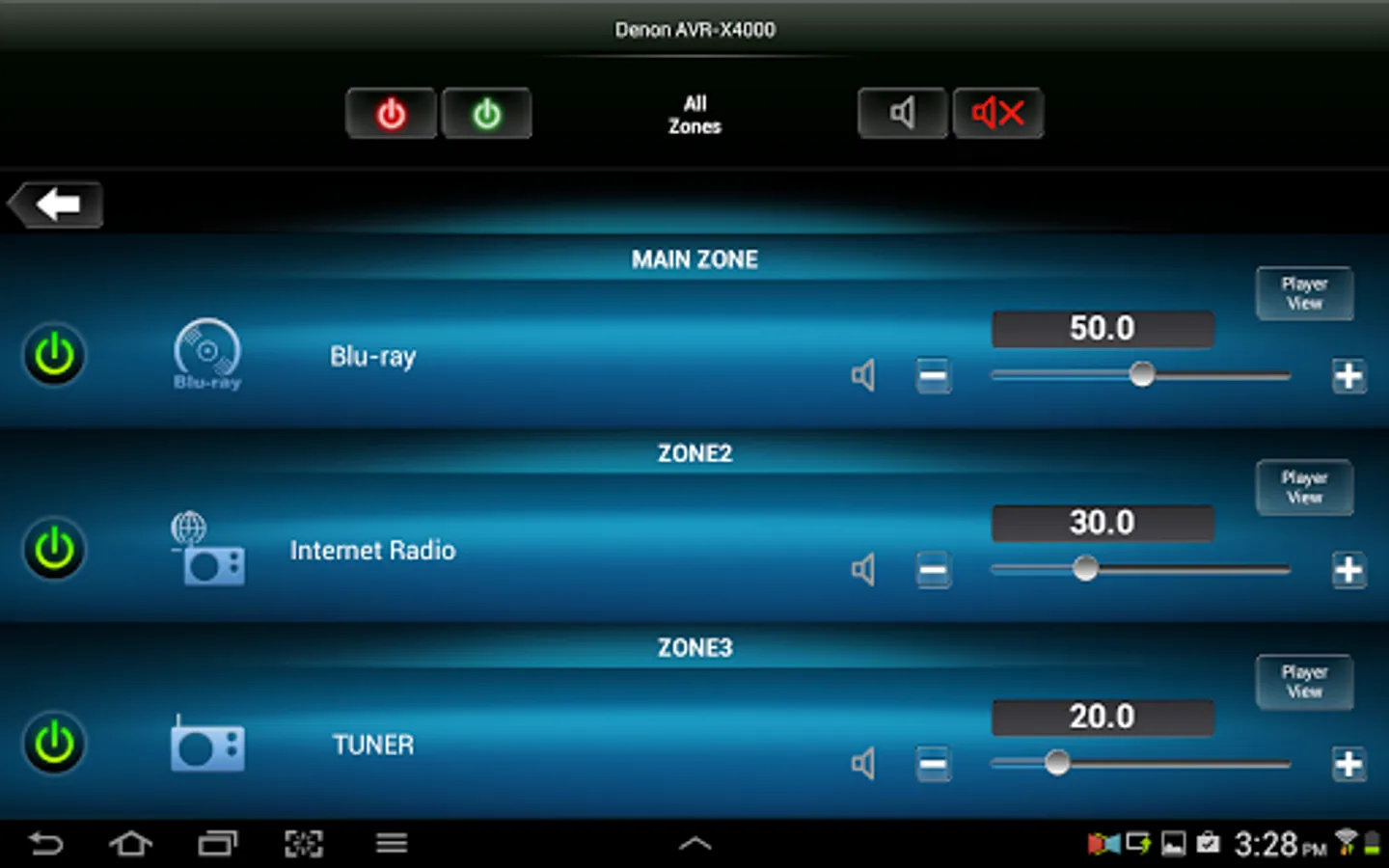
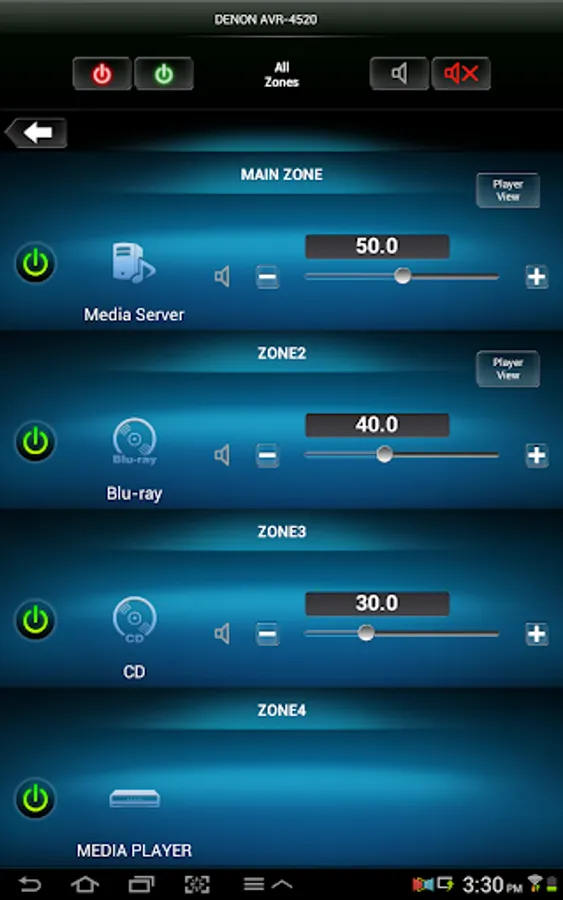
A multi-zone control page lets you adjust power, volume and input selection for all zones from a single screen.
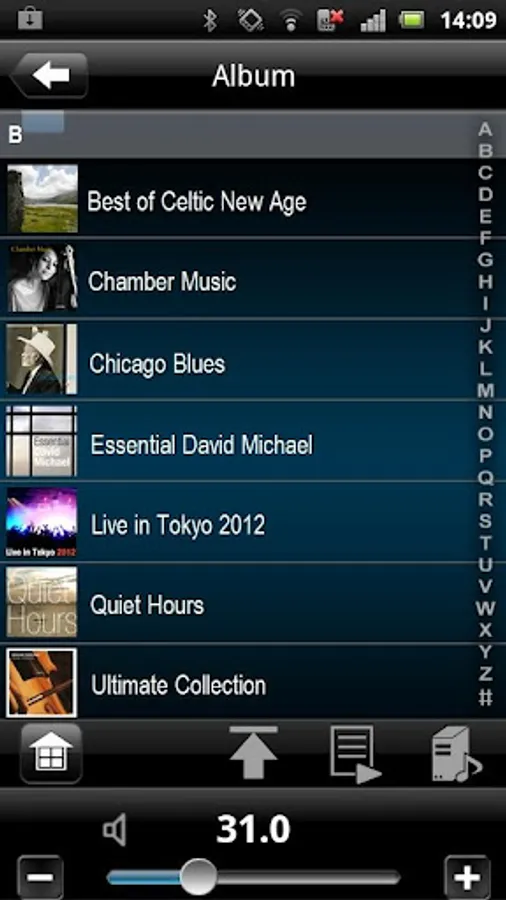
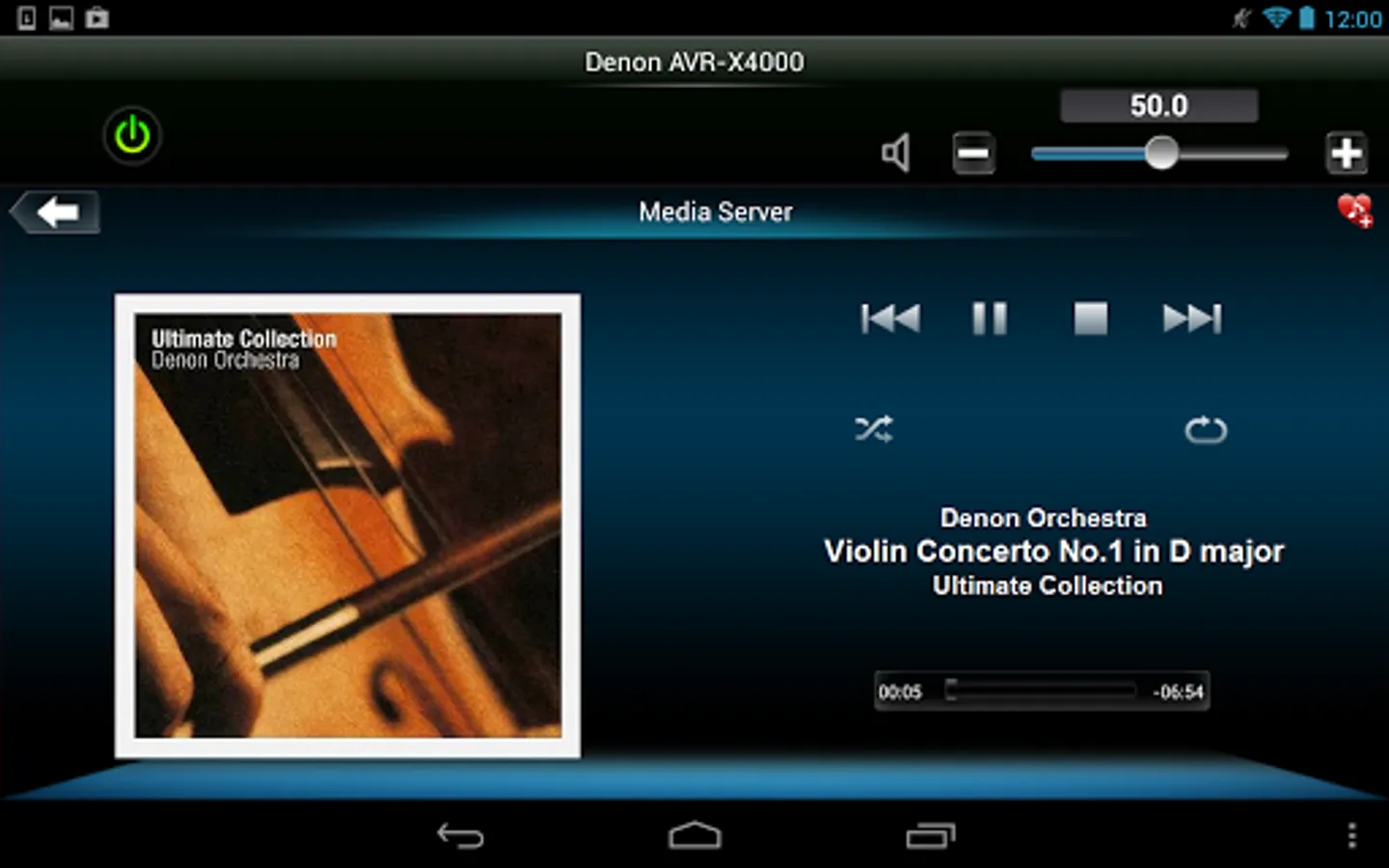
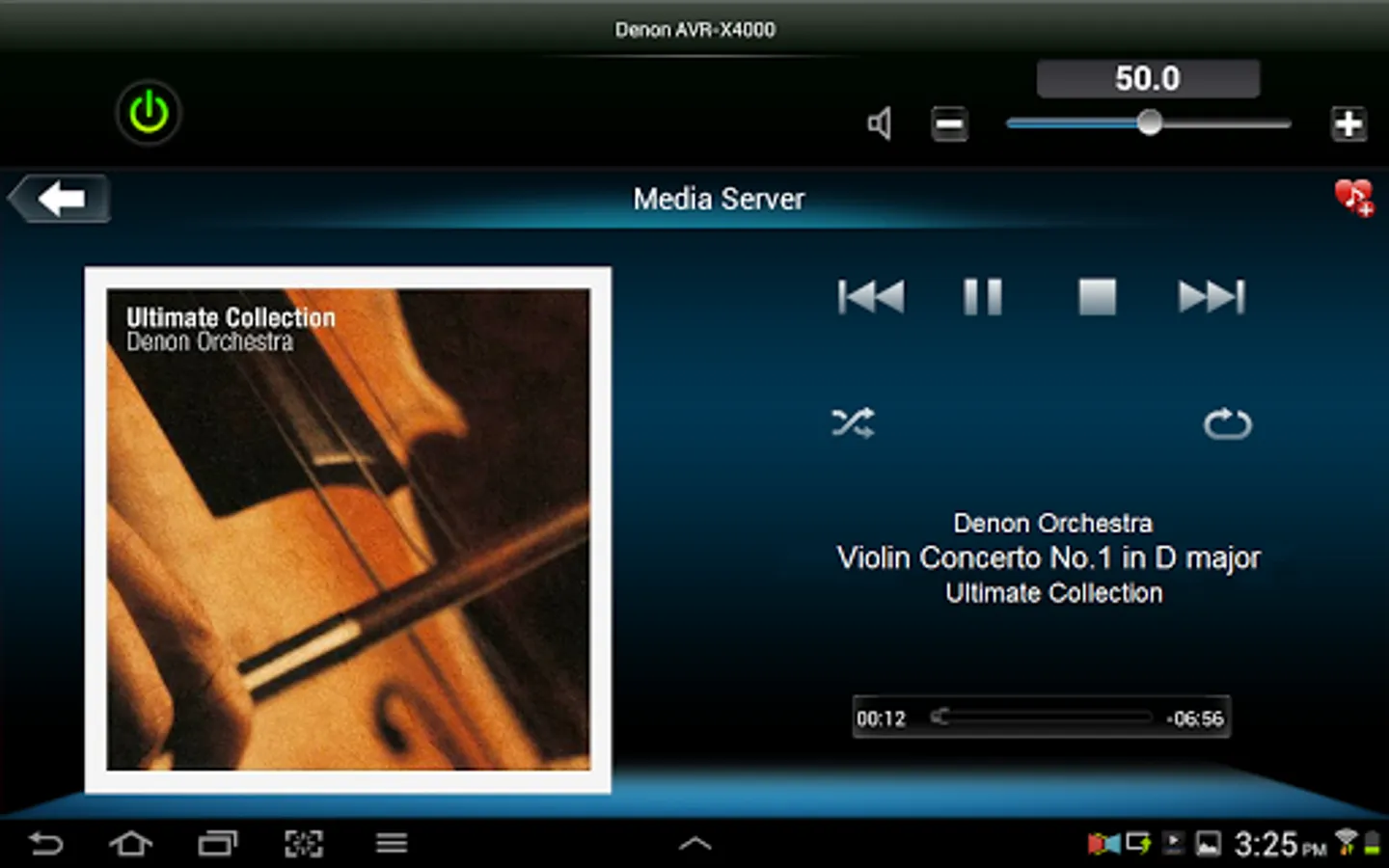
Super-fast Internet Radio browsing as well as easy favorite preset and recall capability will make surfing through the 30,000 free stations a breeze. Fast thumbnail browsing, library search and playlist creation make navigating your large digital media library easier than ever before.
With the Denon Remote App, your Android device just became an integral part of your home entertainment experience.
'Main feature:
• Single Page Multi Zone Control Screen for AV Receivers
• Assignable Home Screen Shortcut Buttons
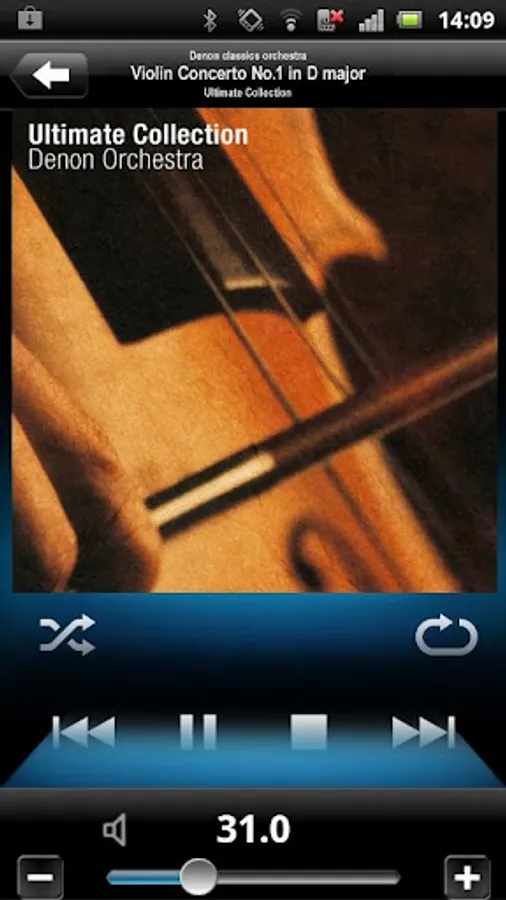
• Fast Thumbnail Browsing for Network Music File Playback (*1)
• Playlist management for Network Music File Playback (Create/Edit/Delete)
• Frequency Direct FM Tuning
• Fast Internet Radio Browsing (*1)
• Volume Limit Setting
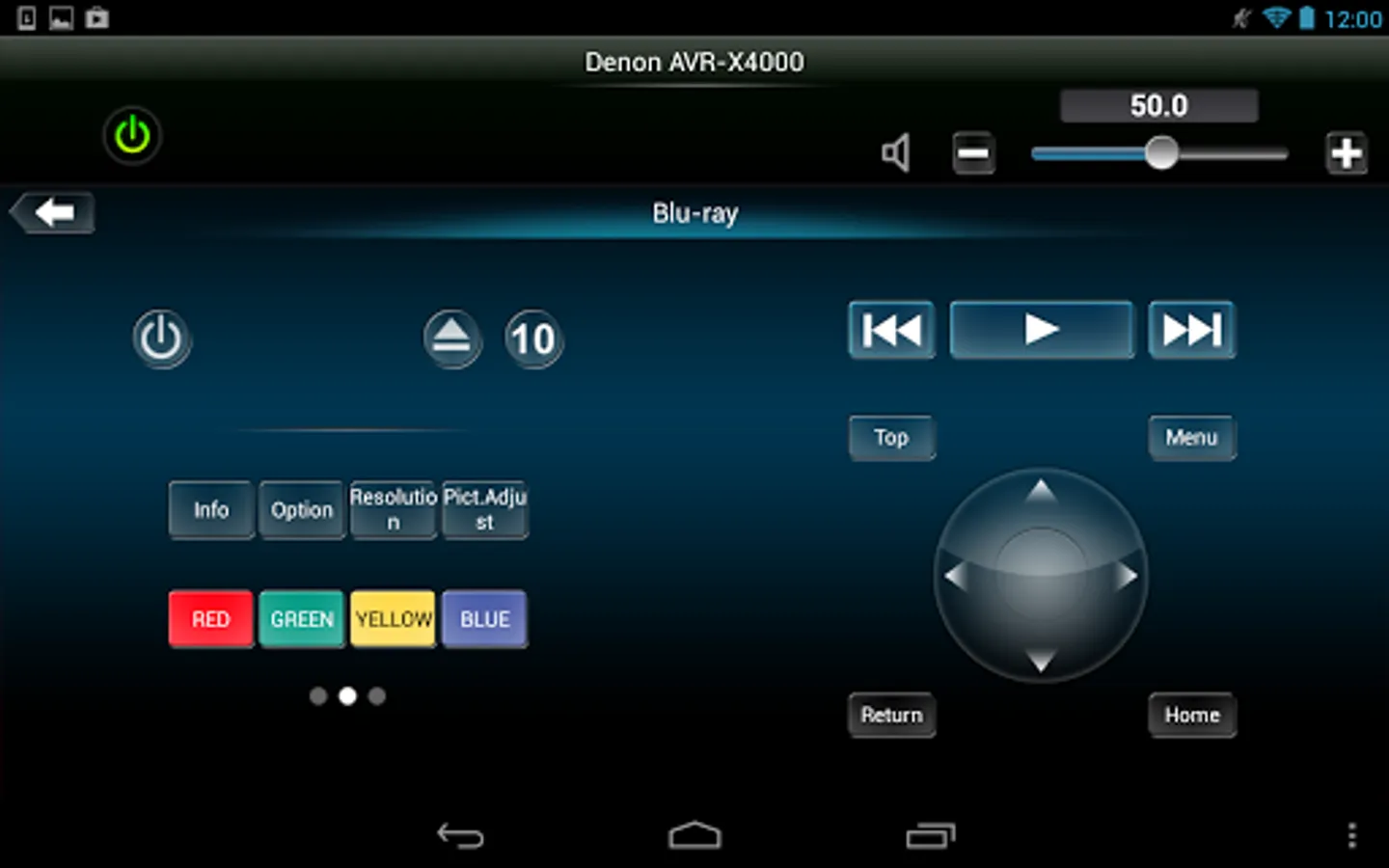
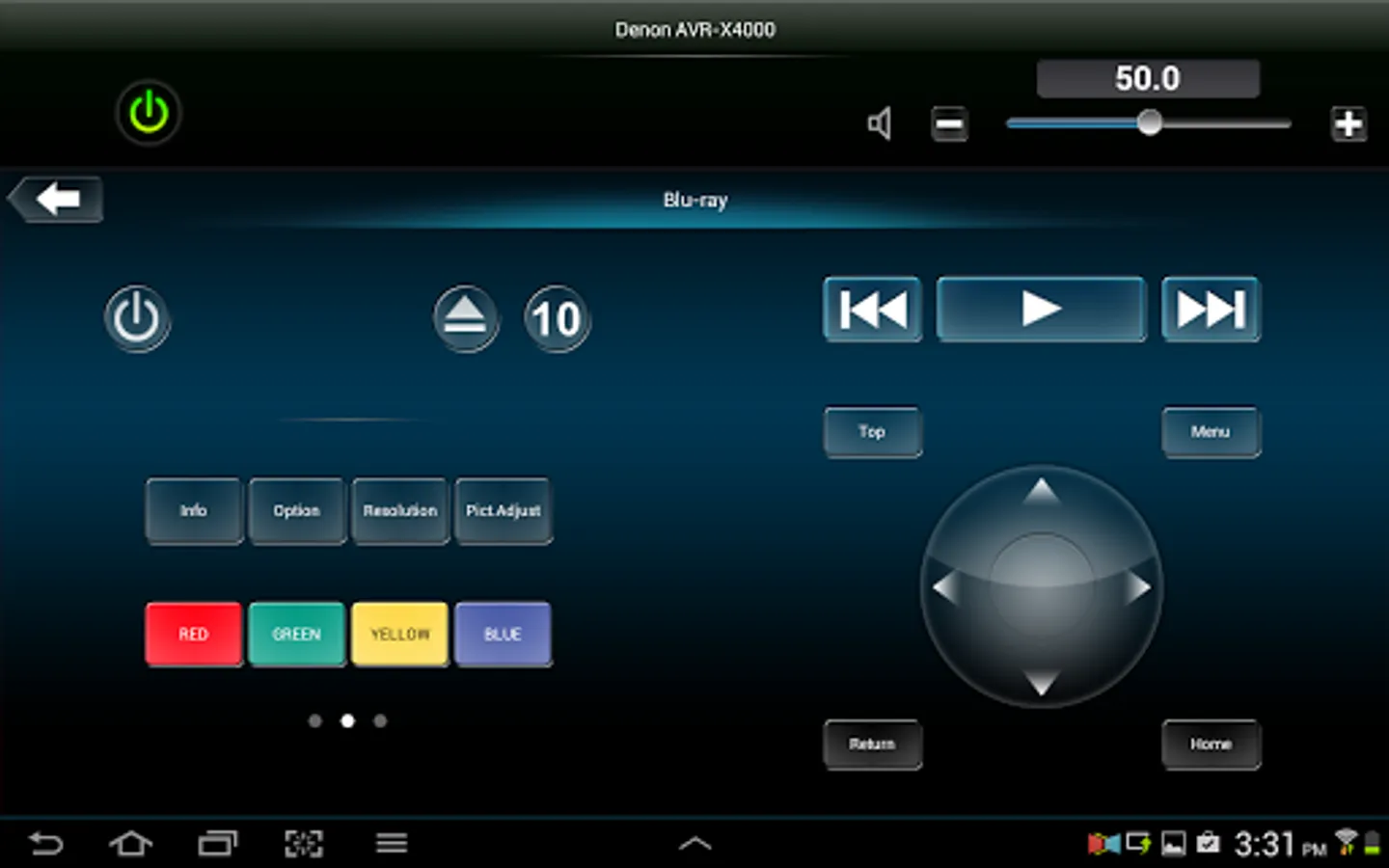
• Denon Blu-ray Player Control when paired with ’13/X Series AVR and Blu-ray 2012 Models (*2)
• Photo Slideshow Transition Adjustment
• AVR and Multi Zone Renaming Capability
• Simple Home Screen Help Display
• Multi-Language Support (English, French, German, Spanish, Dutch, Italian, Swedish, Japanese, Simplified Chinese, Russian and Polish) (*3)
Notes
*1. During fast network browsing, the AVR GUI and Remote App display may be temporarily out of sync.
*2. An HDMI connection between the AVR and Blu-ray player is required. HDMI control needs to be set to ON for both units.
*3. The OS language setting is automatically detected; when not available, English is selected.
Compatible Network models: (Product availability varies depending on regions.)
2015 Models:
Network AV Receiver: AVR-X6200W, X4200W, X3200W, X2200W, X1200W, S910W, S710W
2014 Models:
Network AV Receiver: AVR-X7200W(A), X5200W, X4100W, X3100W, X2100W, X1100W, S900W, S700W
2013 Models:
Network AV Receiver: AVR-X4000/X3000/X2000/X1000, AVR-E400/E300
2012 Models:
Network AV Receiver: AVR-4520CI, 3313CI, 2313CI, 2113CI, 1913, 1713, 1613
Network Music System: DRA-N5 (CEOL piccolo)
* Not compatible with Denon models other than those listed above.
Note:
*Your Denon product may require a firmware update to work with this app. Please update the firmware on your Denon product via the system setup menu.
*Please set "Network Standby / IP Control / Network / Network Control" to "ON / Always ON" in your Denon product via the system setup menu to use this app.
*If the App doesn't work well, please try to reboot your mobile device, unplug the power cord of the main unit and reinsert into the power outlet or check your home network.
Compatible Android devices:
• Android Smartphones with Android OS ver.5.0(or higher) or Android Smartphones/Tablets with Android OS ver.5.0(or higher)
• Screen resolution: 800x480, 854x480, 960x540, 1280x720, 1280x800, 1920x1080, 1920x1200, 2048x1536 *This application does not support smartphones in QVGA(320x240) and HVGA(480x320) resolution.
• Confirmed Android devices:
Samsung Galaxy S5(OS5.0.0), Google(ASUS) Nexus 7 (2013) (OS5.1), Google(LG) Nexus 5 (OS5.0.1), Google(LG) Nexus 4 (OS5.0.1), Google(HTC) Nexus 9 (OS5.0.1), Google(Motorola) Nexus 6 (OS5.1), Google Pixel 2 (OS9), Google Pixel 3 (OS10)
Caution:
We do not guarantee that this application works with all Android devices.
Denon Remote App Screenshots
Tap to Rate:
Reviews for Denon Remote App
L R
12/24/2025
The only problems I've ever had were pairing with WIFi, then the phone. It always took around 30 minutes to fix. Worked fine until my phone updated 3 days ago, and now the app doesn't connect to wifi even though it says connection is good? Day 3 now of trying to get working with no luck! I just downloaded the earlier app version, and it set itself up automatically, and it works now, but its functions are so primitive to use, but it's working! That's all that matters!
Nick Beaman
11/23/2025
abysmal experience .