AppRecs review analysis
AppRecs rating . Trustworthiness 58 out of 100. Review manipulation risk 25 out of 100. Based on a review sample analyzed.
★
AppRecs Rating
Ratings breakdown
5 star
50%
4 star
13%
3 star
0%
2 star
0%
1 star
38%
About Grocery Helper - Lite
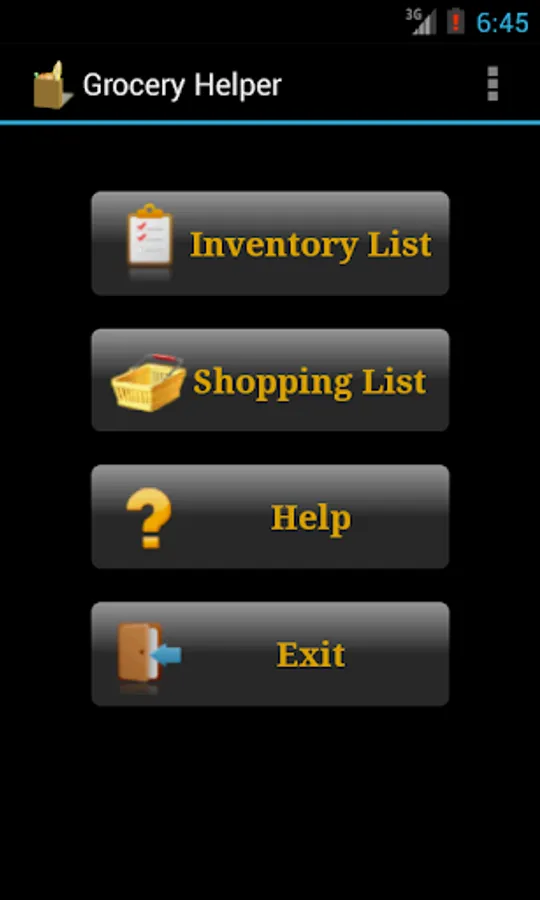
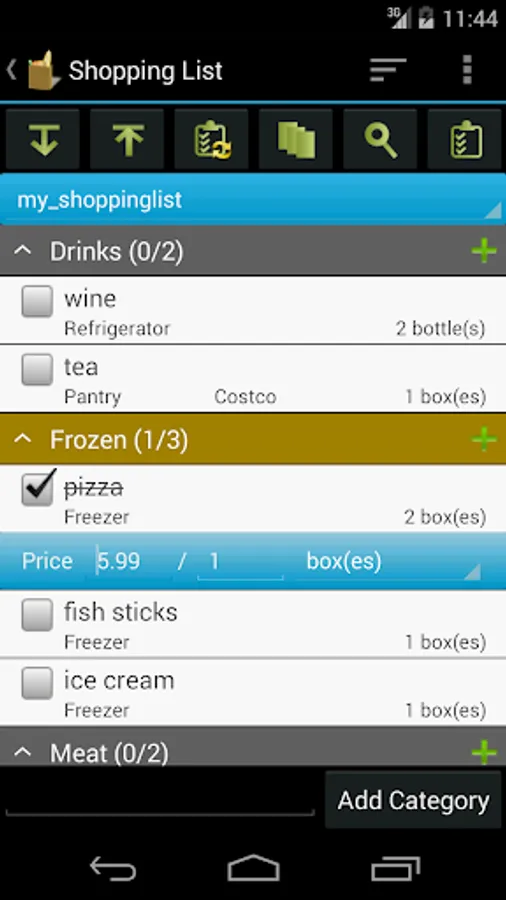
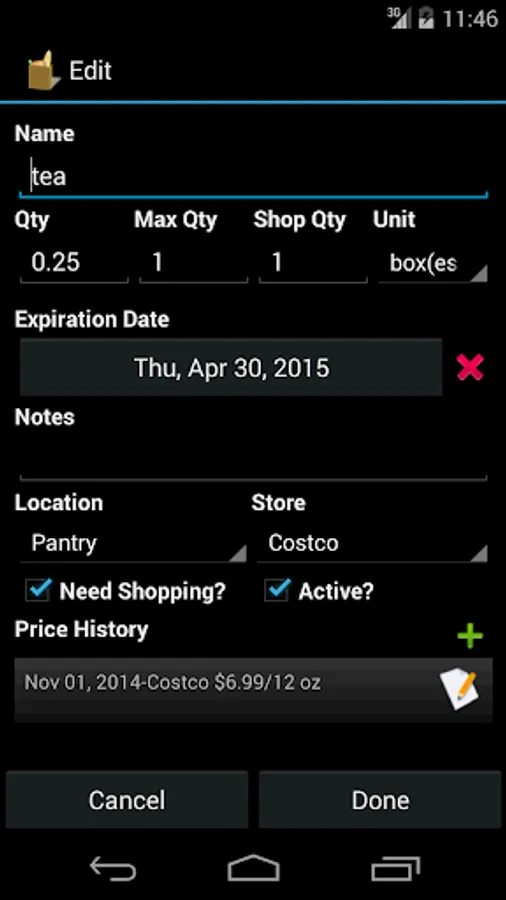
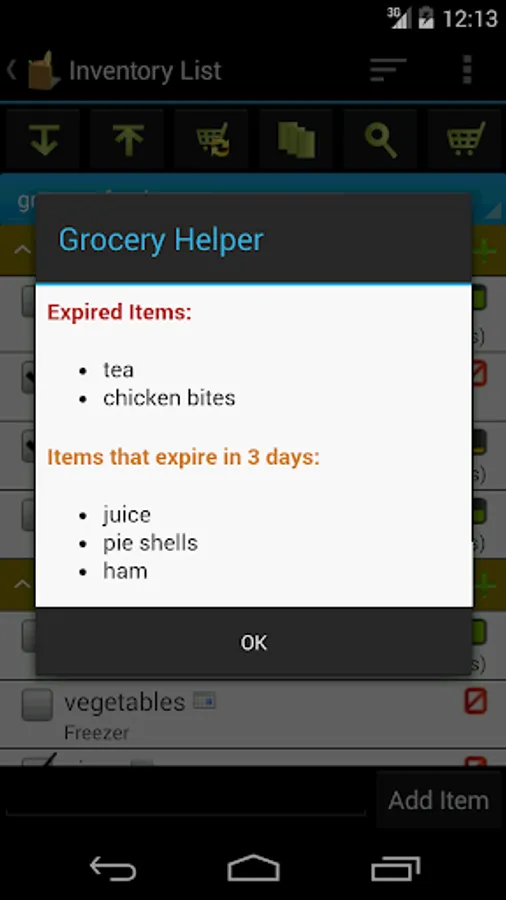
Grocery Helper helps you easily manage your groceries and shopping list. Key features include:
* Pre-loaded grocery lists include hundreds of common items. You can easily customize them to your needs
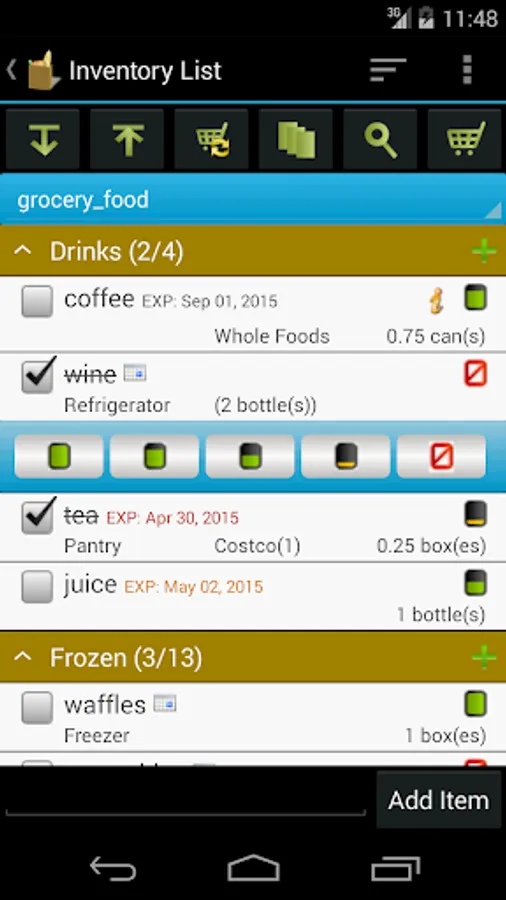
* Inventory level icons give you visualized indication of how much each item is left
* Doing inventory is so simple. You just click on the icon and choose the level from a popup
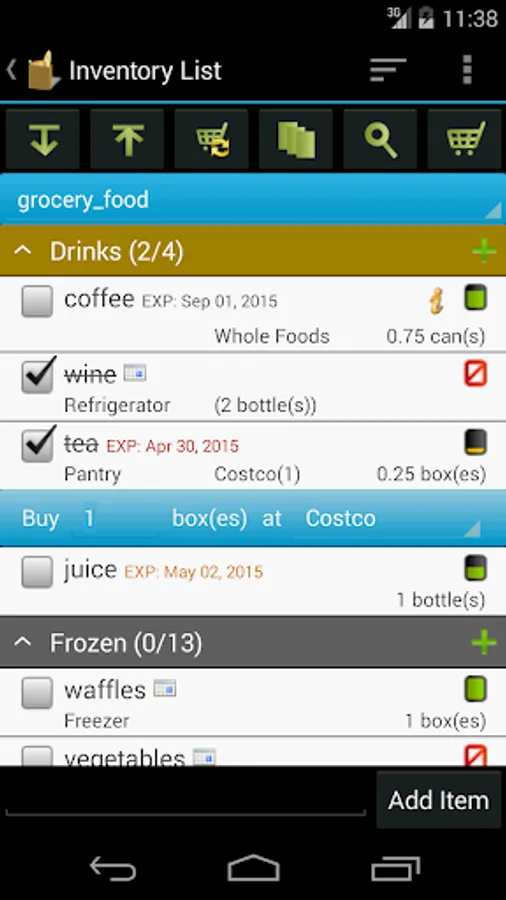
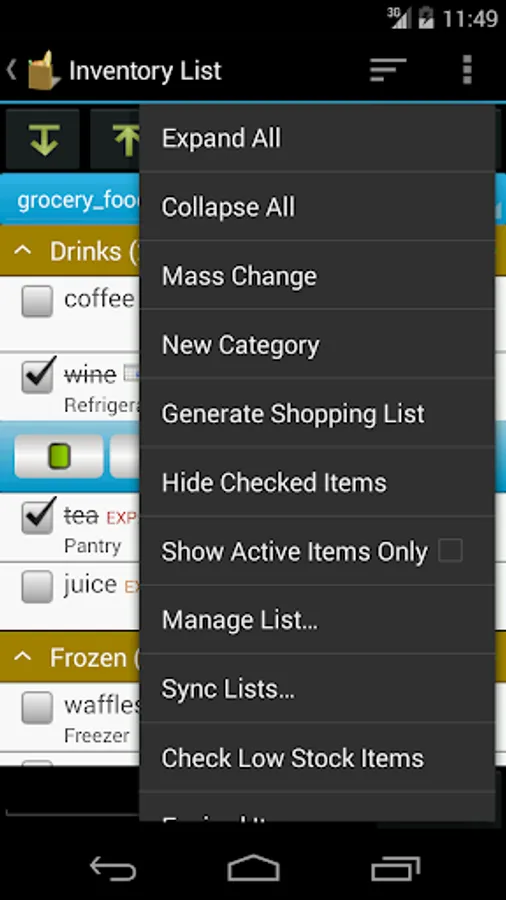
* Generate/update shopping list from inventory list by one click
* Update inventory lists from shopping list after you are done shopping
* Mass change allows you to edit multiple items quickly (full version only)
* Group by location or store to make checking inventory and shopping easier
***Upgrade from Lite to Full app:
When you upgrade from lite to full, you can use the "Backup and Restore" feature to migrate your data.
To backup your lists, open the lite app and click on "Menu"->"Backup and Restore"->"Backup" in Routine View. Then click on "Backup" to use the default folder or "Select Folder" to choose different location.
Then open the full version, click on "Menu"->"Backup and Restore"->"Restore". It will open default backup location. Choose the folder which contains backup files and click on "Restore". If you have chosen different backup location, then navigate to that location and click on "Restore".
* Pre-loaded grocery lists include hundreds of common items. You can easily customize them to your needs
* Inventory level icons give you visualized indication of how much each item is left
* Doing inventory is so simple. You just click on the icon and choose the level from a popup
* Generate/update shopping list from inventory list by one click
* Update inventory lists from shopping list after you are done shopping
* Mass change allows you to edit multiple items quickly (full version only)
* Group by location or store to make checking inventory and shopping easier
***Upgrade from Lite to Full app:
When you upgrade from lite to full, you can use the "Backup and Restore" feature to migrate your data.
To backup your lists, open the lite app and click on "Menu"->"Backup and Restore"->"Backup" in Routine View. Then click on "Backup" to use the default folder or "Select Folder" to choose different location.
Then open the full version, click on "Menu"->"Backup and Restore"->"Restore". It will open default backup location. Choose the folder which contains backup files and click on "Restore". If you have chosen different backup location, then navigate to that location and click on "Restore".
Grocery Helper - Lite Screenshots
Tap to Rate:
Reviews for Grocery Helper - Lite
A Google user
4/12/2015
I loved this app. Suddenly, all items in inventory have disappeared. Nonfood items no longer exist. I even tried uninstalling and reinstalling. So disappointed.
A Google user
12/6/2014
I tried this app and immediately wanted the paid version with cloud sync. It's soo worth it!