Time Recording Pro
DynamicG
4.9 ★
6K ratings
50,000+
downloads
$8.99
+ in-app
In this app, users can record work hours, assign tasks, and generate reports. Includes calendar synchronization, report exports, and Wear OS integration.
AppRecs review analysis
AppRecs rating 4.5. Trustworthiness 65 out of 100. Review manipulation risk 28 out of 100. Based on a review sample analyzed.
★★★★☆
4.5
AppRecs Rating
Ratings breakdown
5 star
91%
4 star
7%
3 star
1%
2 star
0%
1 star
1%
What to know
✓
Low review manipulation risk
28% review manipulation risk
✓
High user satisfaction
91% of sampled ratings are 5 stars
About Time Recording Pro
Pro version of the Time Recording app, providing the same features as Time Recording Free, without advertisement and with Calendar Sync unlocked.
Basic functionality:
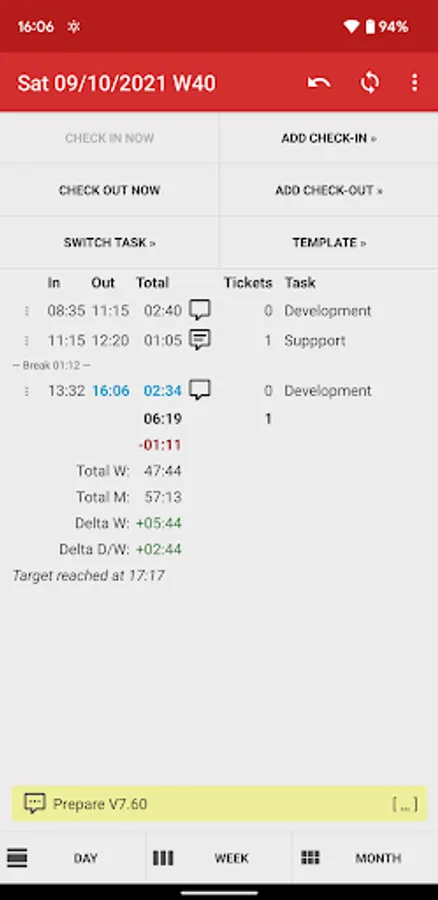
• Check in & out
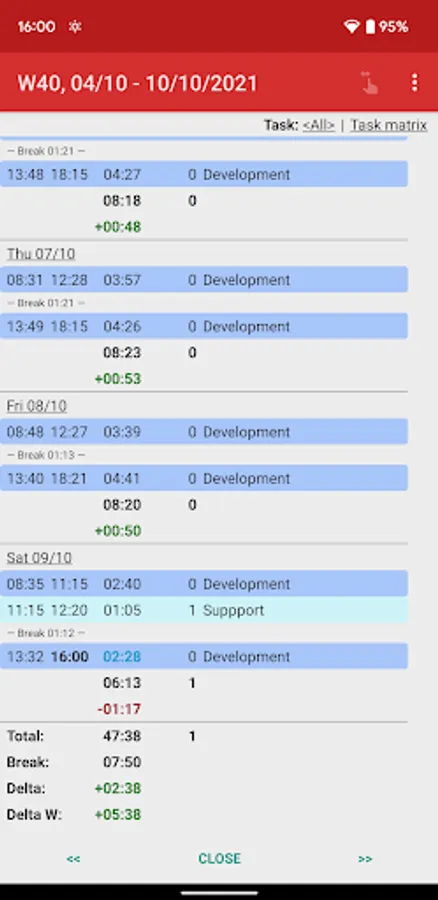
• Task assignment
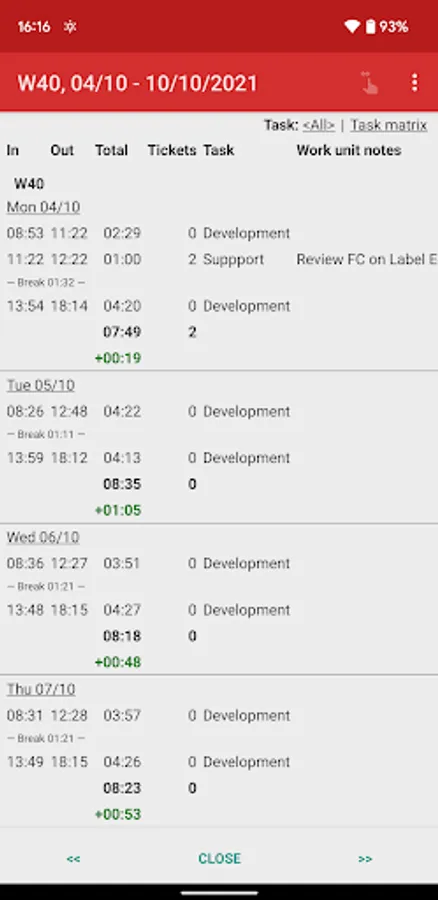
• Daily & detailed notes
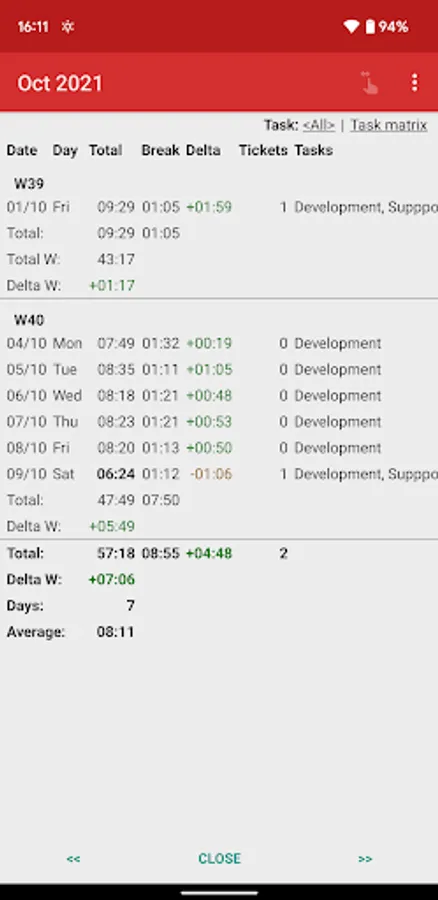
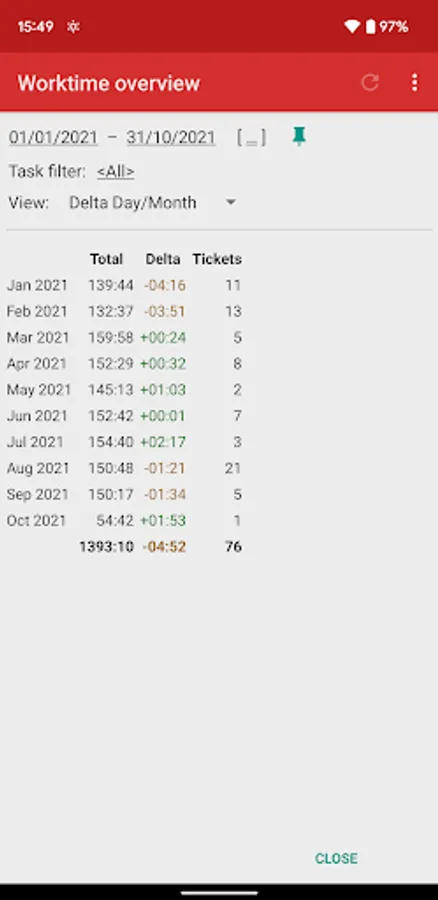
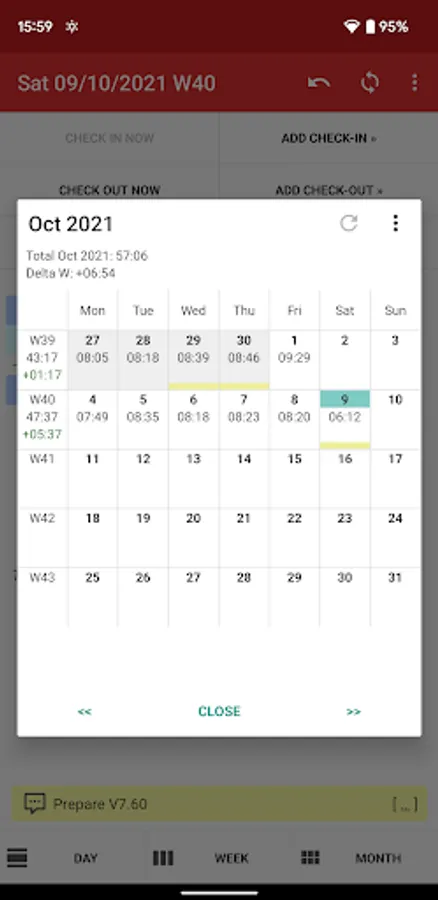
• Overview of day, week, month
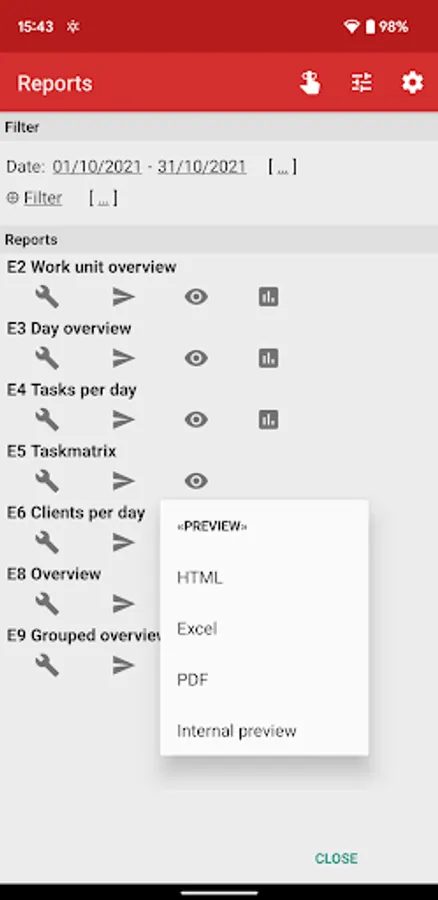
• Reports in Excel, PDF and HTML format
• Google Drive, Dropbox and OwnCloud integration for reports, backup & restore
• Google Calendar one-way synchronisation
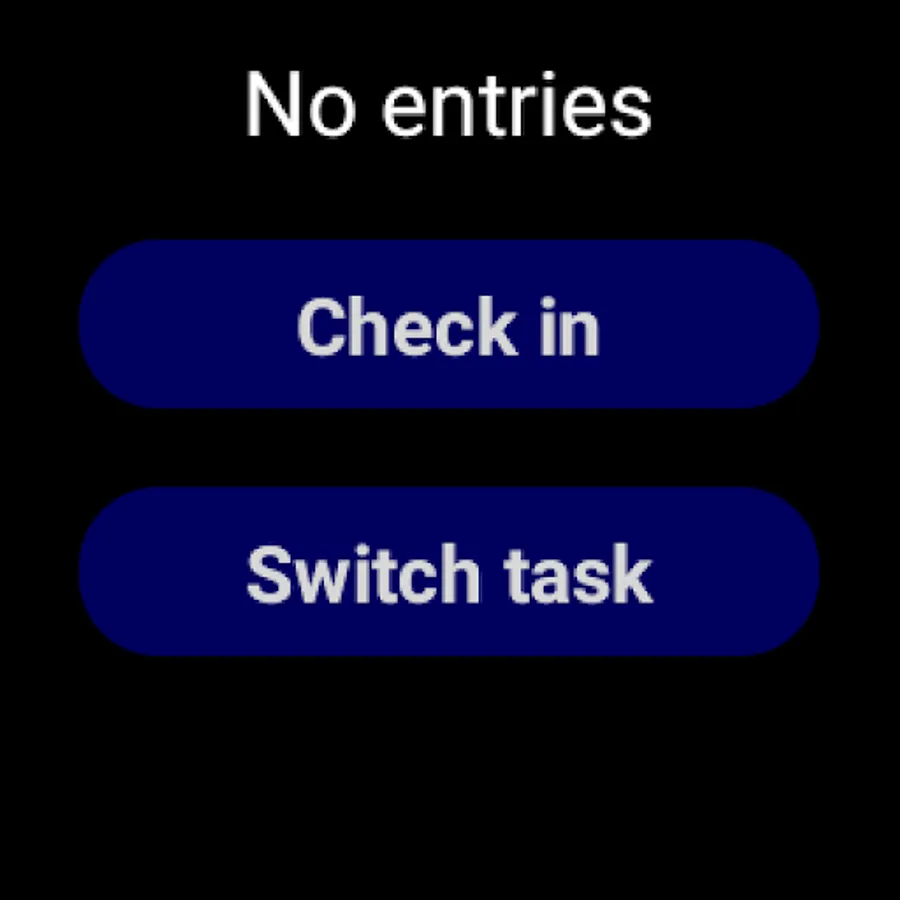
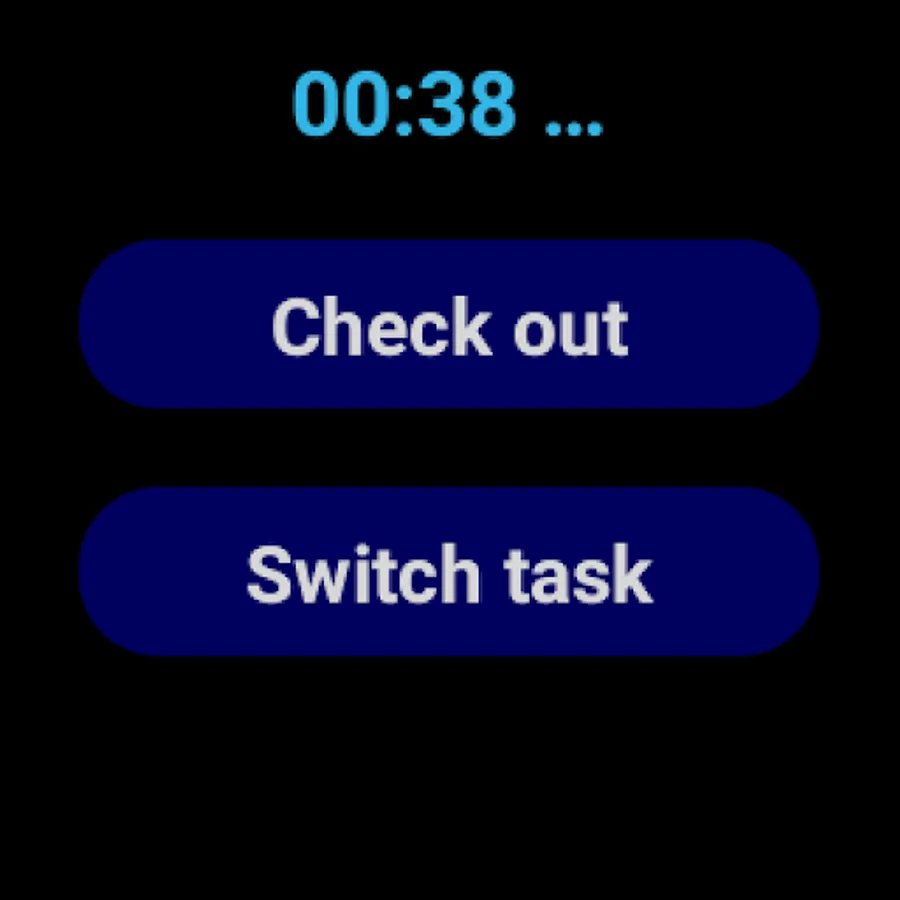
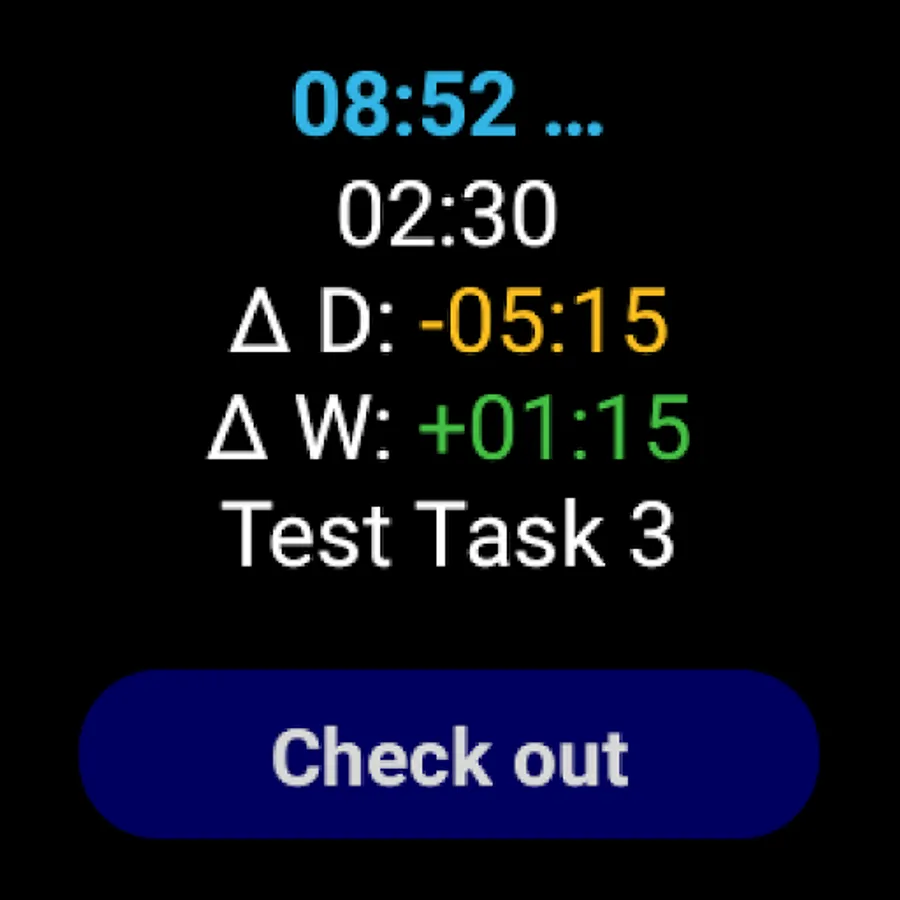
• Wear OS mini app and Wear OS Tile for remote control of the „Time Recording“ phone app
Highly configurable, many additional features:
• Date and time formats
• Calendar options (first day of week and month, bi-weekly reporting)
• Hourly rates, paid overtime
• Daily, weekly and monthly target time
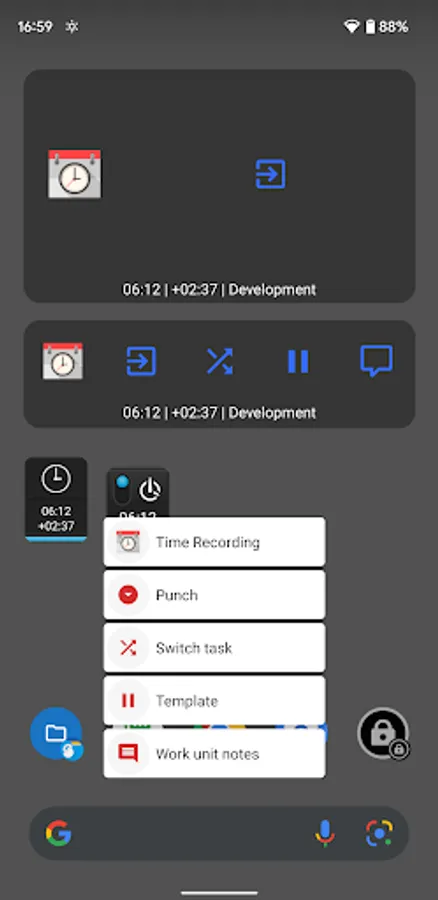
• Home screen widgets to display running day total, with optional "punch" action
• Status bar notification when checked in
• Tasker plugin support
• Light and dark theme
• Check-In and Check-Out using NFC Tags (see our Plugins)
• Multi device sync
Limitations:
• Smallest tracking unit is one minute
• No parallel tracking or overlapping entries supported
• This app is Android only, other versions are neither available nor planned
Migration:
• Migration from Free to Pro is very easy: install and open Pro, the app will then prompt for import of data and settings from the Free version.
Basic functionality:
• Check in & out
• Task assignment
• Daily & detailed notes
• Overview of day, week, month
• Reports in Excel, PDF and HTML format
• Google Drive, Dropbox and OwnCloud integration for reports, backup & restore
• Google Calendar one-way synchronisation
• Wear OS mini app and Wear OS Tile for remote control of the „Time Recording“ phone app
Highly configurable, many additional features:
• Date and time formats
• Calendar options (first day of week and month, bi-weekly reporting)
• Hourly rates, paid overtime
• Daily, weekly and monthly target time
• Home screen widgets to display running day total, with optional "punch" action
• Status bar notification when checked in
• Tasker plugin support
• Light and dark theme
• Check-In and Check-Out using NFC Tags (see our Plugins)
• Multi device sync
Limitations:
• Smallest tracking unit is one minute
• No parallel tracking or overlapping entries supported
• This app is Android only, other versions are neither available nor planned
Migration:
• Migration from Free to Pro is very easy: install and open Pro, the app will then prompt for import of data and settings from the Free version.
Time Recording Pro Screenshots
Tap to Rate:
Reviews for Time Recording Pro
M R
12/14/2025
keep updating
Ingo Heinrich
12/14/2025
Using it daily to keep track of project times.