MarkSheet: answer sheet
enoiu
4.0 ★
230 ratings
10,000+
downloads
Free
+ in-app
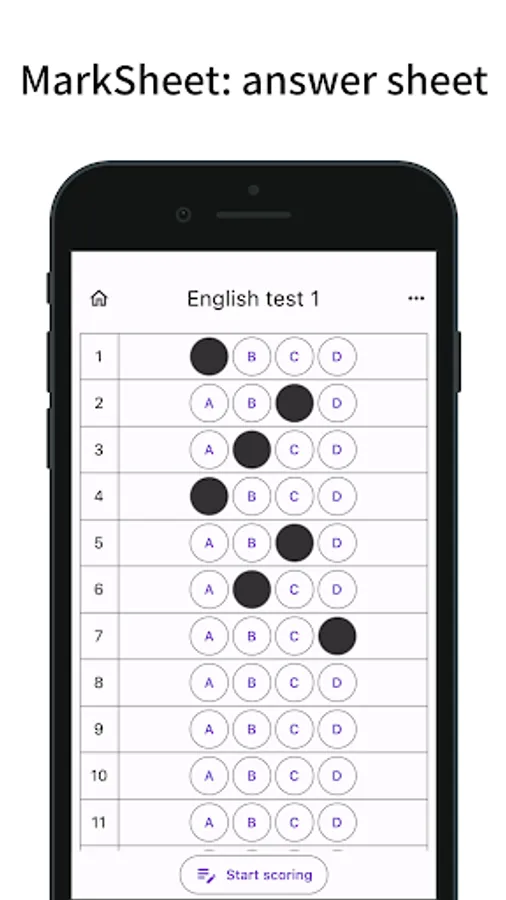
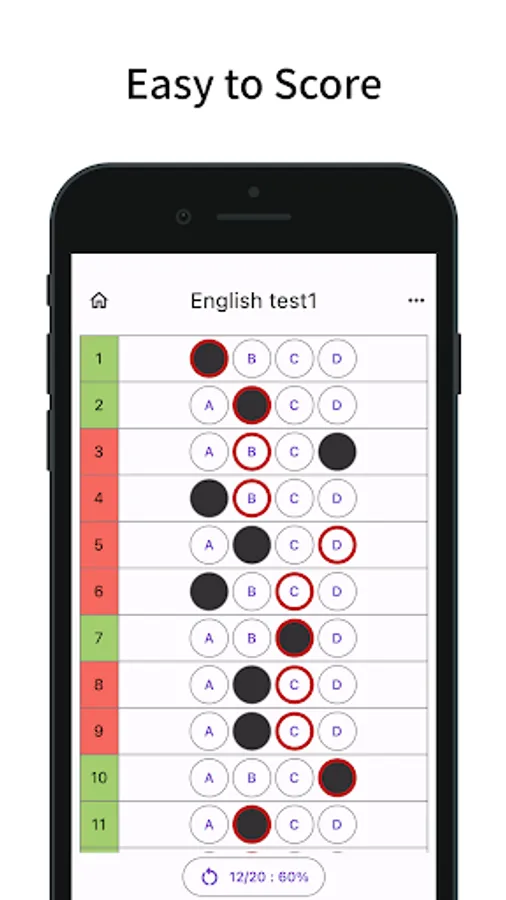
With this answer sheet app, you can create and score customizable mark sheets, input answers by tapping choices, and view scoring results. Includes answer management features, score sharing, and customization options.
AppRecs review analysis
AppRecs rating 3.9. Trustworthiness 74 out of 100. Review manipulation risk 32 out of 100. Based on a review sample analyzed.
★★★☆☆
3.9
AppRecs Rating
Ratings breakdown
5 star
67%
4 star
0%
3 star
0%
2 star
33%
1 star
0%
What to know
✓
Credible reviews
74% trustworthiness score from analyzed reviews
✓
Good user ratings
67% positive sampled reviews
⚠
High negative review ratio
33% of sampled ratings are 1–2 stars
About MarkSheet: answer sheet
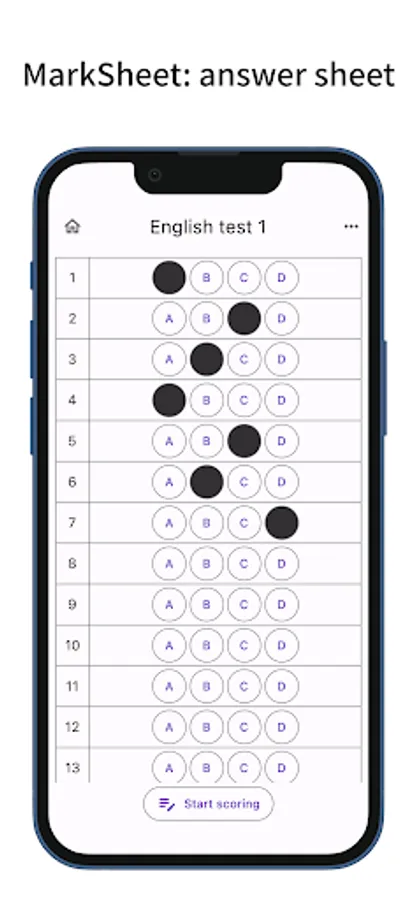
An answer sheet application for mark sheets (bubble sheet).
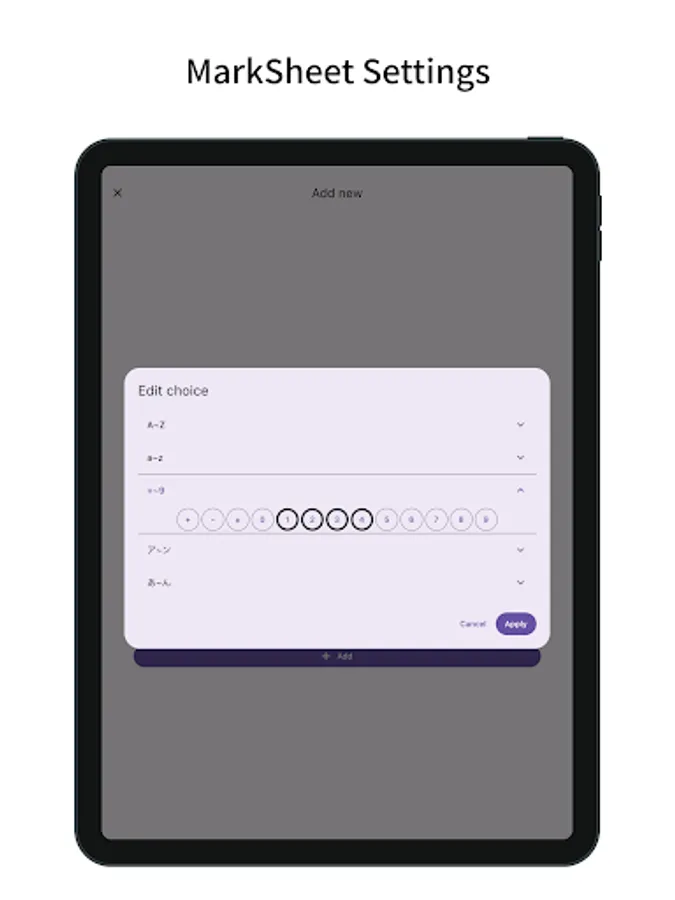
You can freely set the number of questions and choices.
Easy scoring and multiple answers are supported.
Functions/Features
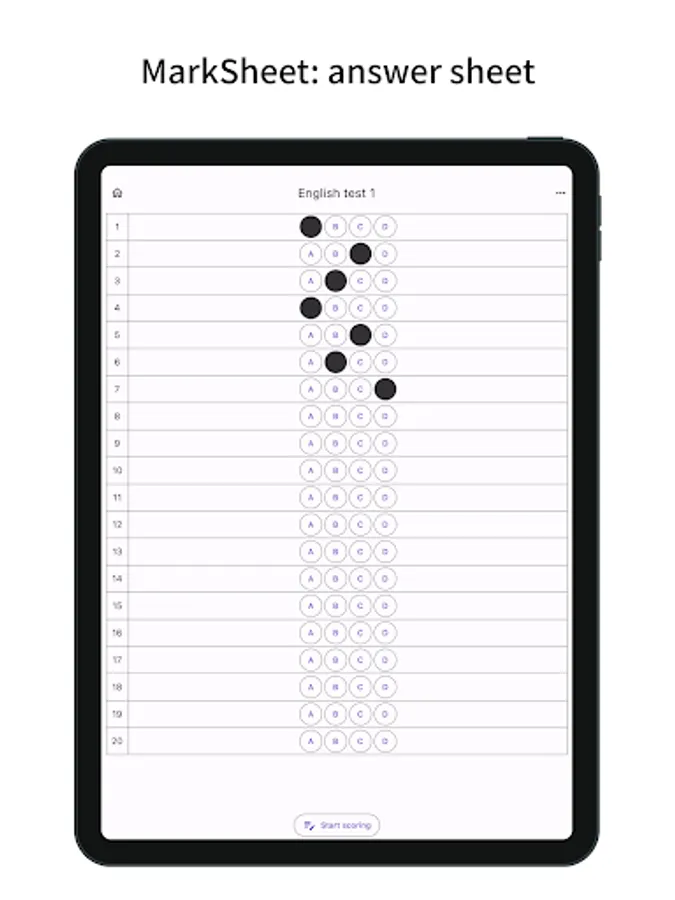
- Answer Sheet for mark sheet (bubble sheet) type
- Number of questions and choices can be freely set.
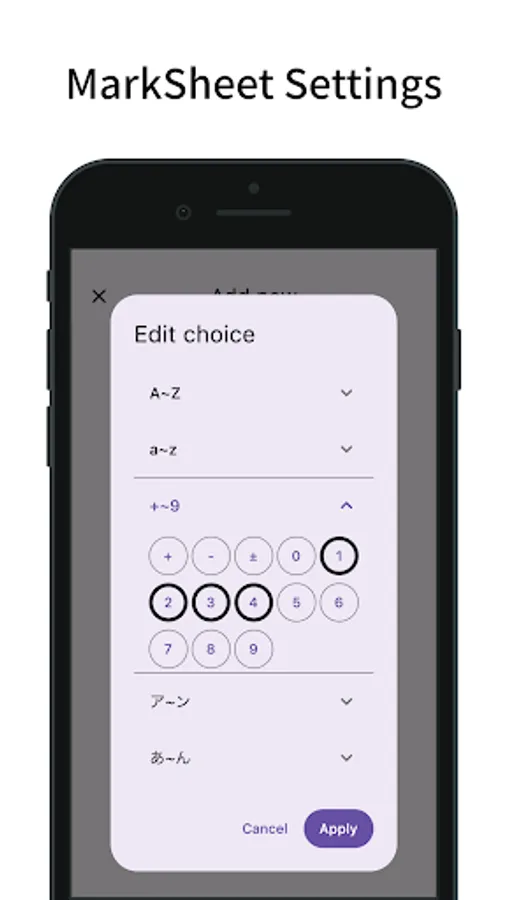
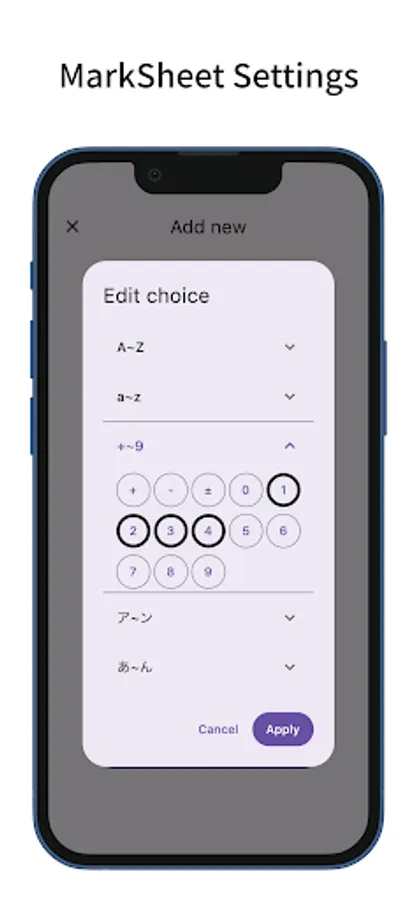
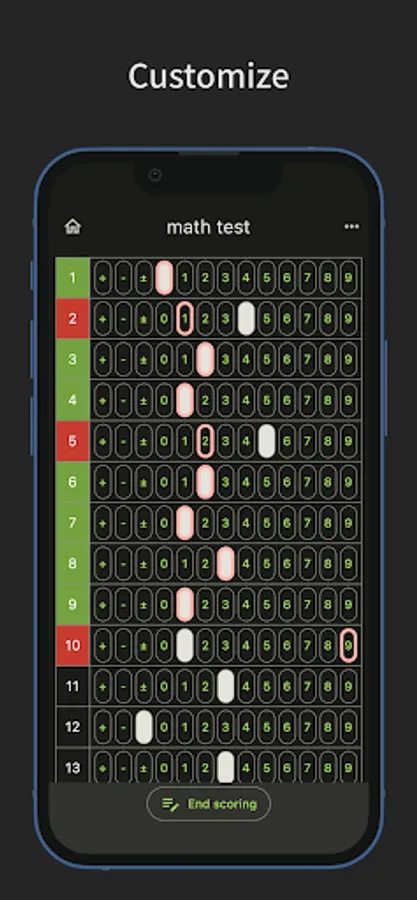
- Choices include uppercase letters (A-Z), lowercase letters (a-z), numbers (+,-,±,0-9)
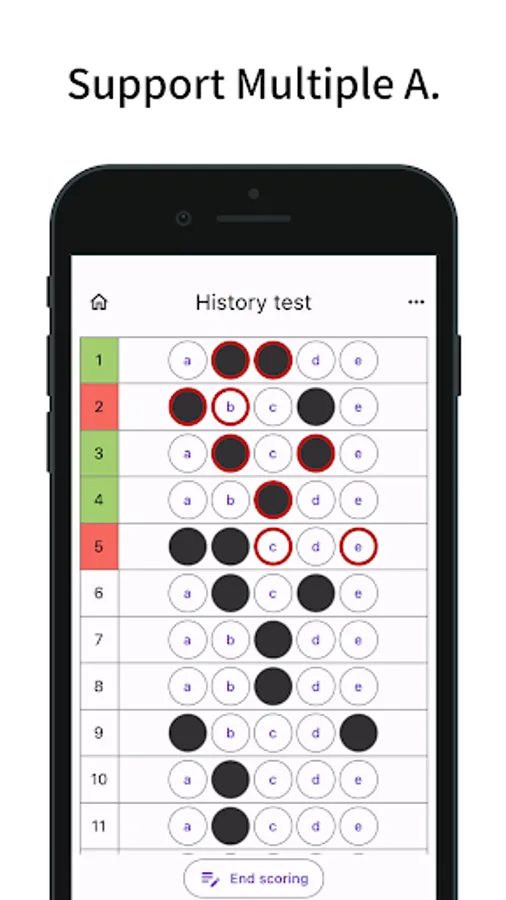
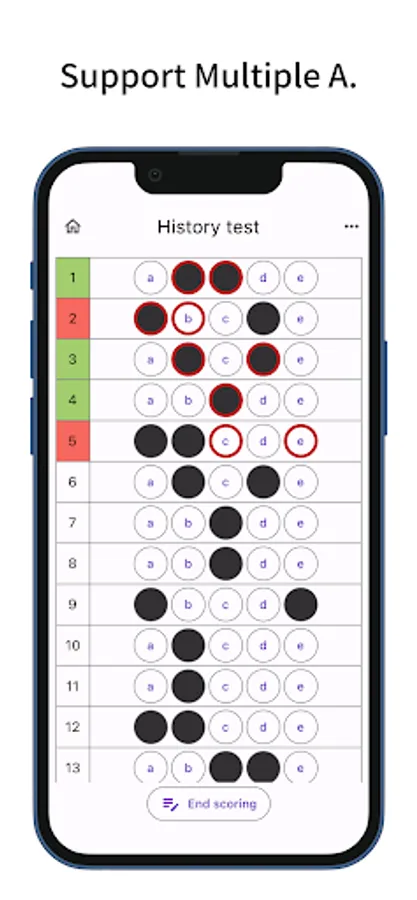
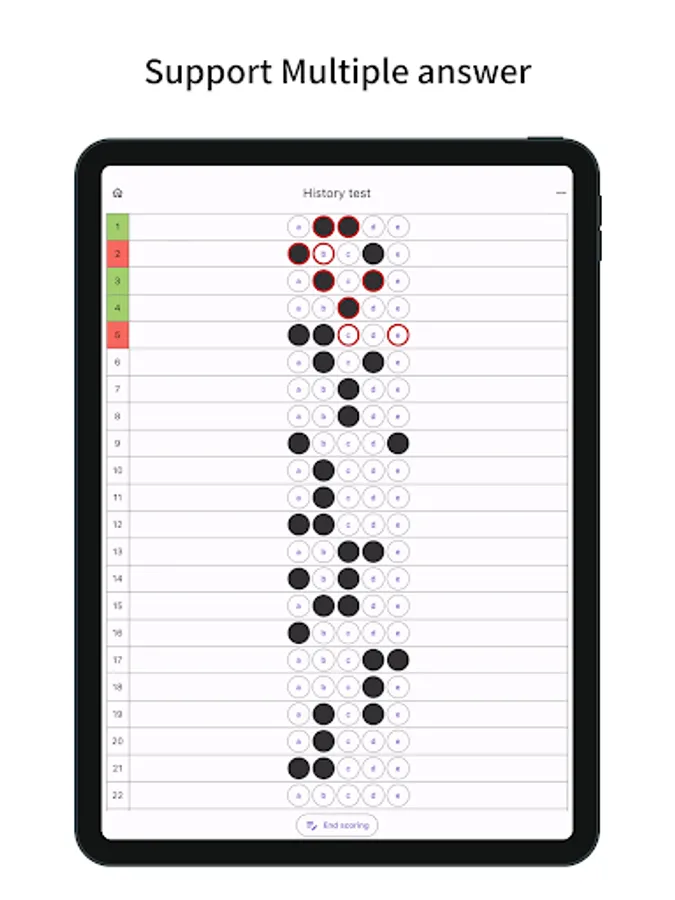
- Multiple answers supported
- Fill the mark by tapping the choice
- Line highlighting (long press or checkbox)
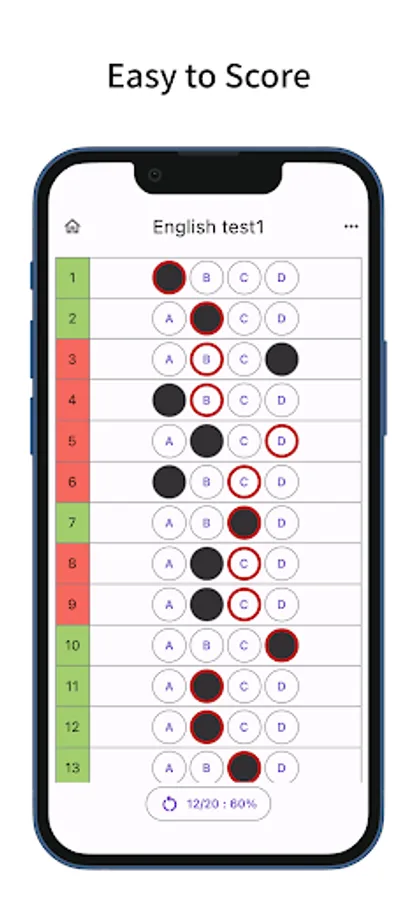
- Press the Start scoring button, tap the option and enter the answer
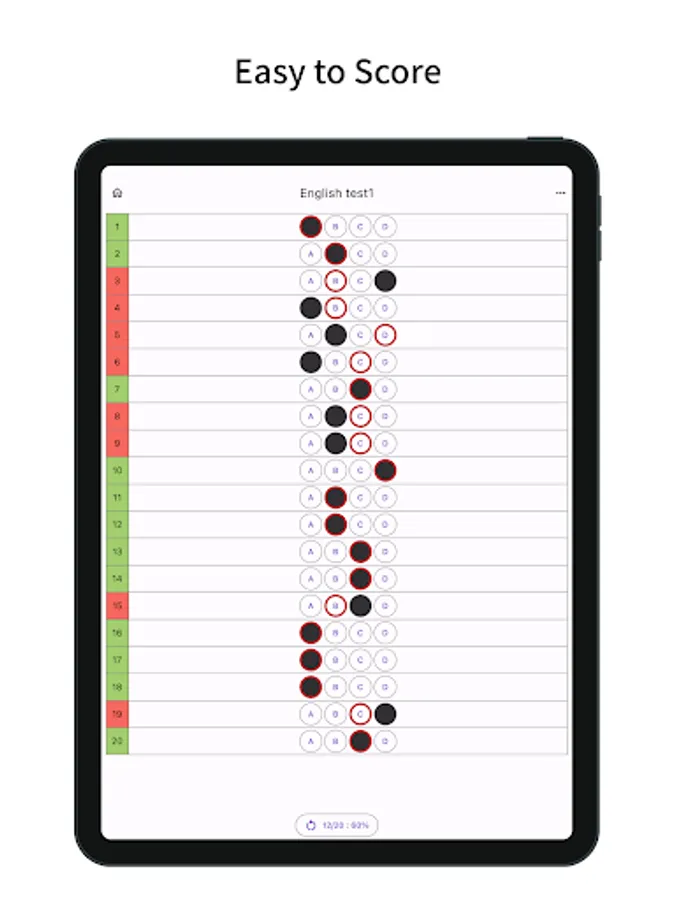
- Press the End scoring button to display the number of correct answers and the correct answer rate
- Press the menu on the bottom right or the button displaying the percentage of correct answers to restart/reset mark input/scoring
- Share as a CSV file
- Select the label screen that opens at startup
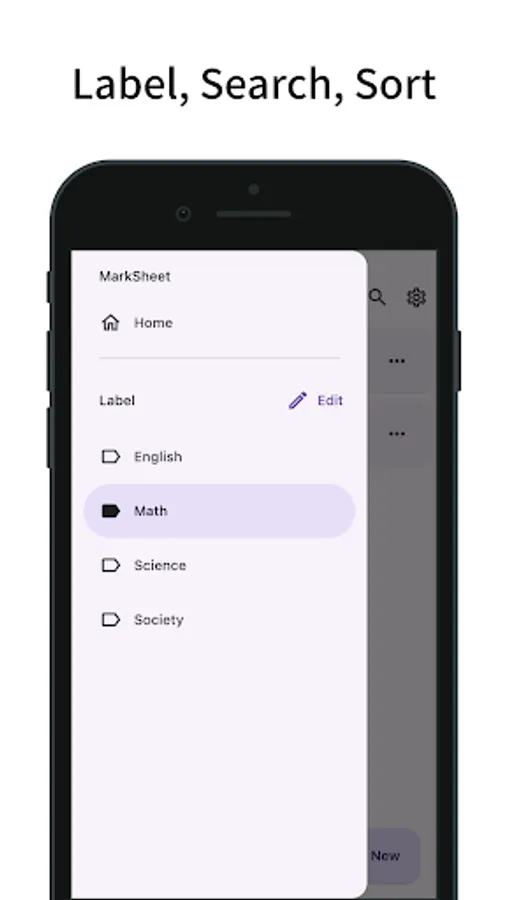
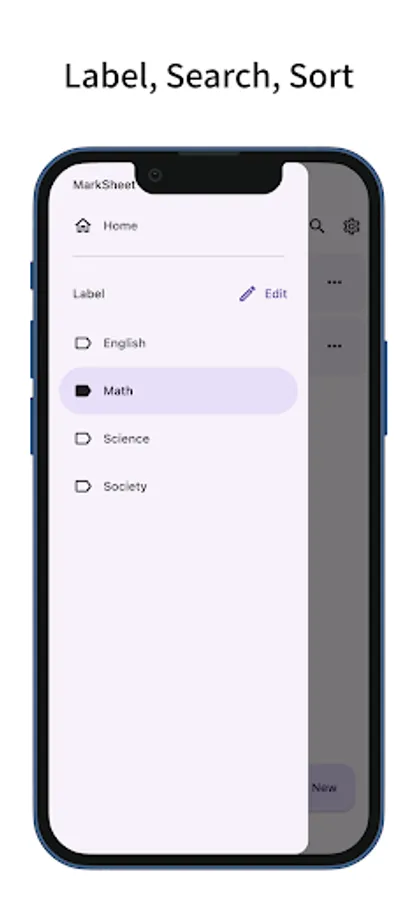
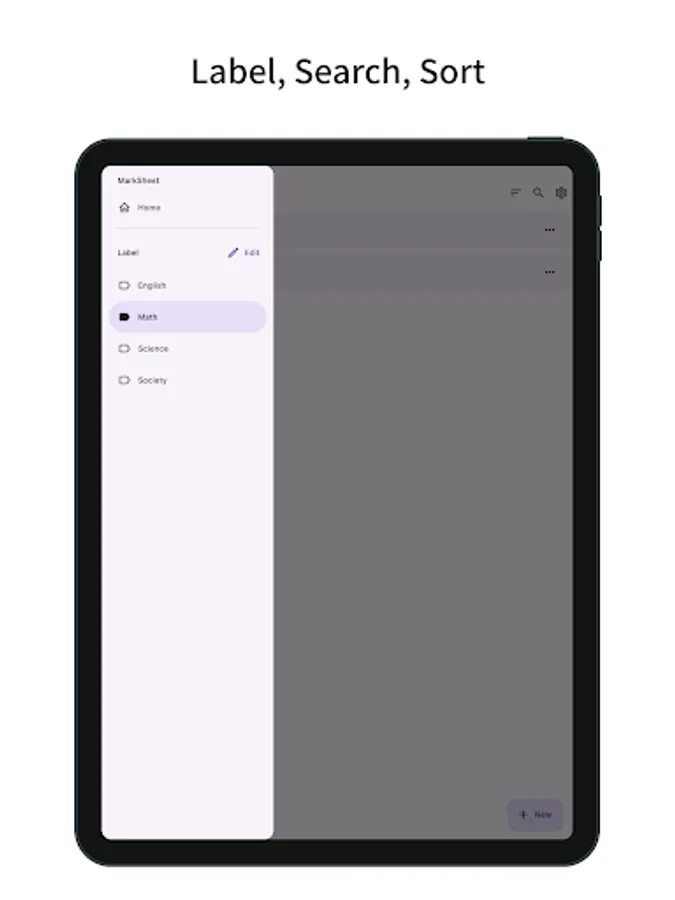
- Manage answer sheets with labeling, search, and sorting functions
- Long press to select multiple sheets, delete/label selected sheets
- Duplicate sheet
- Change the opacity of mark fill
- Change the size of marks and text
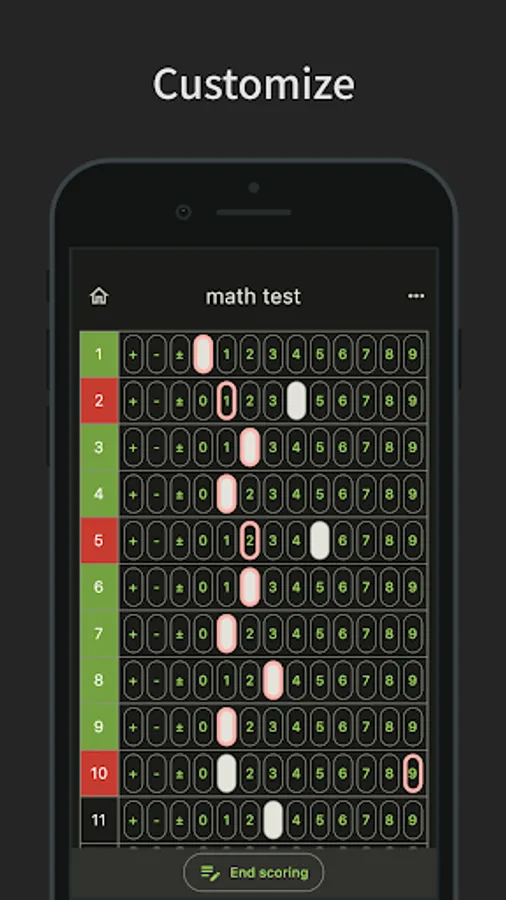
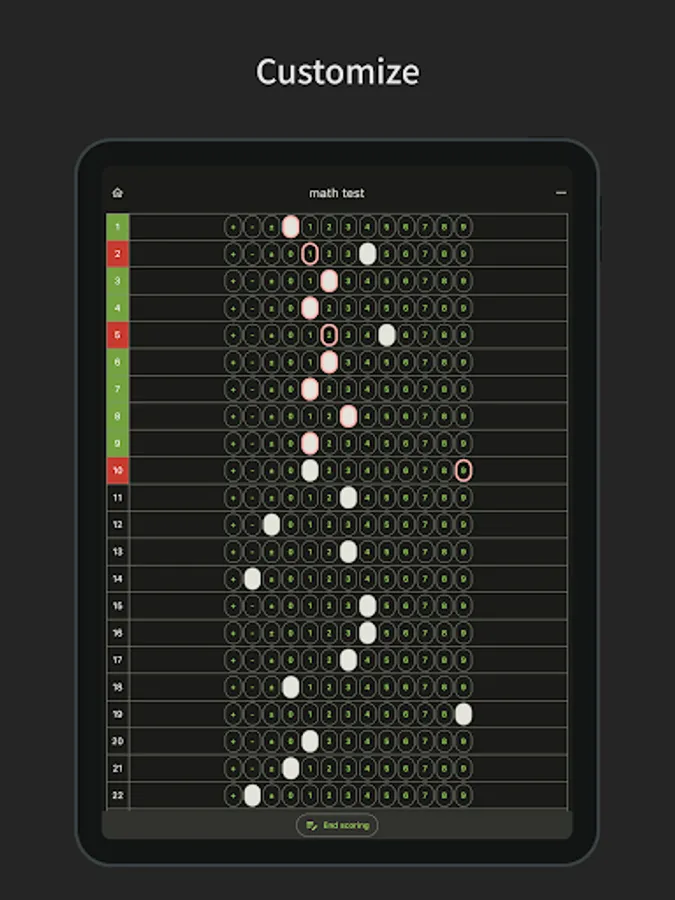
- Customization (dark mode, theme colors)
- Simple design based on Material Design
You can freely set the number of questions and choices.
Easy scoring and multiple answers are supported.
Functions/Features
- Answer Sheet for mark sheet (bubble sheet) type
- Number of questions and choices can be freely set.
- Choices include uppercase letters (A-Z), lowercase letters (a-z), numbers (+,-,±,0-9)
- Multiple answers supported
- Fill the mark by tapping the choice
- Line highlighting (long press or checkbox)
- Press the Start scoring button, tap the option and enter the answer
- Press the End scoring button to display the number of correct answers and the correct answer rate
- Press the menu on the bottom right or the button displaying the percentage of correct answers to restart/reset mark input/scoring
- Share as a CSV file
- Select the label screen that opens at startup
- Manage answer sheets with labeling, search, and sorting functions
- Long press to select multiple sheets, delete/label selected sheets
- Duplicate sheet
- Change the opacity of mark fill
- Change the size of marks and text
- Customization (dark mode, theme colors)
- Simple design based on Material Design
MarkSheet: answer sheet Screenshots
Tap to Rate:
Reviews for MarkSheet: answer sheet
Suhail Khan
12/3/2025
good
Jahanzaib HassaNi
8/30/2025
amazing app time save