AppRecs review analysis
AppRecs rating . Trustworthiness 85 out of 100. Review manipulation risk 31 out of 100. Based on a review sample analyzed.
★
AppRecs Rating
Ratings breakdown
5 star
67%
4 star
0%
3 star
0%
2 star
0%
1 star
33%
What to know
✓
Credible reviews
85% trustworthiness score from analyzed reviews
✓
Good user ratings
67% positive sampled reviews
About Memo: copy & share templates
A simple notepad app that allows you to copy and share text.
You can share or copy text with a single tap.
Recommended for saving frequently used templates for email, social media, etc.
Copy & Share with a Tap
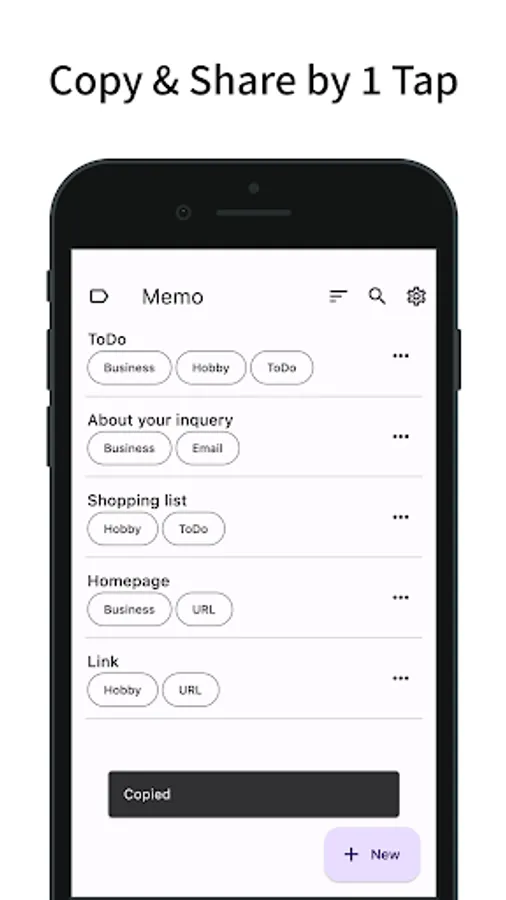
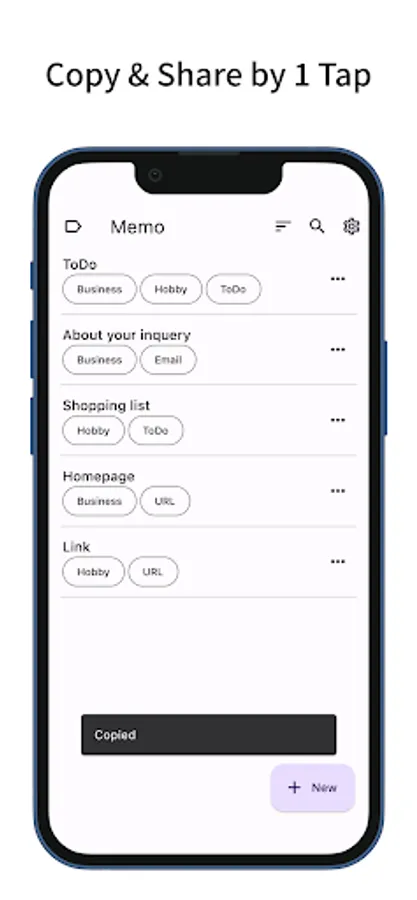
- On the memo list screen, you can copy or share the text by simply tapping on a memo.
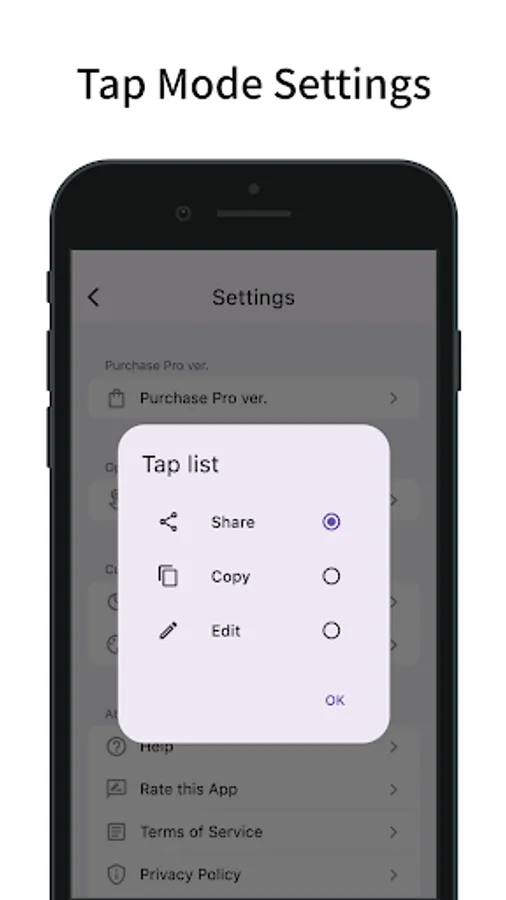
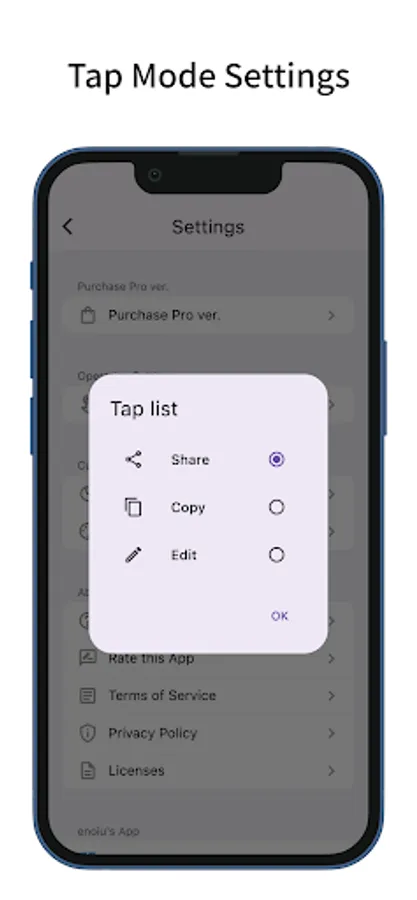
- This tap action can be changed from the settings (Share, Copy, Edit).
- The settings screen can be accessed from the menu to the left of the search bar.
Save Templates
- You can add a new memo by pressing the plus button in the bottom right.
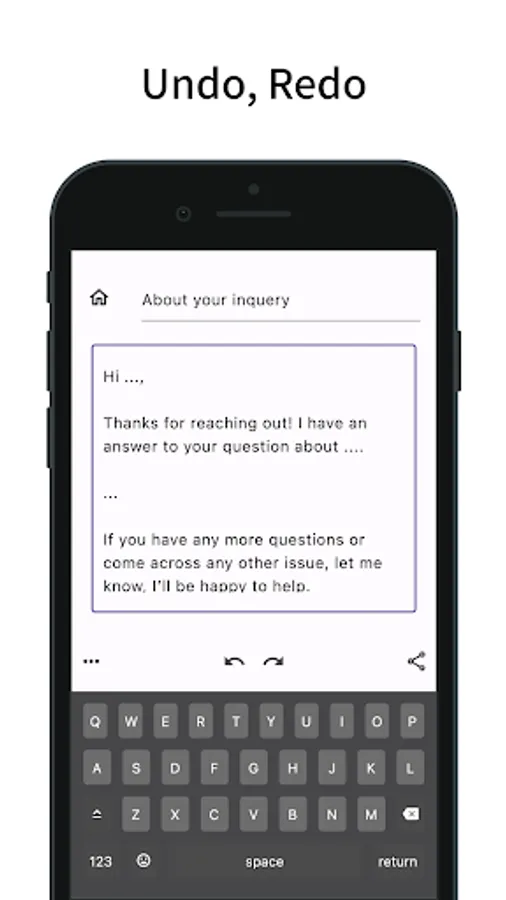
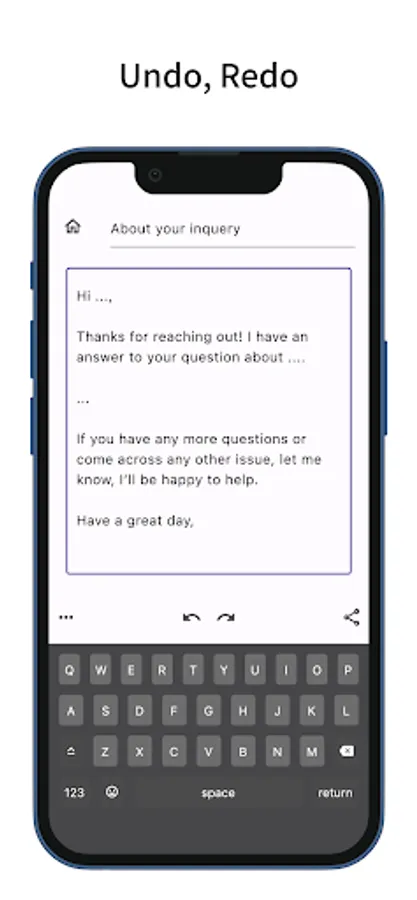
- Undo and Redo are supported.
- You can also copy and share from the memo editing screen.
- You can edit labels and duplicate memos from the menu in the bottom left.
Manage Memos
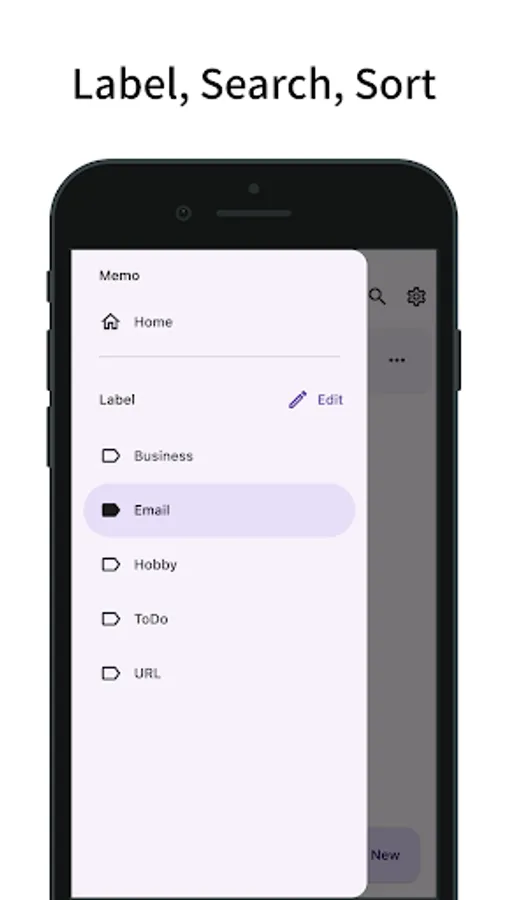
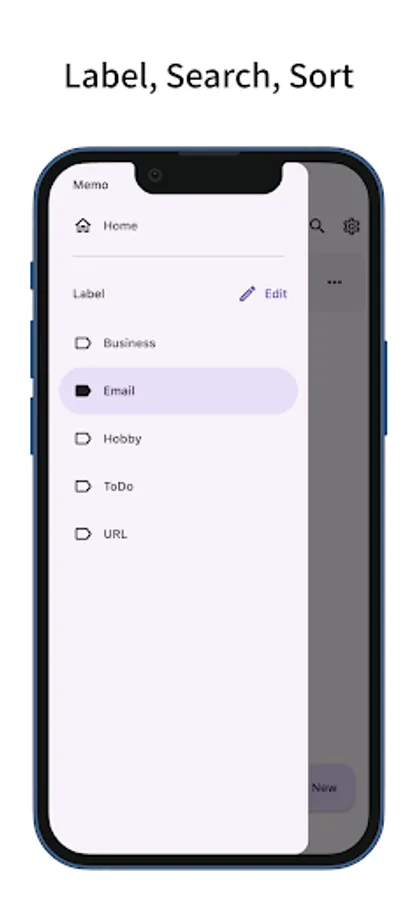
- By adding labels to your memos, you can filter and display them by label. You can also filter by multiple labels.
- Tap the search bar to search for memos by title.
- Memos can be sorted by title, creation date, last viewed, and last modified.
- You can edit labels and duplicate memos from the menu on the right of each memo.
- Long-press a memo to select multiple memos, allowing you to delete or label them in bulk.
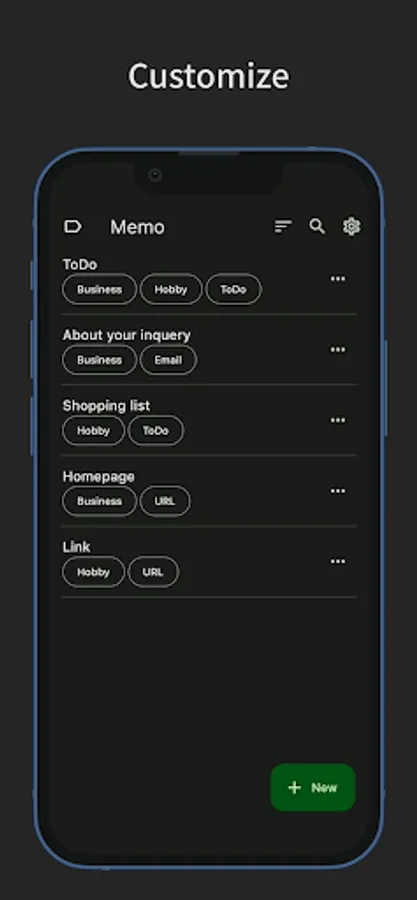
Customize
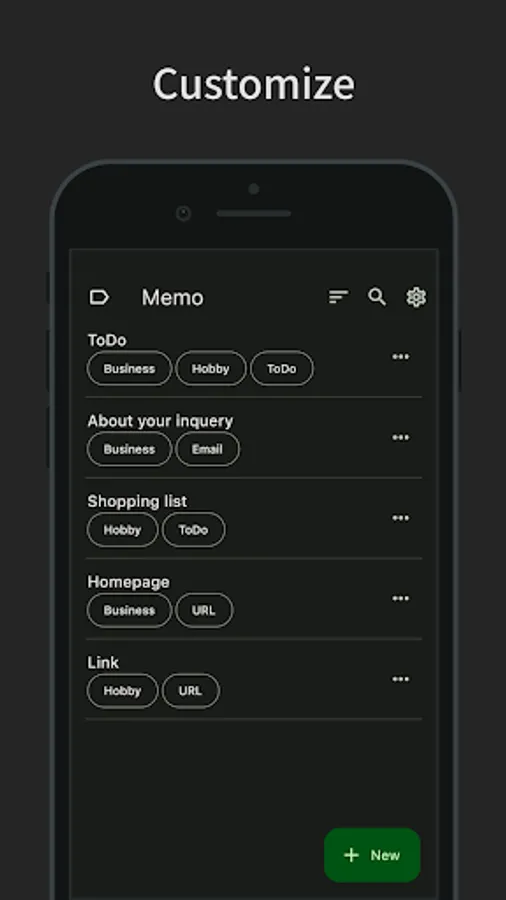
- Dark mode is supported.
- You can also change the theme color.
- Features a simple design compliant with Material Design.
You can share or copy text with a single tap.
Recommended for saving frequently used templates for email, social media, etc.
Copy & Share with a Tap
- On the memo list screen, you can copy or share the text by simply tapping on a memo.
- This tap action can be changed from the settings (Share, Copy, Edit).
- The settings screen can be accessed from the menu to the left of the search bar.
Save Templates
- You can add a new memo by pressing the plus button in the bottom right.
- Undo and Redo are supported.
- You can also copy and share from the memo editing screen.
- You can edit labels and duplicate memos from the menu in the bottom left.
Manage Memos
- By adding labels to your memos, you can filter and display them by label. You can also filter by multiple labels.
- Tap the search bar to search for memos by title.
- Memos can be sorted by title, creation date, last viewed, and last modified.
- You can edit labels and duplicate memos from the menu on the right of each memo.
- Long-press a memo to select multiple memos, allowing you to delete or label them in bulk.
Customize
- Dark mode is supported.
- You can also change the theme color.
- Features a simple design compliant with Material Design.
Memo: copy & share templates Screenshots
Tap to Rate:
Reviews for Memo: copy & share templates
Tᴜʟᴩᴀ Oᴍᴇɢᴀ
11/20/2025
I got this app to replace another one that is no longer in the Play Store, and so far it's working pretty good for my purposes. I went ahead and purchased pro to support development. Hopefully this app sticks around for a while because it's very useful to me.
Prasad A.V.S.
8/4/2025
simple and elegant