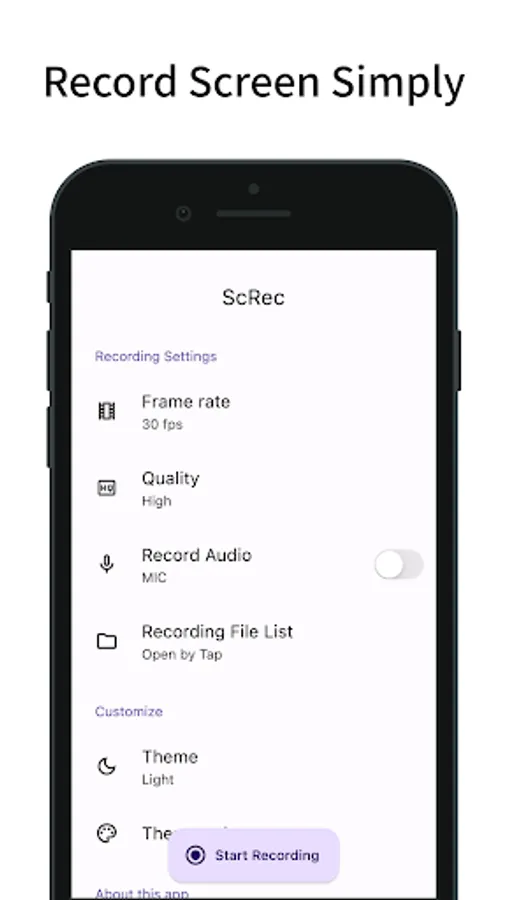
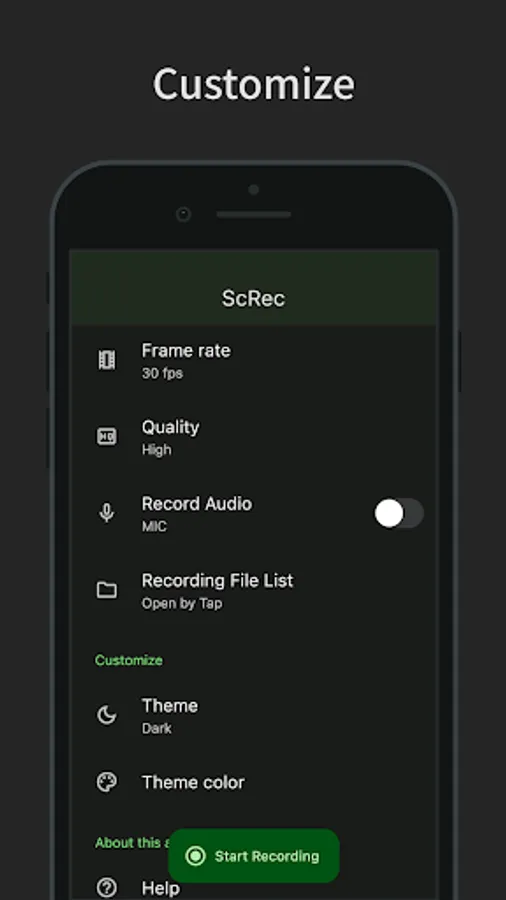
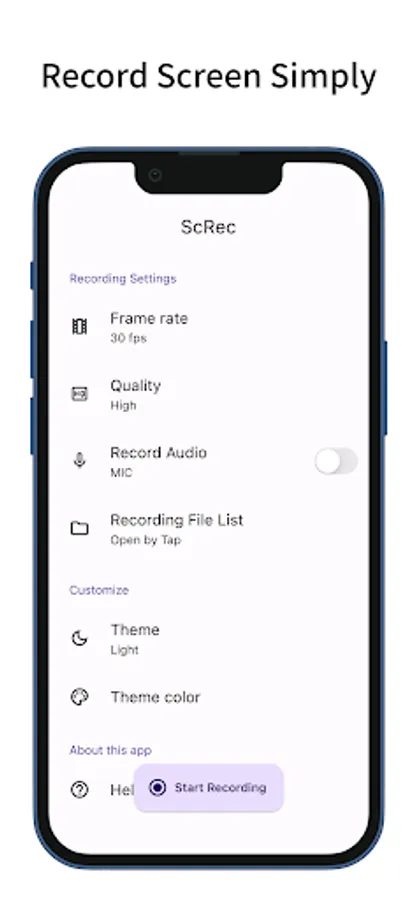
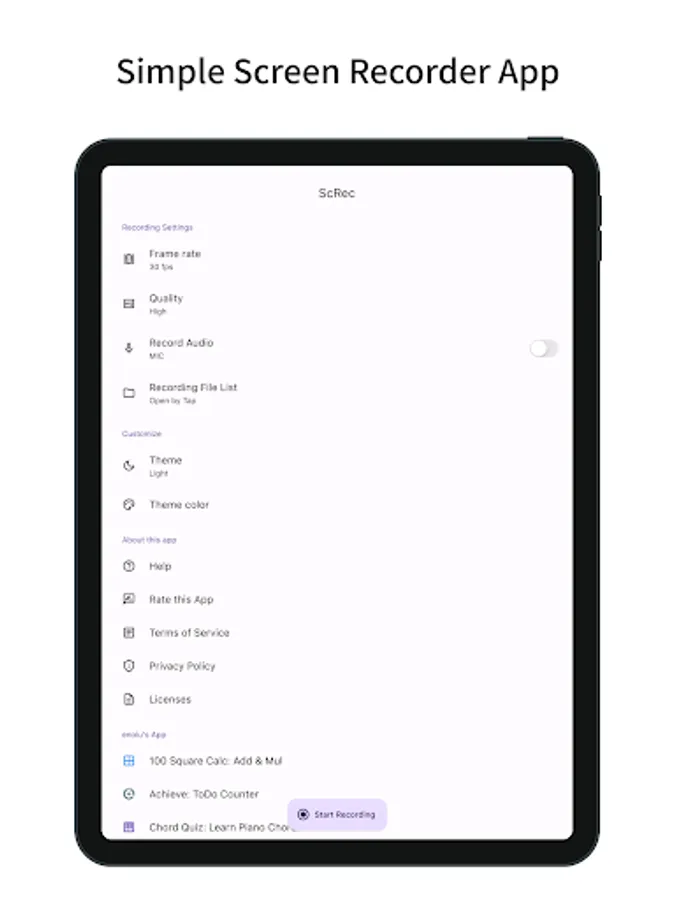
In this screen recorder app, you can customize frame rate and image quality while recording your screen. Includes settings for audio recording, file management, and theme options.
AppRecs review analysis
AppRecs rating 3.8. Trustworthiness 76 out of 100. Review manipulation risk 16 out of 100. Based on a review sample analyzed.
★★★☆☆
3.8
AppRecs Rating
Ratings breakdown
5 star
61%
4 star
0%
3 star
20%
2 star
0%
1 star
20%
What to know
✓
Low review manipulation risk
16% review manipulation risk
✓
Credible reviews
76% trustworthiness score from analyzed reviews
✓
Good user ratings
61% positive sampled reviews
About ScRec: screen recorder
A simple screen recording app.
You can set the frame rate, image quality, and whether or not to record.
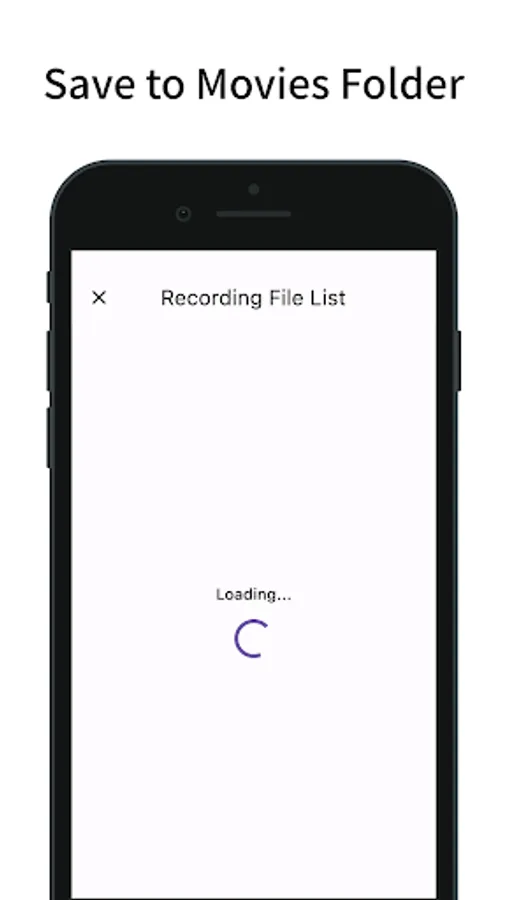
Recorded files can be viewed within the app and can be opened in other apps.
Functions/Features
- Screen recording
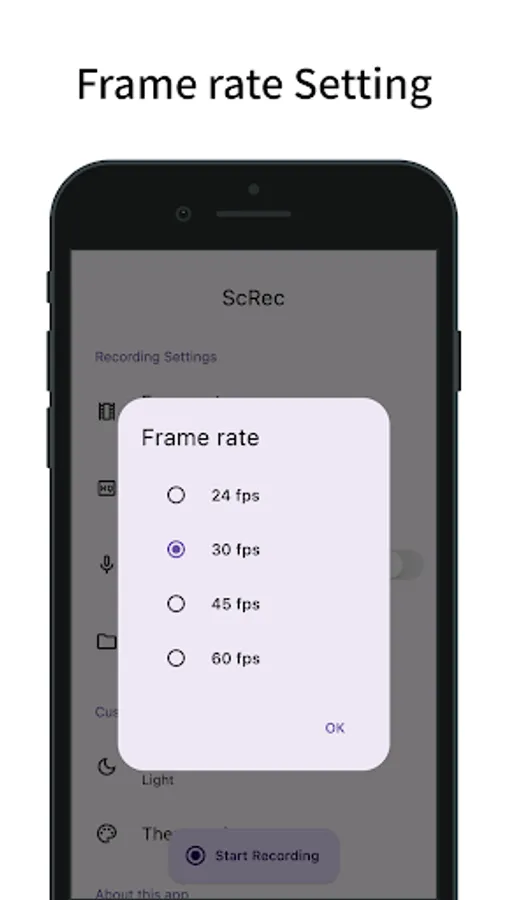
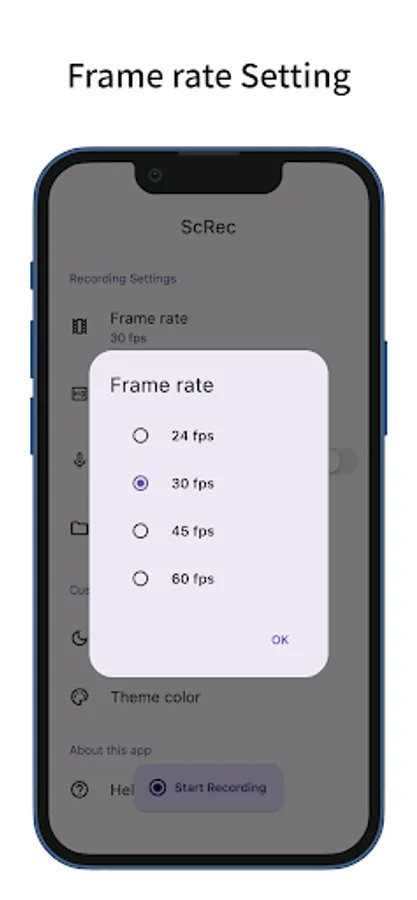
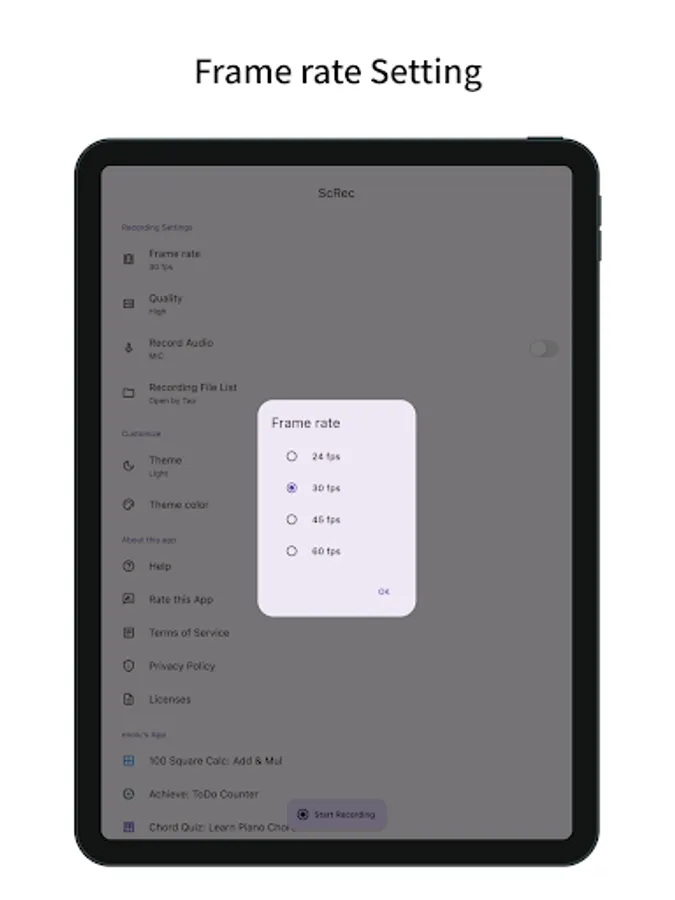
- Frame rate setting (24, 30, 45, 60fps)
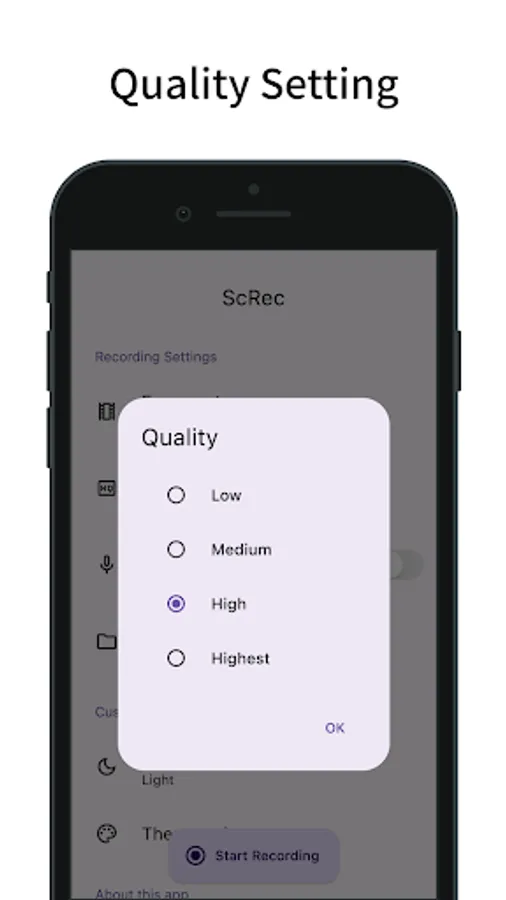
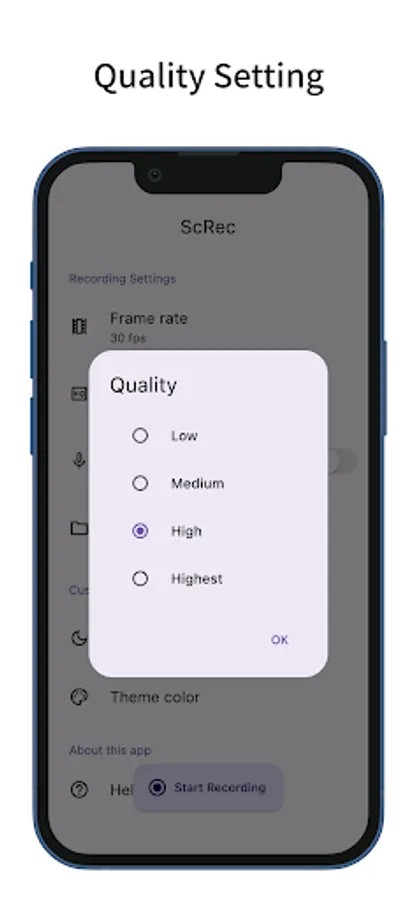
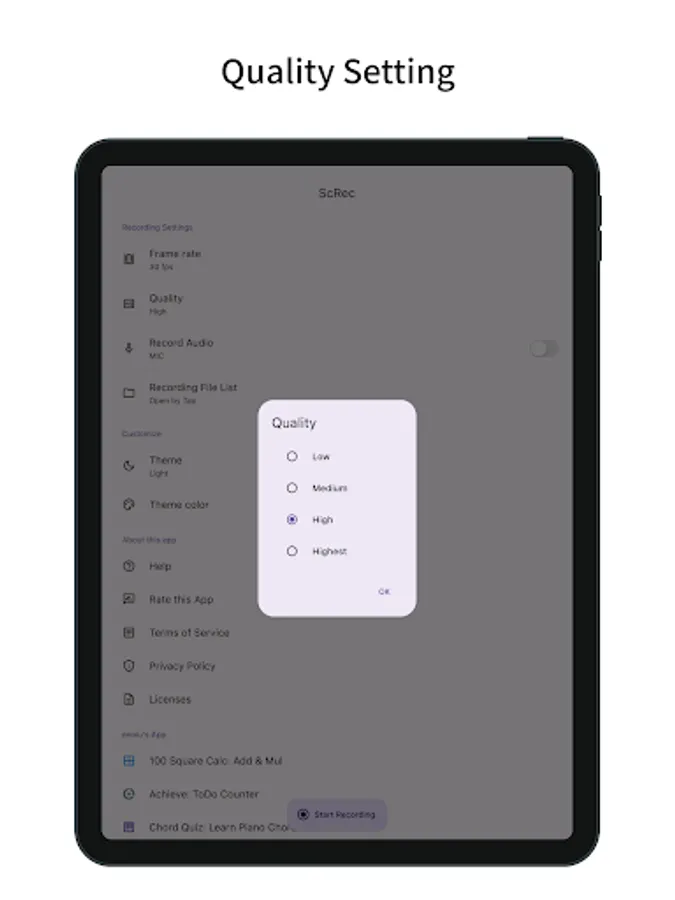
- Quality setting (low, medium, high, highest)
- Automatically calculate bitrate (based on screen size, frame rate setting, quality setting)
- Set recording audio (microphone) on/off
- Press the button at the bottom of the app to start/stop recording
- End recording from notification
- Show list of recorded files
- View recorded files in other apps by tapping the list in the recorded file list
- Save a recording file to Movies folder
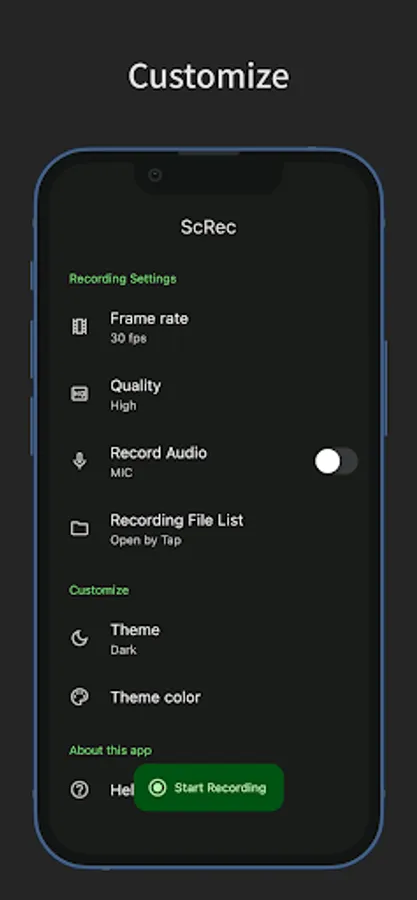
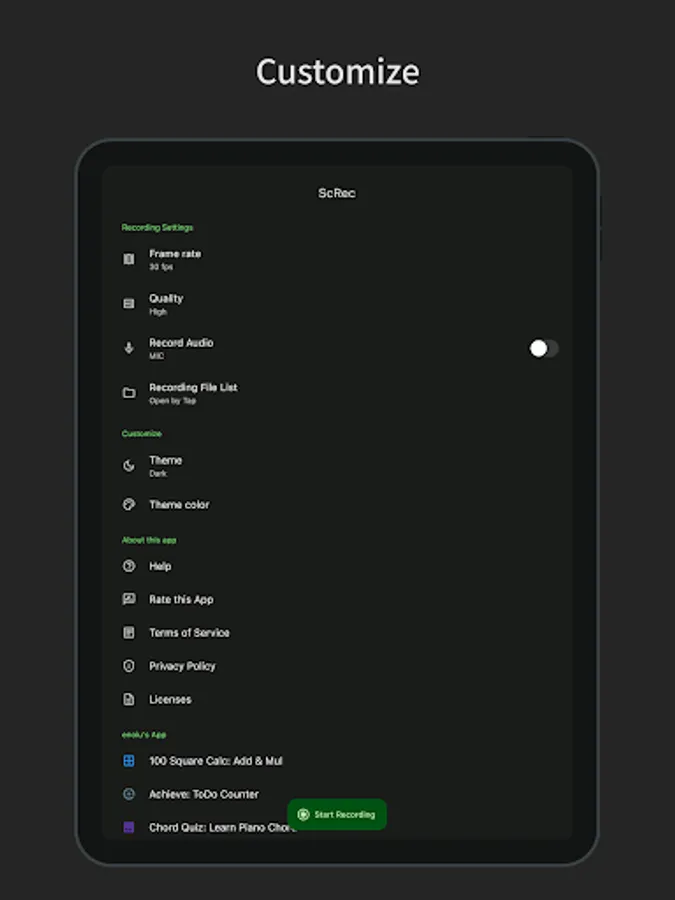
- Customization (dark mode, theme color)
- Simple design based on Material Design
Notes
- If you want to record in horizontal screen, please start recording after setting this app (ScRec) to horizontal screen.
- Do not delete this app (ScRec) from app history while screen recording.
- Recording for a long time is not recommended as it may force the recording to end.
- Depending on devices, recording may not be worked properly. Please use the app after trying once to see if you can record properly.
You can set the frame rate, image quality, and whether or not to record.
Recorded files can be viewed within the app and can be opened in other apps.
Functions/Features
- Screen recording
- Frame rate setting (24, 30, 45, 60fps)
- Quality setting (low, medium, high, highest)
- Automatically calculate bitrate (based on screen size, frame rate setting, quality setting)
- Set recording audio (microphone) on/off
- Press the button at the bottom of the app to start/stop recording
- End recording from notification
- Show list of recorded files
- View recorded files in other apps by tapping the list in the recorded file list
- Save a recording file to Movies folder
- Customization (dark mode, theme color)
- Simple design based on Material Design
Notes
- If you want to record in horizontal screen, please start recording after setting this app (ScRec) to horizontal screen.
- Do not delete this app (ScRec) from app history while screen recording.
- Recording for a long time is not recommended as it may force the recording to end.
- Depending on devices, recording may not be worked properly. Please use the app after trying once to see if you can record properly.
ScRec: screen recorder Screenshots
Tap to Rate:
Reviews for ScRec: screen recorder
Robert Adin
9/30/2025
Such a high quality screen recorder..!! Very clear video image..recommended..!!
Darren Rodgers
7/25/2025
I does record but the video won't work and just delete itself