AndrOffice editor DOC XLS PPT
OffiDocs Mobile Apps
3.2 ★
1K ratings
100,000+
downloads
Free
With this office editing app, you can create, modify, and share Word, Excel, and PowerPoint files on your device. Includes document formatting, object insertion, search, export to PDF, and format support for various file types.
AppRecs review analysis
AppRecs rating 3.2. Trustworthiness 77 out of 100. Review manipulation risk 22 out of 100. Based on a review sample analyzed.
★★★☆☆
3.2
AppRecs Rating
Ratings breakdown
5 star
48%
4 star
5%
3 star
5%
2 star
5%
1 star
38%
What to know
✓
Low review manipulation risk
22% review manipulation risk
⚠
Ad complaints
Many low ratings mention excessive ads
⚠
High negative review ratio
43% of sampled ratings are 1–2 stars
About AndrOffice editor DOC XLS PPT
AndrOffice is an android app to edit WORD documents, XLS spreadsheets and PPT slides, which you will be able to create, modify and share from your phone or tablet. AndrOffice include LibreOffice Online functionalities inside a file explorer to work with documents, spreadsheets and presentations. Its architecture contains two main modules with the following features:
* The "DOC XLS PPT" handler module:
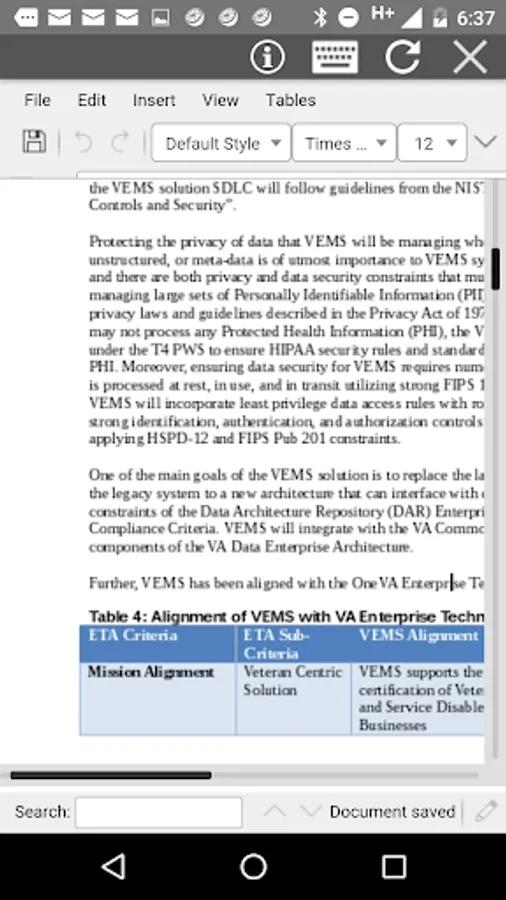
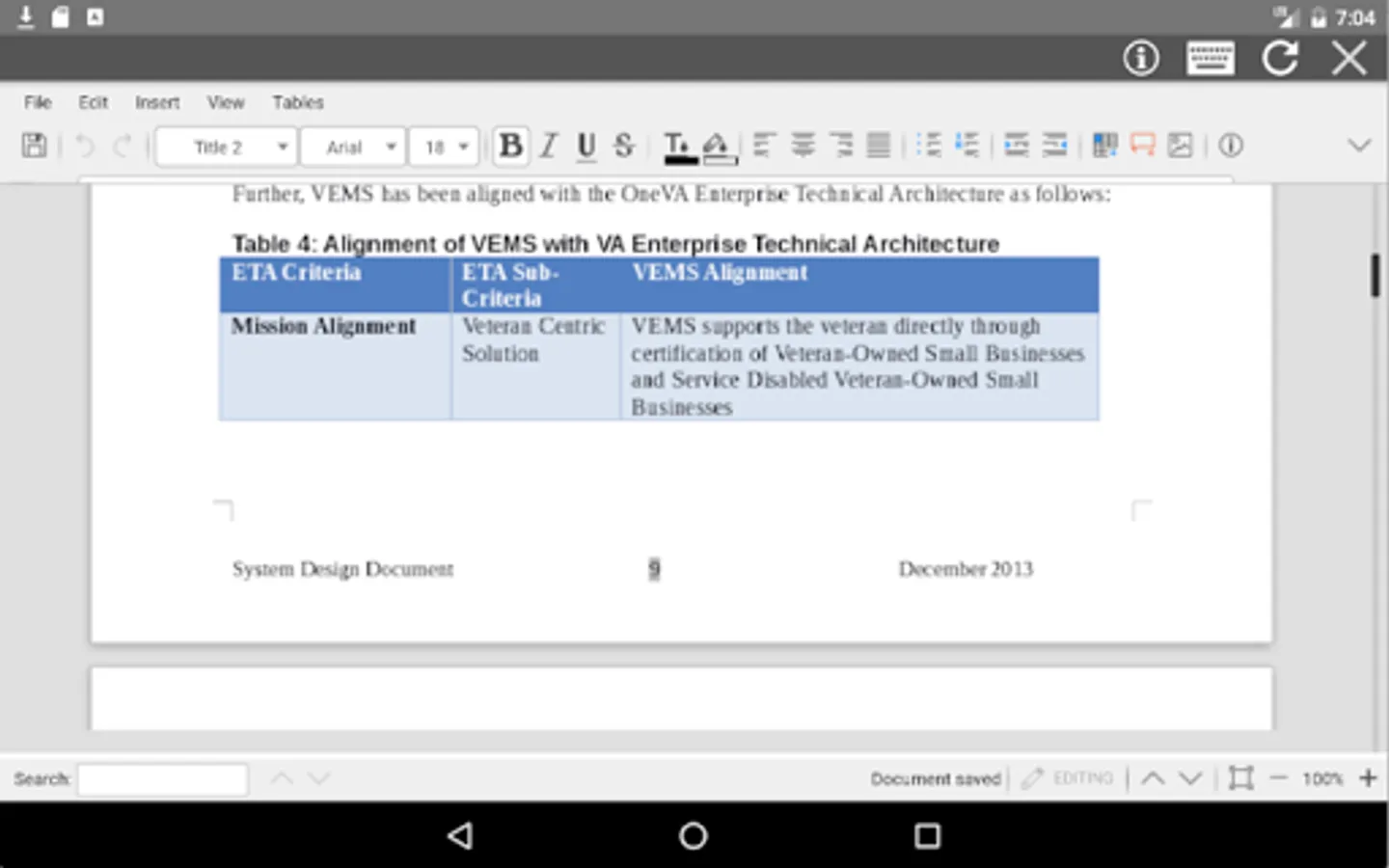
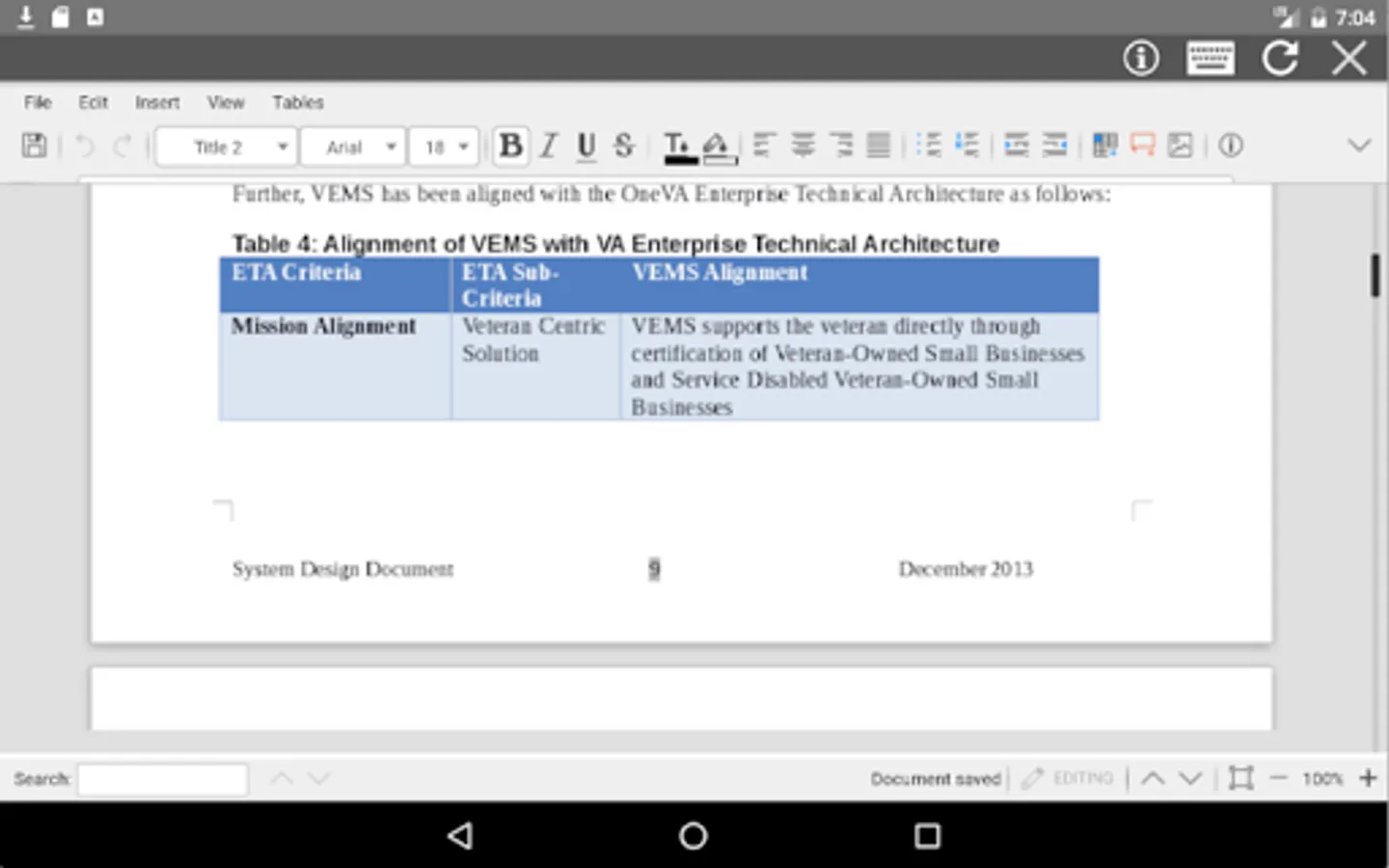
- Editor for documents DOC to create, edit and view them when they have been written using OpenOffice Doc, LibreOffice Doc or Microsoft Word.
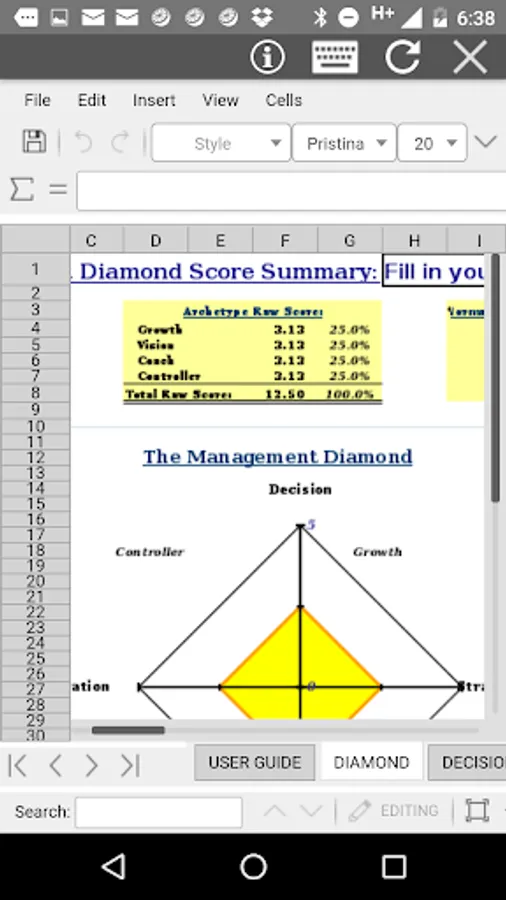
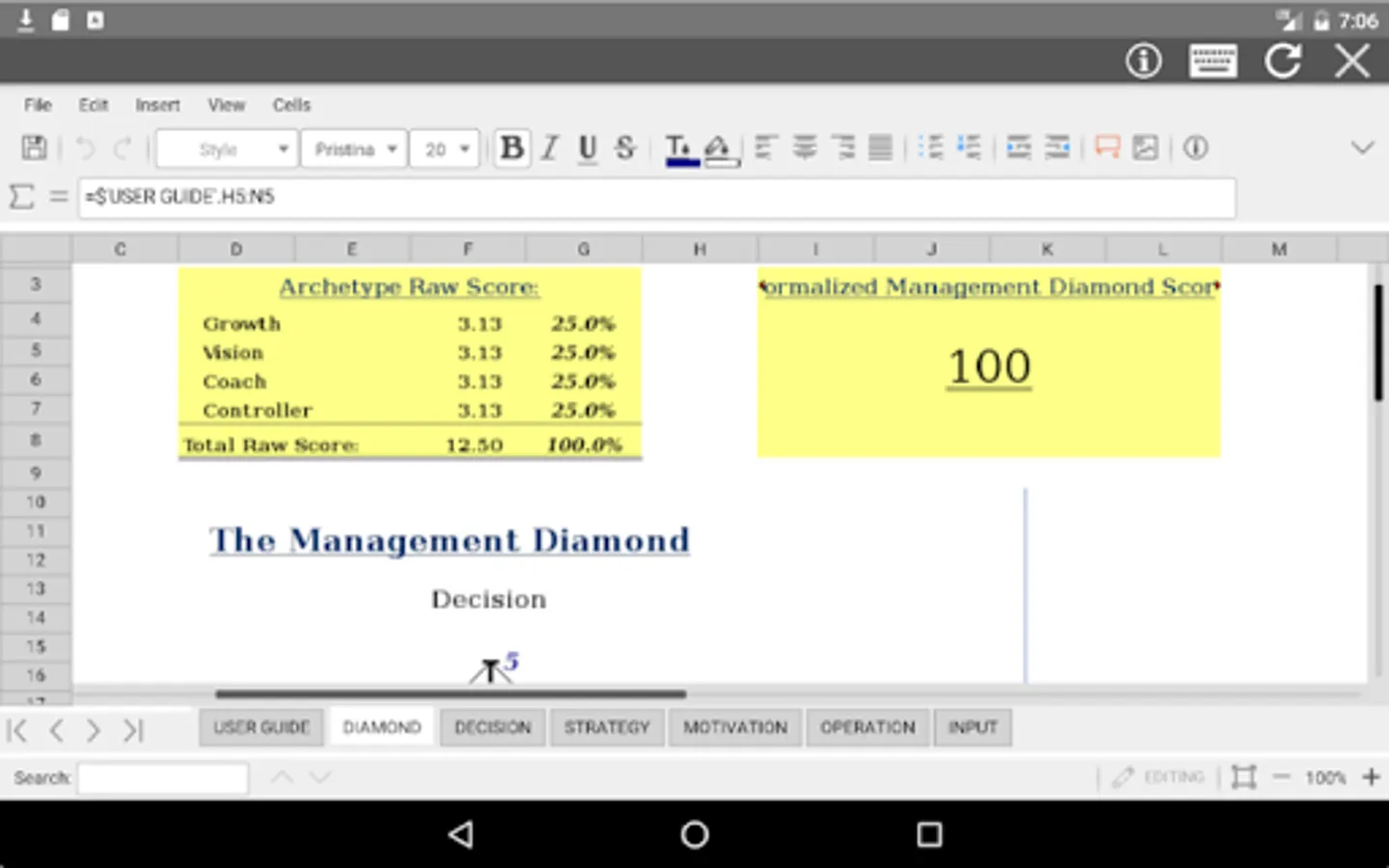
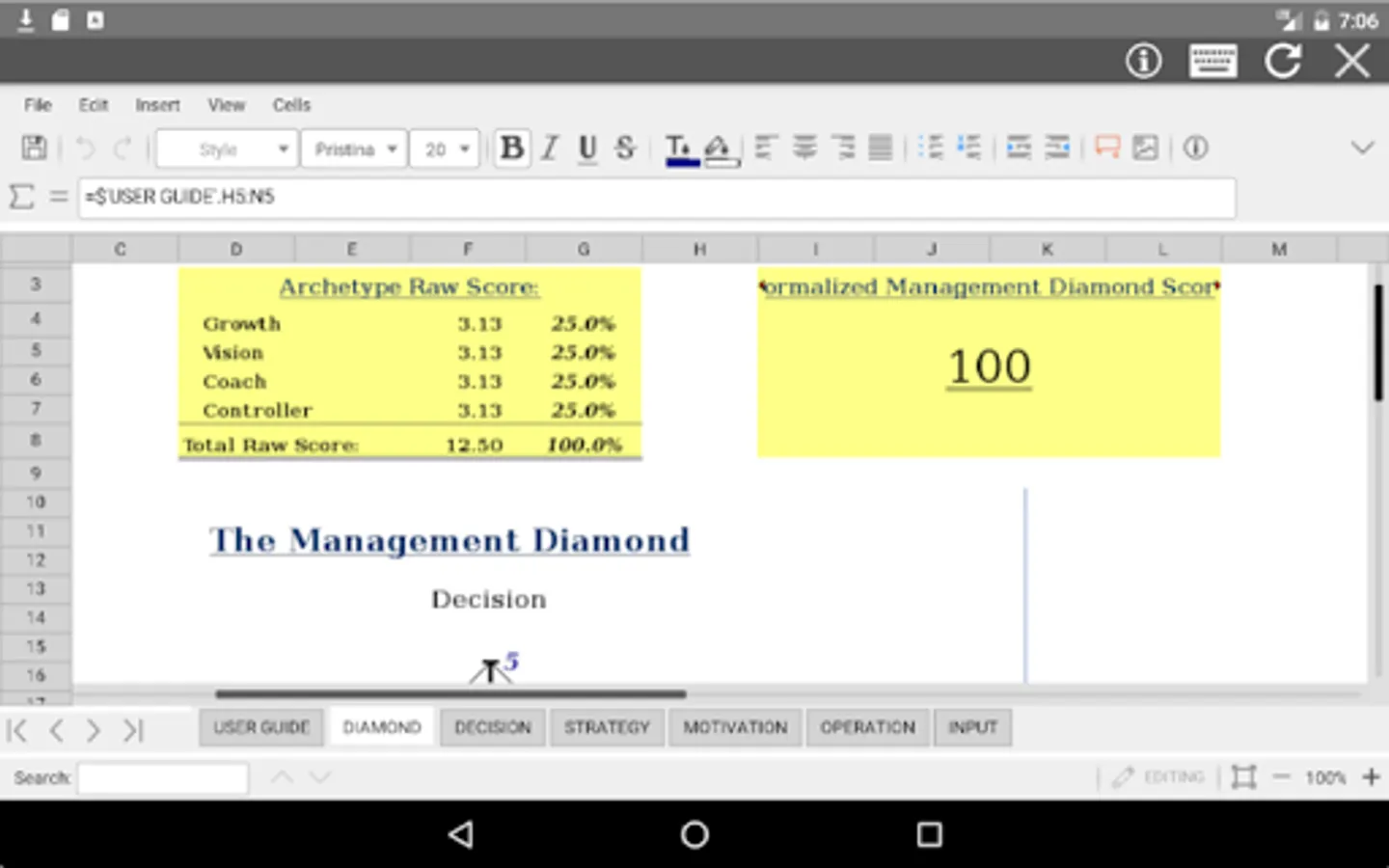
- Editor for XLS spreadsheets to create, edit and view these kind of files written using OpenOffice Calc, LibreOffice Calc or Microsoft Excel.
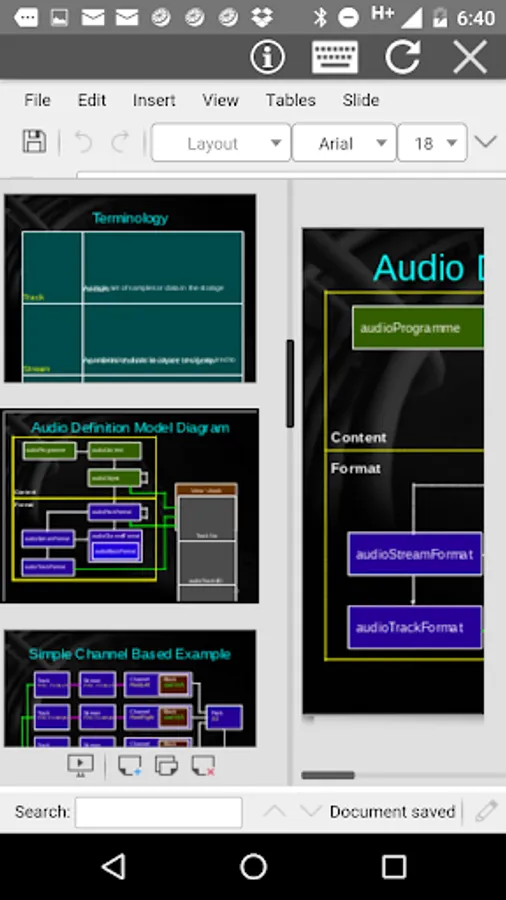
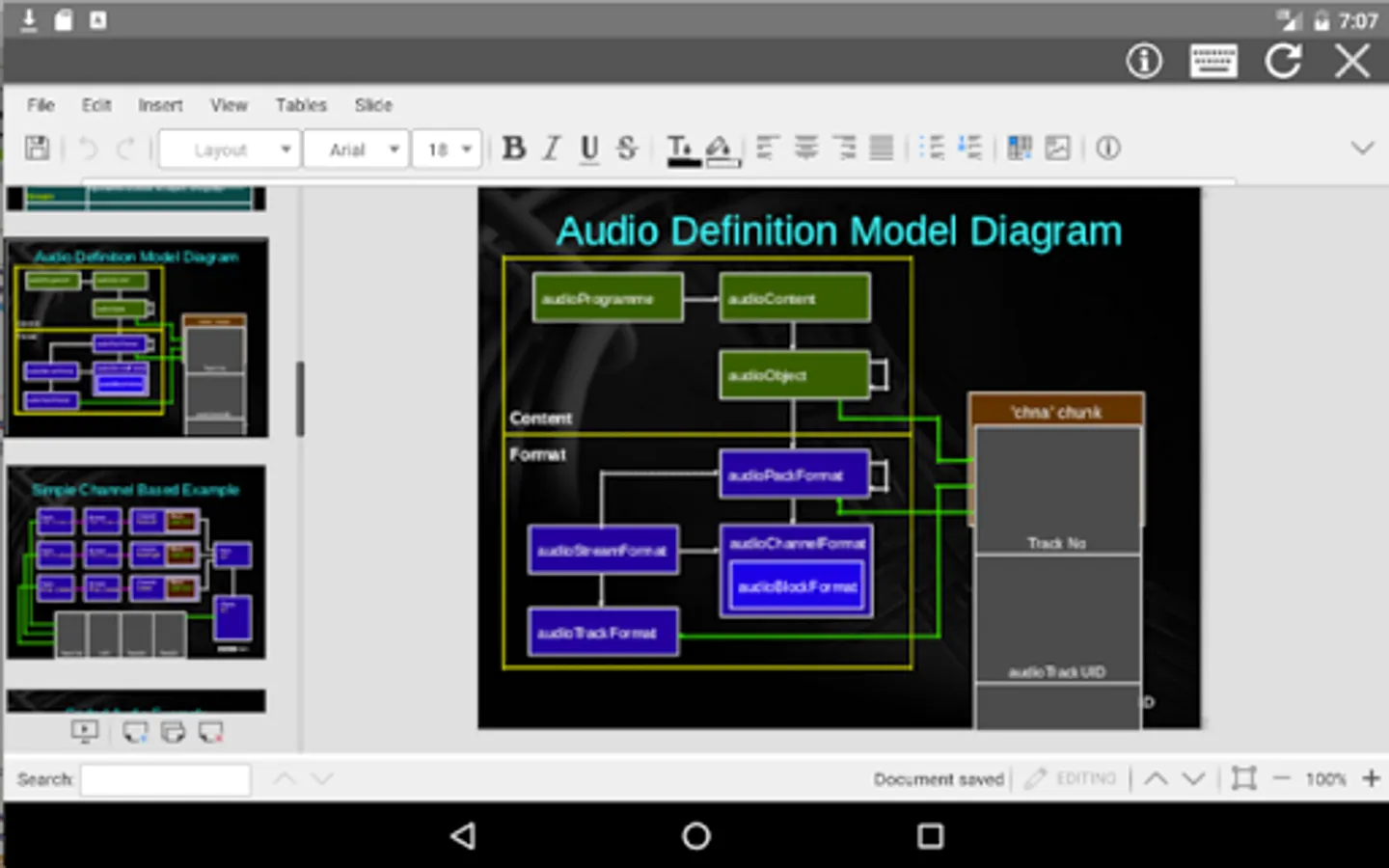
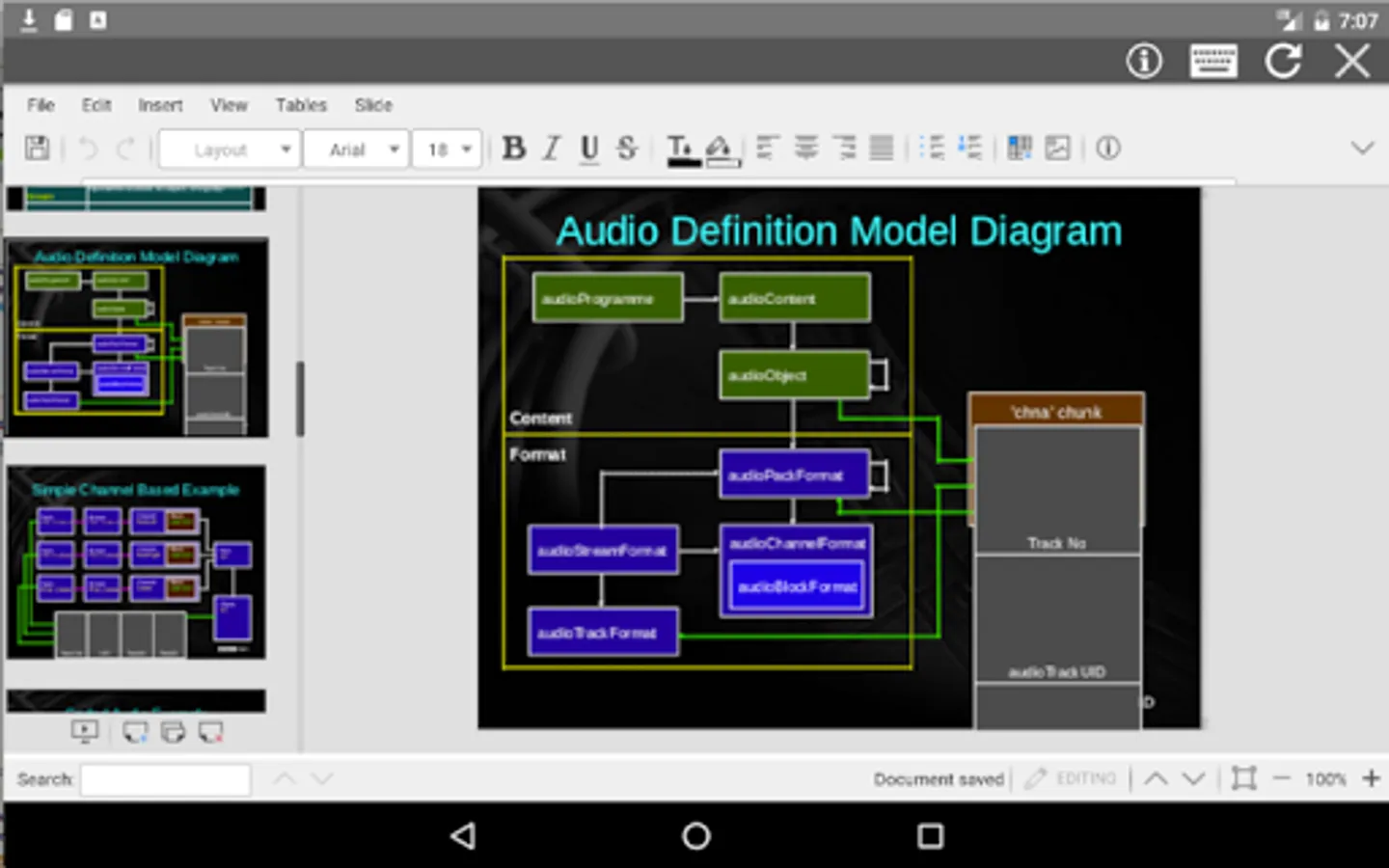
- Editor for PPT slides to also create, modify and display presentations written using OpenOffice Impress, LibreOffice Impress or Microsoft Powerpoint.
- Styles management with different font sizes, font colours and background colours.
- Insert and delete multiple objects: columns, rows, tables or images.
- Search for texts.
- Spreadsheet functions.
- Slides preview.
- Export to PDF from documents, slides and spreadsheets.
- Formats supported are the standard .ods, .odp and .odt but AndrOffice can also open some formats among the list depicted in the LibreOffice official documentation: https://wiki.openoffice.org/wiki/Documentation/OOo3_User_Guides/Getting_Started/File_formats):
· Microsoft Word 6.0/95/97/2000/XP (.doc)
· Microsoft Word 2007 XML (.docx)
· Microsoft WinWord 5 (.doc)
· LibreOffice ODF text document (.odt)
· OpenOffice ODF text document (.odt)
· Microsoft Excel 97/2000/XP (.xls)
· Microsoft Excel 4.x-5.0/95 (.xls)
· Microsoft Excel 2007 XML (.xlsx)
· LibreOffice ODF spreadsheet (.ods)
· OpenOffice ODF spreadsheet (.ods)
· Microsoft PowerPoint 97/2000/XP (.ppt)
· Microsoft PowerPoint 2007 (.pptx)
· LibreOffice ODF presentation (.odp)
· OpenOffice ODF presentation (.odp)
· Rich Text Format (.rtf)
· Text and CSV (.csv and .txt)
* The "file explorer" module:
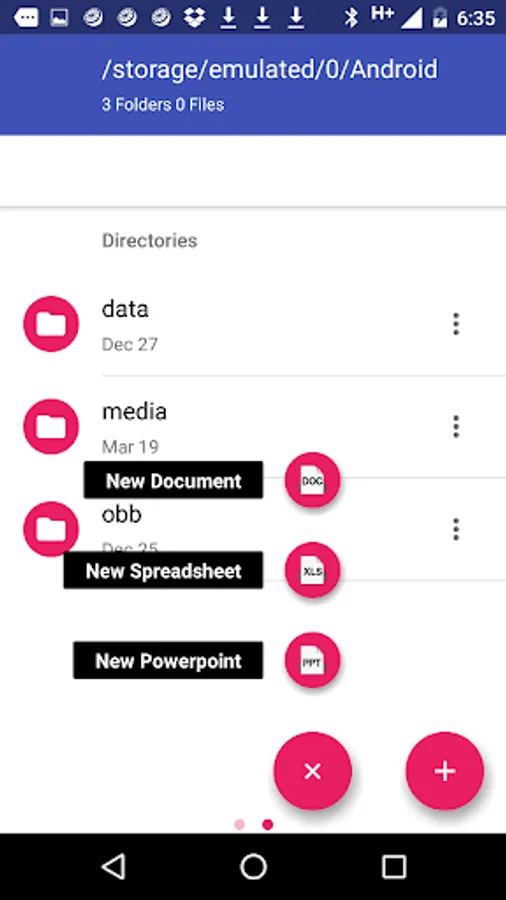
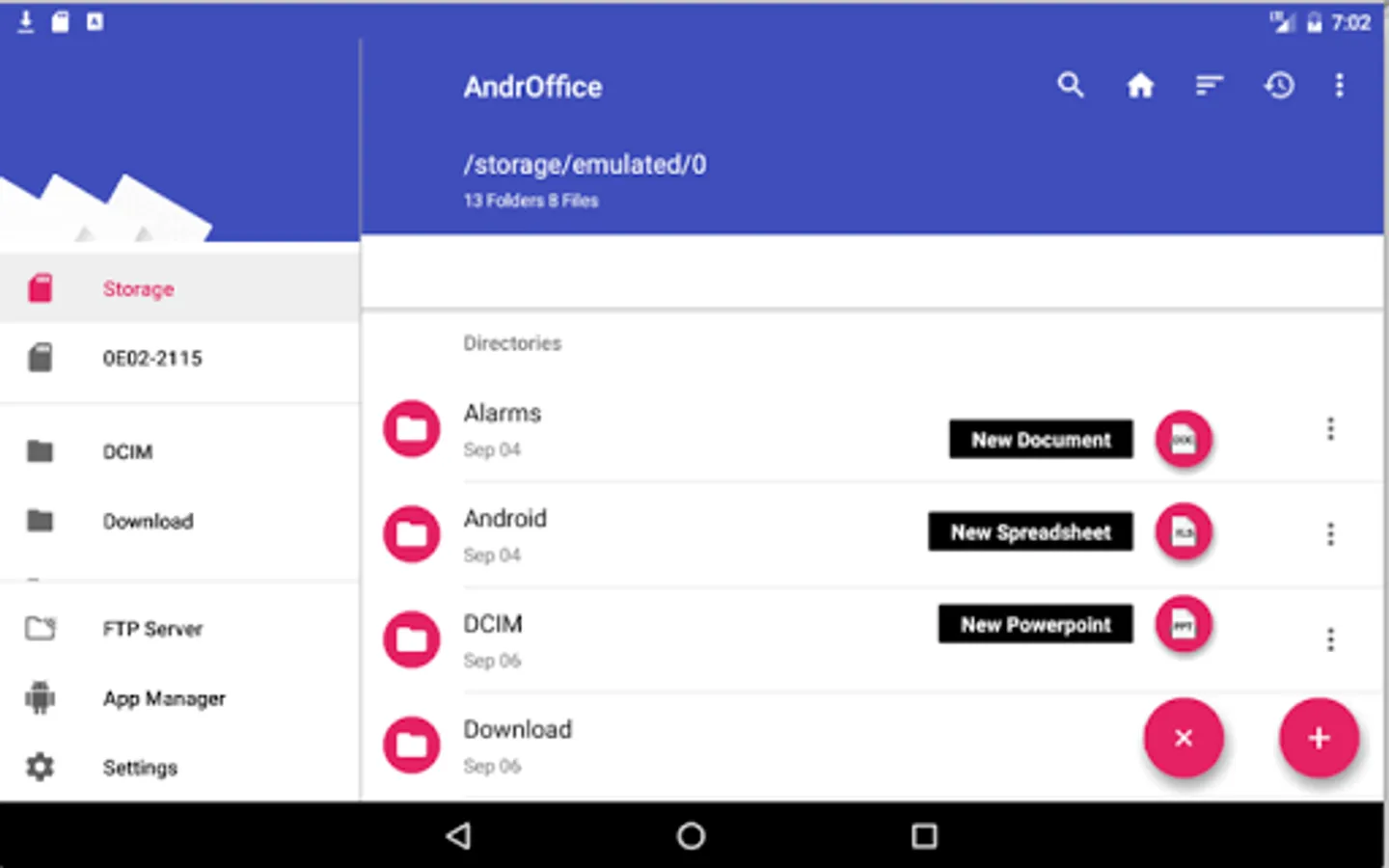
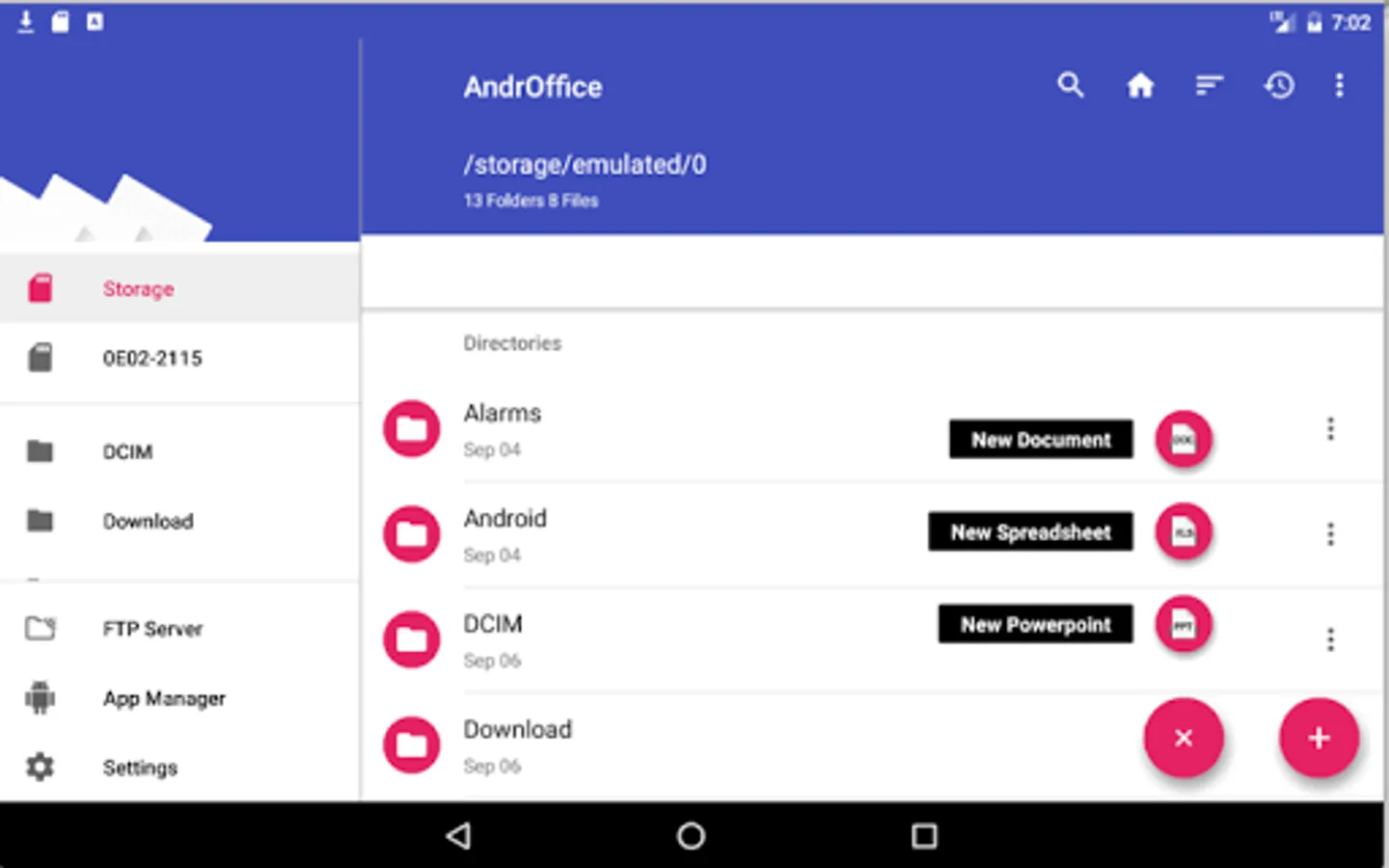
- Client user interface supporting both mobile phones and tablets: gridviews and Listviews with Icons views available.
- General file handling:
· Home directory
· Bookmarks over the files or directories.
· Recent files.
· Sort by name, last modified, size or type.
- Multiple operations with files and folders:
· Copy, move, upload, create folder/file, rename, extract, edit, search, etc.
· Display the details of the file or directory: name, location, size, date.
· Image preview support.
AndrOffice is based on the android Amaze file manager and LibreOffice Online running in our cloud servers. Its source code is open, and located in Index of http://www.entertainmentmobileapps.com/source/androffice
* The "DOC XLS PPT" handler module:
- Editor for documents DOC to create, edit and view them when they have been written using OpenOffice Doc, LibreOffice Doc or Microsoft Word.
- Editor for XLS spreadsheets to create, edit and view these kind of files written using OpenOffice Calc, LibreOffice Calc or Microsoft Excel.
- Editor for PPT slides to also create, modify and display presentations written using OpenOffice Impress, LibreOffice Impress or Microsoft Powerpoint.
- Styles management with different font sizes, font colours and background colours.
- Insert and delete multiple objects: columns, rows, tables or images.
- Search for texts.
- Spreadsheet functions.
- Slides preview.
- Export to PDF from documents, slides and spreadsheets.
- Formats supported are the standard .ods, .odp and .odt but AndrOffice can also open some formats among the list depicted in the LibreOffice official documentation: https://wiki.openoffice.org/wiki/Documentation/OOo3_User_Guides/Getting_Started/File_formats):
· Microsoft Word 6.0/95/97/2000/XP (.doc)
· Microsoft Word 2007 XML (.docx)
· Microsoft WinWord 5 (.doc)
· LibreOffice ODF text document (.odt)
· OpenOffice ODF text document (.odt)
· Microsoft Excel 97/2000/XP (.xls)
· Microsoft Excel 4.x-5.0/95 (.xls)
· Microsoft Excel 2007 XML (.xlsx)
· LibreOffice ODF spreadsheet (.ods)
· OpenOffice ODF spreadsheet (.ods)
· Microsoft PowerPoint 97/2000/XP (.ppt)
· Microsoft PowerPoint 2007 (.pptx)
· LibreOffice ODF presentation (.odp)
· OpenOffice ODF presentation (.odp)
· Rich Text Format (.rtf)
· Text and CSV (.csv and .txt)
* The "file explorer" module:
- Client user interface supporting both mobile phones and tablets: gridviews and Listviews with Icons views available.
- General file handling:
· Home directory
· Bookmarks over the files or directories.
· Recent files.
· Sort by name, last modified, size or type.
- Multiple operations with files and folders:
· Copy, move, upload, create folder/file, rename, extract, edit, search, etc.
· Display the details of the file or directory: name, location, size, date.
· Image preview support.
AndrOffice is based on the android Amaze file manager and LibreOffice Online running in our cloud servers. Its source code is open, and located in Index of http://www.entertainmentmobileapps.com/source/androffice
AndrOffice editor DOC XLS PPT Screenshots
Tap to Rate:
Reviews for AndrOffice editor DOC XLS PPT
Nagarajan Subramanian
10/2/2025
I am able to add slide transition, when new presentation is made through wizard, but unable to add for already created ppt-s. Also, I am not able to add custom animation to slides.
Inter Rest
5/7/2024
Cant download