AndroPDF editor for PDF files
OffiDocs Mobile Apps
2.8 ★
347 ratings
100,000+
downloads
Free
With this PDF editing app, you can open, navigate, annotate, and create PDFs using templates. Includes file management features such as copying, organizing, and FTP access.
AppRecs review analysis
AppRecs rating 2.8. Trustworthiness 54 out of 100. Review manipulation risk 34 out of 100. Based on a review sample analyzed.
★★☆☆☆
2.8
AppRecs Rating
Ratings breakdown
5 star
41%
4 star
0%
3 star
6%
2 star
0%
1 star
53%
What to know
✓
Authentic reviews
No red flags detected
⚠
Mixed user feedback
Average 2.8★ rating suggests room for improvement
⚠
High negative review ratio
53% of sampled ratings are 1–2 stars
About AndroPDF editor for PDF files
AndroPDF is a PDF editor to create and edit PDF files. It is a PDF processor and tool that allows to open, navigate, preview, write, annotate and draw over any PDF file. This functionality is provided using two main modules.
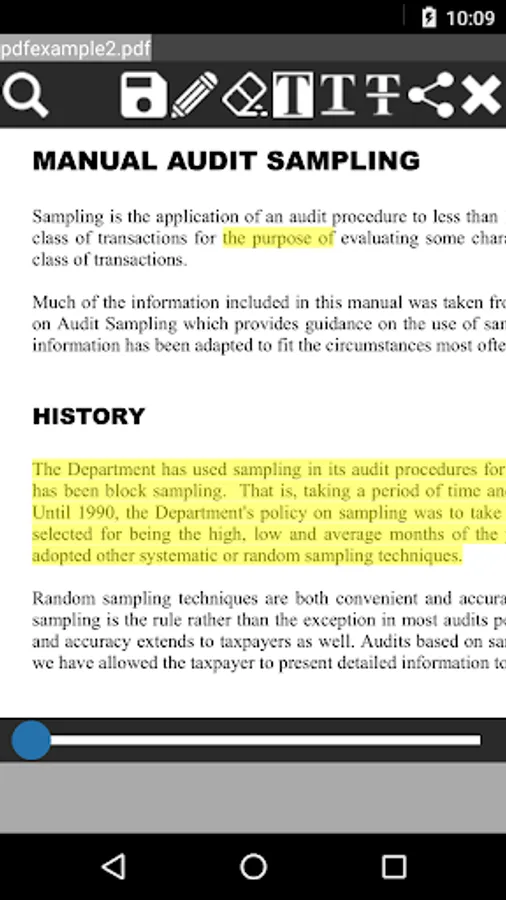
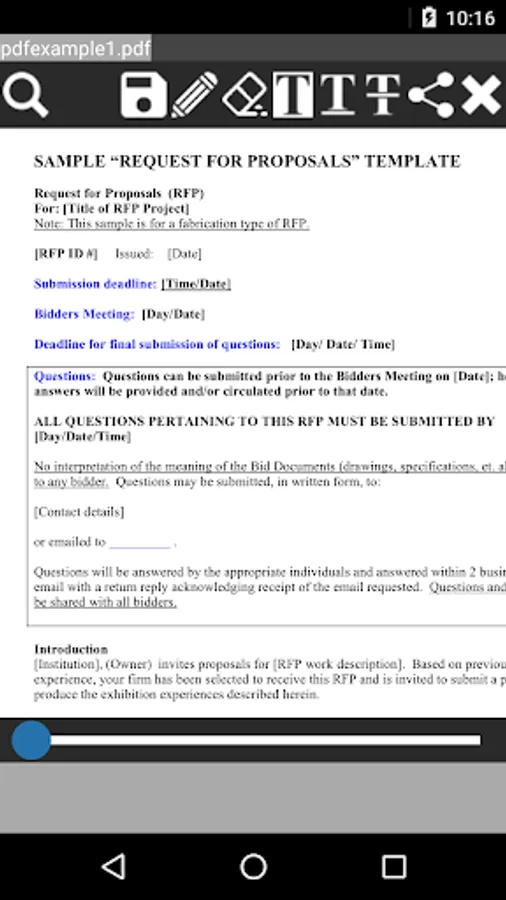
A) The PDF editor module, which provides the following functionality:
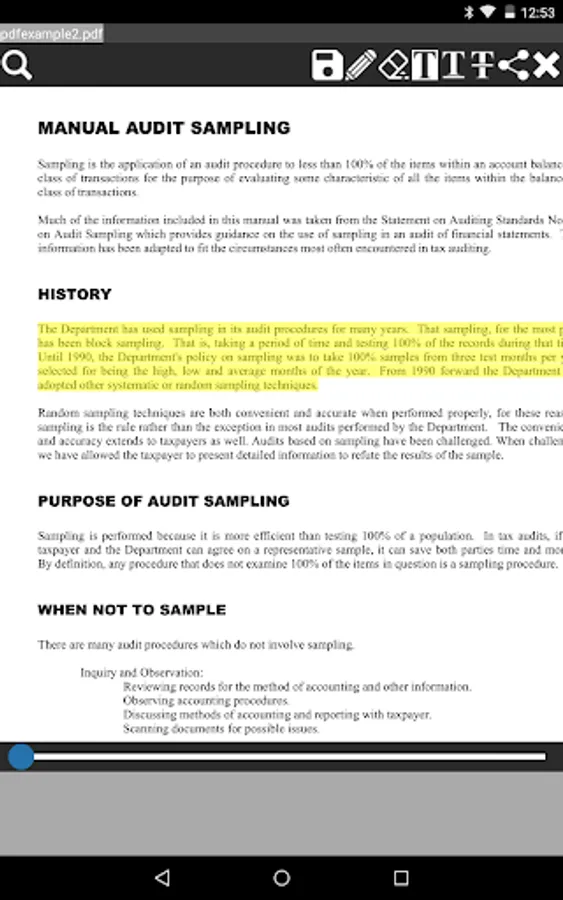
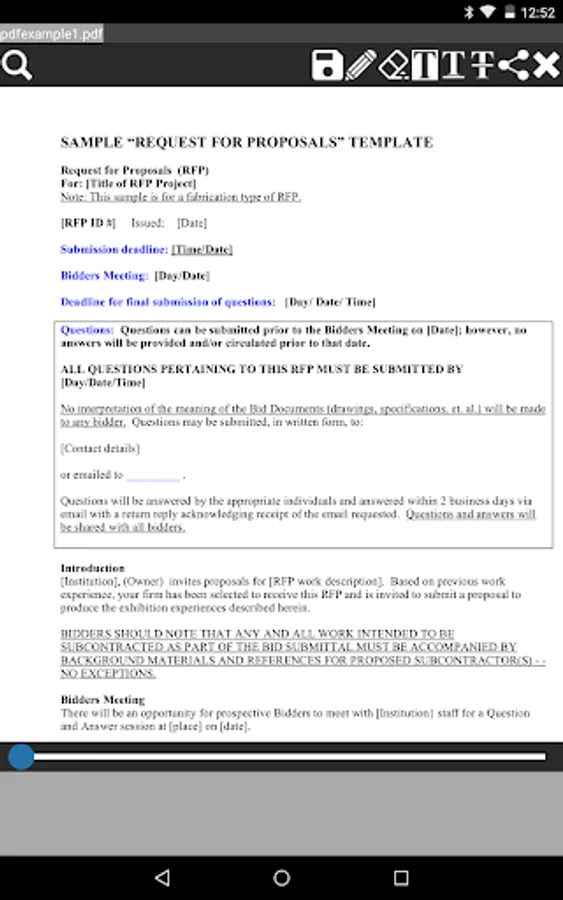
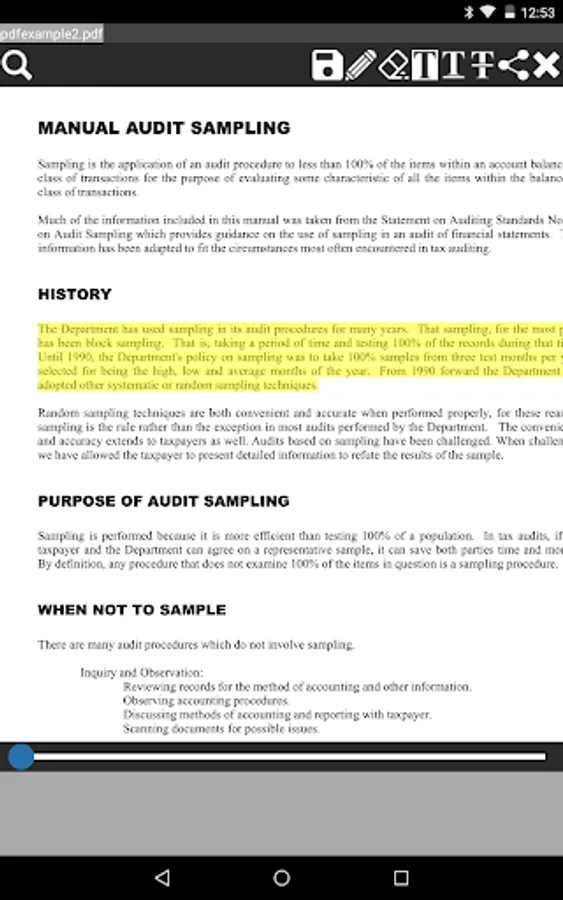
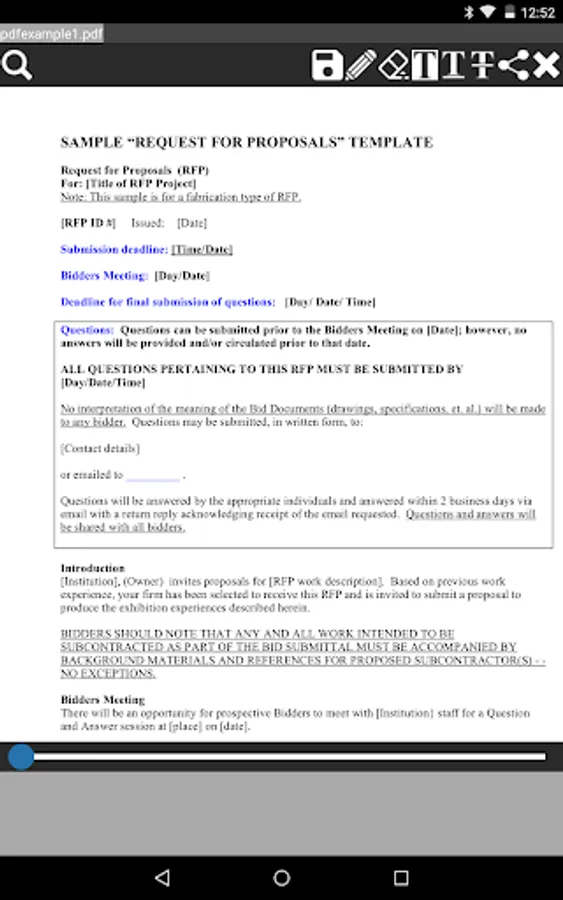
- Open and navigate any PDF file. Navigation options include thumbnails and pages.
- Preview PDF file.
- Search text inside the PDF.
- Ability to annotate, add and save comments directly inside the PDF file.
- Remove any annotation inside the PDF file.
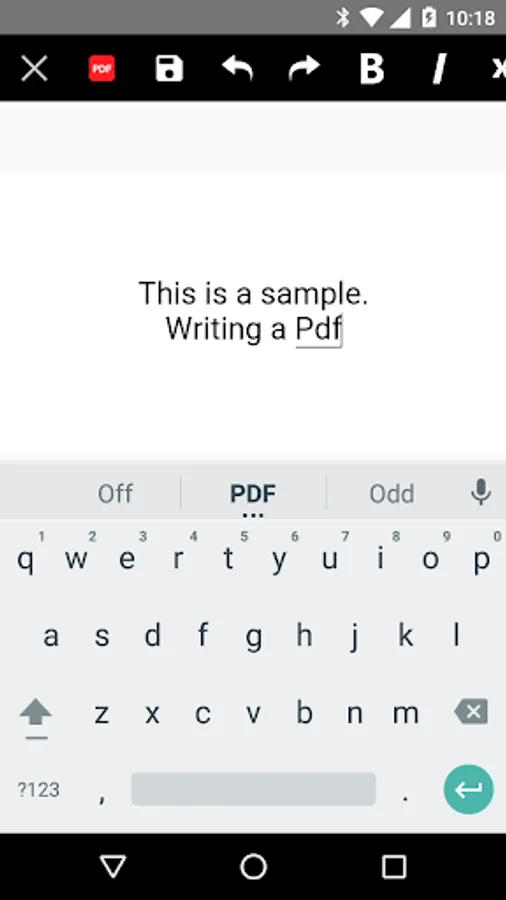
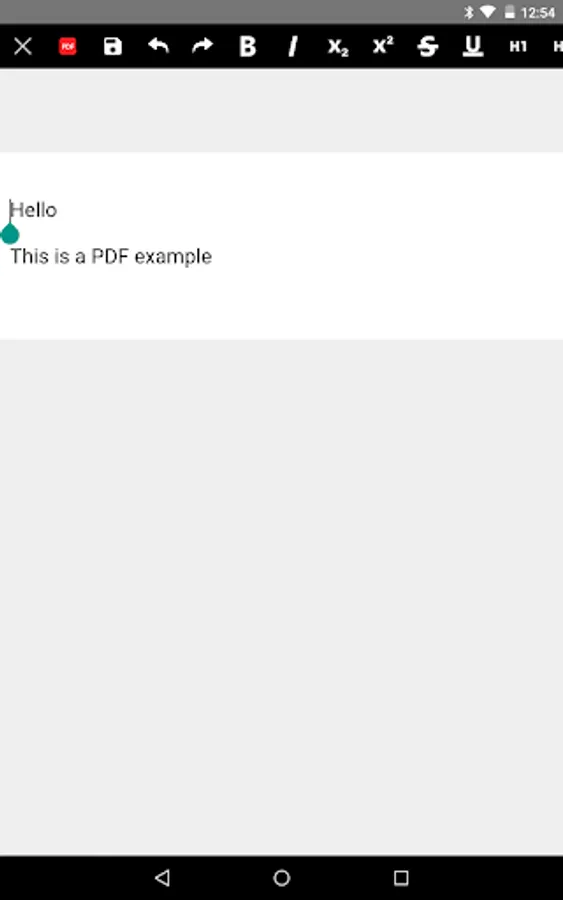
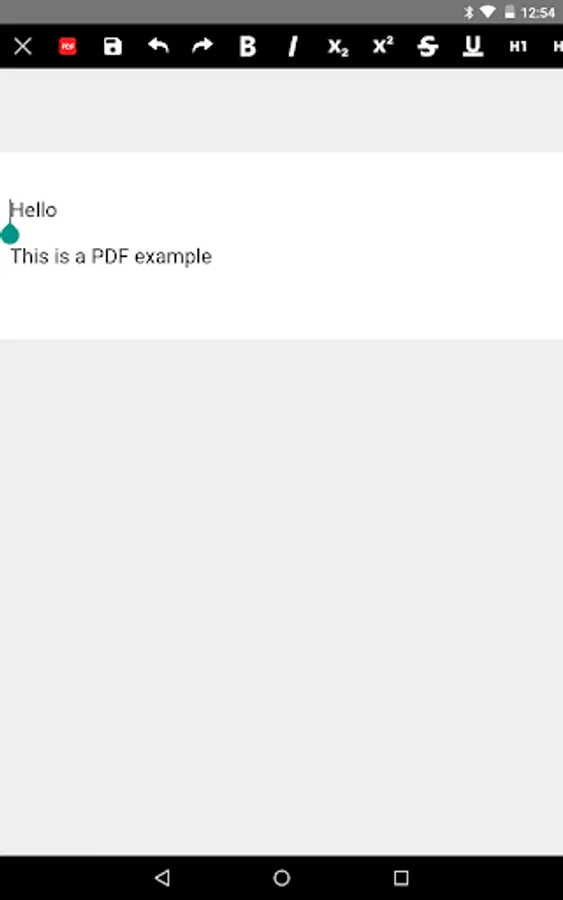
- Provide an option to create any PDF file using a HTML template.
- Tools to perform the following operations:
+ Select and highlight text
+ Select and underline text
+ Select and strike any text.
- Compatibility with any PDF file & Acrobat Adobe.
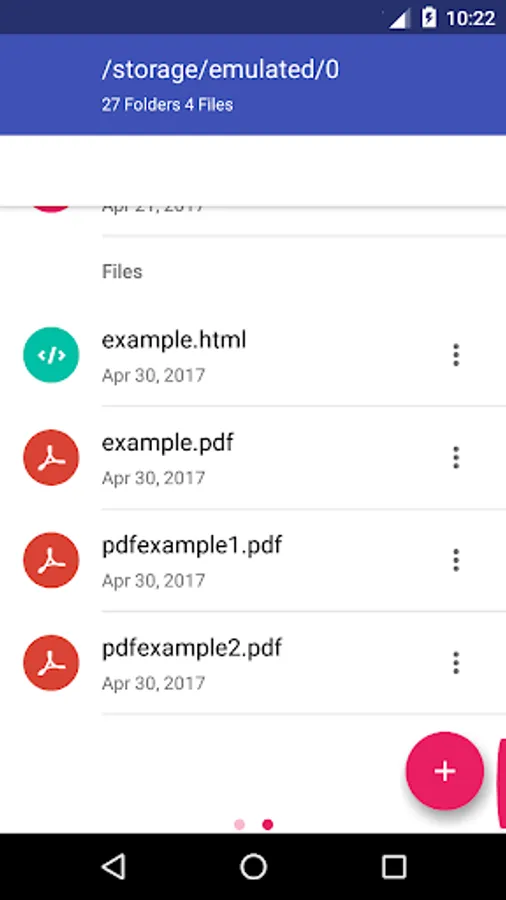
B) The file manager module, which provides the following functionality:
- Home directory when you first load the file manager.
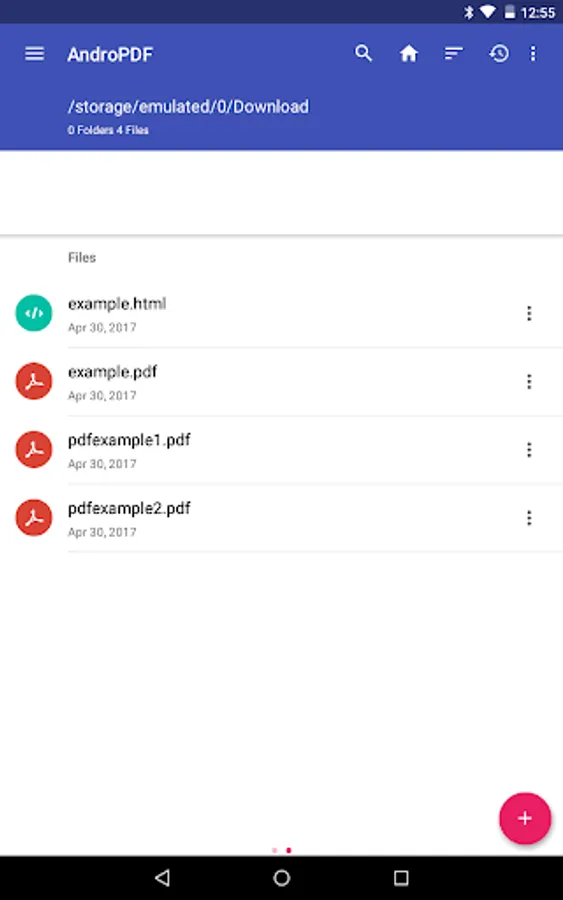
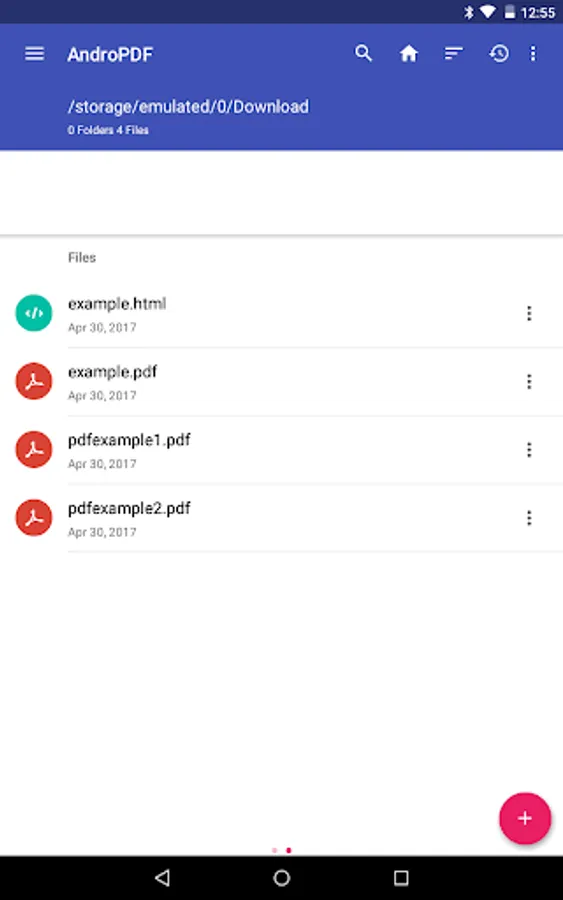
- All operations with files and folders: copy, move, upload, create folder/file, rename, archive, extract, edit, etc.
- Bookmarks over the files or directories.
- View the file or directory properties: name, location, size, date.
- Light and Elegant client UI supporting phones and tablets.
- Grid, List and Icons views available.
- Sort by name, last modified, size or type.
- FTP access integrated.
- Image preview support
- Search for files
- Recent files
- Open Source
A) The PDF editor module, which provides the following functionality:
- Open and navigate any PDF file. Navigation options include thumbnails and pages.
- Preview PDF file.
- Search text inside the PDF.
- Ability to annotate, add and save comments directly inside the PDF file.
- Remove any annotation inside the PDF file.
- Provide an option to create any PDF file using a HTML template.
- Tools to perform the following operations:
+ Select and highlight text
+ Select and underline text
+ Select and strike any text.
- Compatibility with any PDF file & Acrobat Adobe.
B) The file manager module, which provides the following functionality:
- Home directory when you first load the file manager.
- All operations with files and folders: copy, move, upload, create folder/file, rename, archive, extract, edit, etc.
- Bookmarks over the files or directories.
- View the file or directory properties: name, location, size, date.
- Light and Elegant client UI supporting phones and tablets.
- Grid, List and Icons views available.
- Sort by name, last modified, size or type.
- FTP access integrated.
- Image preview support
- Search for files
- Recent files
- Open Source
AndroPDF editor for PDF files Screenshots
Tap to Rate:
Reviews for AndroPDF editor for PDF files
Namdeo Patil
11/27/2023
very nice
Philips T Kadavil
9/30/2023
Rubbish wont work