AndroXLS editor for XLS sheets
OffiDocs Mobile Apps
2.5 ★
10K ratings
5,000,000+
downloads
Free
In this app, you can create, edit, and share XLS spreadsheets on Android devices. Includes file management features such as copying, moving, and renaming files, as well as support for various spreadsheet formats.
AppRecs review analysis
AppRecs rating 2.6. Trustworthiness 79 out of 100. Review manipulation risk 28 out of 100. Based on a review sample analyzed.
★★☆☆☆
2.6
AppRecs Rating
Ratings breakdown
5 star
28%
4 star
6%
3 star
7%
2 star
3%
1 star
55%
What to know
✓
Low review manipulation risk
28% review manipulation risk
⚠
Mixed user feedback
Average 2.5★ rating suggests room for improvement
⚠
High negative review ratio
59% of sampled ratings are 1–2 stars
About AndroXLS editor for XLS sheets
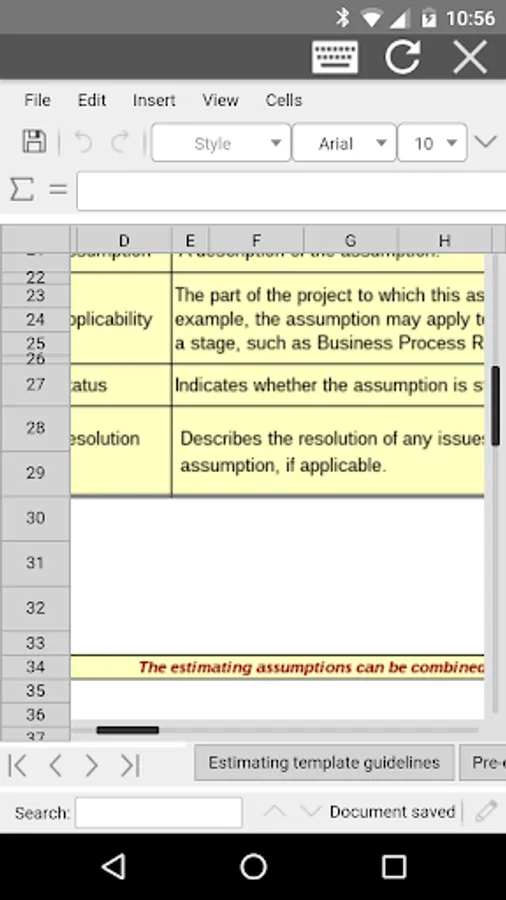
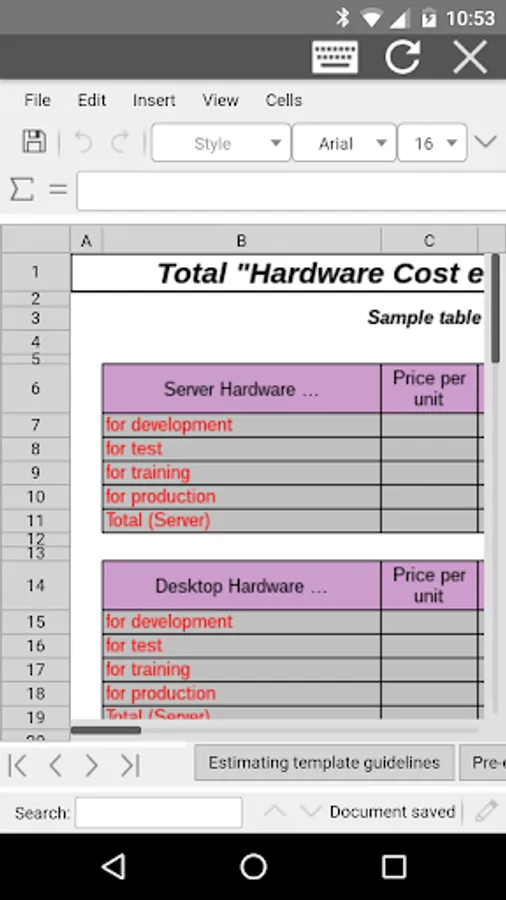
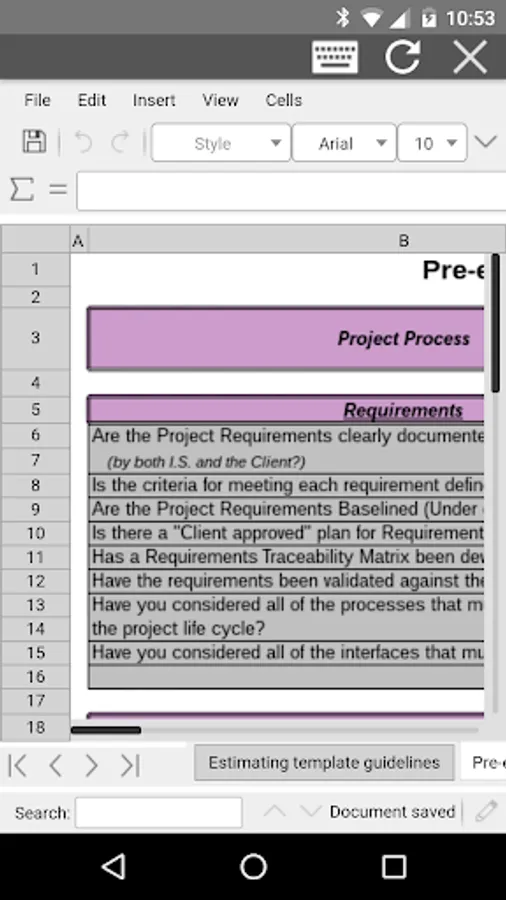
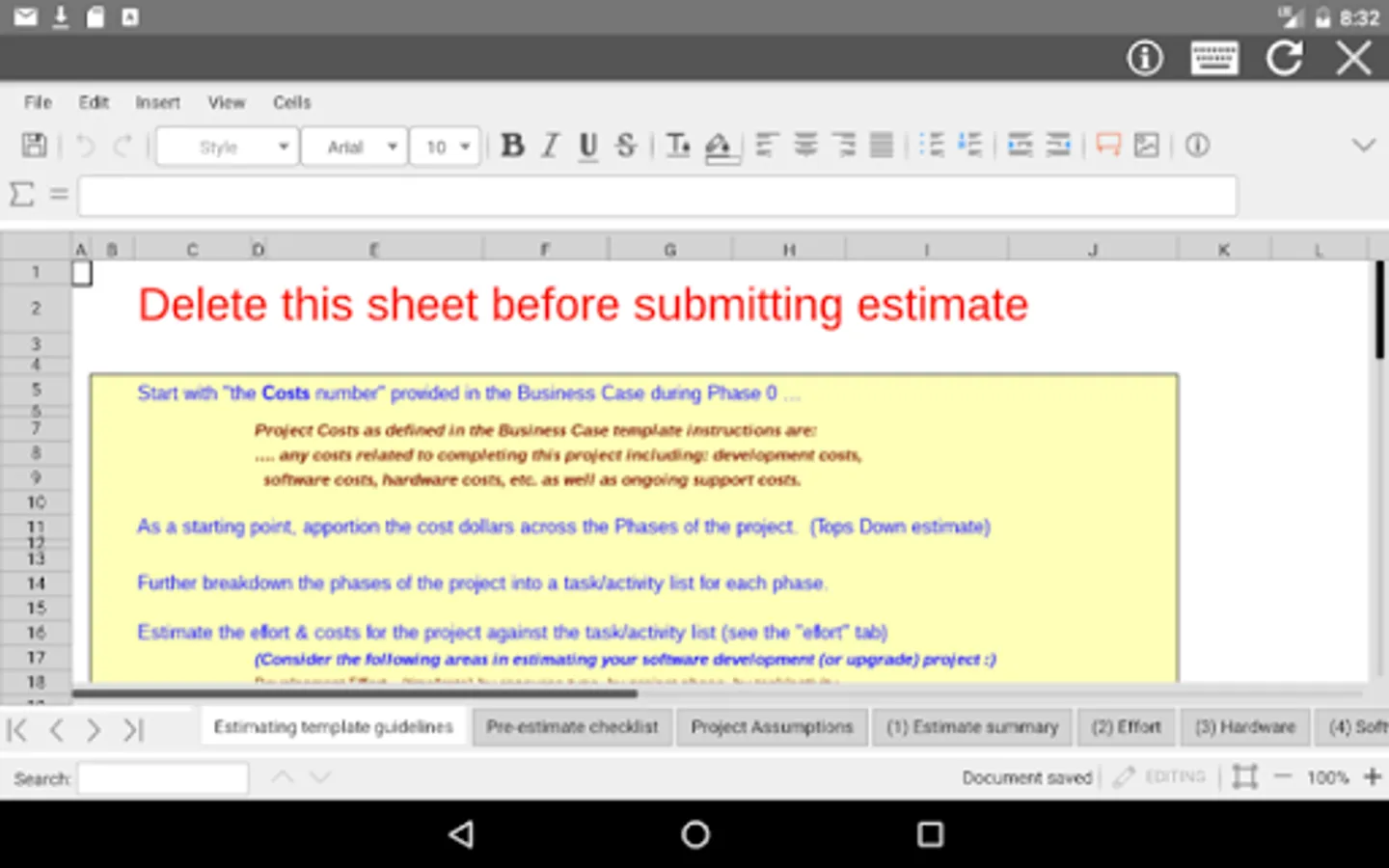
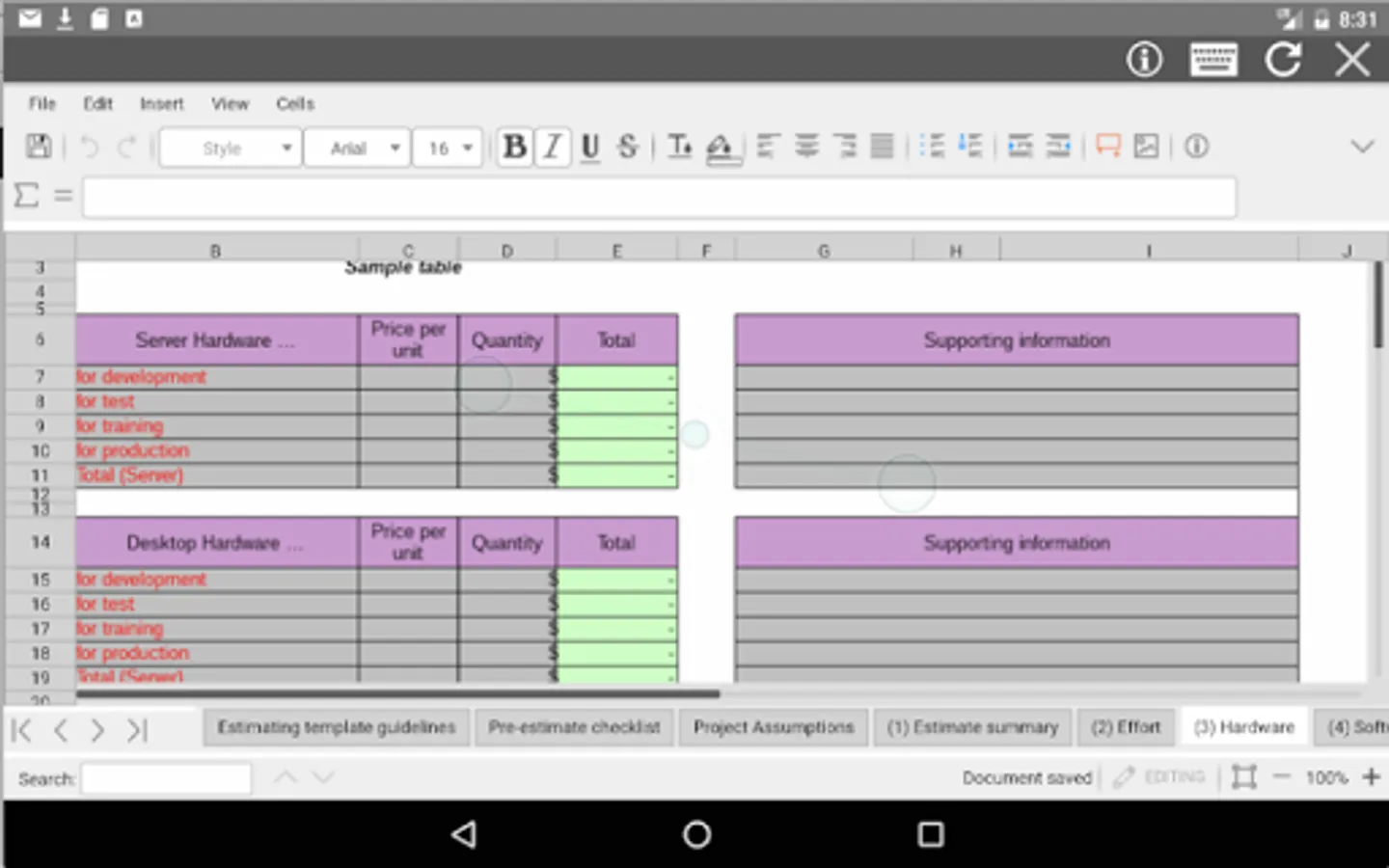
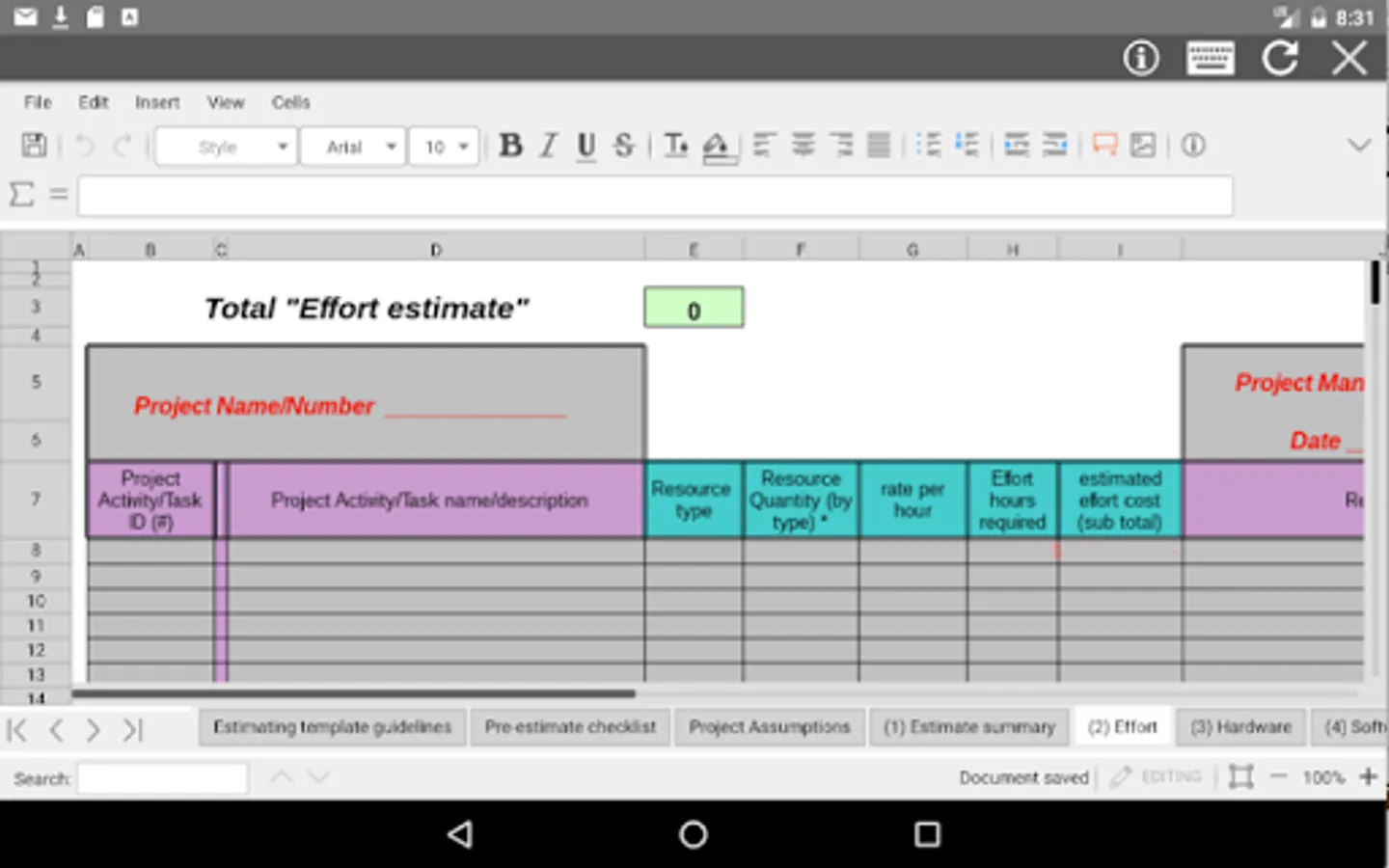
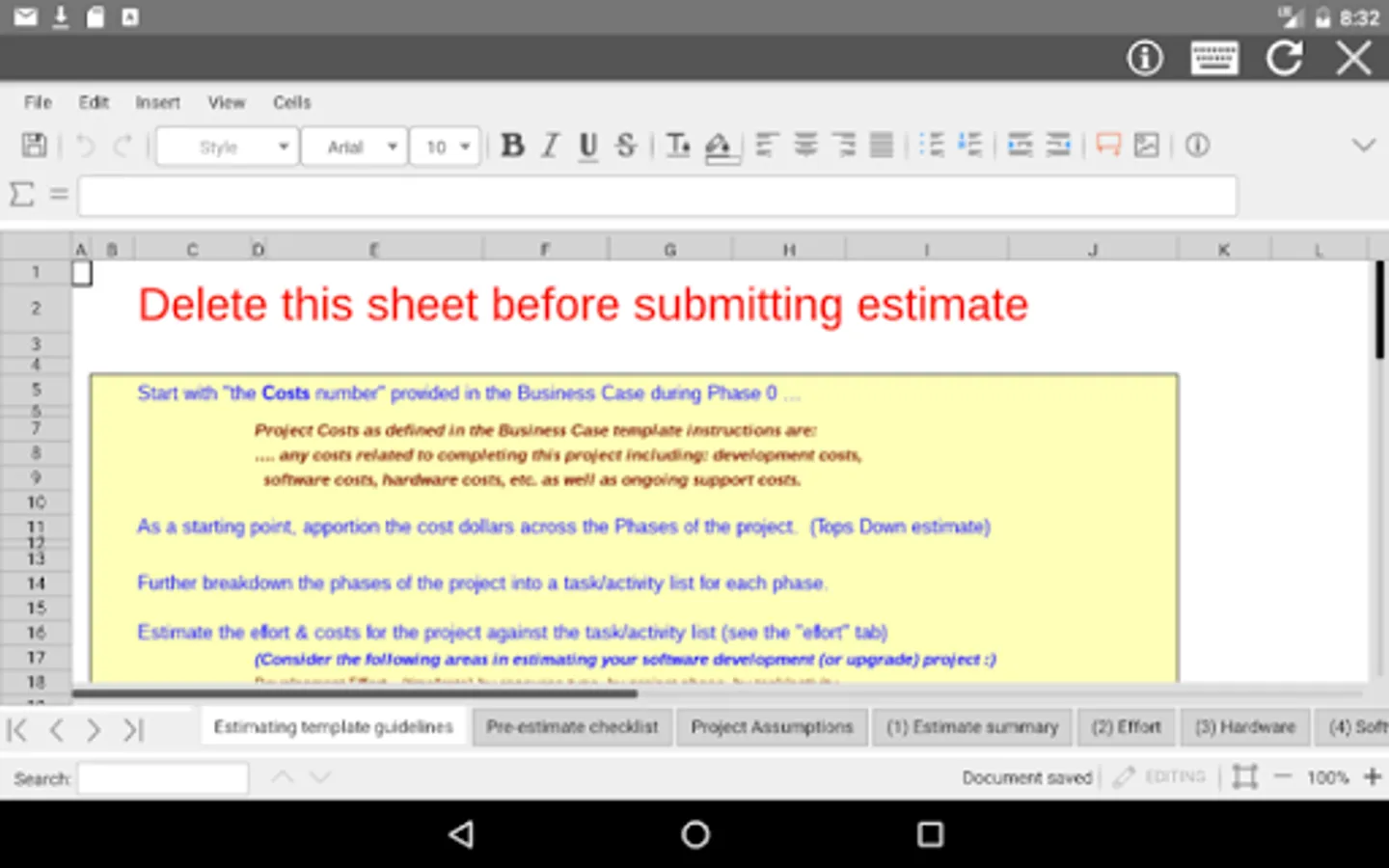
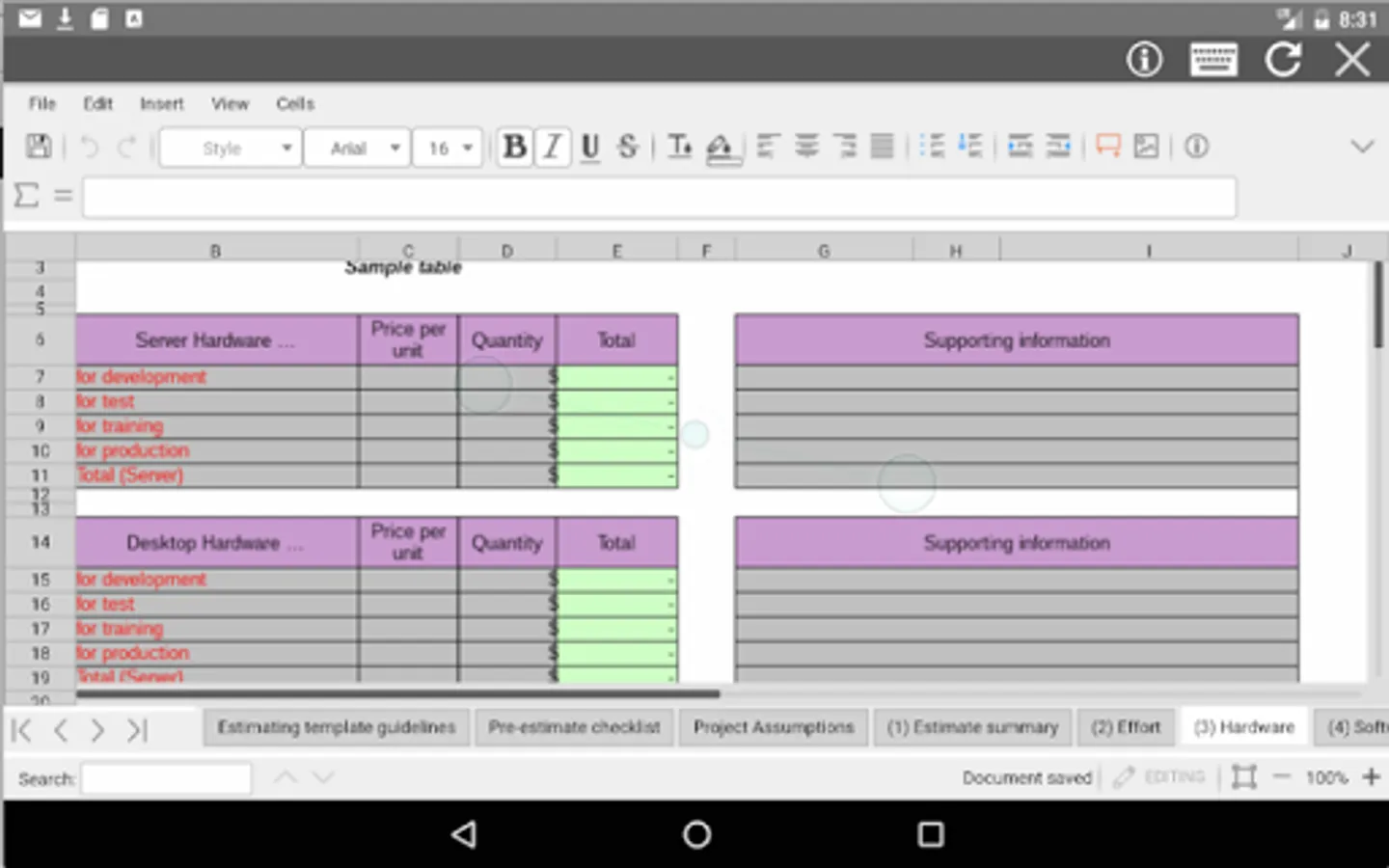
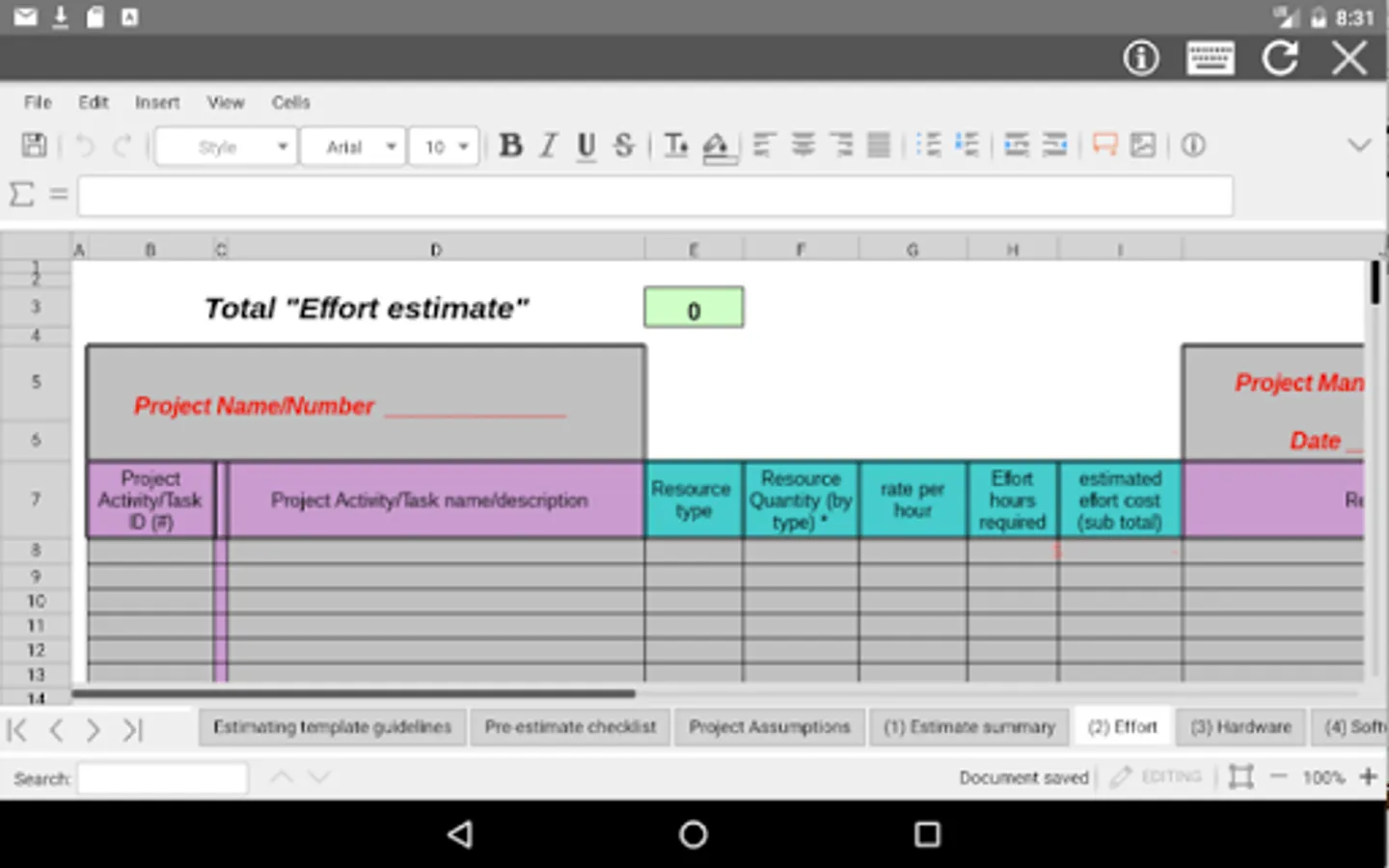
AndroXLS is an android app to edit XLS spreadsheets that you will be able to create, modify and share. AndroXLS combines the functionality of an android file manager with the open source office software for spreadsheets, LibreOffice. It contains two main modules:
* The XLS module, which provides the following functionality:
- Create spreadsheets.
- Edit spreadsheets files from OpenOffice, LibreOffice or any Office suite that creates and edits XLS spreadsheets,
- Cell styles management.
- Search for texts.
- Insert columns / rows.
- Delete rows / columns.
- Find & replace.
- Unique Spreadsheet functions like:
· CURRENT
· DDE
· OPT_BARRIER
· GOALSEEK
...
- Autosave
- Open Source.
- Spreadsheet formats supported are the OpenDocuments formats (.ods and .ots), but in addition to them AndroXLS can open the formats used by OOo 1.x (.sxc and .stc) and the following spreadsheet formats (see https://wiki.openoffice.org/wiki/Documentation/OOo3_User_Guides/Getting_Started/File_formats):
.xls, .xlw, and .xlt
.xml
.xlsx, .xlsm, .xltm
.xlsb
.wk1, .wks, .123
.dif
.rtf
.csv and .txt
.sdc, .vor
.dbf
.slk
.uos, .uof
.htm, .html
.pxl
.wb2
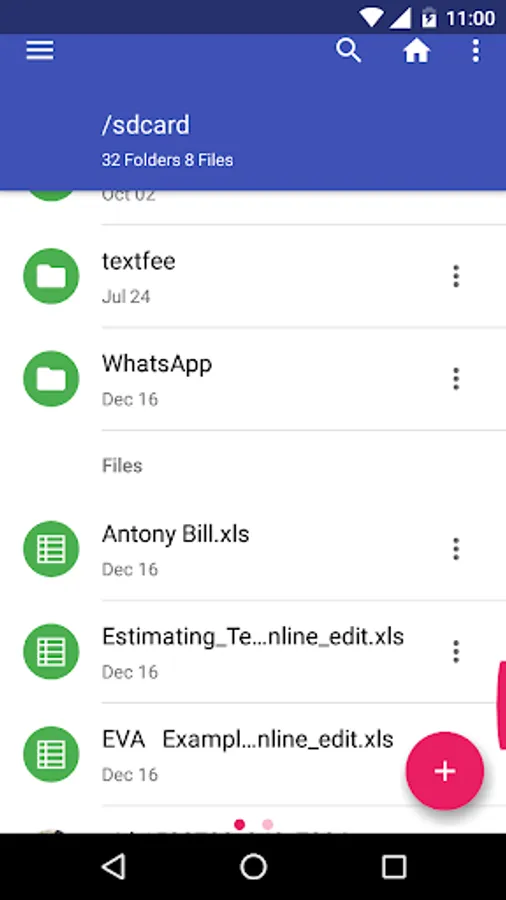
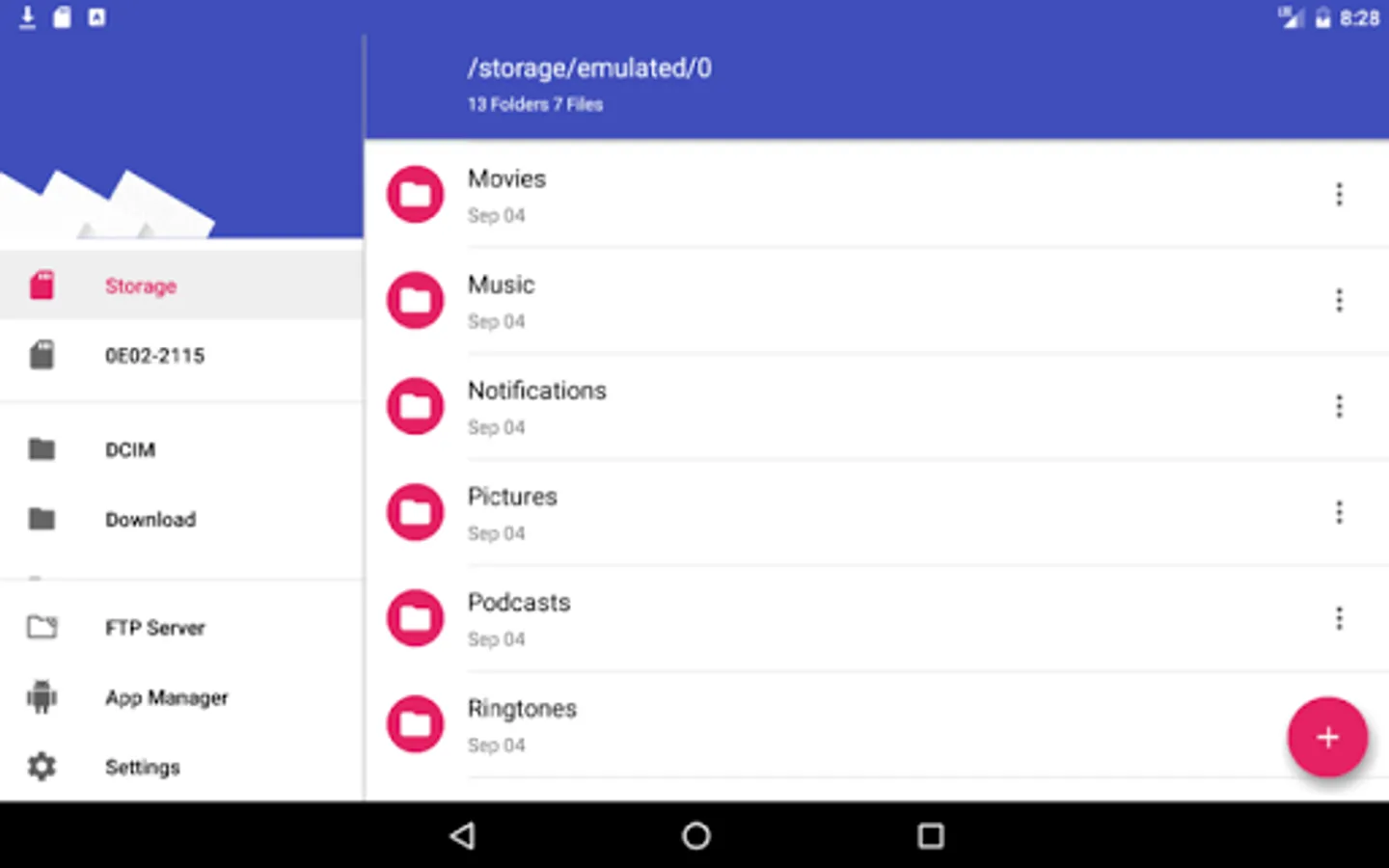
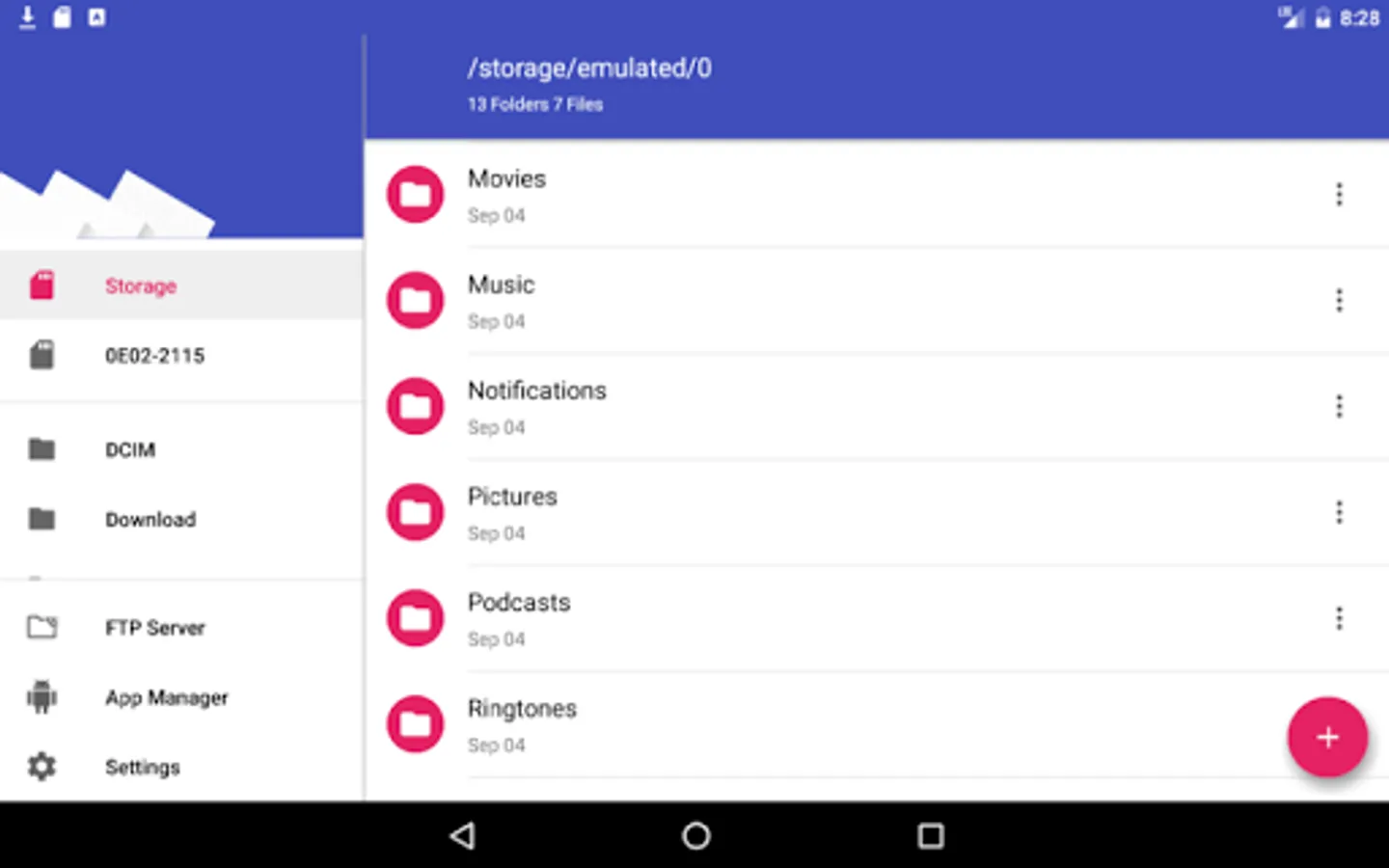
* The file manager module, which provides the following functionality:
- Home directory when you first load the file manager.
- All operations with files and folders: copy, move, upload, create folder/file, rename, archive, extract, edit, etc.
- Bookmarks over the files or directories.
- View the file or directory properties: name, location, size, date.
- Light and Elegant client UI supporting phones and tablets.
- Grid, List and Icons views available.
- Sort by name, last modified, size or type.
- FTP access integrated.
- Image preview support
- Search for files
- Recent files
- Open Source
AndroXLS is based on the android Amaze file manager and LibreOffice Online running in our cloud servers. Its source code is open, and located in http://www.entertainmentmobileapps.com/source/androxls
* The XLS module, which provides the following functionality:
- Create spreadsheets.
- Edit spreadsheets files from OpenOffice, LibreOffice or any Office suite that creates and edits XLS spreadsheets,
- Cell styles management.
- Search for texts.
- Insert columns / rows.
- Delete rows / columns.
- Find & replace.
- Unique Spreadsheet functions like:
· CURRENT
· DDE
· OPT_BARRIER
· GOALSEEK
...
- Autosave
- Open Source.
- Spreadsheet formats supported are the OpenDocuments formats (.ods and .ots), but in addition to them AndroXLS can open the formats used by OOo 1.x (.sxc and .stc) and the following spreadsheet formats (see https://wiki.openoffice.org/wiki/Documentation/OOo3_User_Guides/Getting_Started/File_formats):
.xls, .xlw, and .xlt
.xml
.xlsx, .xlsm, .xltm
.xlsb
.wk1, .wks, .123
.dif
.rtf
.csv and .txt
.sdc, .vor
.dbf
.slk
.uos, .uof
.htm, .html
.pxl
.wb2
* The file manager module, which provides the following functionality:
- Home directory when you first load the file manager.
- All operations with files and folders: copy, move, upload, create folder/file, rename, archive, extract, edit, etc.
- Bookmarks over the files or directories.
- View the file or directory properties: name, location, size, date.
- Light and Elegant client UI supporting phones and tablets.
- Grid, List and Icons views available.
- Sort by name, last modified, size or type.
- FTP access integrated.
- Image preview support
- Search for files
- Recent files
- Open Source
AndroXLS is based on the android Amaze file manager and LibreOffice Online running in our cloud servers. Its source code is open, and located in http://www.entertainmentmobileapps.com/source/androxls
AndroXLS editor for XLS sheets Screenshots
Tap to Rate:
Reviews for AndroXLS editor for XLS sheets
hamidreza zafardar
12/22/2025
bad
N Georgieva
10/29/2025
Great