AndroWriter document editor
OffiDocs Mobile Apps
2.4 ★
2K ratings
1,000,000+
downloads
Free
AppRecs review analysis
AppRecs rating 2.4. Trustworthiness 80 out of 100. Review manipulation risk 25 out of 100. Based on a review sample analyzed.
★★☆☆☆
2.4
AppRecs Rating
Ratings breakdown
5 star
27%
4 star
2%
3 star
5%
2 star
13%
1 star
52%
What to know
⚠
Ad complaints
Many low ratings mention excessive ads
⚠
Mixed user feedback
Average 2.4★ rating suggests room for improvement
⚠
High negative review ratio
66% of sampled ratings are 1–2 stars
About AndroWriter document editor
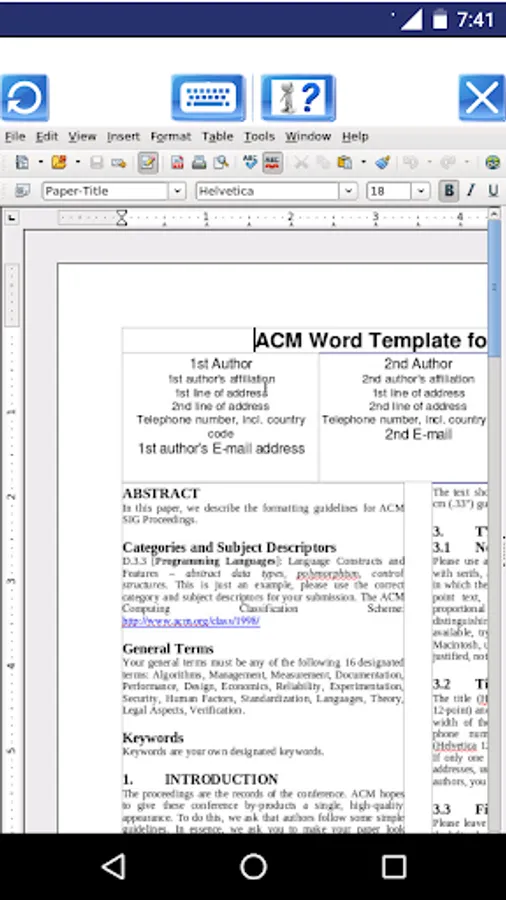
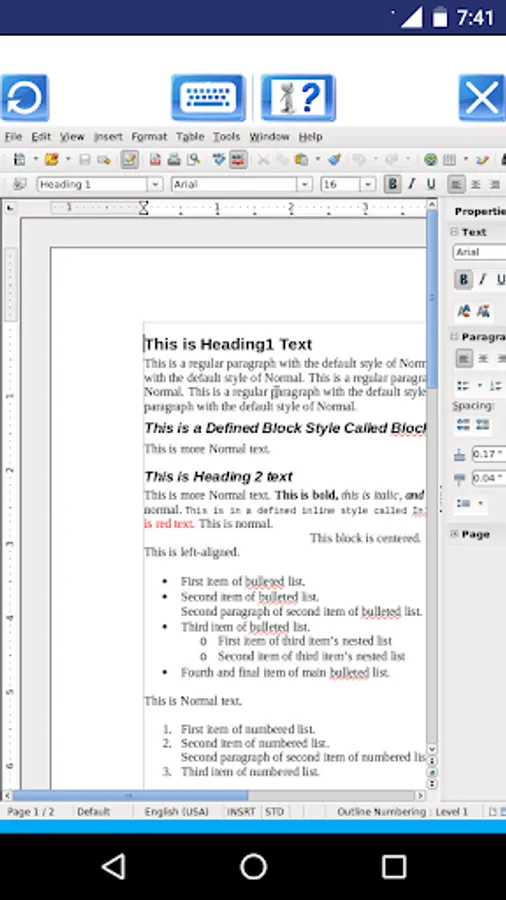
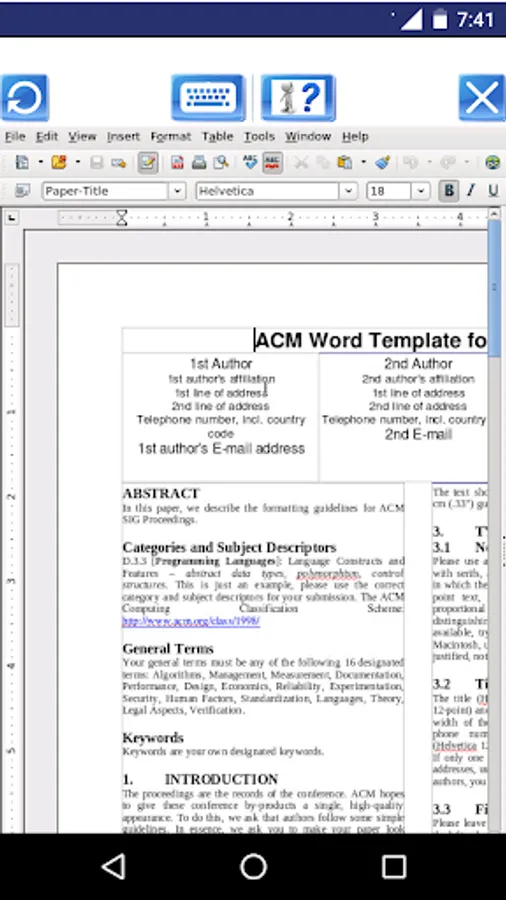
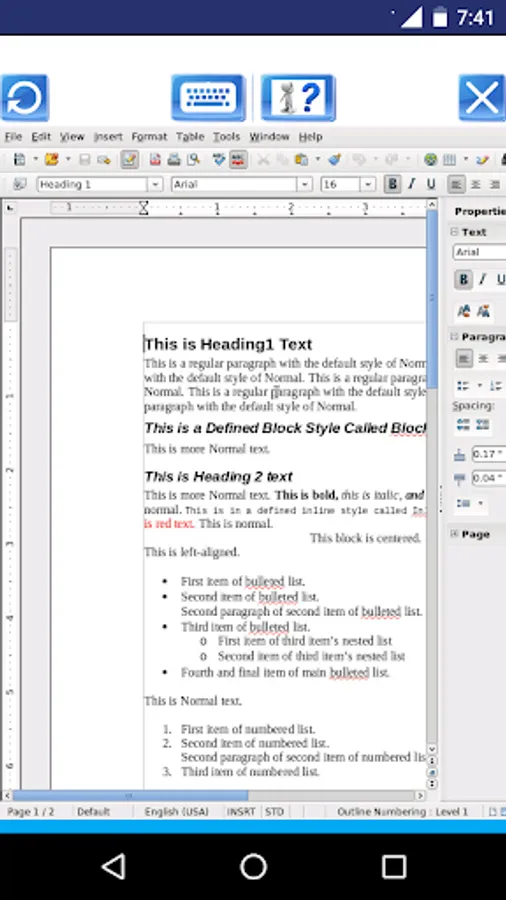
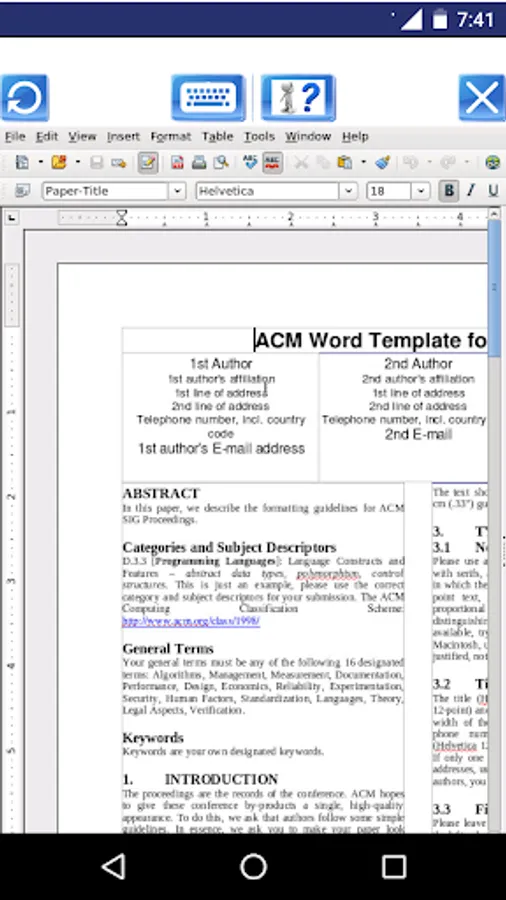
* The document editor module, which provides the following functionality:
- Wizards for standard documents such as letters, faxes, agendas, minutes, or carrying out more complex tasks such as mail merges. You can also create your own templates, or download templates from the Templates repository.
- Advanced Styles and Formatting.
- Table of Contents & References to increase the usefulness of your long, complex documents by generating a table of contents or indexing terms, bibliographical references, illustrations, tables, and other objects.
- Text frames and linking for publishing tasks like newsletters and flyers
- Notes and comments on the side of the document. This makes notes a lot easier to read.
- AutoCorrect dictionary to trap typing mistakes on the fly, checking your spelling as you type.
- AutoComplete to reduce typing effort. It also suggests common words and phrases to complete while you are typing.
- It supports OpenOffice OpenDocument formats (.odt, .ott, .oth, and .odm), but it can open the formats used by OOo 1.x (.sxw, .stw, and .sxg) and the following text document formats:
+ Microsoft Word 6.0/95/97/2000/XP (.doc and .dot)
+ Microsoft Word 2003 XML (.xml)
+ Microsoft Word 2007 XML (.docx, .docm, .dotx, .dotm)
+ Microsoft WinWord 5 (.doc)
+ WordPerfect Document (.wpd)
+ WPS 2000/Office 1.0 (.wps)
+ .rtf, .txt, and .csv
+ StarWriter formats (.sdw, .sgl, .vor)
+ DocBook (.xml)
+ Unified Office Format text (.uot, .uof)
+ Ichitaro 8/9/10/11 (.jtd and .jtt)
+ Hangul WP 97 (.hwp)
+ T602 Document (.602, .txt)
+ AportisDoc (Palm) (.pdb)
+ Pocket Word (.psw)
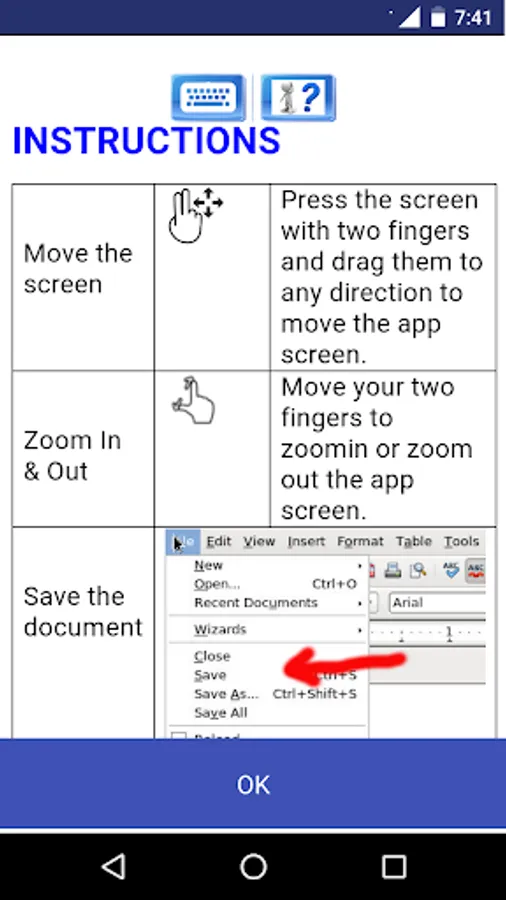
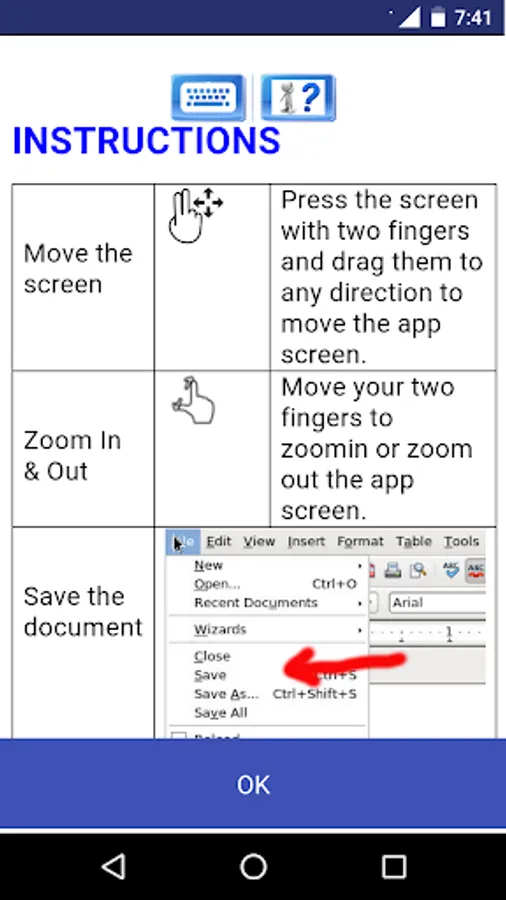
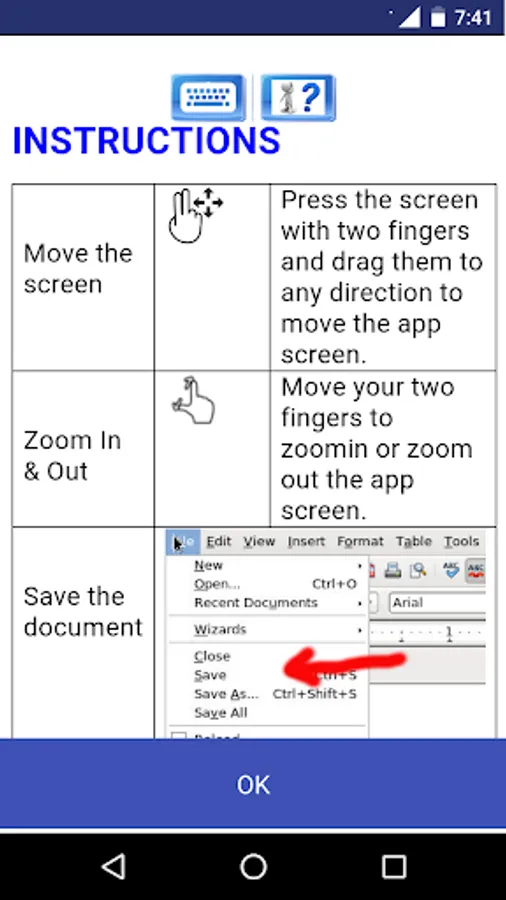
A guide about how to use this app can be found at http://www.offidocs.com. But note that the AndroWriter app has its own instructions when the document is being edited. It has several buttons for the operations:
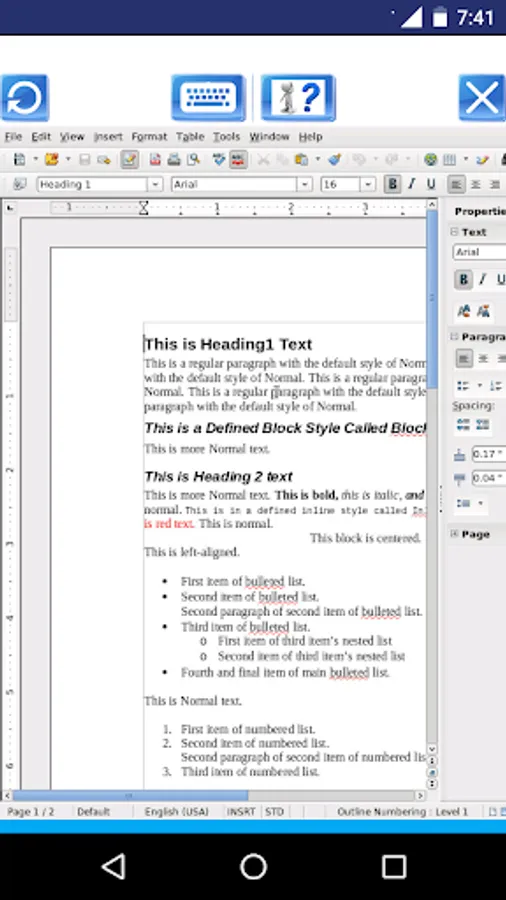
- "Write mode", use a finger to modify the document.
- "Move mode", drag your two fingers to move the app and the document with your fingers.
- "Zoom In & Out", swipe your two fingers to zoom in or zoom out the app and document.
- "Save the document" -> "Click in File > Save the document opened keeping the current format" to save the document in the server. It will be saved locally when you click in Exit button.
- "KeyBoard", which opens or closes the phone keyboard that allows you to write any text.
- "Exit", which closes the editor view and saves locally the document as it is downloaded from the cloud.
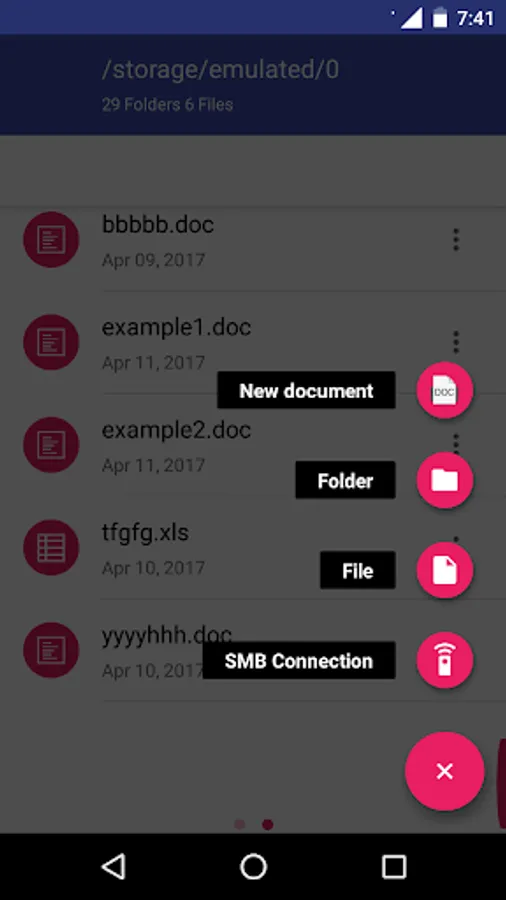
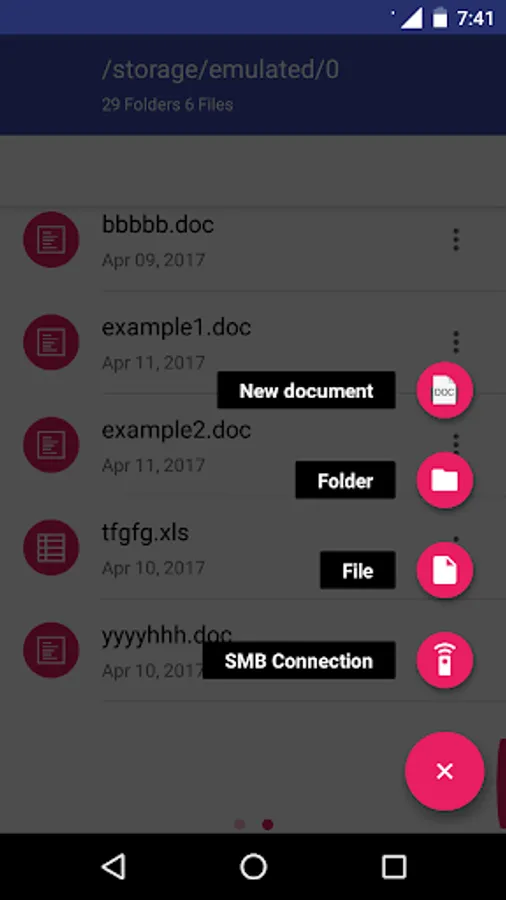
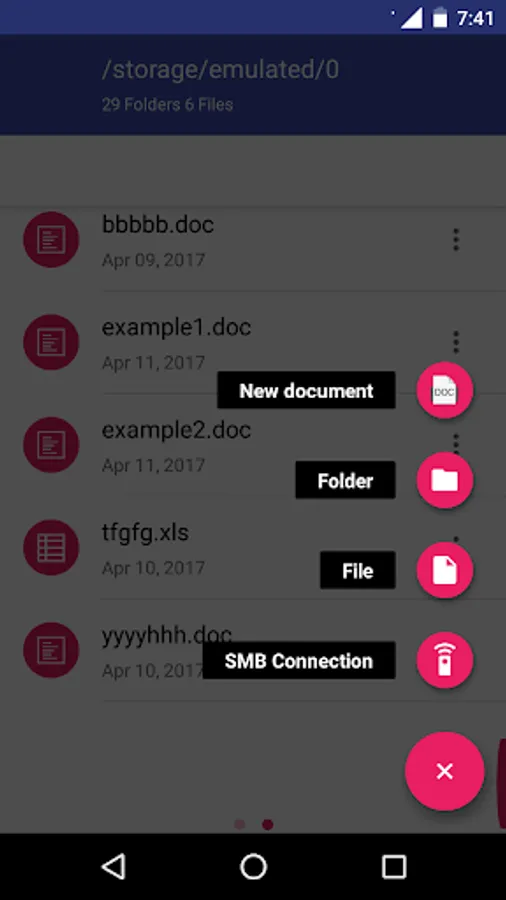
* The file manager module, which provides the following functionality:
- Home directory when you first load the file manager.
- All operations with files and folders: copy, move, upload, create folder/file, rename, archive, extract, edit, etc.
- Bookmarks over the files or directories.
- View the file or directory properties: name, location, size, date.
- Light and Elegant client UI supporting phones and tablets.
- Grid, List and Icons views available.
- Sort by name, last modified, size or type.
- FTP access integrated.
- Search for files
- Recent files
- Open Source
AndroWriter document editor Screenshots
Tap to Rate:
Reviews for AndroWriter document editor
la hansson
7/25/2025
It has options that I want, but it is like trying to use a word editing program from the 1990s. Also, it is hard to select a different font because I have never heard of any of them. If you feel nostalgic about the 1990s programs and you have plenty of patience, then this would be your choice.
Johan (J)
10/10/2024
Interface is incompatible with android screen. Layout is Awful