Epson DocumentScan
Seiko Epson Corporation
3.0 ★
3K ratings
1,000,000+
downloads
Free
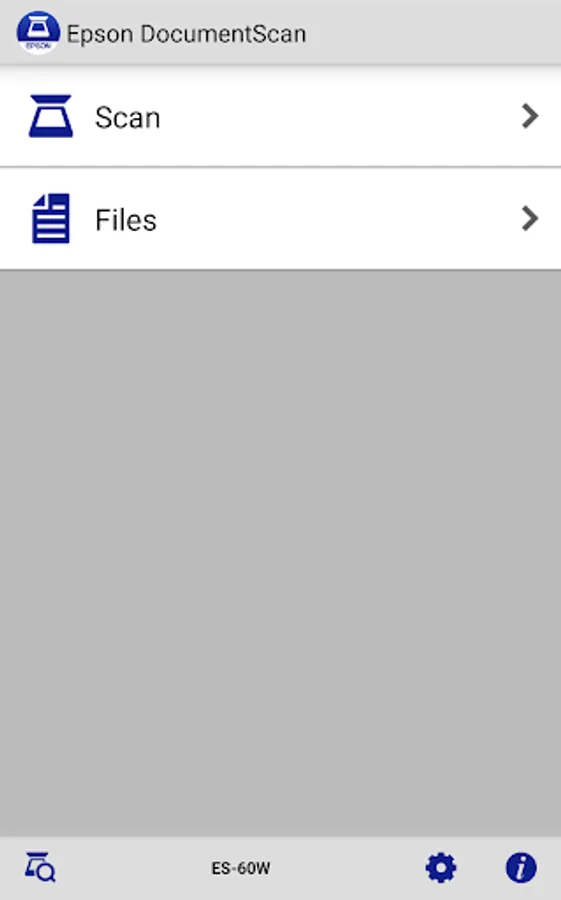
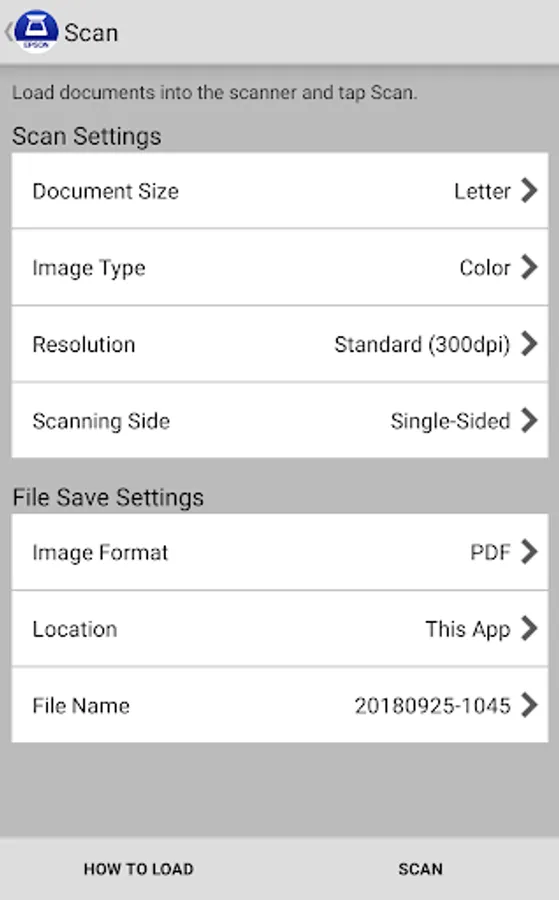
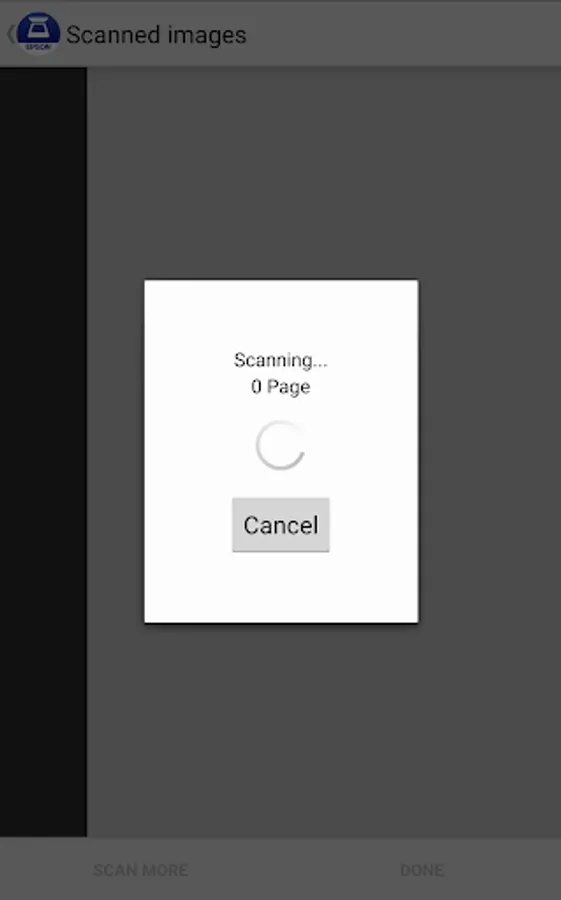
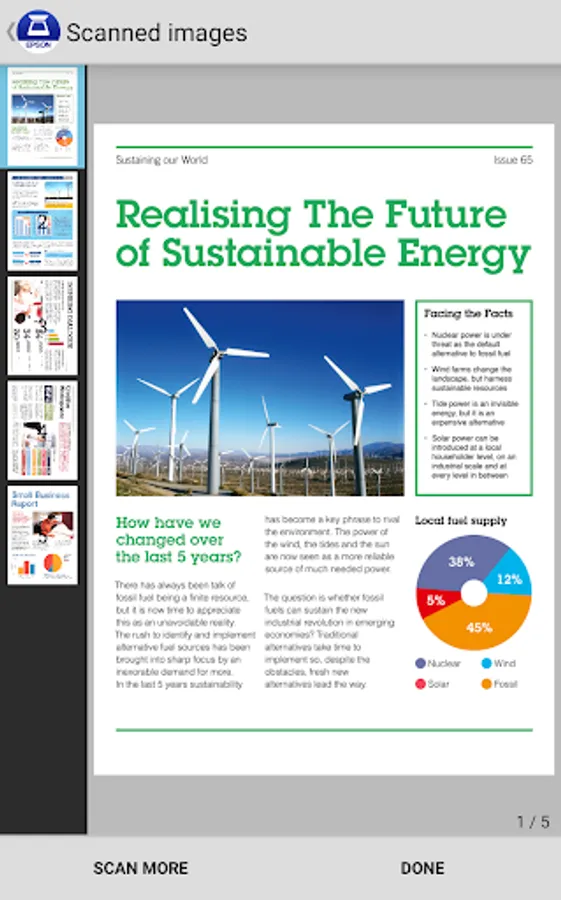
In this app, you can connect to Epson scanners to scan documents directly to your Android device and manage settings such as resolution and image type. Includes features for editing scanned images, sending files via email, and uploading to cloud storage services like Google Drive and Dropbox.
AppRecs review analysis
AppRecs rating 2.9. Trustworthiness 84 out of 100. Review manipulation risk 23 out of 100. Based on a review sample analyzed.
★★☆☆☆
2.9
AppRecs Rating
Ratings breakdown
5 star
39%
4 star
9%
3 star
7%
2 star
4%
1 star
42%
What to know
✓
Low review manipulation risk
23% review manipulation risk
⚠
Mixed user feedback
Average 3.0★ rating suggests room for improvement
⚠
High negative review ratio
46% of sampled ratings are 1–2 stars
About Epson DocumentScan
This app is only for Epson scanners. Make sure that your scanner is supported.
Scan documents directly to your Android™ device. Epson DocumentScan will automatically find your Epson scanner on the same Wi-Fi® network. Even without Wi-Fi network, you can establish one-to-one direct connection between Epson scanner and your Android device. You can preview the scanned data and email it, send it directly to other applications, or to cloud storage services like Box, DropBox™, Evernote®, Google Drive™ and Microsoft® OneDrive
Scanners Supported
https://support.epson.net/appinfo/documentscan/en/index.html
Key Features
- Directly scan to your Android device with various setting (Document Size, Image type, Resolution, Simplex/Duplex)
- Edit scanned image data, rotation and order change in multiple page data
- Send scanned files via email
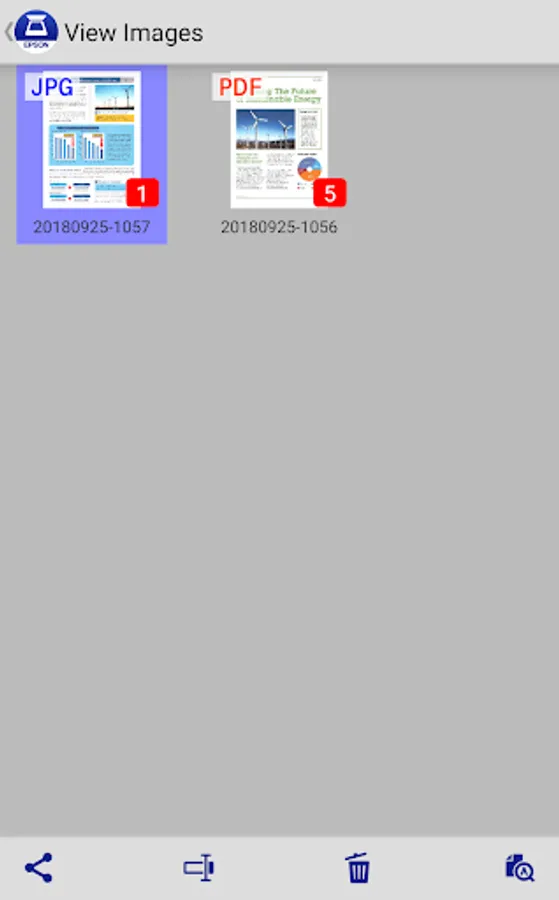
- Send saved data to other applications, or to cloud storage services including Box, DropBox, Evernote, Google Drive and Microsoft OneDrive.
*Installing the applications to your Android device is necessary.
- Get help with a built-in FAQ section
Advanced features
- Auto size recognition, Auto image type recognition is available.
- Multiple page rotation and order change at once is available.
How to Connect
Follow the application guideline to establish the connection with your scanner without your PC.
- Wi-Fi Infrastructure connection(Wi-Fi mode)
Connect your scanner and your Android device via Wi-Fi network.
- Direct Wi-Fi connection (AP mode)
Connect your scanner and your Android device directly without external Wi-Fi network.
Android is a trademark of Google Inc.
Dropbox and the Dropbox logo are trademarks of Dropbox, Inc.
Wi-Fi is a registered mark of the Wi-Fi Alliance
EVERNOTE is a trademarks of Evernote Corporation
Google Drive is a trademark of Google Inc.
OneDrive is a registered trademark of Microsoft Inc.
Visit the following website to check the license agreement regarding the use of this application.
https://support.epson.net/terms/scn/swinfo.php?id=7020
We welcome your feedback.
Unfortunately, we cannot reply to your e-mail.
Scan documents directly to your Android™ device. Epson DocumentScan will automatically find your Epson scanner on the same Wi-Fi® network. Even without Wi-Fi network, you can establish one-to-one direct connection between Epson scanner and your Android device. You can preview the scanned data and email it, send it directly to other applications, or to cloud storage services like Box, DropBox™, Evernote®, Google Drive™ and Microsoft® OneDrive
Scanners Supported
https://support.epson.net/appinfo/documentscan/en/index.html
Key Features
- Directly scan to your Android device with various setting (Document Size, Image type, Resolution, Simplex/Duplex)
- Edit scanned image data, rotation and order change in multiple page data
- Send scanned files via email
- Send saved data to other applications, or to cloud storage services including Box, DropBox, Evernote, Google Drive and Microsoft OneDrive.
*Installing the applications to your Android device is necessary.
- Get help with a built-in FAQ section
Advanced features
- Auto size recognition, Auto image type recognition is available.
- Multiple page rotation and order change at once is available.
How to Connect
Follow the application guideline to establish the connection with your scanner without your PC.
- Wi-Fi Infrastructure connection(Wi-Fi mode)
Connect your scanner and your Android device via Wi-Fi network.
- Direct Wi-Fi connection (AP mode)
Connect your scanner and your Android device directly without external Wi-Fi network.
Android is a trademark of Google Inc.
Dropbox and the Dropbox logo are trademarks of Dropbox, Inc.
Wi-Fi is a registered mark of the Wi-Fi Alliance
EVERNOTE is a trademarks of Evernote Corporation
Google Drive is a trademark of Google Inc.
OneDrive is a registered trademark of Microsoft Inc.
Visit the following website to check the license agreement regarding the use of this application.
https://support.epson.net/terms/scn/swinfo.php?id=7020
We welcome your feedback.
Unfortunately, we cannot reply to your e-mail.
Epson DocumentScan Screenshots
Tap to Rate:
Reviews for Epson DocumentScan
Kans Javier
3/4/2026
I cant find or open in to my chromebook
Eddie Robinson
2/23/2026
only allows max of 8mp scans