
Epson Cloud Solution PORT
Seiko Epson Corporation
4.5 ★
65 ratings
10,000+
downloads
Free
With this app, you can monitor printer status, print job stats, and errors remotely. Includes real-time data, report generation, and sharing features.
AppRecs review analysis
AppRecs rating 4.5. Trustworthiness 83 out of 100. Review manipulation risk 27 out of 100. Based on a review sample analyzed.
★★★★☆
4.5
AppRecs Rating
Ratings breakdown
5 star
79%
4 star
11%
3 star
5%
2 star
0%
1 star
5%
What to know
✓
Low review manipulation risk
27% review manipulation risk
✓
Credible reviews
83% trustworthiness score from analyzed reviews
✓
High user satisfaction
79% of sampled ratings are 5 stars
About Epson Cloud Solution PORT
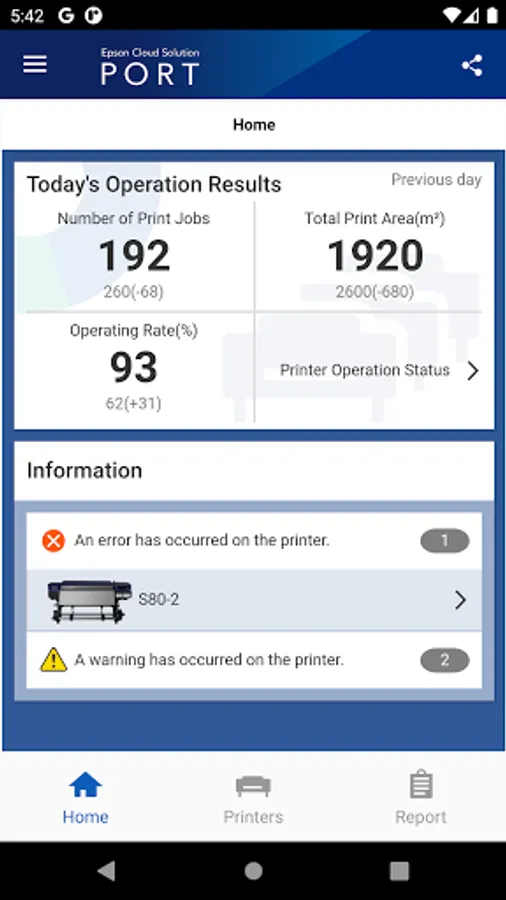
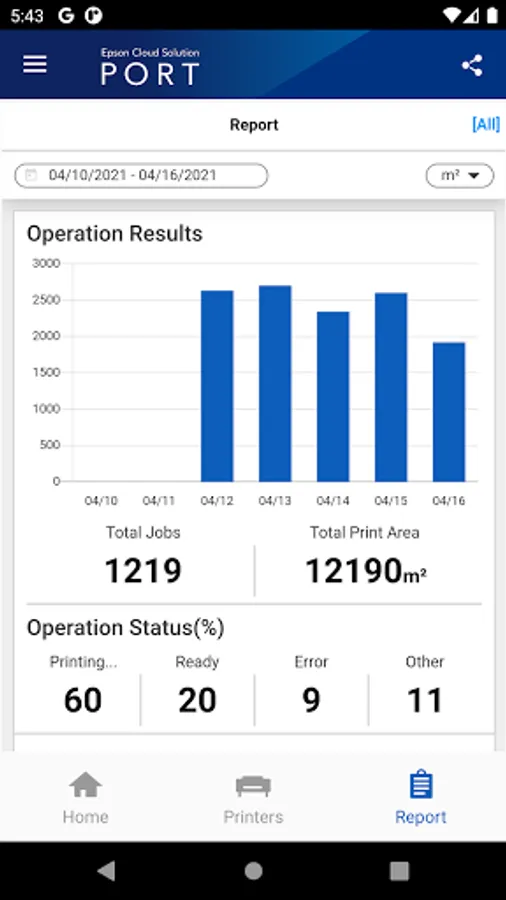
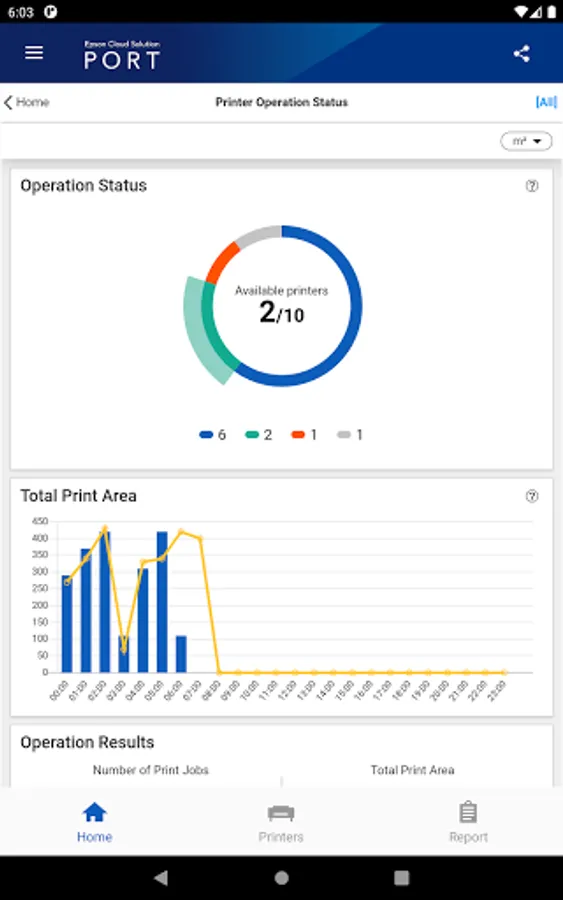
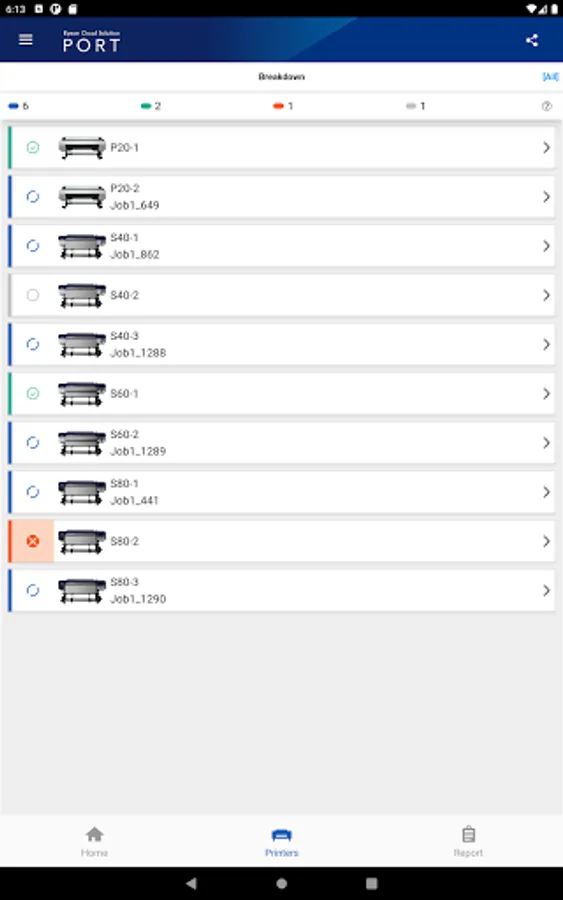
Epson Cloud Solution for mobile allow you to grasp the state of the printers in the production site on the smart phone or tablet anytime, anywhere by connecting secure cloud-based platform.
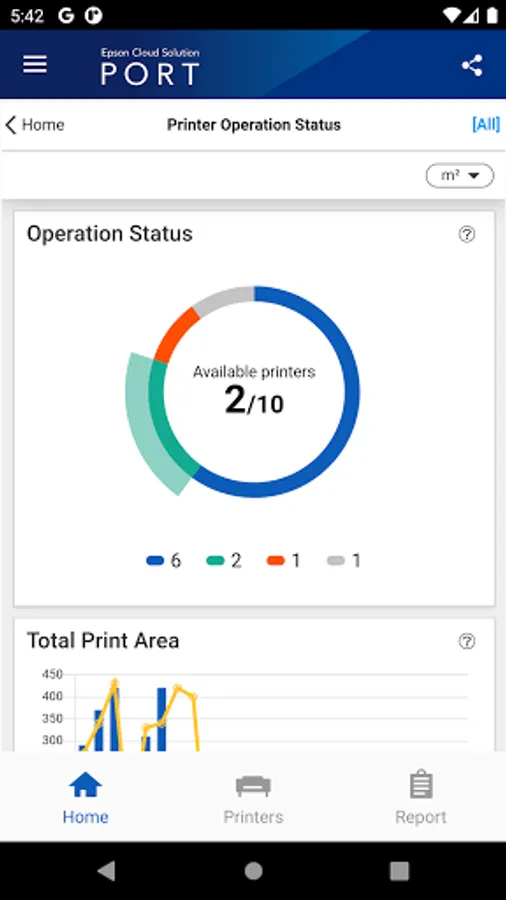
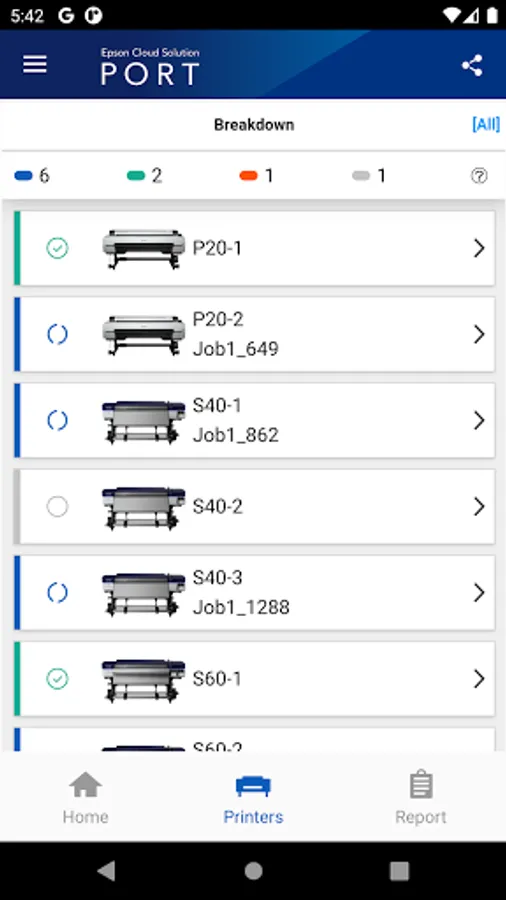
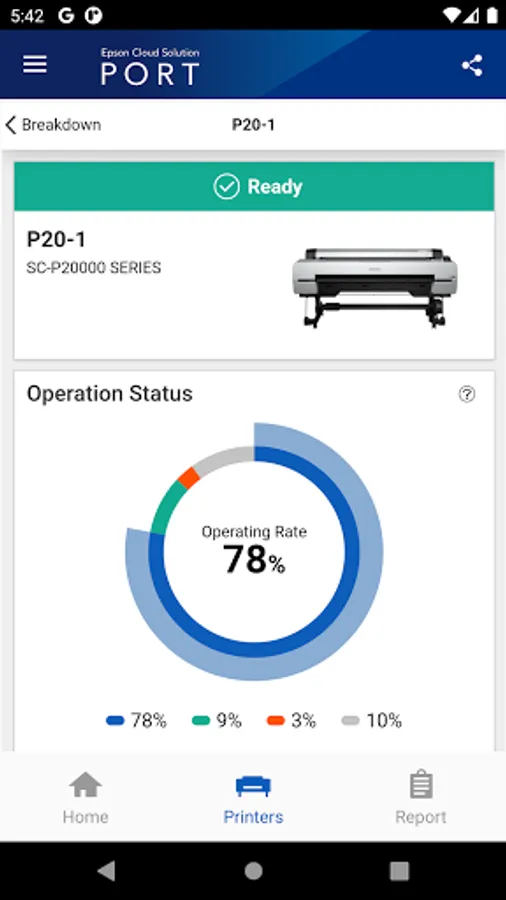
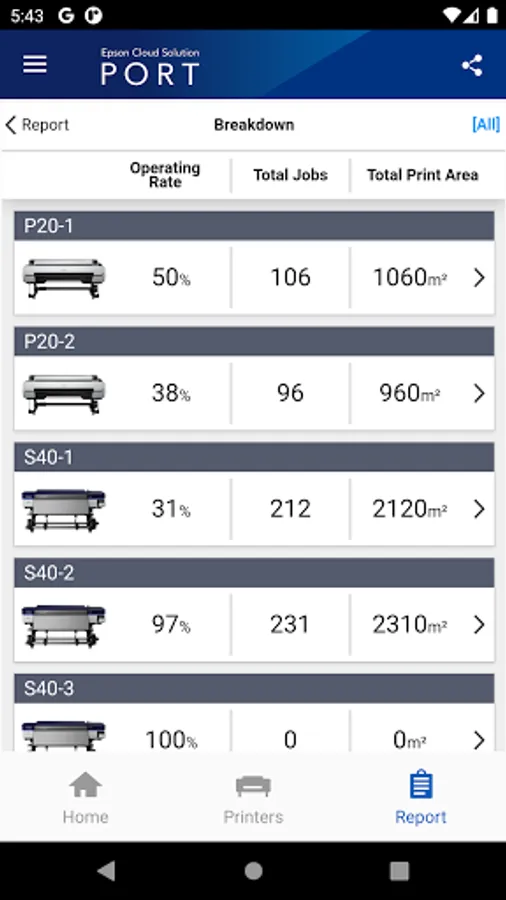
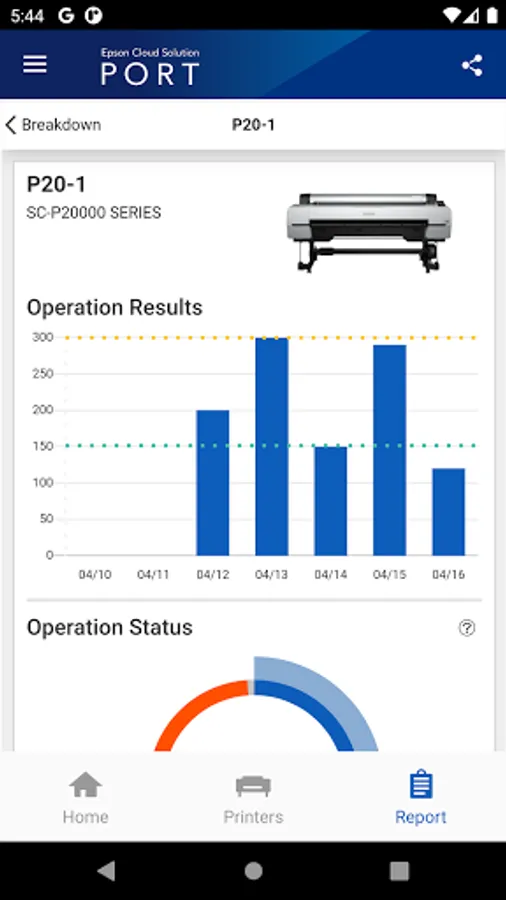
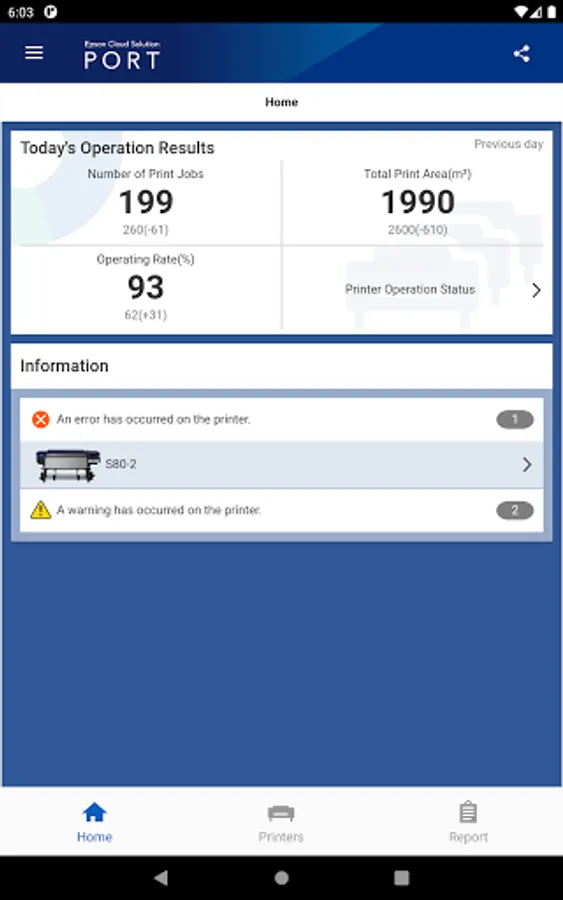
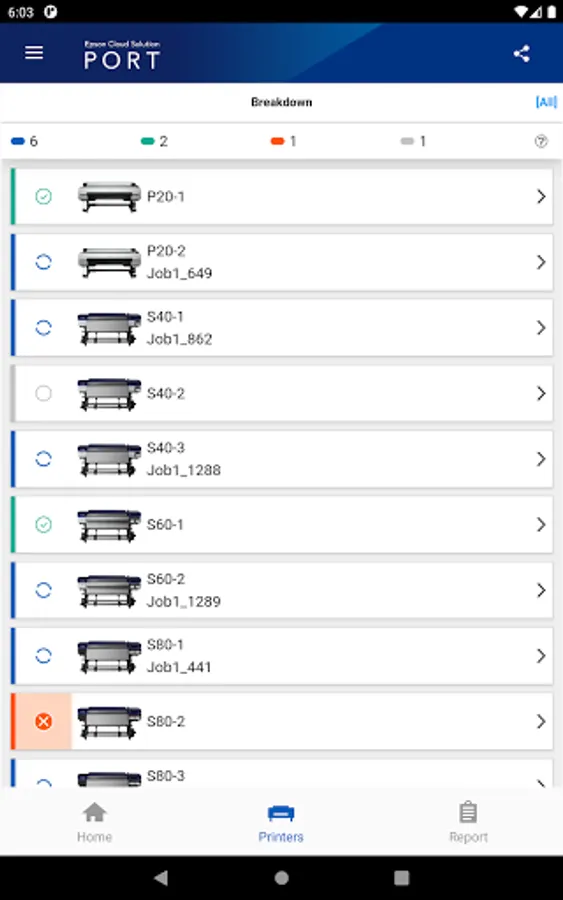
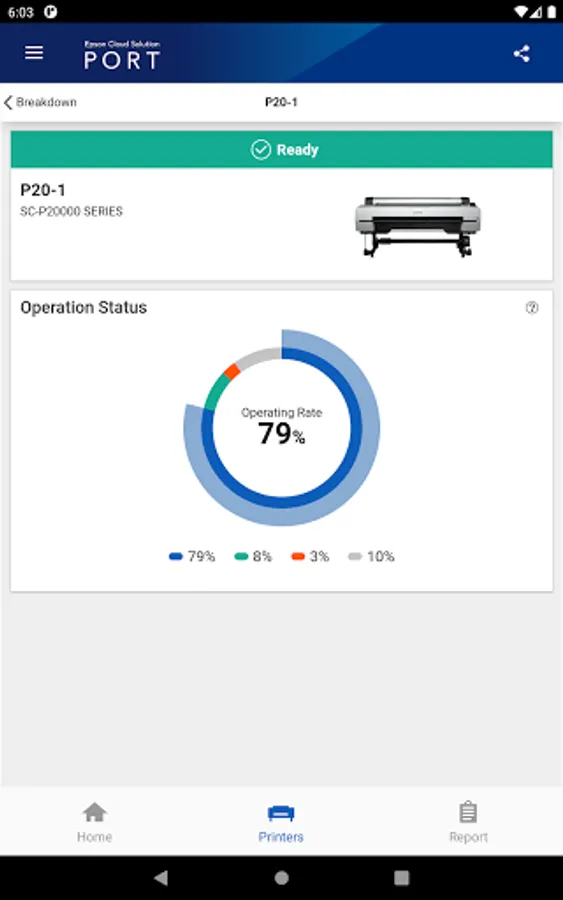
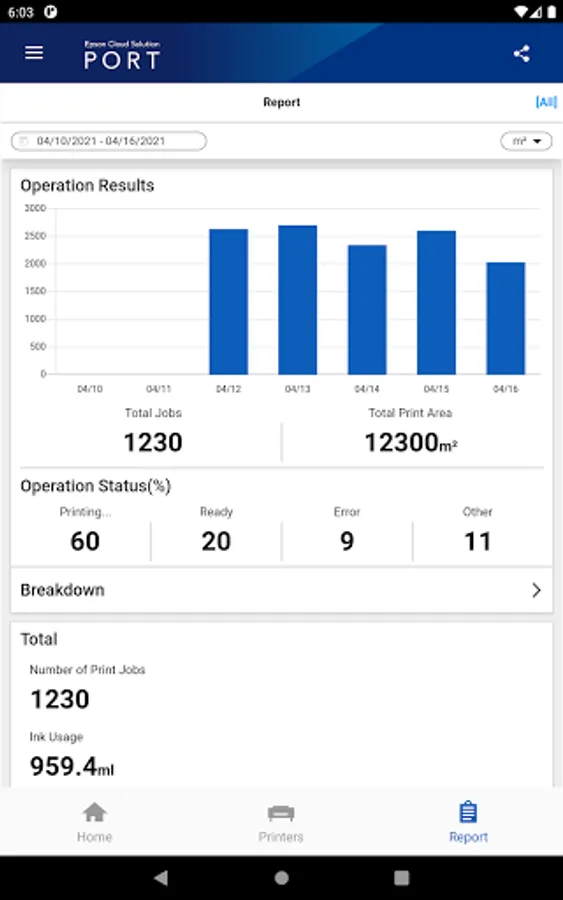
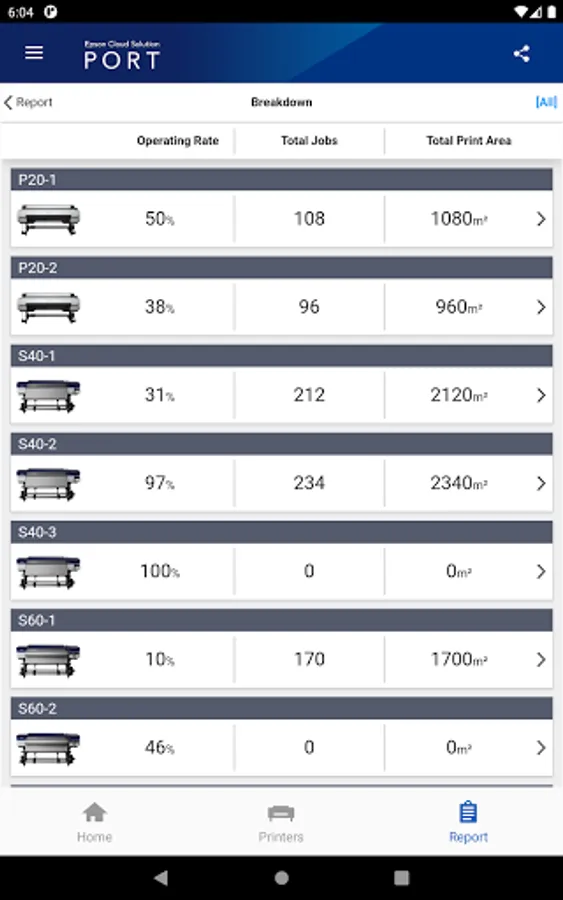
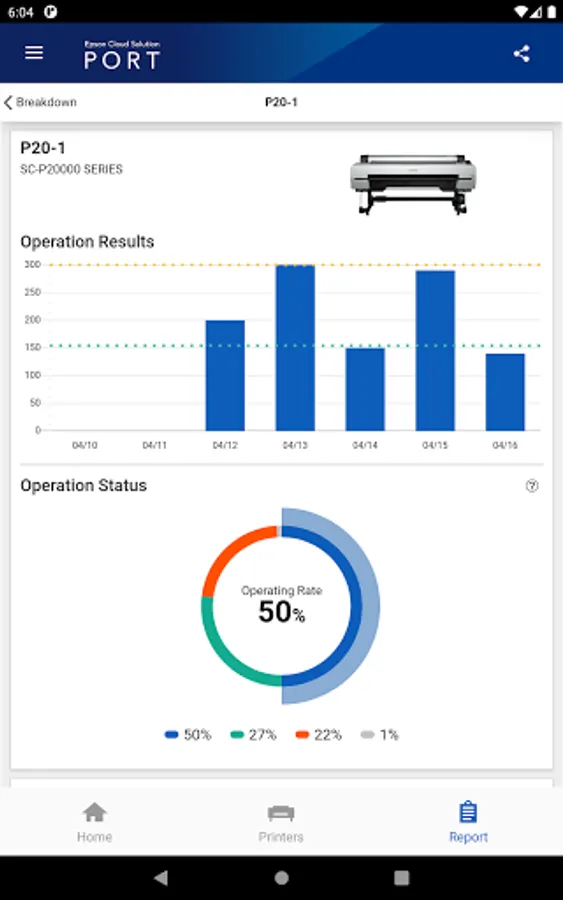
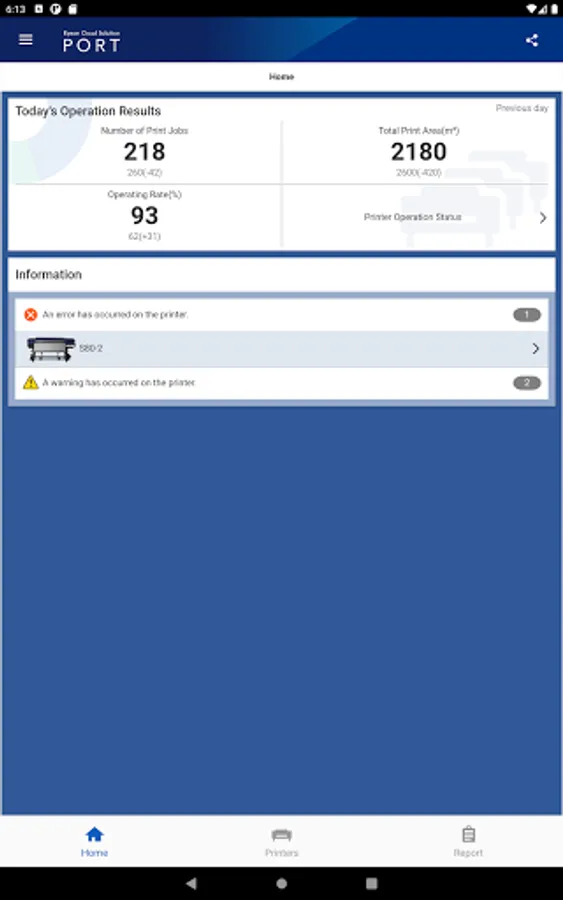
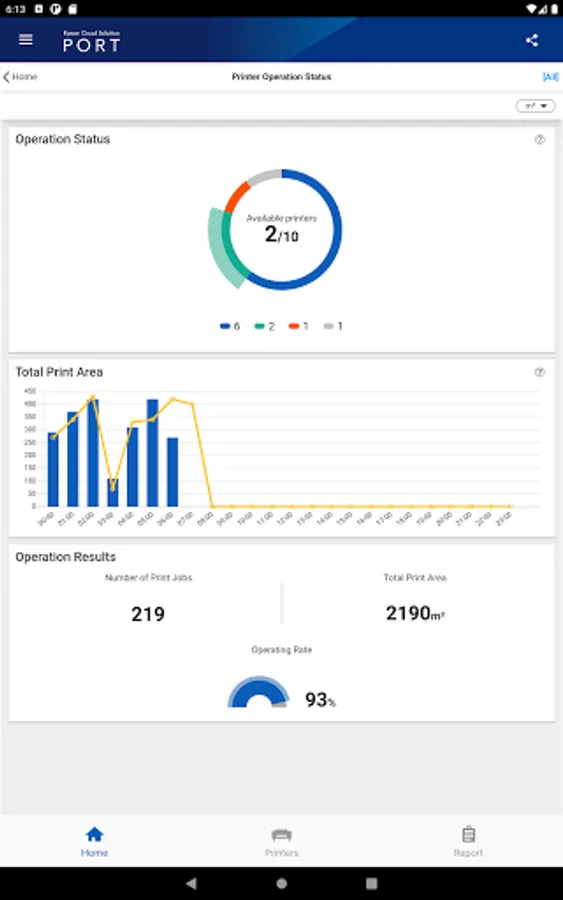
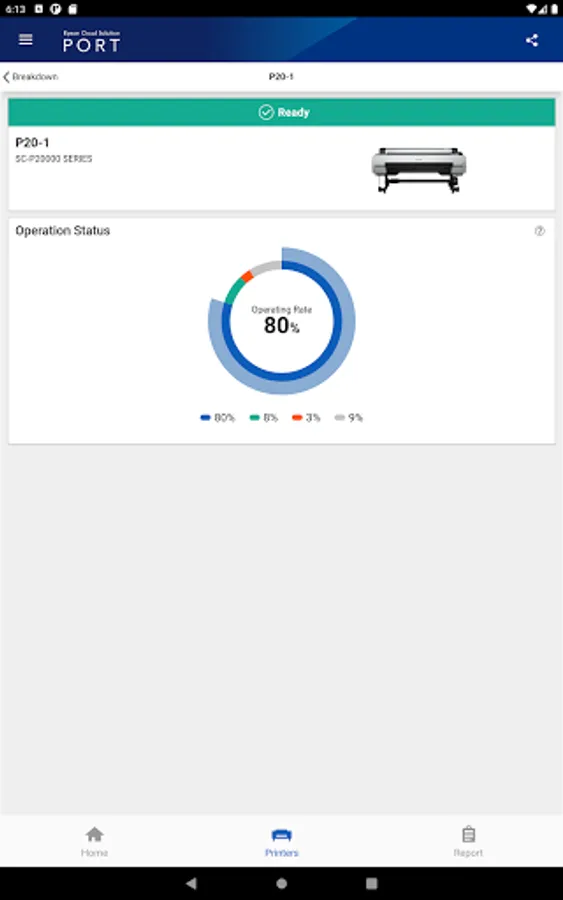
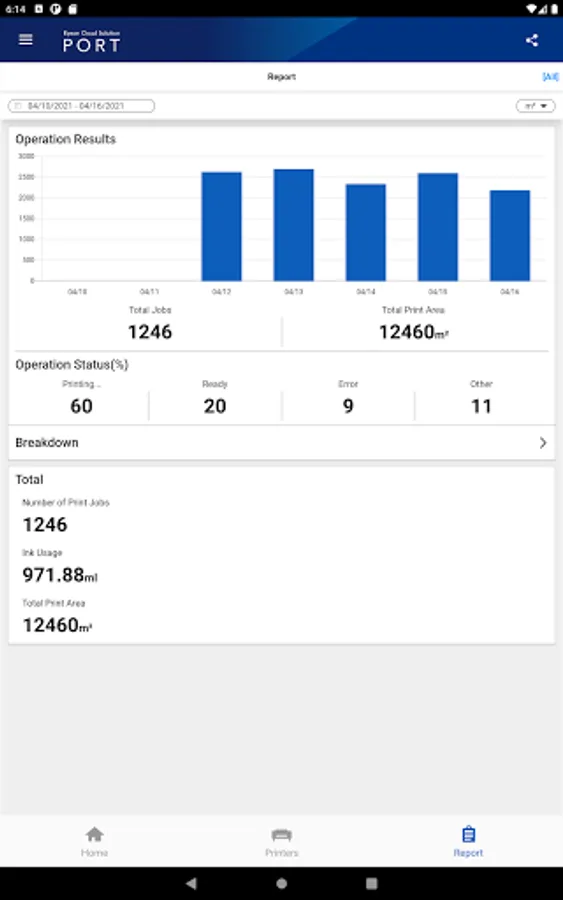
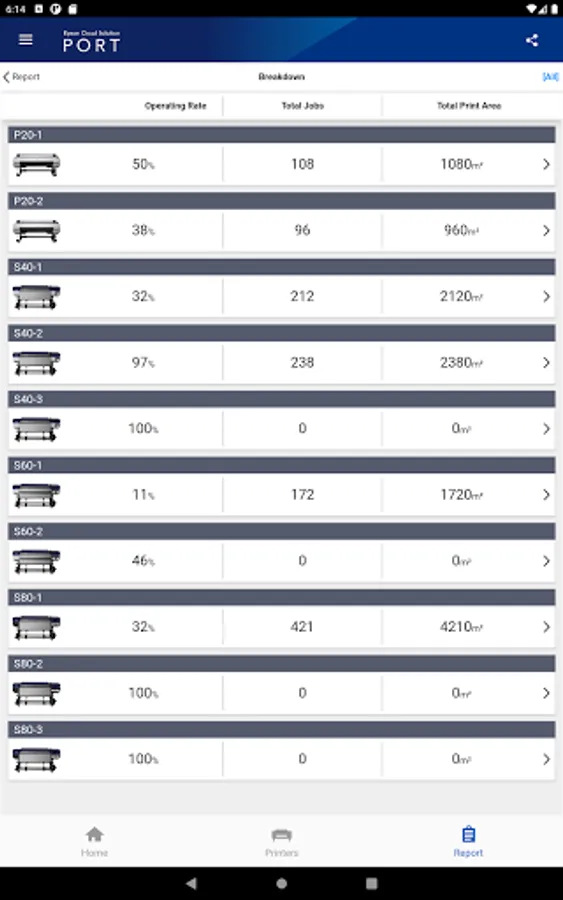
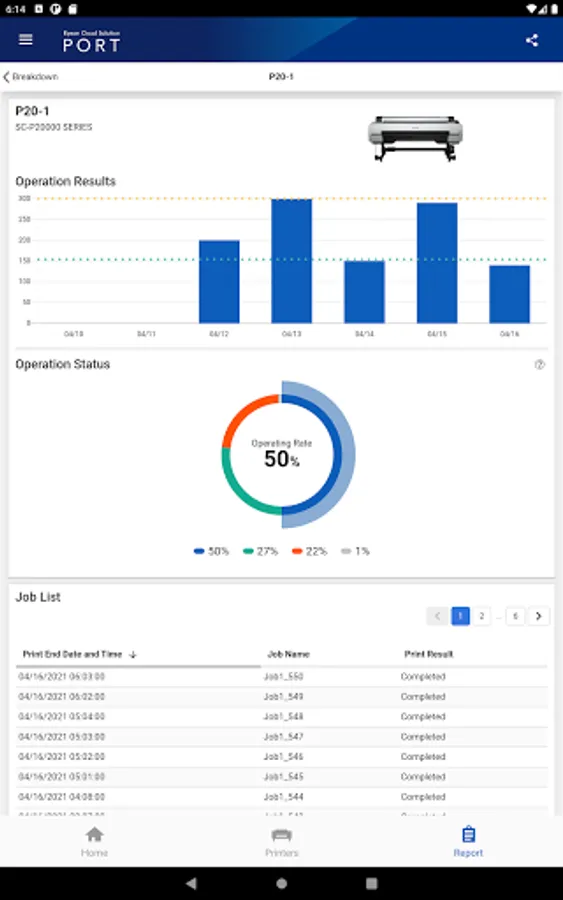
You can see the number of printed jobs, printed area, printer operation rate and also know if there is an error in real time. And 'Report' feature can summarize these data for a specified time period and display graphically and you can also see the breakdown by each printer.
Easy to share the screen-shot which the app is showing with other person by using E-Mail or other sharing application on smart device.
Even if there are some trouble in product site when you're on the go, if it's easy to see whether there are some trouble or not and to resolve quickly, then it's possible to minimize the occurrence of a down time.
In order to login Epson Cloud Solution PORT for mobile, register a user on Epson Cloud Solution PORT (for PC).
Visit the following website to check the license agreement regarding the use of this application.
https://support.epson.net/terms/lfp/swinfo.php?id=7060
You can see the number of printed jobs, printed area, printer operation rate and also know if there is an error in real time. And 'Report' feature can summarize these data for a specified time period and display graphically and you can also see the breakdown by each printer.
Easy to share the screen-shot which the app is showing with other person by using E-Mail or other sharing application on smart device.
Even if there are some trouble in product site when you're on the go, if it's easy to see whether there are some trouble or not and to resolve quickly, then it's possible to minimize the occurrence of a down time.
In order to login Epson Cloud Solution PORT for mobile, register a user on Epson Cloud Solution PORT (for PC).
Visit the following website to check the license agreement regarding the use of this application.
https://support.epson.net/terms/lfp/swinfo.php?id=7060
Epson Cloud Solution PORT Screenshots
Tap to Rate:
Reviews for Epson Cloud Solution PORT
Yogesh kumar Verma
7/17/2025
good app
Donald M. Wimpee
12/20/2024
A+