Epson Spectrometer
Seiko Epson Corporation
5.0 ★
22 ratings
5,000+
downloads
Free
With this spectrometer app, you can measure and manage colors using the Epson SD-10 device, compare measurements to color collections, and create color palettes. Includes data import via Bluetooth, color display options, and export files compatible with Adobe software.
AppRecs review analysis
AppRecs rating 4.5. Trustworthiness 75 out of 100. Review manipulation risk 21 out of 100. Based on a review sample analyzed.
★★★★☆
4.5
AppRecs Rating
Ratings breakdown
5 star
100%
4 star
0%
3 star
0%
2 star
0%
1 star
0%
What to know
✓
Low review manipulation risk
21% review manipulation risk
✓
Credible reviews
75% trustworthiness score from analyzed reviews
✓
High user satisfaction
100% of sampled ratings are 5 stars
About Epson Spectrometer
This is a dedicated app for the Epson SD-10 spectrophotometer.
[Features]
- The portable, compact, and easy to use SD-10 partnered with this app allows you to not only measure the color of indoor printed materials and Color Collections, but also measure outdoor signs and bulletin boards.
- You can import measurement data to the app without complicated cable connections.
- You can manage the colors imported to your app as reference colors, inspect them by comparing with a Color Collection, and check if the colors can be reproduced by the printer you are using.
[Main Features]
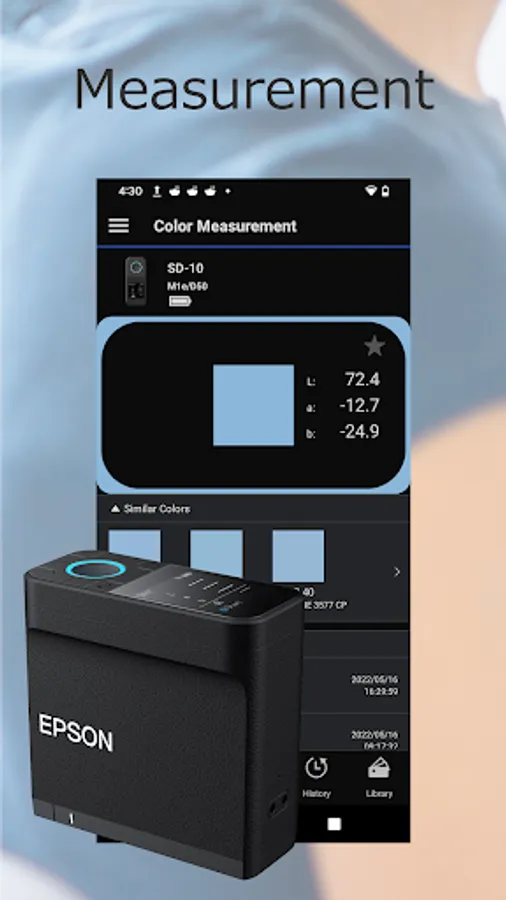
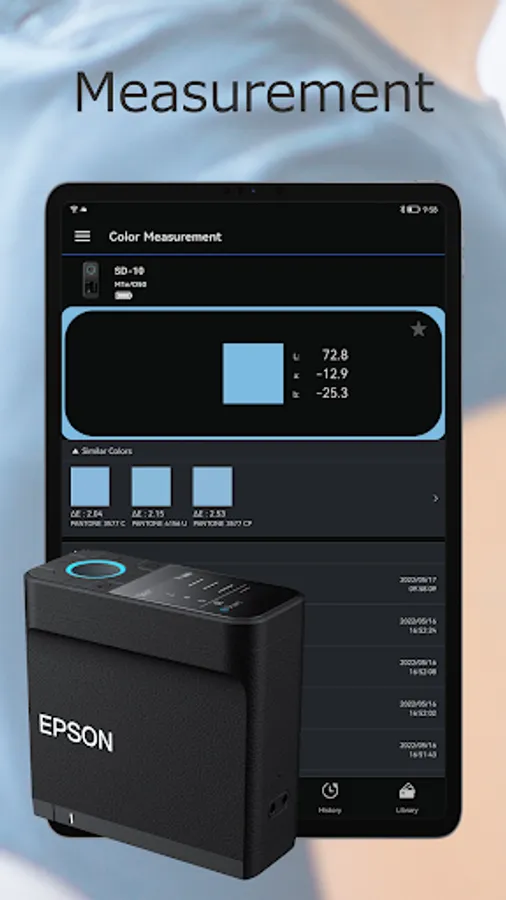
Color measurement:
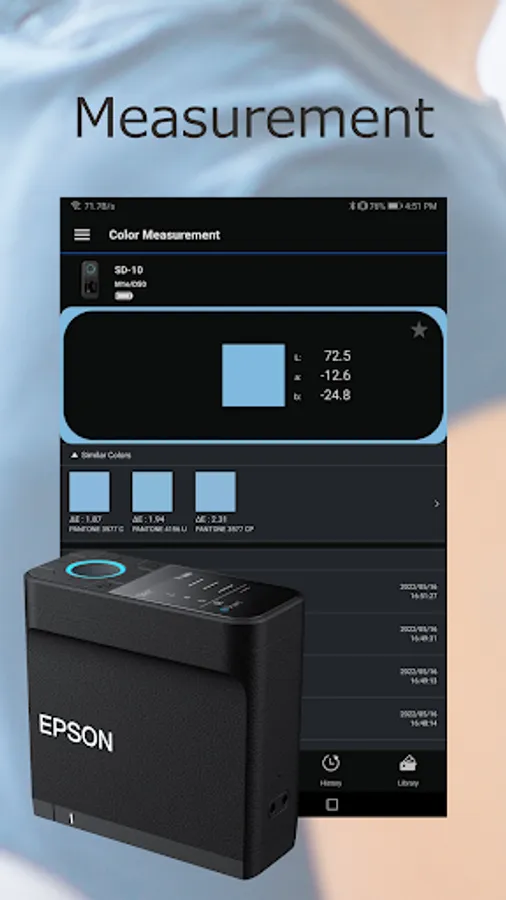
- Epson's original sensing technology realizes high-precision color measurement with a single tap in this app.
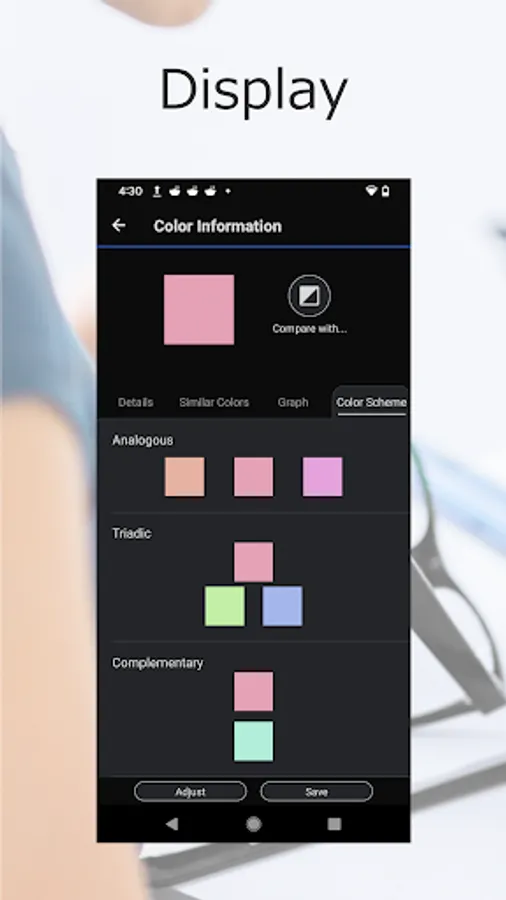
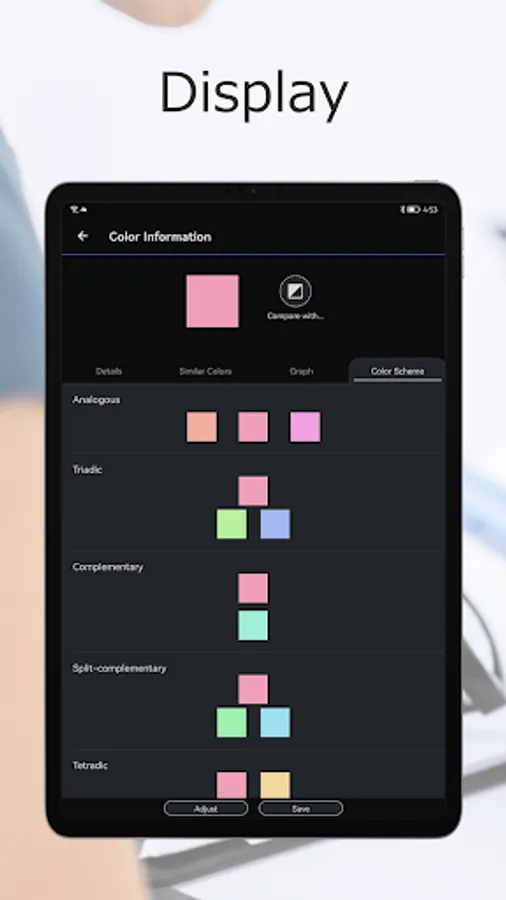
Display:
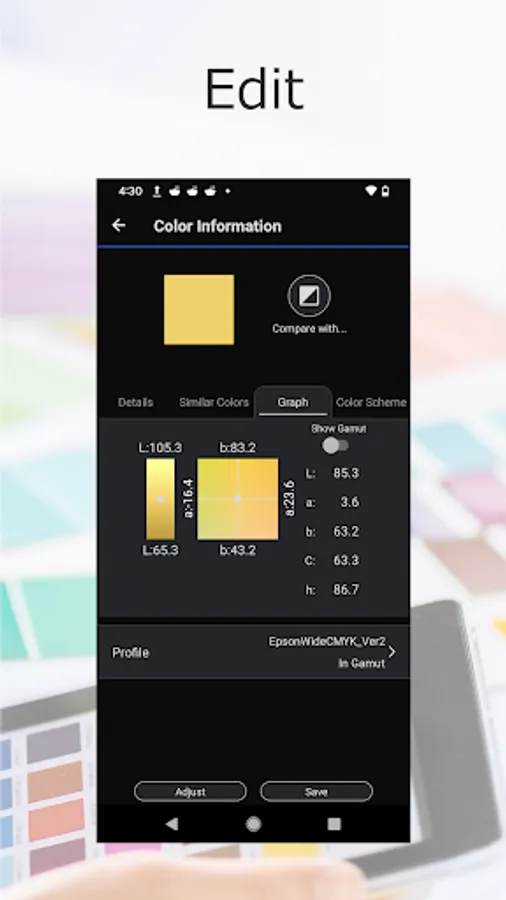
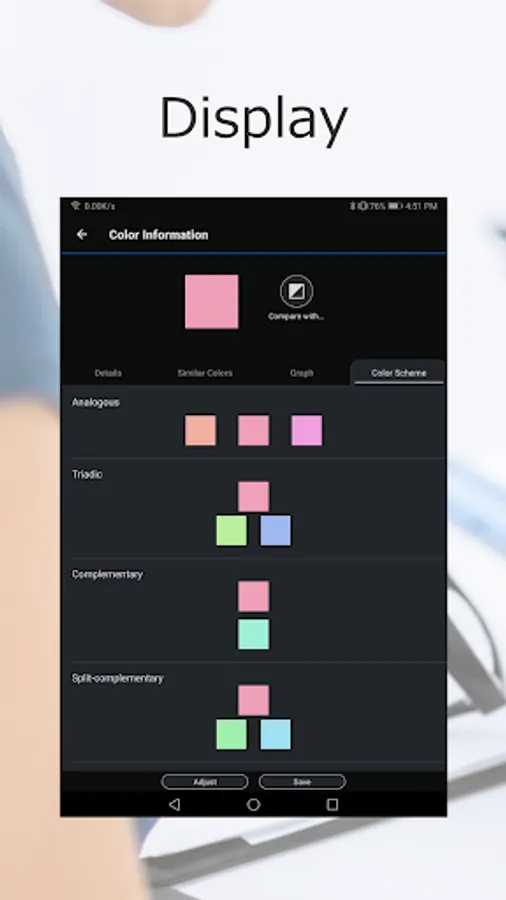
- Displays the measured colors in a variety of color spaces (Lab, LCh, RGB, CMYK, and LRV).
- Searches and displays approximate colors from the PANTONE® Color Collection provided with this app.
- Suggests colors that harmonize with the measured color.
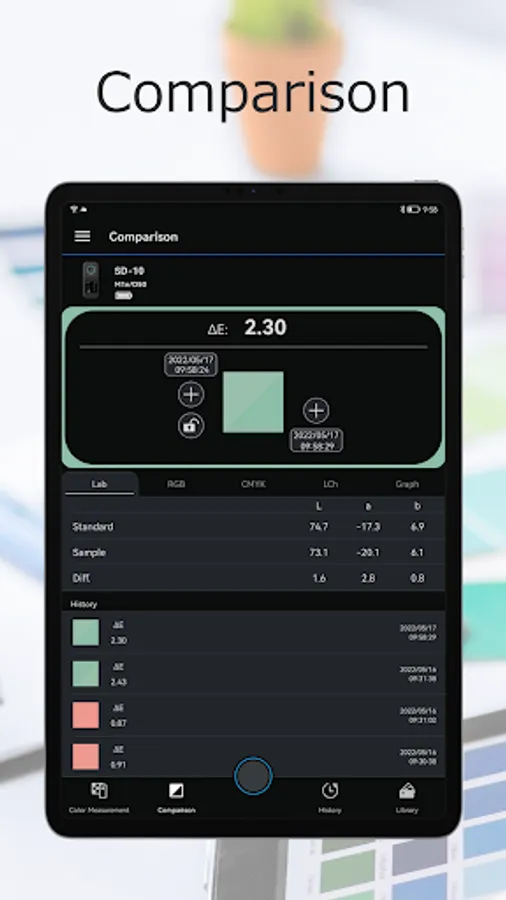
Comparison:
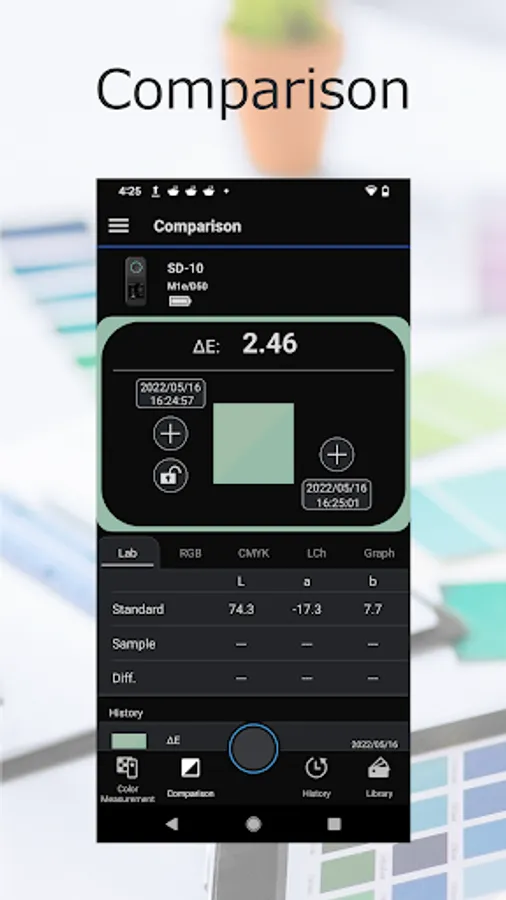
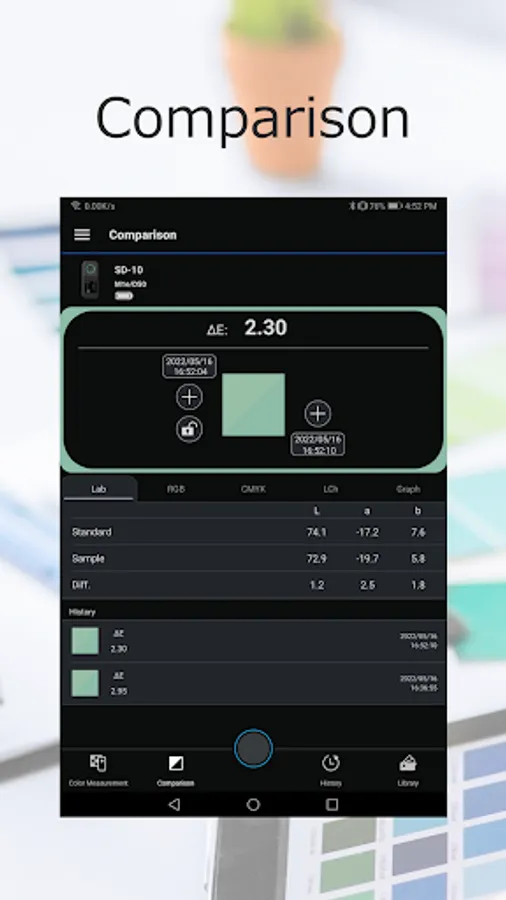
- Compares measured colors to a Color Collection to determine the color difference.
- Determines if the measured color can be reproduced by the printer you are using.
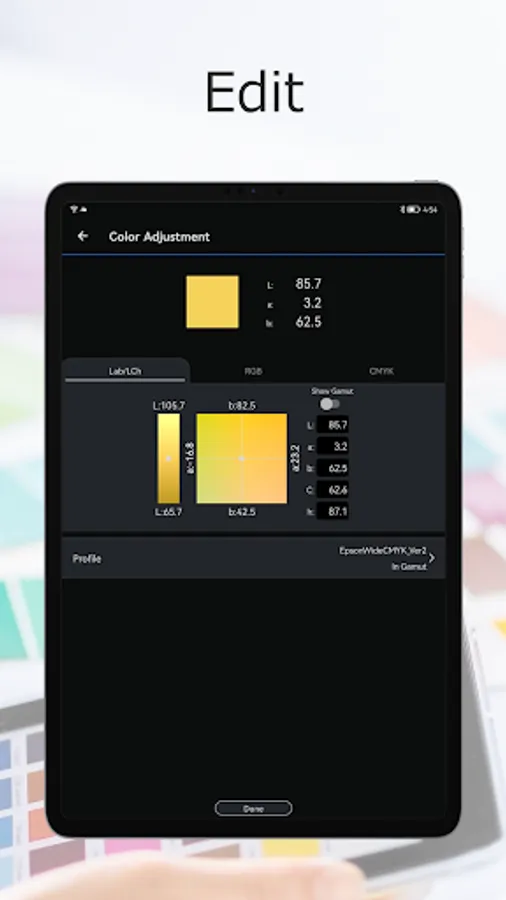
Adjust:
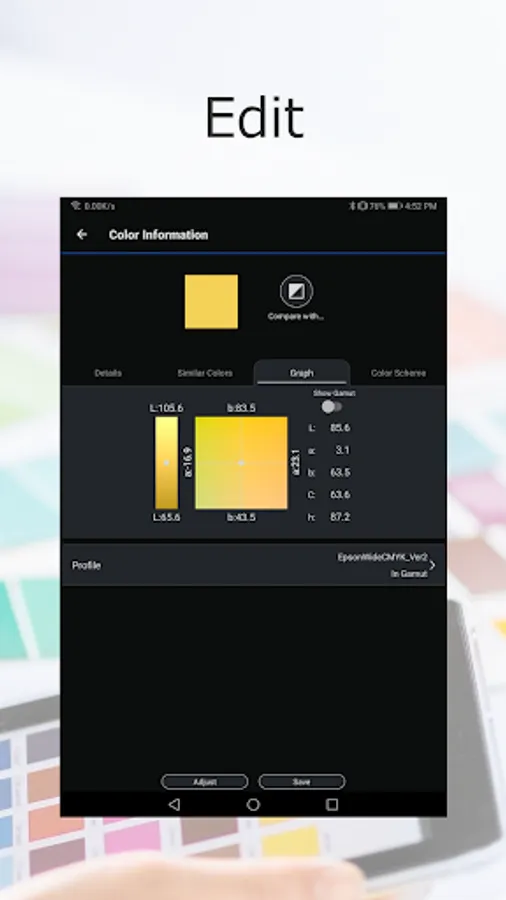
- Adjust color measurements to create a different color.
Manage:
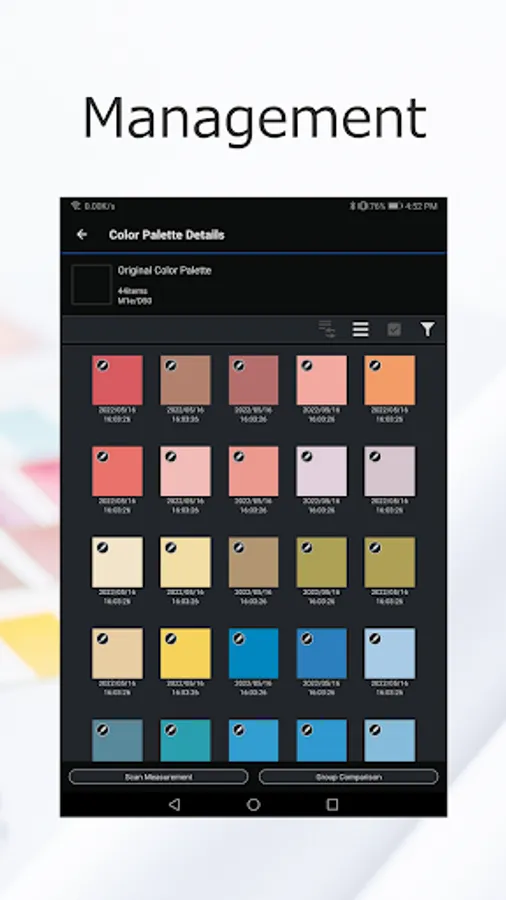
- Add a variety of information (favorites, location, photos, and notes) to measured colors.
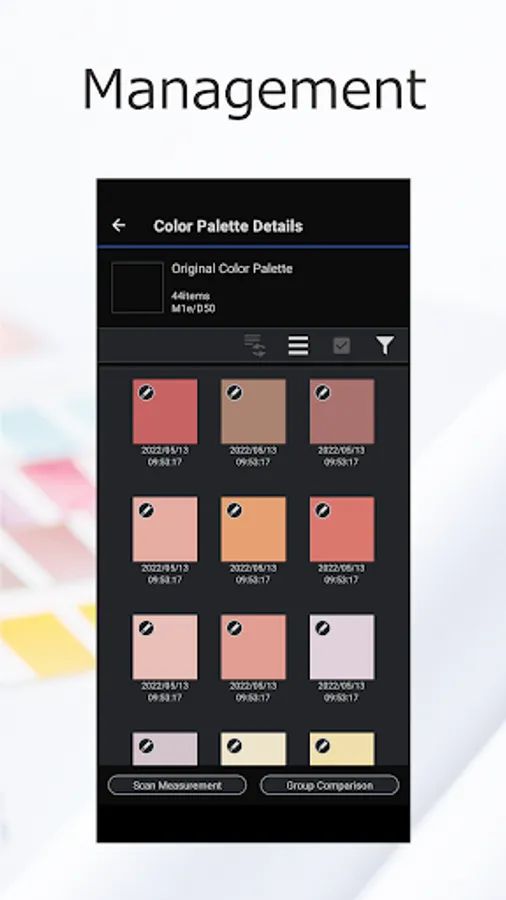
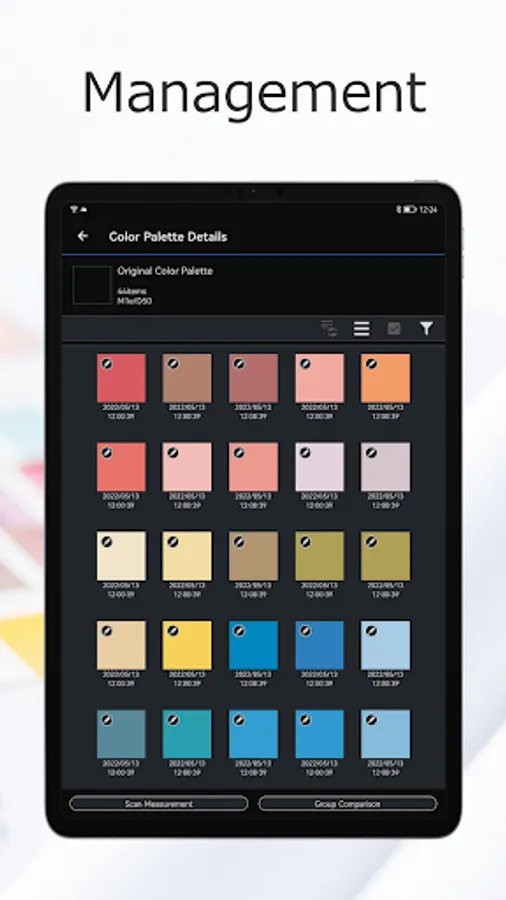
- Create Color Collections (Color Palettes) to suit your needs.
Linking features:
- Create Color Swatch and Color Book files that can be imported into Adobe® Illustrator® and Photoshop®.
[Notes]
- The Epson SD-10 spectrophotometer is required to use this app.
- This app connects to the SD-10 by Bluetooth®.
- Emails such as "Send emails to developers" will be used for future service improvements. Unfortunately, we cannot reply to individual inquiries.
Visit the following website to check the license agreement regarding the use of this application.
https://support.epson.net/terms/lfp/swinfo.php?id=7090
[Features]
- The portable, compact, and easy to use SD-10 partnered with this app allows you to not only measure the color of indoor printed materials and Color Collections, but also measure outdoor signs and bulletin boards.
- You can import measurement data to the app without complicated cable connections.
- You can manage the colors imported to your app as reference colors, inspect them by comparing with a Color Collection, and check if the colors can be reproduced by the printer you are using.
[Main Features]
Color measurement:
- Epson's original sensing technology realizes high-precision color measurement with a single tap in this app.
Display:
- Displays the measured colors in a variety of color spaces (Lab, LCh, RGB, CMYK, and LRV).
- Searches and displays approximate colors from the PANTONE® Color Collection provided with this app.
- Suggests colors that harmonize with the measured color.
Comparison:
- Compares measured colors to a Color Collection to determine the color difference.
- Determines if the measured color can be reproduced by the printer you are using.
Adjust:
- Adjust color measurements to create a different color.
Manage:
- Add a variety of information (favorites, location, photos, and notes) to measured colors.
- Create Color Collections (Color Palettes) to suit your needs.
Linking features:
- Create Color Swatch and Color Book files that can be imported into Adobe® Illustrator® and Photoshop®.
[Notes]
- The Epson SD-10 spectrophotometer is required to use this app.
- This app connects to the SD-10 by Bluetooth®.
- Emails such as "Send emails to developers" will be used for future service improvements. Unfortunately, we cannot reply to individual inquiries.
Visit the following website to check the license agreement regarding the use of this application.
https://support.epson.net/terms/lfp/swinfo.php?id=7090
Epson Spectrometer Screenshots
Tap to Rate:
Reviews for Epson Spectrometer
Daniel Llivi Lecina
9/8/2023
I am pleased to express my admiration for the Epson spectrophotometer application. It stands as an exemplary feat of technology, demonstrating remarkable capabilities. Anticipation builds for the day when it becomes an indispensable tool widely embraced by users across the spectrum.