Epson Smart Panel
Seiko Epson Corporation
4.6 ★
392K ratings
10,000,000+
downloads
Free
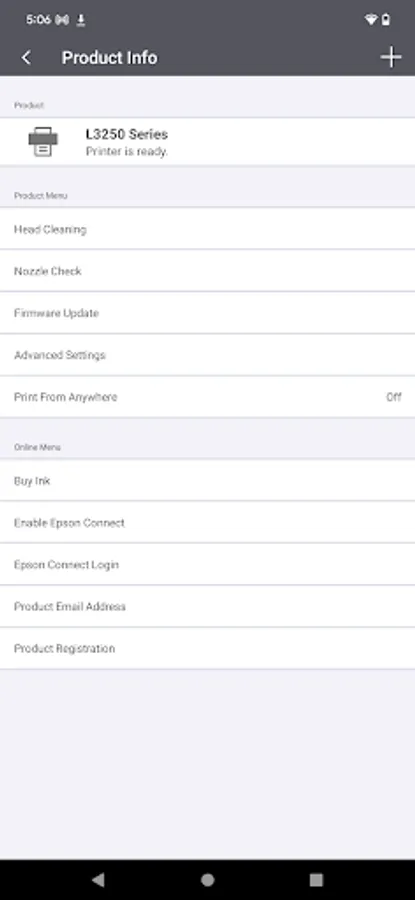
With this app, you can set up, monitor, and operate your Epson wireless printer or scanner using action tiles and auto configuration features. Includes product registration, supply orders, and support resources.
AppRecs review analysis
AppRecs rating 4.6. Trustworthiness 52 out of 100. Review manipulation risk 37 out of 100. Based on a review sample analyzed.
★★★★☆
4.6
AppRecs Rating
Ratings breakdown
5 star
81%
4 star
10%
3 star
2%
2 star
2%
1 star
6%
What to know
✓
High user satisfaction
81% of sampled ratings are 5 stars
About Epson Smart Panel
Visit the website below to find products which are supported by this app. When using a printer or scanner that’s not listed on the website, please use instead Epson iPrint for printers or Document Scan for scanners. Epson Smart Panel will not be able to find or connect to your product unless it’s on the website’s list of supported products.
https://support.epson.net/appinfo/smartpanel/guide/en/
High performance, easy-to-use mobile command center for your Epson wireless printer or scanner1. Easily set up, monitor and operate your Epson product from the convenience of your mobile device with this powerful new tool.
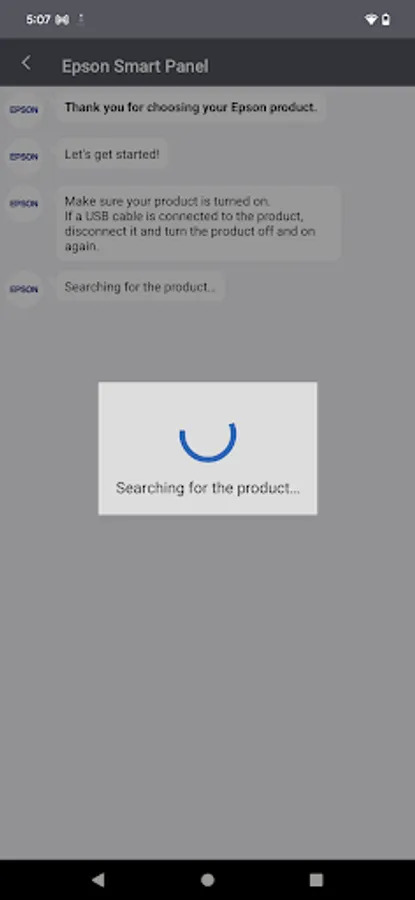
- Easily set up your Epson product on your Wi-Fi
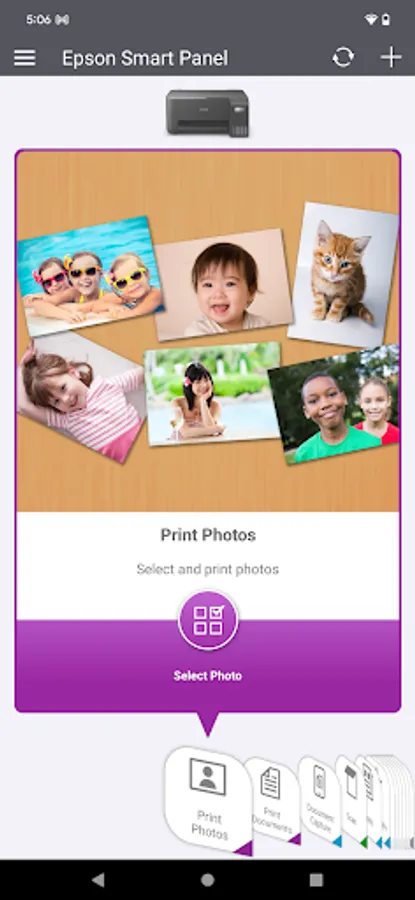
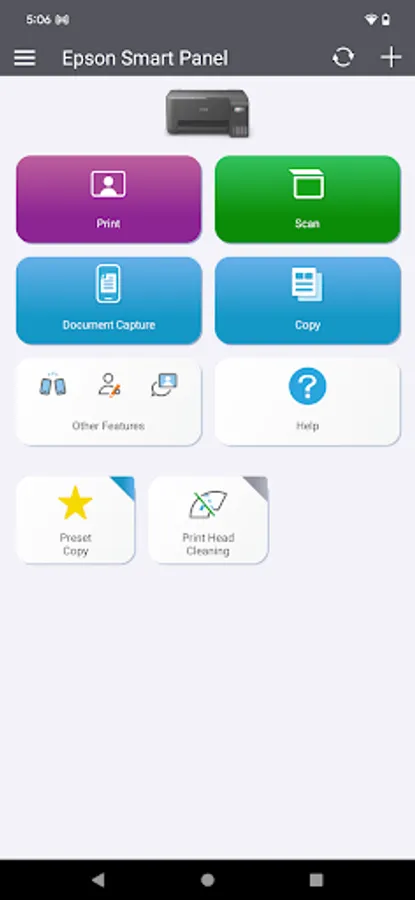
- Innovative action tiles make your Epson Product simple and quick to use
- Fits like a glove -- auto configuration and customization tailors the experience
- Receive the support you need - register, get supplies, or find help all in one convenient place
- One interface for your Epson Printers and Scanners -- auto configuration tailors the app's functions to your device.
1. Requires Epson Smart Panel app download and a compatible smart device. Data usage fees may apply. For more information please visit www.epson.com for support.
https://support.epson.net/appinfo/smartpanel/guide/en/
High performance, easy-to-use mobile command center for your Epson wireless printer or scanner1. Easily set up, monitor and operate your Epson product from the convenience of your mobile device with this powerful new tool.
- Easily set up your Epson product on your Wi-Fi
- Innovative action tiles make your Epson Product simple and quick to use
- Fits like a glove -- auto configuration and customization tailors the experience
- Receive the support you need - register, get supplies, or find help all in one convenient place
- One interface for your Epson Printers and Scanners -- auto configuration tailors the app's functions to your device.
1. Requires Epson Smart Panel app download and a compatible smart device. Data usage fees may apply. For more information please visit www.epson.com for support.
Epson Smart Panel Screenshots
Tap to Rate:
Reviews for Epson Smart Panel
Rodney Watson
12/30/2025
Great fast no problems
Michael Stephenson
12/30/2025
easy to print from internet