Flower - Spring Summer Watch
jigu watchface
4.8 ★
18 ratings
5,000+
downloads
Free
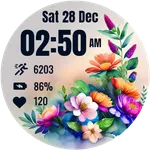
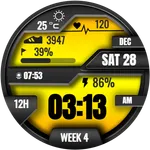
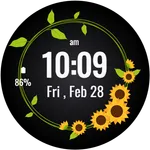
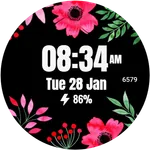
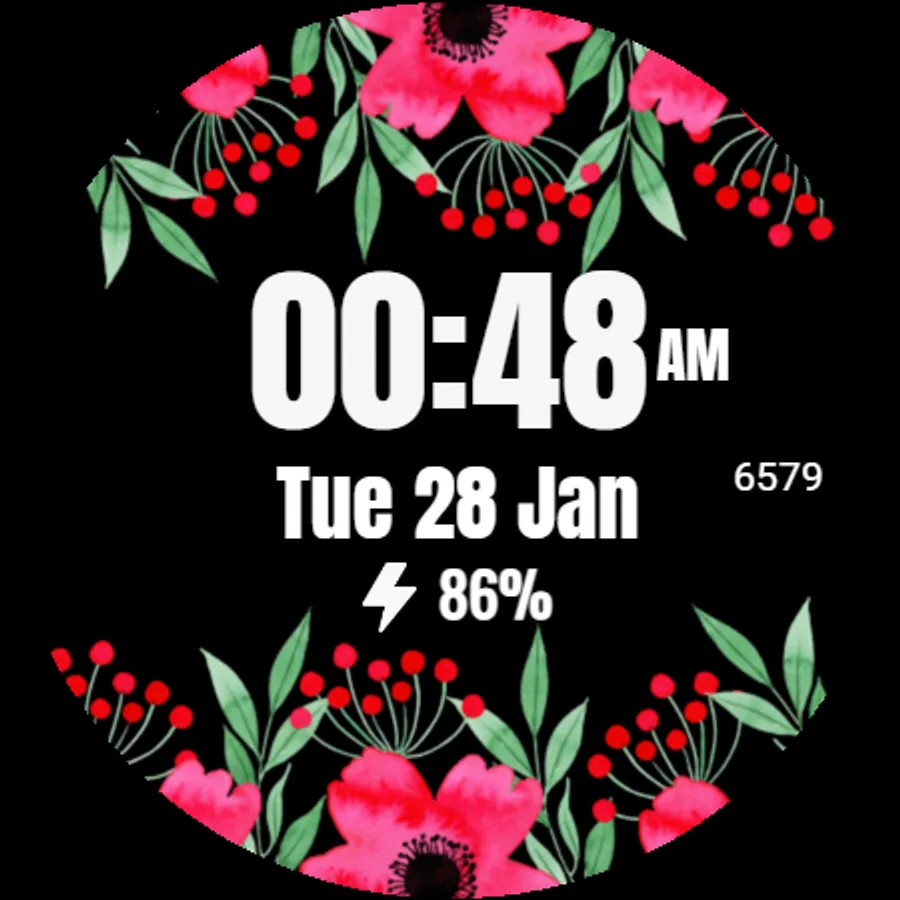
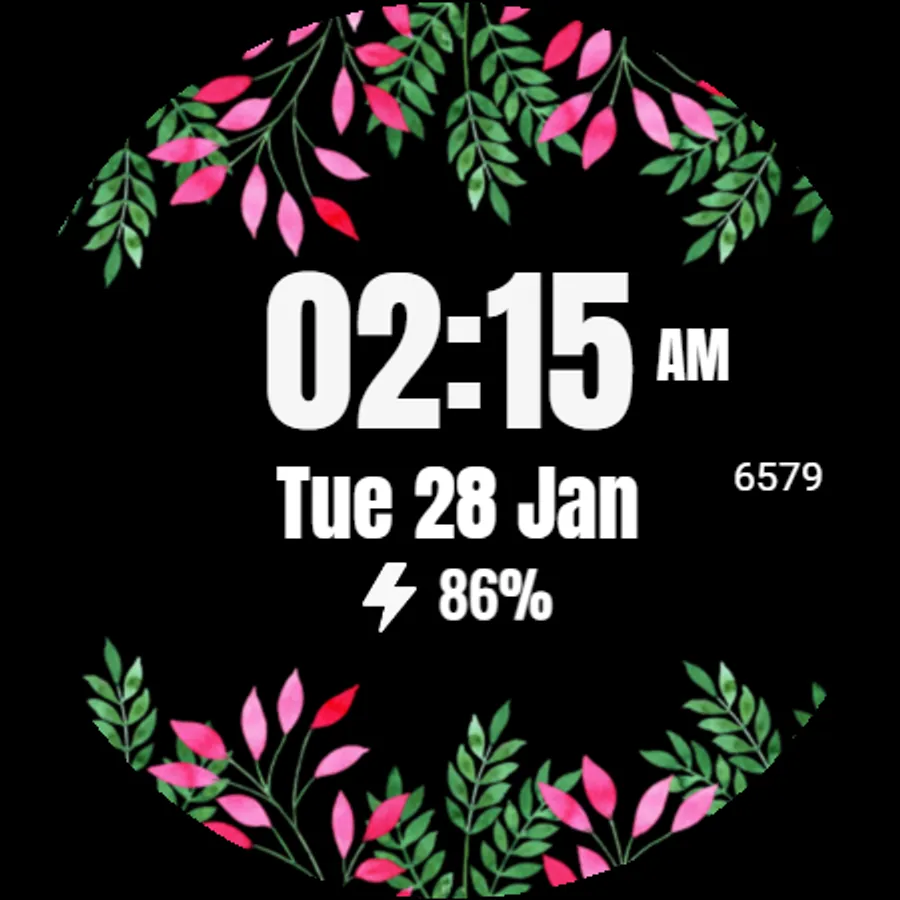
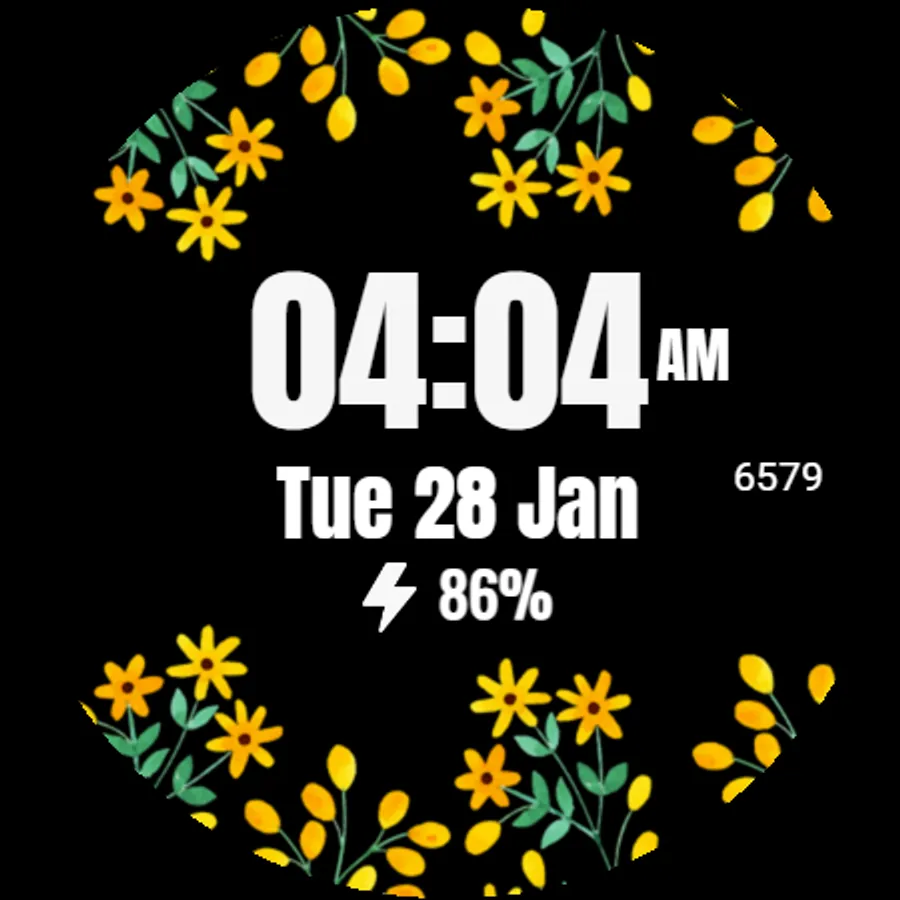
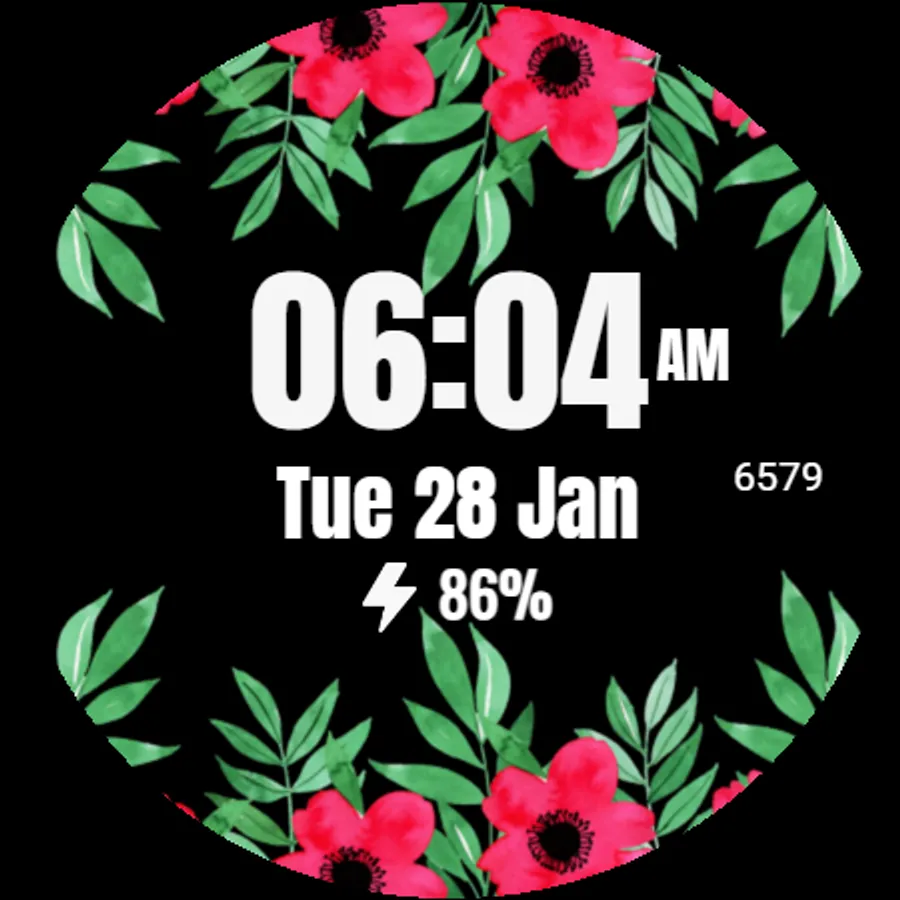
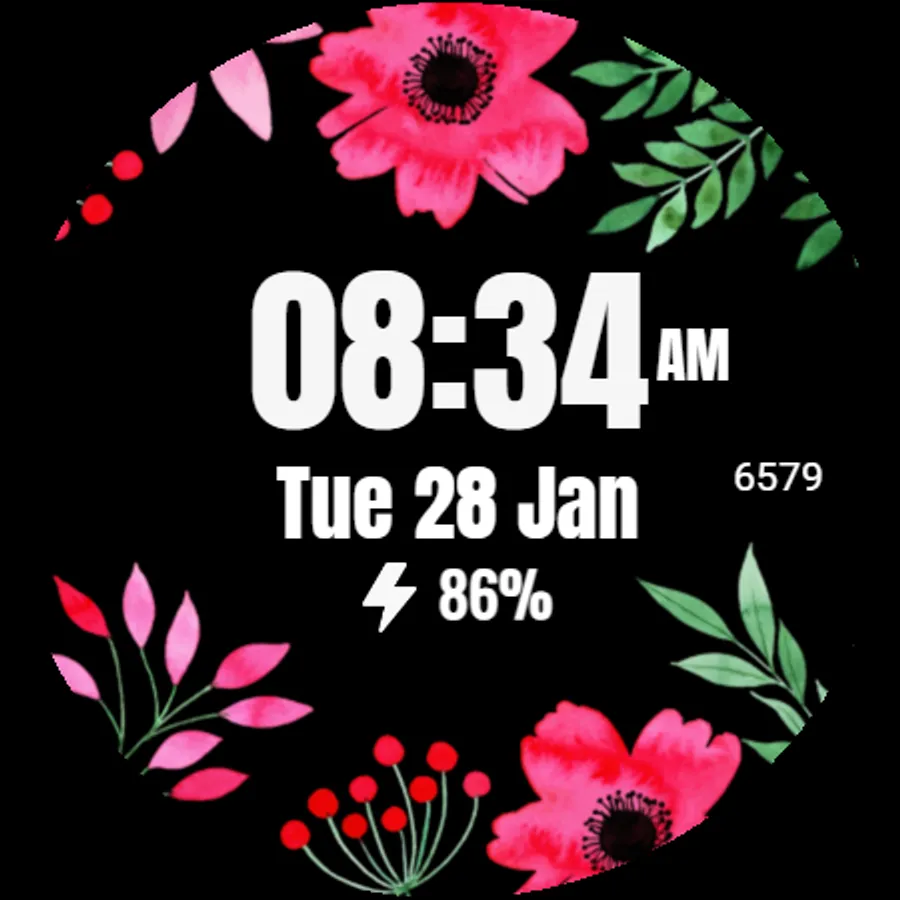
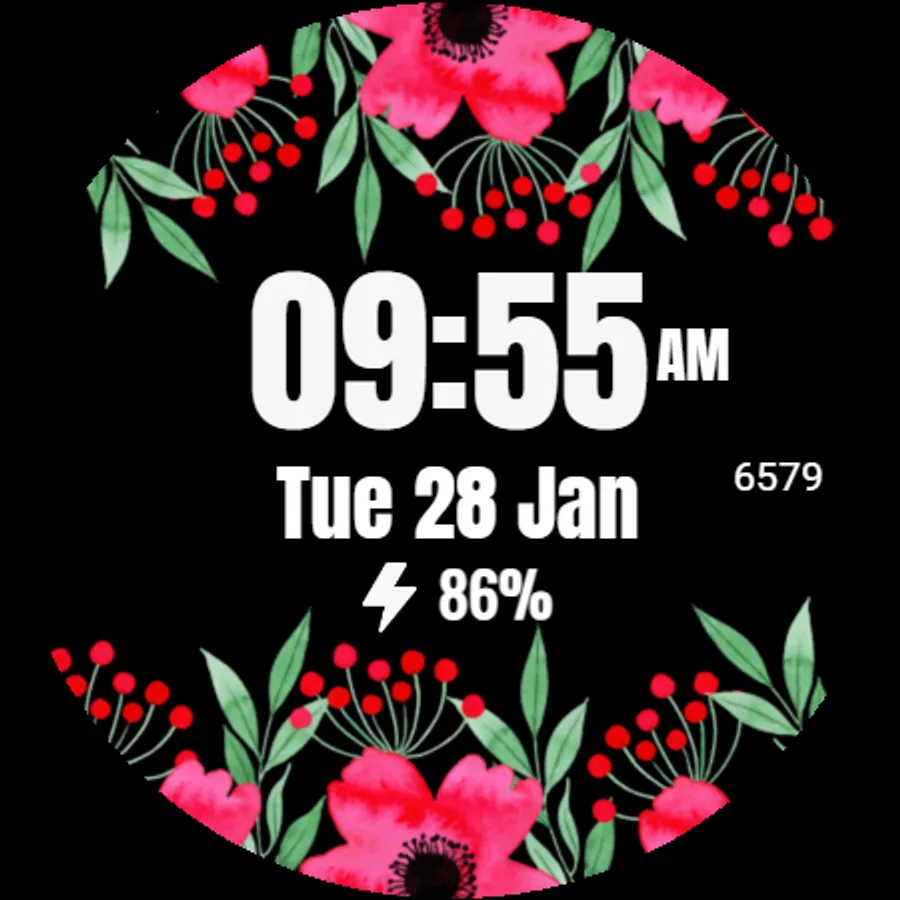
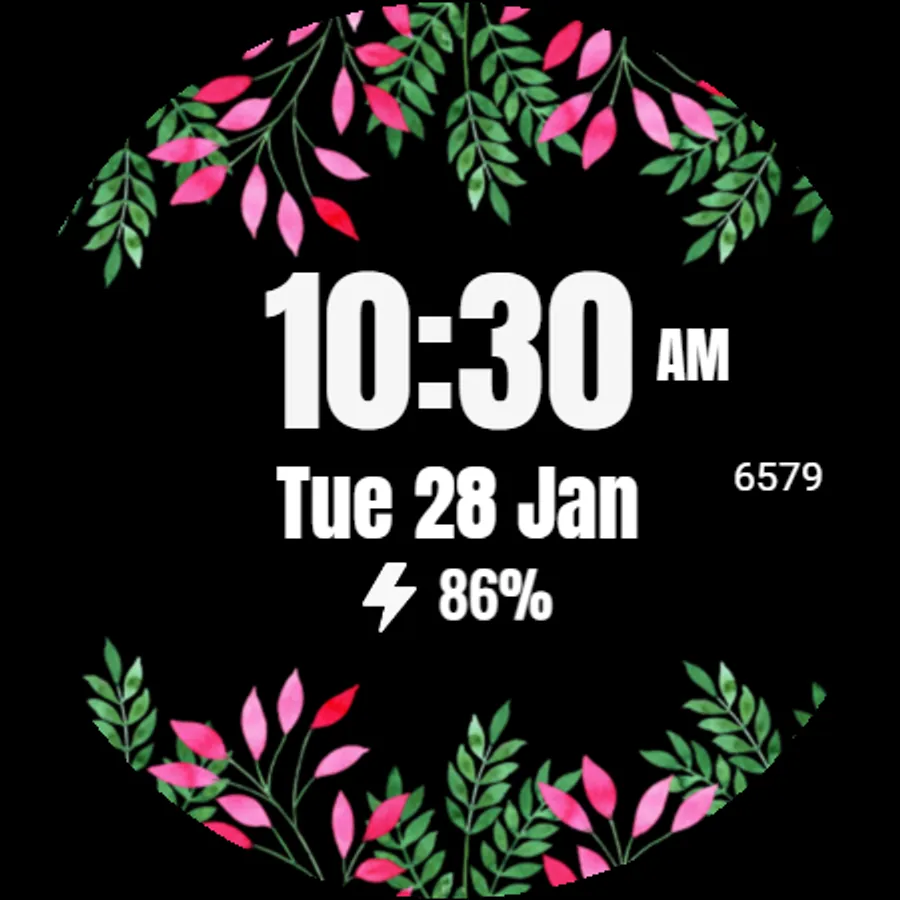
In this watch face app, you can customize floral designs and view time, date, steps, and battery percentage. Includes options for ambient and always-on display modes, along with customization of data fields.
AppRecs review analysis
AppRecs rating 4.8. Trustworthiness 75 out of 100. Review manipulation risk 20 out of 100. Based on a review sample analyzed.
★★★★☆
4.8
AppRecs Rating
Ratings breakdown
5 star
76%
4 star
24%
3 star
0%
2 star
0%
1 star
0%
What to know
✓
Low review manipulation risk
20% review manipulation risk
✓
Credible reviews
75% trustworthiness score from analyzed reviews
✓
High user satisfaction
76% of sampled ratings are 5 stars
About Flower - Spring Summer Watch
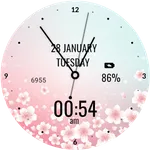
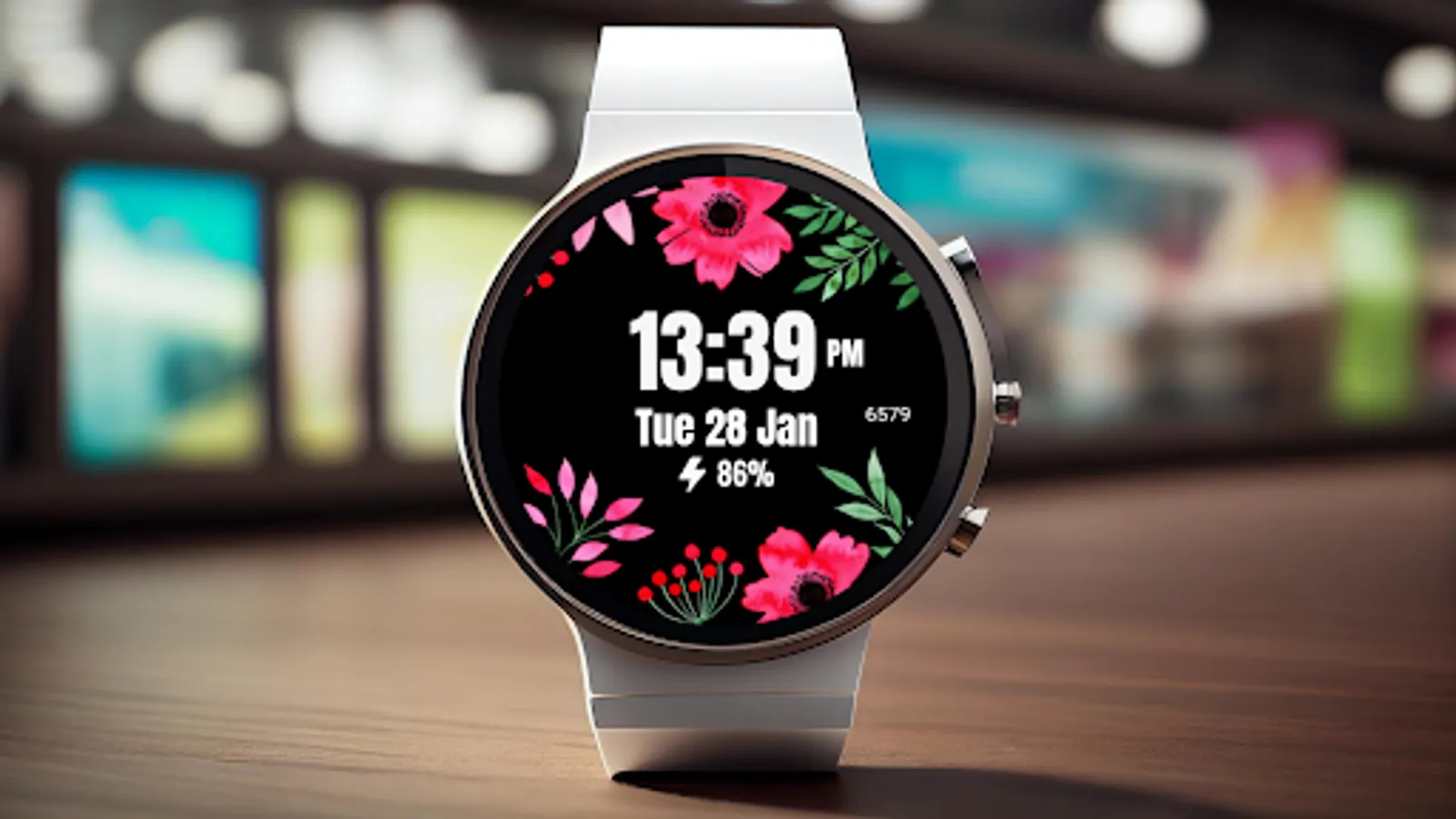
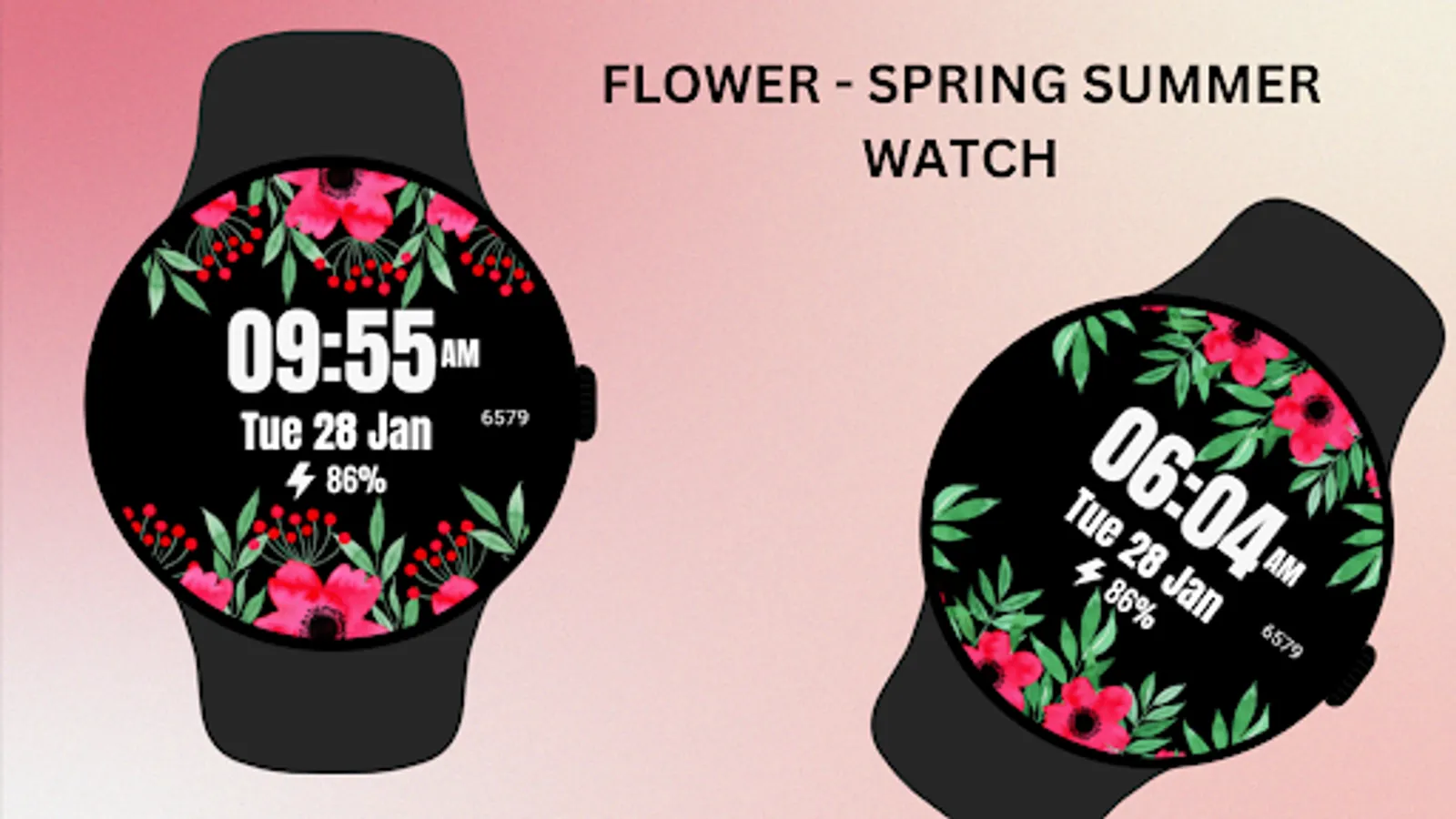
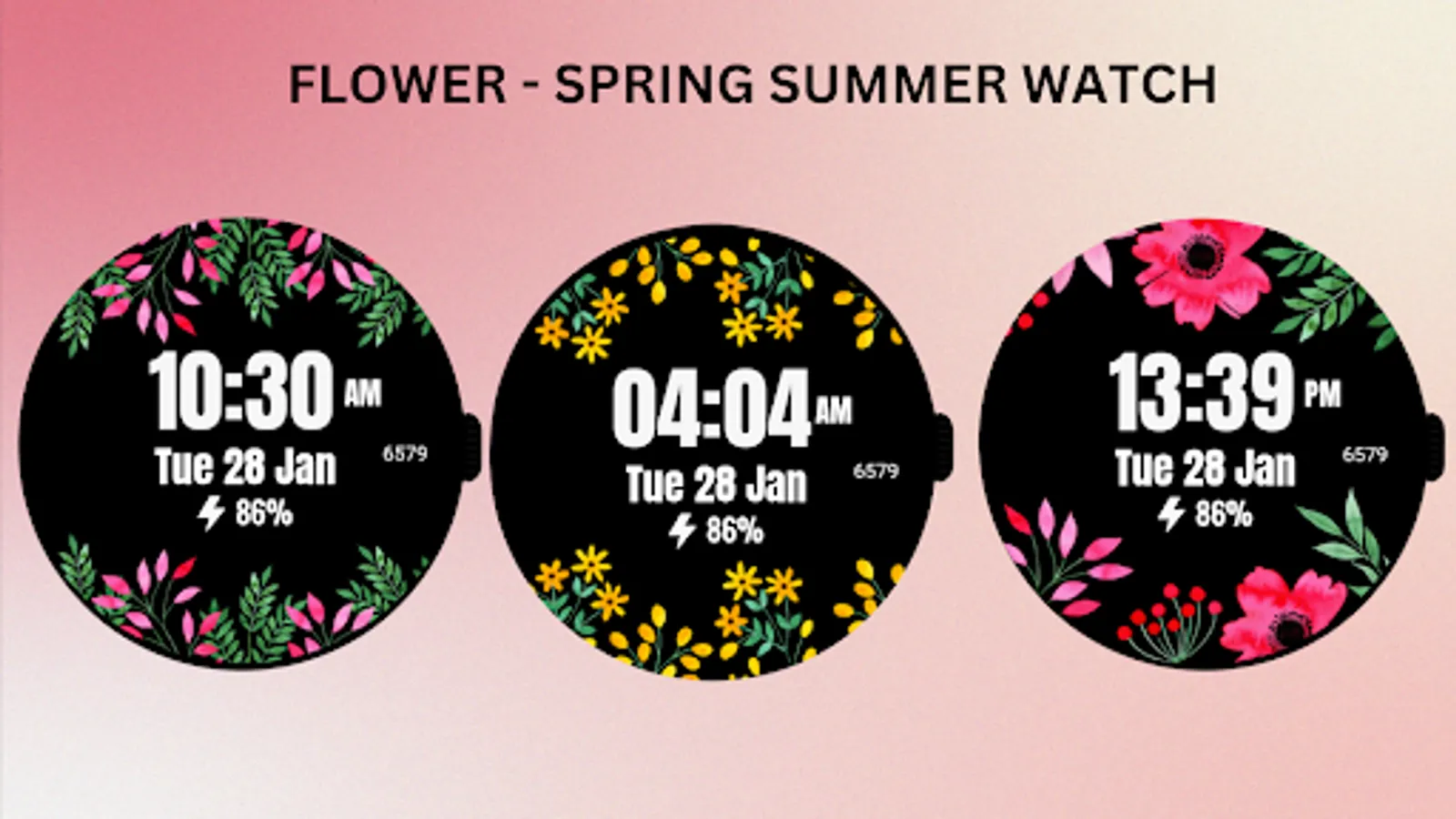
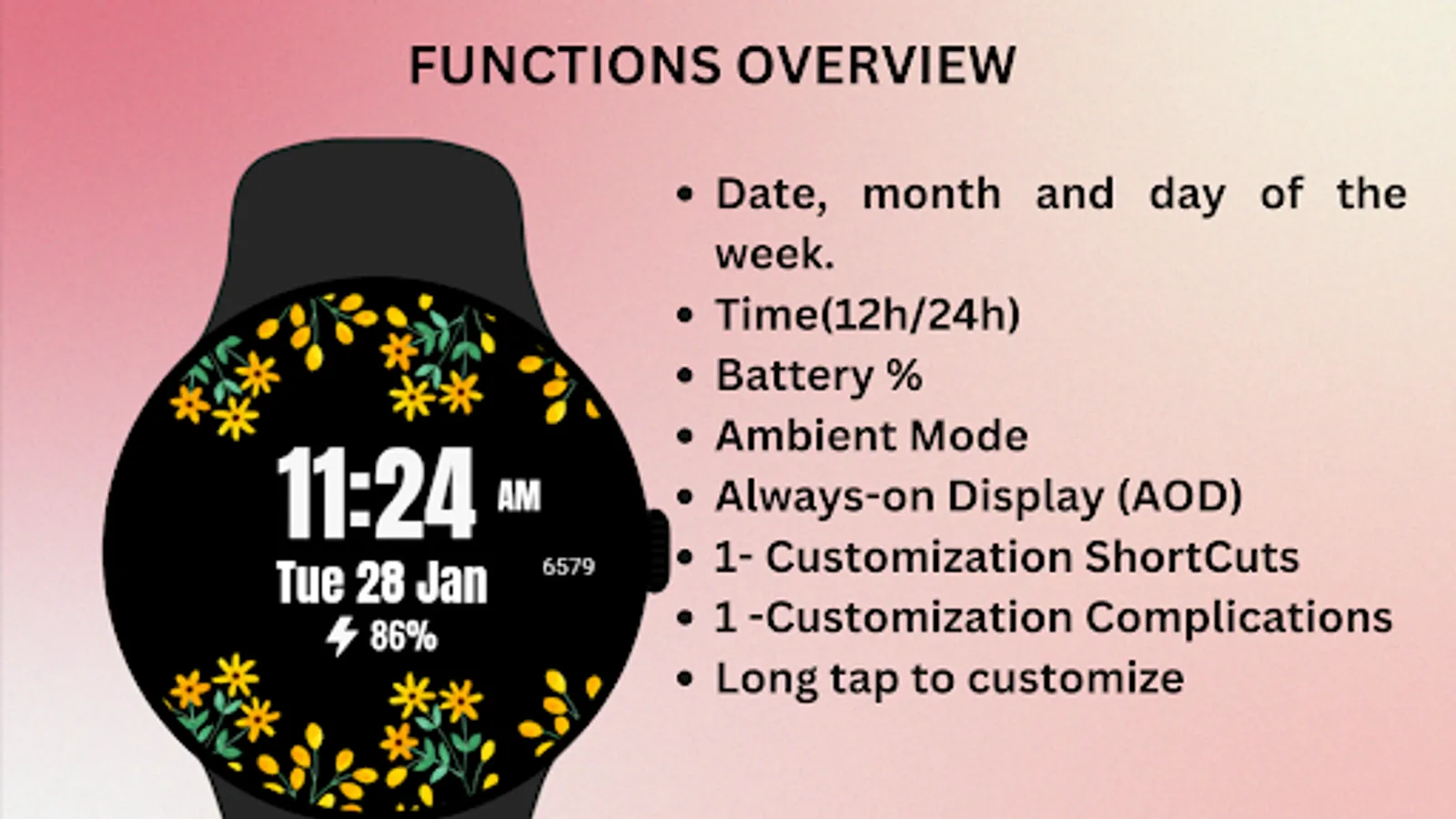
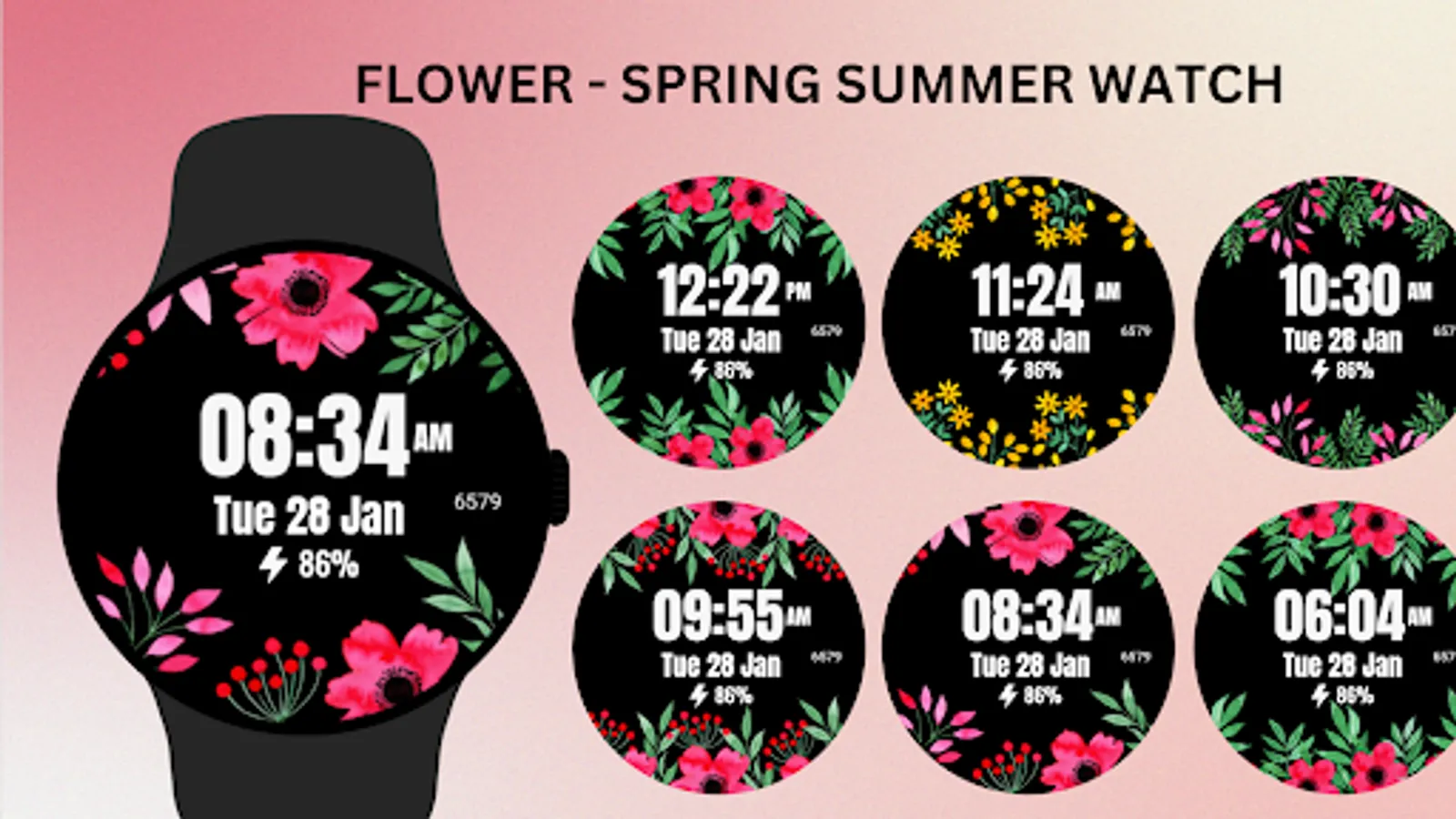
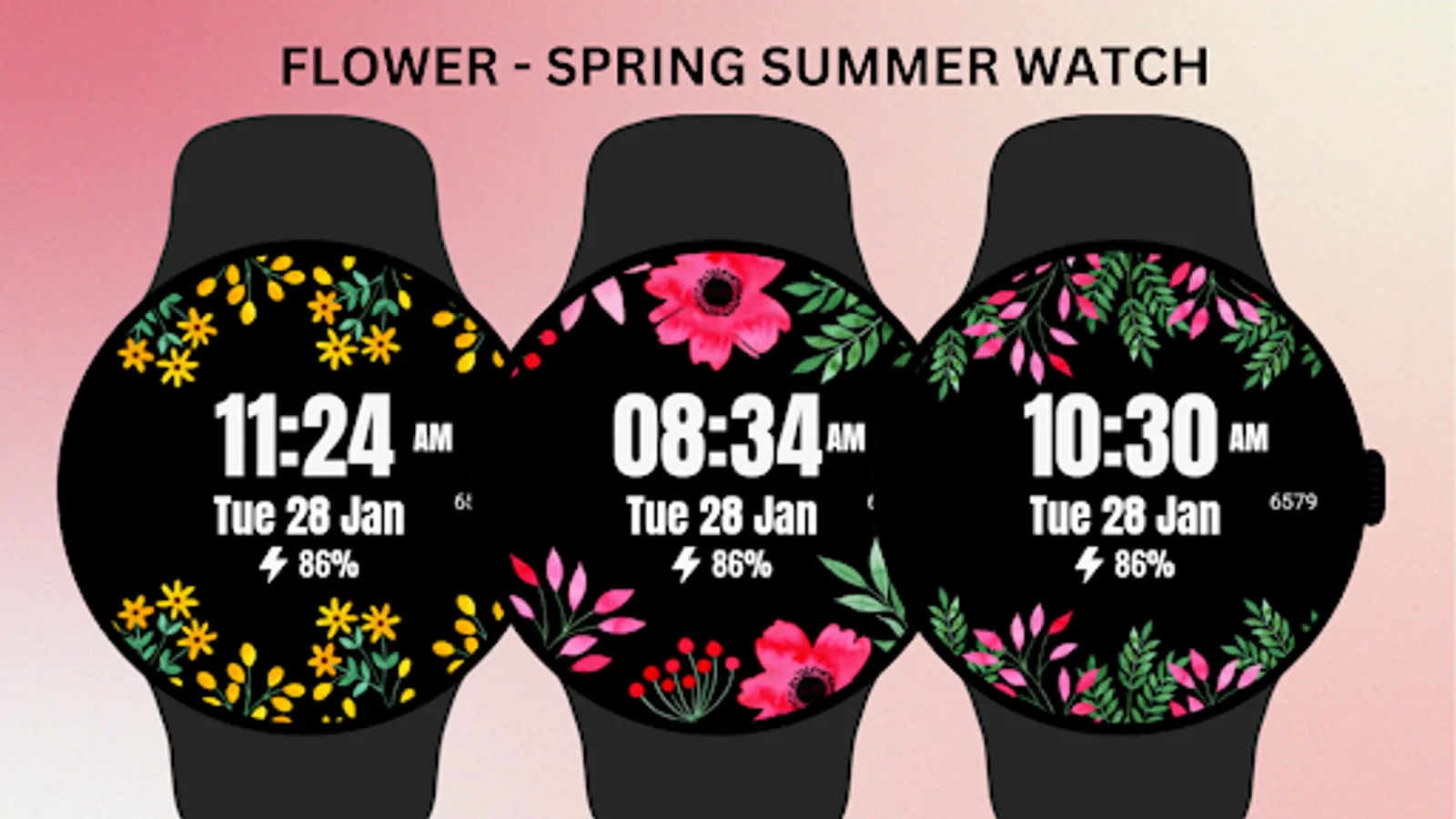
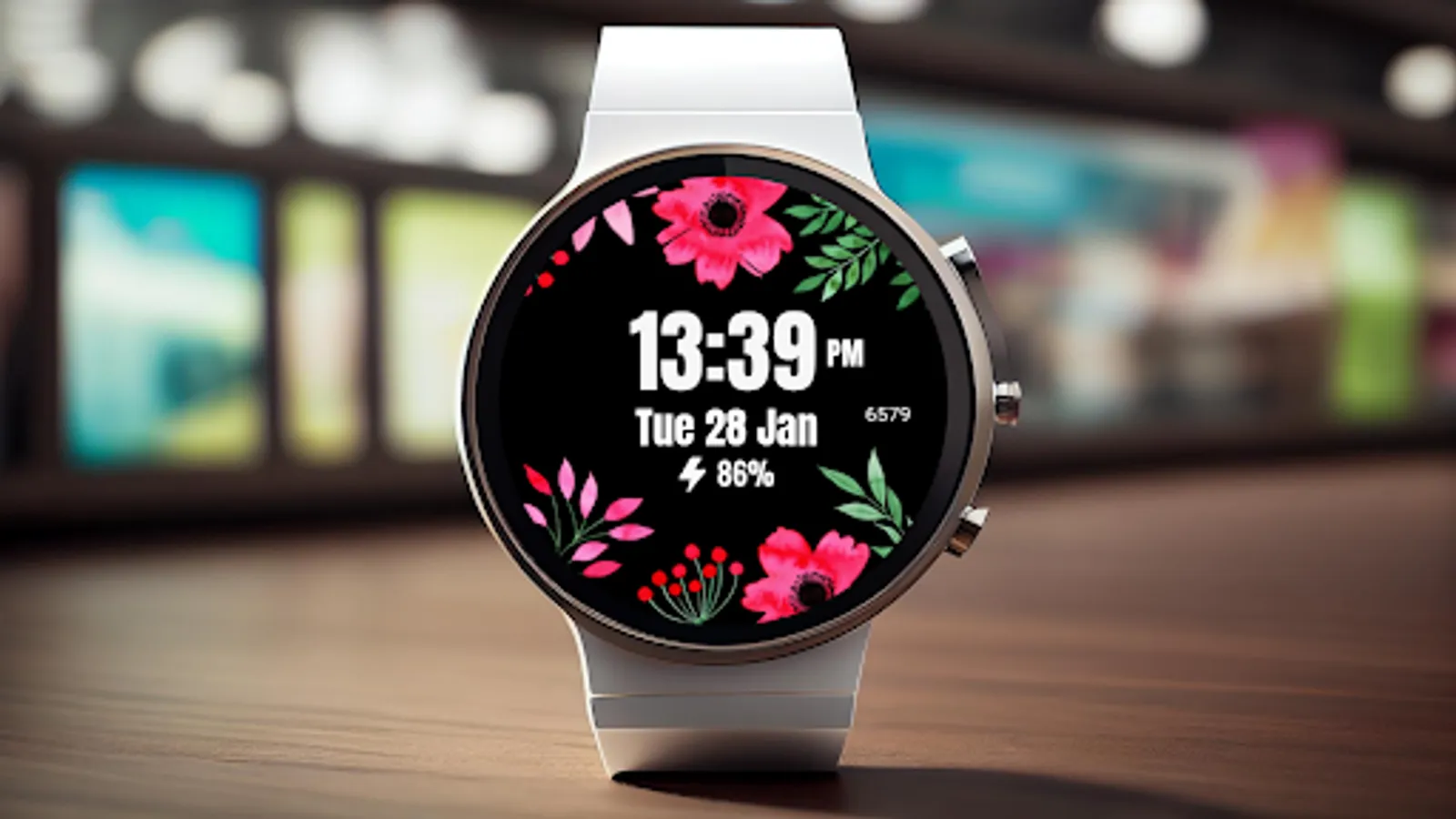
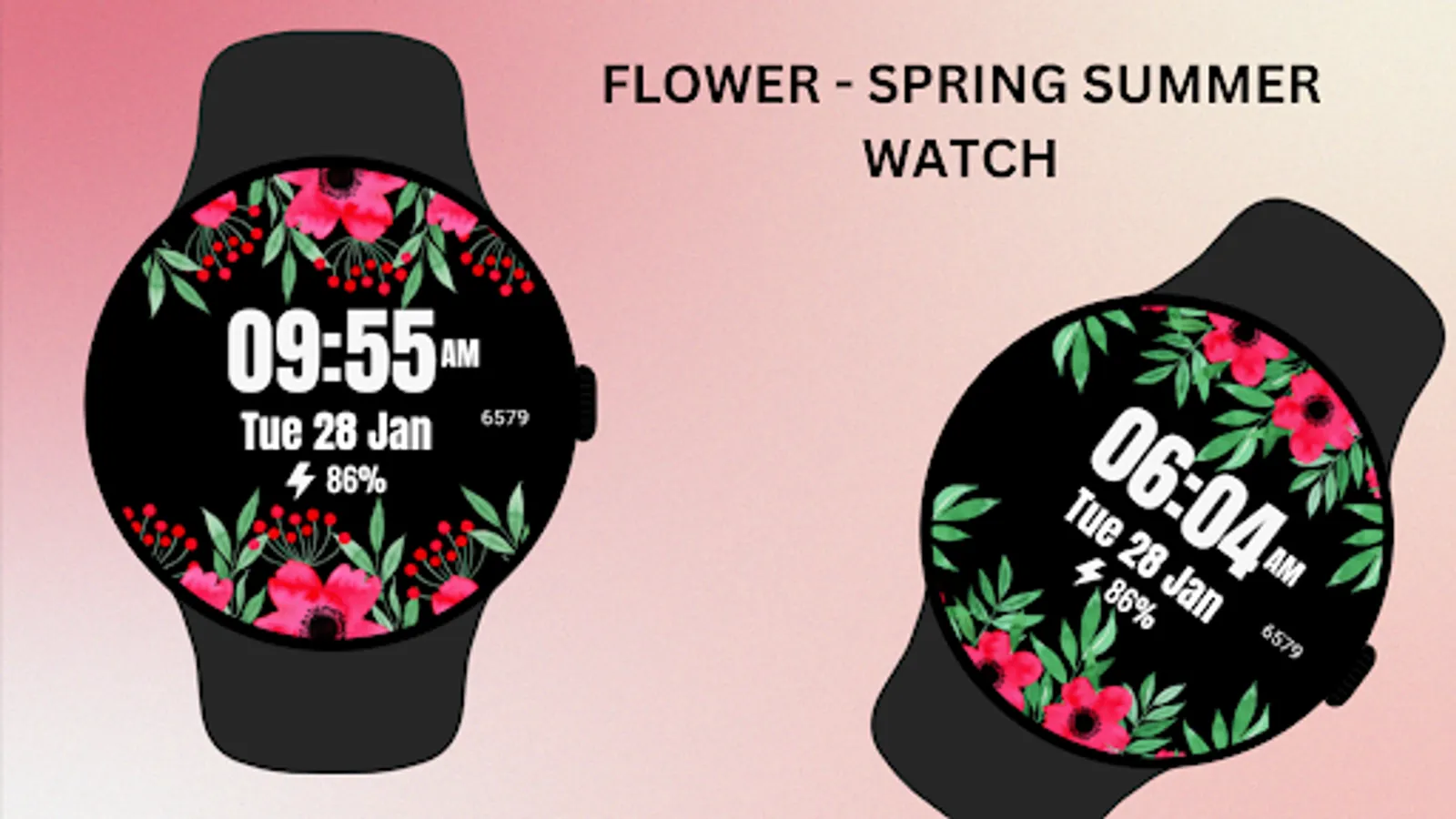
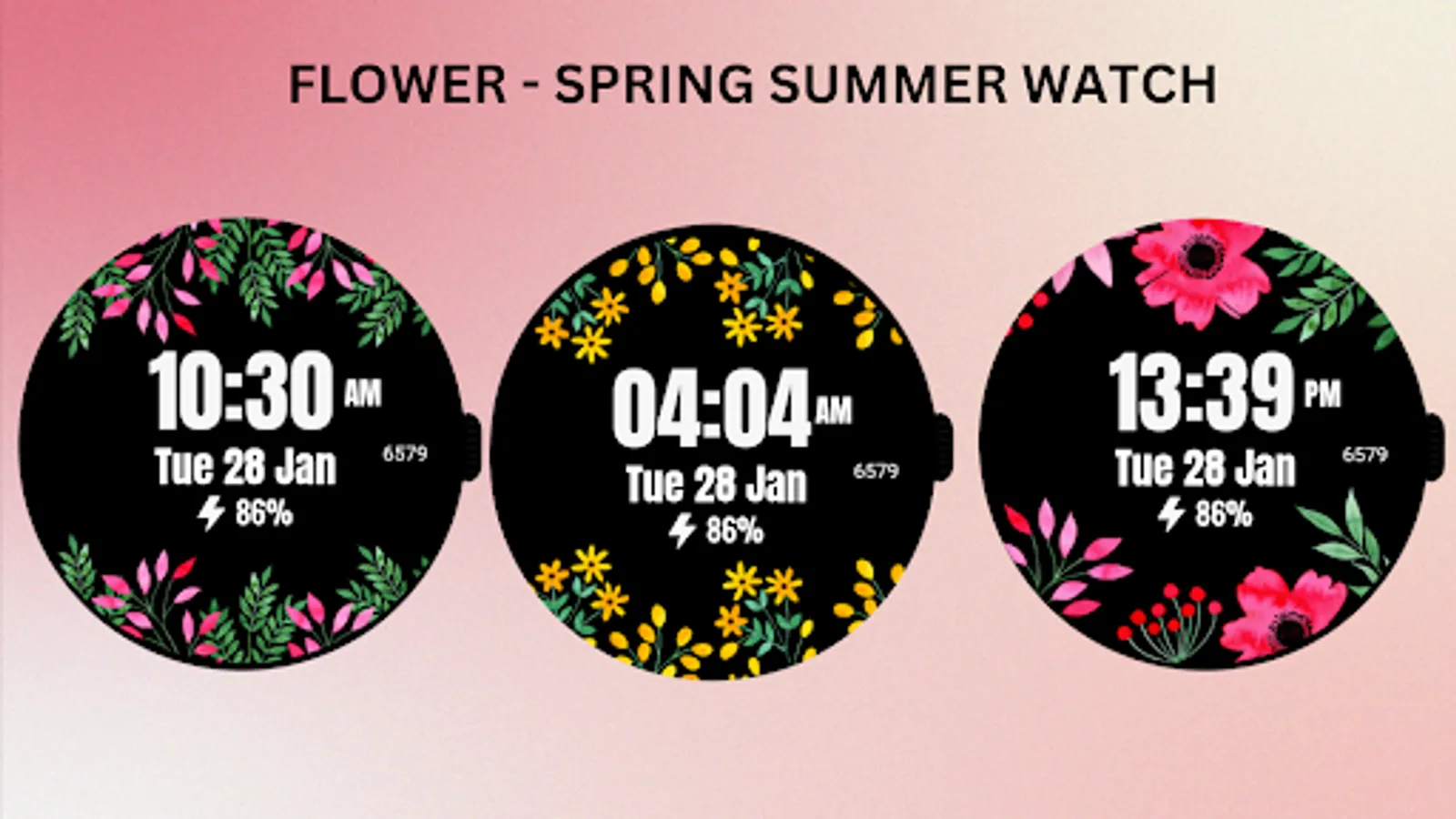
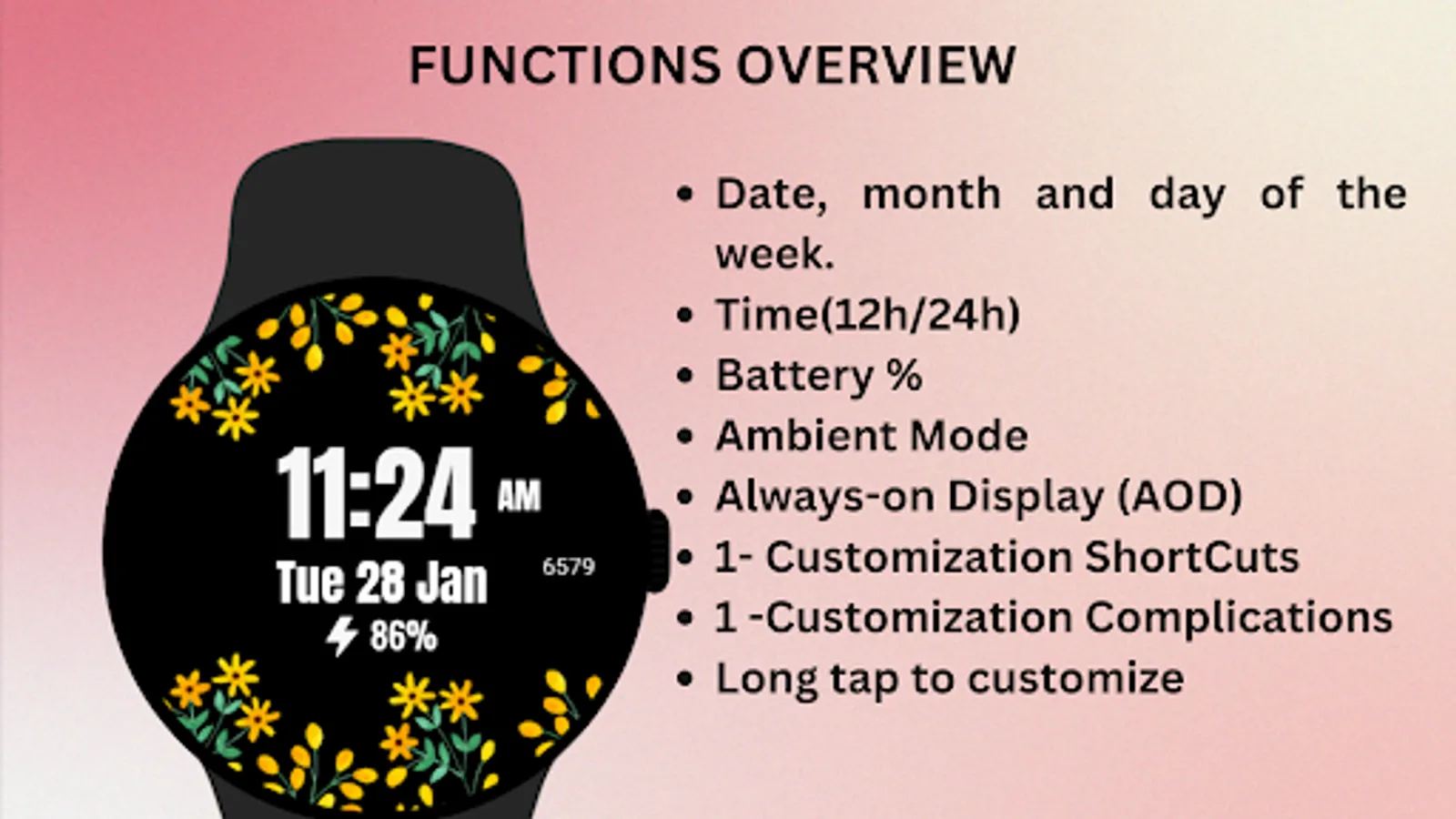
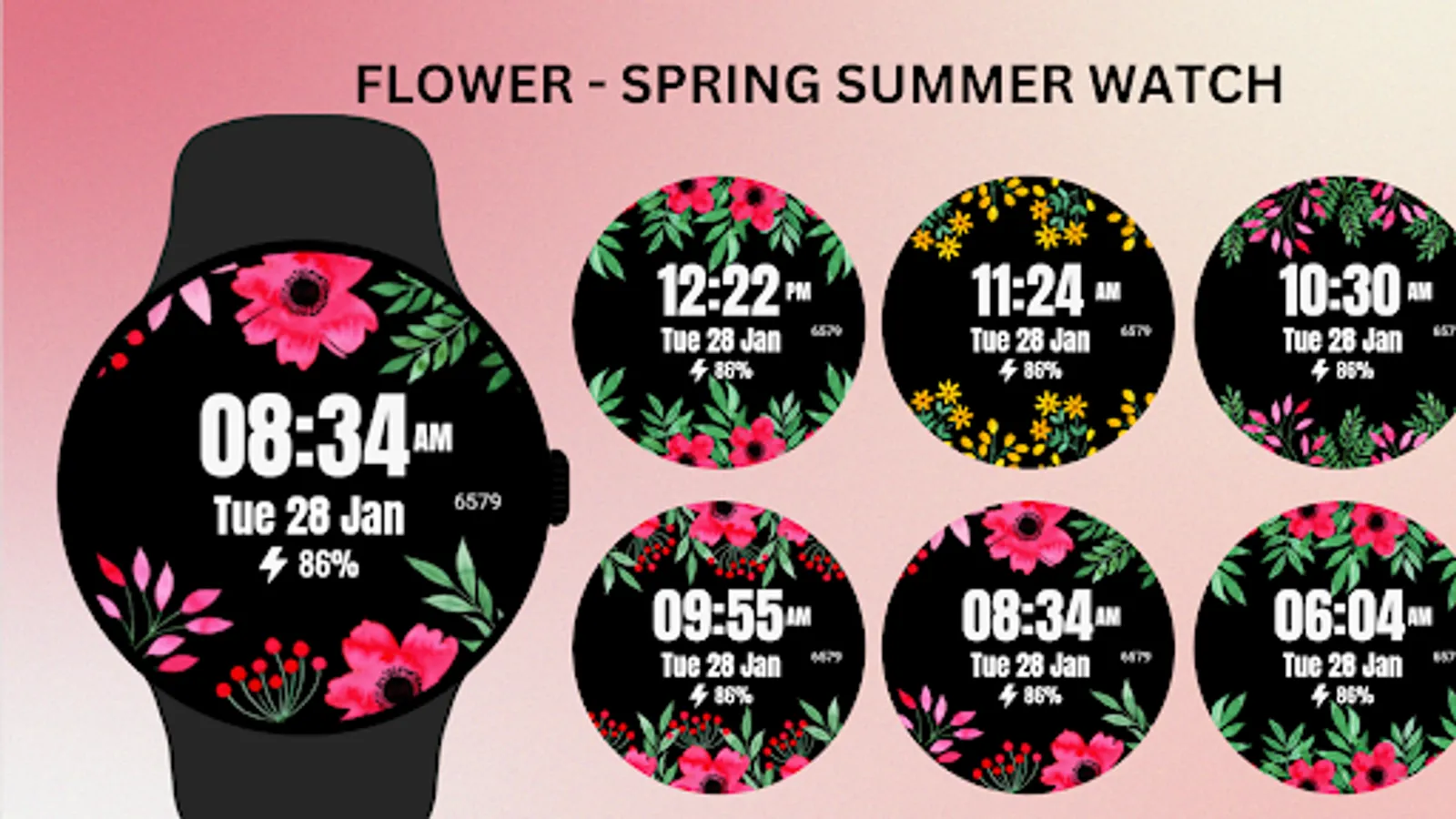
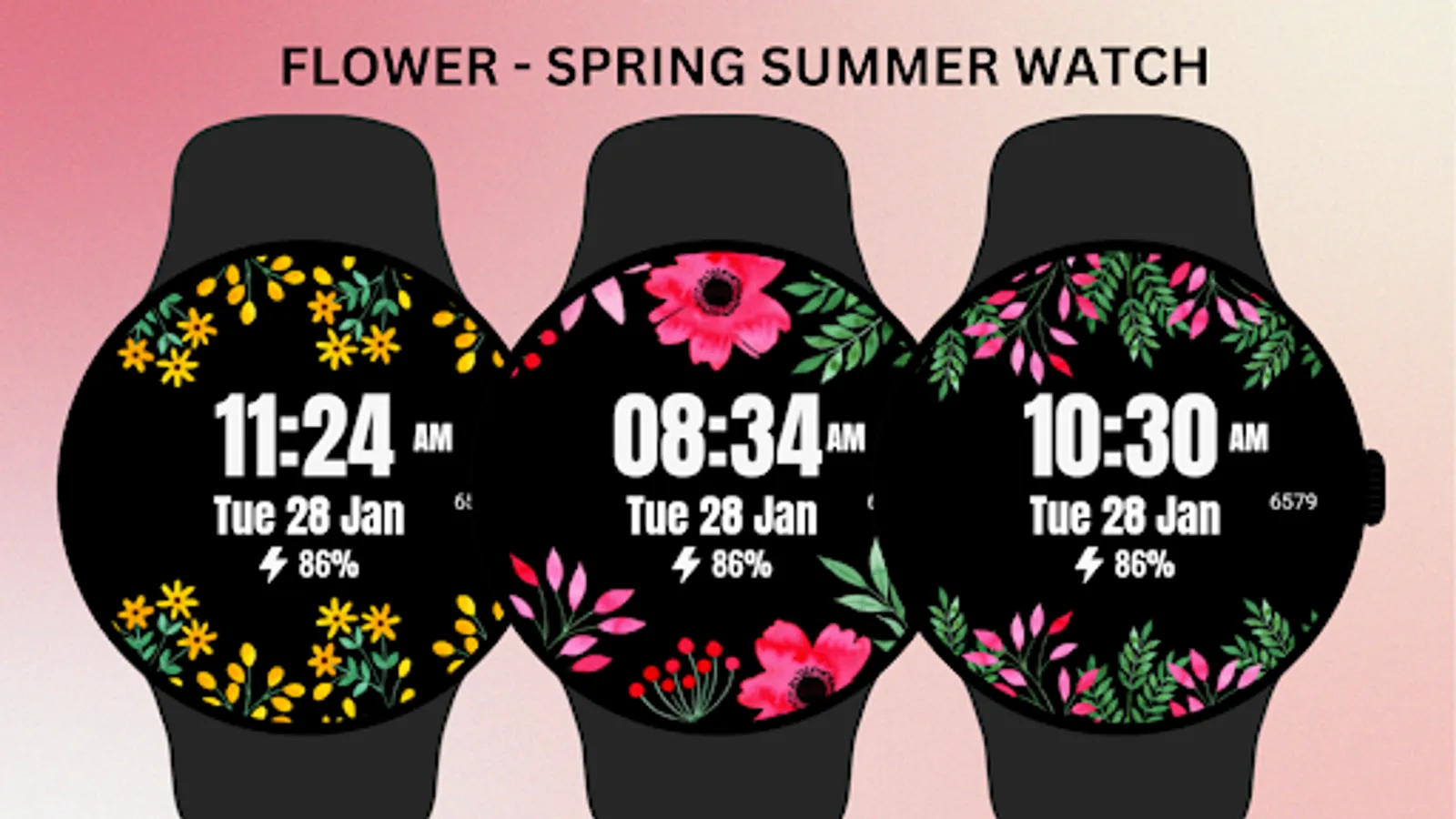
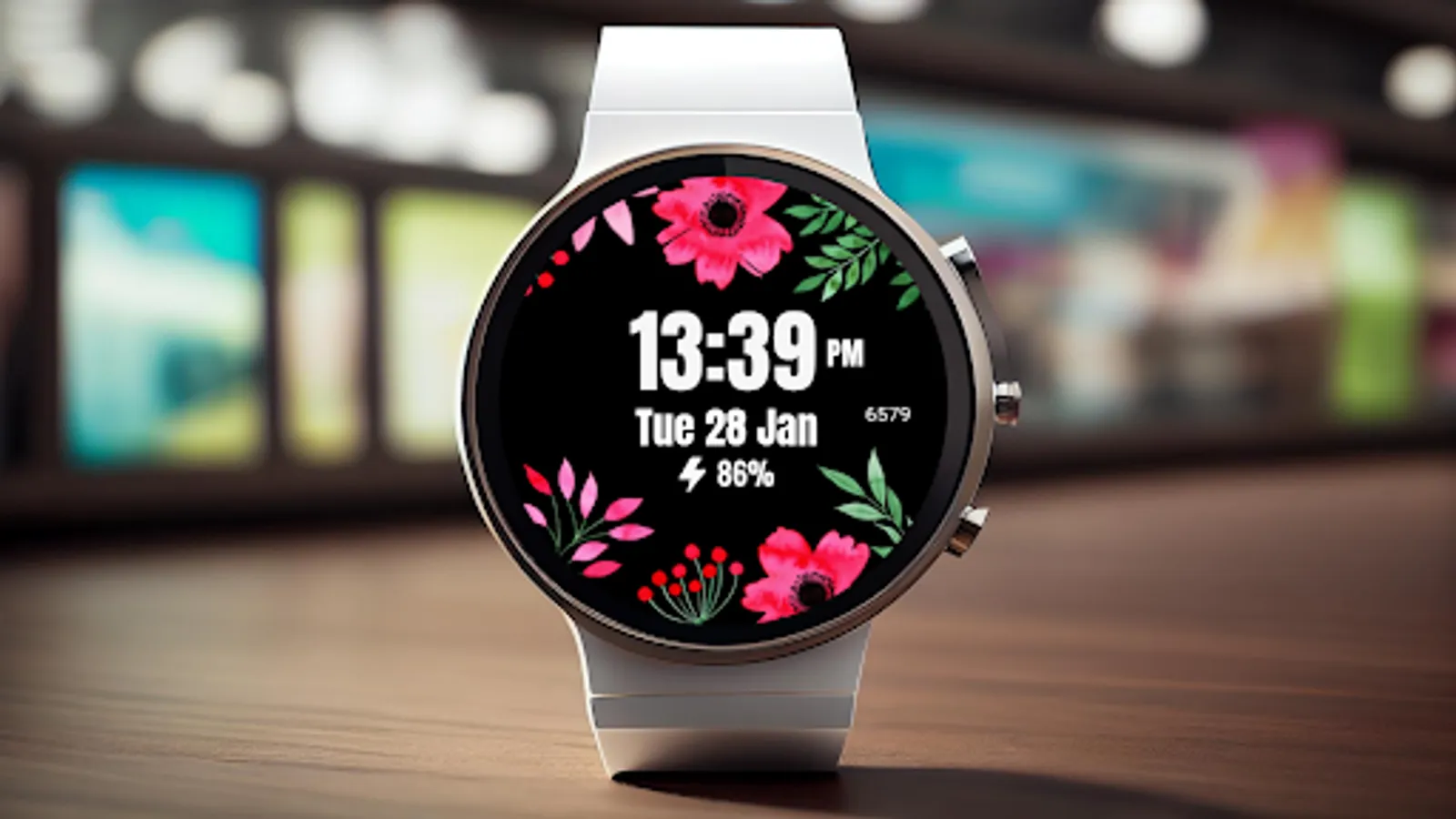
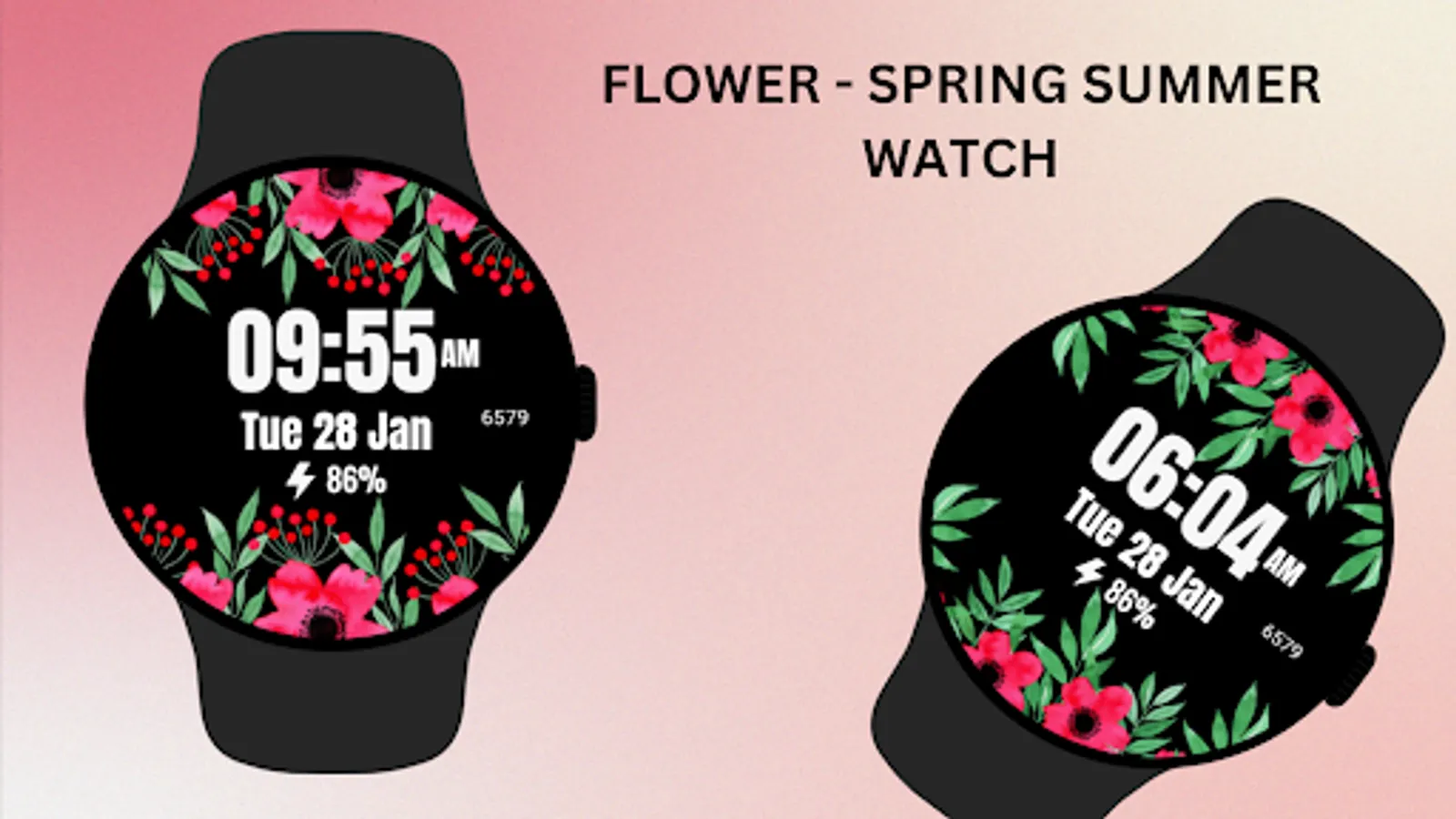
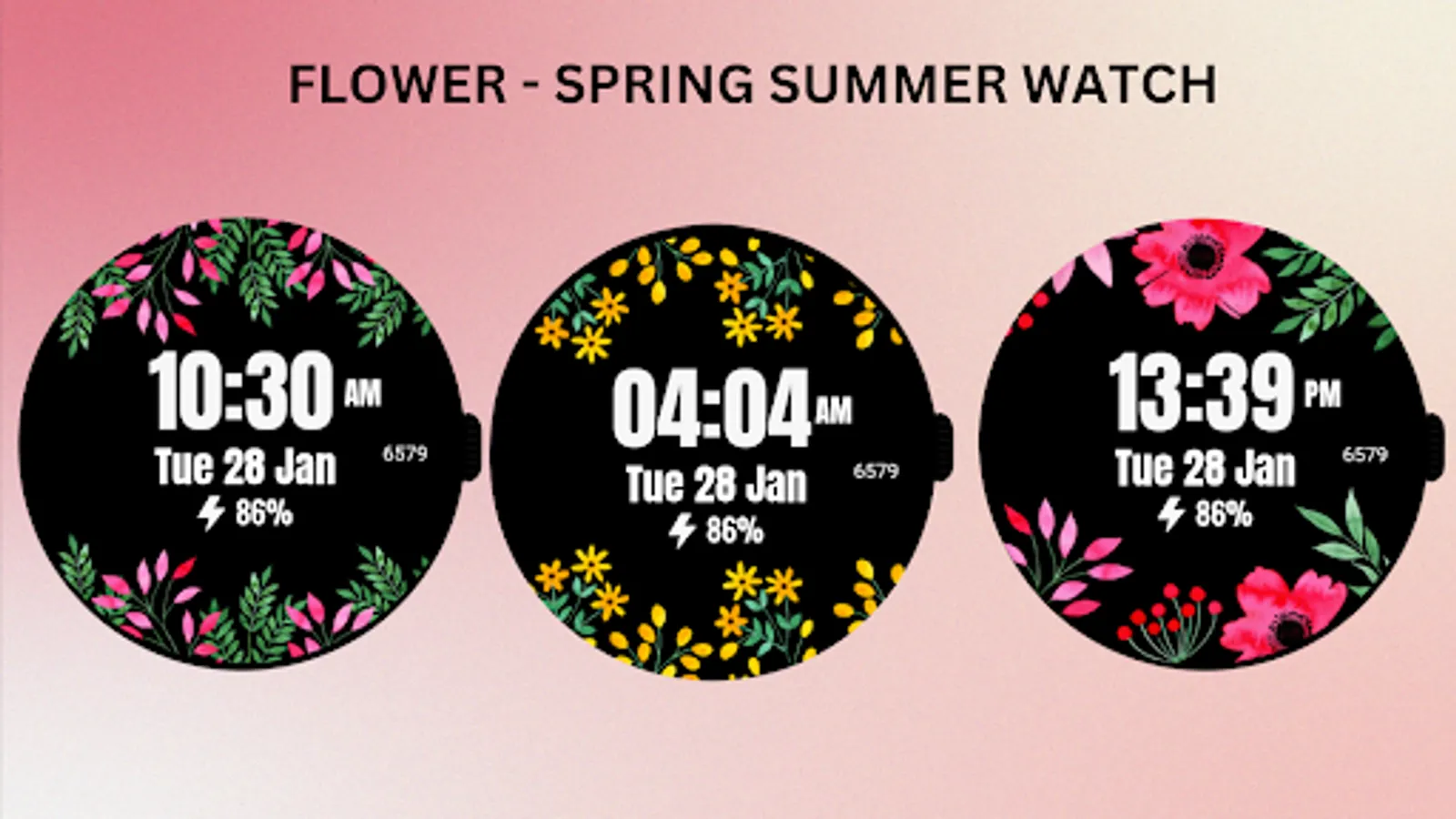
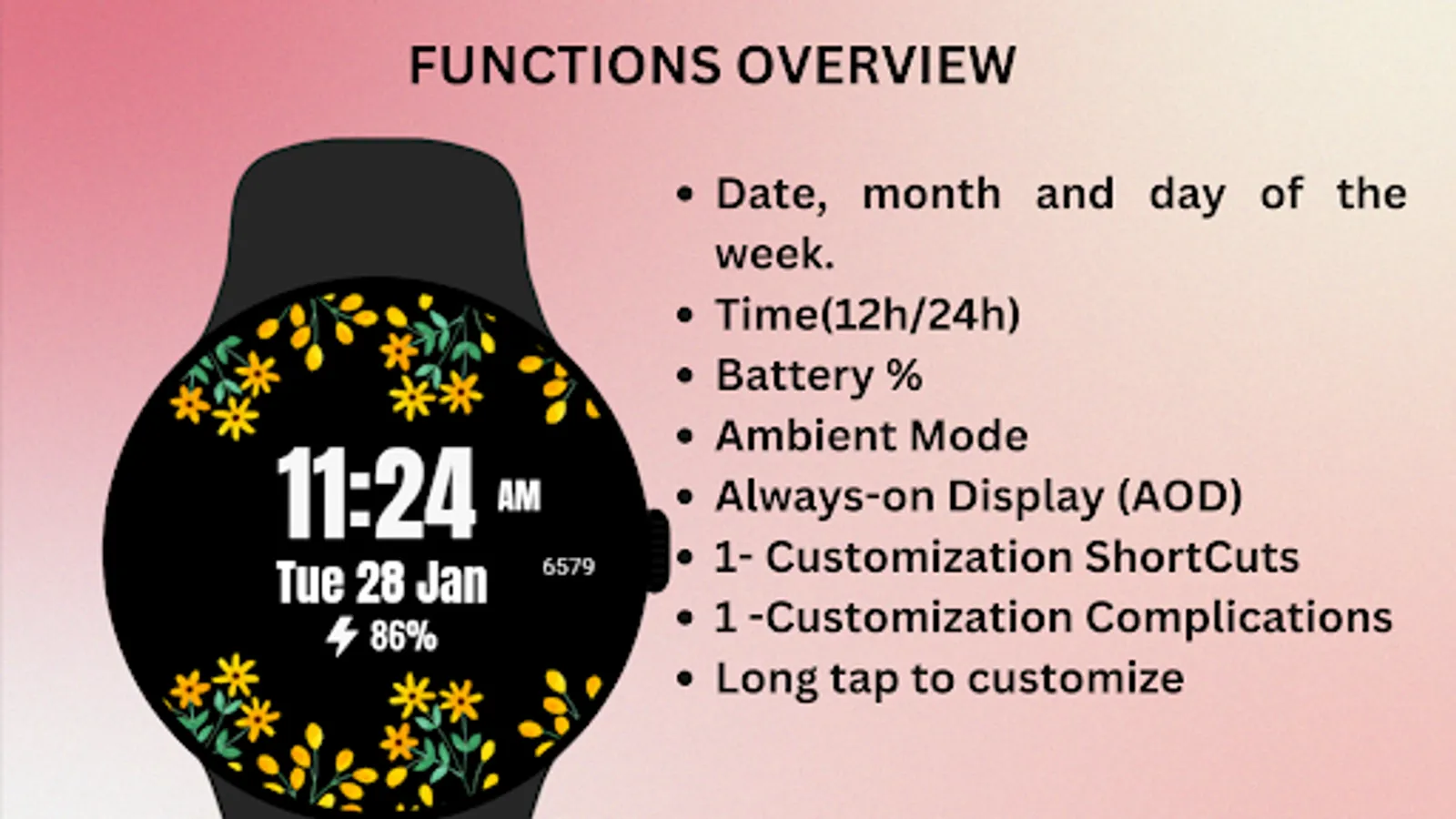
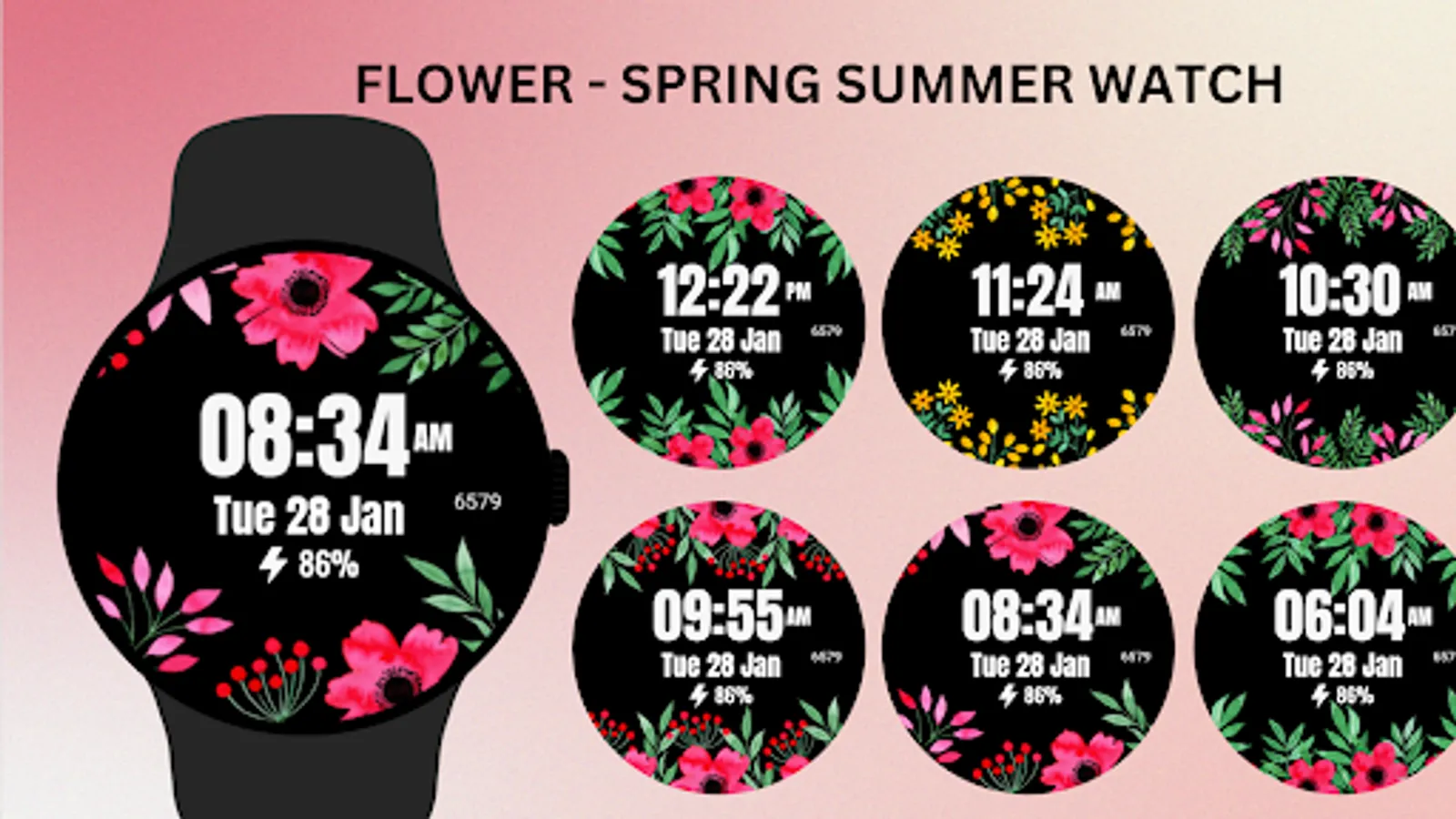
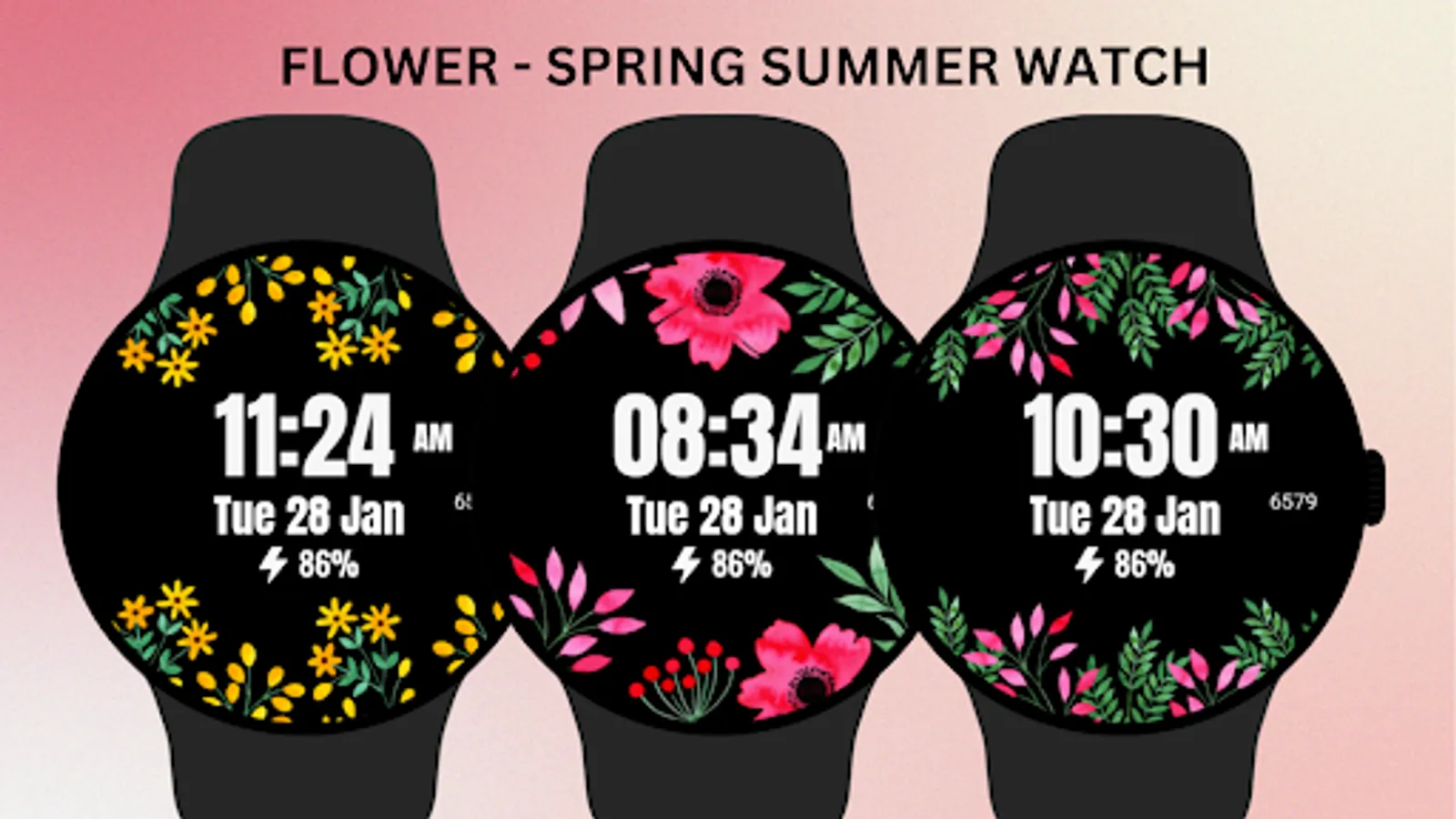
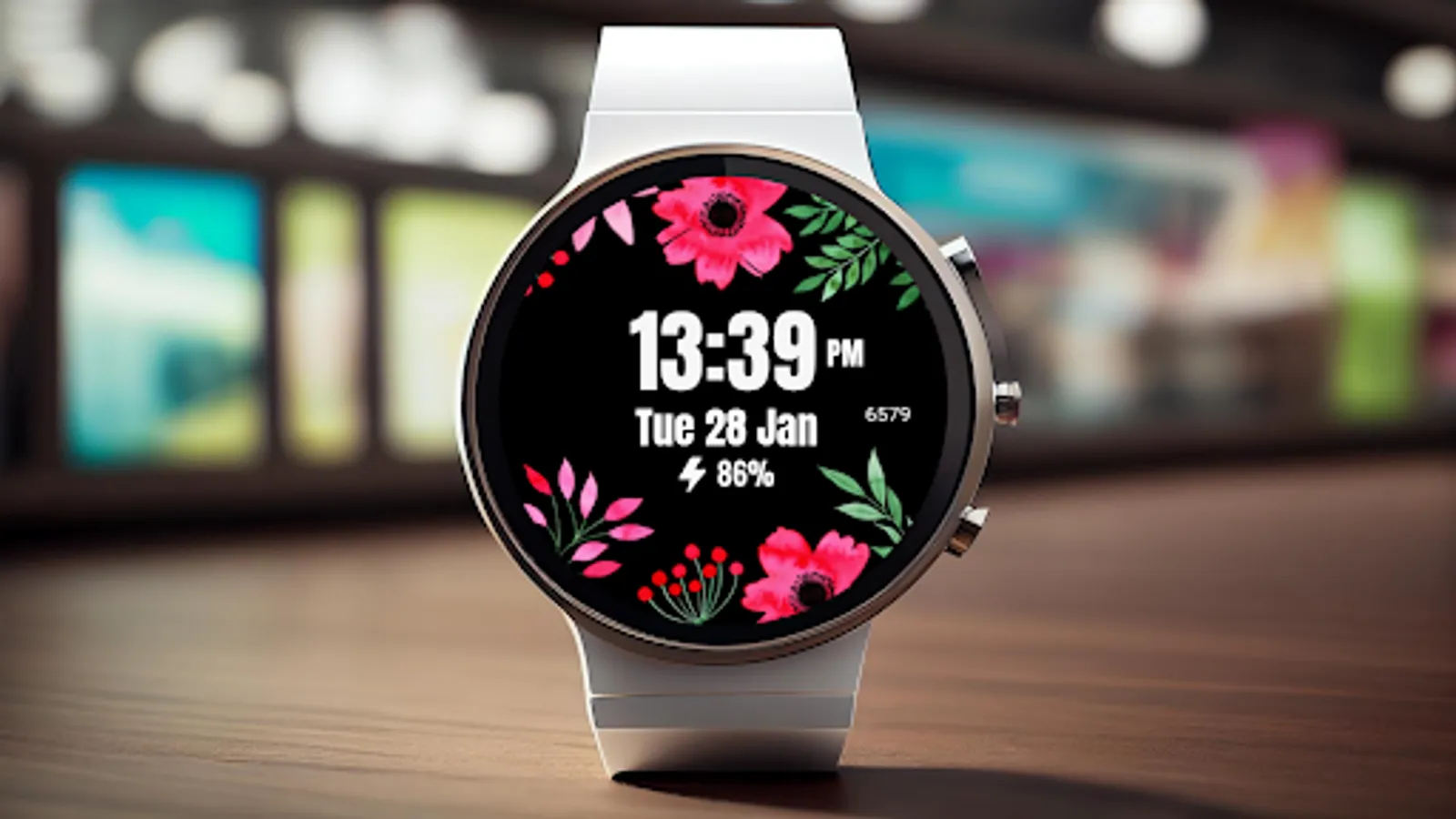
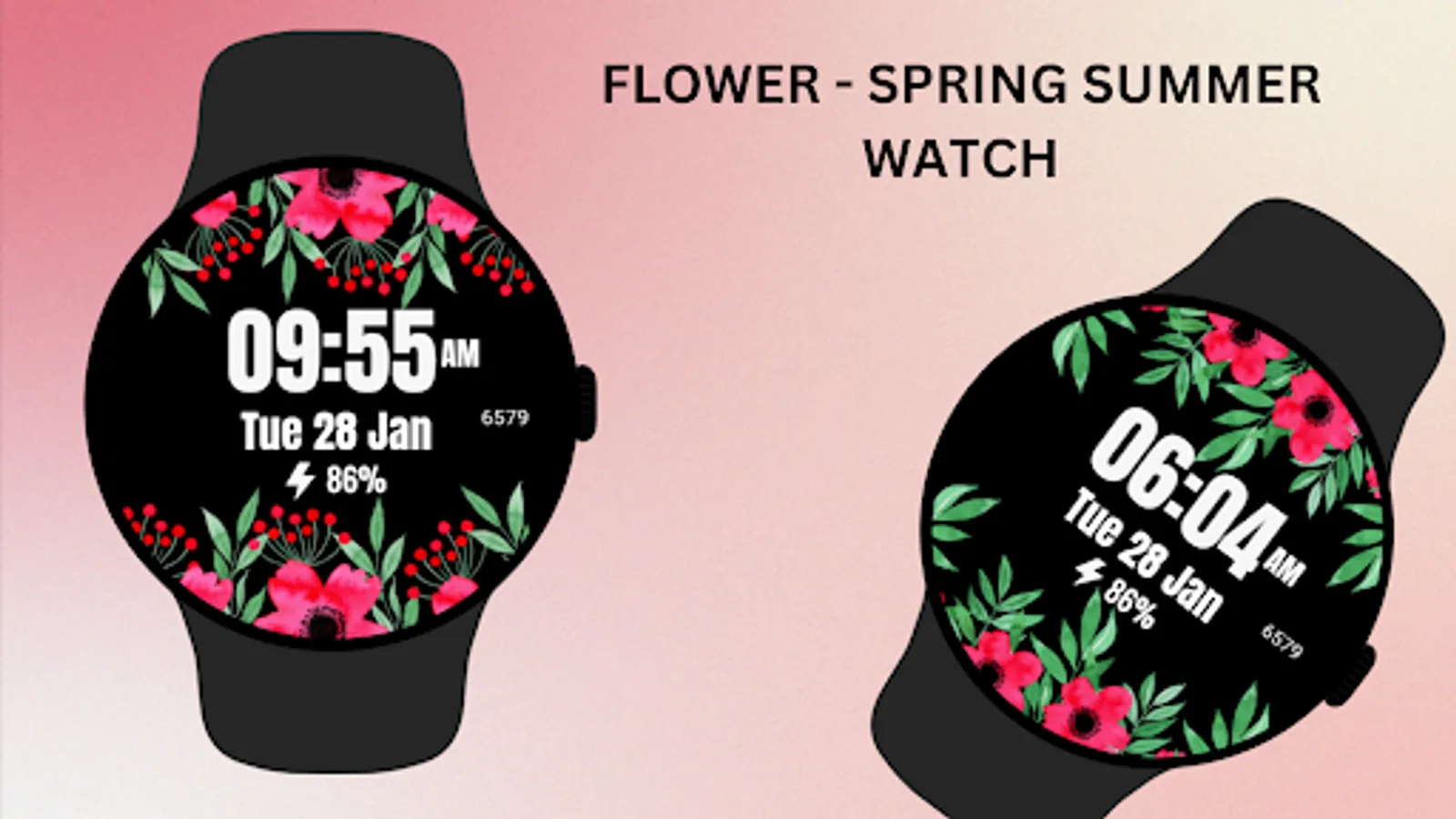
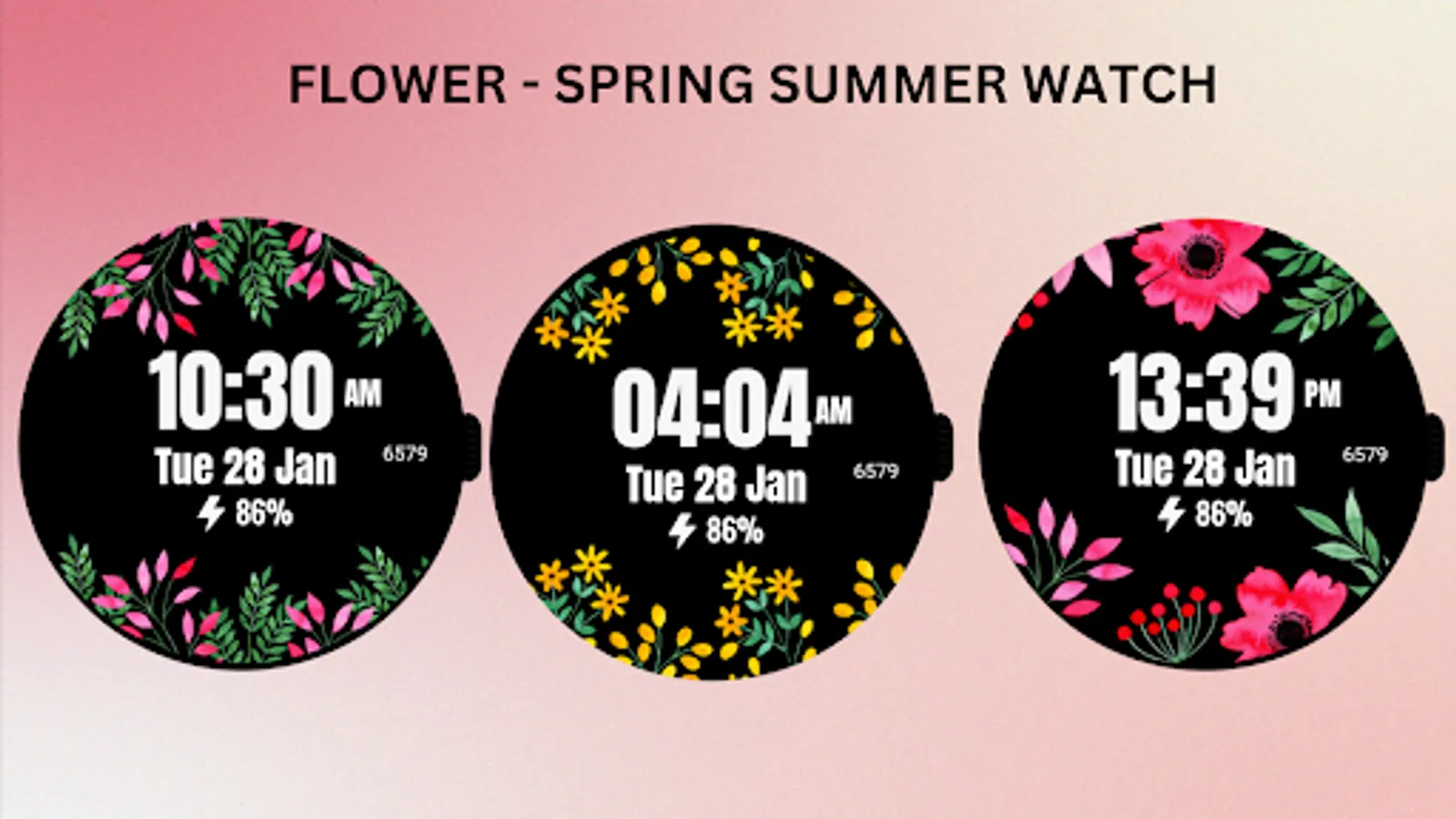
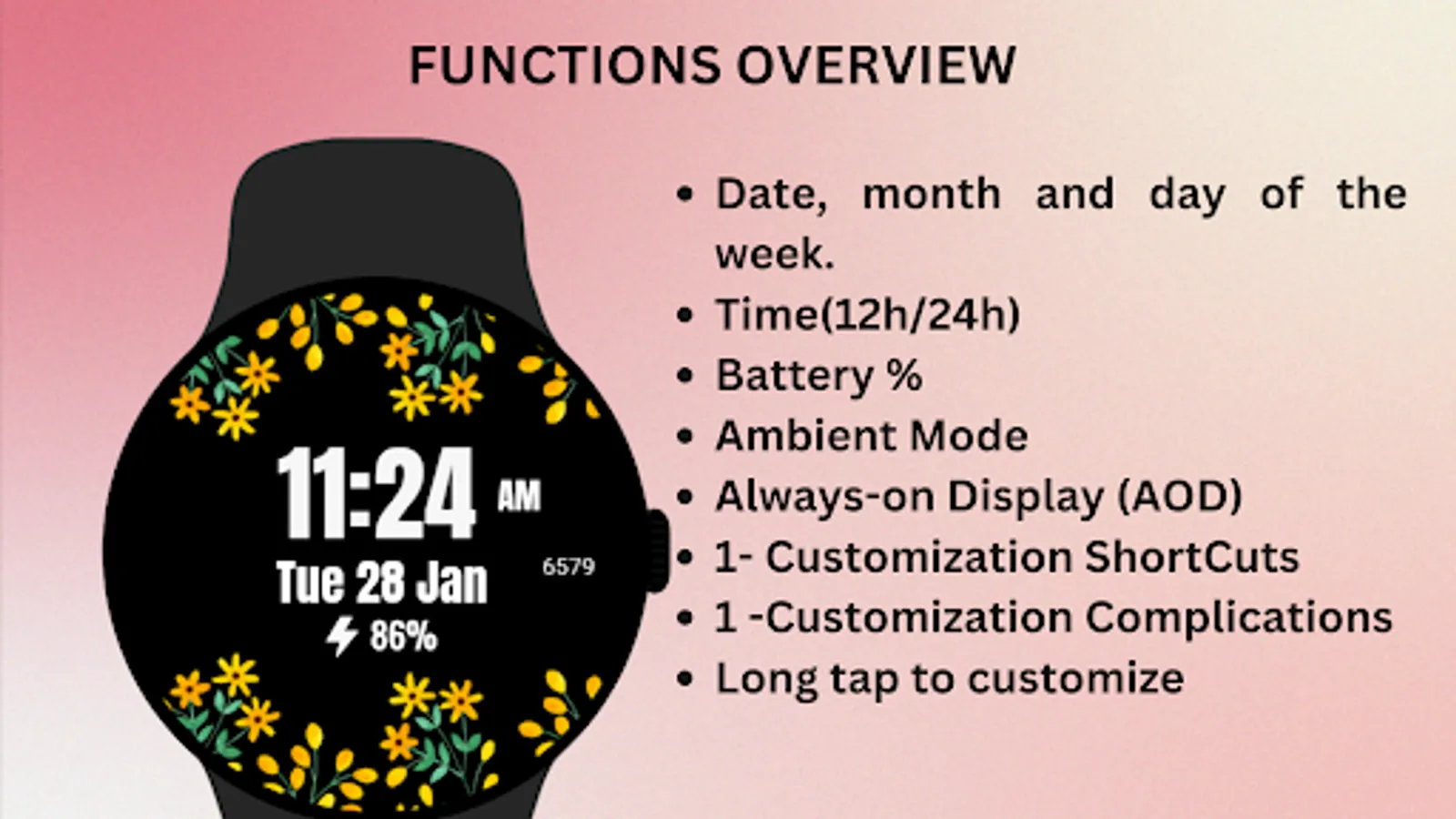
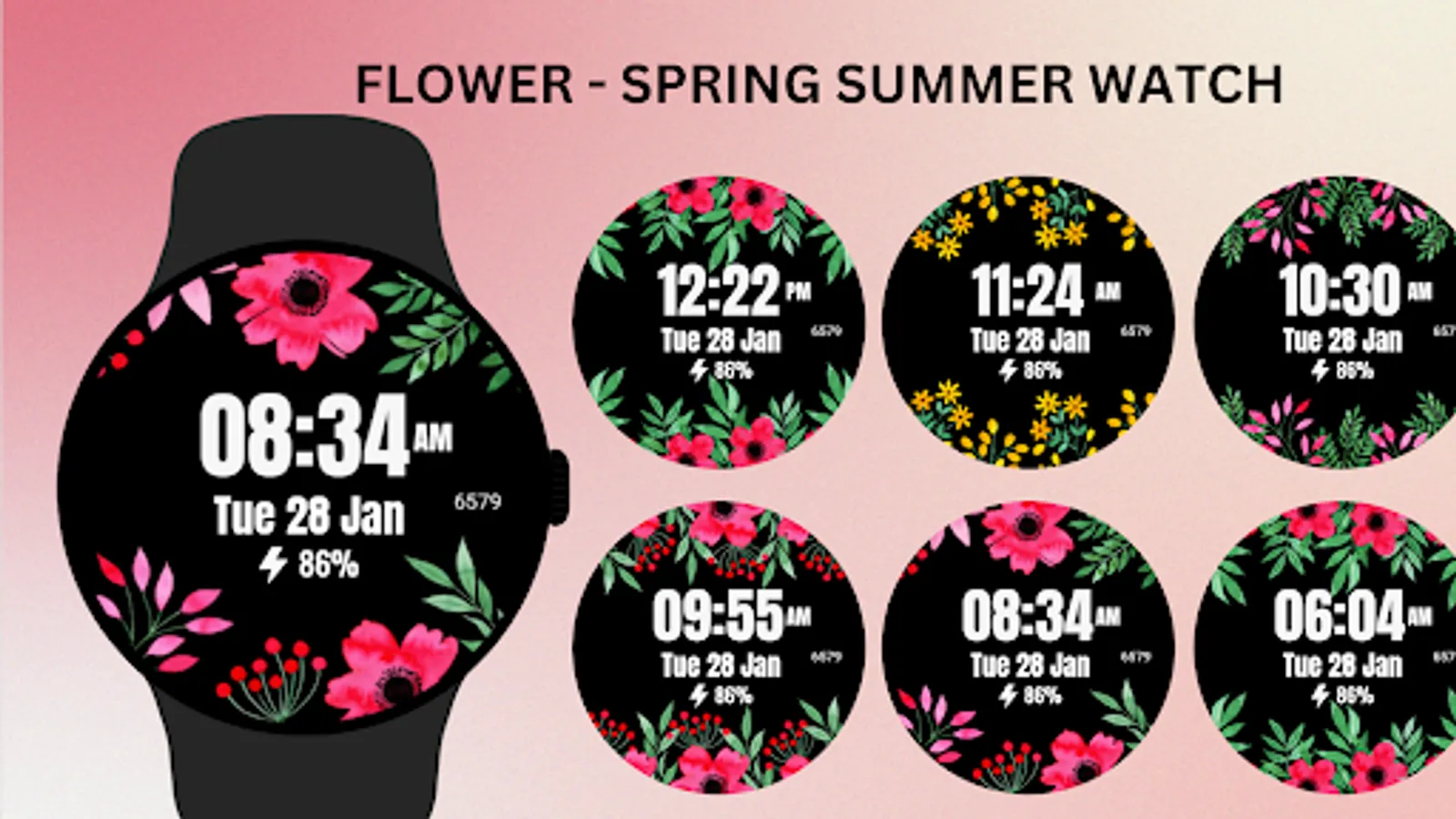
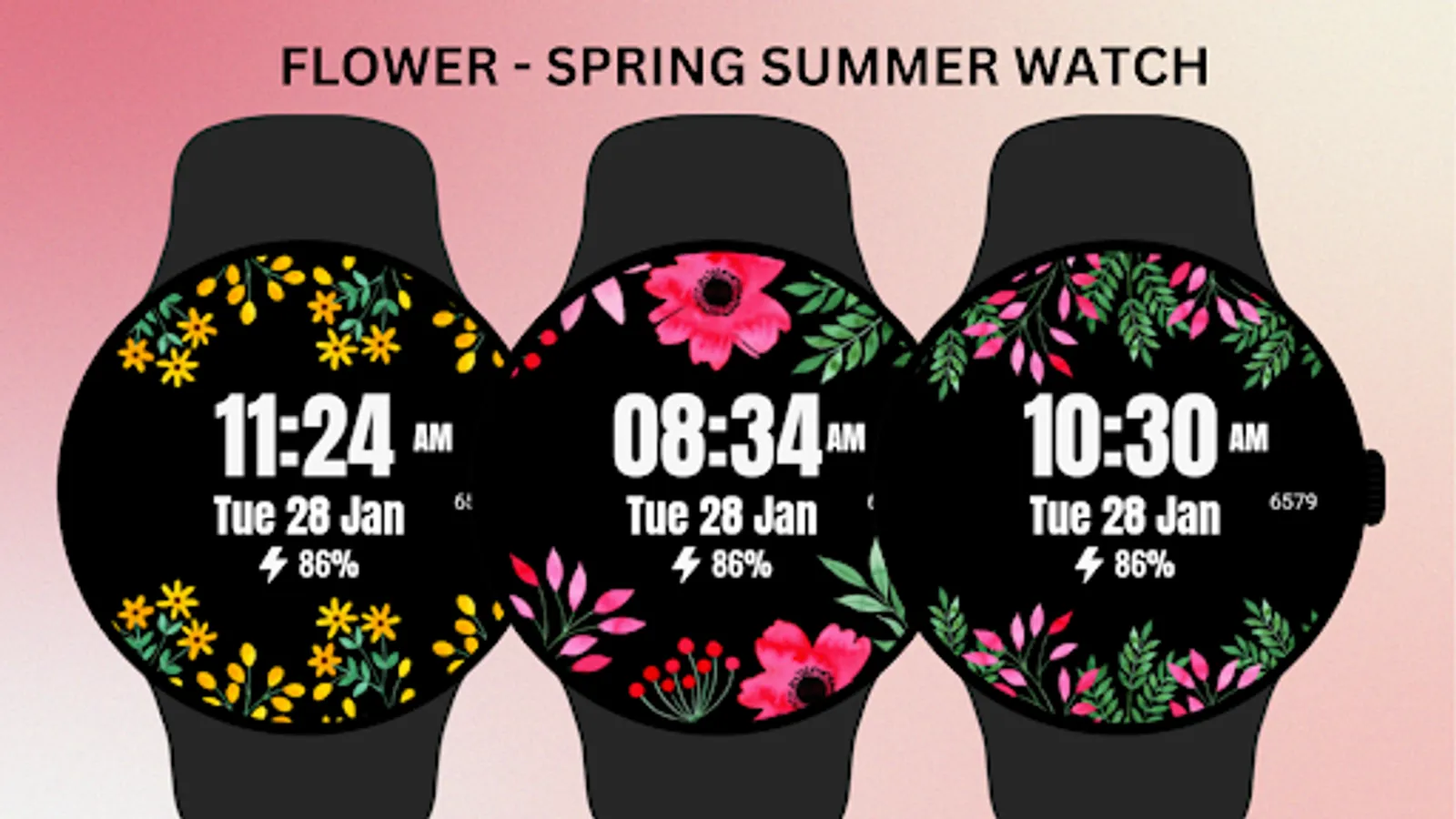
Add a touch of nature to your Wear OS device with the Flower - Spring Summer Watch Face! This beautifully designed watch face features vibrant blooms, perfect for spring and summer seasons. With a clean and modern display of time, date, steps, and battery percentage, it brings both elegance and functionality to your wrist.
⚙️ Watch Face Features
• Date, month and day of the week.
• Bright floral design for a fresh, stylish look
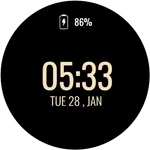
• Battery %
• Steps Counter
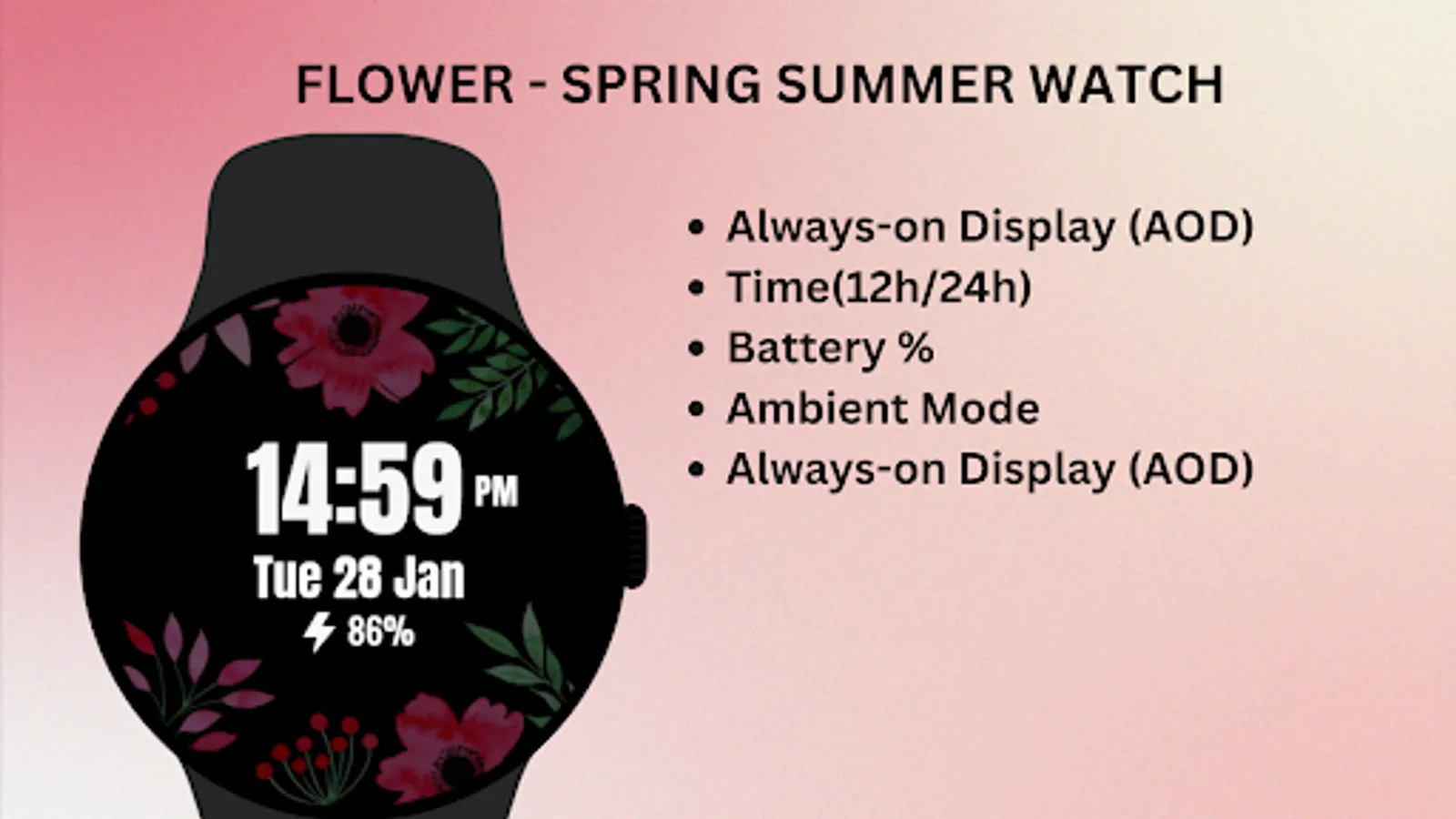
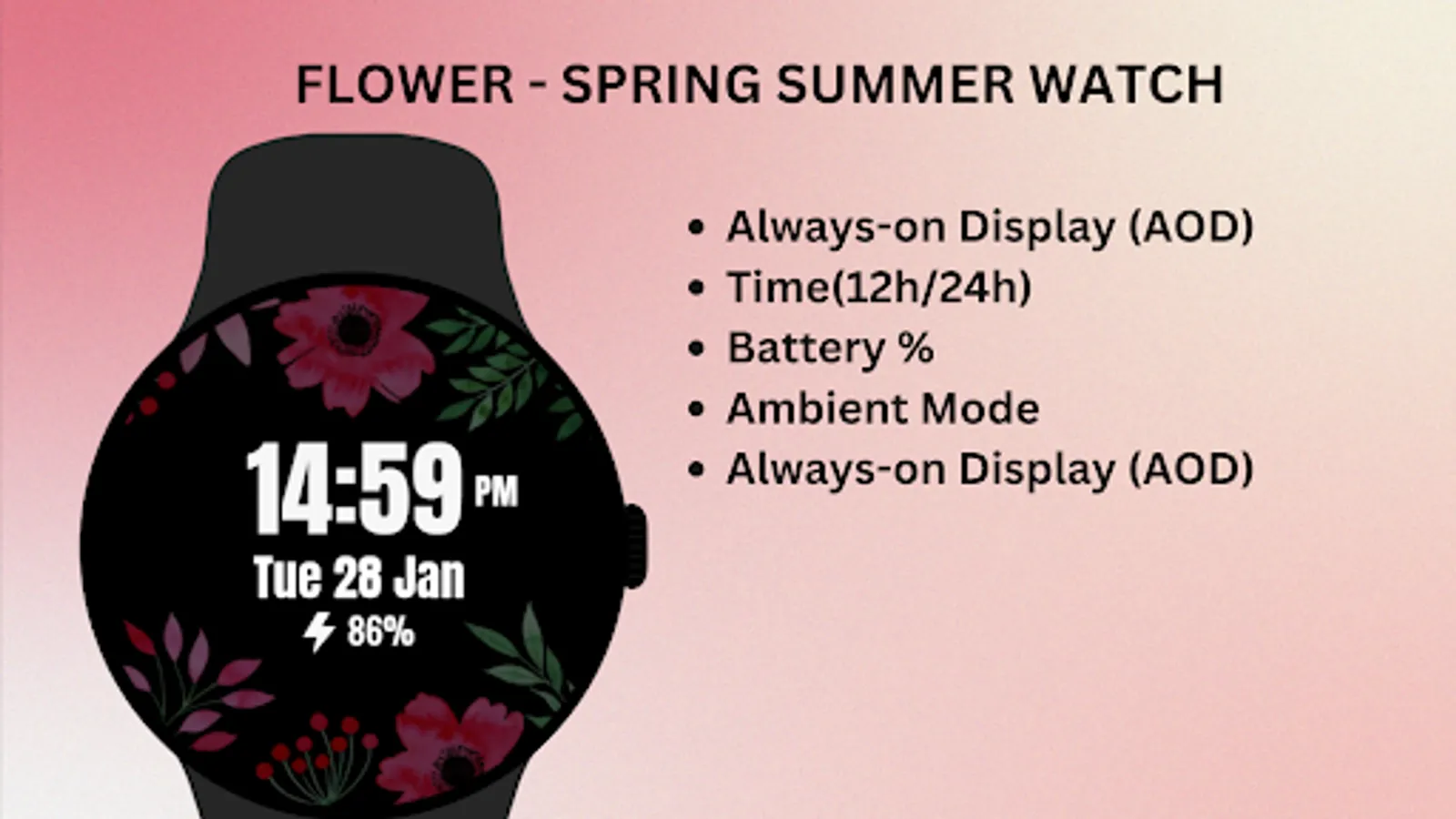
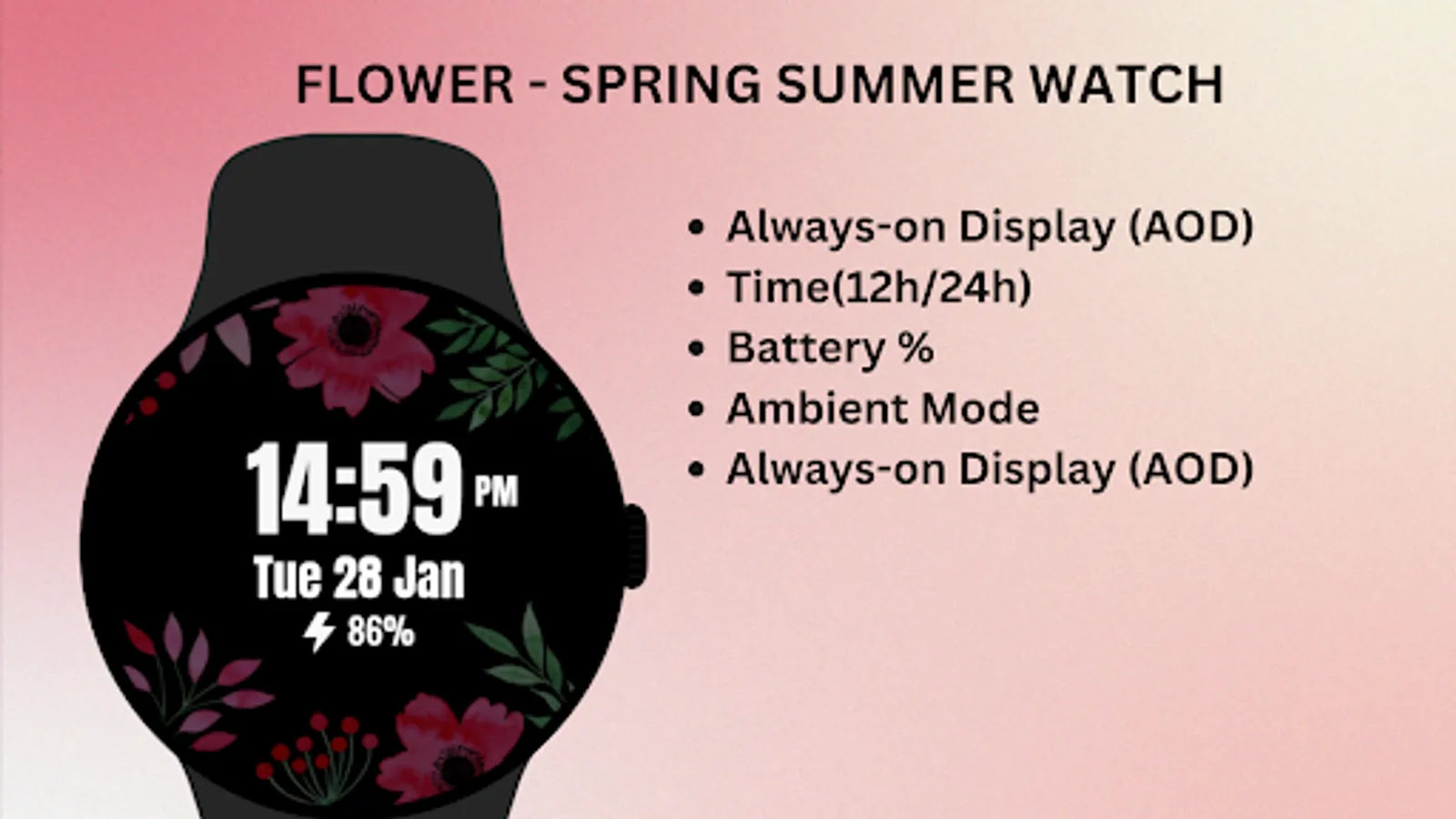
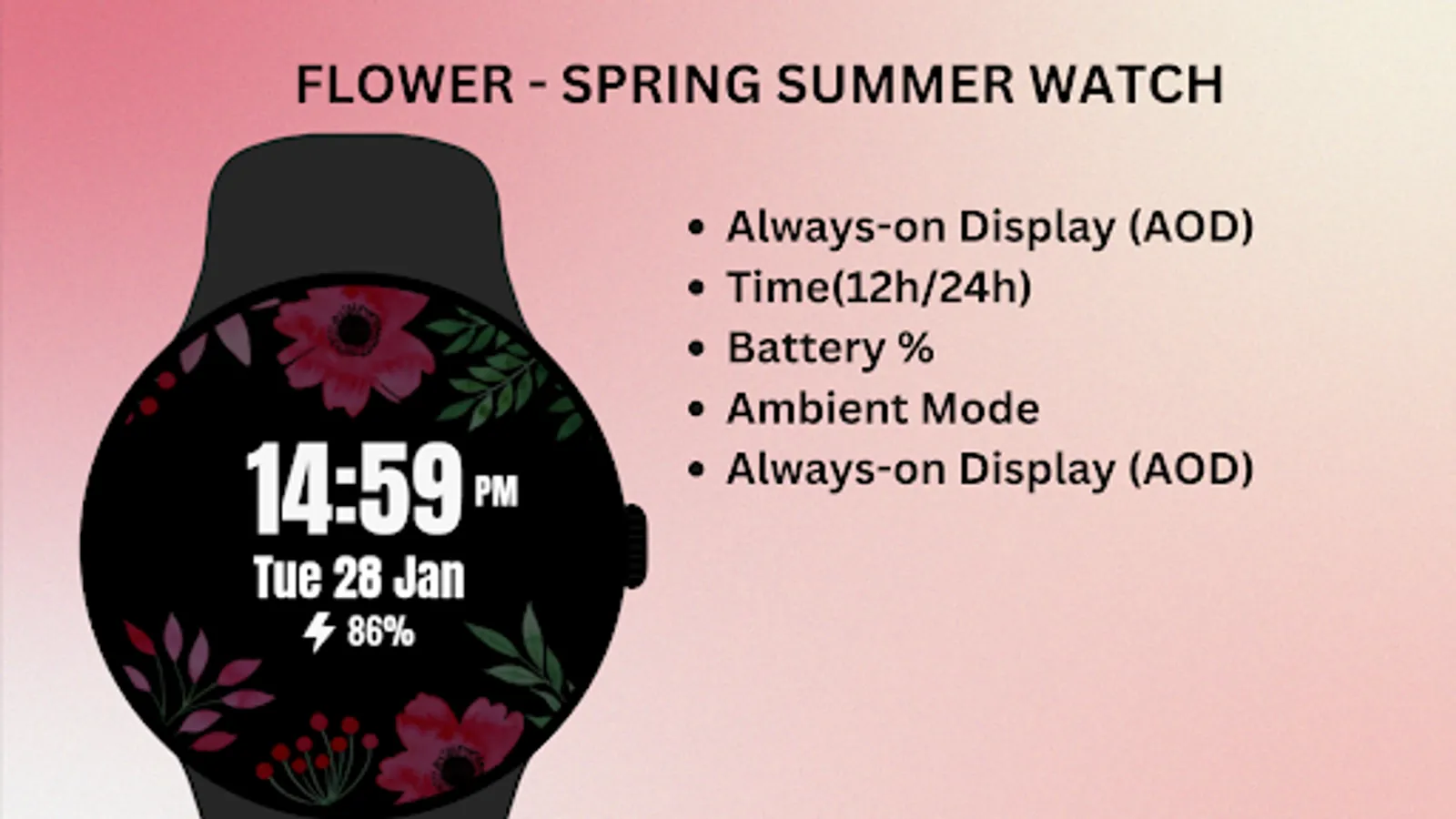
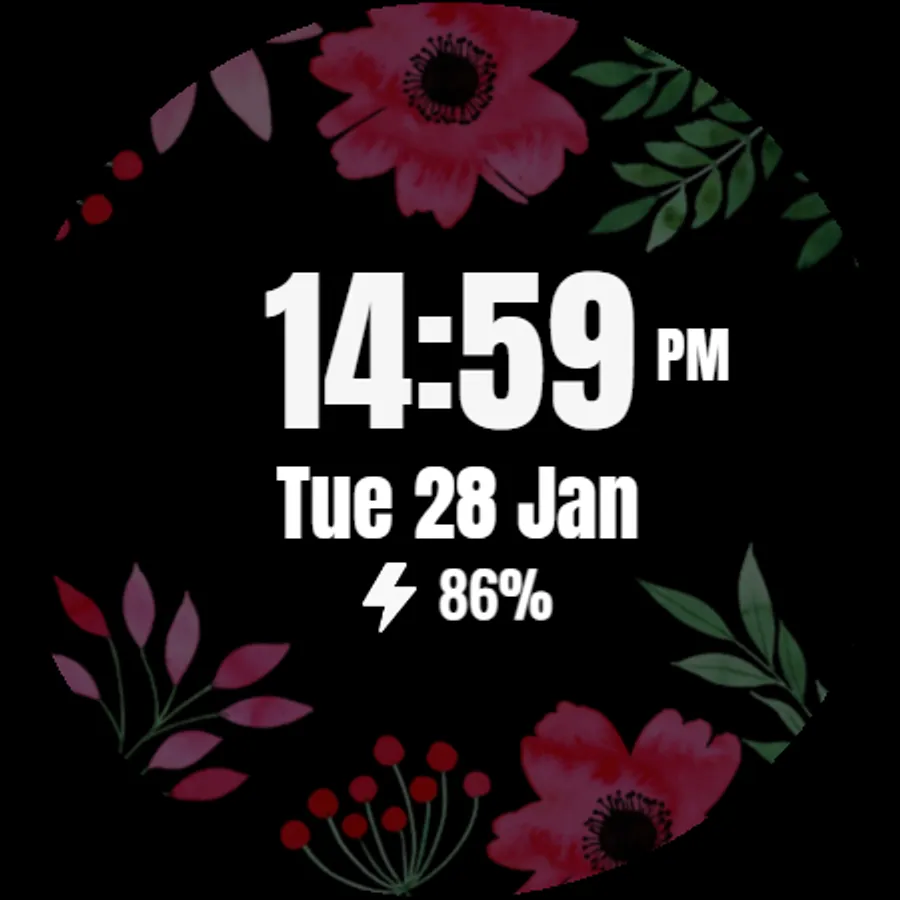
• Ambient Mode
• Always-on Display (AOD)
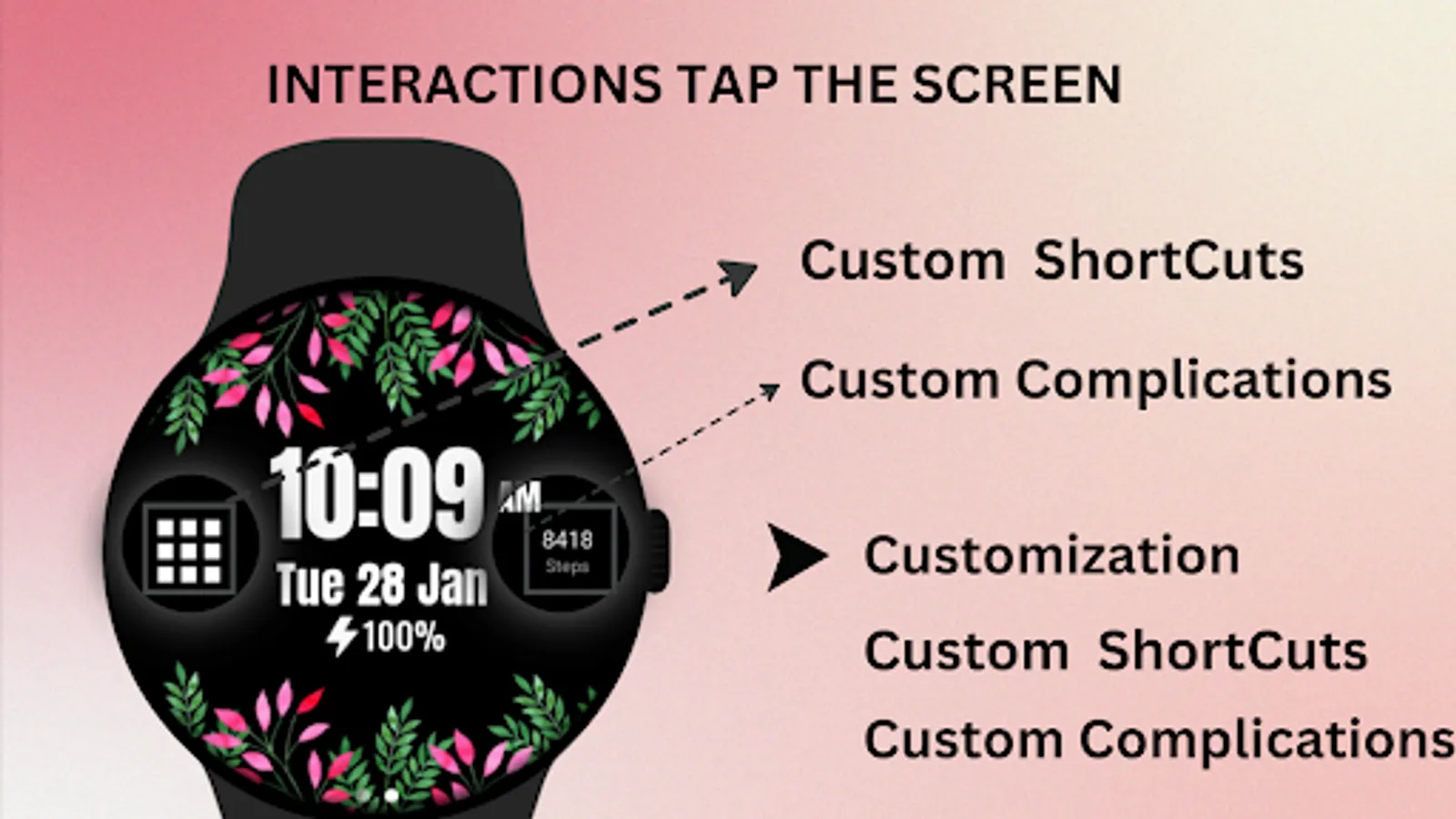
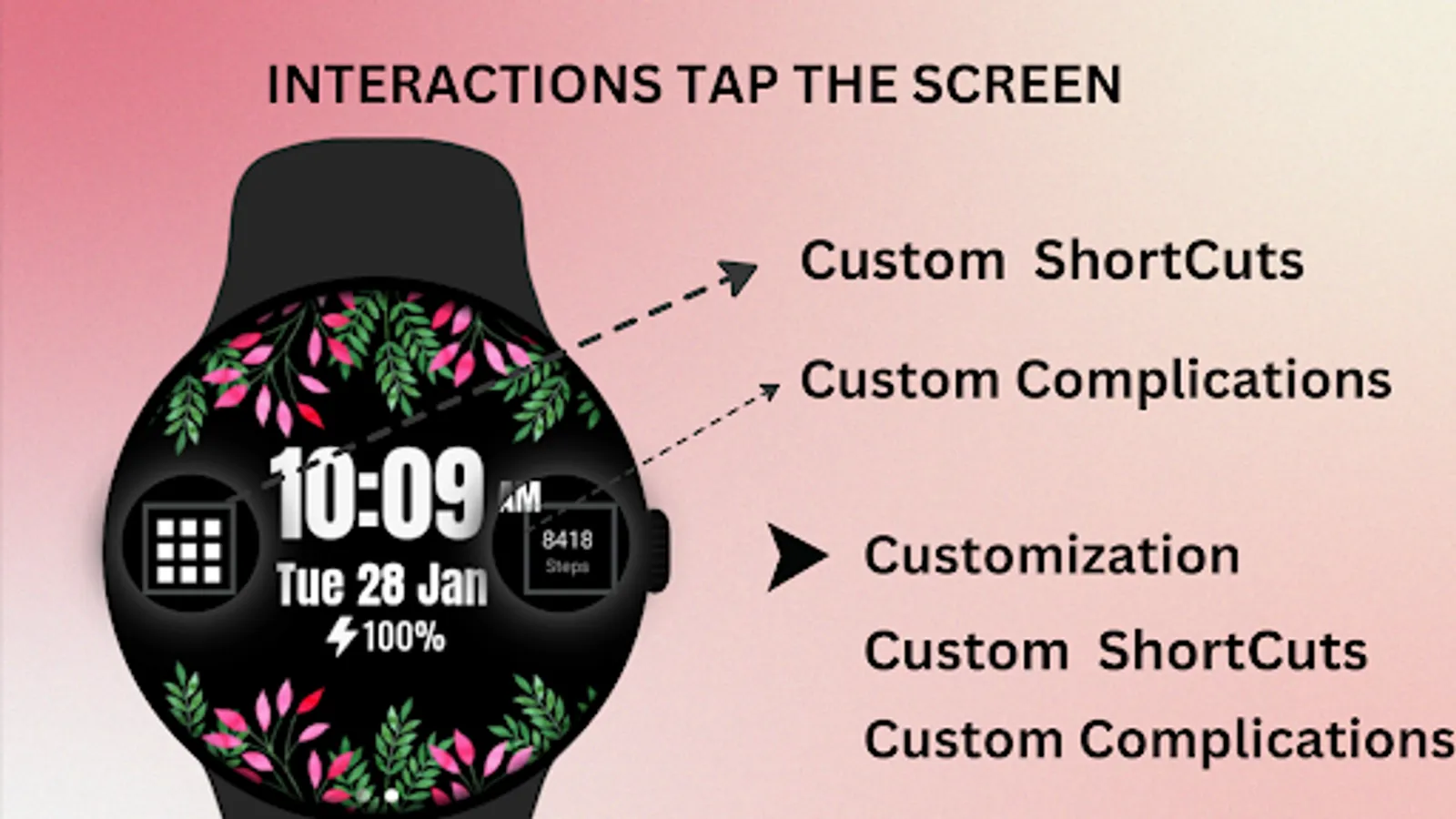
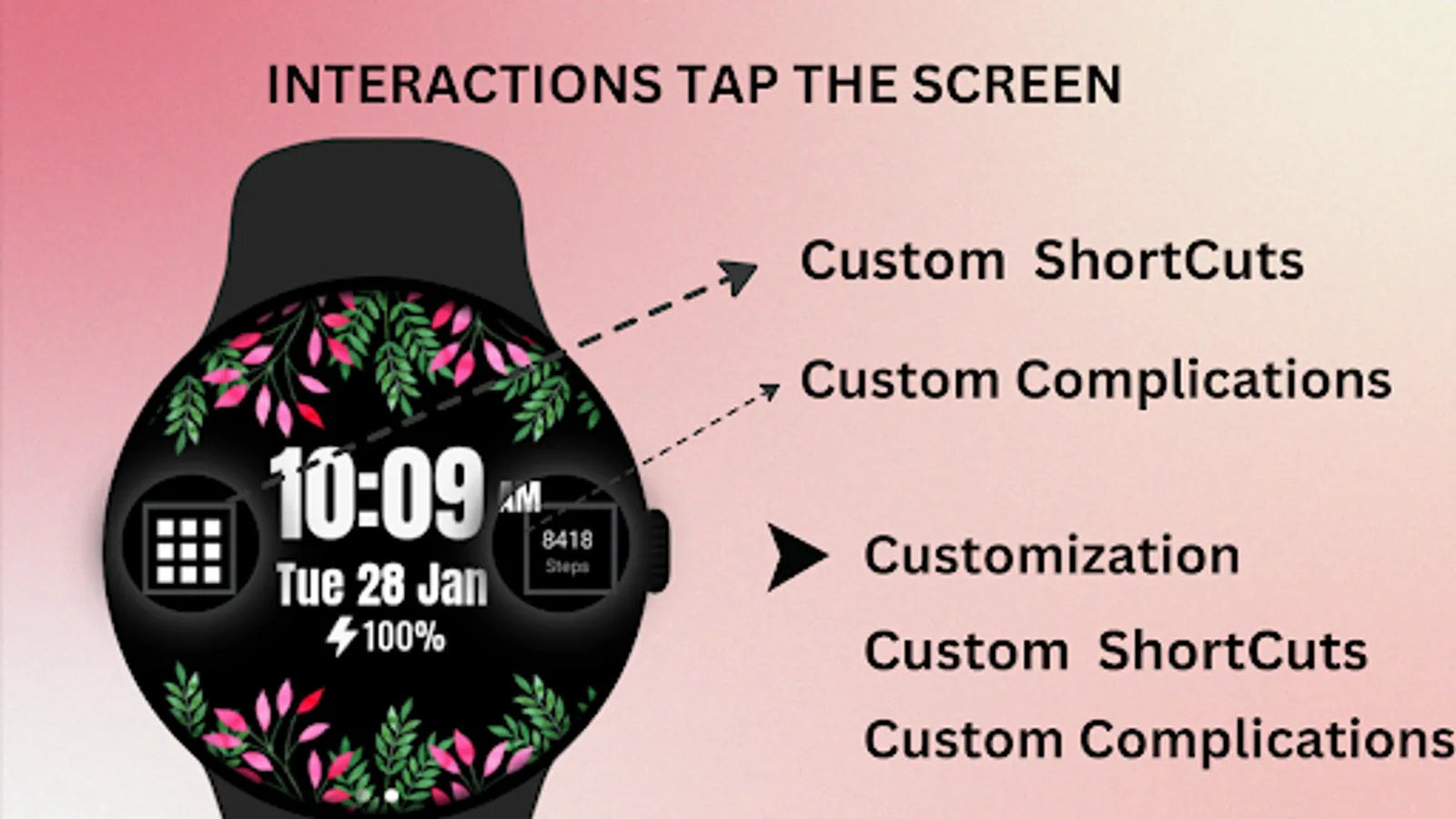
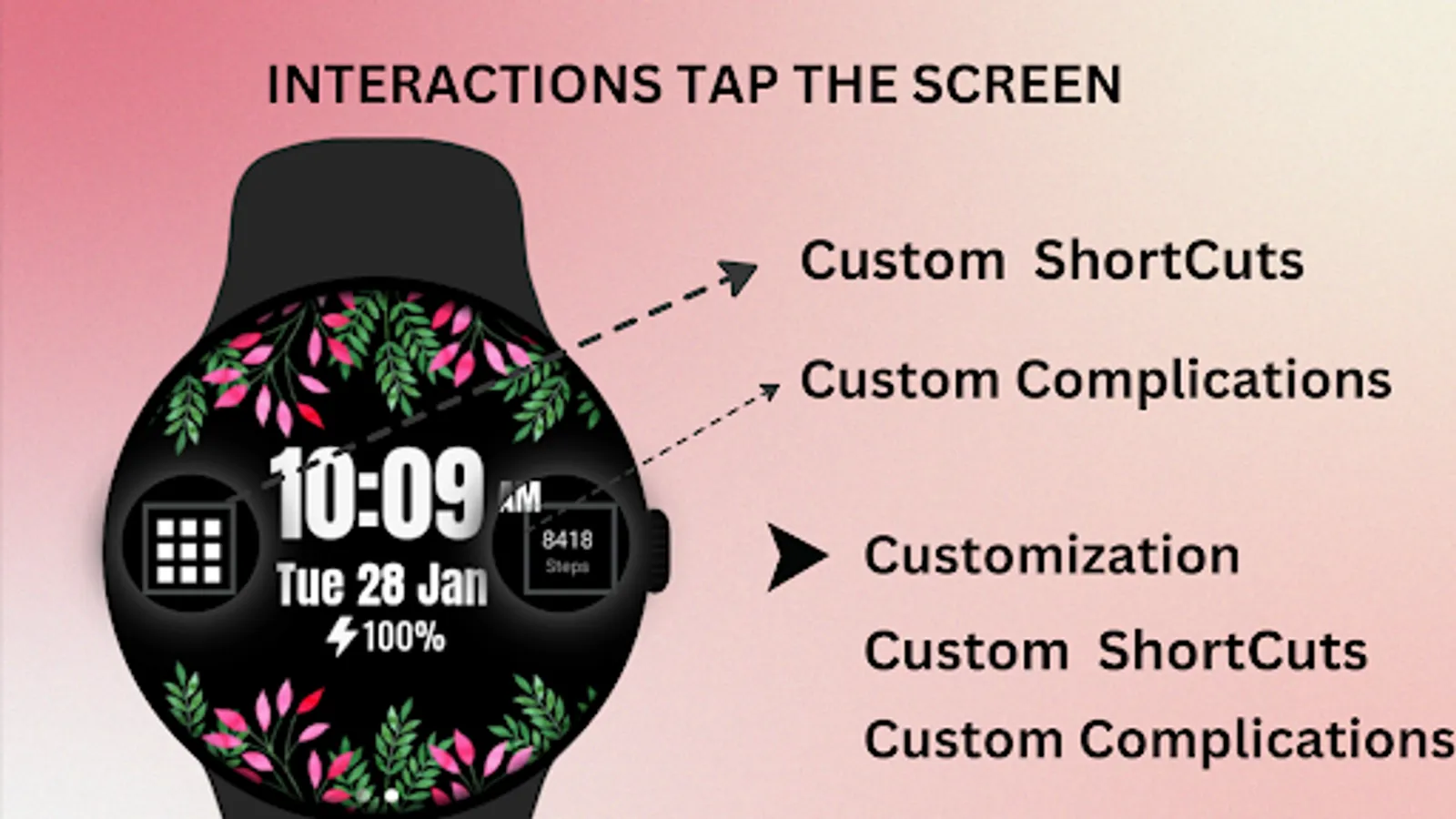
🎨 Flower - Spring Summer Watch Face Customization
1 - Touch and hold display
2 - Tap on Customize option
🎨 Flower - Spring Summer Watch Face Complications
Touch and hold display to open customization mode. You can customize the field with any data you want.
🔋 Battery
For better battery performance of the watch, we recommend disabling the "Always On Display" mode.
After installing the Flower - Spring Summer Watch Face , follow these steps:
1)Open the Companion App on your phone.
2)Tap "Install on Watch".
3)On your watch, select the Flower - Spring Summer Watch Face from your settings or watch face gallery.
Your watch face is now ready to use !
✅ Compatible with all Wear OS devices API 33+ including such as Google Pixel Watch, Samsung Galaxy Watch etc.
Not suitable for rectangular watches.
Thank you !
⚙️ Watch Face Features
• Date, month and day of the week.
• Bright floral design for a fresh, stylish look
• Battery %
• Steps Counter
• Ambient Mode
• Always-on Display (AOD)
🎨 Flower - Spring Summer Watch Face Customization
1 - Touch and hold display
2 - Tap on Customize option
🎨 Flower - Spring Summer Watch Face Complications
Touch and hold display to open customization mode. You can customize the field with any data you want.
🔋 Battery
For better battery performance of the watch, we recommend disabling the "Always On Display" mode.
After installing the Flower - Spring Summer Watch Face , follow these steps:
1)Open the Companion App on your phone.
2)Tap "Install on Watch".
3)On your watch, select the Flower - Spring Summer Watch Face from your settings or watch face gallery.
Your watch face is now ready to use !
✅ Compatible with all Wear OS devices API 33+ including such as Google Pixel Watch, Samsung Galaxy Watch etc.
Not suitable for rectangular watches.
Thank you !
Flower - Spring Summer Watch Screenshots
Tap to Rate:
Reviews for Flower - Spring Summer Watch
Karym B
2/23/2025
It was very pretty but stopped working after 2 days, just a black screen with the data (time, etc) instead of flowers.