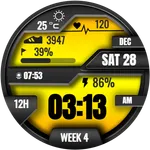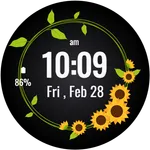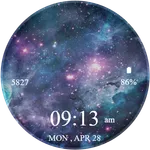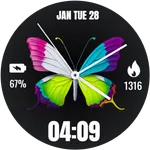
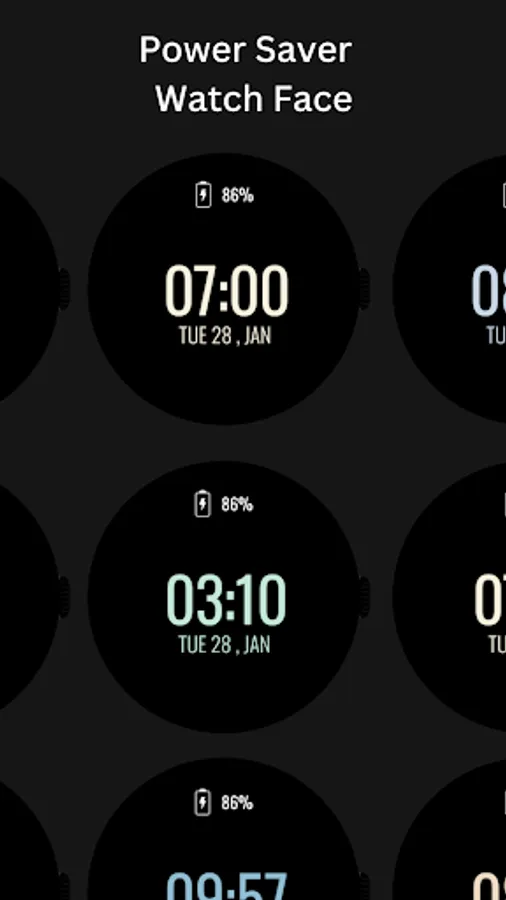
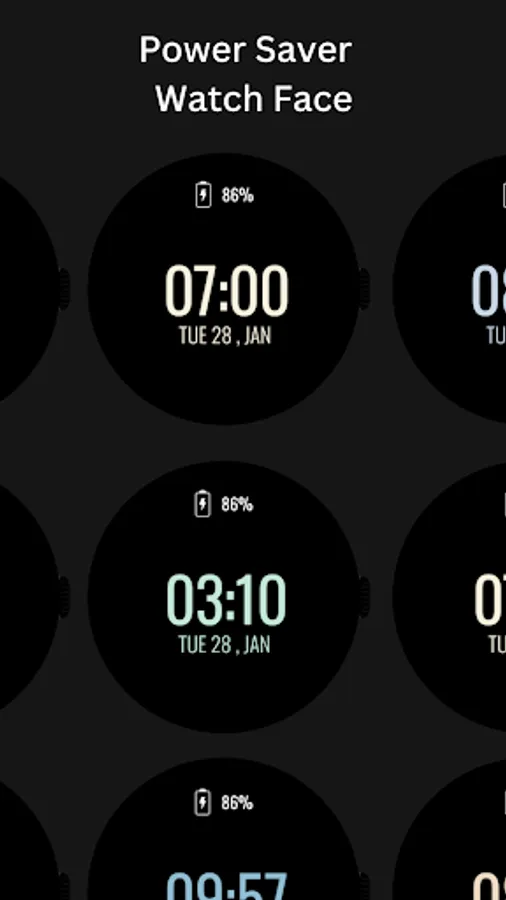
Power Saver Watch Face
jigu watchface
4.8 ★
38 ratings
10,000+
downloads
Free
AppRecs review analysis
AppRecs rating 4.8. Trustworthiness 92 out of 100. Review manipulation risk 18 out of 100. Based on a review sample analyzed.
★★★★☆
4.8
AppRecs Rating
Ratings breakdown
5 star
81%
4 star
19%
3 star
0%
2 star
0%
1 star
0%
What to know
✓
Low review manipulation risk
18% review manipulation risk
✓
Credible reviews
92% trustworthiness score from analyzed reviews
✓
High user satisfaction
81% of sampled ratings are 5 stars
About Power Saver Watch Face
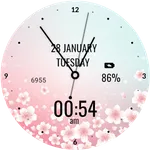
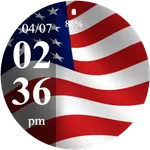
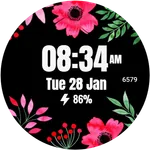
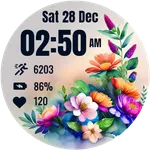
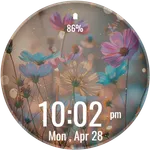
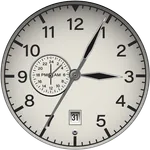
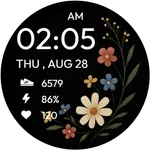
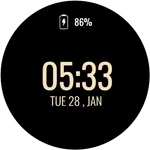
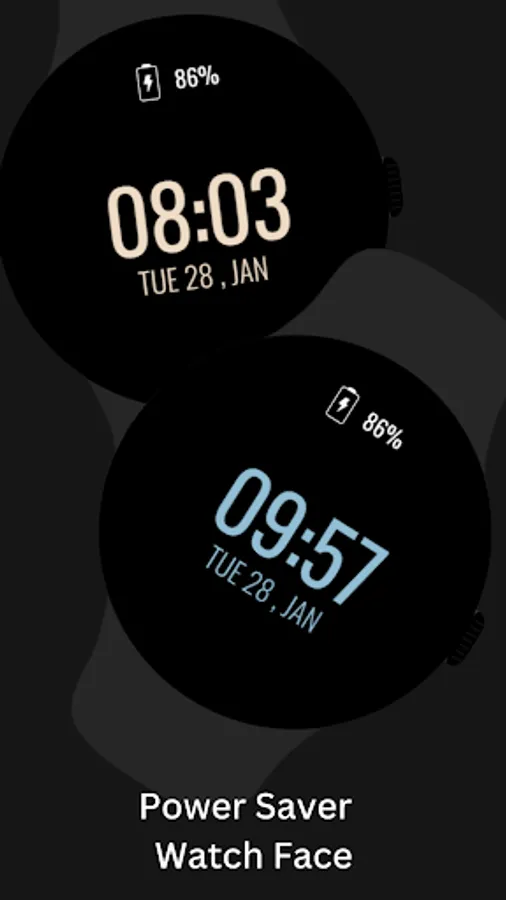
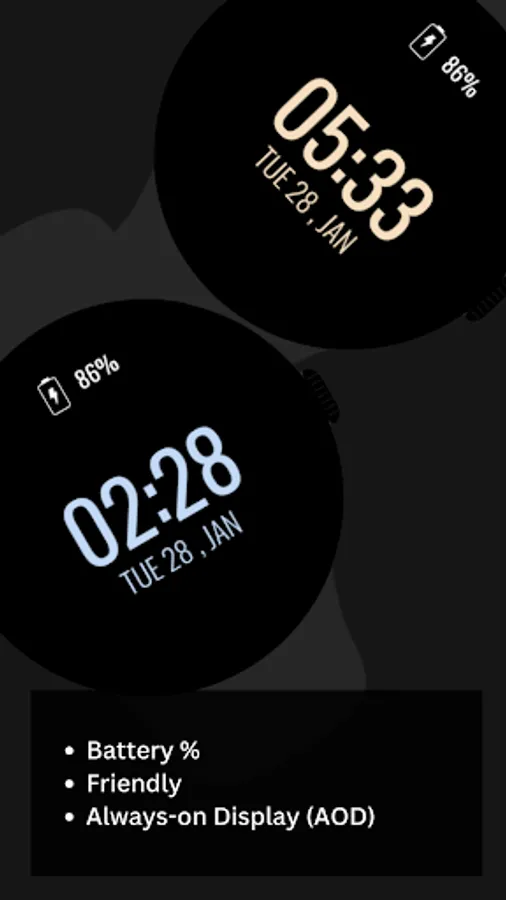
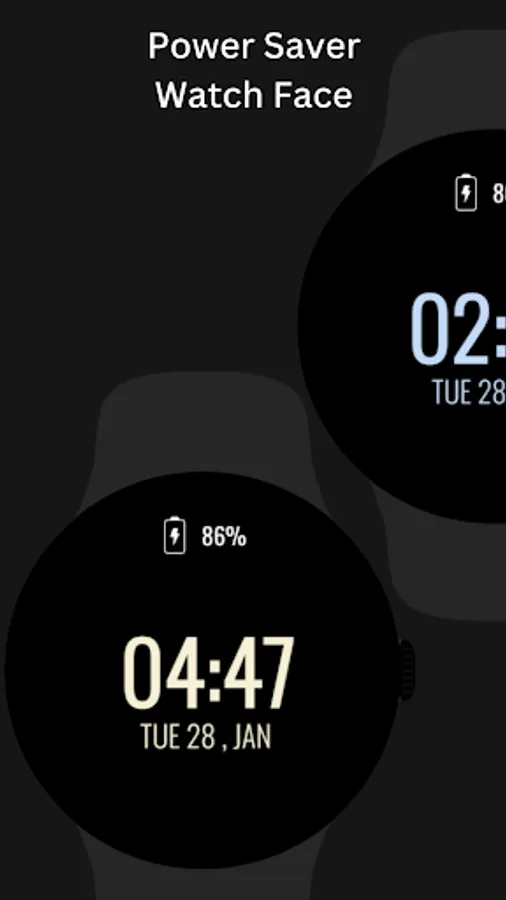
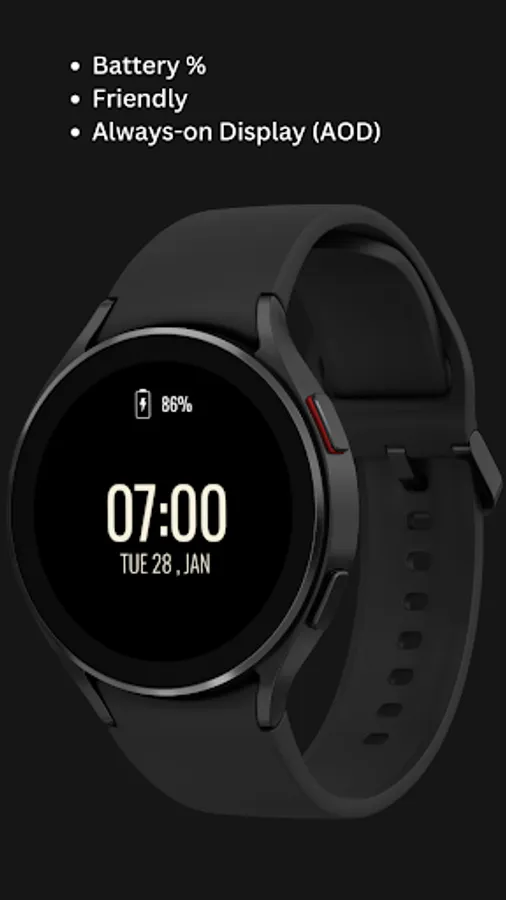
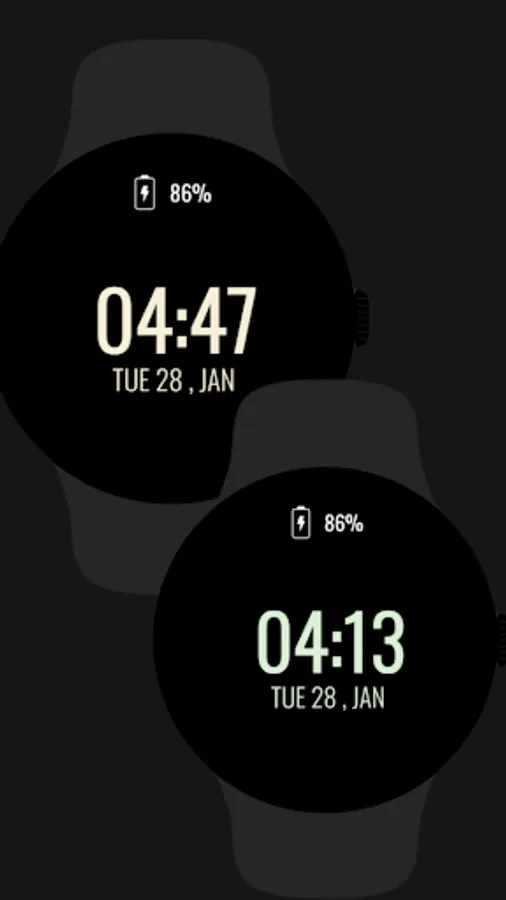
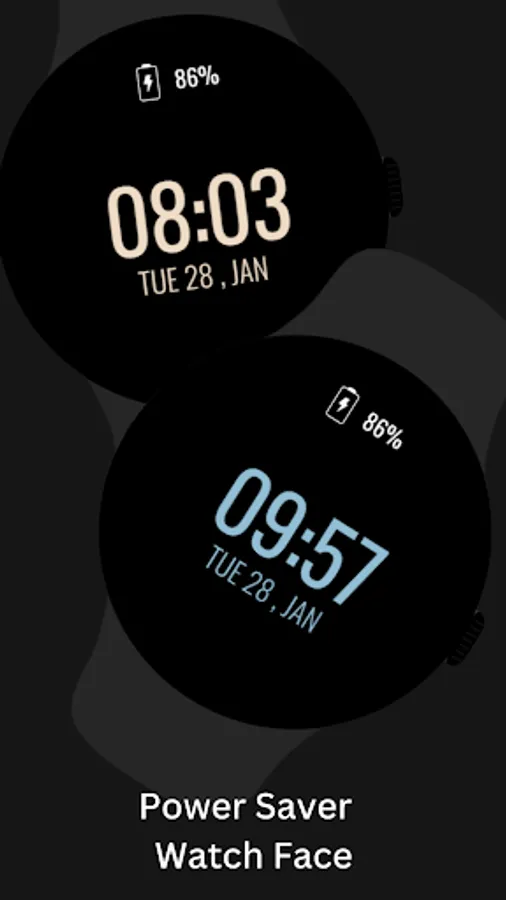
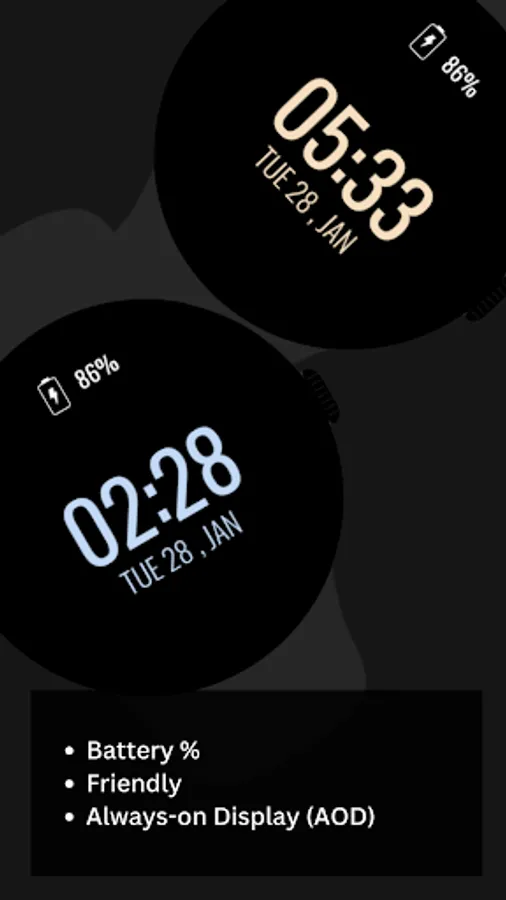
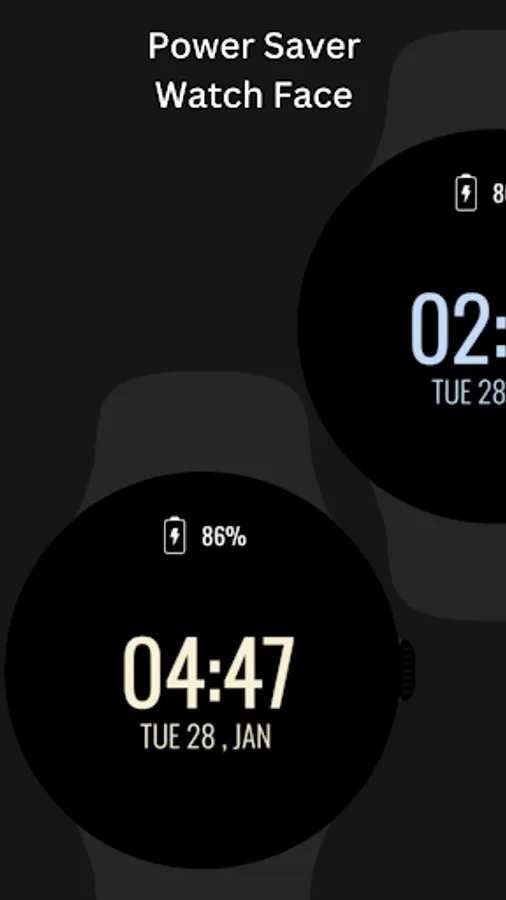
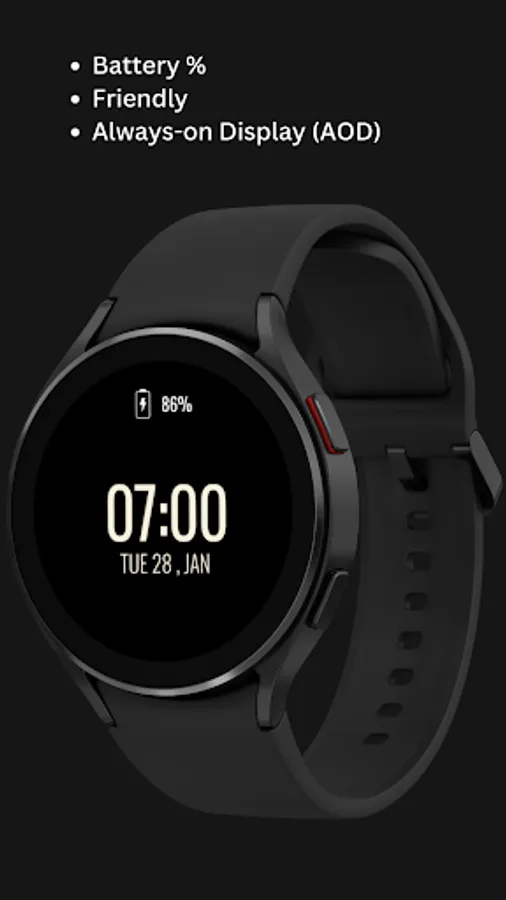
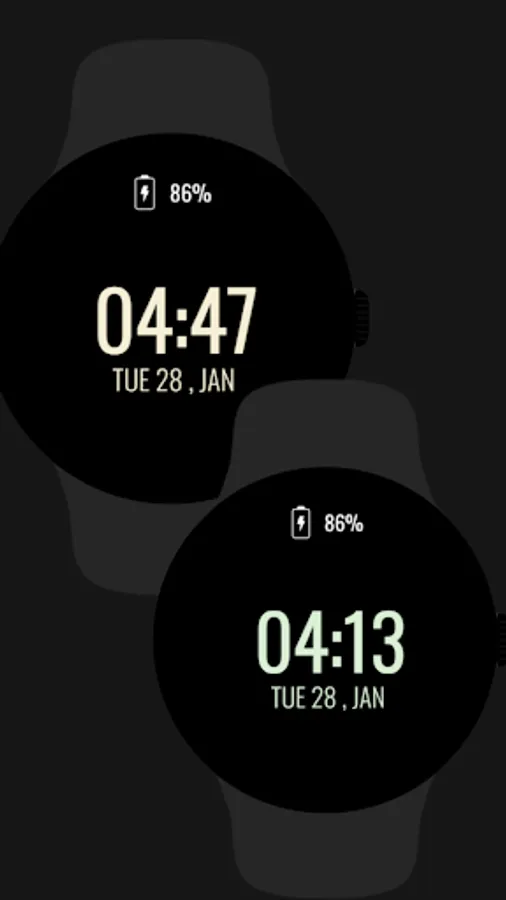
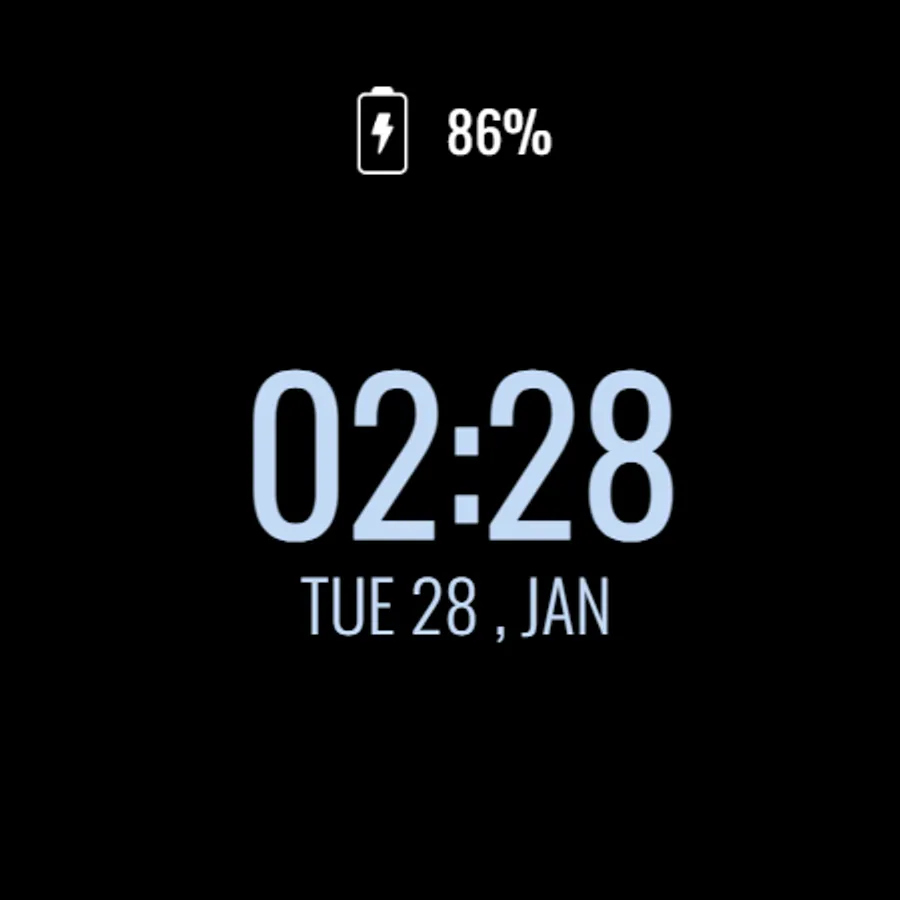
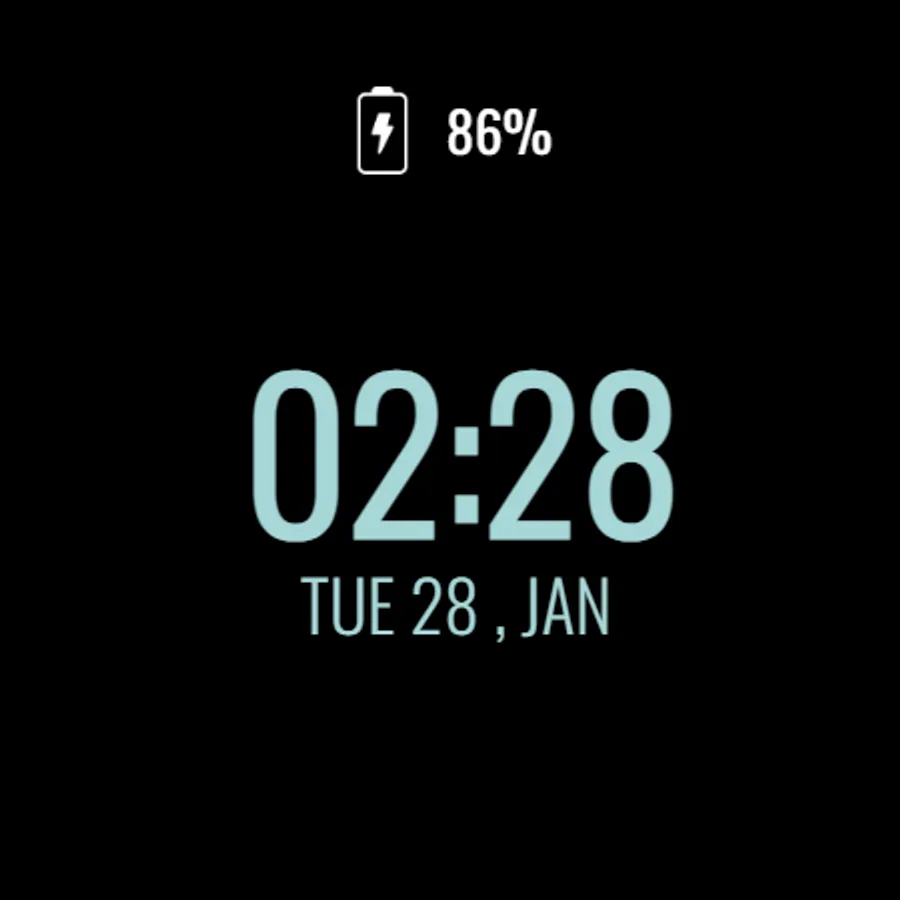
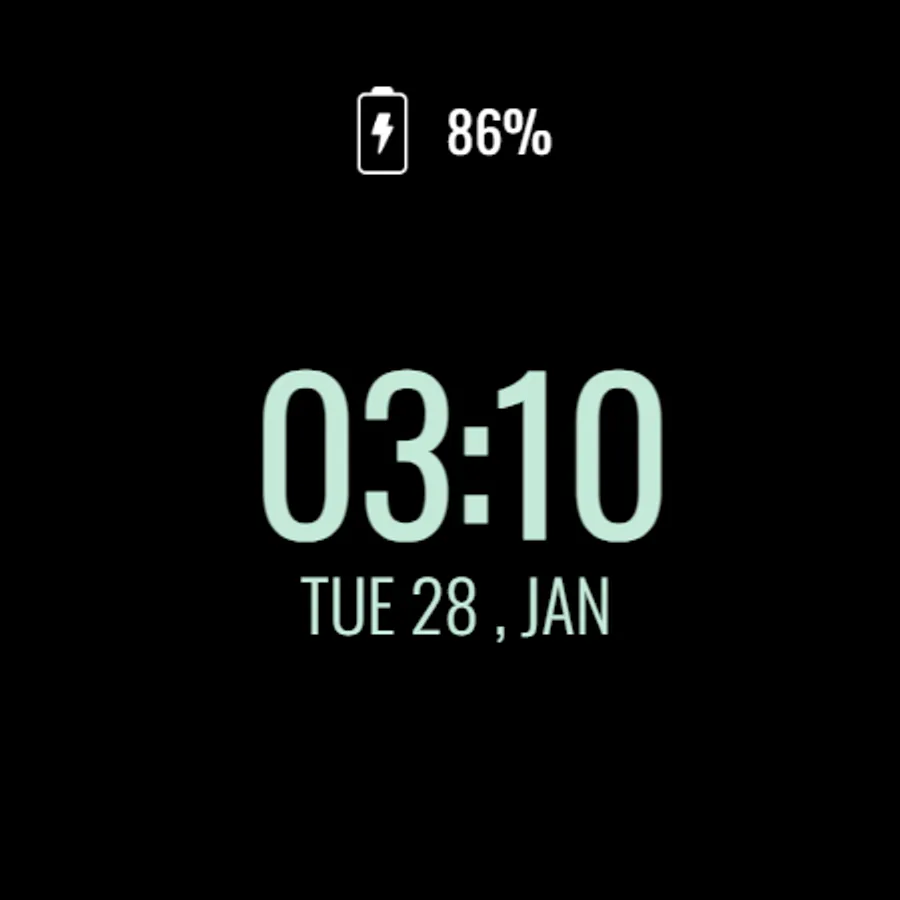
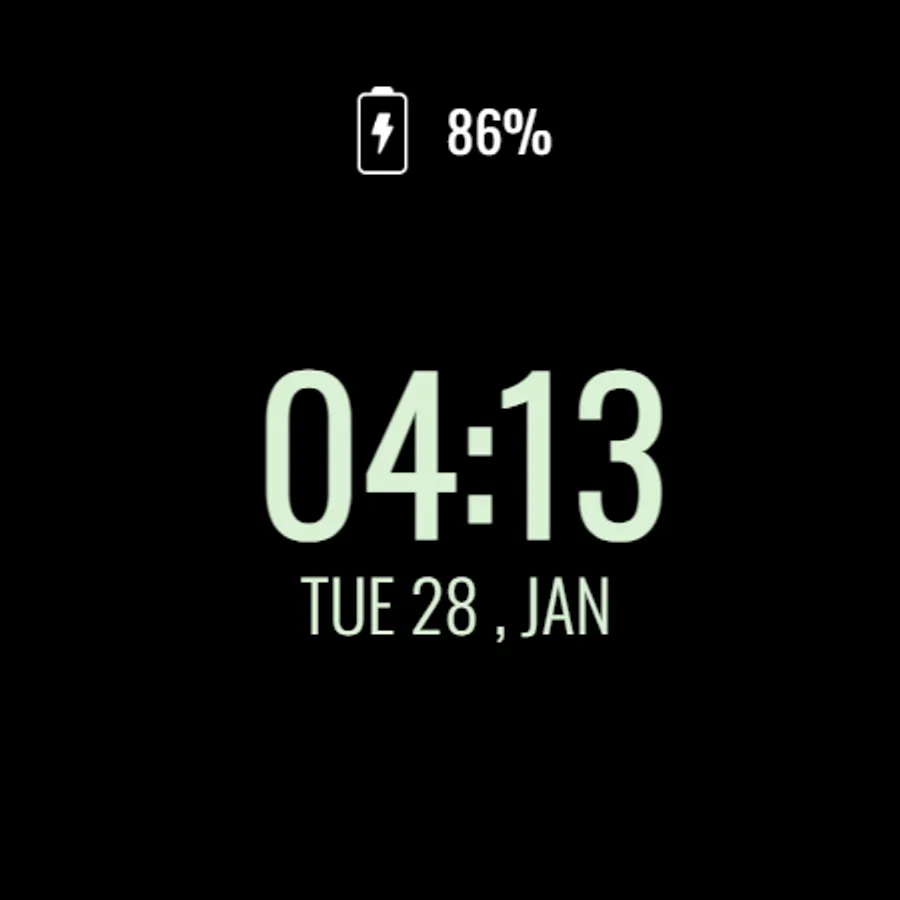
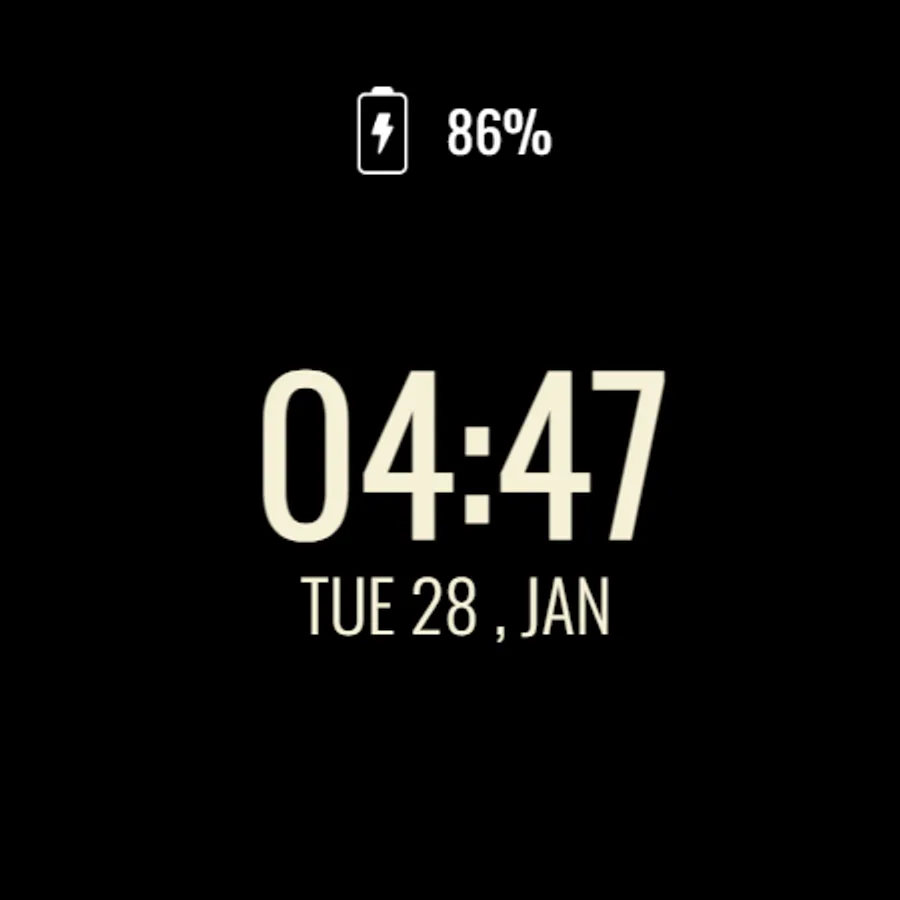
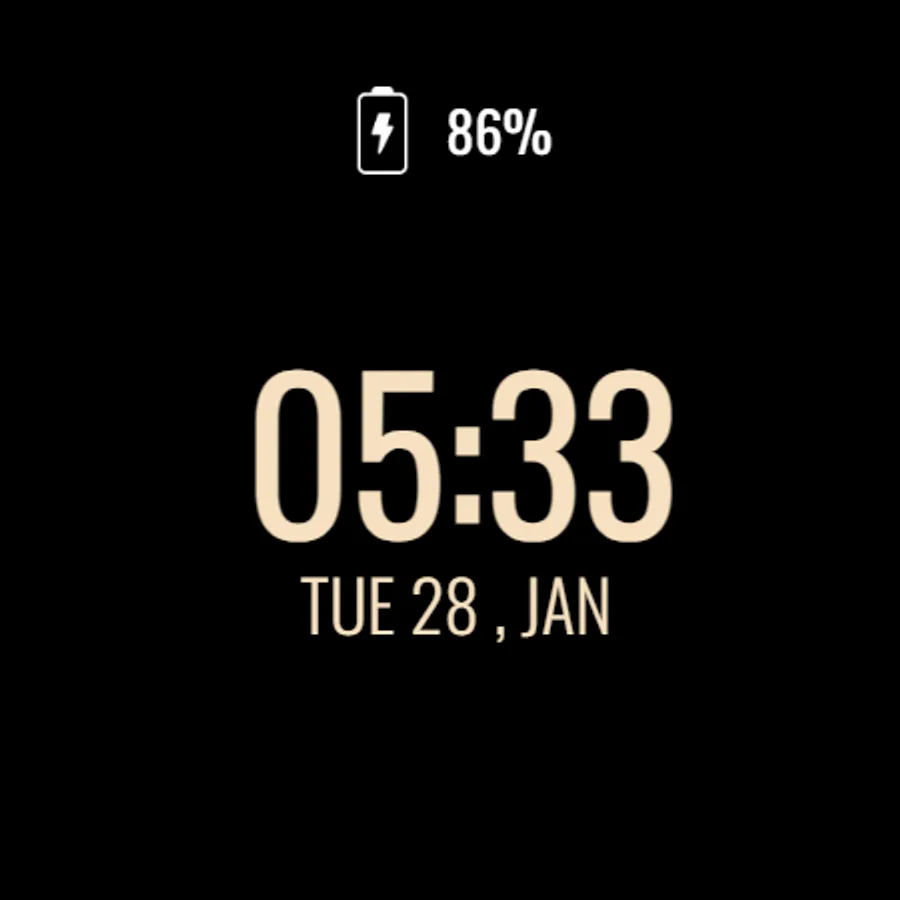
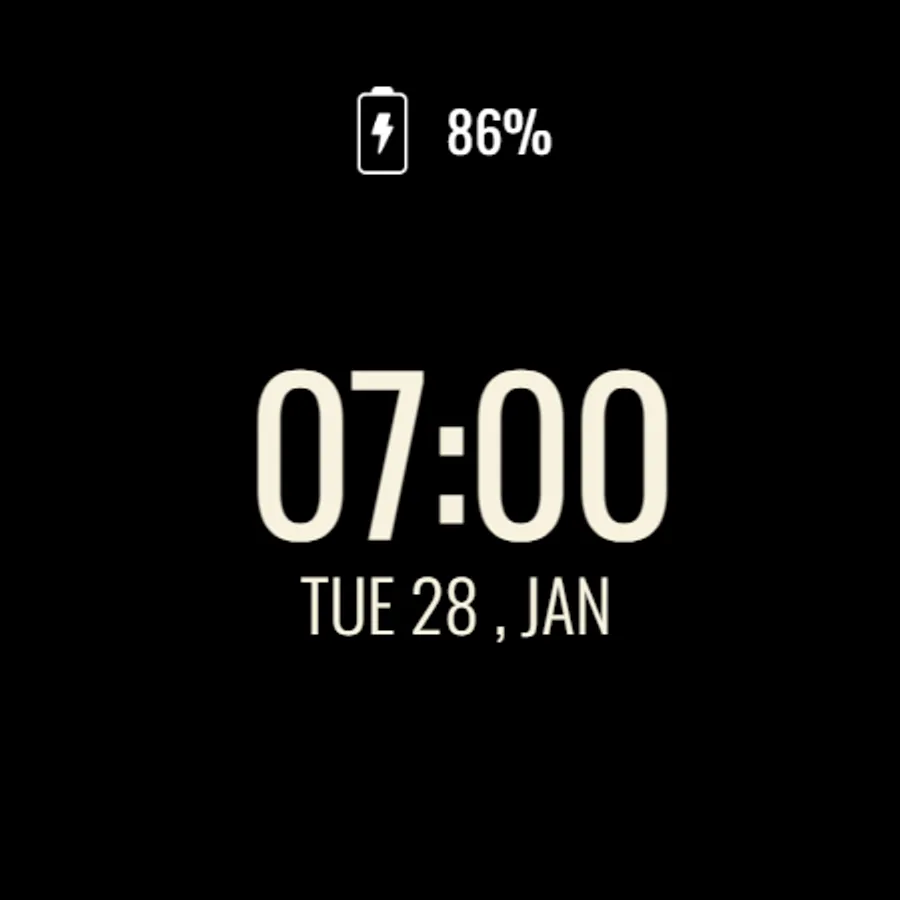
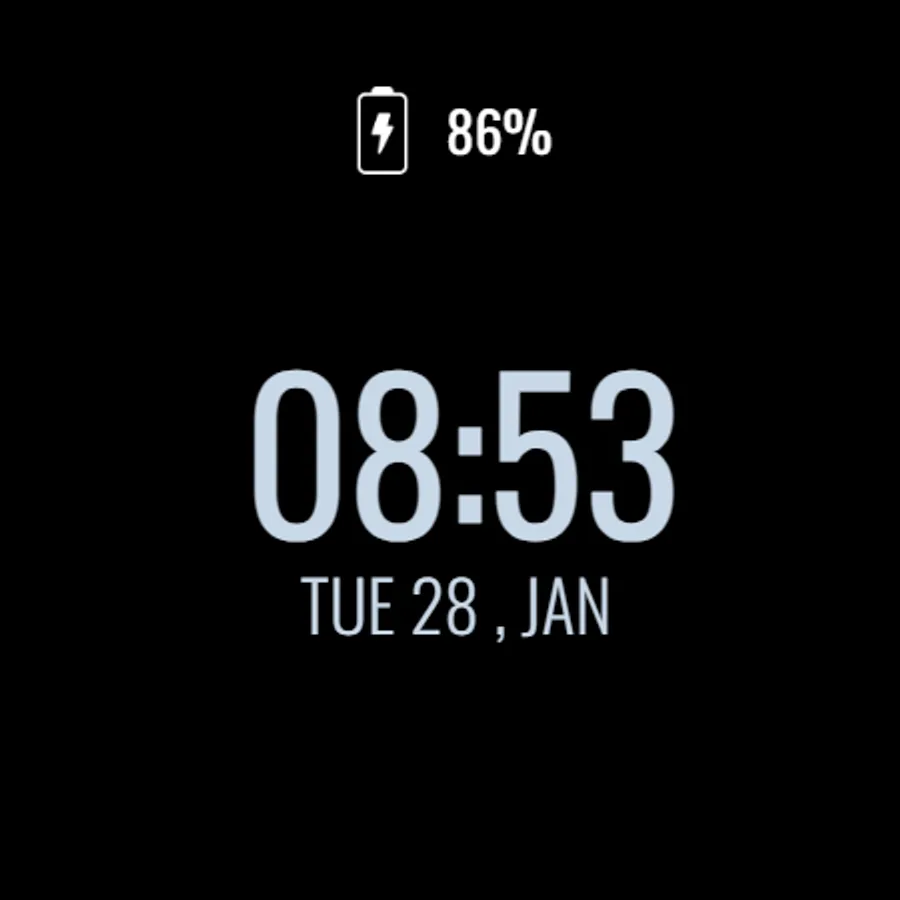
Save battery with the Power Saver Watch Face for Wear OS. This sleek and minimal watch face provides the essential details at a glance: time, date, and battery percentage. Designed for efficiency, it's perfect for users who want to extend battery life while keeping a stylish look.
Key Features:
1)Simple time and date display.
2)Battery percentage indicator.
3)Minimal design for power saving.
4)Compatible with all Wear OS devices API 30+.
⚙️ Watch Face Features
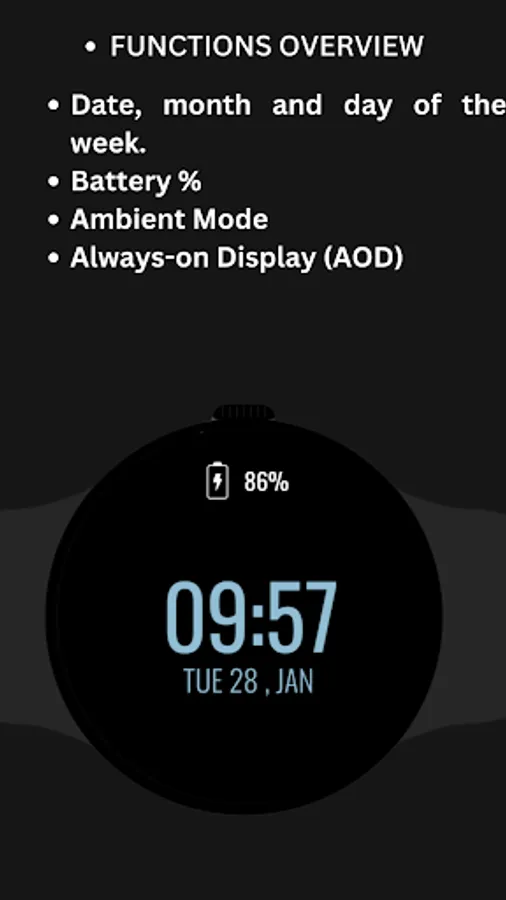
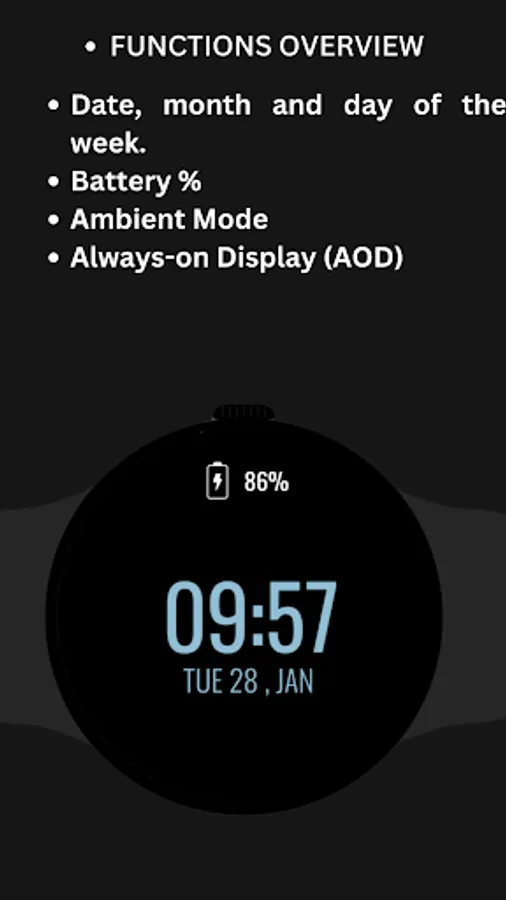
• Date, month and day of the week.
• Battery %
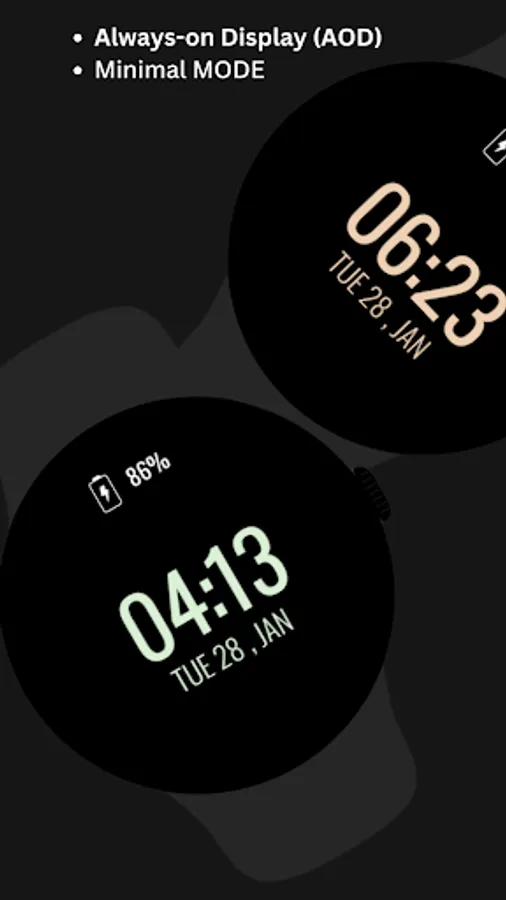
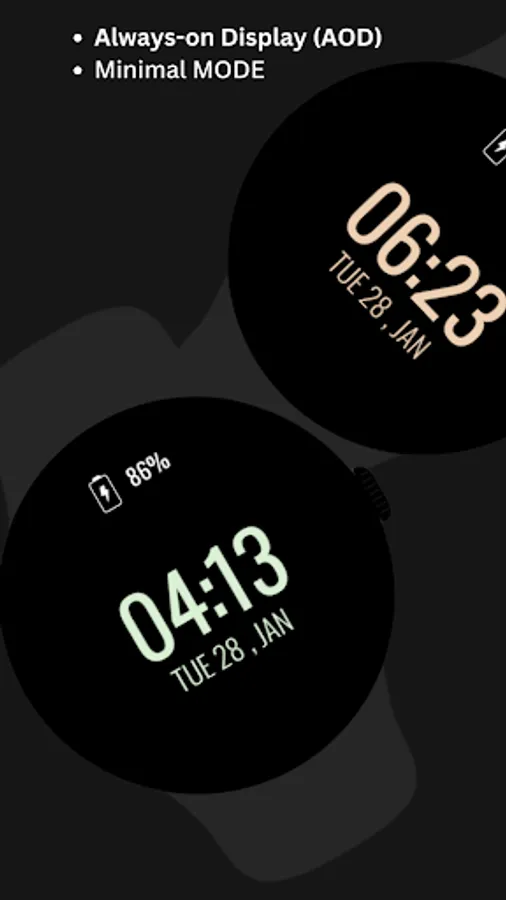
• Ambient Mode
• Always-on Display (AOD)
🔋 Battery
For better battery performance of the watch, we recommend disabling the "Always On Display" mode.
After installing the Power Saver Watch Face , follow these steps:
1)Open the Companion App on your phone.
2)Tap "Install on Watch".
3)On your watch, select the Power Saver Watch Face from your settings or watch face gallery.
Your watch face is now ready to use !
✅ Compatible with all Wear OS devices API 33+ including such as Google Pixel Watch, Samsung Galaxy Watch etc.
Not suitable for rectangular watches.
Thank you !
Key Features:
1)Simple time and date display.
2)Battery percentage indicator.
3)Minimal design for power saving.
4)Compatible with all Wear OS devices API 30+.
⚙️ Watch Face Features
• Date, month and day of the week.
• Battery %
• Ambient Mode
• Always-on Display (AOD)
🔋 Battery
For better battery performance of the watch, we recommend disabling the "Always On Display" mode.
After installing the Power Saver Watch Face , follow these steps:
1)Open the Companion App on your phone.
2)Tap "Install on Watch".
3)On your watch, select the Power Saver Watch Face from your settings or watch face gallery.
Your watch face is now ready to use !
✅ Compatible with all Wear OS devices API 33+ including such as Google Pixel Watch, Samsung Galaxy Watch etc.
Not suitable for rectangular watches.
Thank you !
Power Saver Watch Face Screenshots
Tap to Rate:
Reviews for Power Saver Watch Face
Terry Bennefield Jr.
11/19/2025
I love the simplicity of this watch face but the name is misleading. It uses quite a bit of battery while running.
R T
6/12/2025
ads