Flora Elegant Watch Face
jigu watchface
4.5 ★
117 ratings
10,000+
downloads
Free
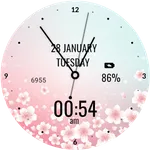
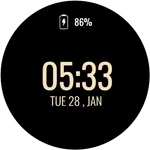
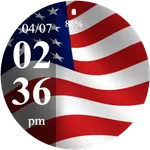
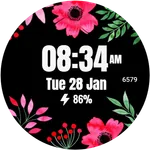
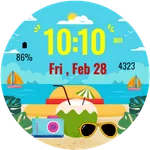
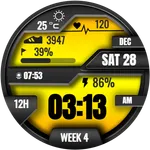
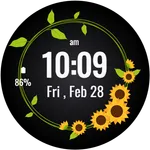
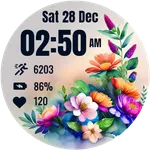
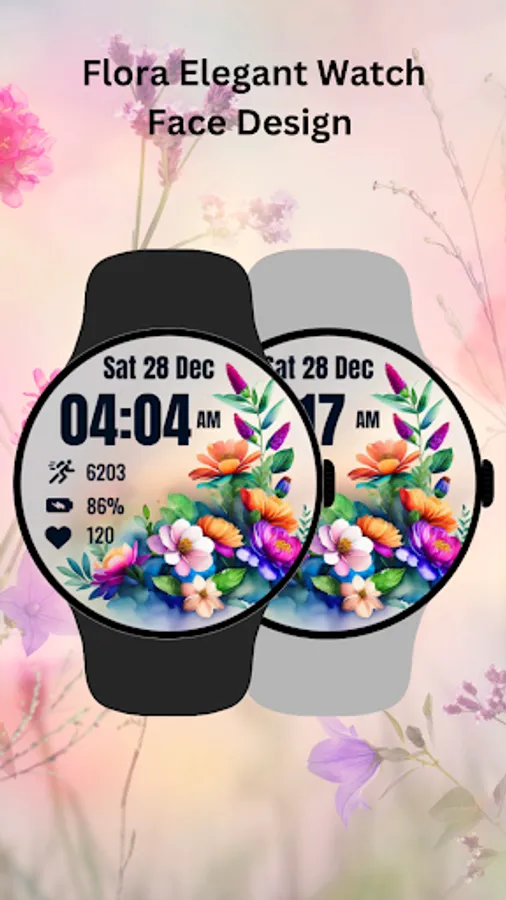
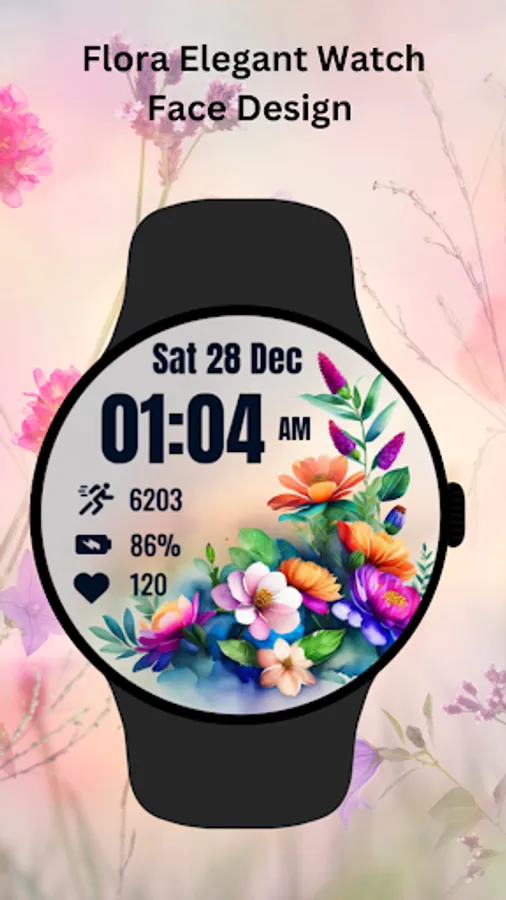
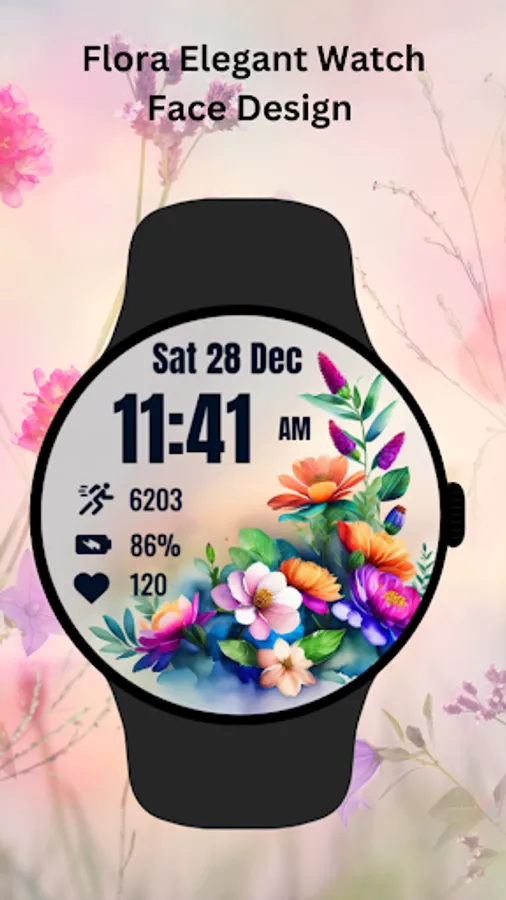
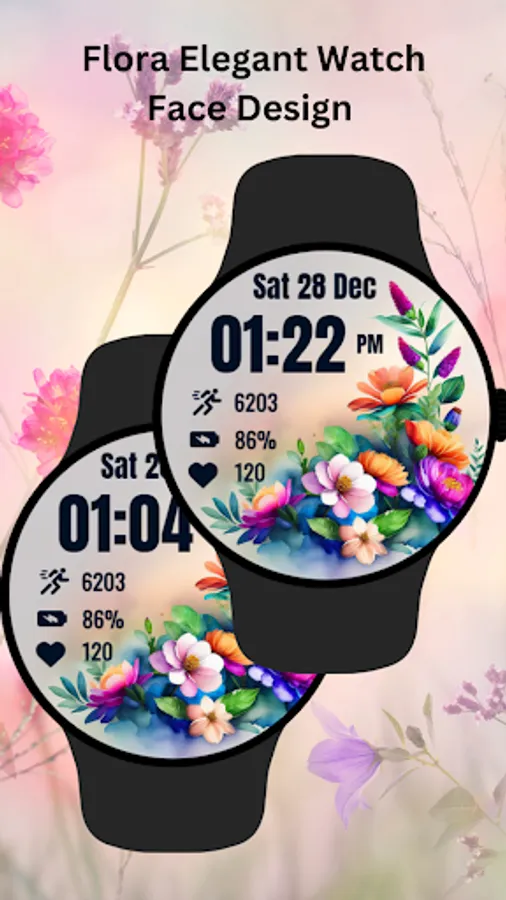
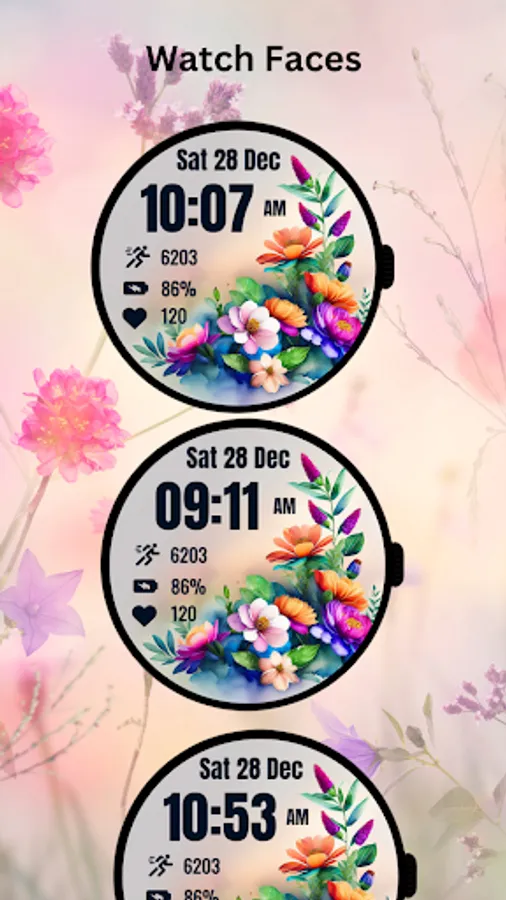
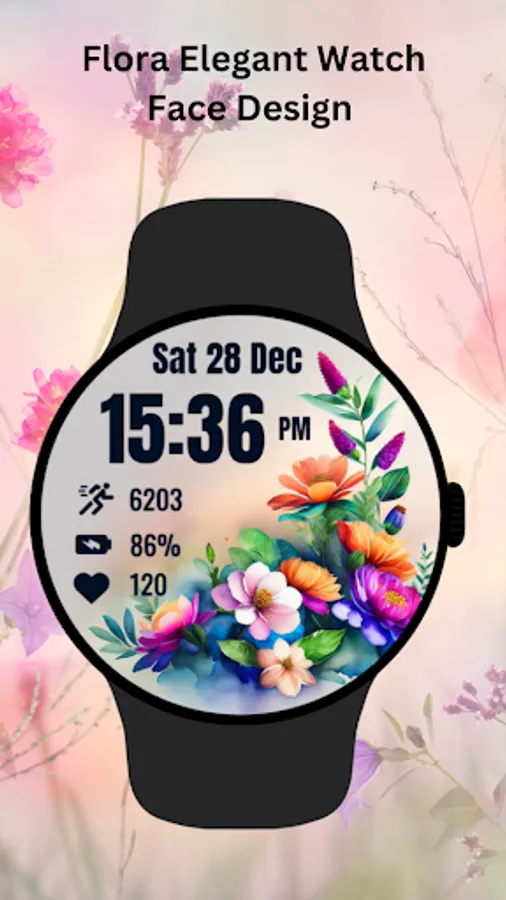
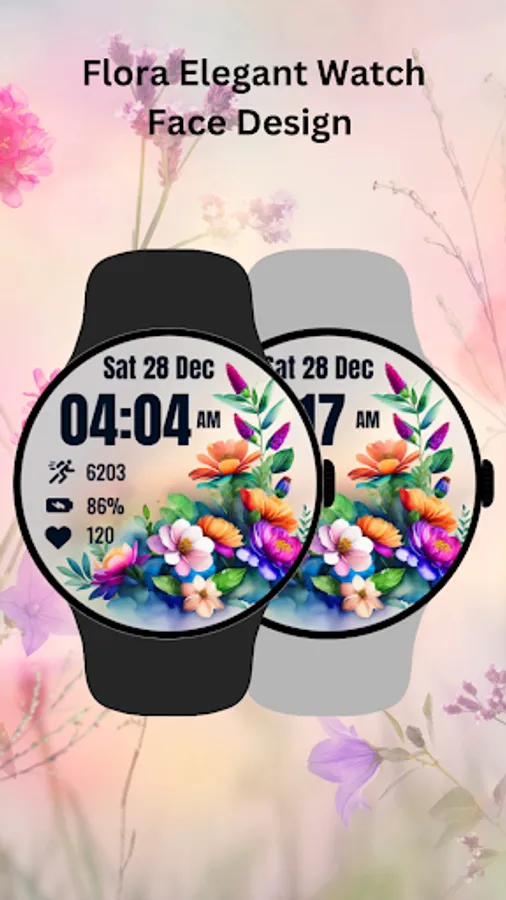
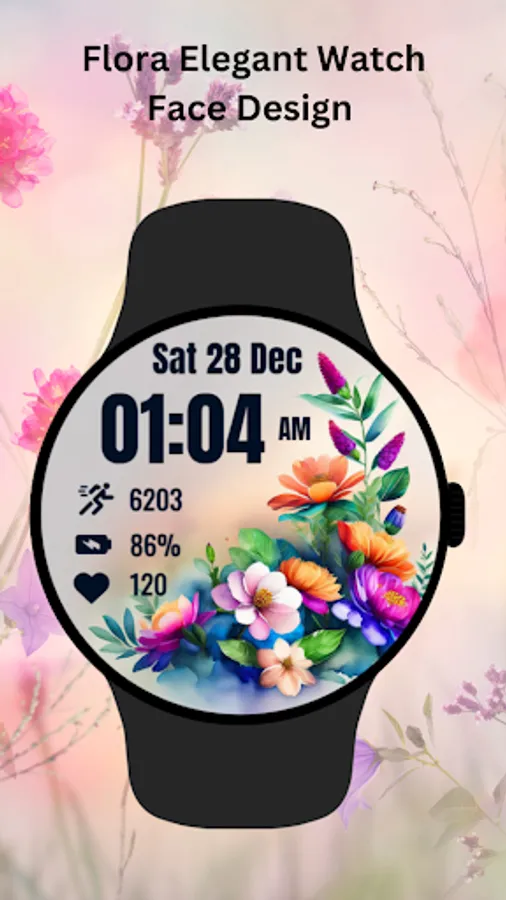
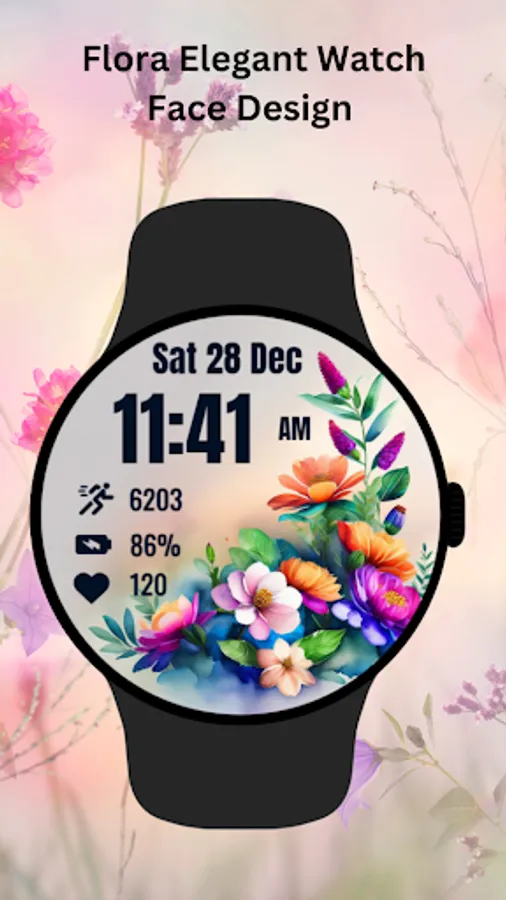
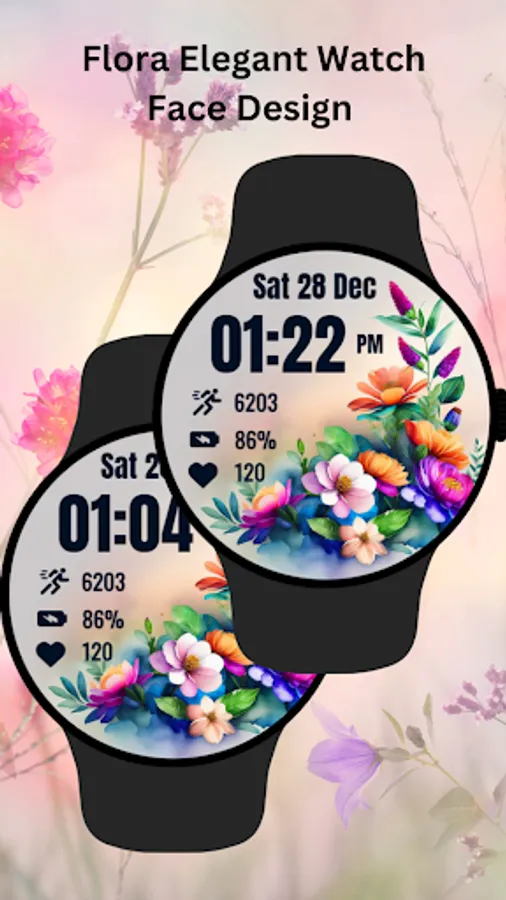
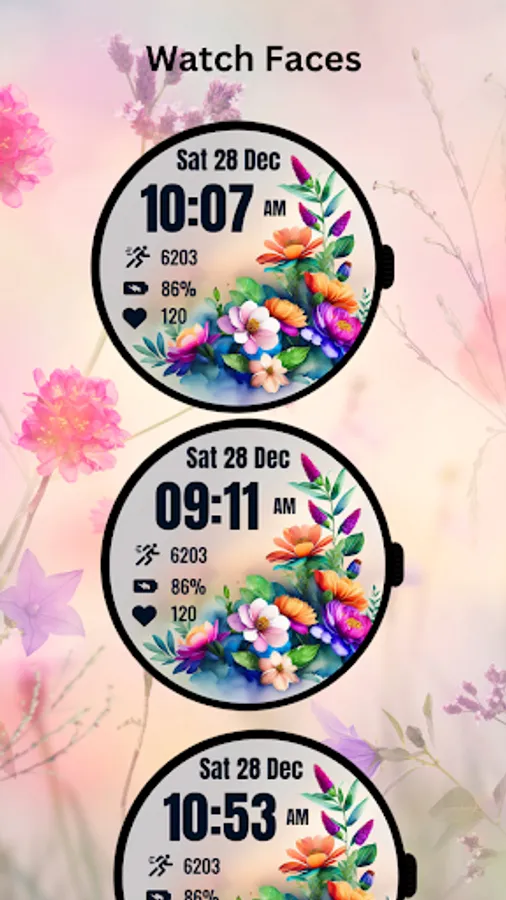
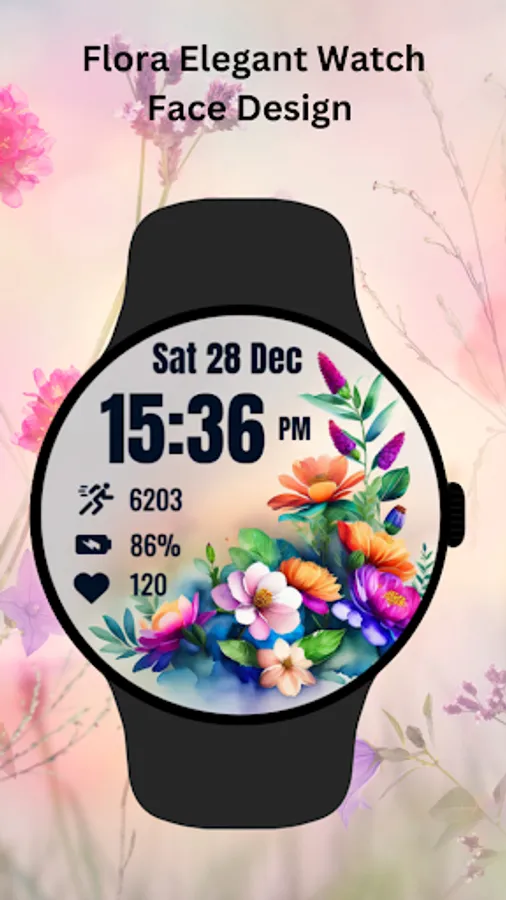
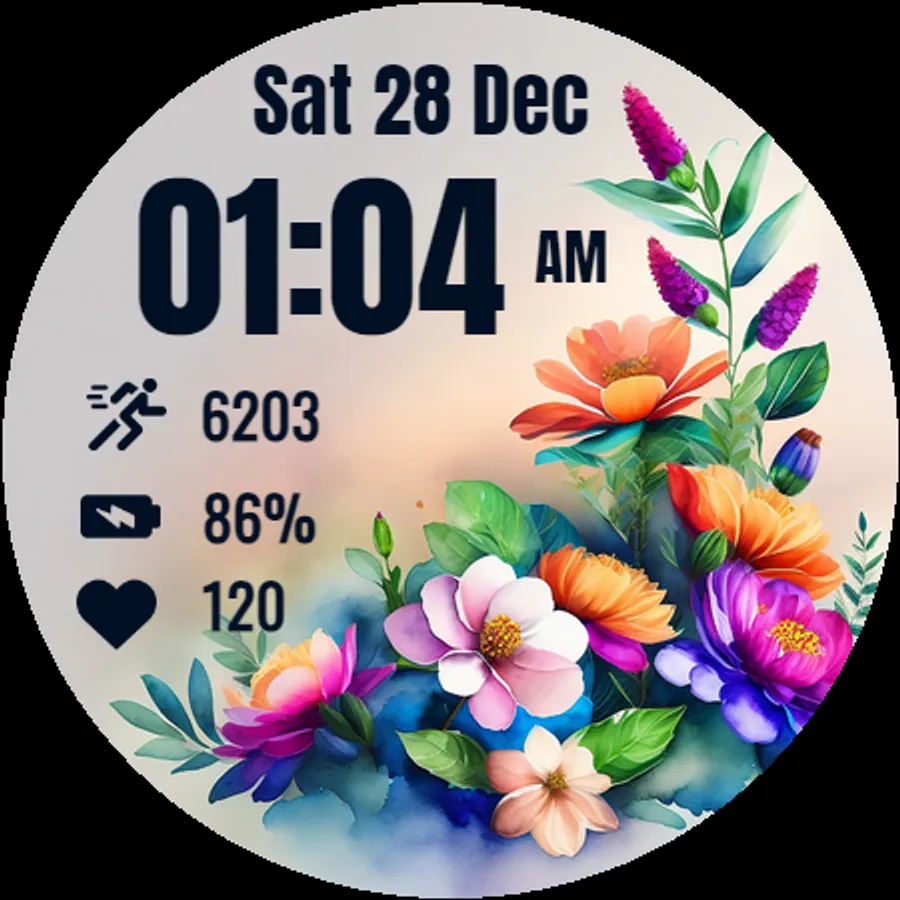
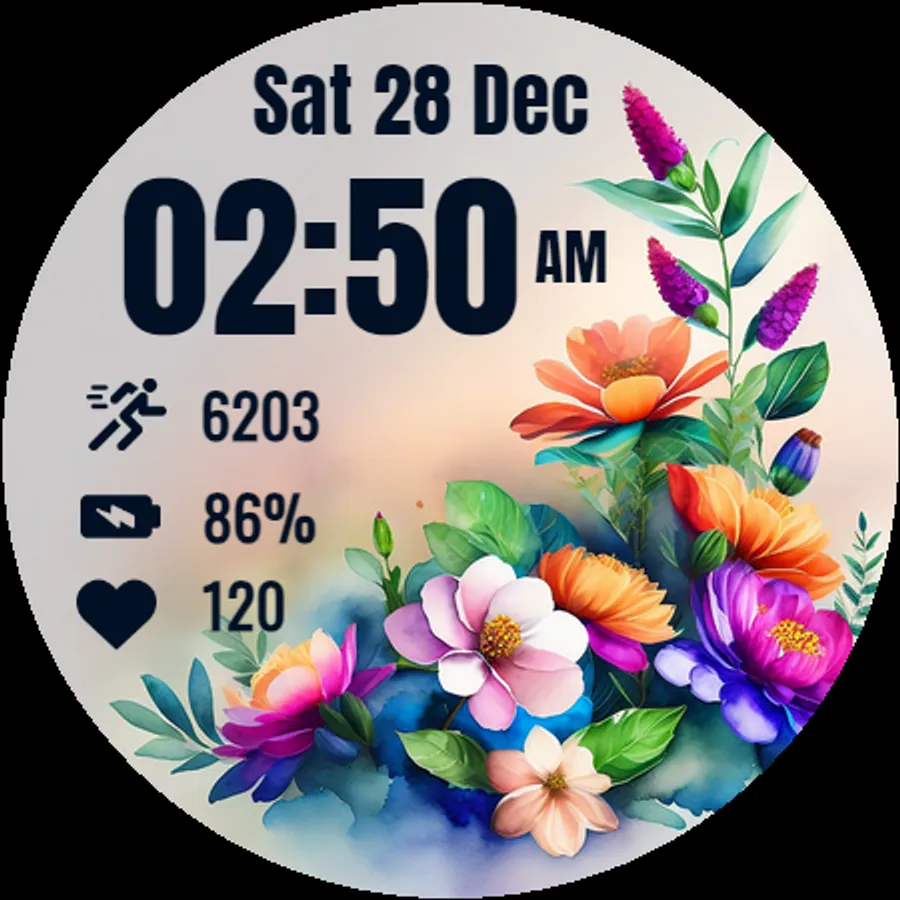
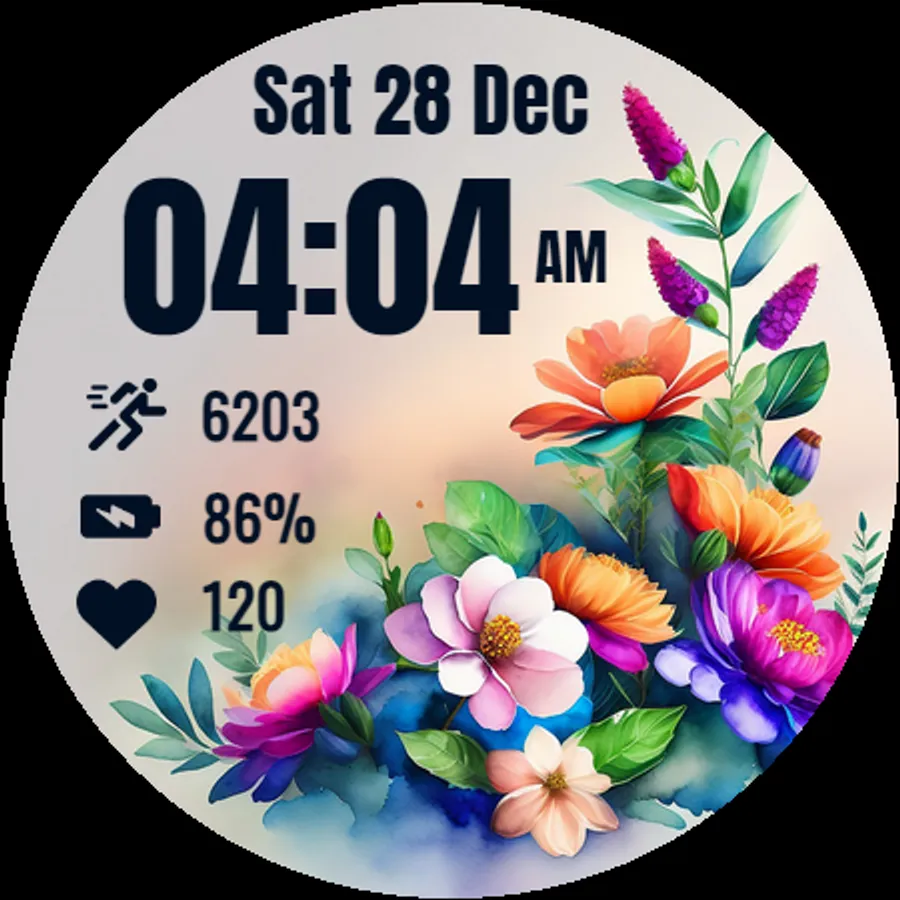
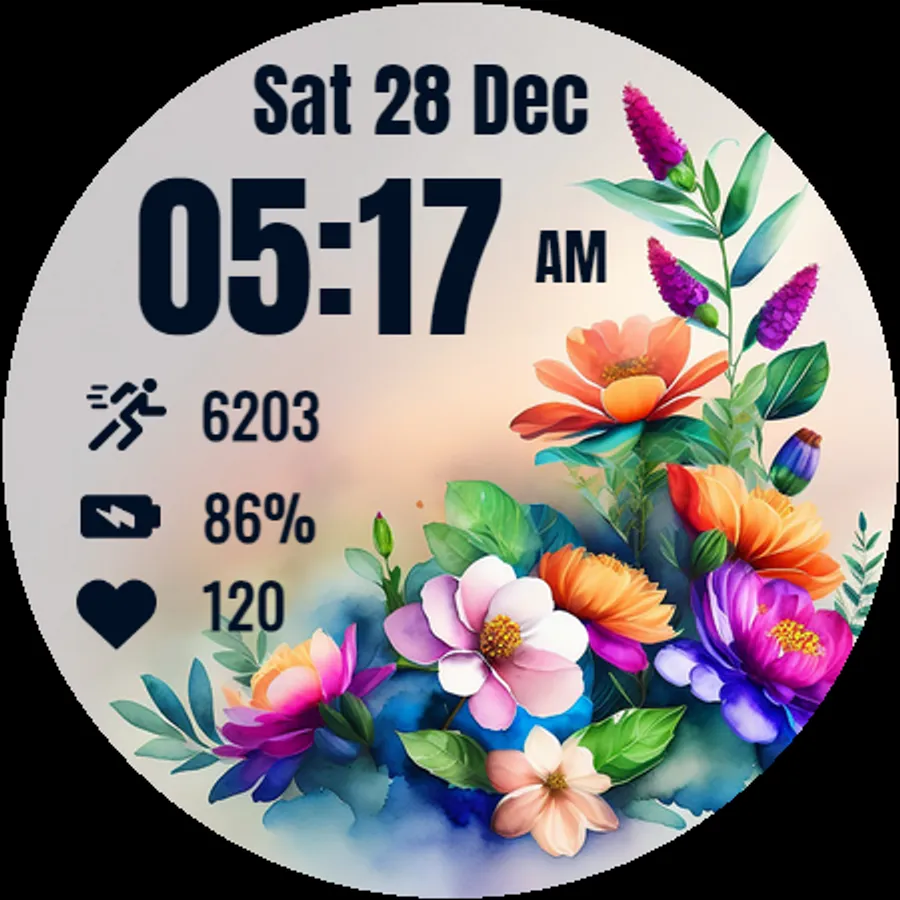
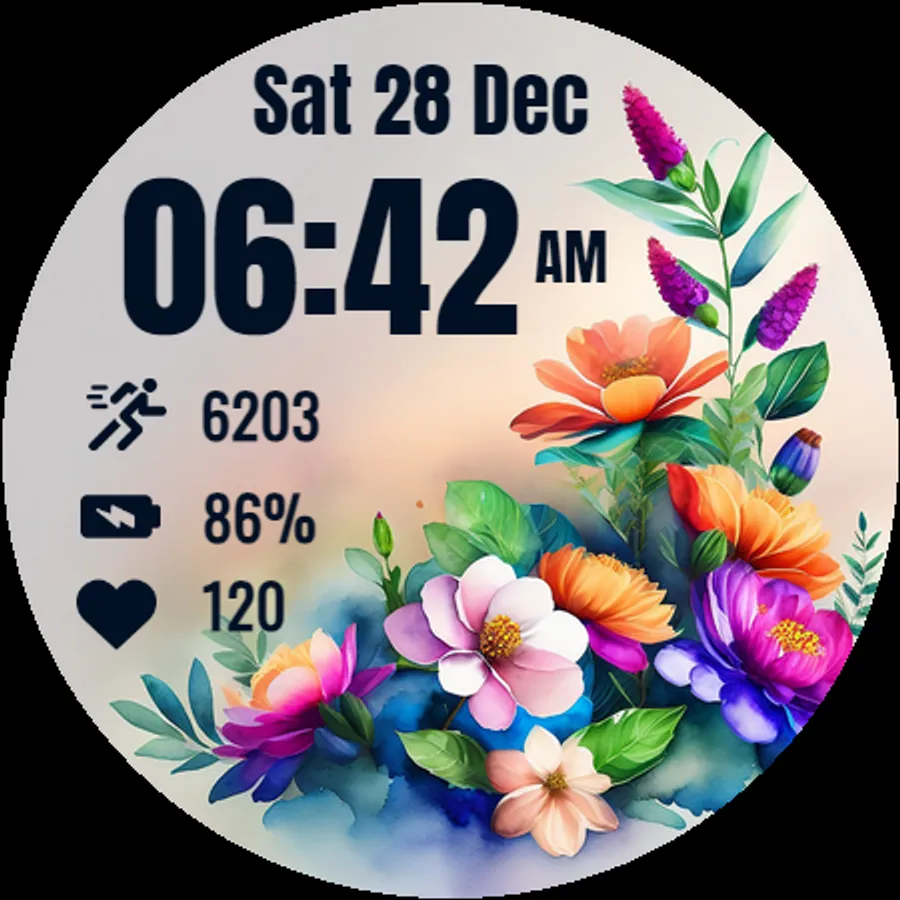
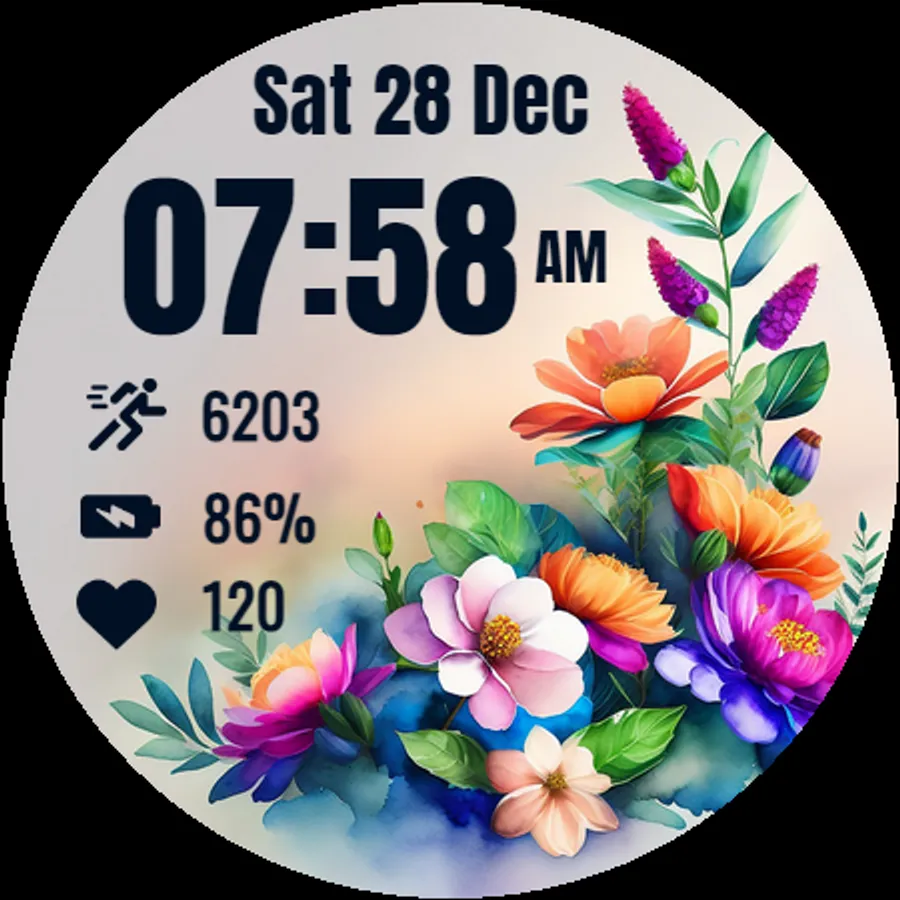
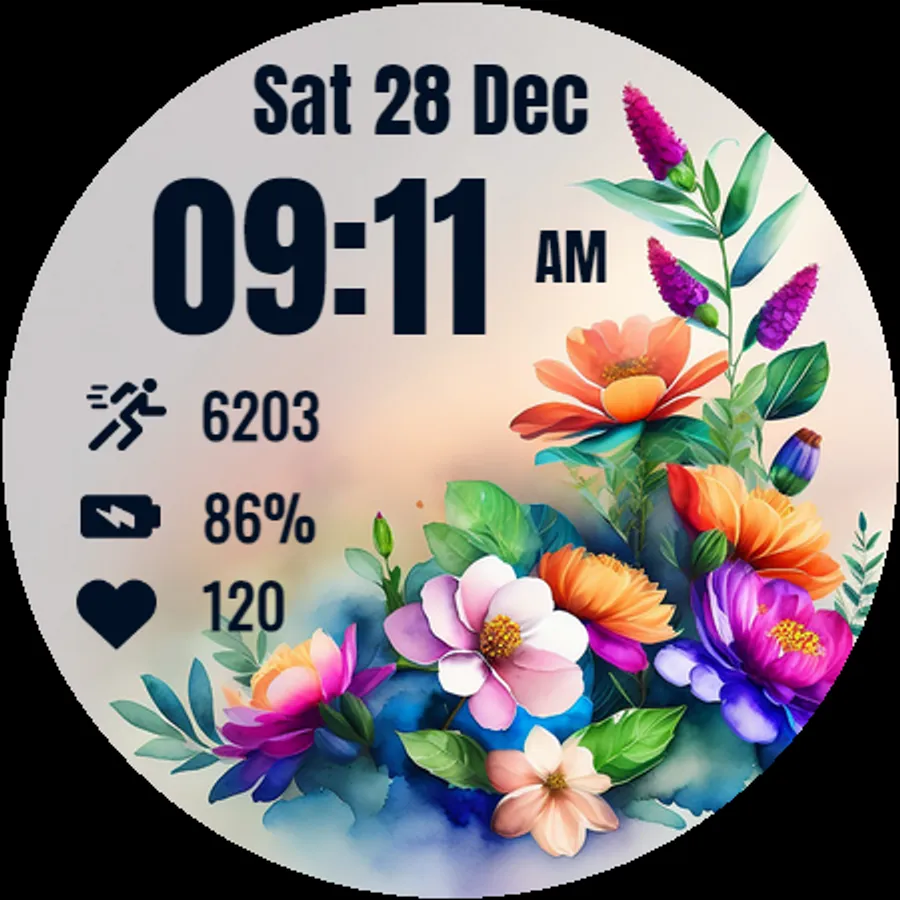
In this Wear OS watch face, you can customize the display of time, date, and health metrics while enjoying vibrant floral artwork. Includes options for ambient mode, always-on display, and tap-to-measure heart rate.
AppRecs review analysis
AppRecs rating 4.5. Trustworthiness 86 out of 100. Review manipulation risk 43 out of 100. Based on a review sample analyzed.
★★★★☆
4.5
AppRecs Rating
Ratings breakdown
5 star
78%
4 star
13%
3 star
0%
2 star
3%
1 star
6%
What to know
✓
Authentic reviews
Natural distribution, no red flags
⚠
Questionable review patterns
43% review manipulation risk - some review patterns appear unusual
⚠
Rating authenticity concerns
High rating concentration (78% 5-star) in sampled ratings
About Flora Elegant Watch Face
⚙️ Watch Face Features
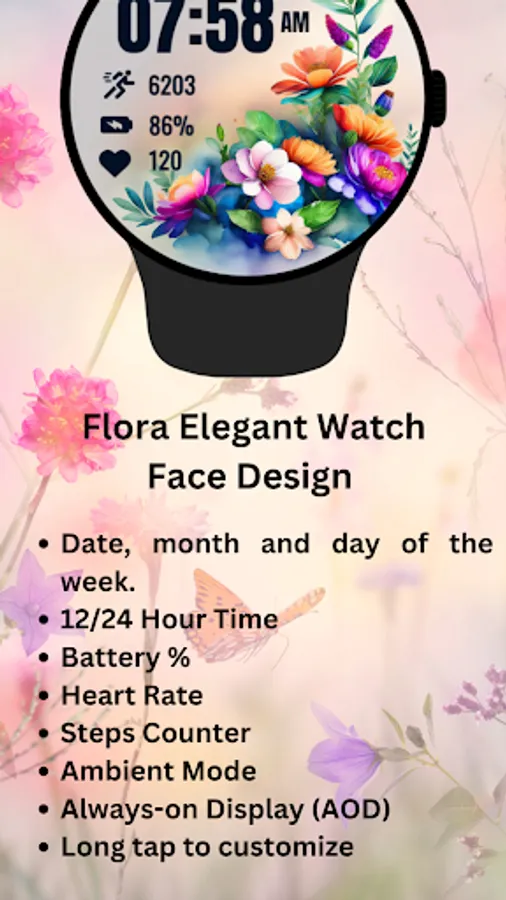
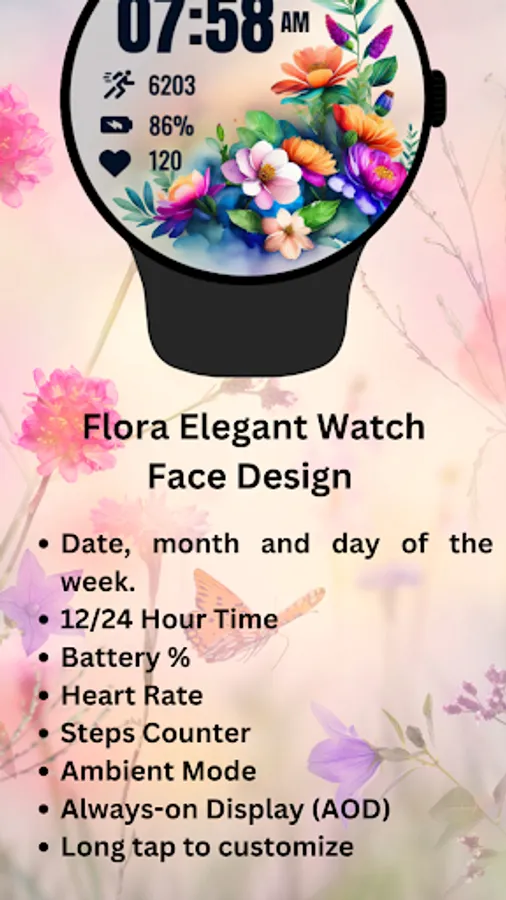
• Date, month and day of the week.
• Heart Rate
• Battery %
• Steps Counter
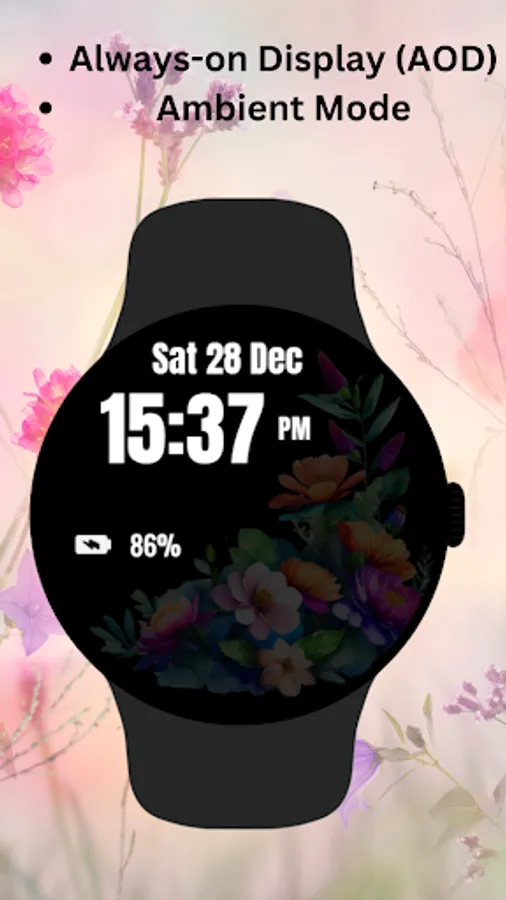
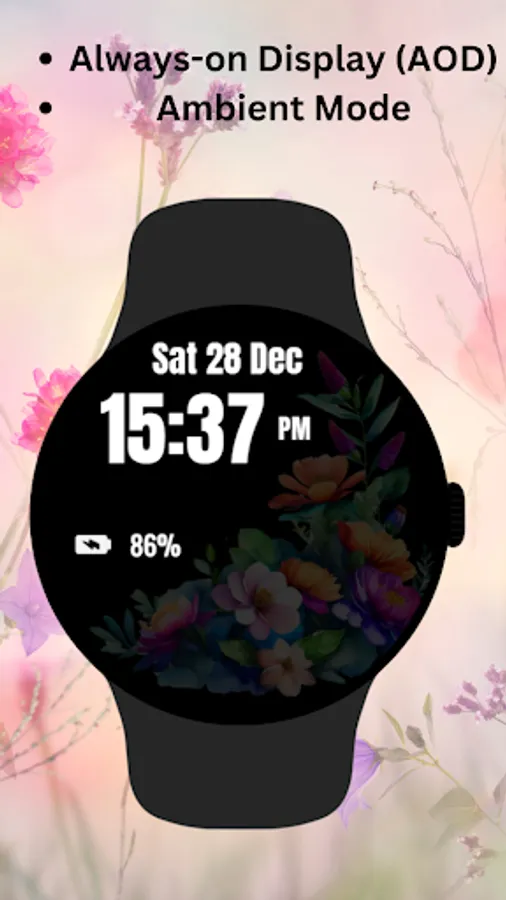
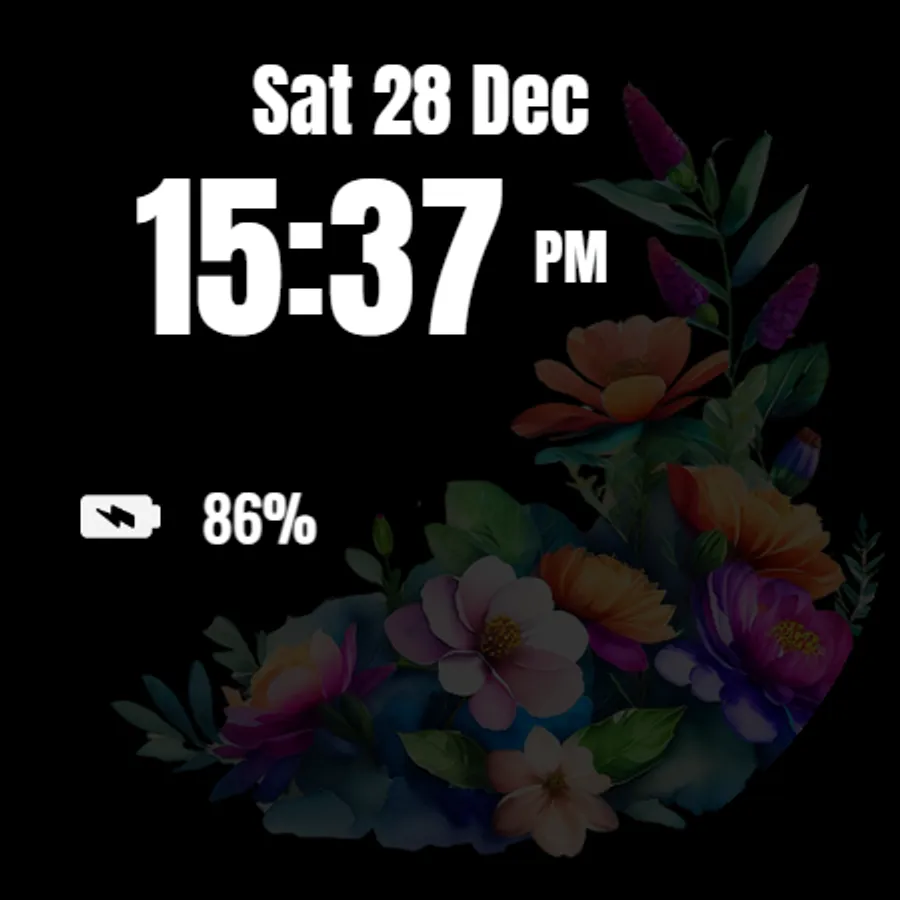
• Ambient Mode
• Always-on Display (AOD)
• Tap to measure heart rate
🔋 Battery
For better battery performance of the watch, we recommend disabling the "Always On Display" mode.
After installing the Flora Elegant WatchFace Design , follow these steps:
1.Open the Companion App on your phone.
2.Tap "Install on Watch".
3.On your watch, select the Flora Elegant WatchFace Design from your settings or watch face gallery.
Your watch face is now ready to use !
✅ Compatible with all Wear OS devices API 33+ including such as Google Pixel Watch, Samsung Galaxy Watch etc.
Not suitable for rectangular watches.
Thank you !
Flora Elegant Watch Face Screenshots
Tap to Rate:
Reviews for Flora Elegant Watch Face
Jean Garrison (Jean)
7/3/2025
pretty
K C
5/10/2025
Not Customisable Looks good on my Galxy watch 7 but it has steps (which I don't care about), battery(good) and heart rate (I think) which I don't want on my watch face. But attractive picture though which is why I kept it.