Sunflowers Watch Face
jigu watchface
4.5 ★
17 ratings
1,000+
downloads
Free
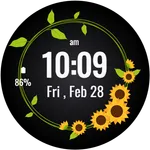
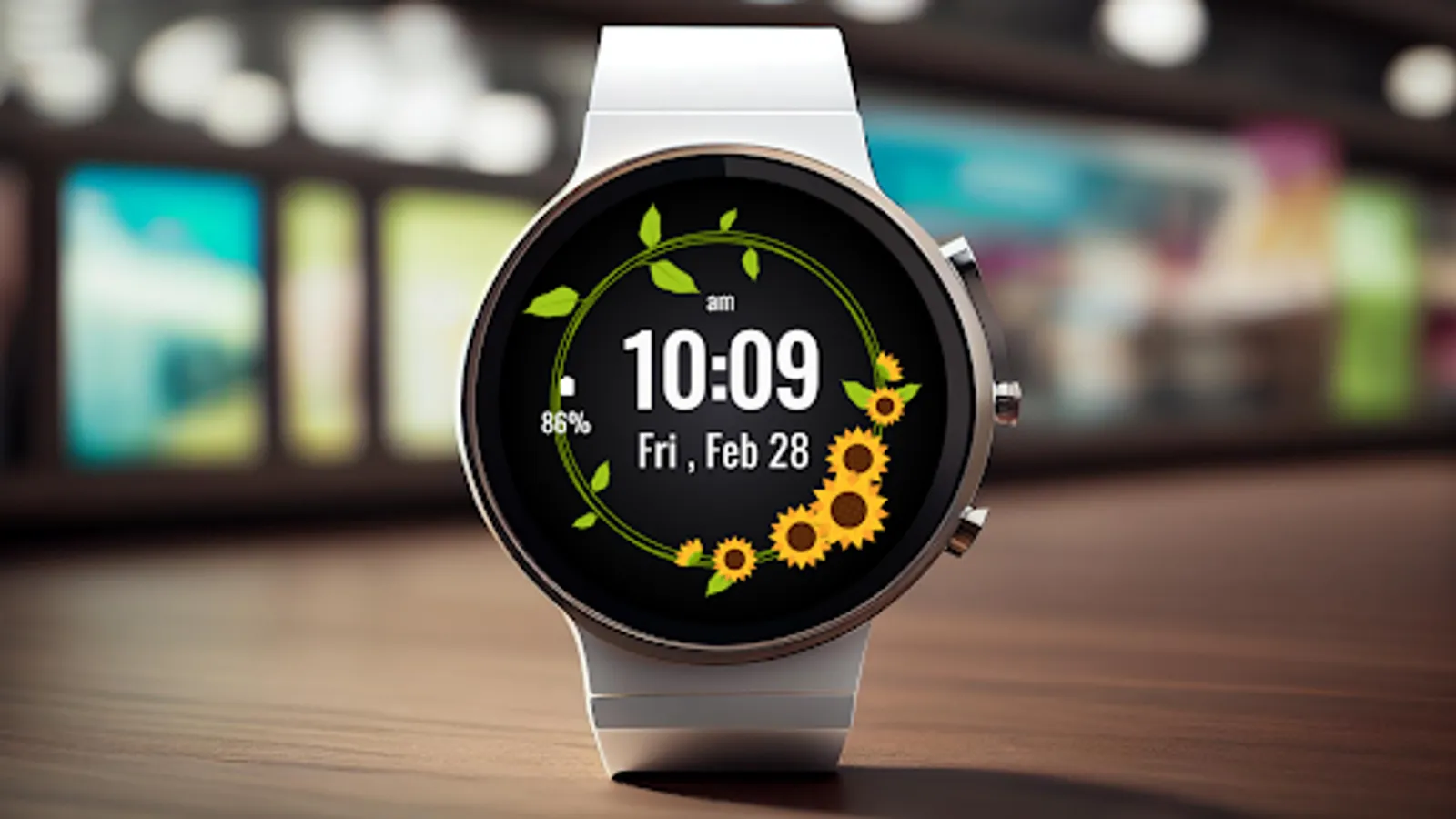
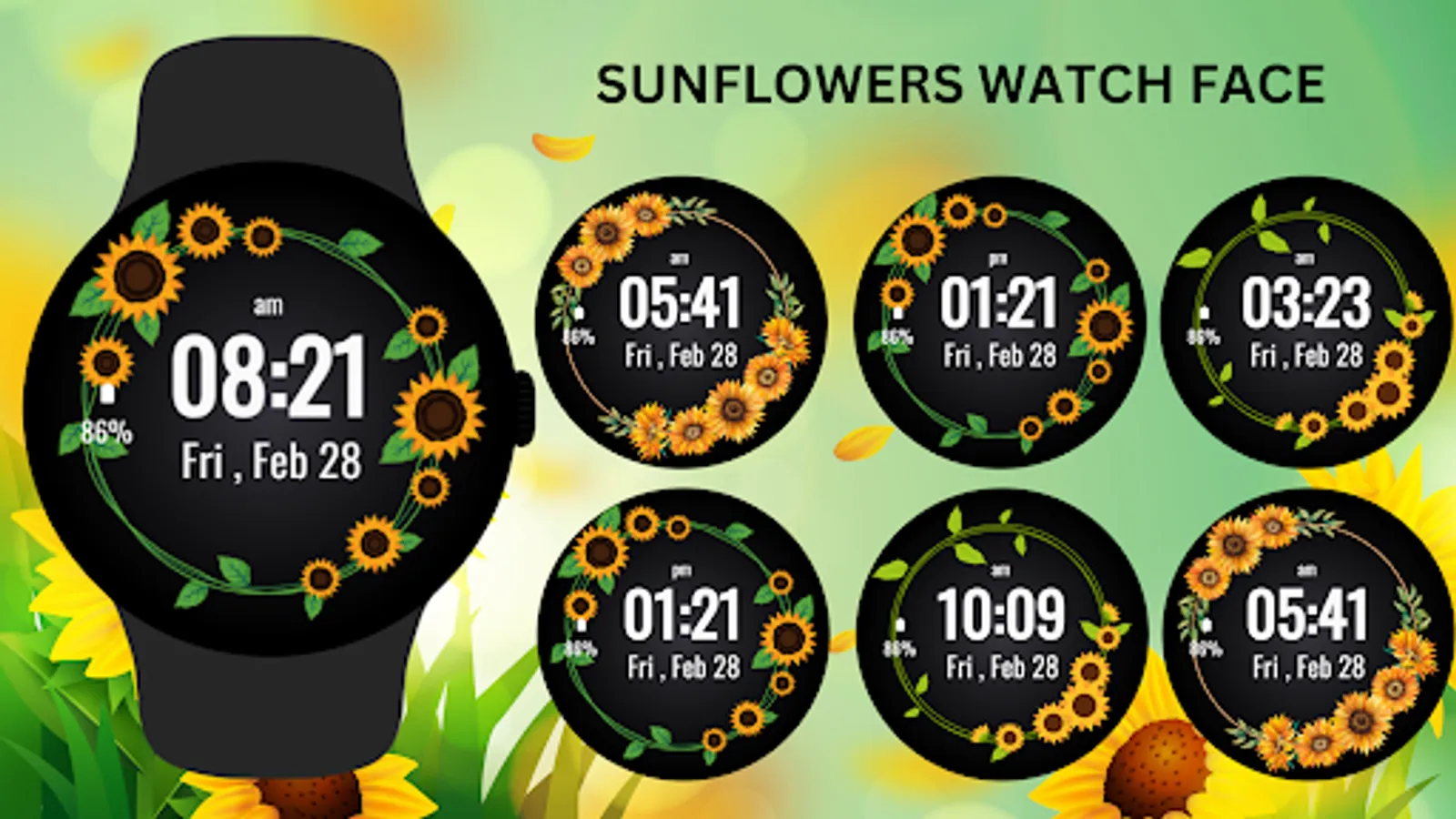
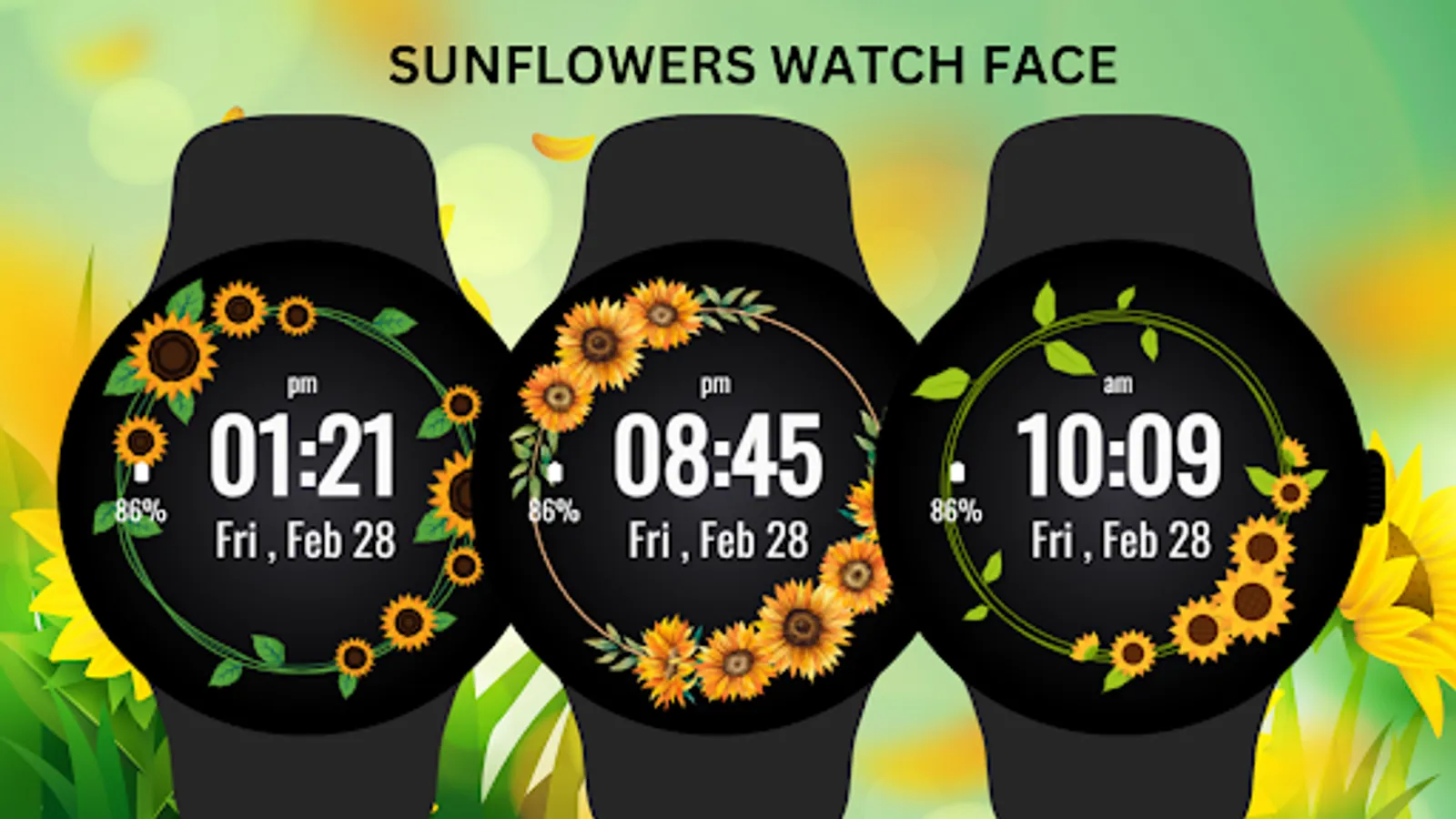
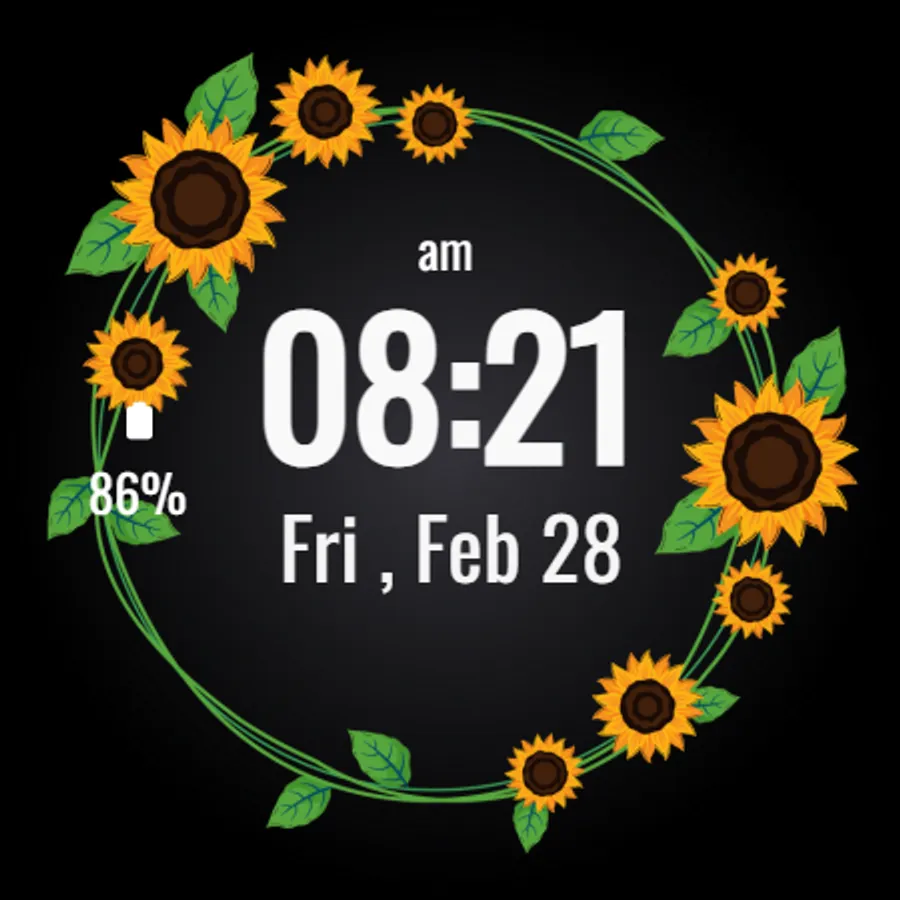
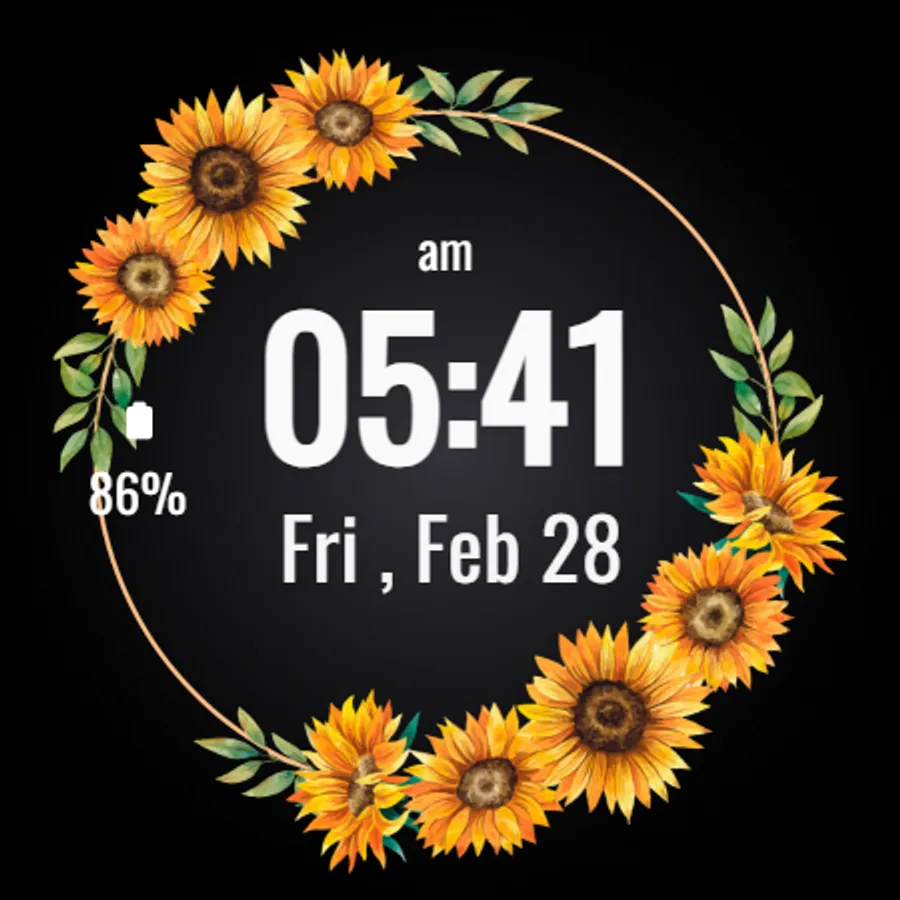
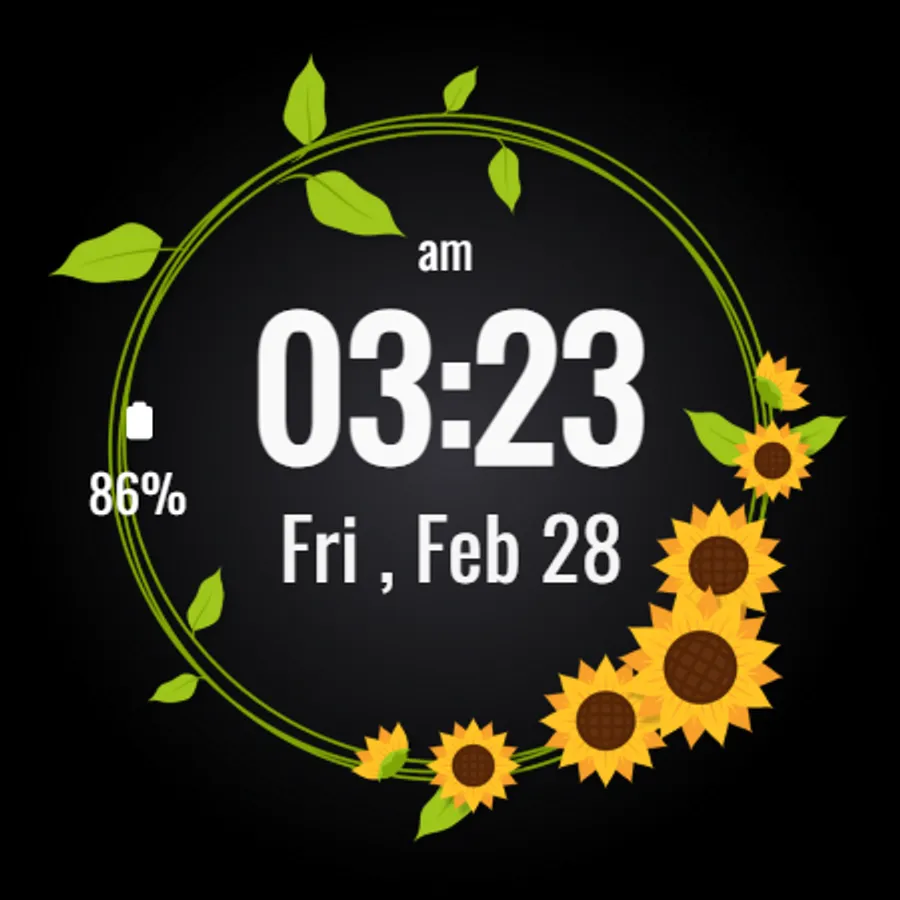
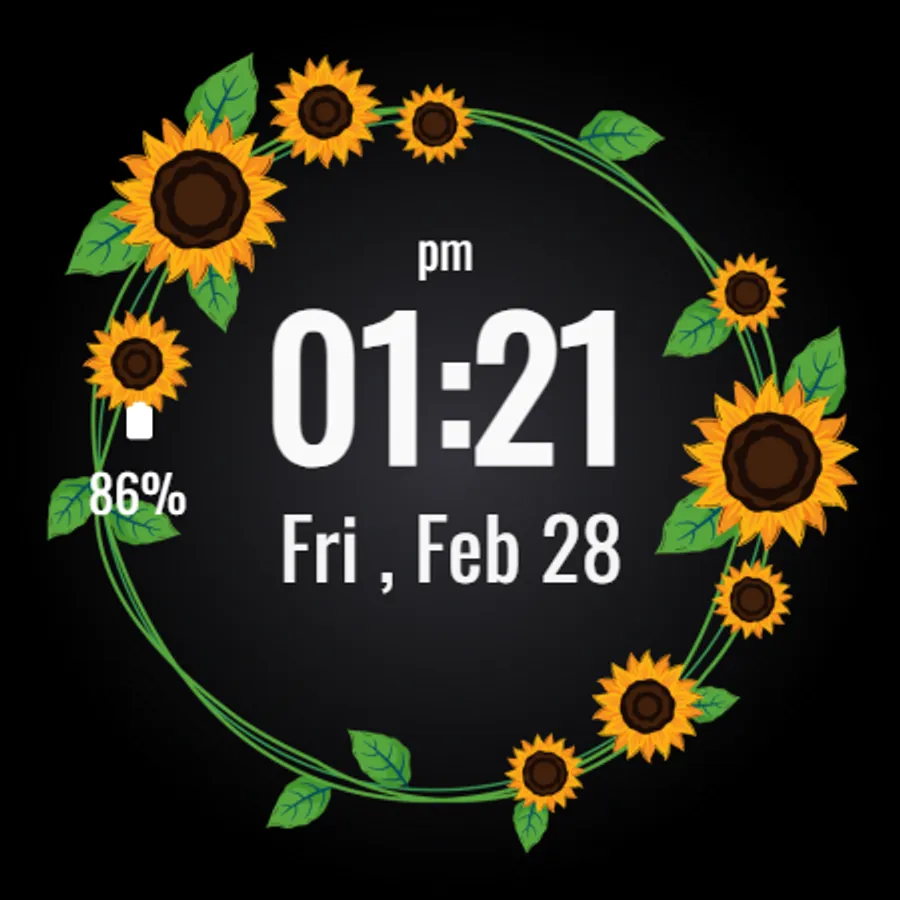
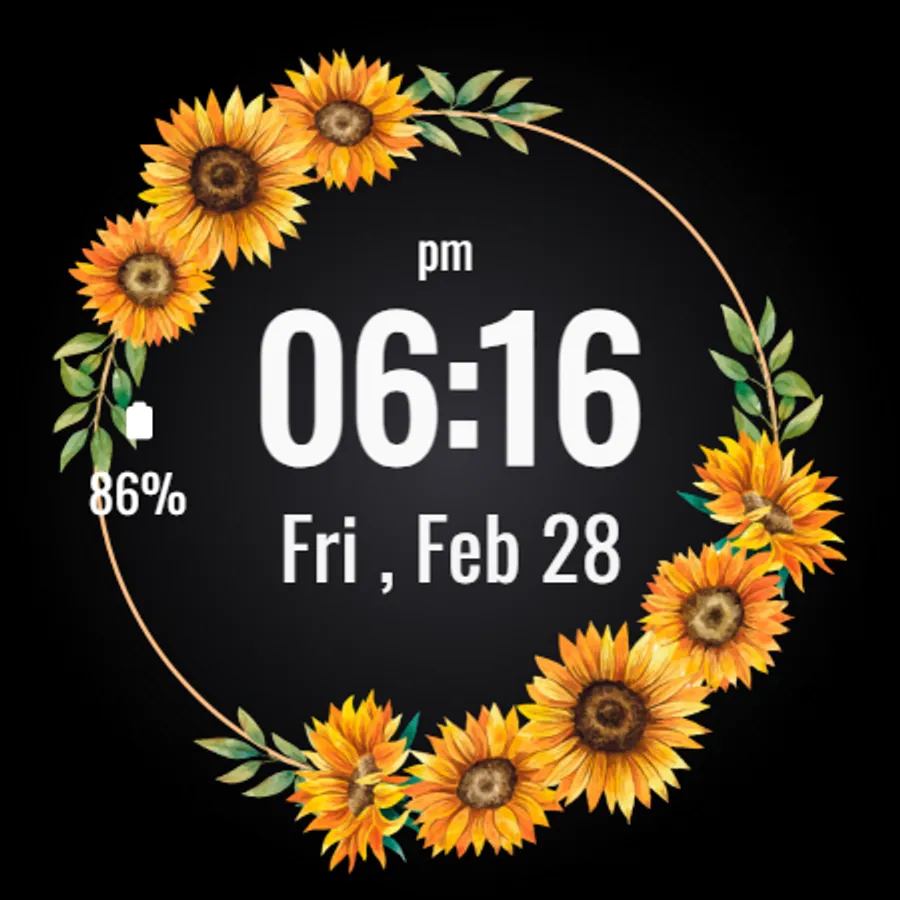
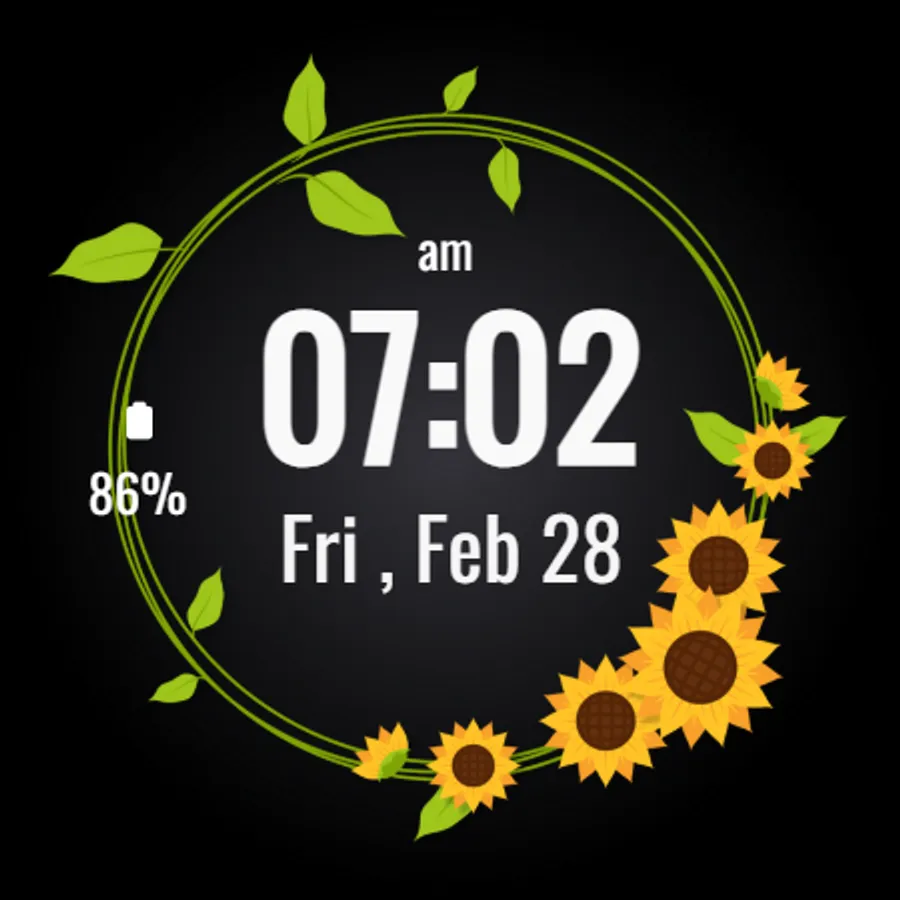
In this watch face app, you can customize the display with sunflower-themed visuals, choose shortcuts for quick app access, and view essential data like time, date, steps, and battery percentage. Includes customizable shortcuts, ambient mode support, and a stylish sunflower design.
AppRecs review analysis
AppRecs rating 4.3. Trustworthiness 55 out of 100. Review manipulation risk 15 out of 100. Based on a review sample analyzed.
★★★★☆
4.3
AppRecs Rating
Ratings breakdown
5 star
73%
4 star
13%
3 star
13%
2 star
0%
1 star
0%
What to know
✓
High user satisfaction
73% of sampled ratings are 5 stars
About Sunflowers Watch Face
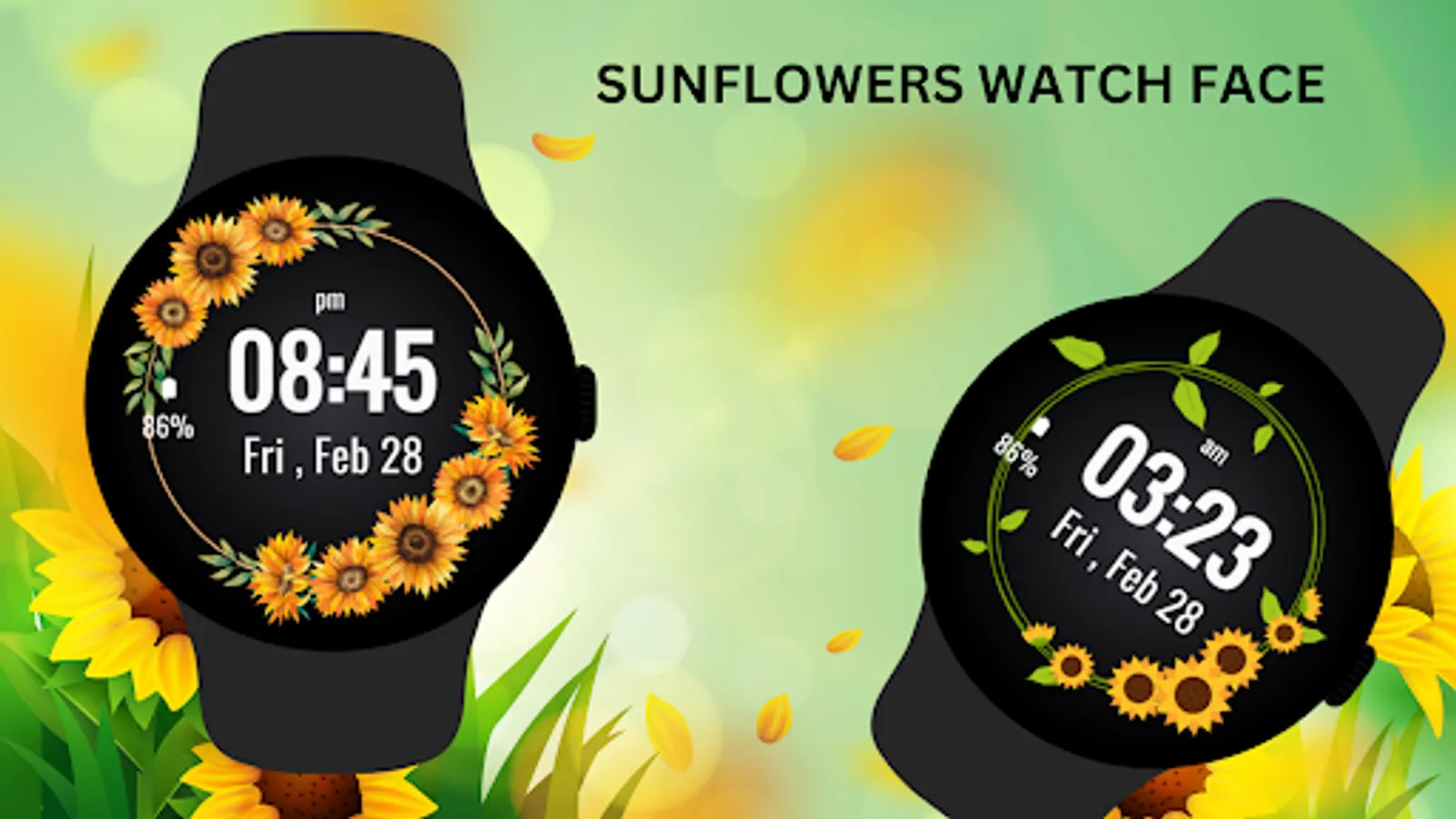
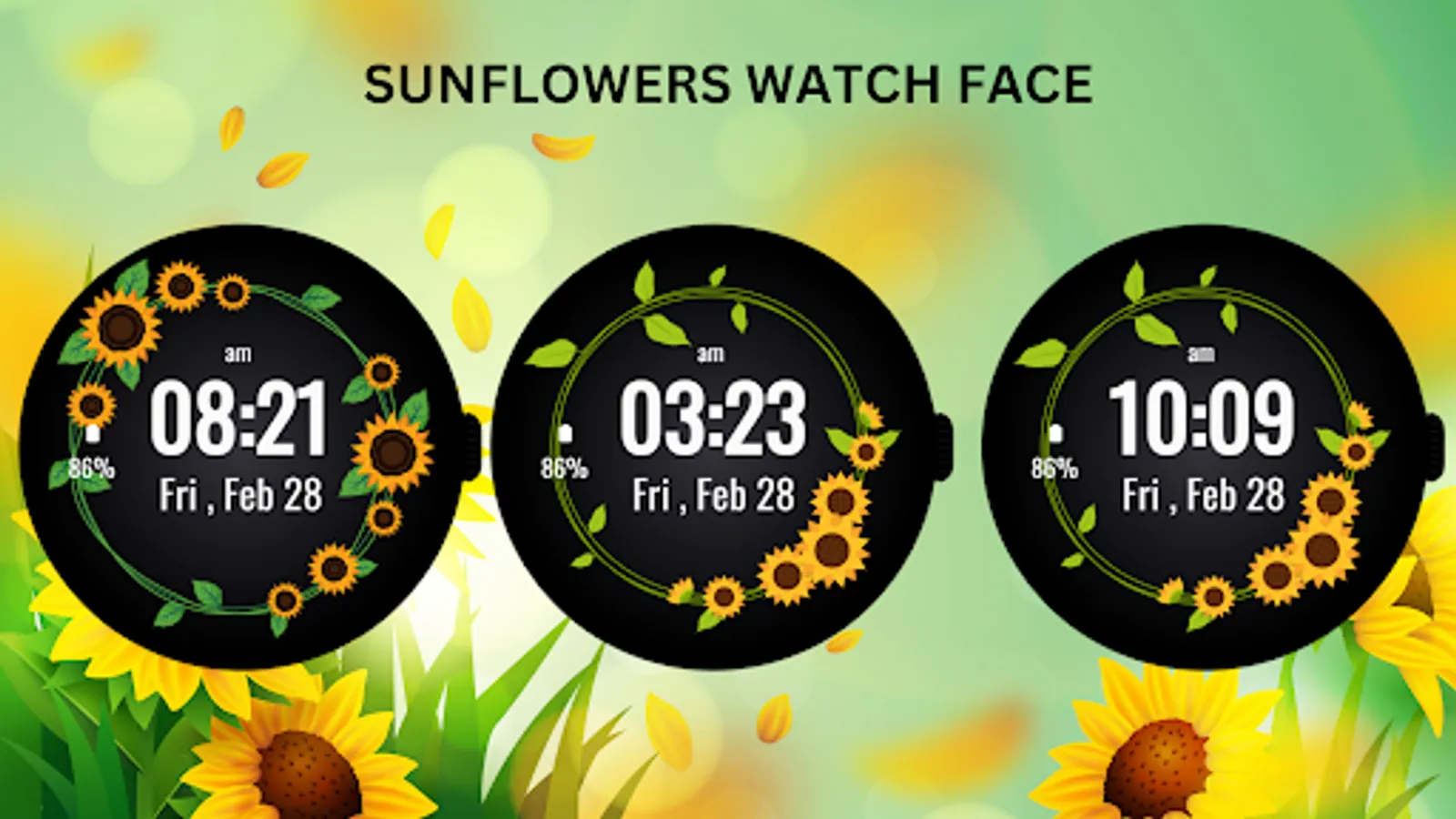
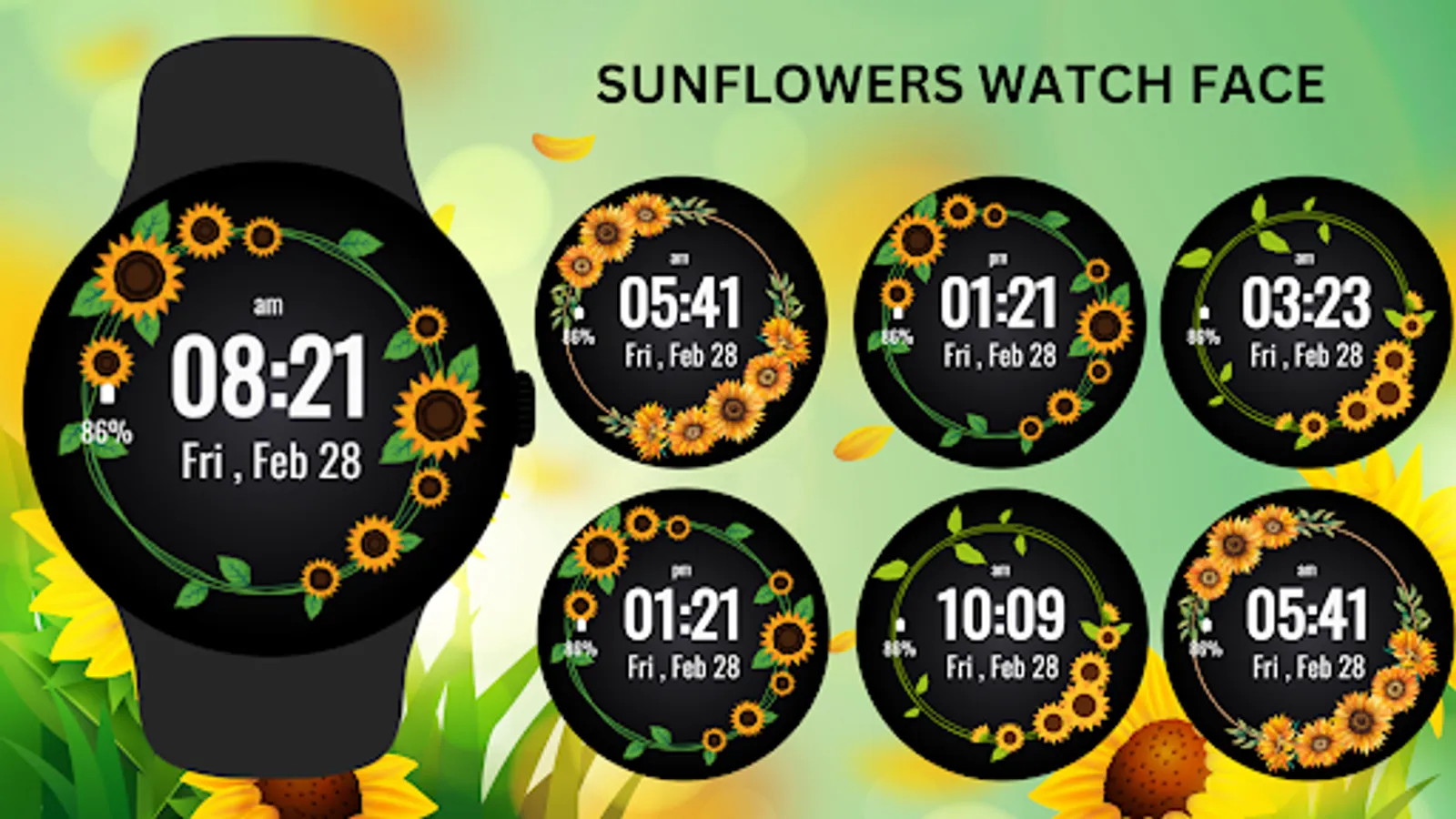
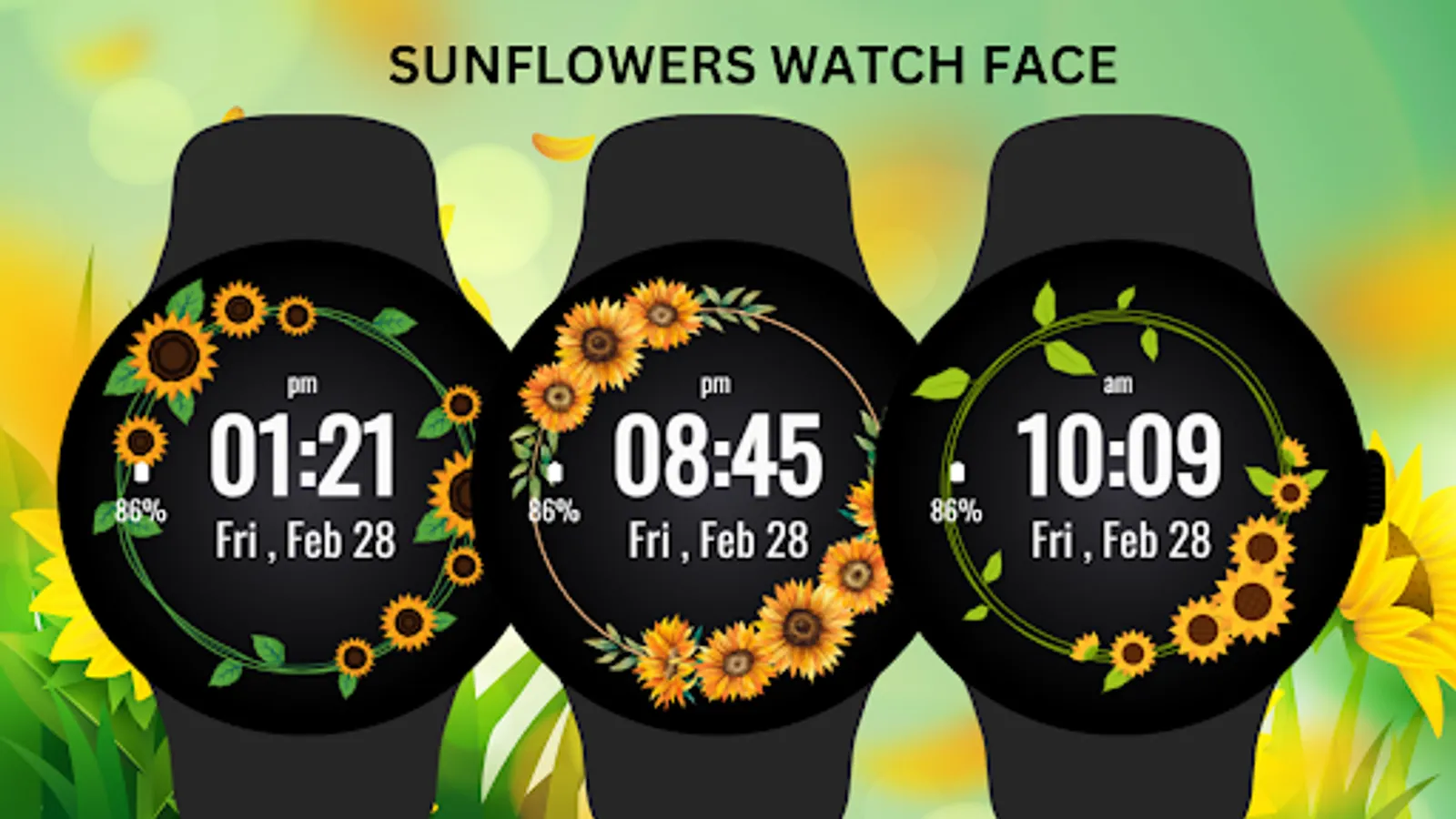
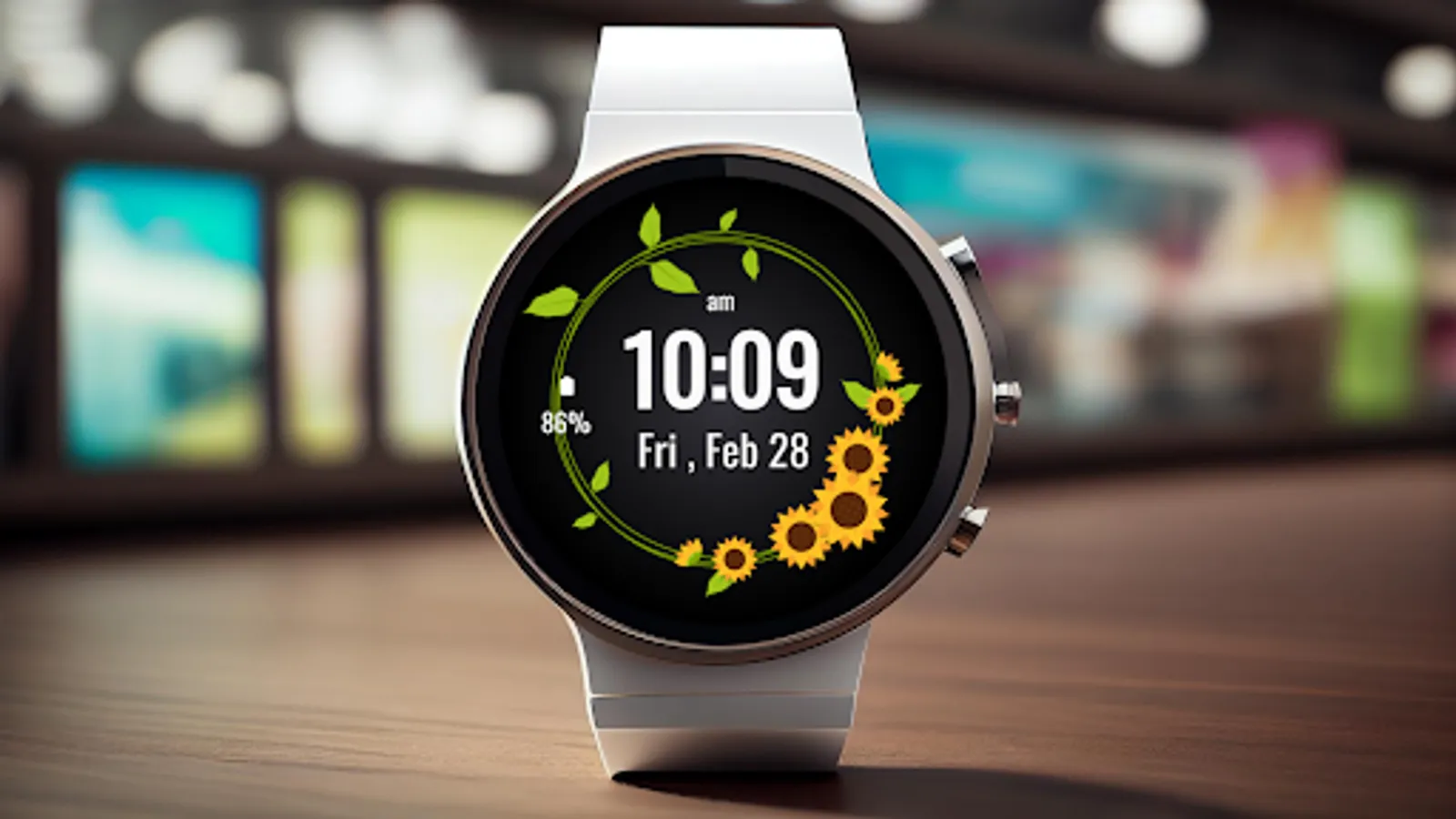
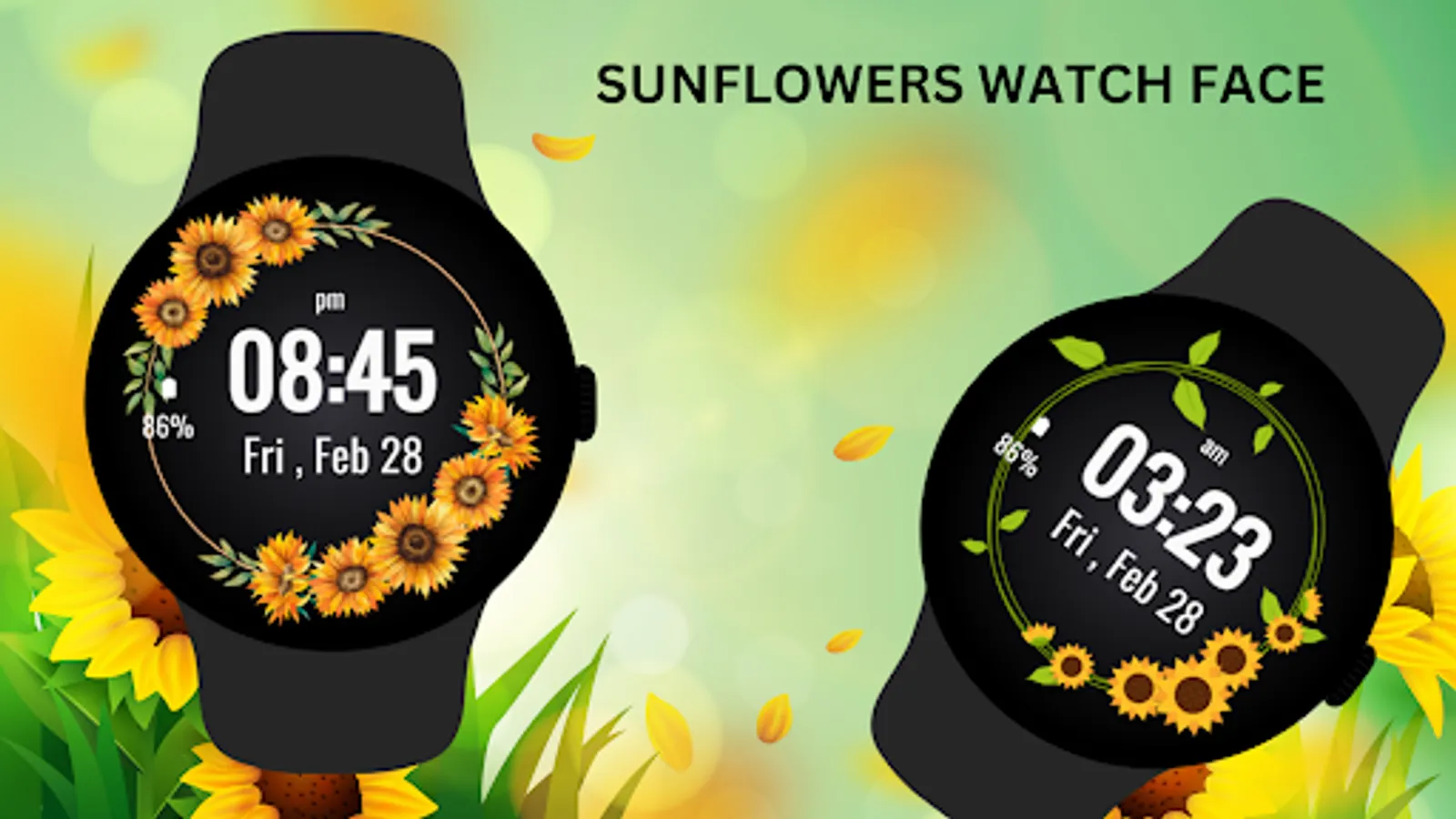
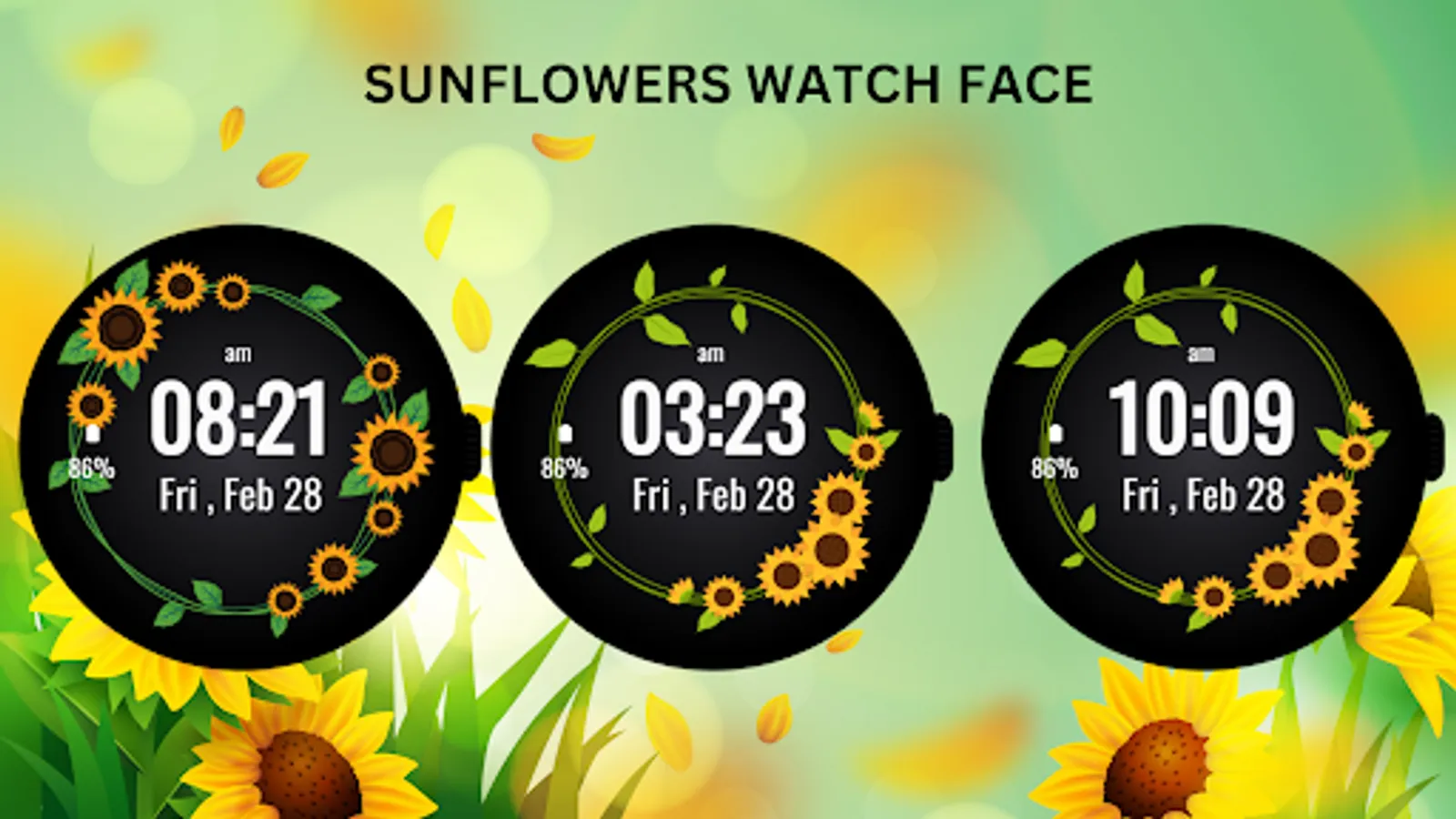
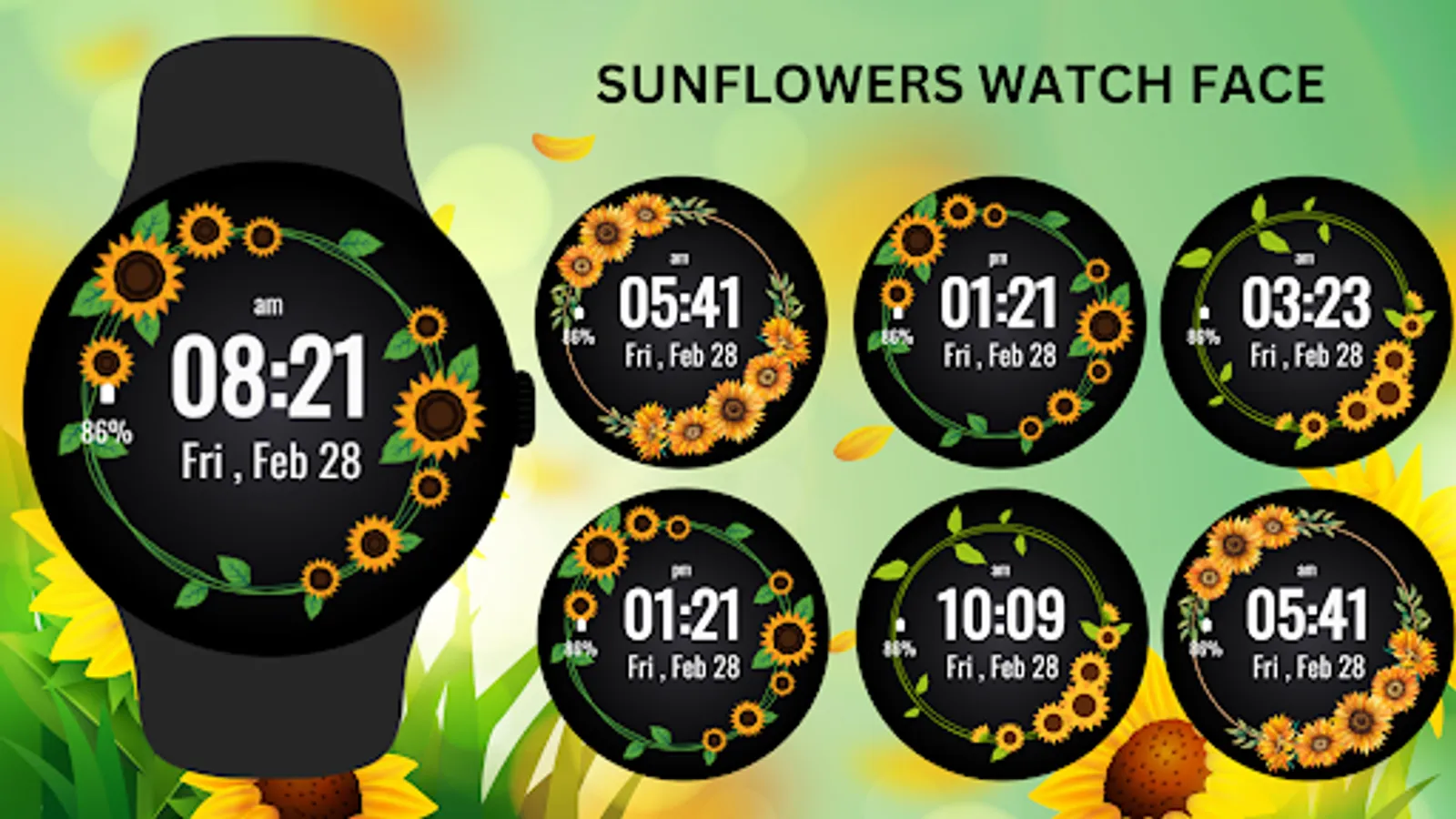
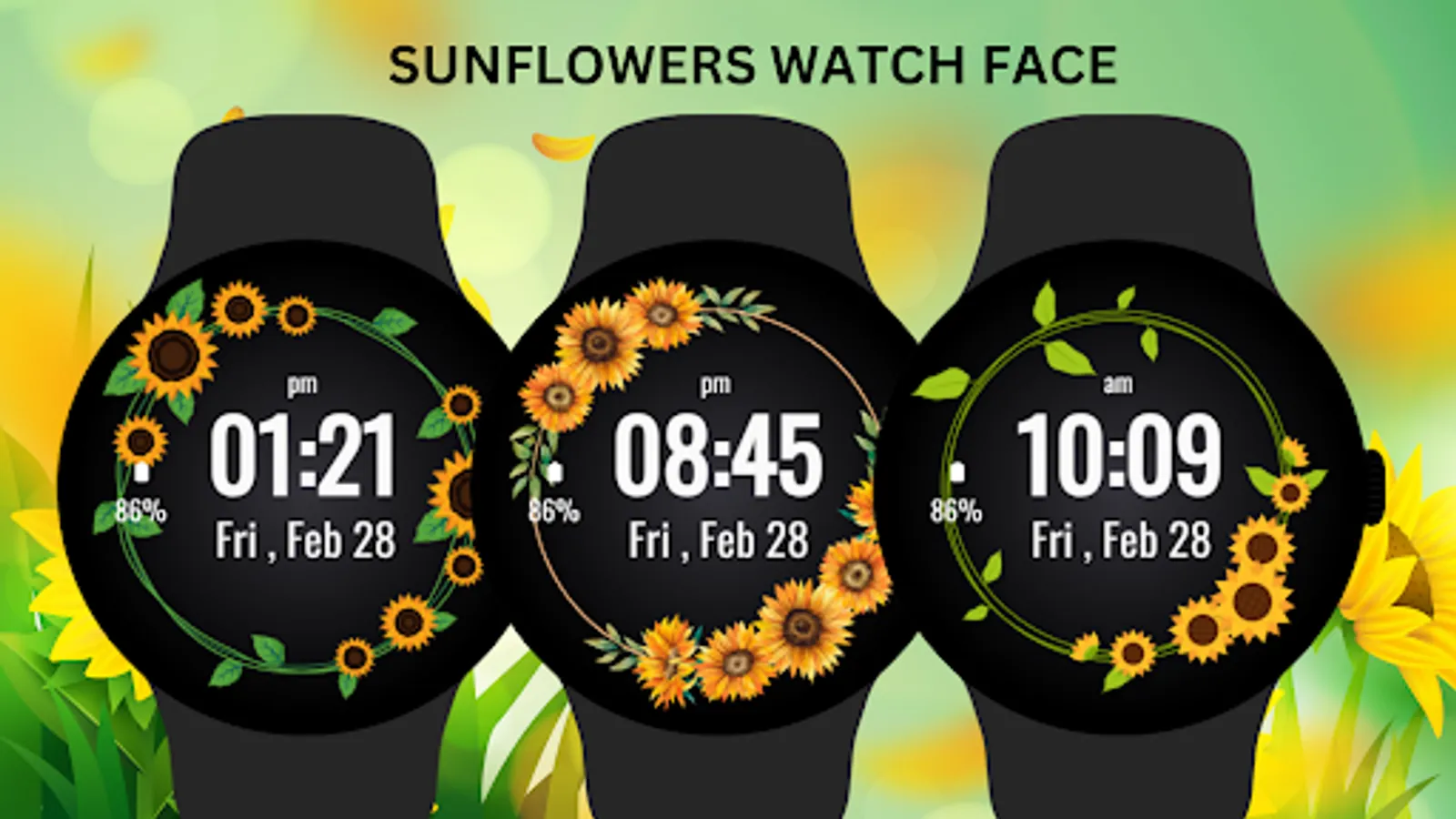
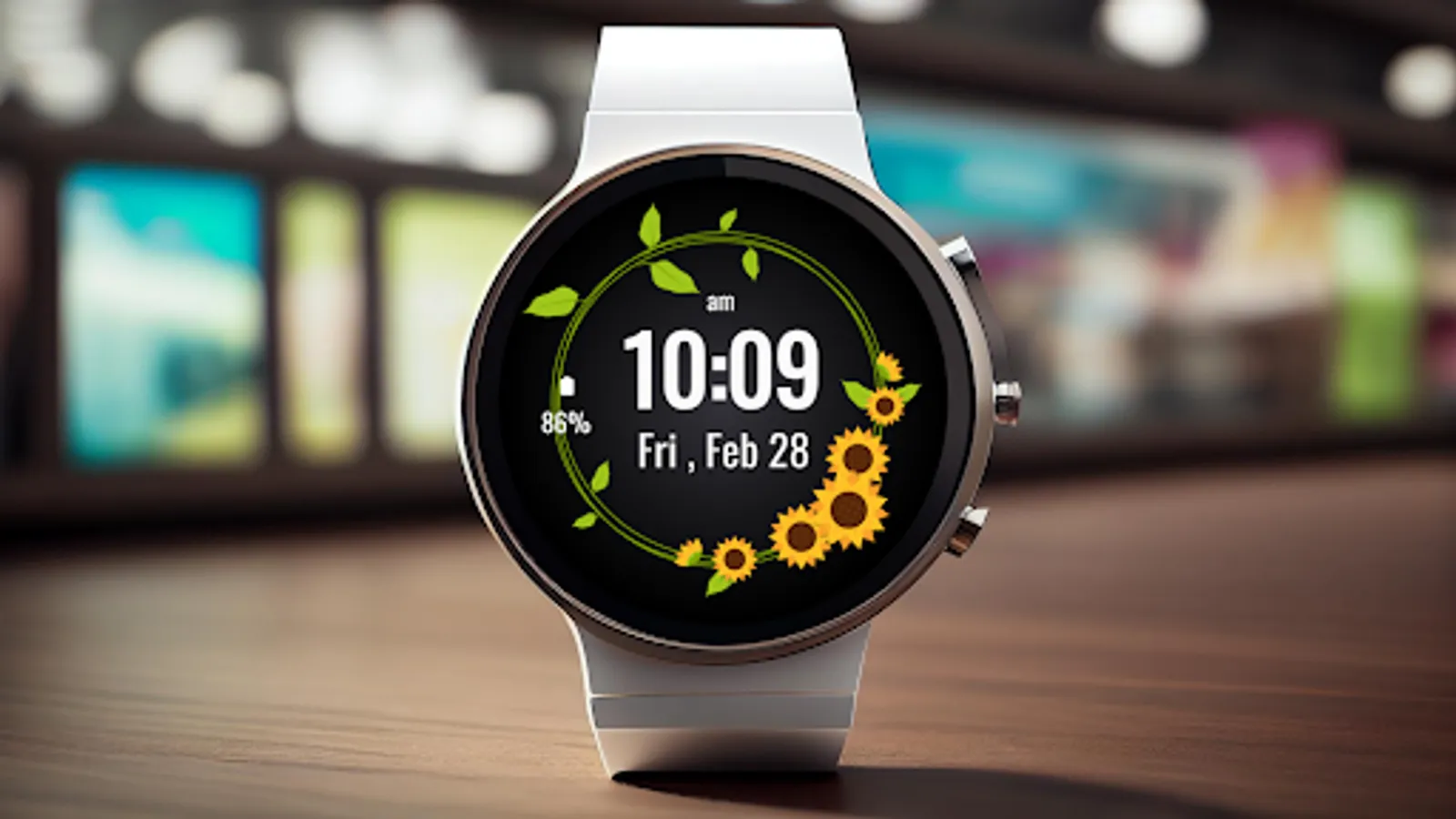
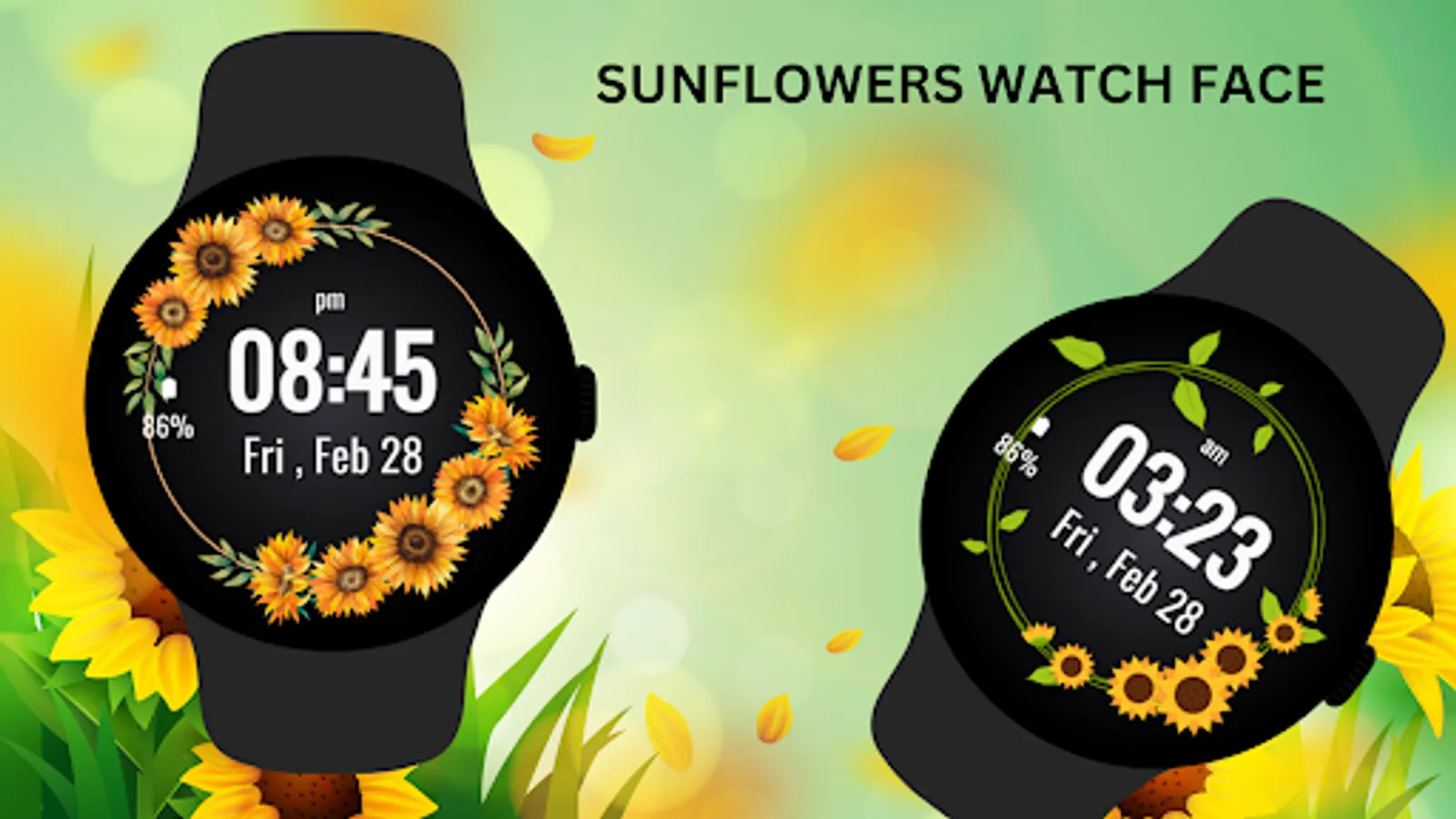
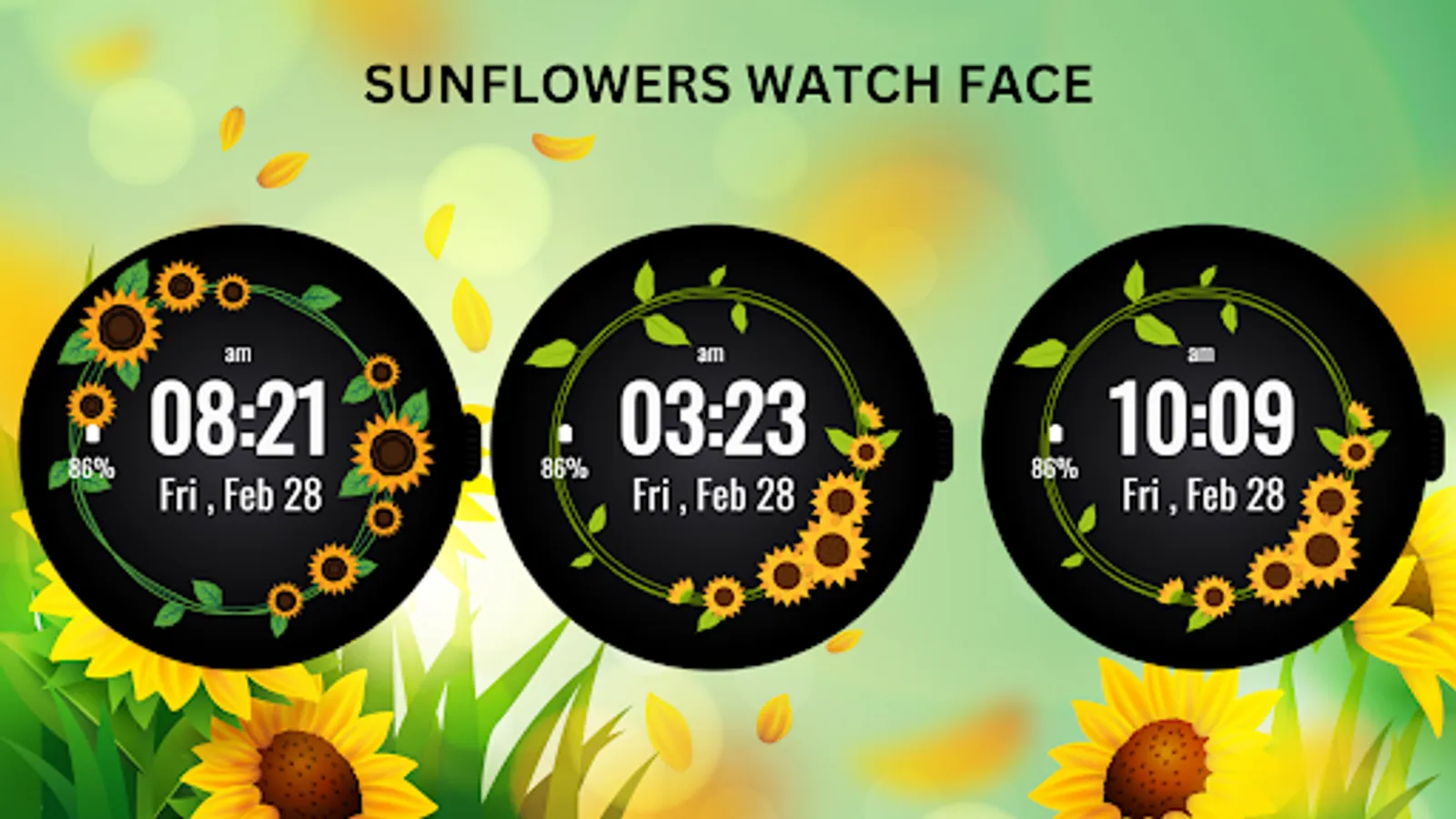
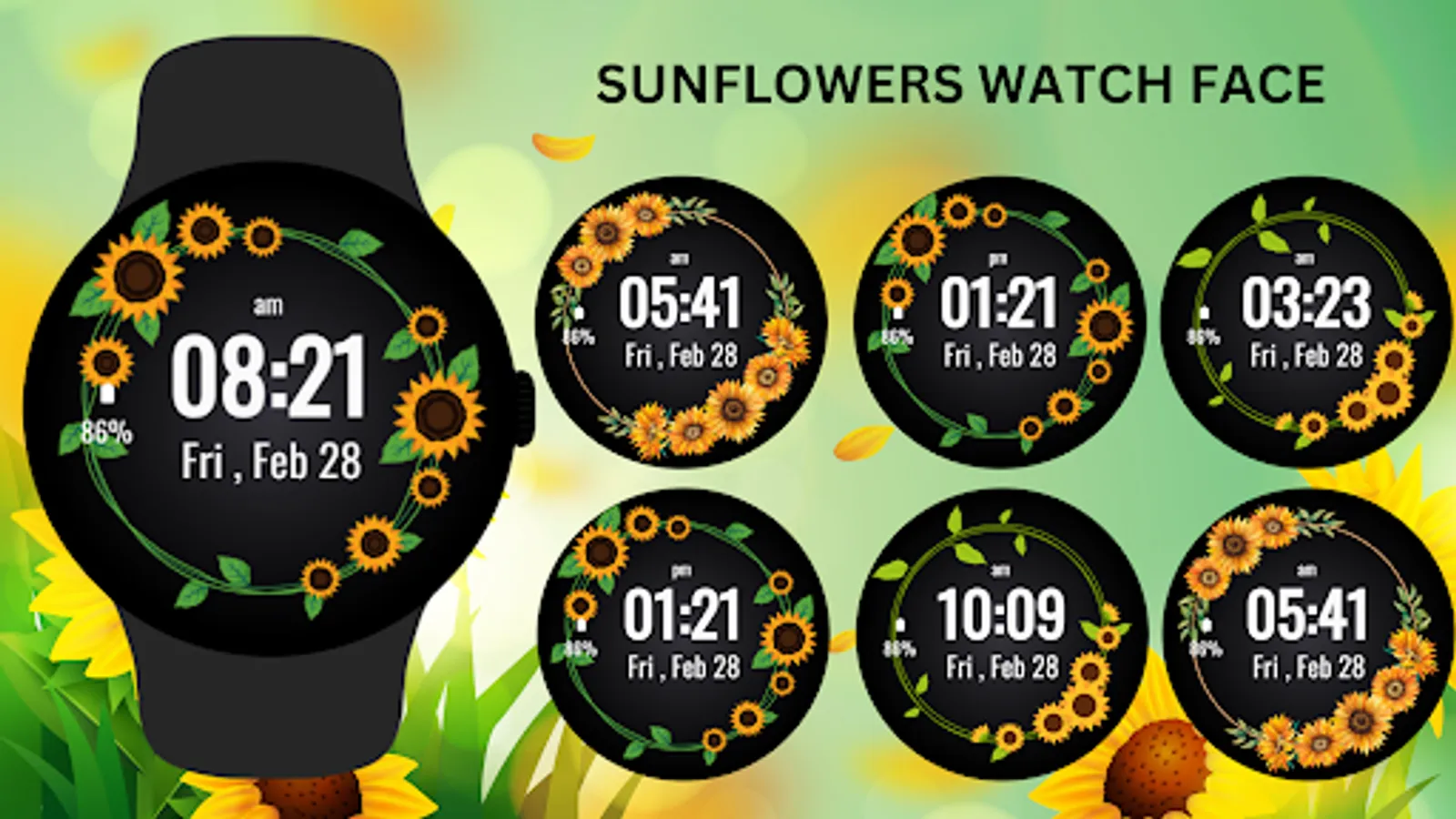
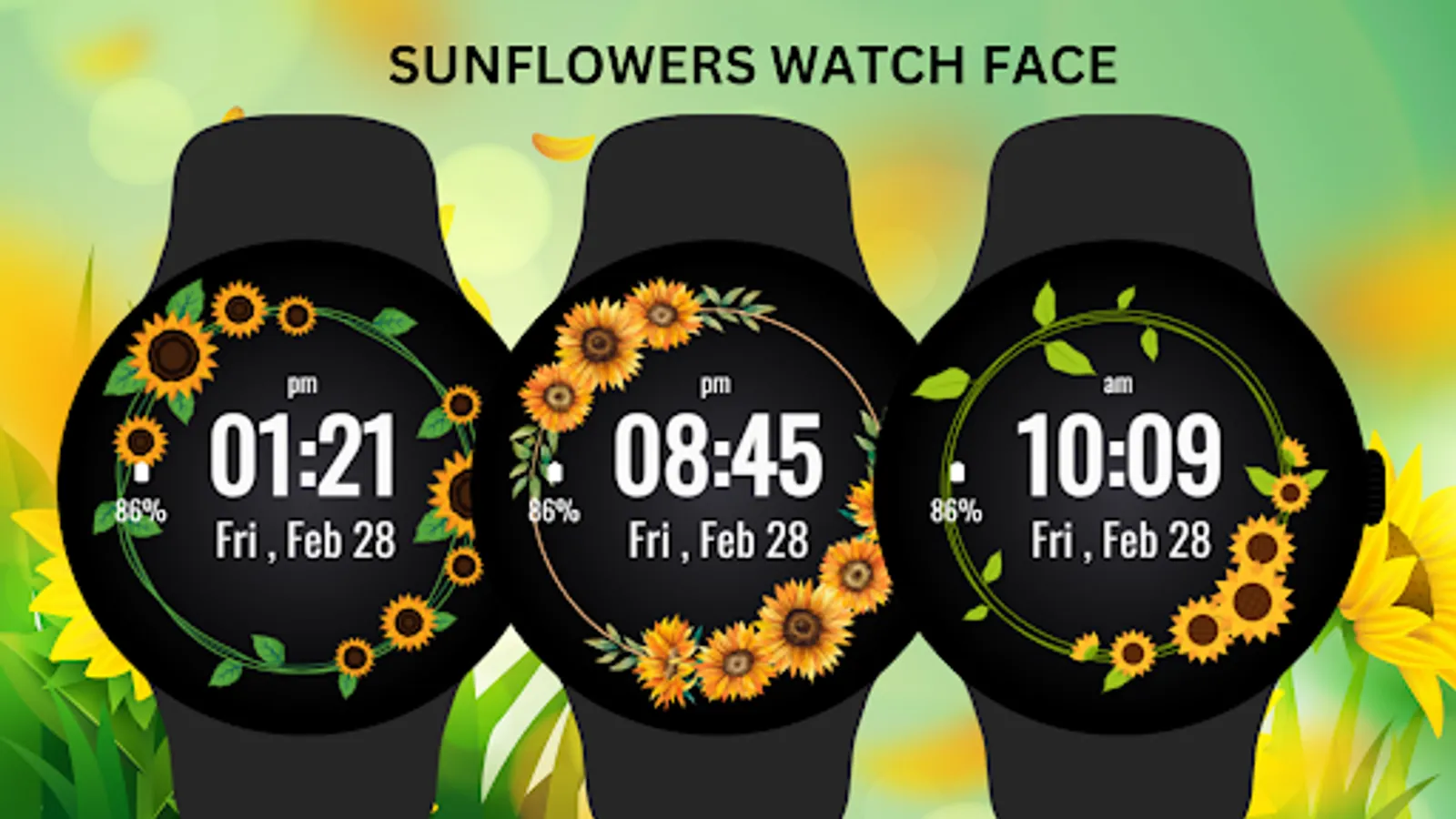
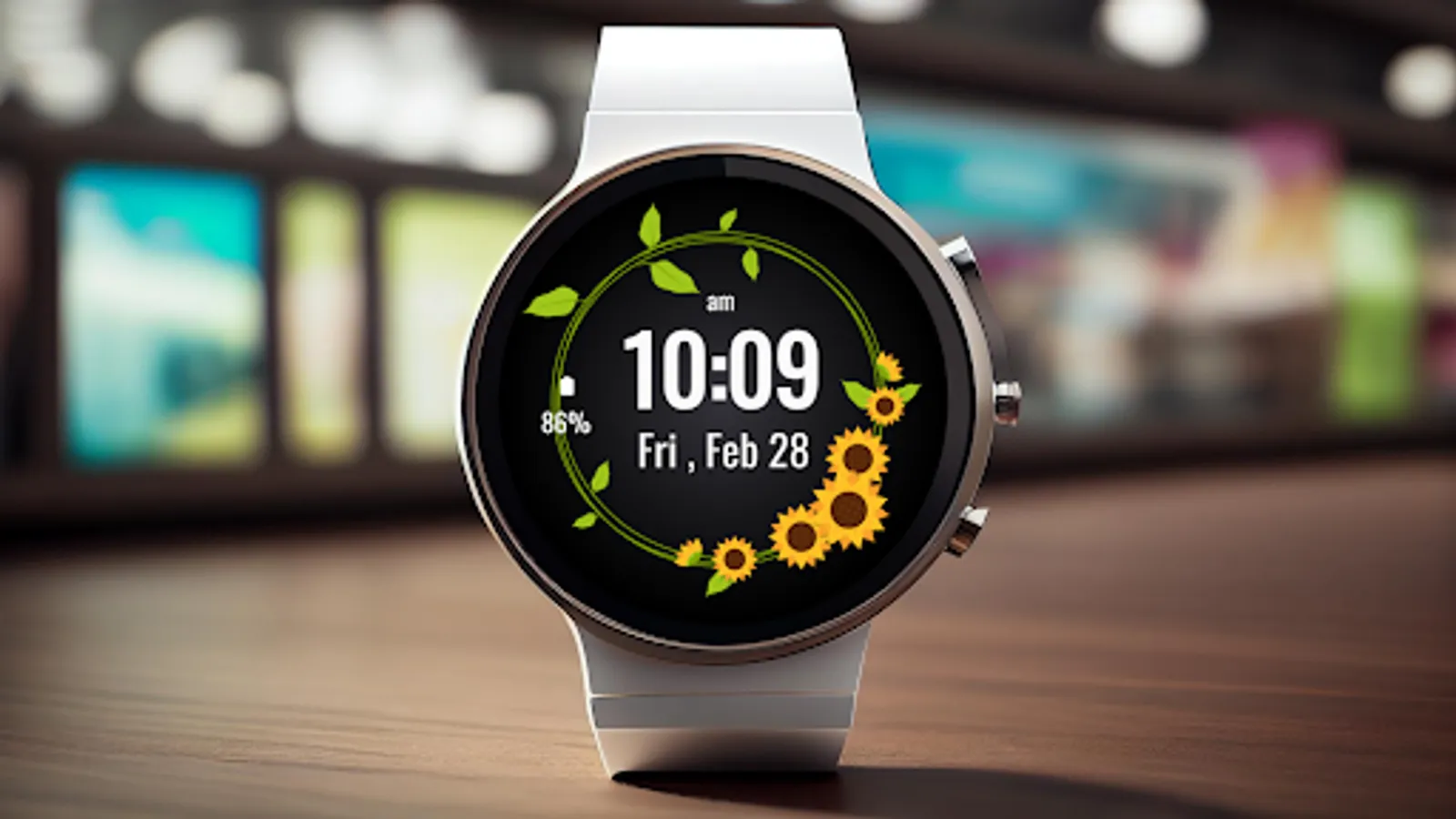
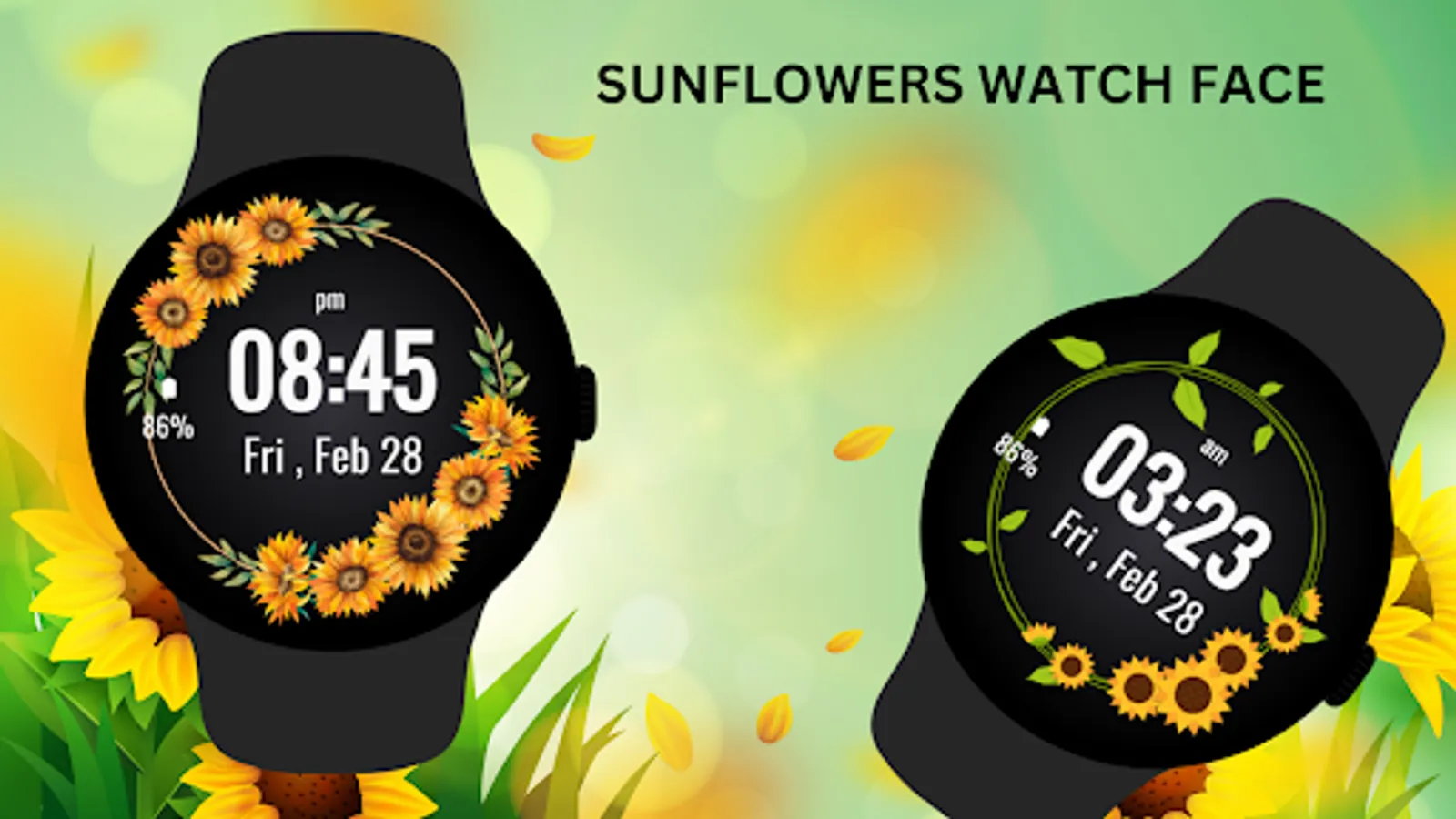
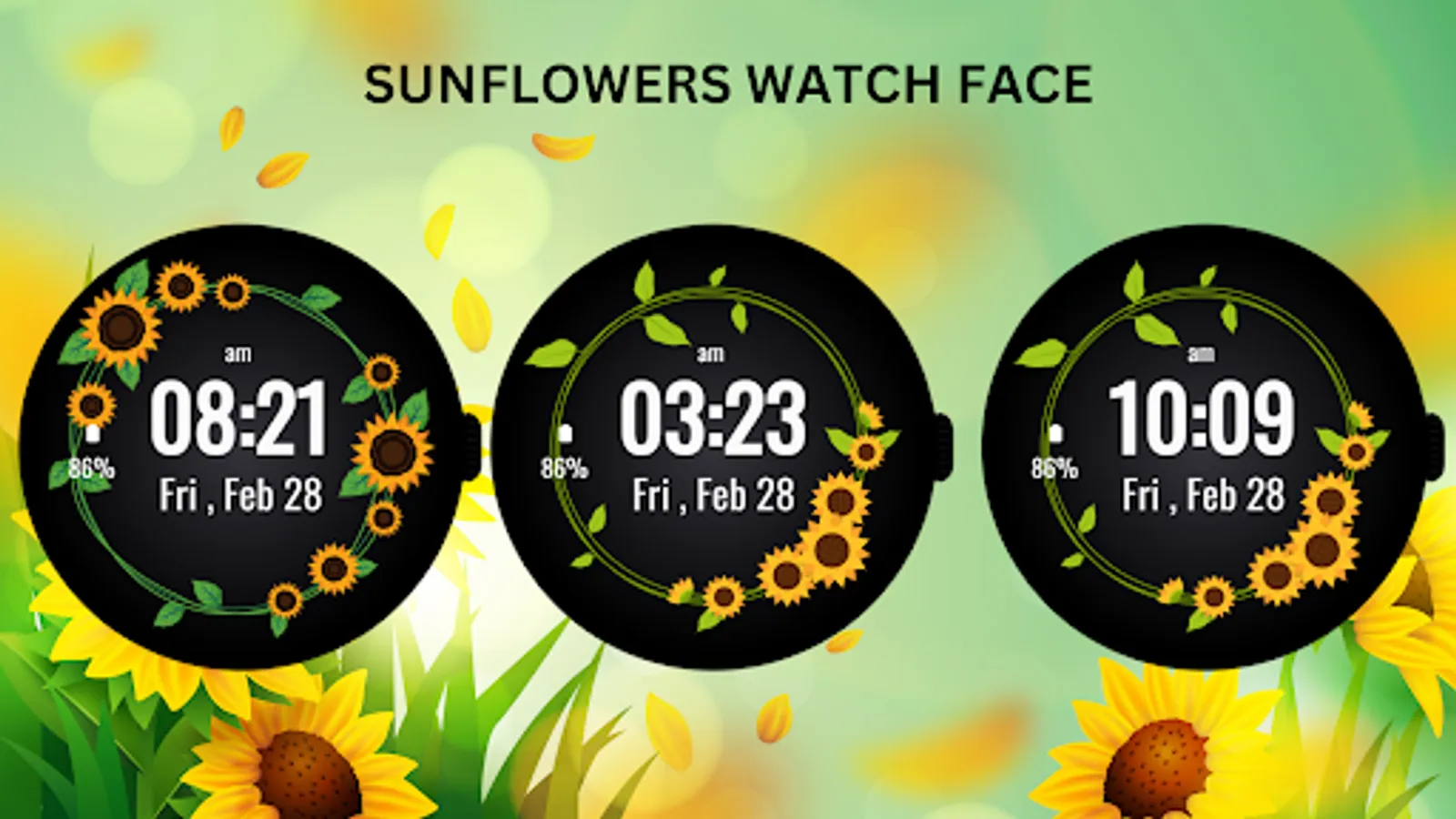
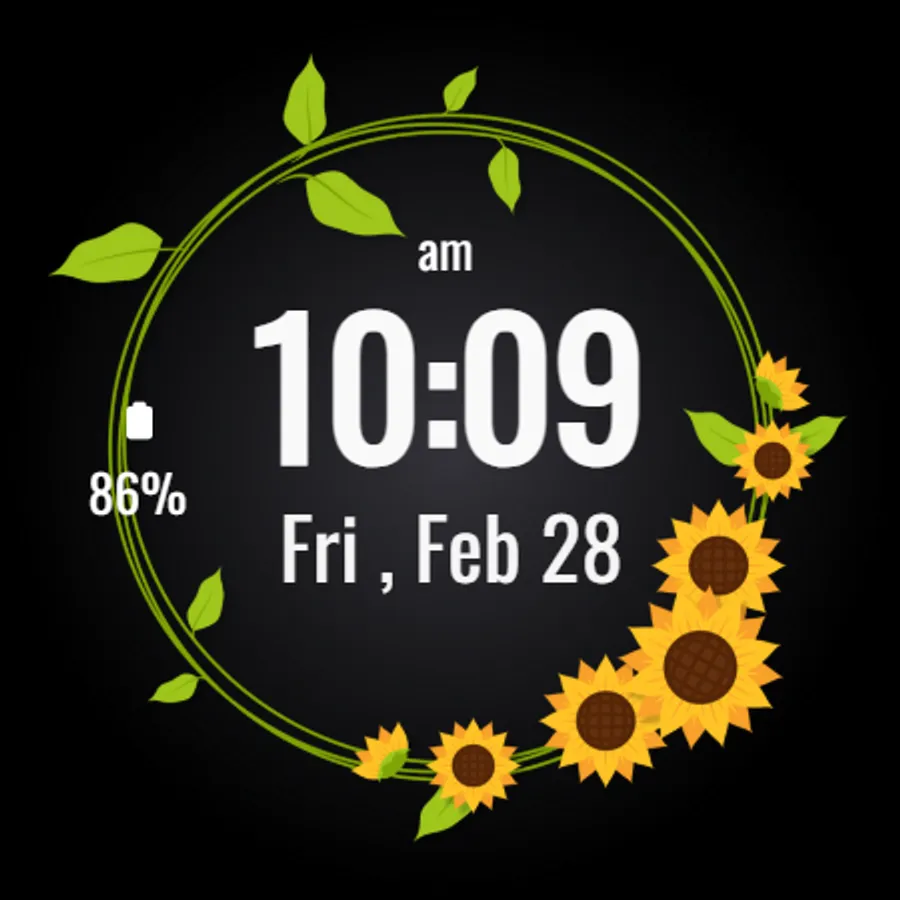
Bring the beauty of nature to your wrist with the Sunflowers Watch Face for Wear OS. Featuring a charming design of sunflowers in full bloom, this watch face will brighten your day while keeping you informed with essential data like time, date, and battery percentage.
The Sunflowers Watch Face perfectly balances nature-inspired aesthetics with functional features, allowing you to personalize your display with step count and shortcuts to frequently used apps. Whether you're a nature lover or just want a lively, cheerful design on your watch, this face is ideal for adding a touch of sunshine to your style.
Key Features:
* Beautiful sunflower-themed design for nature lovers.
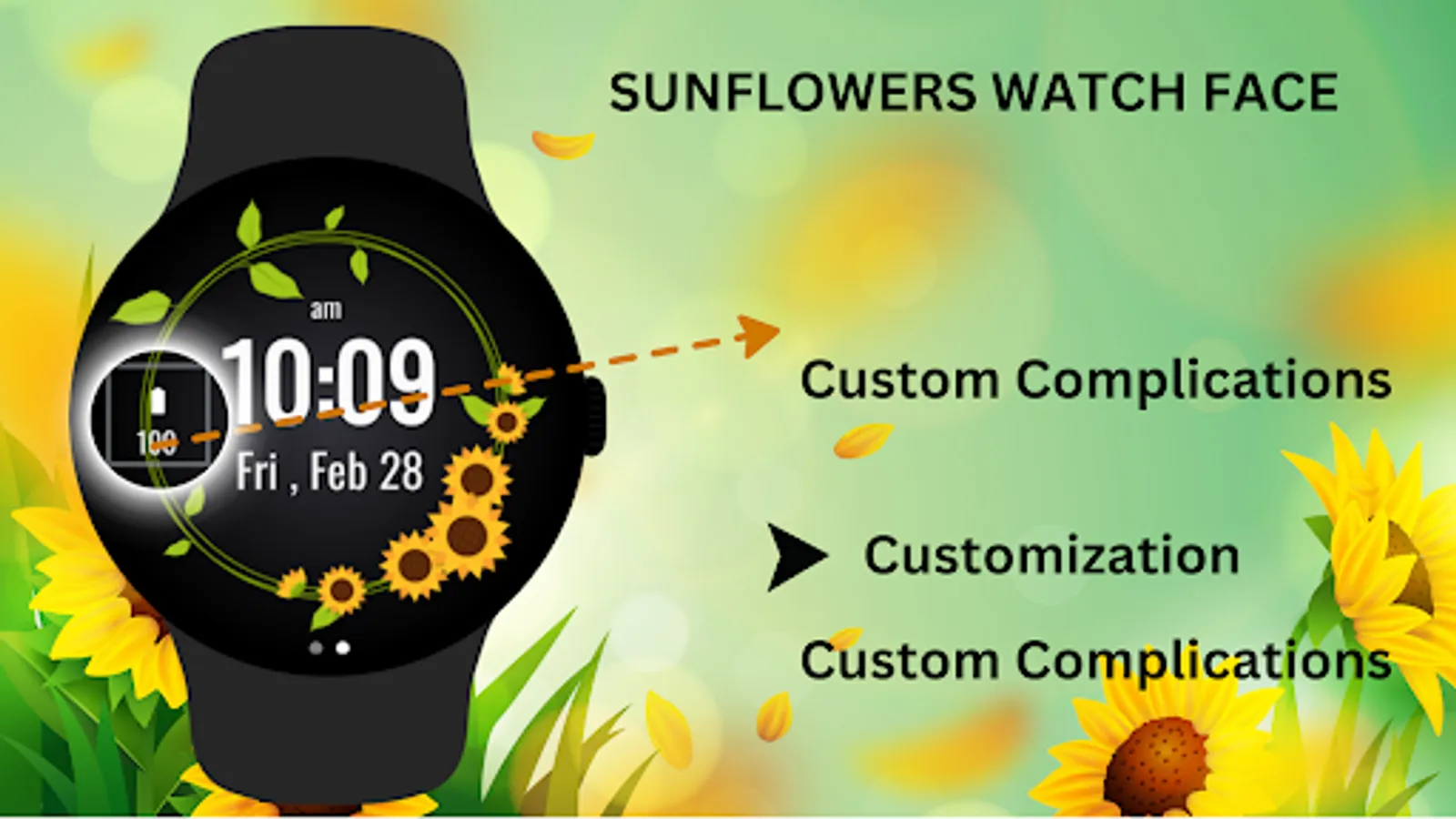
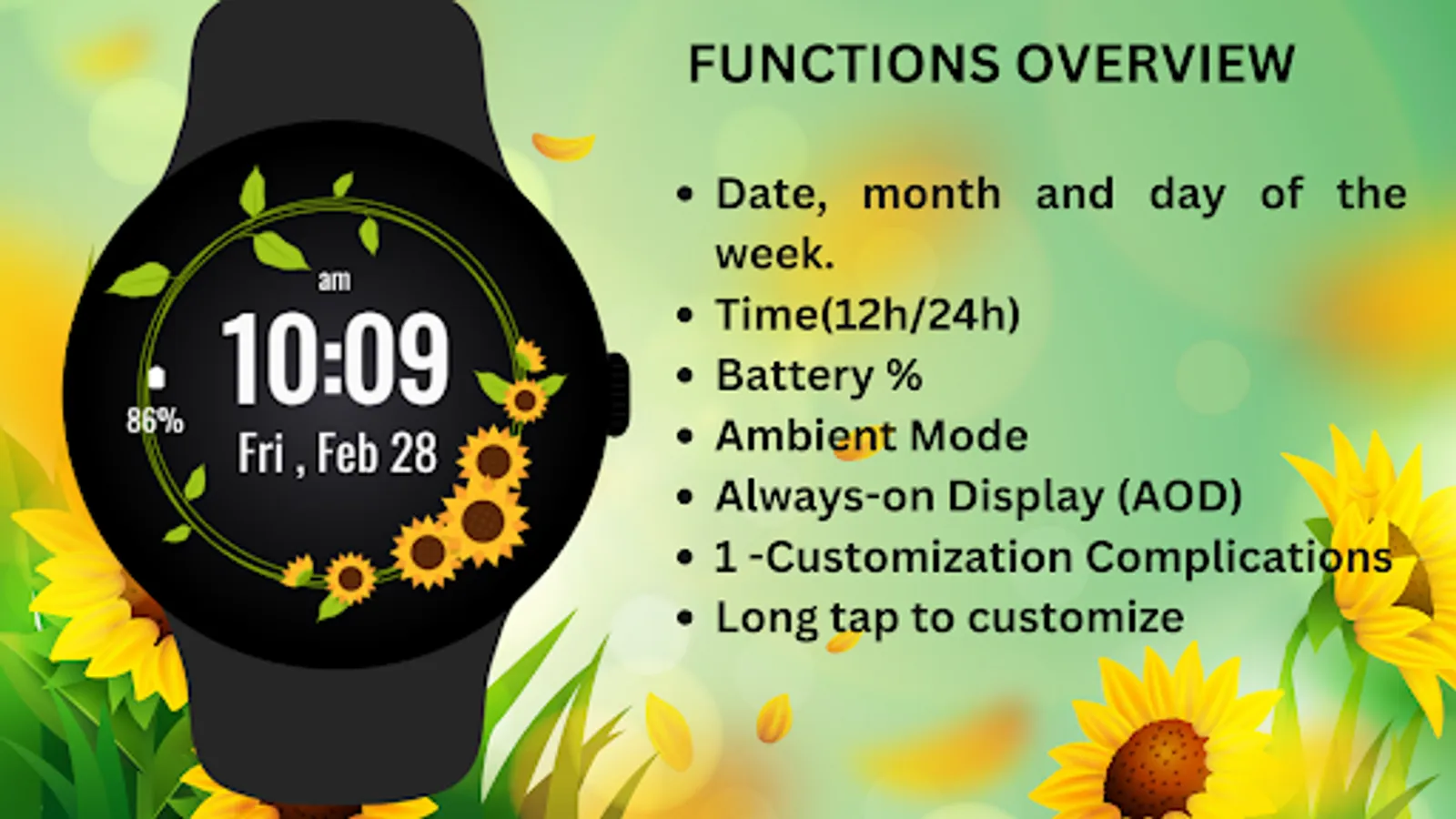
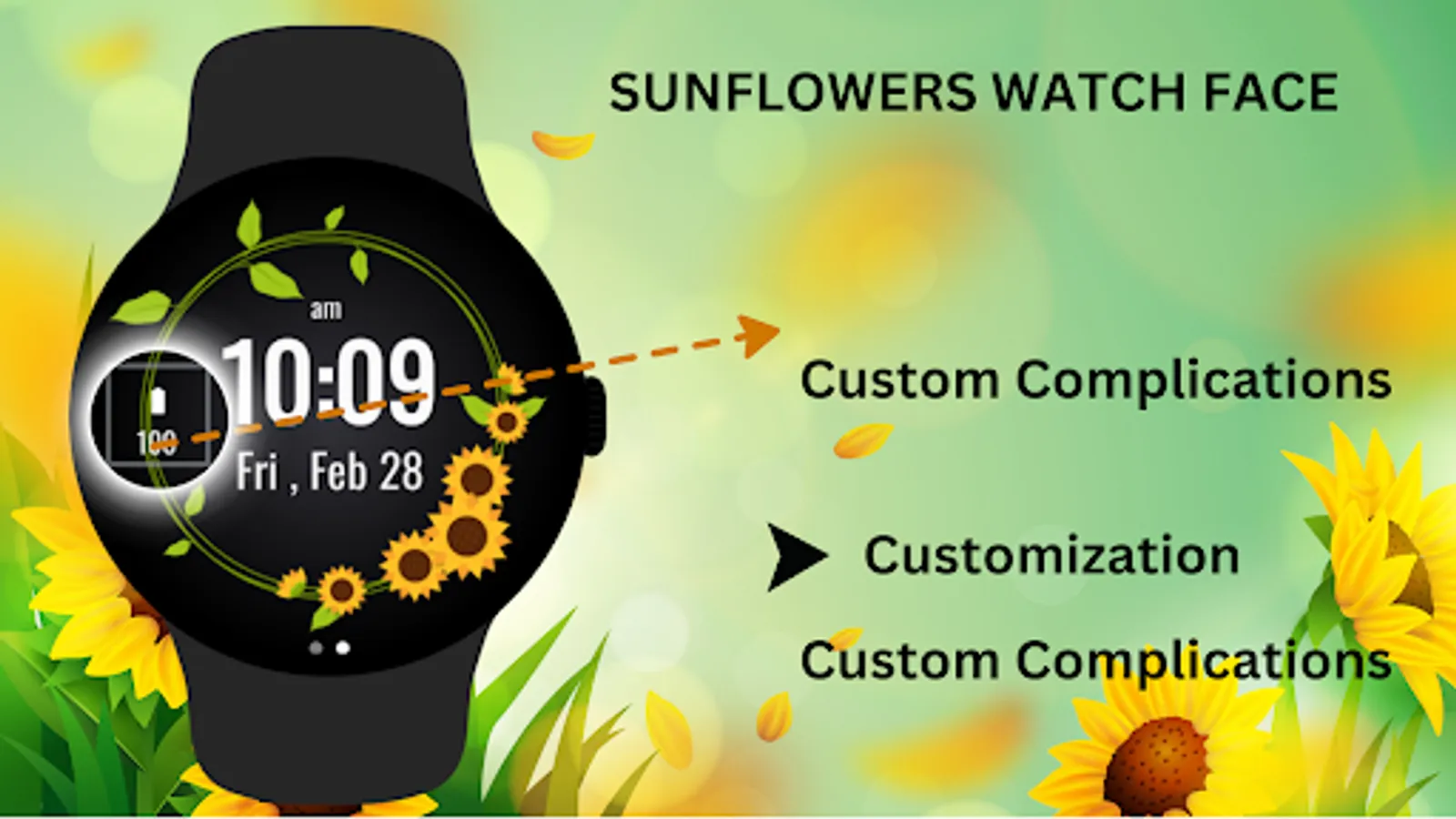
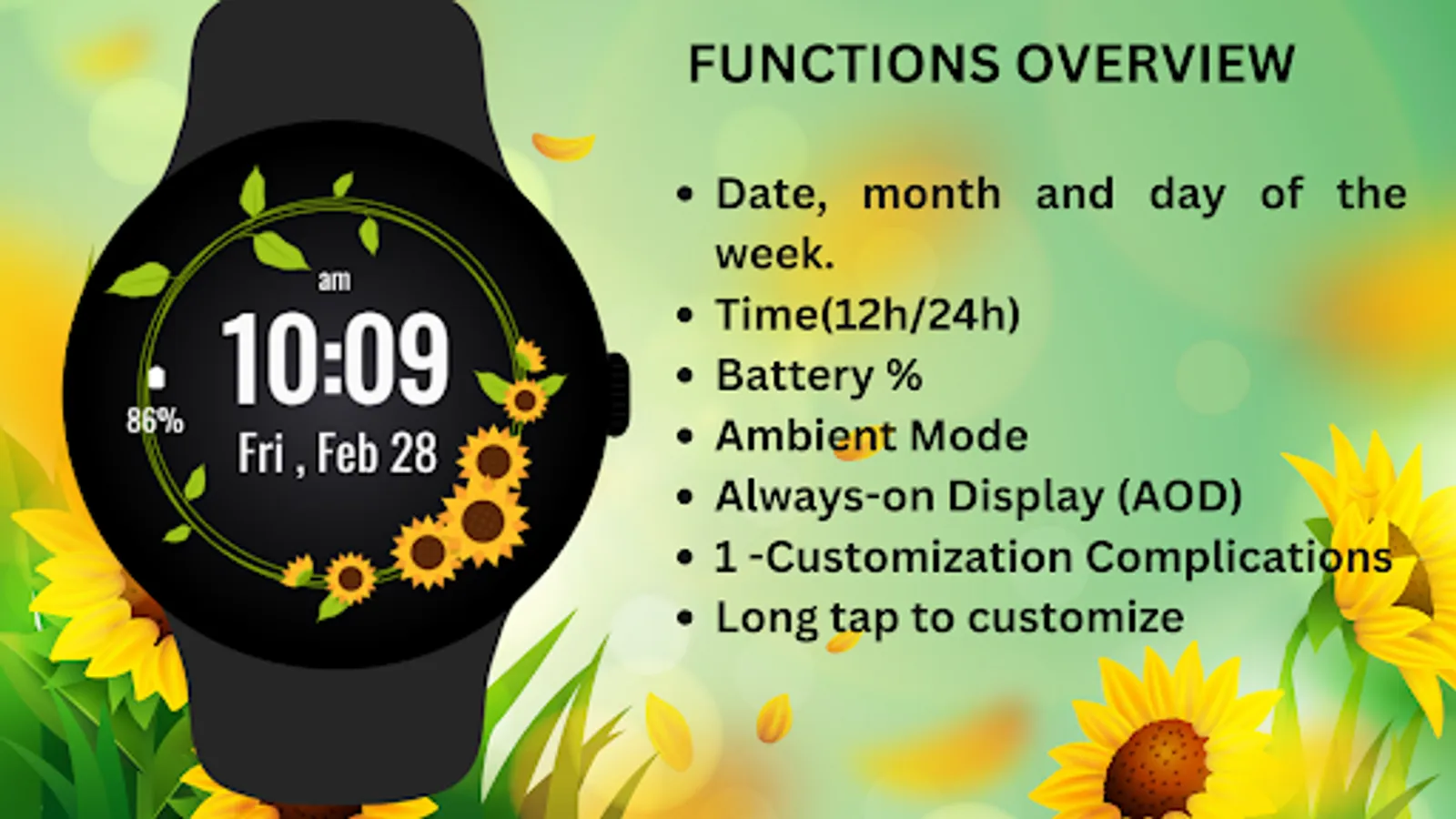
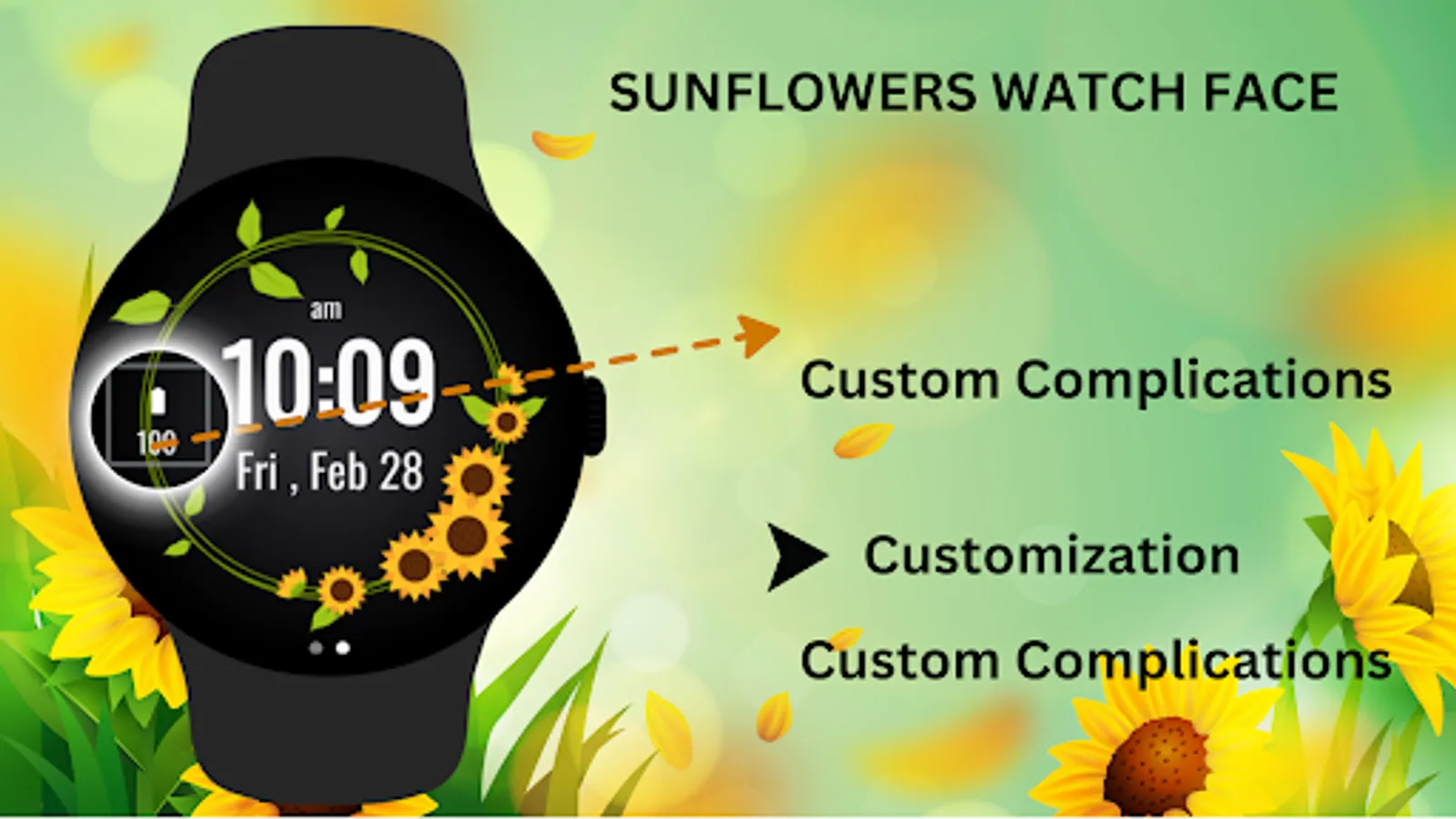
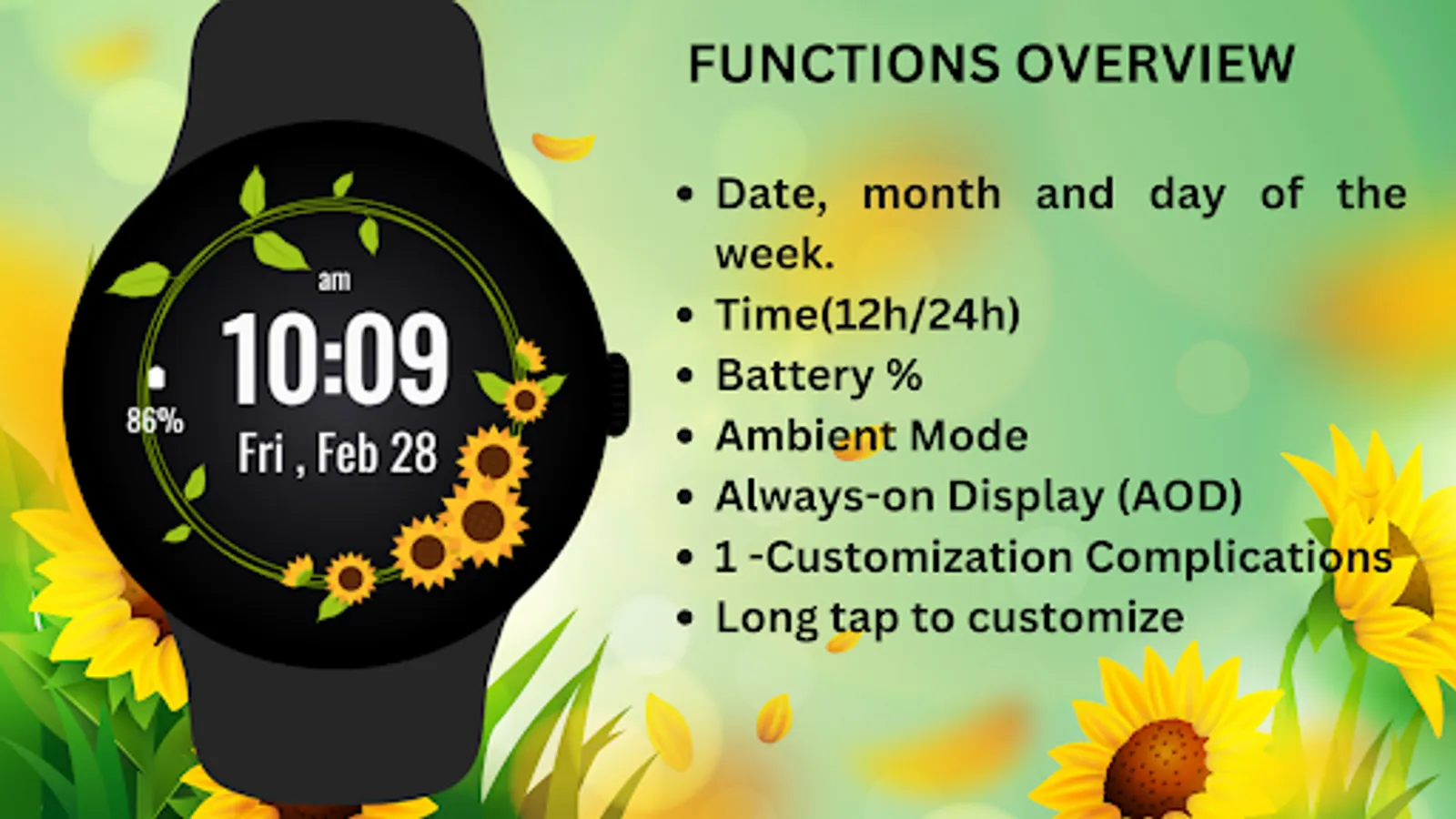
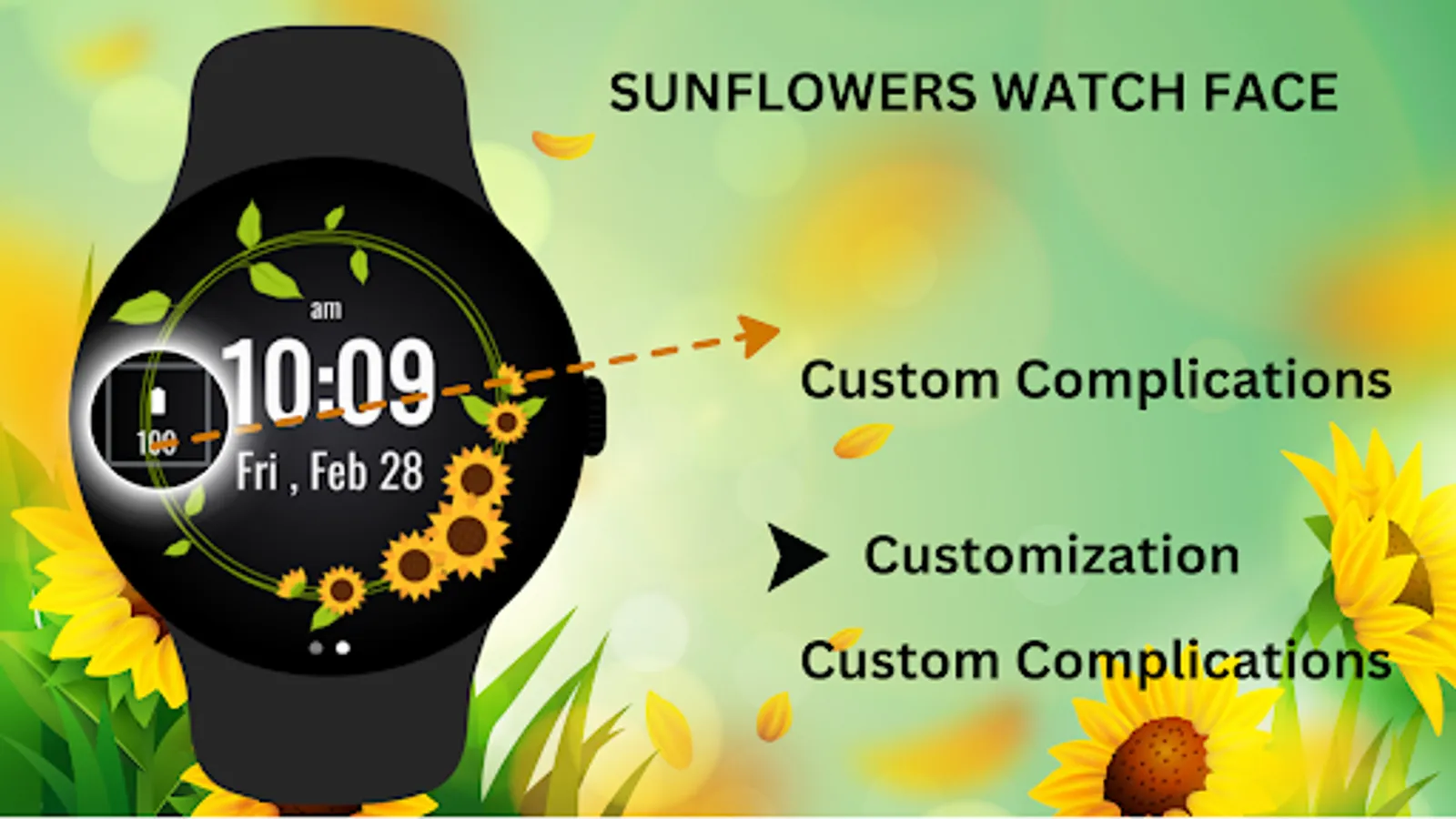
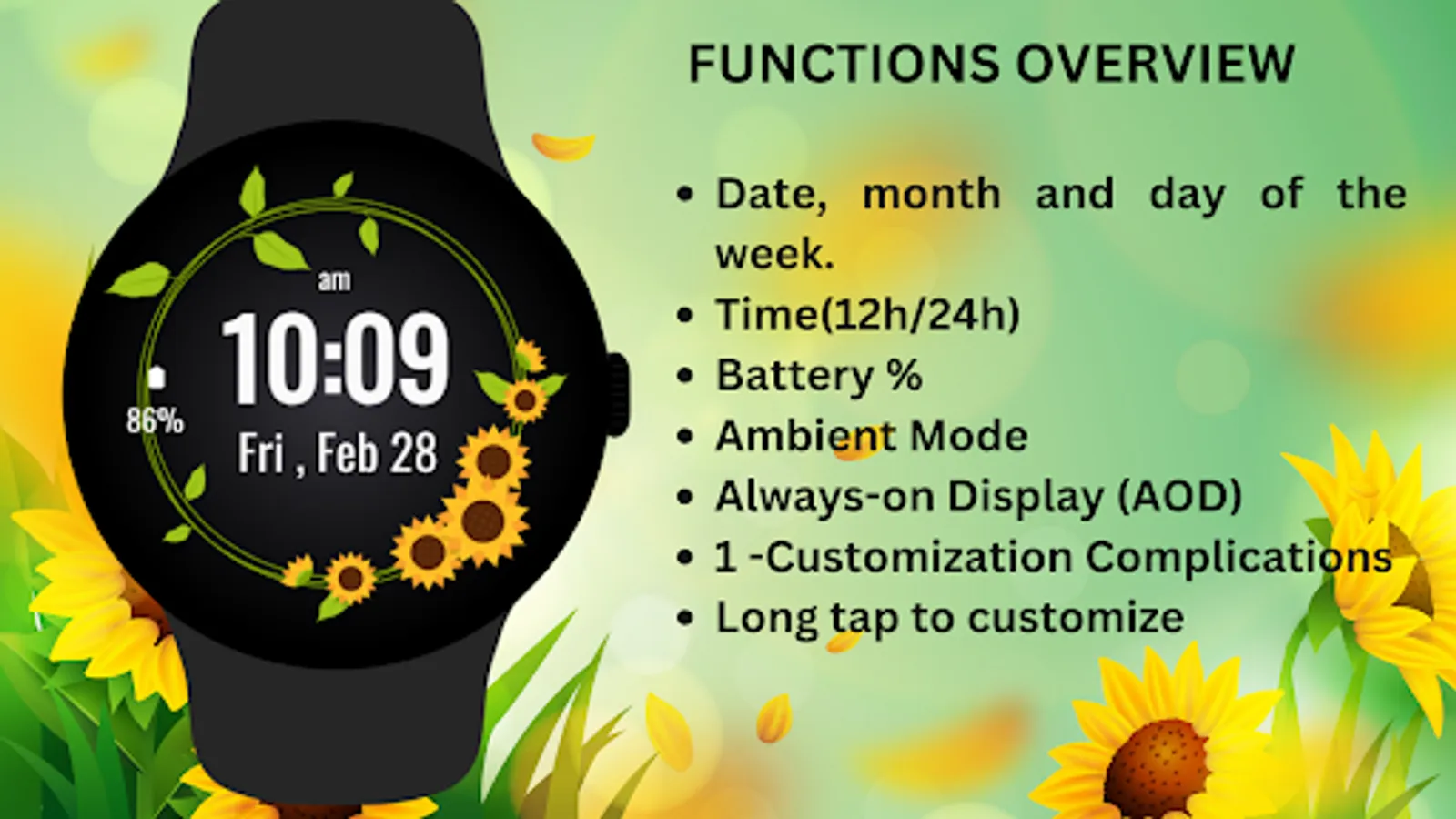
* Customizable shortcuts for apps like Messages, Phone, and more.
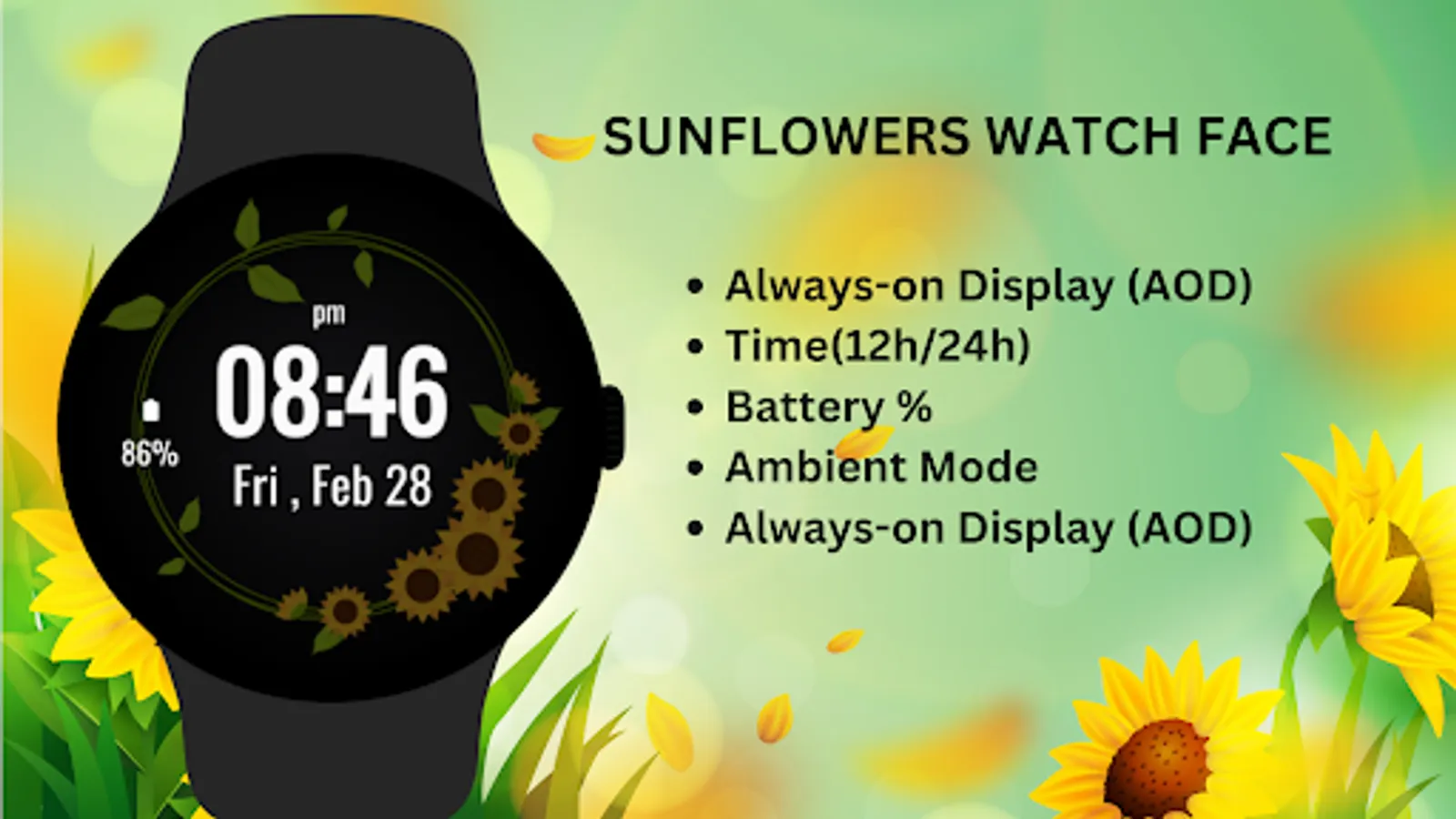
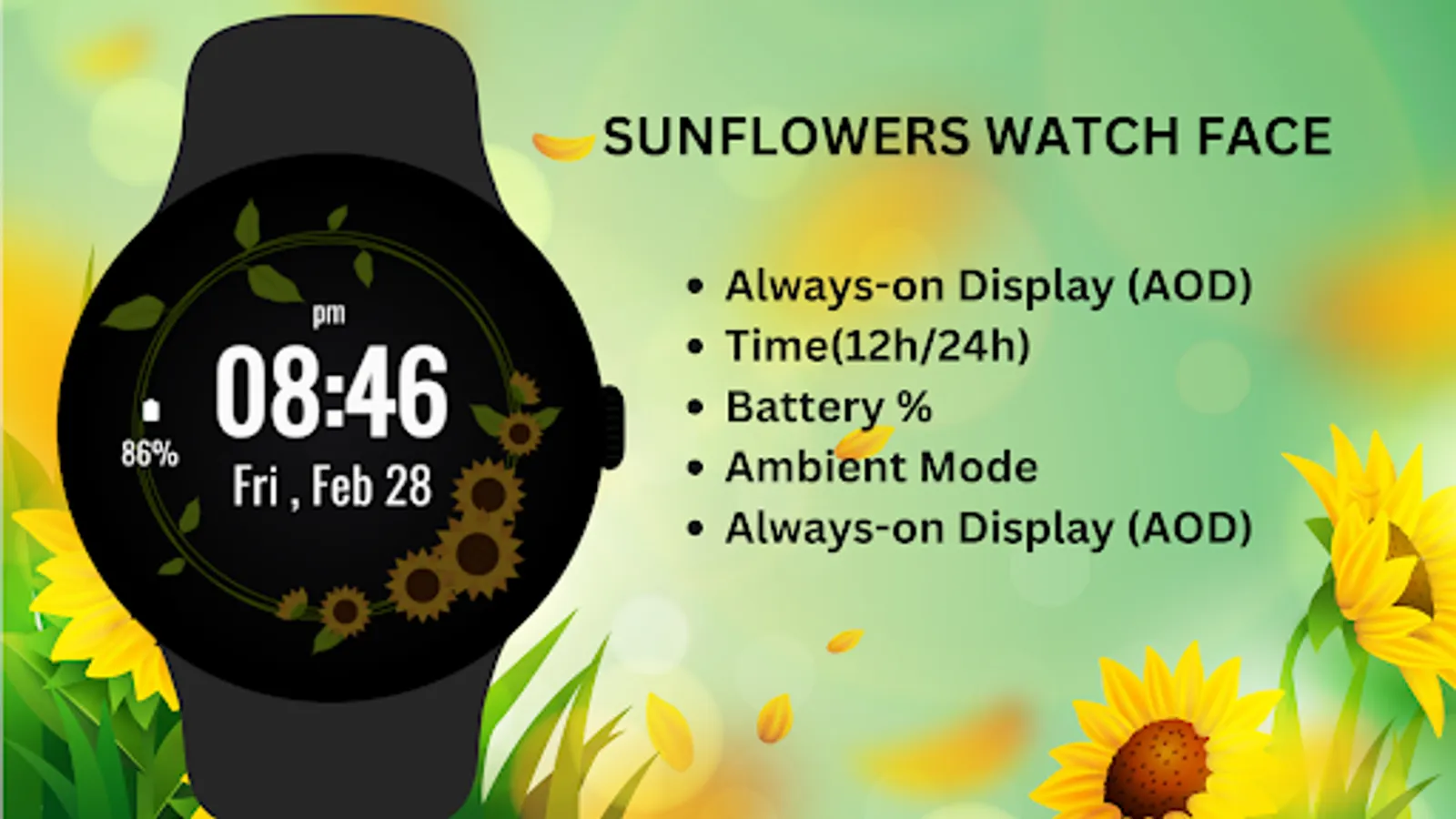
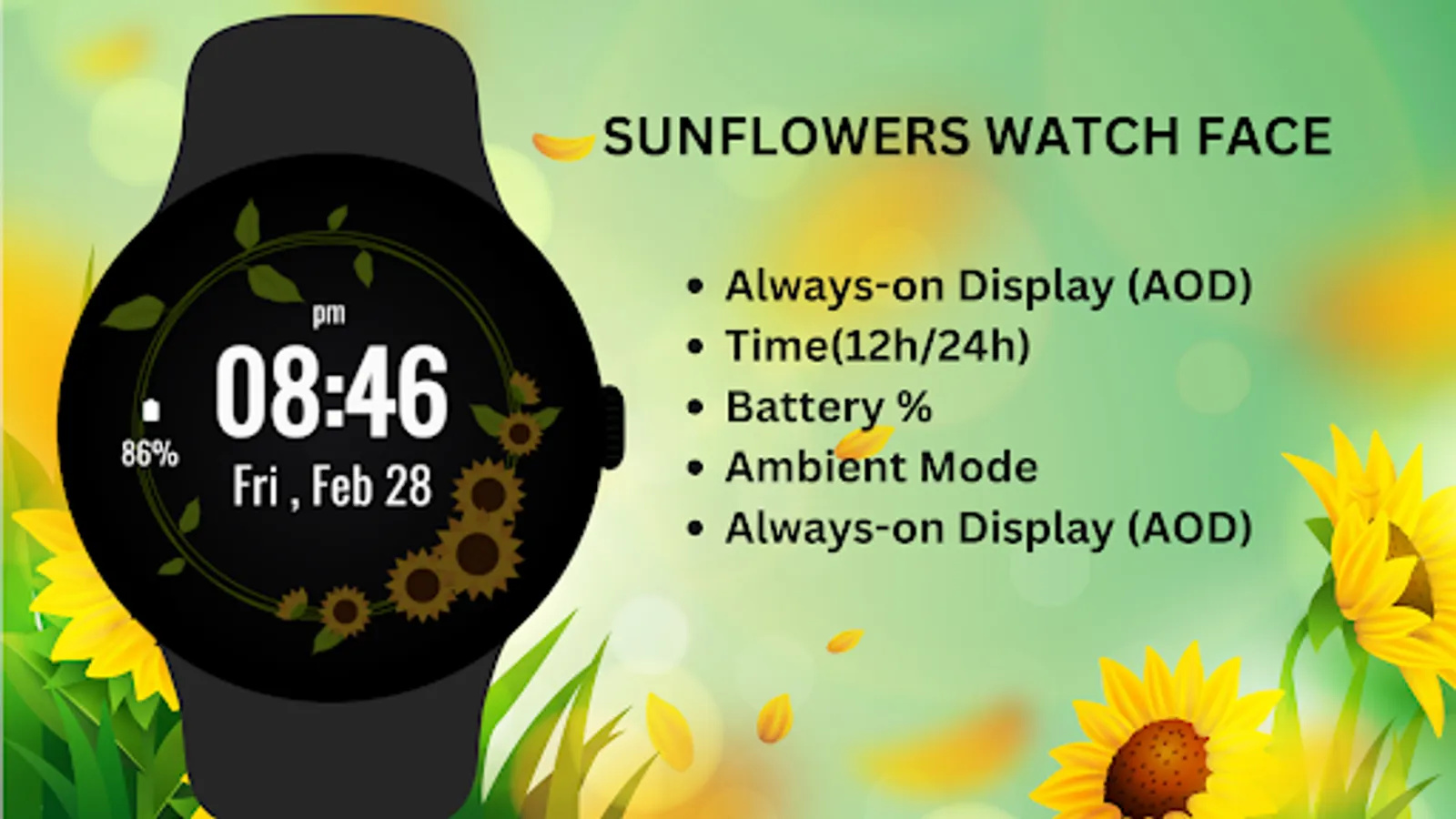
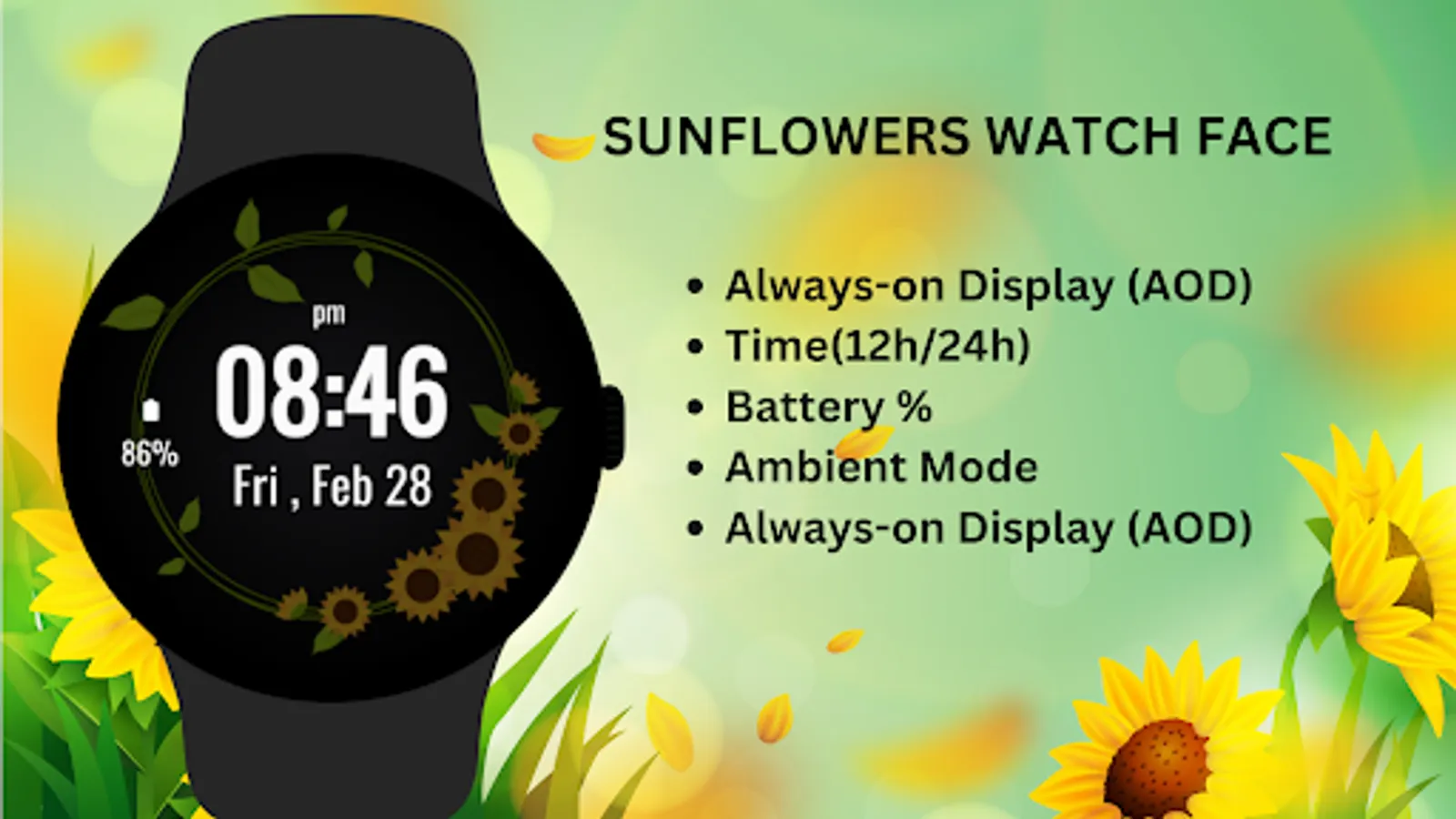
* Displays time, date, steps, and battery percentage.
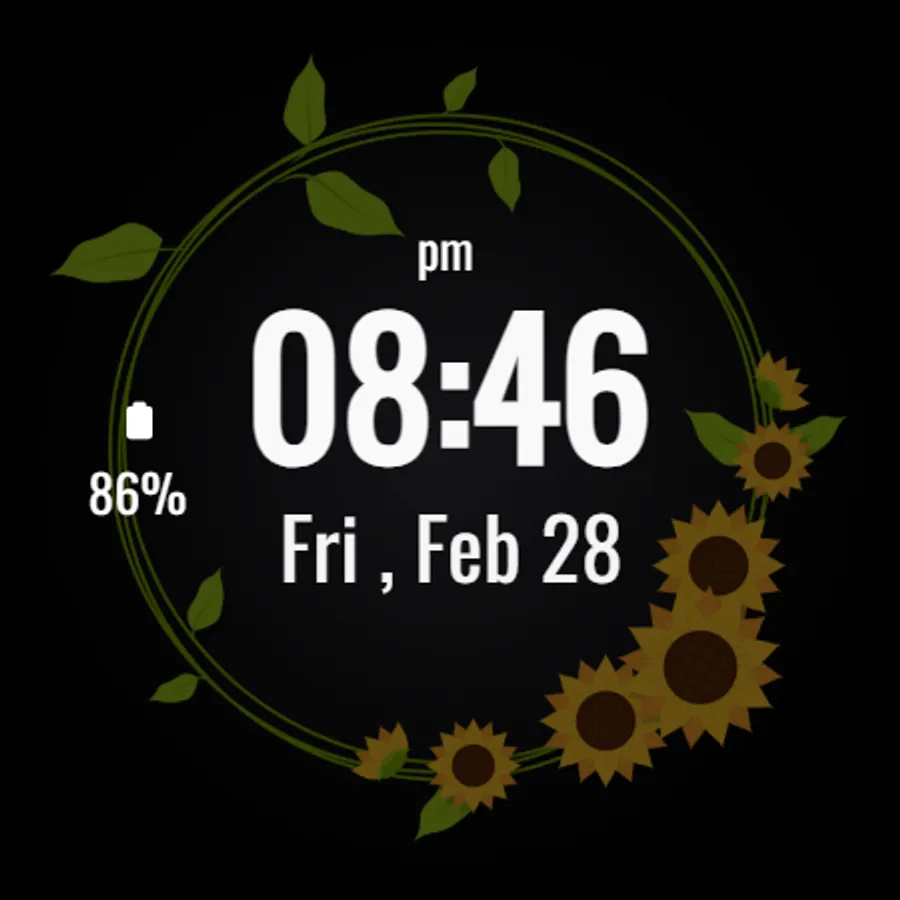
* Supports Ambient Mode and Always-On Display (AOD).
* Clear and stylish layout for easy readability.
🔋 Battery Tips: Disable "Always On Display" mode to conserve battery life.
Installation Steps:
1)Open the Companion App on your phone.
2)Tap "Install on Watch."
3)On your watch, select Sunflowers Watch Face from your settings or watch face gallery.
Compatibility:
✅ Compatible with Wear OS devices API 33+ (e.g., Google Pixel Watch, Samsung Galaxy Watch).
❌ Not compatible with rectangular watches.
Add a touch of natural beauty to your Wear OS device with the Sunflowers Watch Face, perfect for those who appreciate bright and uplifting designs.
The Sunflowers Watch Face perfectly balances nature-inspired aesthetics with functional features, allowing you to personalize your display with step count and shortcuts to frequently used apps. Whether you're a nature lover or just want a lively, cheerful design on your watch, this face is ideal for adding a touch of sunshine to your style.
Key Features:
* Beautiful sunflower-themed design for nature lovers.
* Customizable shortcuts for apps like Messages, Phone, and more.
* Displays time, date, steps, and battery percentage.
* Supports Ambient Mode and Always-On Display (AOD).
* Clear and stylish layout for easy readability.
🔋 Battery Tips: Disable "Always On Display" mode to conserve battery life.
Installation Steps:
1)Open the Companion App on your phone.
2)Tap "Install on Watch."
3)On your watch, select Sunflowers Watch Face from your settings or watch face gallery.
Compatibility:
✅ Compatible with Wear OS devices API 33+ (e.g., Google Pixel Watch, Samsung Galaxy Watch).
❌ Not compatible with rectangular watches.
Add a touch of natural beauty to your Wear OS device with the Sunflowers Watch Face, perfect for those who appreciate bright and uplifting designs.
Sunflowers Watch Face Screenshots
Tap to Rate:
Reviews for Sunflowers Watch Face
TWYLAH BUSLER
11/28/2025
Love these, I downloaded them to my watch's face in honor of my dad, he loved & raised sunflowers.