
instax Link WIDE
FUJIFILM Corporation
4.1 ★
394 ratings
100,000+
downloads
Free
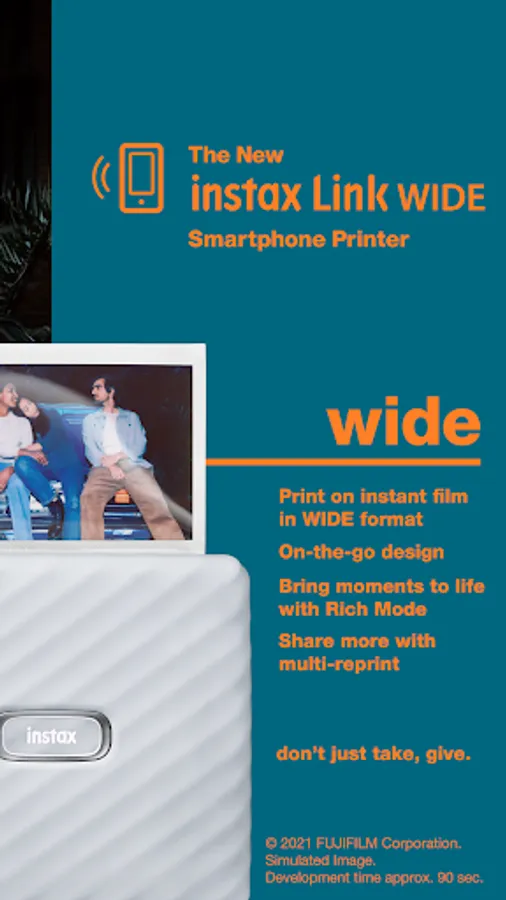
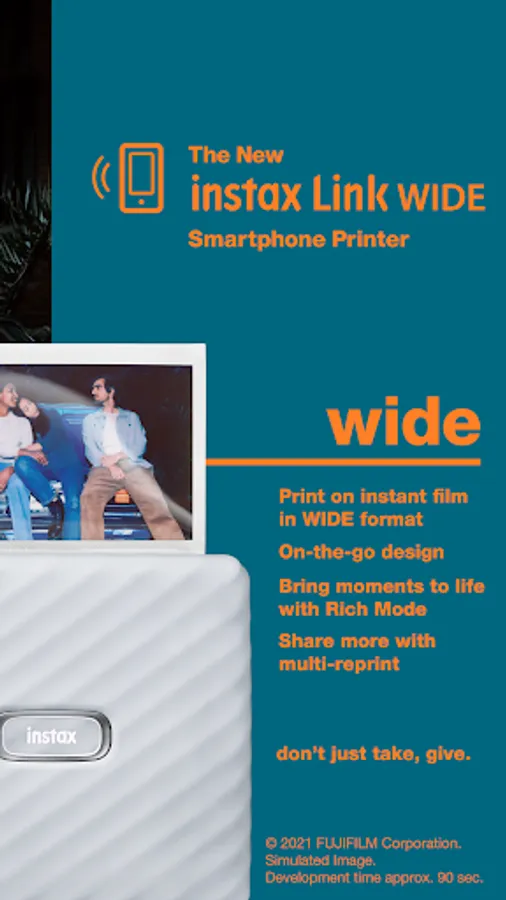
In this photo printing app, you can select, edit, and print images from your smartphone using Bluetooth. Includes editing tools, various print modes, collage options, and sticker decorations.
AppRecs review analysis
AppRecs rating 4.0. Trustworthiness 86 out of 100. Review manipulation risk 18 out of 100. Based on a review sample analyzed.
★★★★☆
4.0
AppRecs Rating
Ratings breakdown
5 star
71%
4 star
6%
3 star
5%
2 star
3%
1 star
15%
What to know
✓
Low review manipulation risk
18% review manipulation risk
✓
Credible reviews
86% trustworthiness score from analyzed reviews
✓
High user satisfaction
77% of sampled ratings are 4+ stars (4.1★ average)
About instax Link WIDE
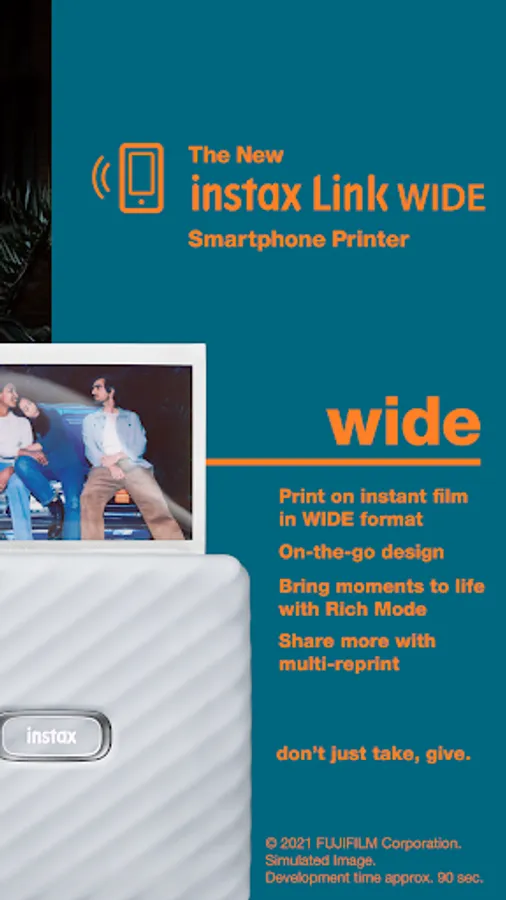
You can enjoy the following functions by connecting the instax Link WIDE and this application via Bluetooth.
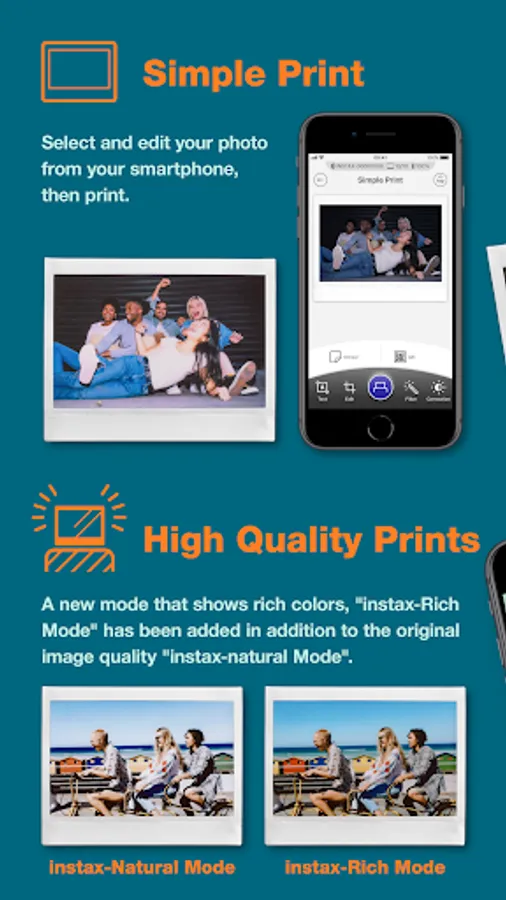
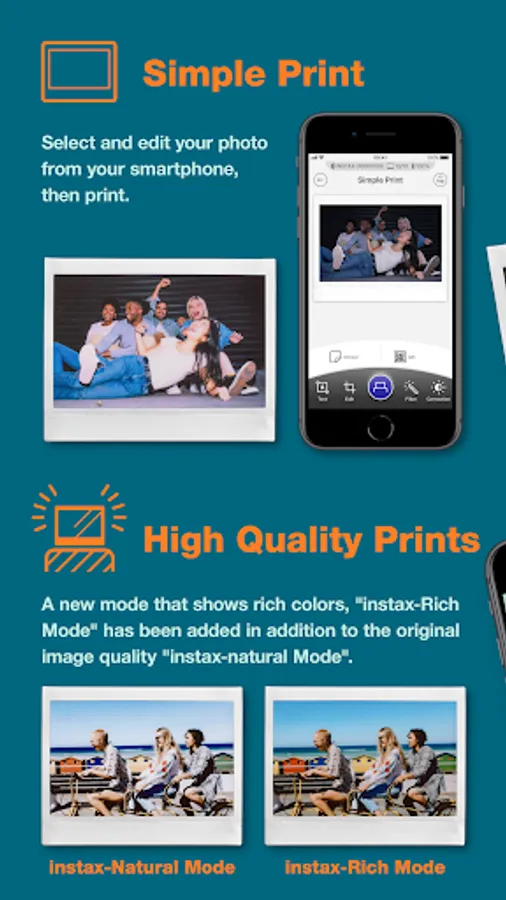
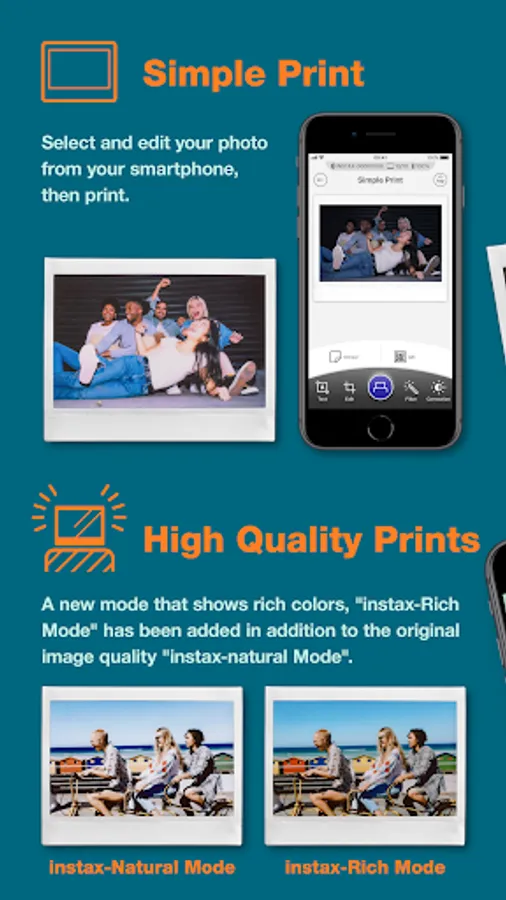
1. Simple Print
Select and edit your photo from your smartphone, then print.
2. Enhanced Quality Prints
Print your photos just the way you like, whether it's with the conventional photo quality of "instax-Natural Mode" or the new "instax-Rich Mode", which features extra-vibrant color.
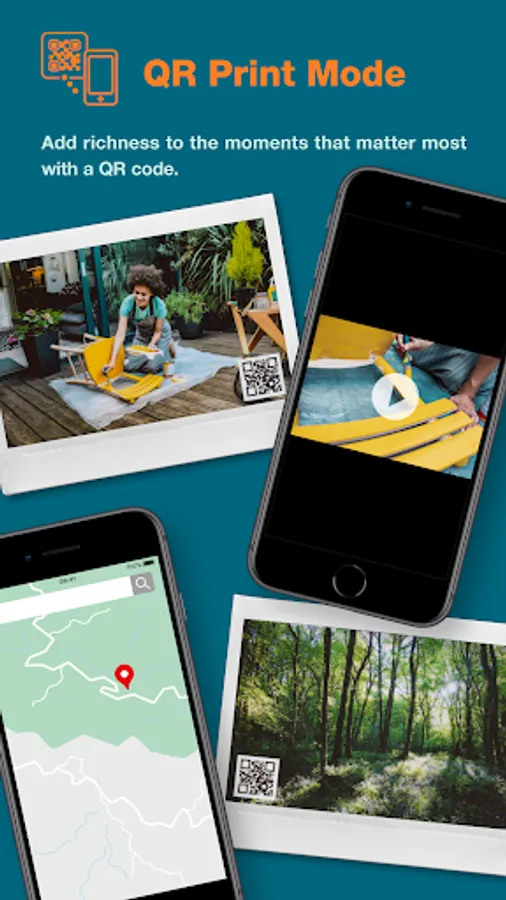
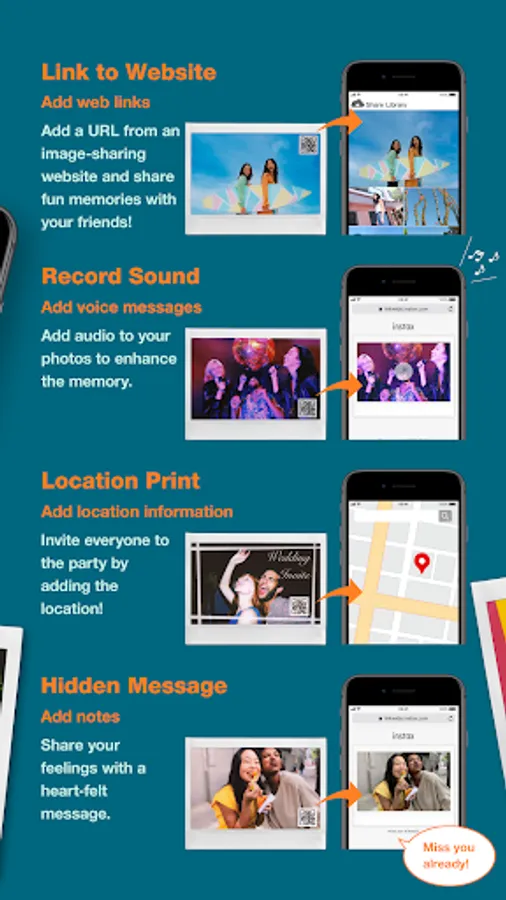
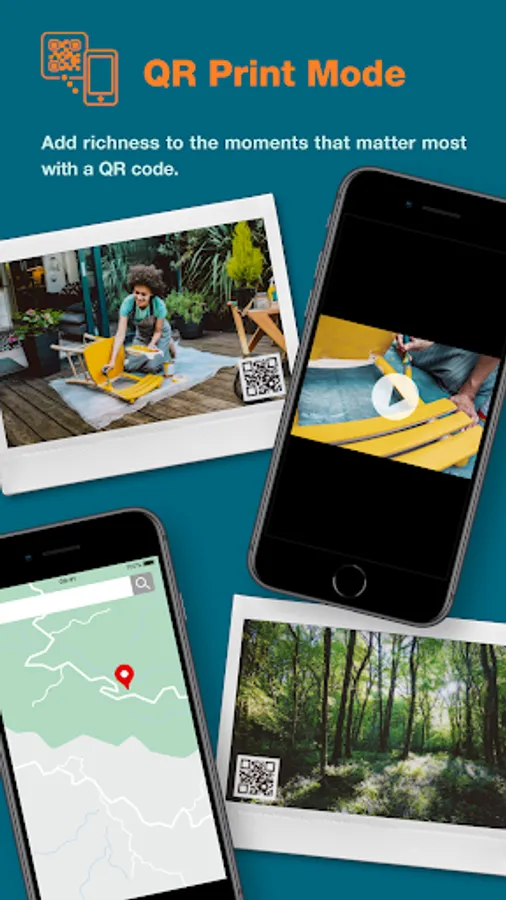
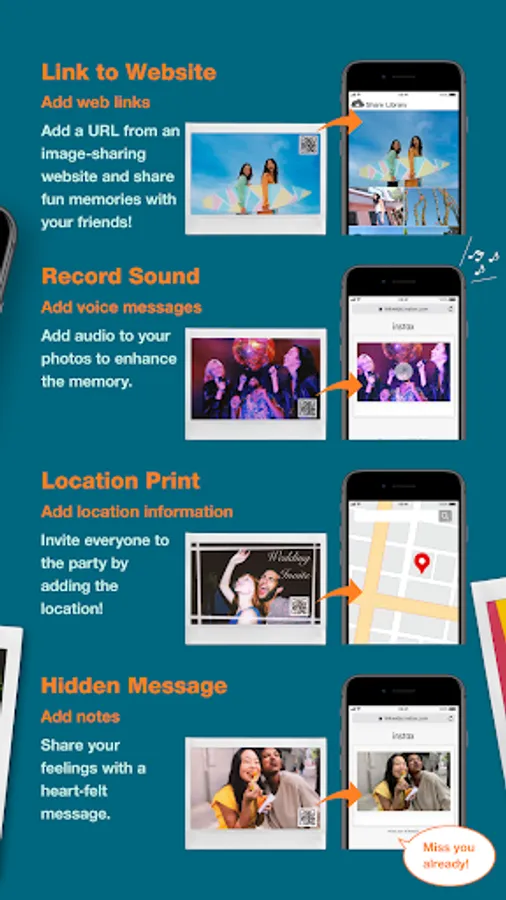
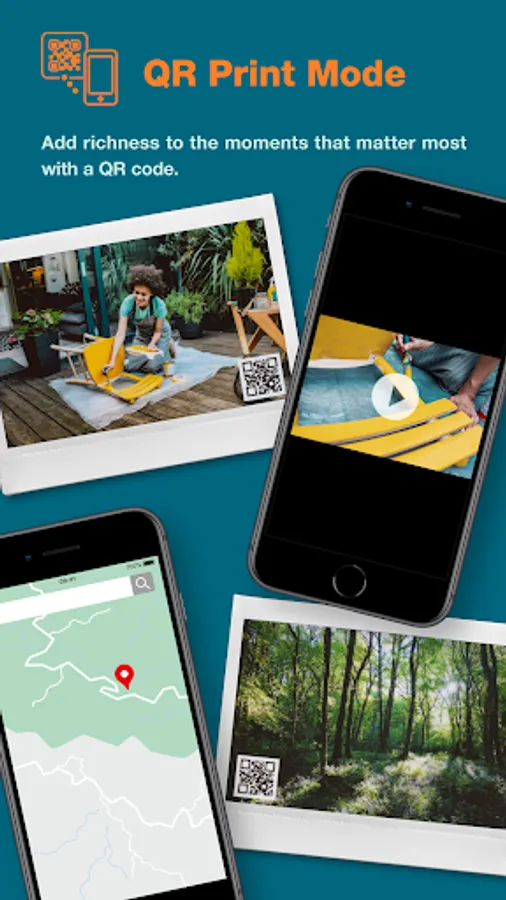
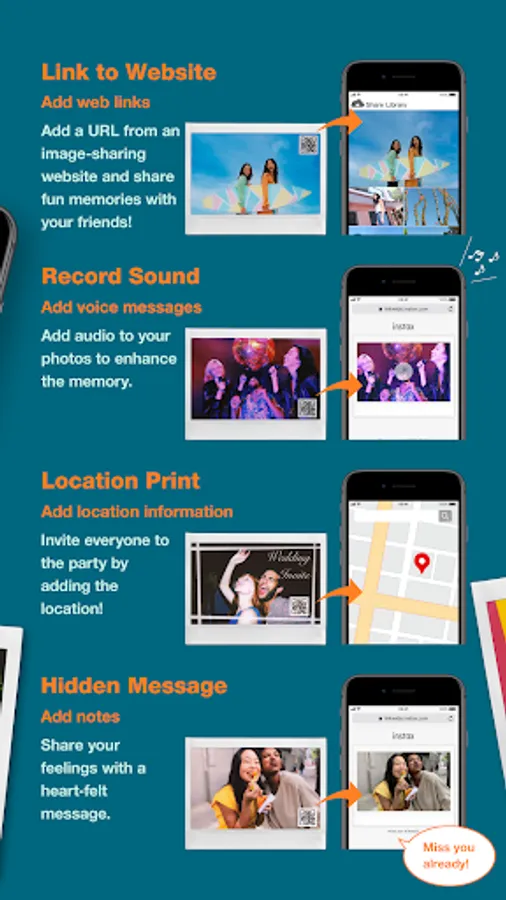
3. QR Print Mode
Add richness to the moments that matter most with a QR code.
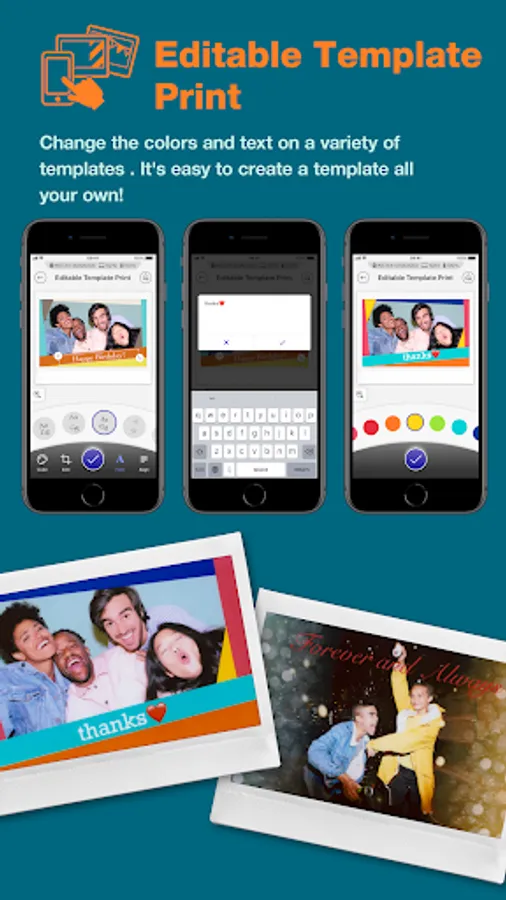
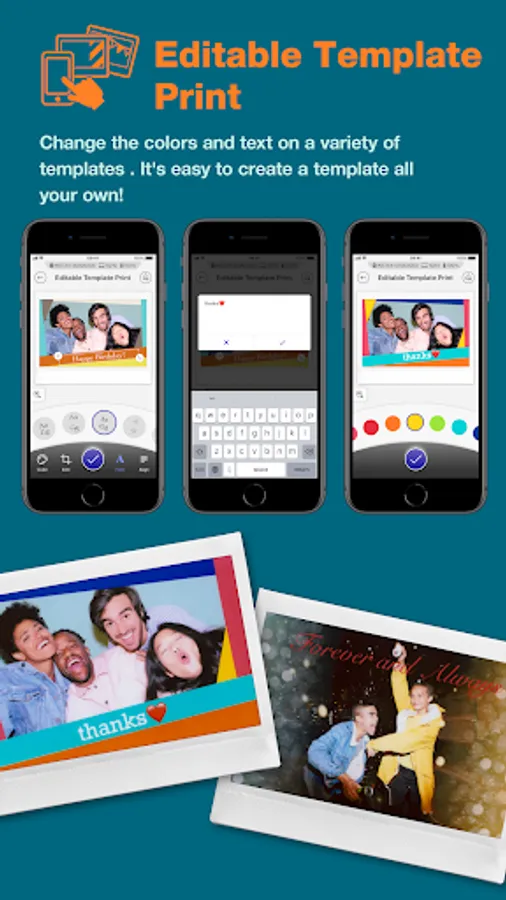
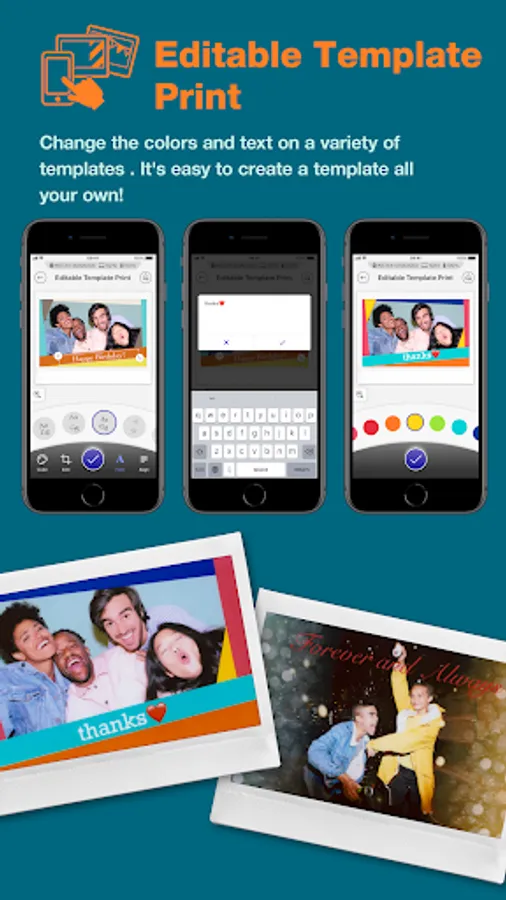
4. Editable Template Print
Change the colors and text on a variety of templates . It's easy to create a template all your own!
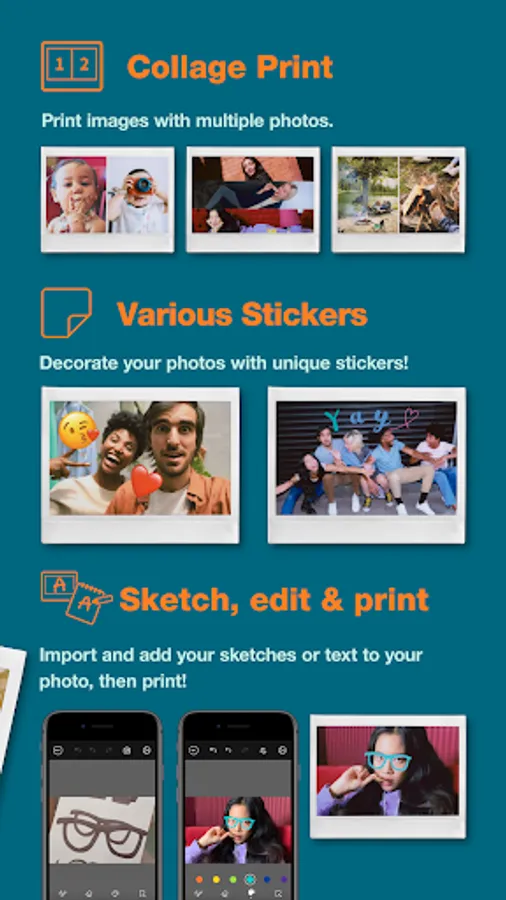
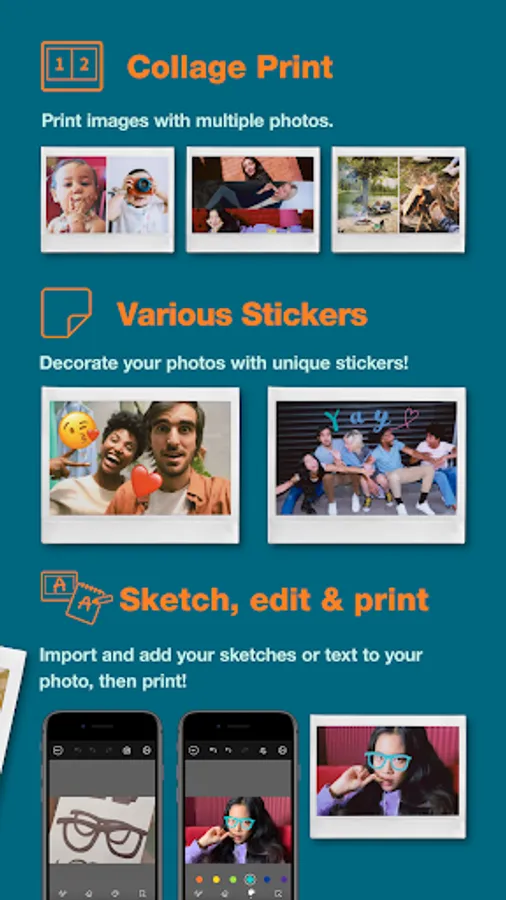
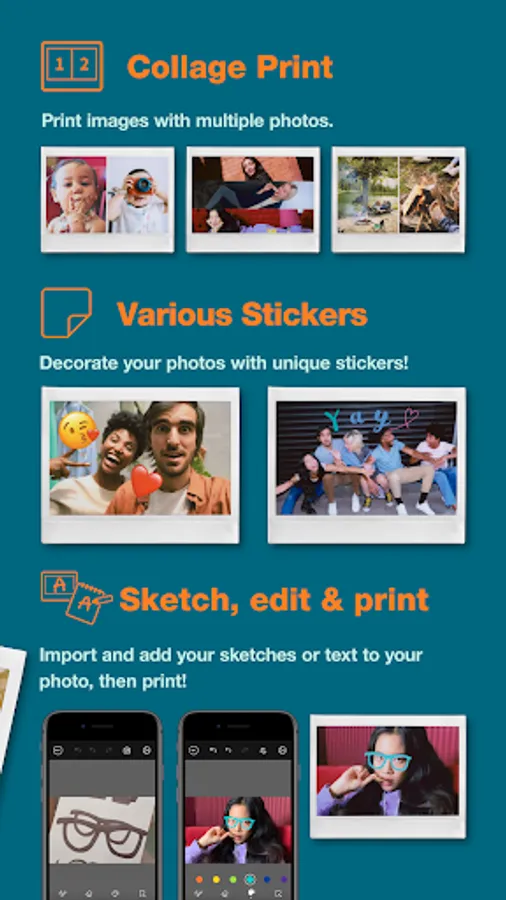
5. Collage Print
Print images with multiple photos.
6. Various Stickers
Decorate your photos with unique stickers!
7. Sketch, edit & print
Import and add your sketches or text to your photo, then print!
[Supported OS]
Android 11 or later
instax Link WIDE Screenshots


Tap to Rate:
Reviews for instax Link WIDE
Layla
12/28/2025
I have the smartphone mini printer and the app just keeps playing up with it, I have 10/10 pieces of paper inside of the printer and the app is saying I have none and will not let me print anything. ive tried google to see if theres a way to fix this and I could not find anything. Please fix your app instax! I dont want to throw away perfectly good paper just because the printer isn't working on them.
Ben Knowlton
12/23/2025
this doesn't work anymore with my new Google pixel 9A. it's very disappointing after having spent so much money and time with Instax