
instax mini LiPlay
FUJIFILM Corporation
4.0 ★
1K ratings
500,000+
downloads
Free
Use this app to connect your Fujifilm instax mini LiPlay+ camera via Bluetooth, create videos, add sounds to photos, and print images. Includes features for remote shooting, direct printing from your smartphone, and customizing frames.
AppRecs review analysis
AppRecs rating 3.9. Trustworthiness 87 out of 100. Review manipulation risk 18 out of 100. Based on a review sample analyzed.
★★★☆☆
3.9
AppRecs Rating
Ratings breakdown
5 star
63%
4 star
13%
3 star
3%
2 star
3%
1 star
18%
What to know
✓
Low review manipulation risk
18% review manipulation risk
✓
Credible reviews
87% trustworthiness score from analyzed reviews
✓
High user satisfaction
76% of sampled ratings are 4+ stars (4.0★ average)
About instax mini LiPlay
You can enjoy the following functions by connecting your camera and this app via Bluetooth:
instax mini LiPlay+™ Features
(1) instax Sound Album™
Create videos using images from your smartphone and combining them with music.
Choose an image, add a QR code, and print it from your camera.
Play the video by scanning the QR code with your smartphone. You can also download the video.
(2) instax Sound Print™
Add sounds to an image from your smartphone to make an instax™ photo.
(3) GALLERY
View images printed from your camera and videos from the app.
You can also download the data to your smartphone and reprint.
Basic Features
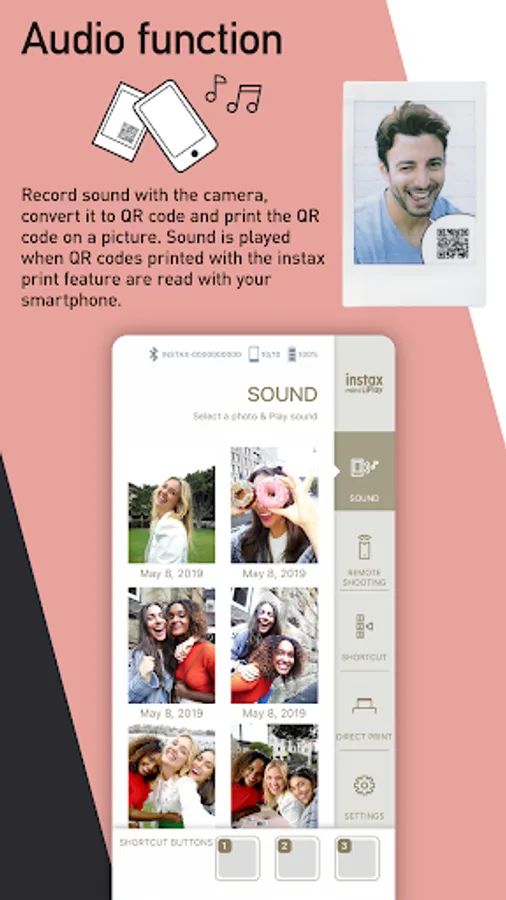
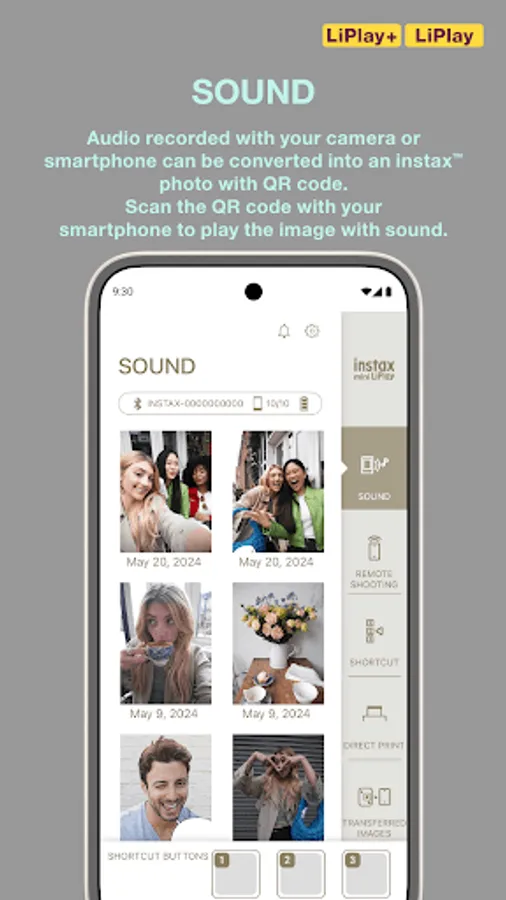
(4) SOUND
Sound recorded with your camera or smartphone can be converted into an instax™ photo with QR code.
Scan the QR code with your smartphone to play the image with sound.
With the instax mini LiPlay+™ camera, you can use the instax Sound Album™ feature to combine multiple images with sound and music into a video.
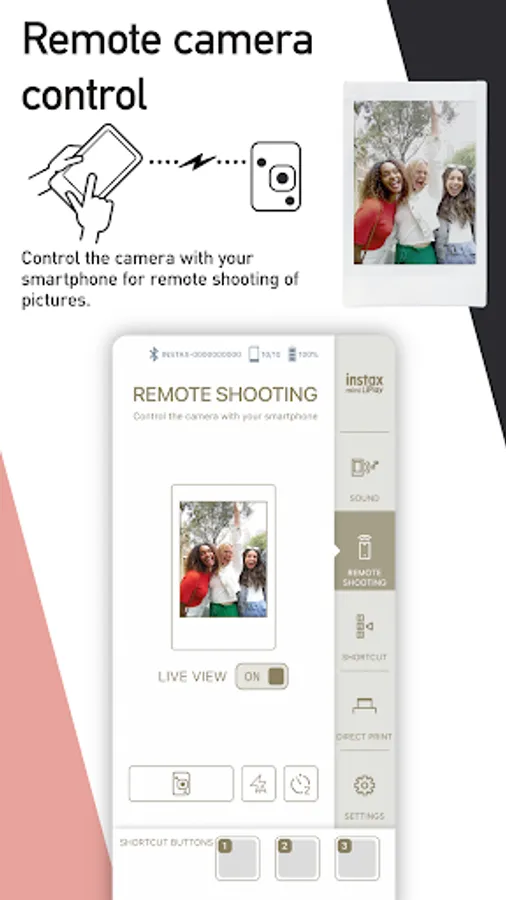
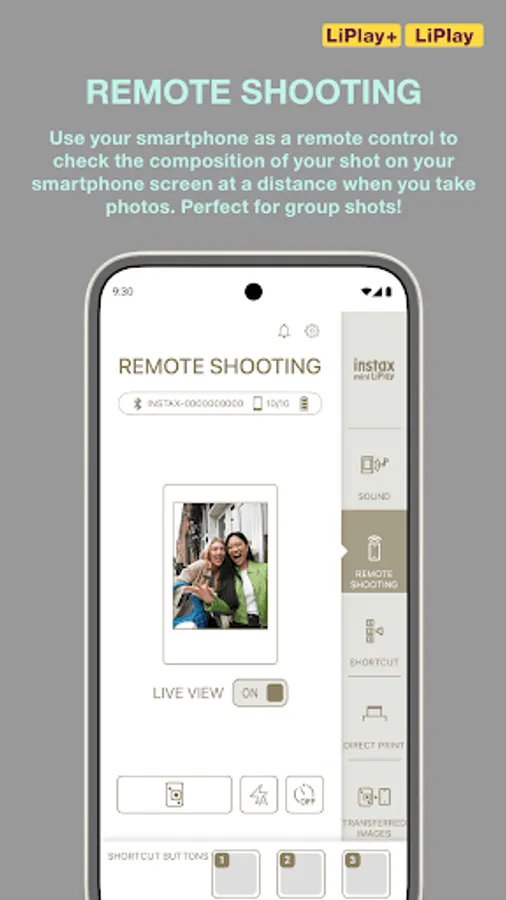
(5) REMOTE SHOOTING
Take photos with the camera remotely using your smartphone.
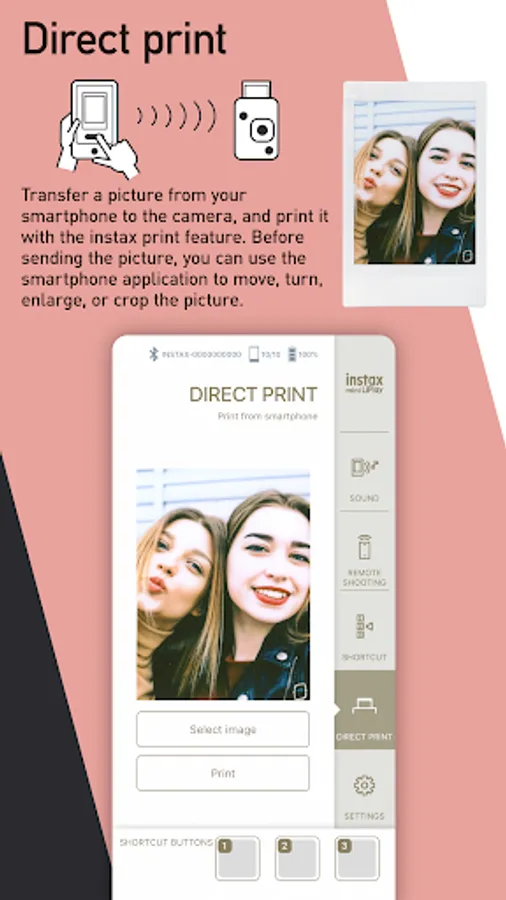
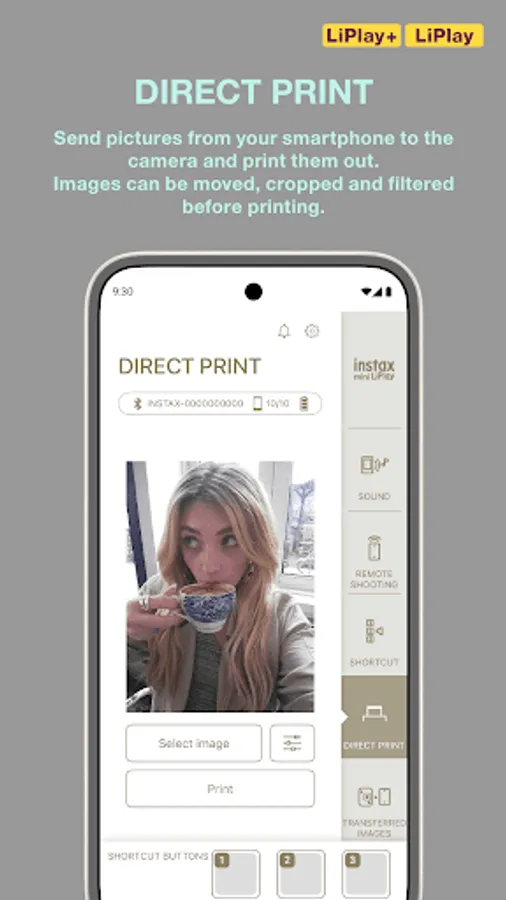
(6) DIRECT PRINT
Print images from your smartphone's camera roll and turn them into instax™ photos.
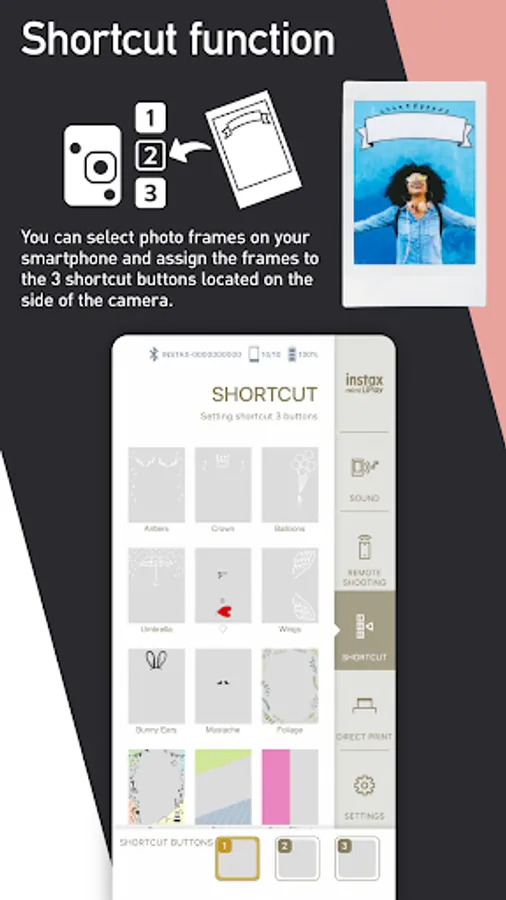
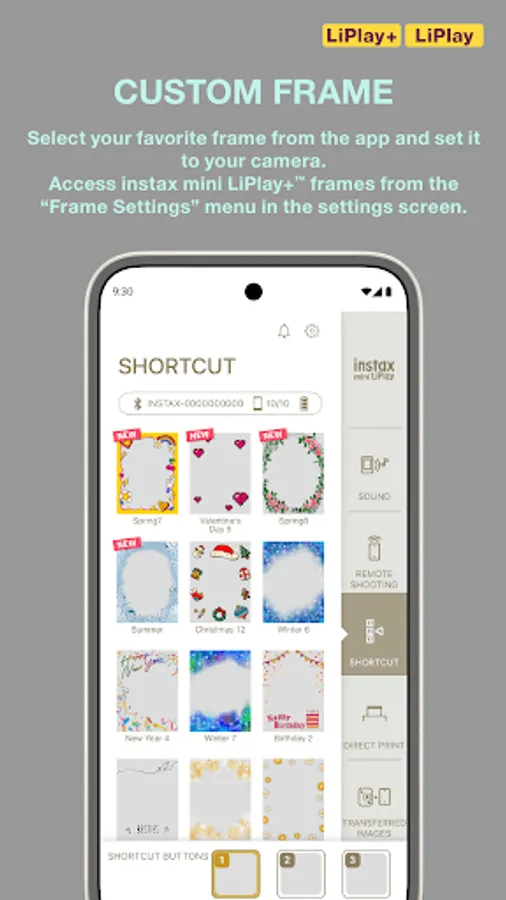
(7) CUSTOM FRAME
Change the design frame set on the camera using the app.
On instax mini LiPlay™, design frames are set to the three shortcut buttons on the side of the camera.
Access instax mini LiPlay+™ frames from the “Frame Settings” menu in the settings screen.
[Supported OS] Android 11 or later
instax mini LiPlay Screenshots
Tap to Rate:
Reviews for instax mini LiPlay
Sarah Bromfield
12/30/2025
unable to download app
C K
11/6/2025
Can never connect it to my camera no matter how many times I tried. I even tried deleting and redownloading the app or restarting my phone, but it still doesn't work. I bought this camera mainly for this function so it really sucks to not being able to use it.