
instax WIDE Evo
FUJIFILM Corporation
4.2 ★
77 ratings
10,000+
downloads
Free
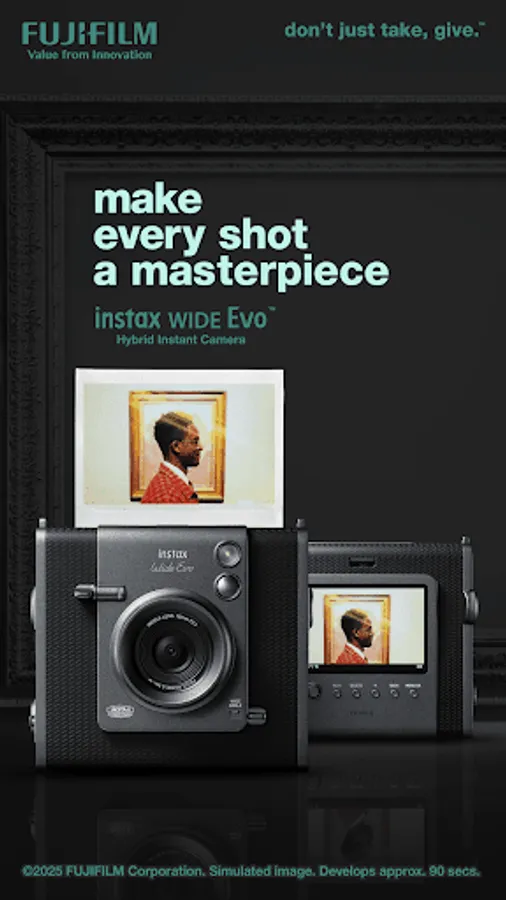
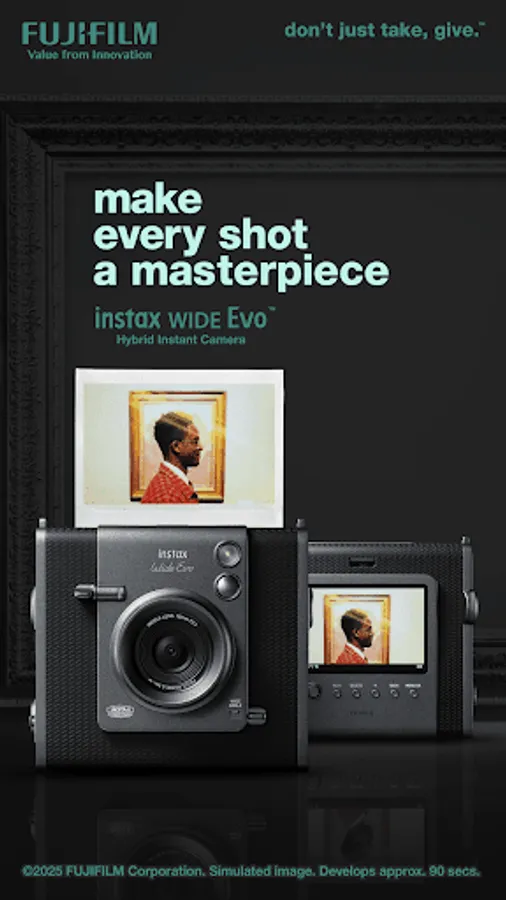
In this app, you can connect your Fujifilm instax WIDE Evo camera via Bluetooth to control remote shooting, transfer images, and edit photos before printing. Includes features such as direct printing, remote camera control, and a Discover Feed to explore and save images.
AppRecs review analysis
AppRecs rating 4.2. Trustworthiness 88 out of 100. Review manipulation risk 13 out of 100. Based on a review sample analyzed.
★★★★☆
4.2
AppRecs Rating
Ratings breakdown
5 star
64%
4 star
9%
3 star
18%
2 star
0%
1 star
9%
What to know
✓
Low review manipulation risk
13% review manipulation risk
✓
Credible reviews
88% trustworthiness score from analyzed reviews
✓
High user satisfaction
73% of sampled ratings are 4+ stars (4.2★ average)
About instax WIDE Evo
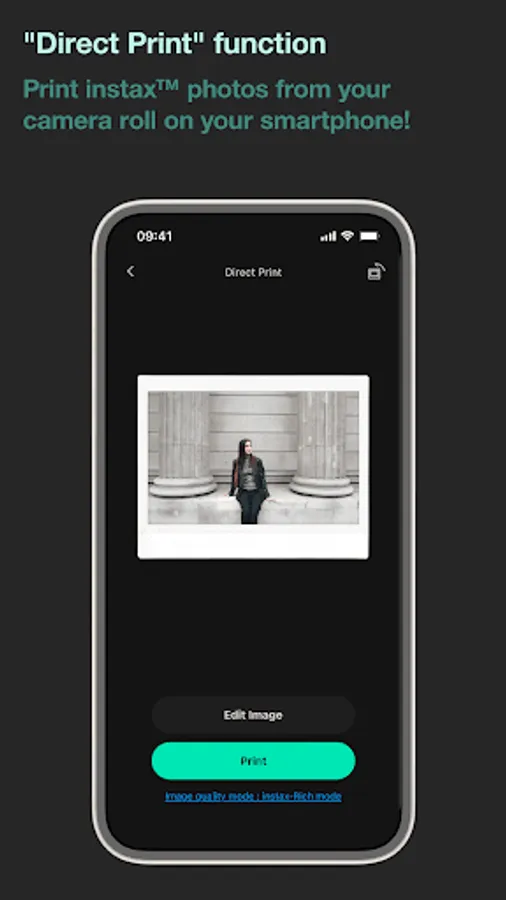
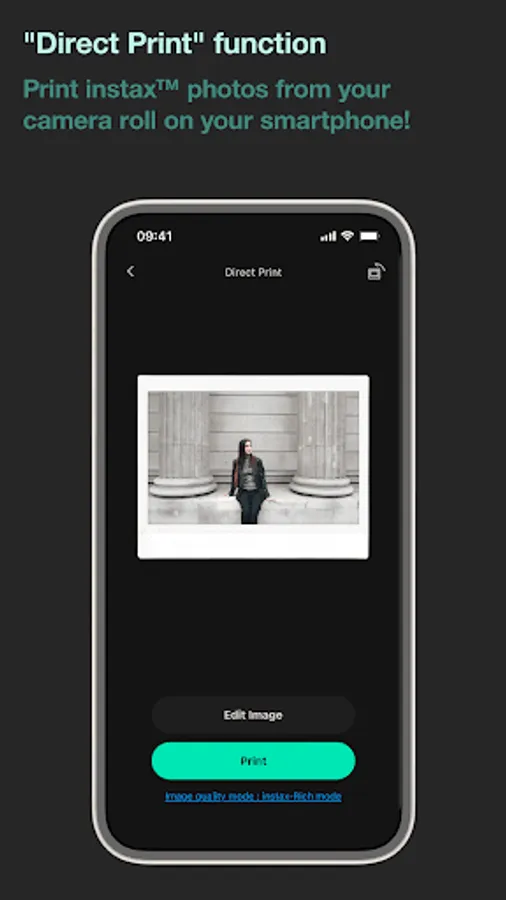
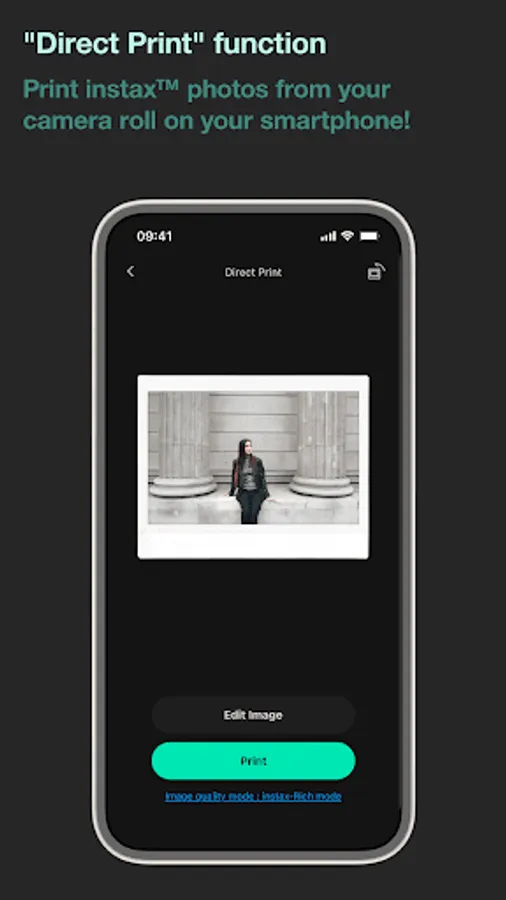
●Direct Print
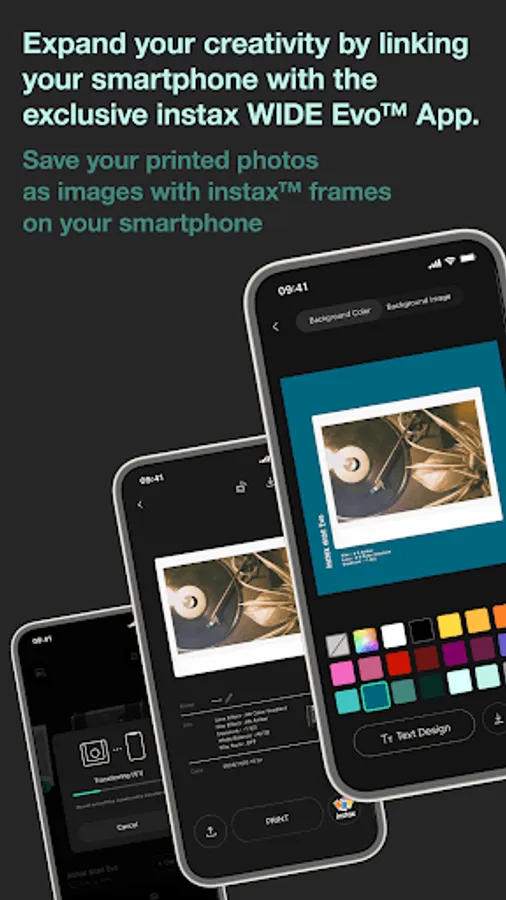
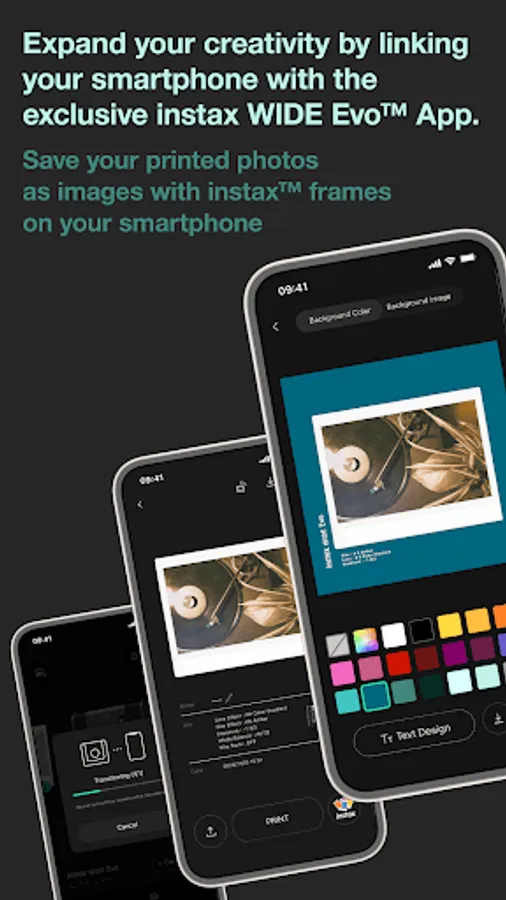
Transfer a photo from your Smartphone to the camera, and print it with the camera using the instax™ Direct Print feature on the App.
Before printing the photo, you can use the instax WIDE Evo™ App to rotate it, enlarge it or reduce its size.
●Remote Shooting
Control the camera with your Smartphone for remote shooting of photos.
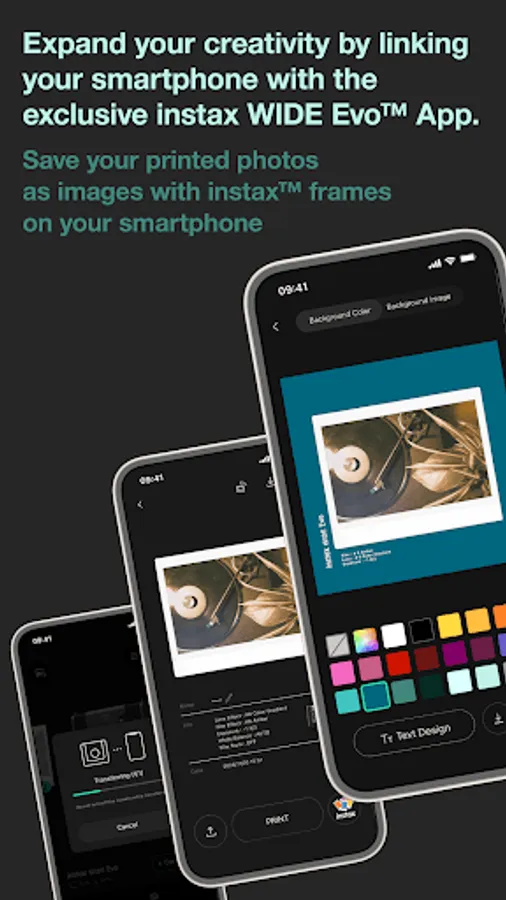
●Save Printed Images
You can transfer photos you had printed with the camera to the instax WIDE Evo™ App. You can also add instax™ frames to your images and save them on your Smartphone.
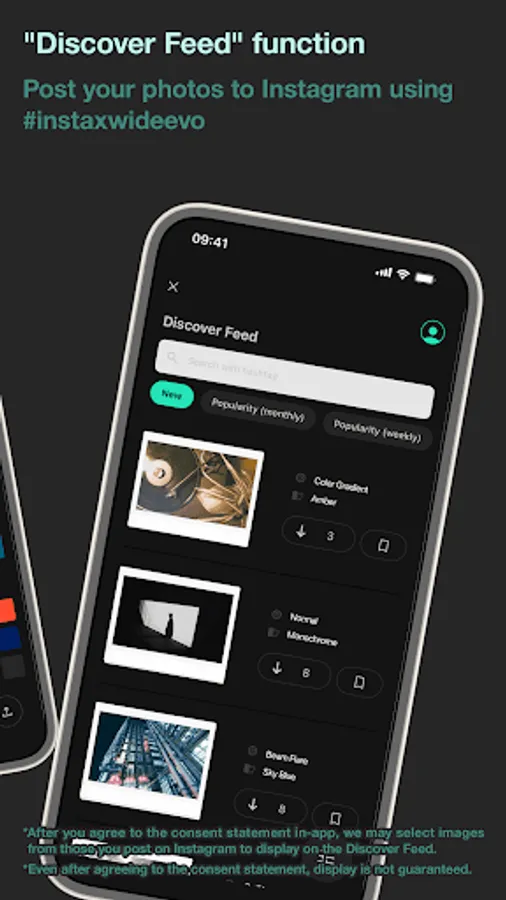
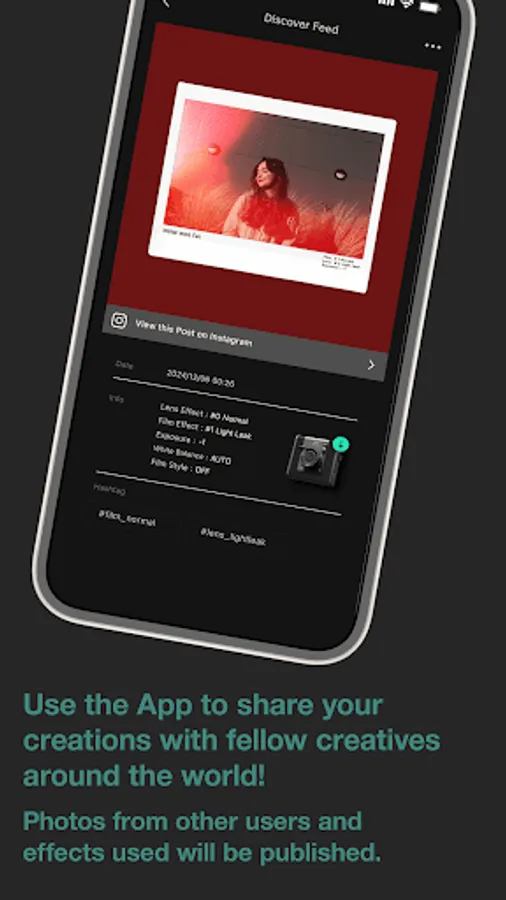
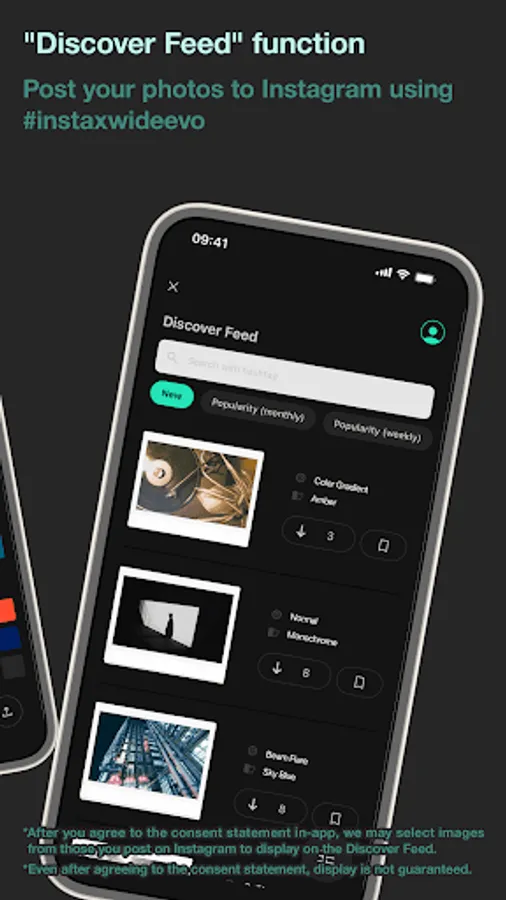
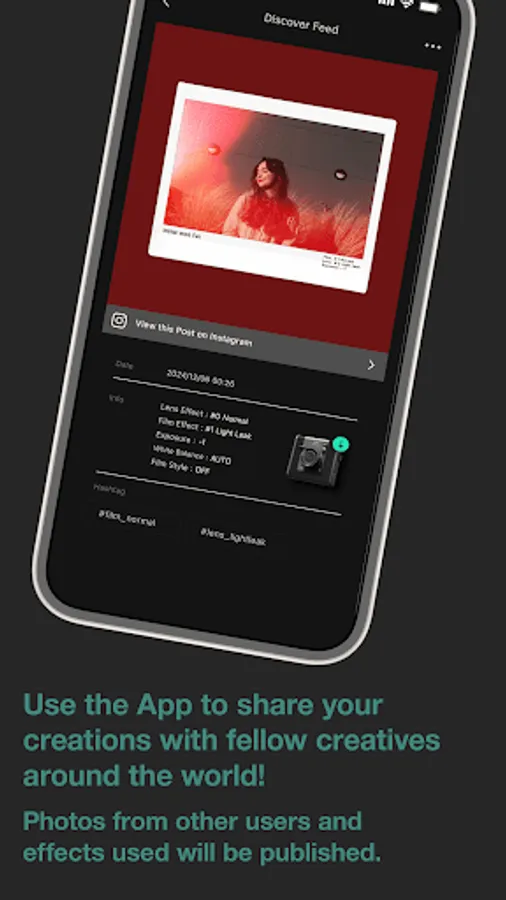
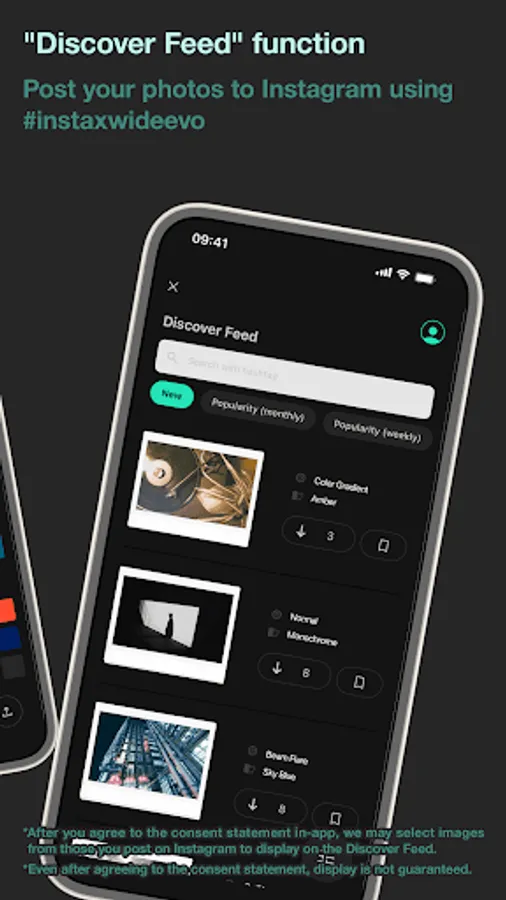
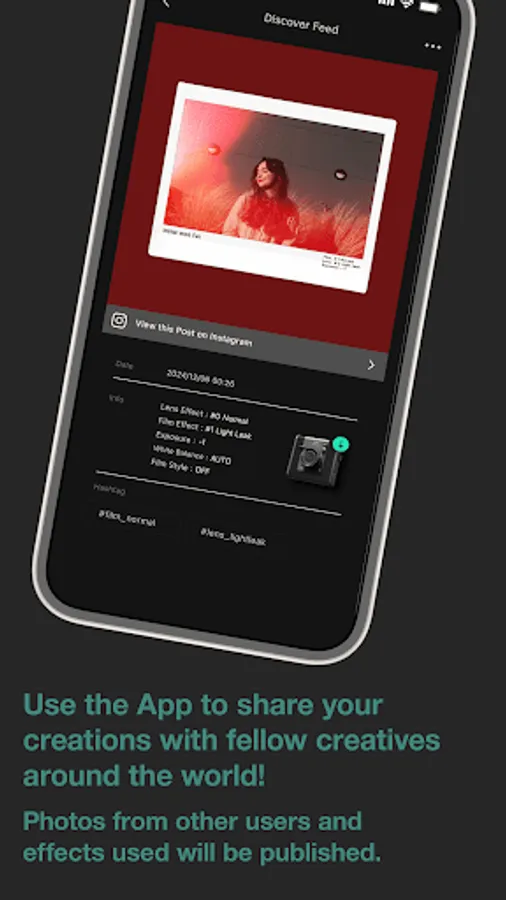
●Discover Feed
The Discover Feed section in the App allows you to explore other users’ images that were taken with the instax WIDE Evo™ hybrid instant camera in addition to displaying your own images. You can
also check out the effects and settings that were used.
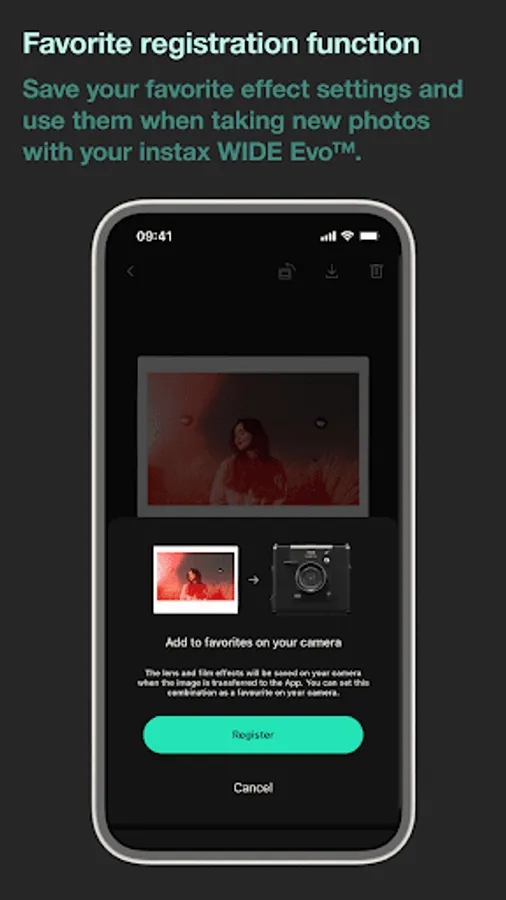
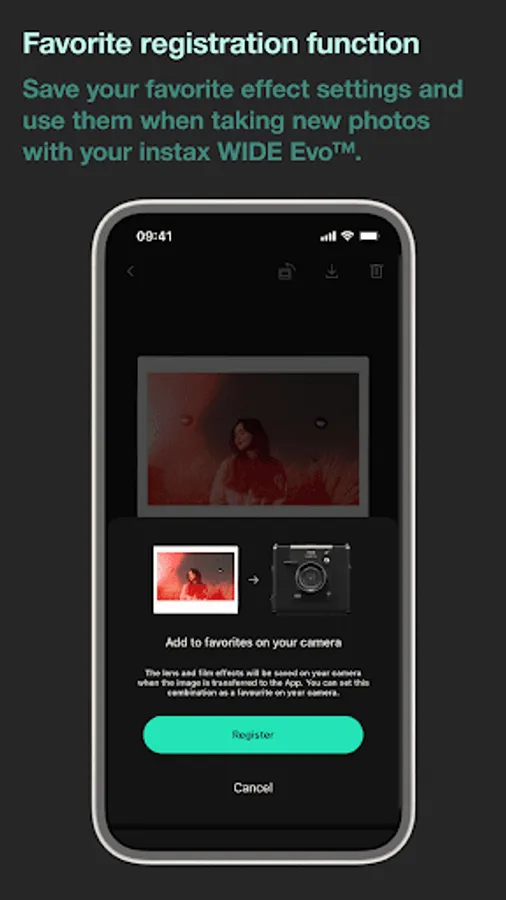
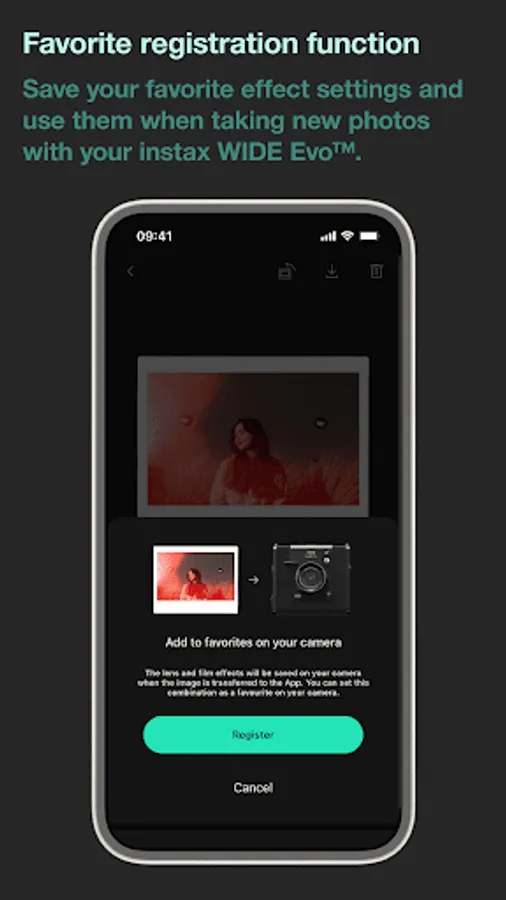
●Add to Favorites
You can easily save the film effect settings of works you have printed or that others have used (where such photos are posted on the Discover Feed) to your camera favorites for future use.
[Supported OS]
Android 11 or later
instax WIDE Evo Screenshots
Tap to Rate:
Reviews for instax WIDE Evo
f1o2x3y4 ;D
12/19/2025
The app has bugs and crashes constantly, I have a Google pixel phone. whenever I try to upload or download a picture I took the app crashes or backs out. for as expensive of a camera the wide evo is I expected the app that goes with it to work so I could use the full functions I paid for but I guess not. if the app can't be fixed I don't recommend you bother with the camera at all. SAVE YOUR MONEY AND PASS.
Fatema 'Fate' Hoque
12/13/2025
Since the last update I am unable to print photos from my phone to the camera. The app keeps crashing.