
INSTAX SQUARE Link
FUJIFILM Corporation
4.2 ★
91 ratings
50,000+
downloads
Free
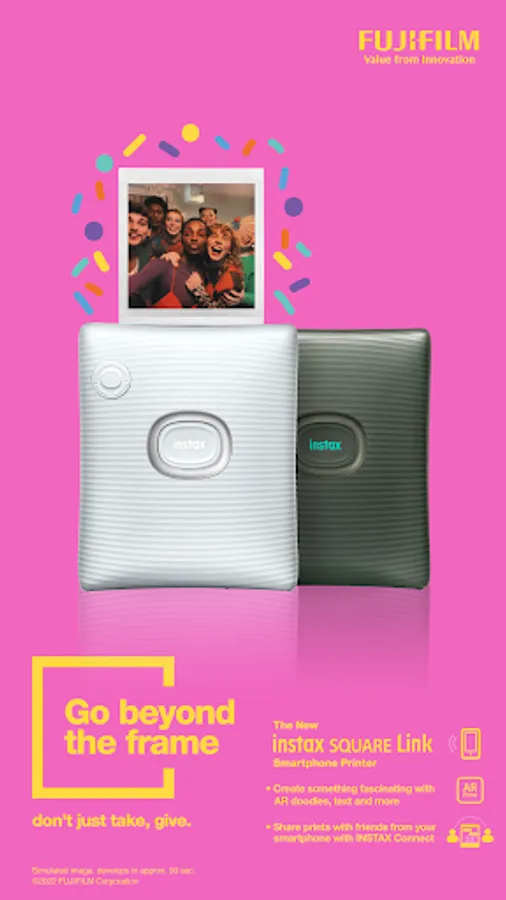
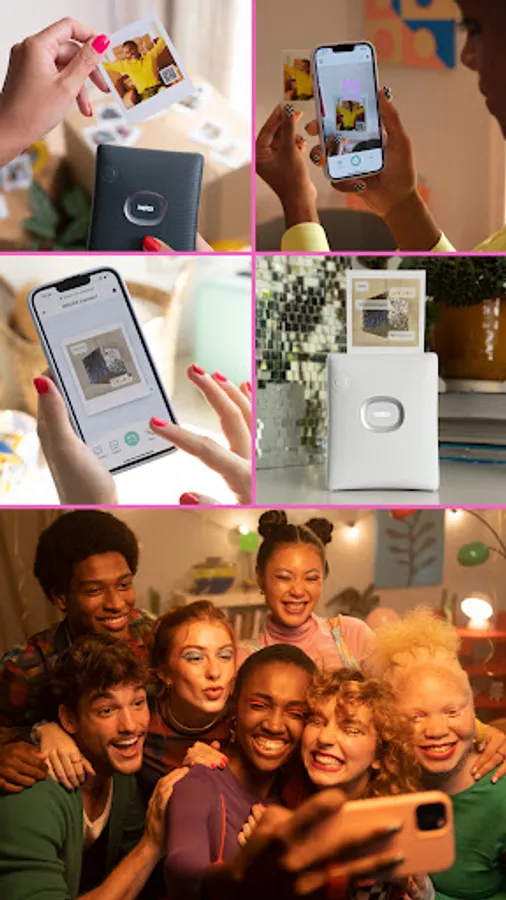
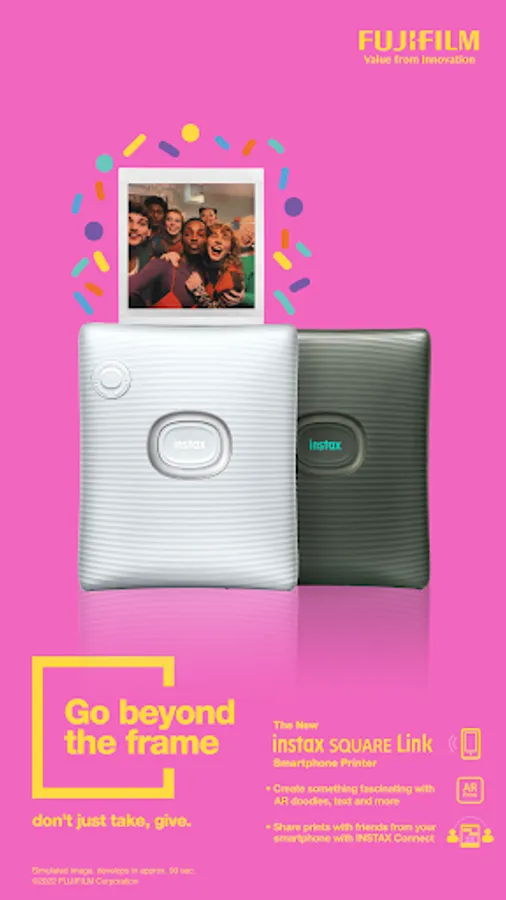
In this photo printing app, you can create and customize prints using various editing tools and AR effects. Includes features like augmented reality effects and image personalization options.
AppRecs review analysis
AppRecs rating 4.2. Trustworthiness 85 out of 100. Review manipulation risk 14 out of 100. Based on a review sample analyzed.
★★★★☆
4.2
AppRecs Rating
Ratings breakdown
5 star
51%
4 star
34%
3 star
8%
2 star
0%
1 star
8%
What to know
✓
Low review manipulation risk
14% review manipulation risk
✓
Credible reviews
85% trustworthiness score from analyzed reviews
✓
High user satisfaction
84% of sampled ratings are 4+ stars (4.2★ average)
About INSTAX SQUARE Link
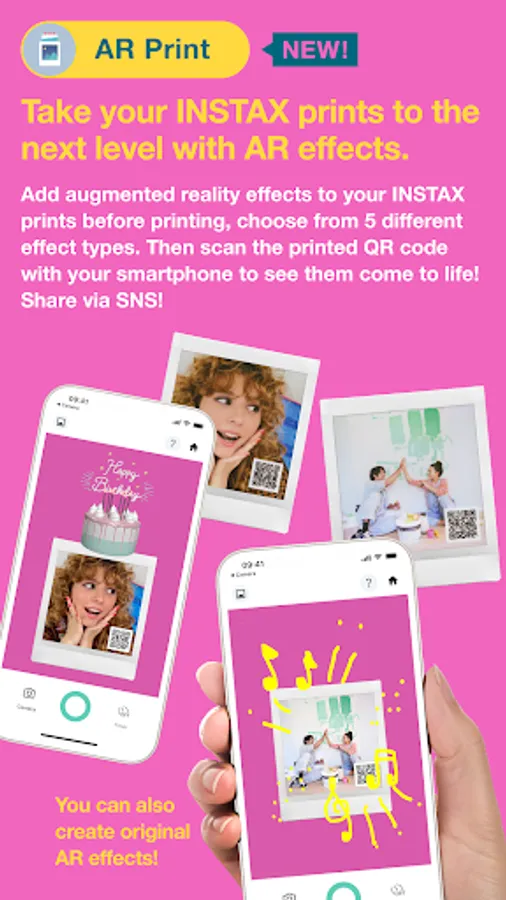
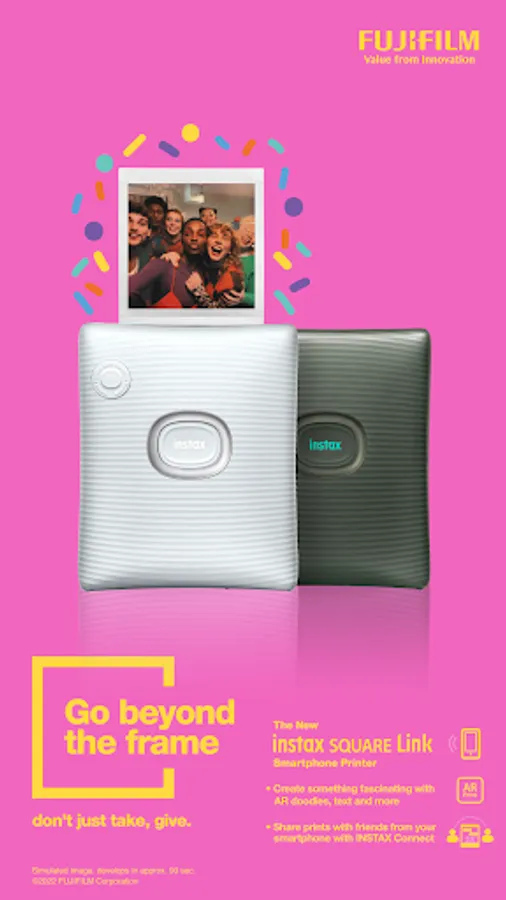
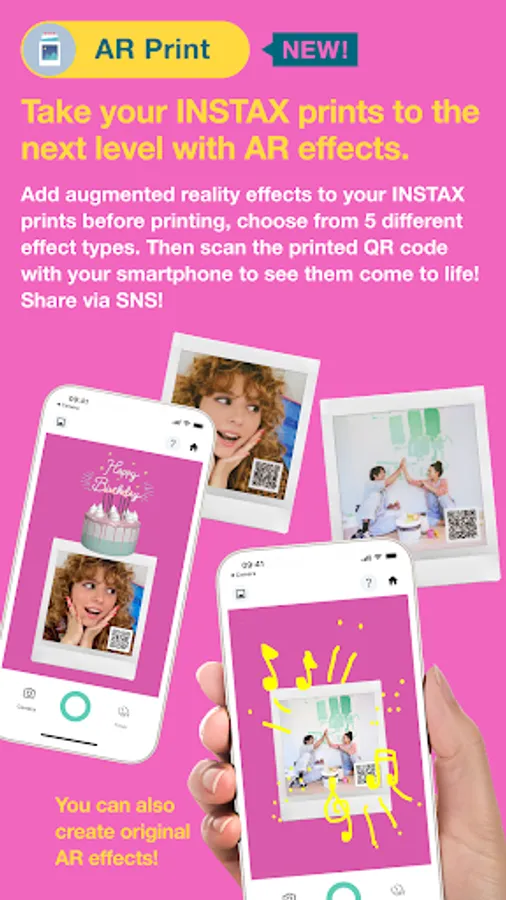
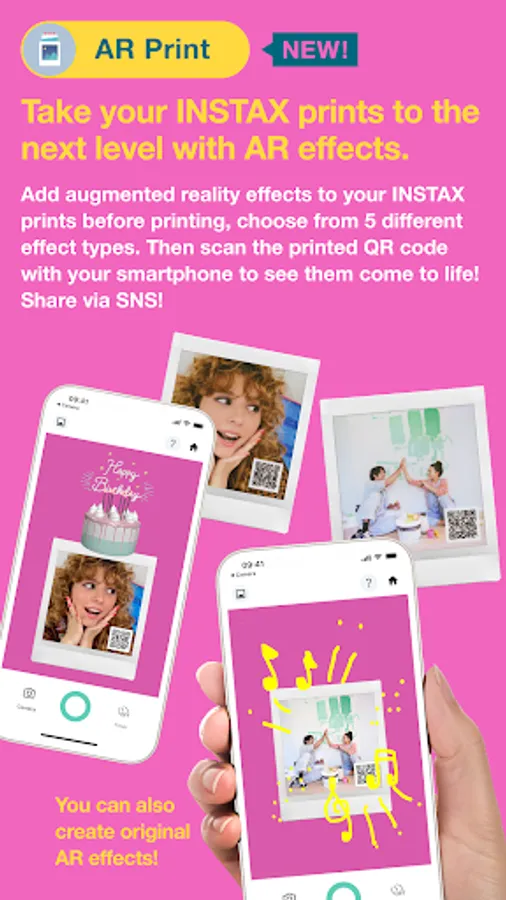
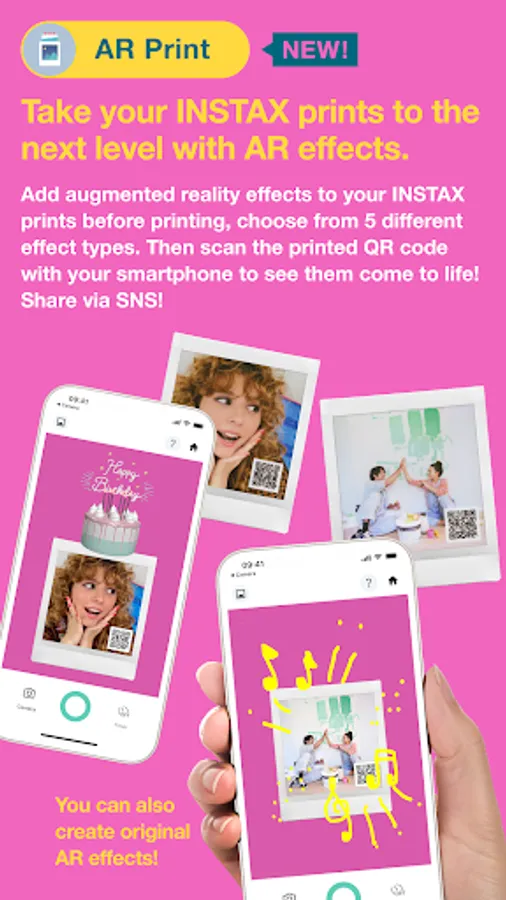
1. AR Print [NEW]
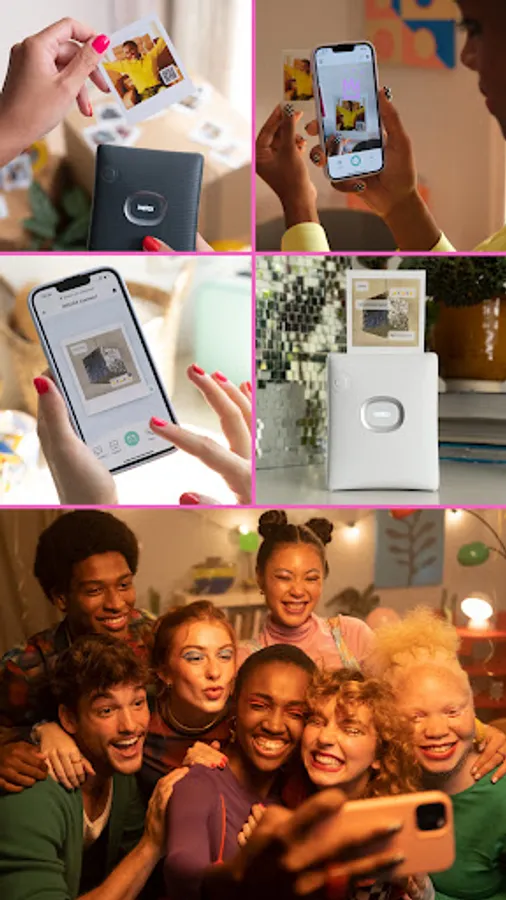
Add augmented reality effects to your INSTAX prints before printing. Then scan the printed QR code with your smartphone to see them come to life!
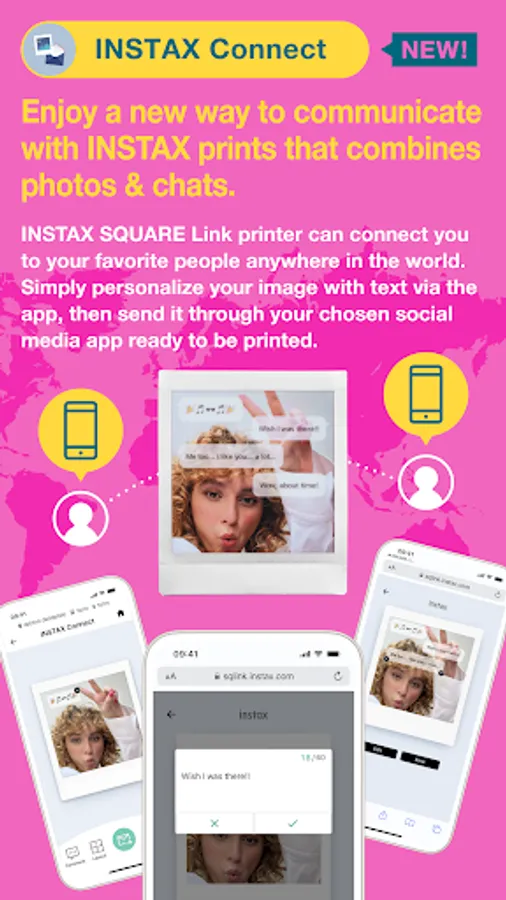
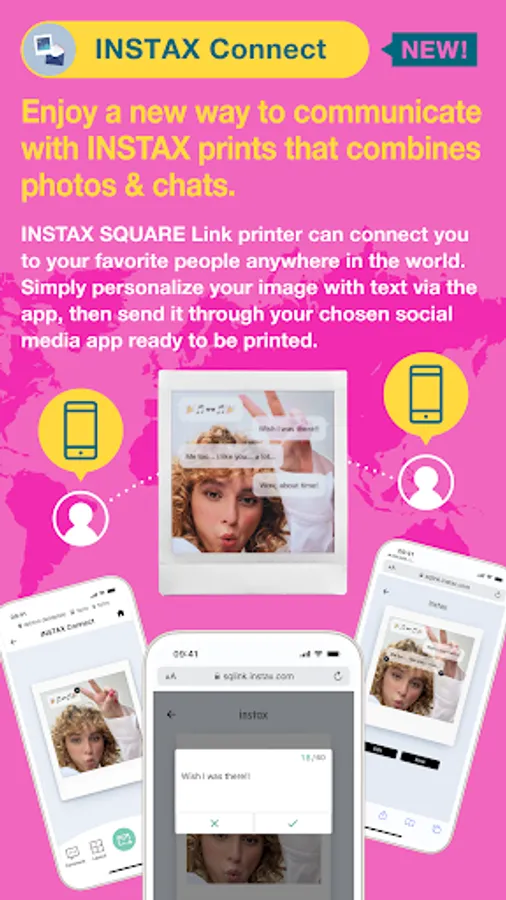
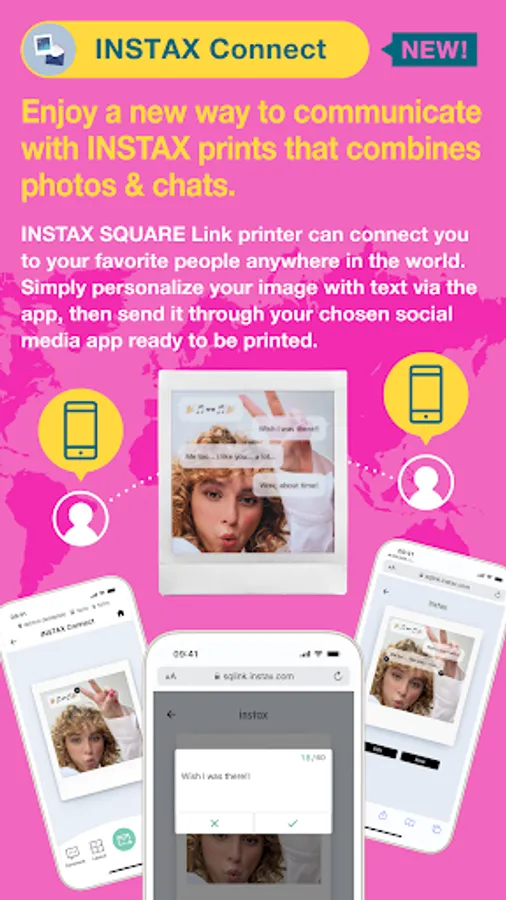
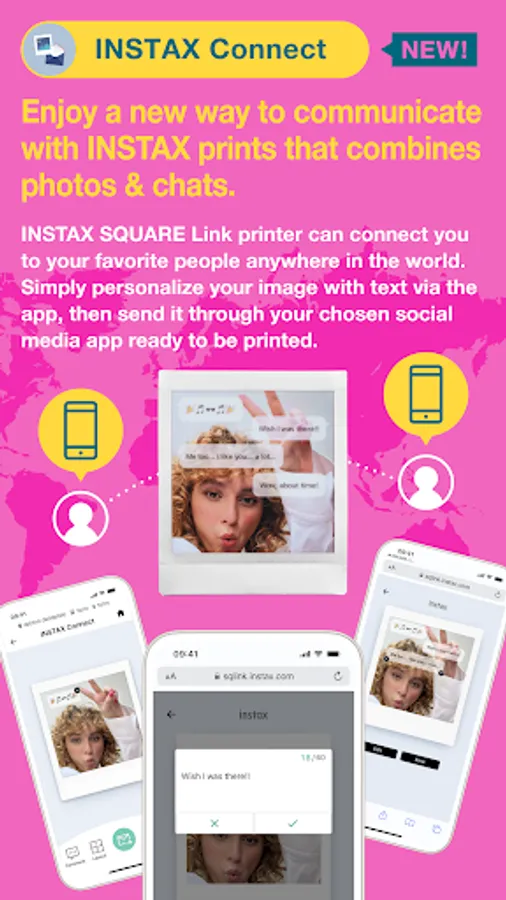
2. INSTAX Connect [NEW]
The SQUARE Link printer keeps you connected, no matter how far apart you are. Simply personalize an image with text via the SQUARE LINK app, then send it via your favored social media app, ready to be opened, printed, and treasured.
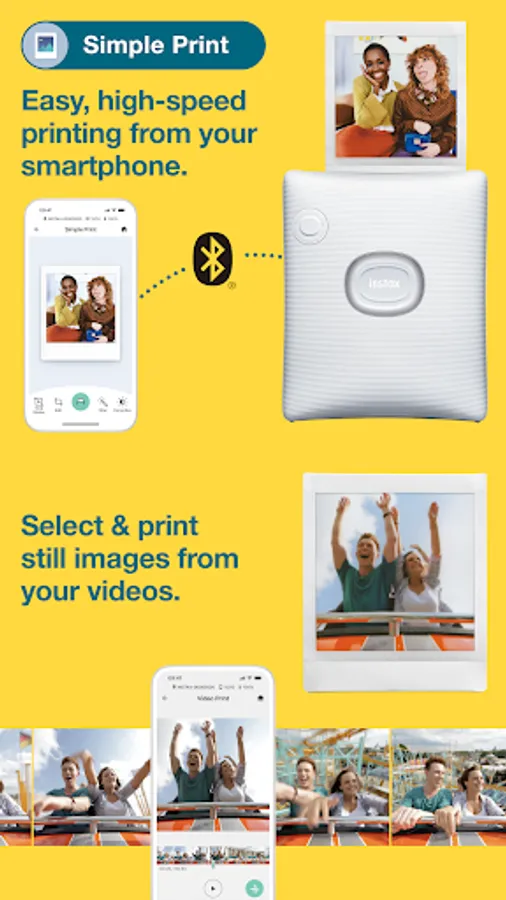
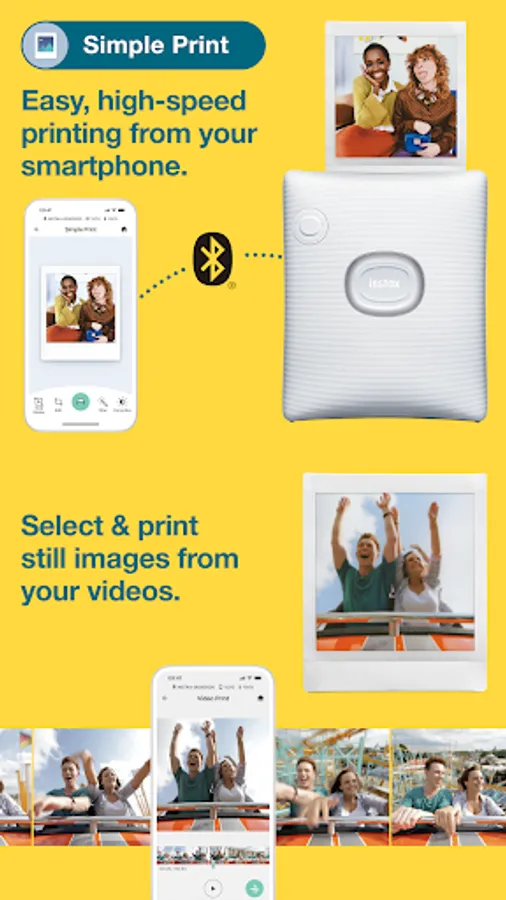
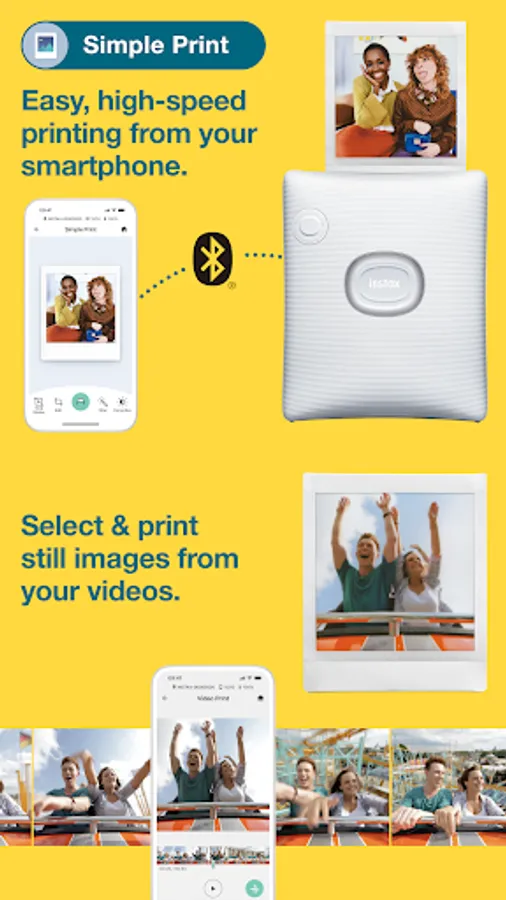
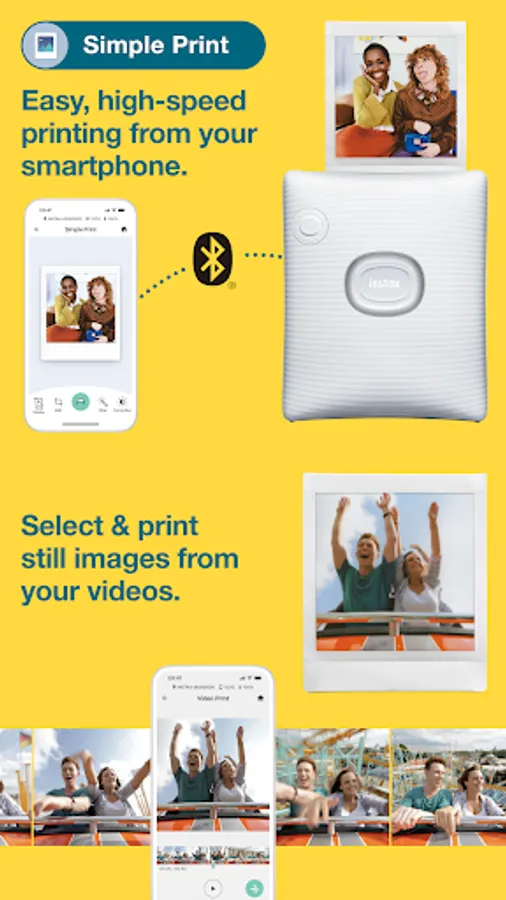
3. Simple Print
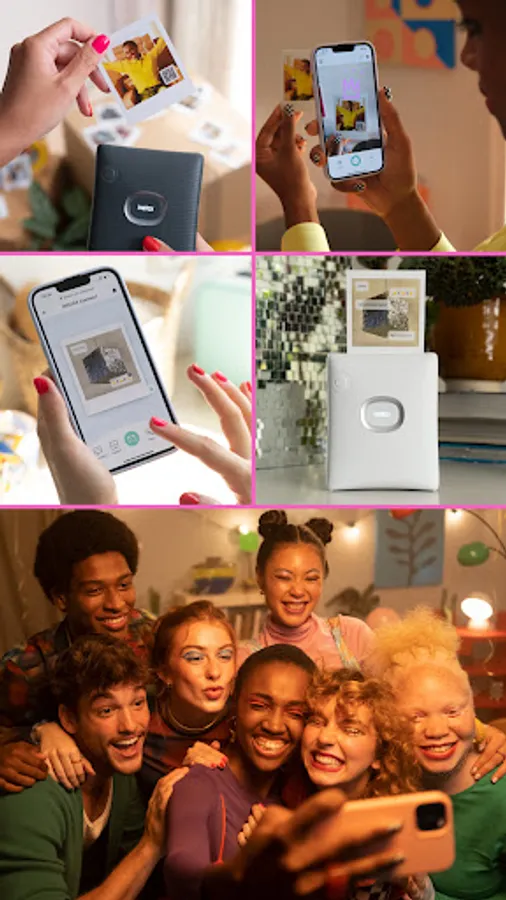
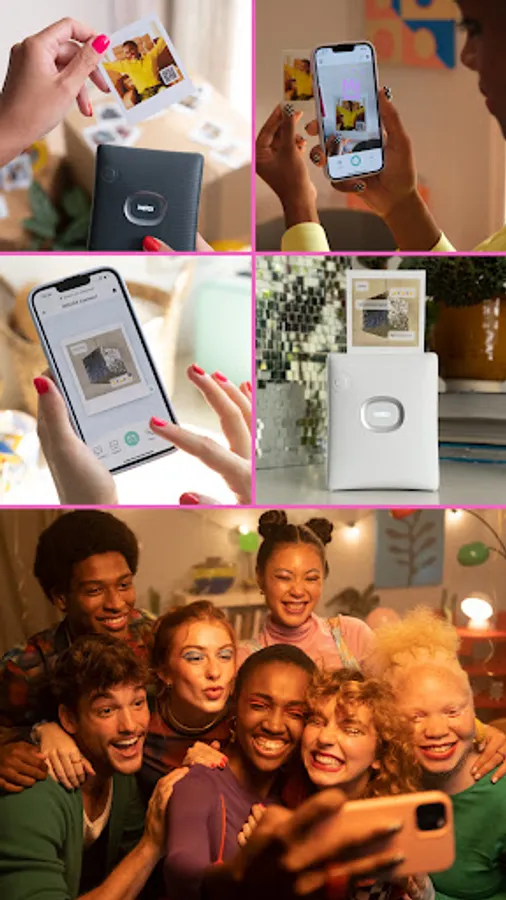
You’ve got your shot, now get creative. Add text, do a spot of cropping, alter the contrasts or saturation levels, maybe even apply a filter. Finally, connect wirelessly via Bluetooth to the SQUARE LINK and swipe up to print. Simple.
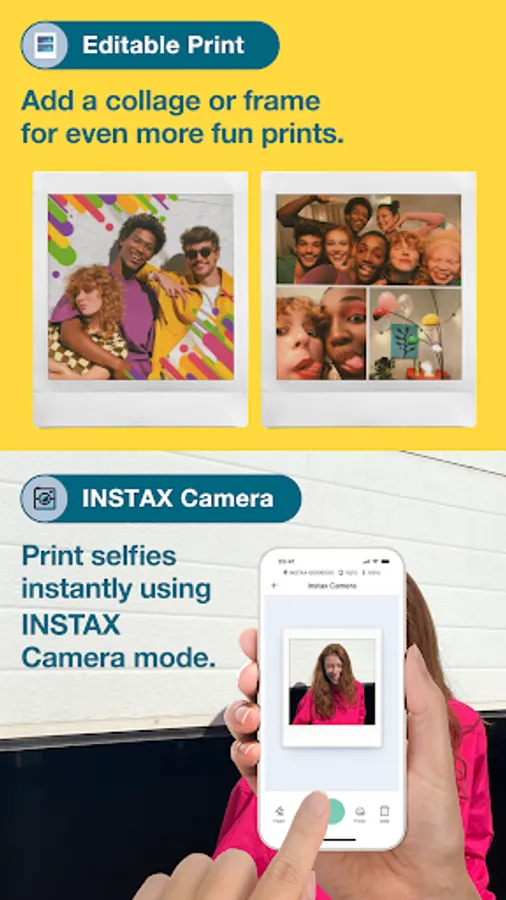
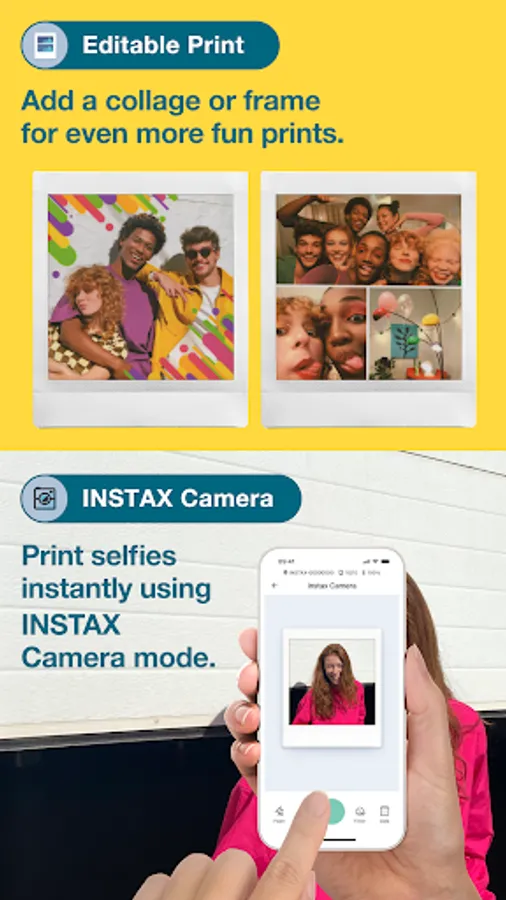
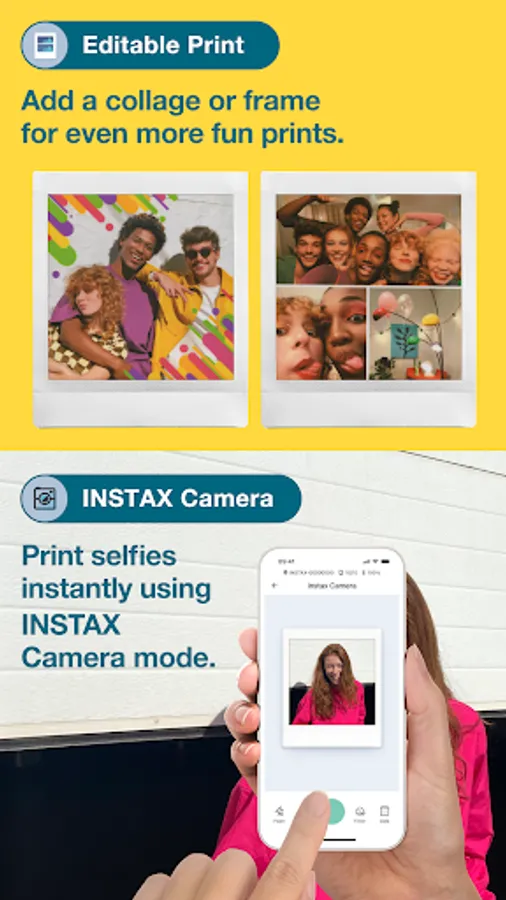
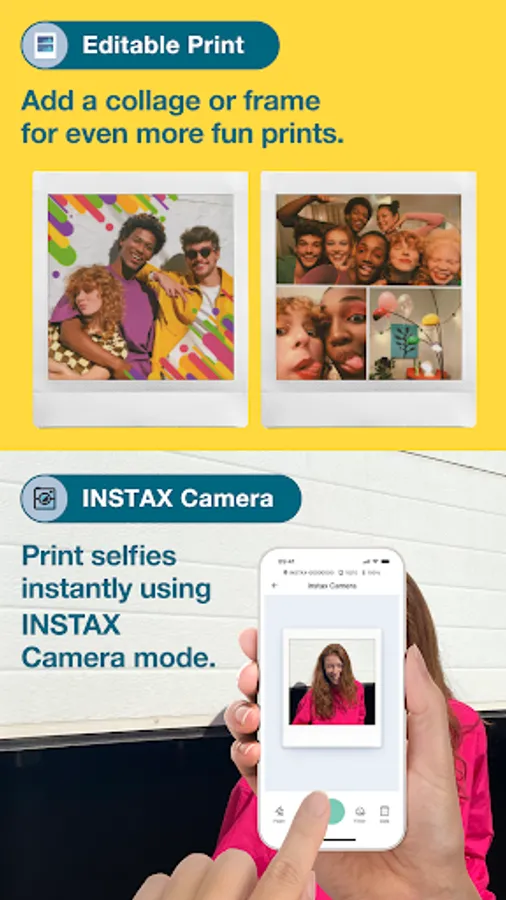
4. Editable Print
Add fun, decorative frames to your shots, create image collages or even add stickers with hundreds in-app stickers to choose from! From ‘Happy Birthday’ stickers to ‘I Love You’ stickers, you’ll soon know your favorites, ready for you to effortlessly add BEFORE printing.
5. INSTAX Camera
Print selfies instantly using INSTAX Camera mode. Take a snap in the app and then swipe up to print!
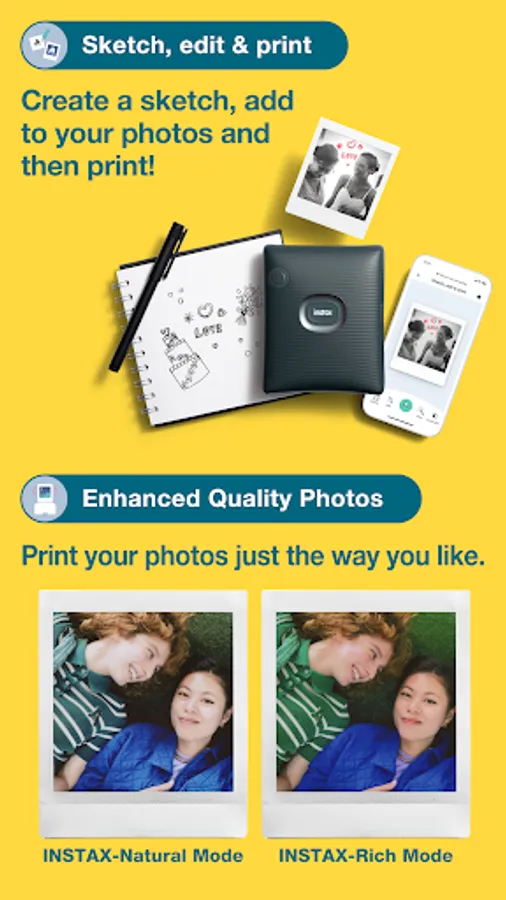
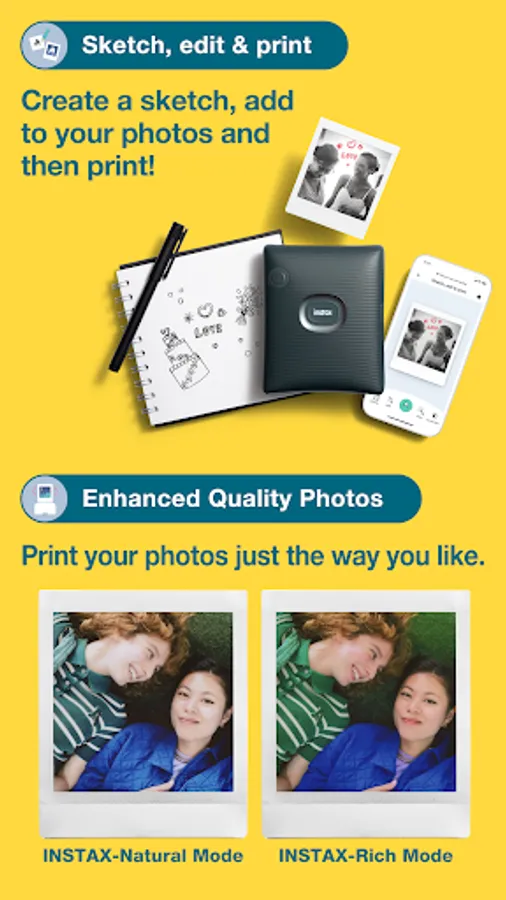
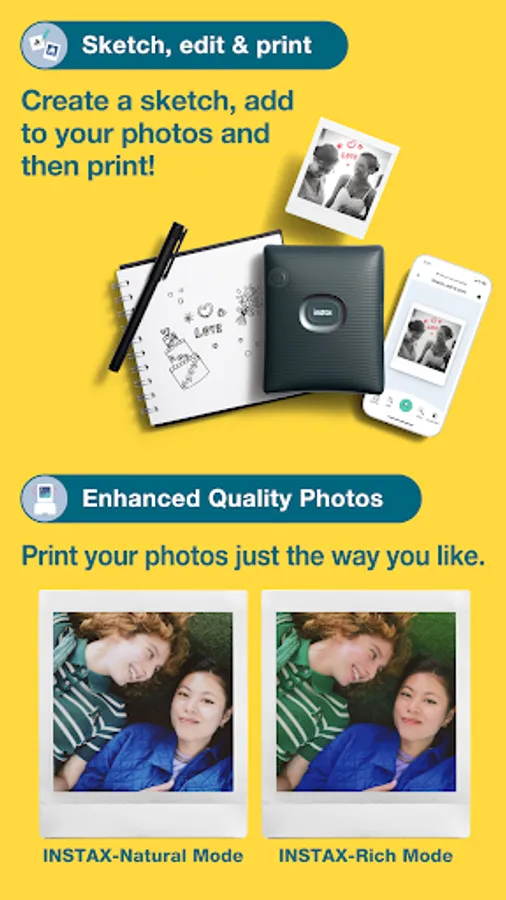
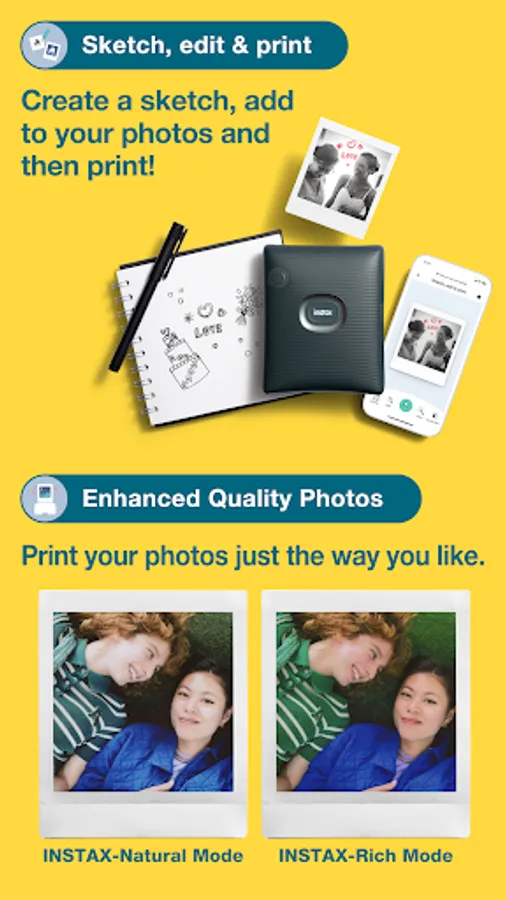
6. Sketch, edit & print
Create a sketch or text, then add them to your photos and print!
7. Enhanced Quality Photos
Print your photos just the way you like, whether it's with the conventional photo quality of ""INSTAX-Natural Mode"" or the new ""INSTAX-Rich Mode"", which features extra-vibrant color.
[Supported OS]
Android 11 or later
INSTAX SQUARE Link Screenshots
Tap to Rate:
Reviews for INSTAX SQUARE Link
Marie Amos
12/23/2025
The app was great on my old phone, but on my new phone (Pixel 9 pro fold) it's constantly saying that the file type is incompatible, even though I am using .PNG and . JPEG as stated in the user manual. This means the app and the printer are unusable. If this isn't fixed I will need to replace my printer with a different brand.
Gary Steele
12/22/2025
(old) worked on for a while now just goes into an endless loop trying to connect i cant even click on ok and have to kill the app. uninstall3d and reinstalled and still does not work. infuriating. my colleague with an iphone can still connect and print. fixed: my android bluetooth was broken ans needed a network settings reset.