
Notification light for Pixel
Jawomo
3.8 ★
2K ratings
100,000+
downloads
Free
+ in-app
AppRecs review analysis
AppRecs rating 3.5. Trustworthiness 87 out of 100. Review manipulation risk 26 out of 100. Based on a review sample analyzed.
★★★☆☆
3.5
AppRecs Rating
Ratings breakdown
5 star
57%
4 star
13%
3 star
5%
2 star
6%
1 star
19%
What to know
✓
Low review manipulation risk
26% review manipulation risk
✓
Credible reviews
87% trustworthiness score from analyzed reviews
⚠
Pricing complaints
Many low ratings mention paywalls or pricing
About Notification light for Pixel
With aodNotify you can easily add a notification light / LED to your Pixel phone!
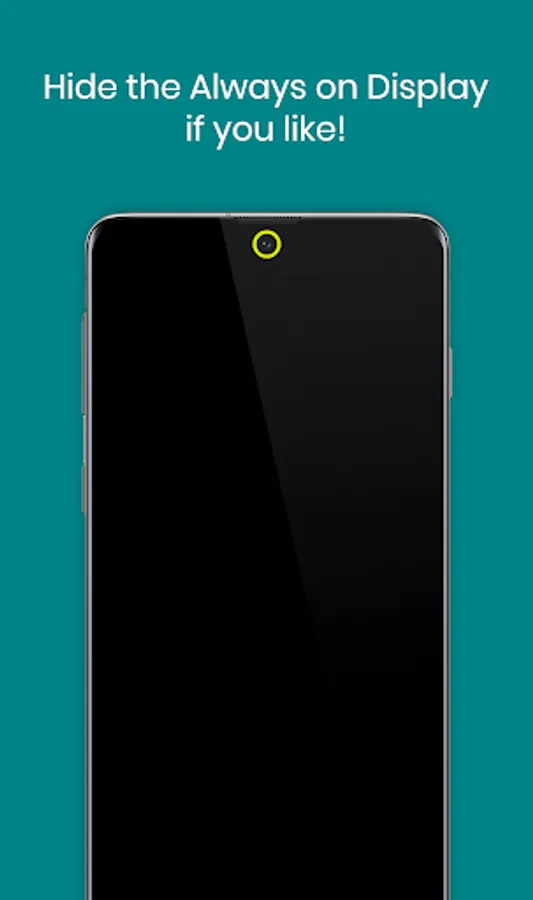
You can select different notification light styles and show the notification light around the camera cutout, screen edges or even simulate an notification LED light dot in the statusbar of your Pixel device!
As the notification light is integrated in Pixel's Always On Display it has minimal battery consumption and doesn't drain your battery like other apps which keep your phone awake!
If you don't need the Always On Display, the app can also activate the Always On Display (AOD) only on notifications or show the notification LED light even without the Always On Display!
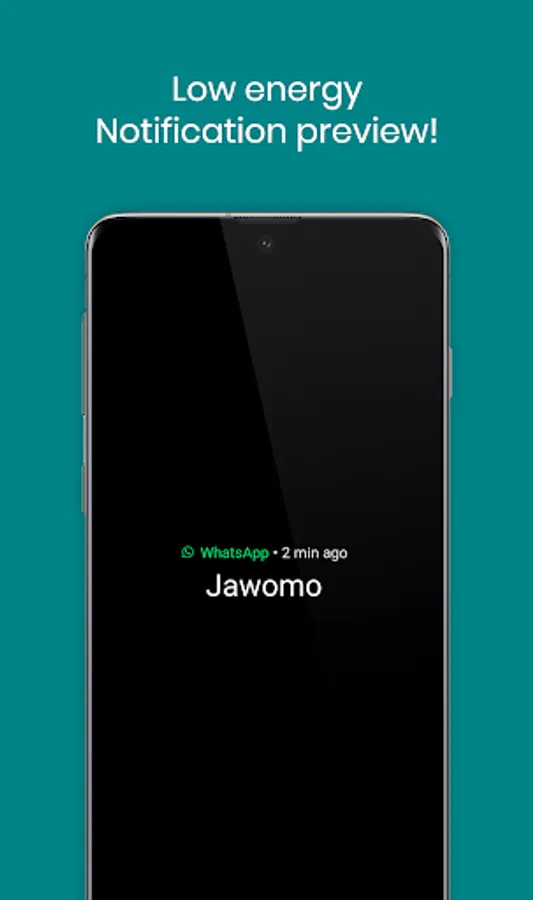
With the notification preview feature you can directly see if you have important notifications without waking your Pixel!
MAIN FEATURES
• Notification light / LED for Pixel and others!
• Low energy notification preview (android 10+)
• Activate Always On Display (AOD) only on notifications
• Charging / Low battery light / LED
MORE FEATURES
• Get notified without notification sound!
• Notification light styles (around camera, screen, LED dot)
• Custom app / contact colors
• ECO animations to save battery
• Interval mode (on/off) to save battery
• Night times to save battery
• Minimal battery consumption
BATTERY USAGE PER HOUR ~
• LED - 3.0%
• LED & INTERVAL - 1.5%
• LED & ECO ANIMATION - 1.5%
• LED & ECO ANIMATION & INTERVAL - 1.0%
• NOTIFICATION PREVIEW - 0.5%
• ALWAYS ON DISPLAY - 0.5%
Without the LED notification light the app consumes almost 0% battery!
GOOGLE DEVICES
• All Pixel devices
• More in testing
NOTES
• Google may block this app with future updates!
• Please check if the app is compatible before updating phone software or always on display!
• Altough we never experienced any screen burn in issues on our test devices, we recommend to not keep the notification light / LED active for a long time! Use at you own responsibility!
Disclosure:
The app uses the AccessibilityService API to display the notification light using an overlay over the screen.
No data is collected or shared using the AccessibilityService API!
Notification light for Pixel Screenshots



Tap to Rate:
Reviews for Notification light for Pixel
neumde neuer
12/11/2025
Great App. Feature request: After setting custom colors for different apps allow the user to select between showing the latest notification or the most important one. I.e. I have an app whose notifications are more important than the others and it's colors should be shown even if newer notifications arrive. Could be a list of apps that is sortable by the user.
Al Boo
12/6/2025
work as it should (pixel 8a)