
Bixbi Button Remapper
Jawomo
3.7 ★
38K ratings
5,000,000+
downloads
Free
+ in-app
With this remapping app, you can assign custom actions to the Bixby and volume buttons on compatible Samsung phones. Includes button remapping, per-app configurations, and multiple action options.
AppRecs review analysis
AppRecs rating 3.6. Trustworthiness 84 out of 100. Review manipulation risk 31 out of 100. Based on a review sample analyzed.
★★★☆☆
3.6
AppRecs Rating
Ratings breakdown
5 star
58%
4 star
8%
3 star
5%
2 star
4%
1 star
25%
What to know
✓
Credible reviews
84% trustworthiness score from analyzed reviews
✓
Good user ratings
66% positive sampled reviews
✓
Authentic reviews
Natural distribution, no red flags
About Bixbi Button Remapper
Please note development of this app is discontiuned! Due to some new restrictions from google and android 13 the app functionality is limited and can not be updated anymore. You can still download the app for testing and use it on lower android versions!
With bxActions you can easily remap the Bixby button on your S10 / S9 or Galaxy phone to any action or app you like! Use the Bixby button to mute your phone, take a screenshot, turn on flashlight or accept calls with just one click!
You can also disable the Bixby button if you like.
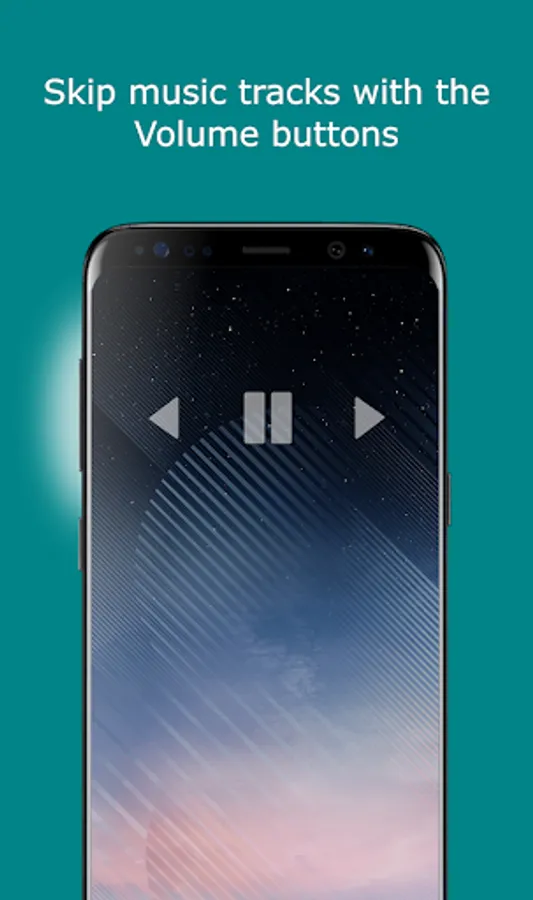
Optionally you can remap the volume buttons to Skip tracks when listening to music, or whatever you like!
NEW: Per app remapping! Use the Bixby button to take pictures in camera apps, take screenshots in browser and start flashlight when the screen is off!
FEATURES:
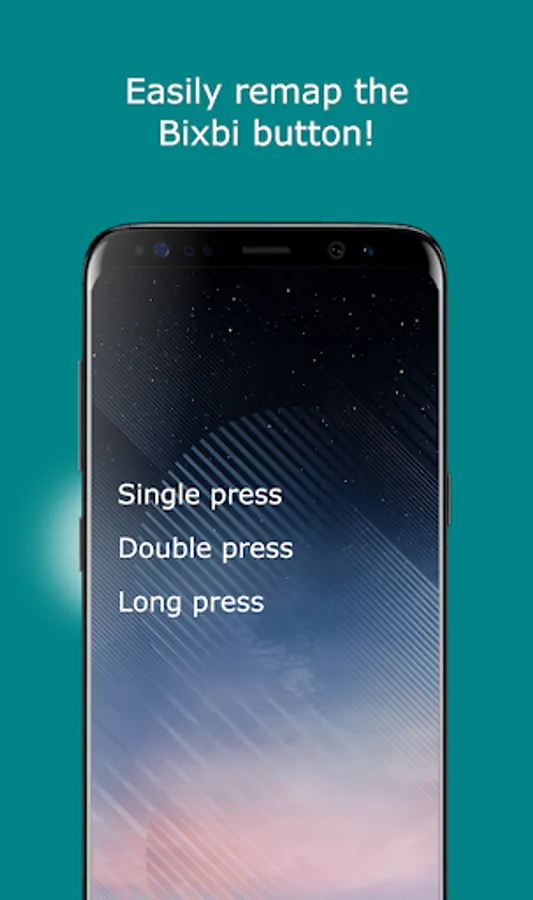
• Double and long press supported!
• Remap the Bixby button on S10 / S9 or Galaxy phone!
• Remap the Volume buttons!
• Per app remapping
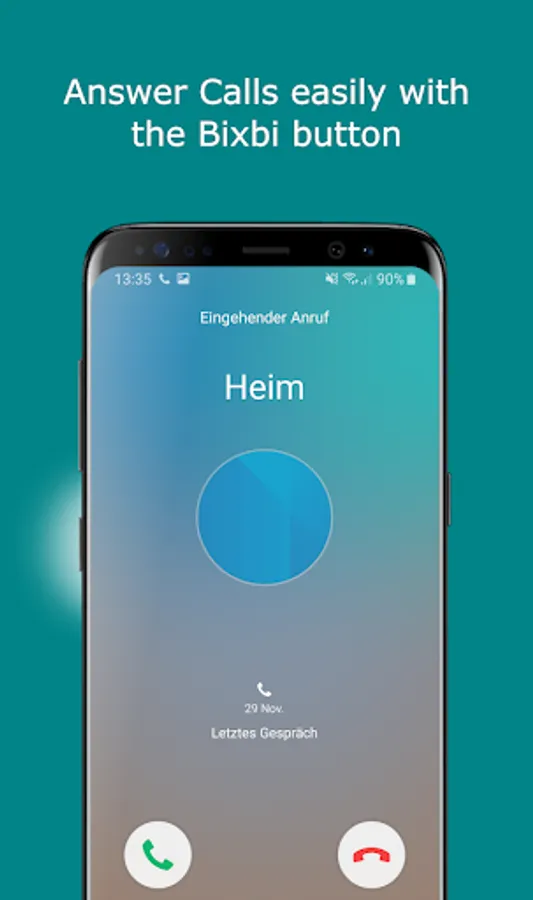
• Answer calls with the Bixby button
• Turn on the flashlight with the Bixby button
• Disable the Bixby button
• Skip tracks with the volume buttons
• High performance! No lags!
• No annoying ads
ACTIONS:
• Turn on flashlight
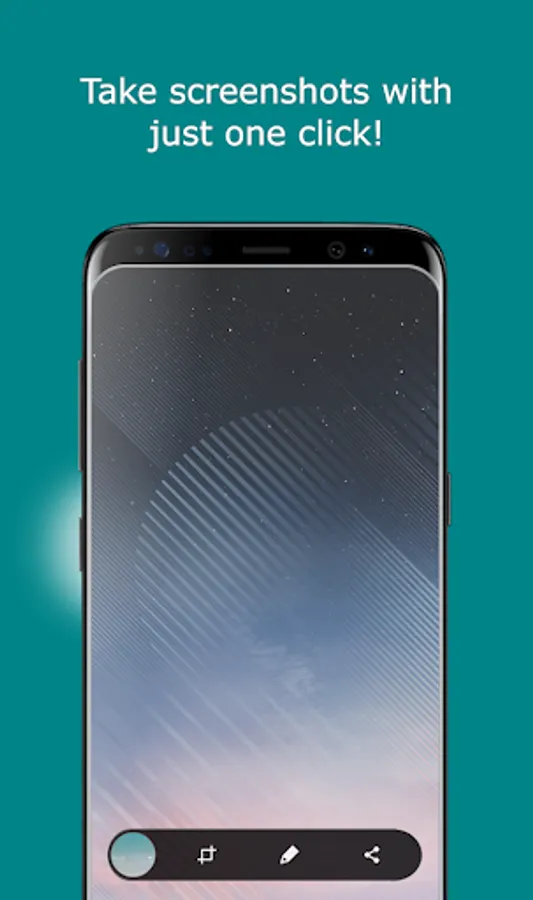
• Take a screenshot
• Mute phone
• Answer phone calls
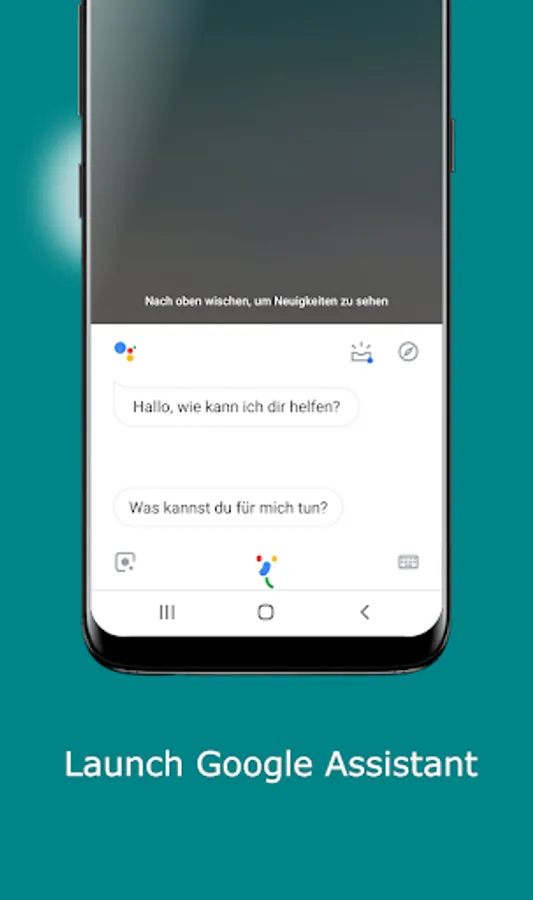
• Launch Google Assistant
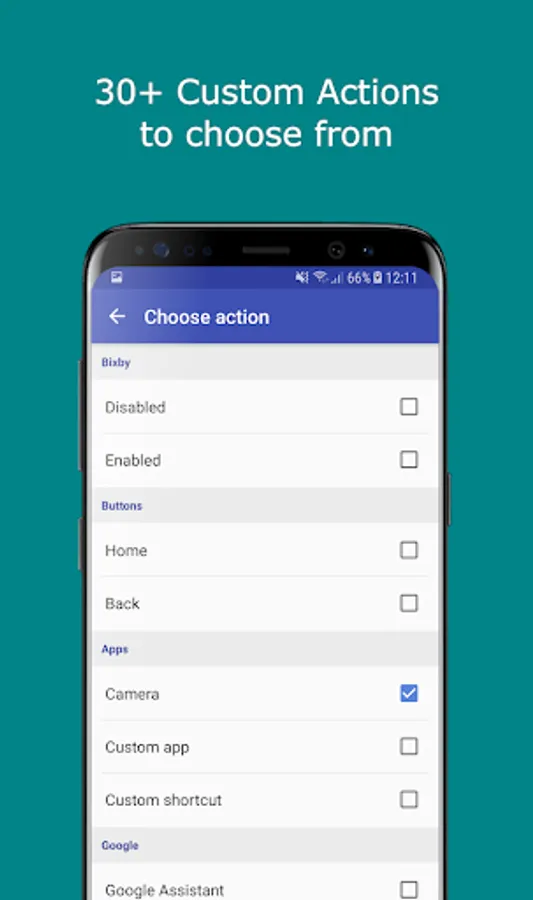
• Launch camera or any other app
• Switch to last app
• Disable the Bixby button
• 35+ actions
NOTES:
• You can remap the Bixby button on your S10 / S9 / S8 / Note 9 and all others
• Currently the app works on Android Oreo, Pie and Bixby Voice 1.0 - 2.0
• Samsung may block this app with future updates!
• Please check if bxActions is compatible before updating Bixby or phone software!
"Bixby" is a protected trademark of "SAMSUNG ELECTRONICS"
With bxActions you can easily remap the Bixby button on your S10 / S9 or Galaxy phone to any action or app you like! Use the Bixby button to mute your phone, take a screenshot, turn on flashlight or accept calls with just one click!
You can also disable the Bixby button if you like.
Optionally you can remap the volume buttons to Skip tracks when listening to music, or whatever you like!
NEW: Per app remapping! Use the Bixby button to take pictures in camera apps, take screenshots in browser and start flashlight when the screen is off!
FEATURES:
• Double and long press supported!
• Remap the Bixby button on S10 / S9 or Galaxy phone!
• Remap the Volume buttons!
• Per app remapping
• Answer calls with the Bixby button
• Turn on the flashlight with the Bixby button
• Disable the Bixby button
• Skip tracks with the volume buttons
• High performance! No lags!
• No annoying ads
ACTIONS:
• Turn on flashlight
• Take a screenshot
• Mute phone
• Answer phone calls
• Launch Google Assistant
• Launch camera or any other app
• Switch to last app
• Disable the Bixby button
• 35+ actions
NOTES:
• You can remap the Bixby button on your S10 / S9 / S8 / Note 9 and all others
• Currently the app works on Android Oreo, Pie and Bixby Voice 1.0 - 2.0
• Samsung may block this app with future updates!
• Please check if bxActions is compatible before updating Bixby or phone software!
"Bixby" is a protected trademark of "SAMSUNG ELECTRONICS"
Bixbi Button Remapper Screenshots

Tap to Rate:
Reviews for Bixbi Button Remapper
retina storm
12/17/2025
good
sadiq3210
12/13/2025
it does not list edge panel in apps or shortcuts