Power Button Remapper for Sams
Jawomo
3.1 ★
2K ratings
100,000+
downloads
Free
+ in-app
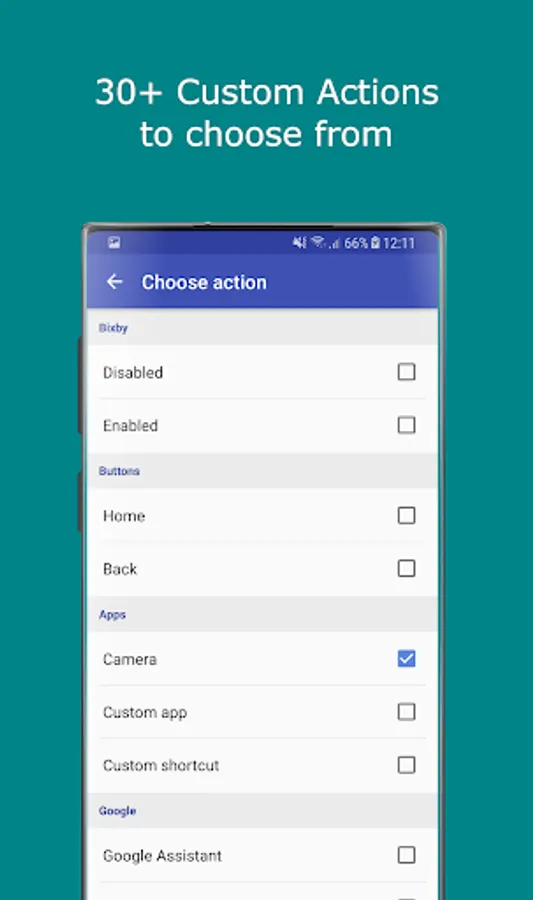
In this remapper app, users can customize side buttons like the Power, S Pen, and Volume buttons to launch actions or apps. Includes support for per app remapping, double press, long press, and various action options.
AppRecs review analysis
AppRecs rating 3.1. Trustworthiness 0 out of 100. Review manipulation risk 0 out of 100. Based on a review sample analyzed.
★★★☆☆
3.1
AppRecs Rating
Ratings breakdown
5 star
41%
4 star
5%
3 star
10%
2 star
9%
1 star
35%
What to know
✓
Authentic reviews
Natural distribution, no red flags
⚠
High negative review ratio
44% of sampled ratings are 1–2 stars
About Power Button Remapper for Sams
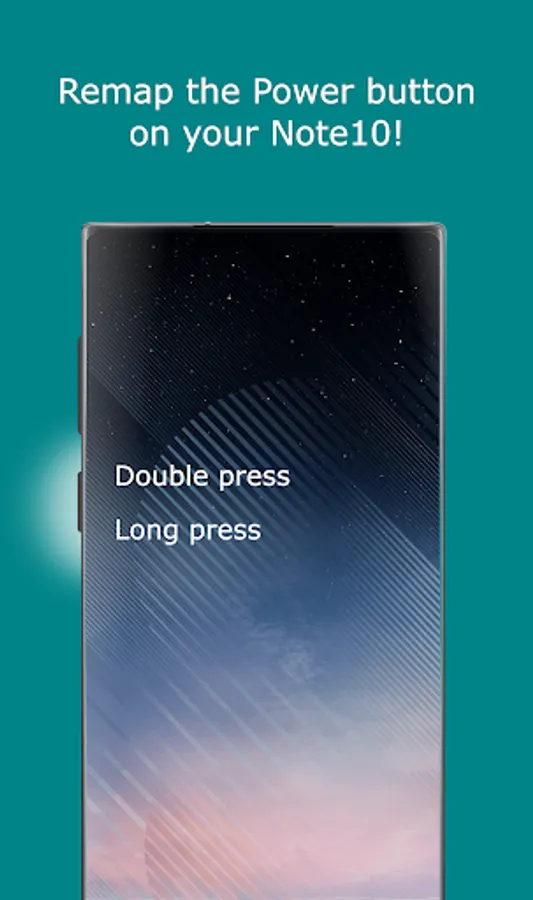
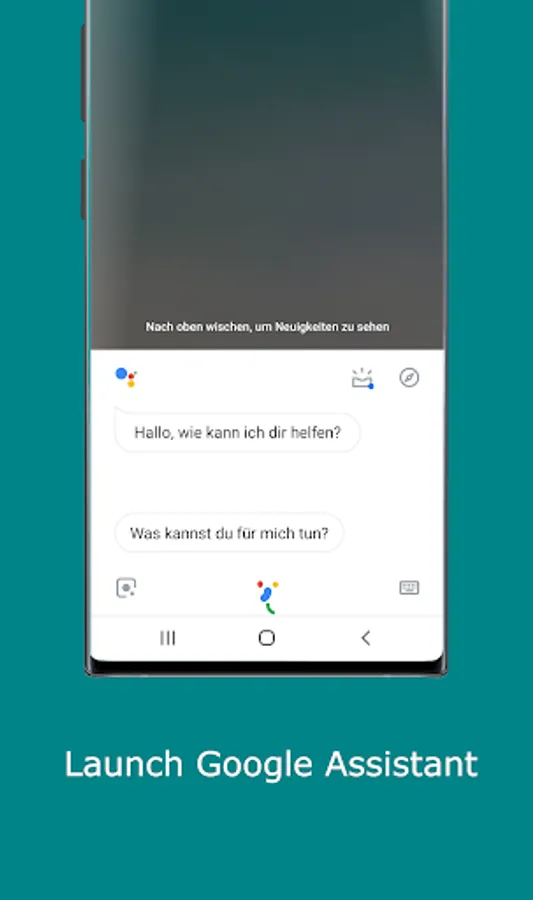
With sideActions you can easily remap the side buttons like the Power, S Pen or Volume buttons on your Galaxy S21, S20 or Note10 to any action or app you like! Use the Power Button to mute your phone, turn on flashlight, launch Google Assistant or take a screenshot with just one click!
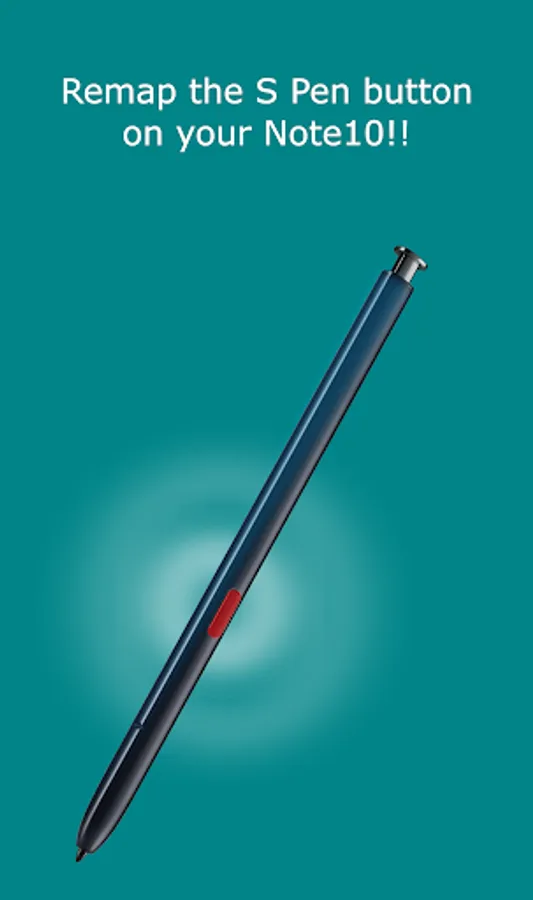
When you remap the S Pen you can remotely turn on the flashlight or use the button to navigate your phone! unlimited possibilities!
Optionally you can remap the volume buttons to Skip tracks when listening to music, or whatever you like!
With per app remapping! Use the Power Button / side key to take pictures in camera apps, take screenshots in browser and start flashlight when the screen is off!
FEATURES:
• Double and long press supported!
• Remap the Power Button on Galaxy S20 or Note10!
• Remap the S Pen button!
• Launch Google Assistant with the Power Button
• Remap the Volume buttons!
• Per app remapping
• Turn on the flashlight with the Power Button
• Disable the Power Button
• Skip tracks with the volume buttons
• High performance! No lags!
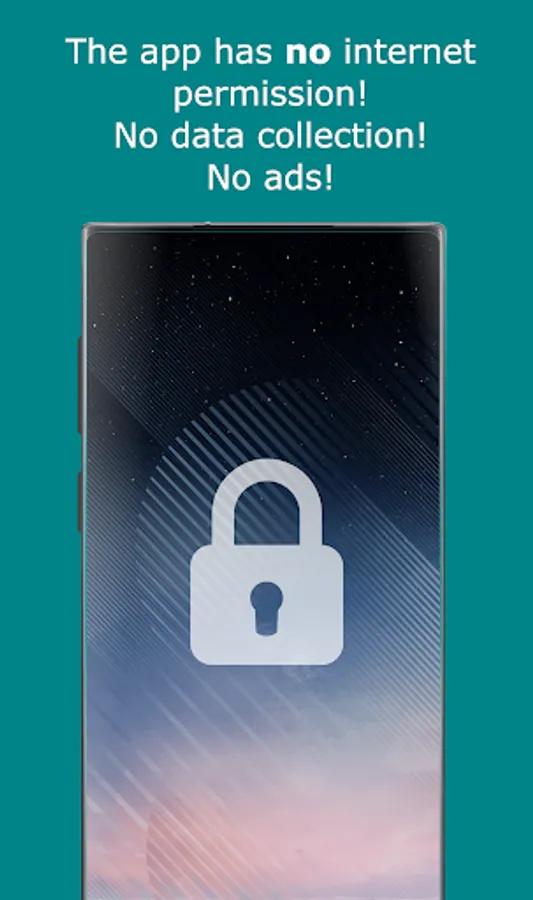
• No annoying ads
ACTIONS:
• Turn on flashlight
• Take a screenshot
• Mute phone
• Answer phone calls
• Launch Google Assistant
• Launch camera or any other app
• Switch to last app
• Disable the Power Button
• 35+ actions
SETUP:
• Please make sure the Power button action is set to open Bixbi.
• You can change this setting in phone settings > advanced features > side key
• Please complete the initial setup of Bixbi to use the sideActions
• To remap the S Pen, a one time setup from PC is needed!
PHONES:
• Galaxy Note 10 / Note 10 + (S Pen)
• Galaxy S21 / S20 / S20 Ultra
NOTES:
• You can remap the Power and S Pen Button / side key on your Galaxy S20 or Note10
• Samsung may block this app with future updates!
• Please check if sideActions is compatible before updating Bixby or phone software!
"Bixby" is a protected trademark of "SAMSUNG ELECTRONICS"
"Galaxy S20 or Note10" is a protected trademark of "SAMSUNG ELECTRONICS"
When you remap the S Pen you can remotely turn on the flashlight or use the button to navigate your phone! unlimited possibilities!
Optionally you can remap the volume buttons to Skip tracks when listening to music, or whatever you like!
With per app remapping! Use the Power Button / side key to take pictures in camera apps, take screenshots in browser and start flashlight when the screen is off!
FEATURES:
• Double and long press supported!
• Remap the Power Button on Galaxy S20 or Note10!
• Remap the S Pen button!
• Launch Google Assistant with the Power Button
• Remap the Volume buttons!
• Per app remapping
• Turn on the flashlight with the Power Button
• Disable the Power Button
• Skip tracks with the volume buttons
• High performance! No lags!
• No annoying ads
ACTIONS:
• Turn on flashlight
• Take a screenshot
• Mute phone
• Answer phone calls
• Launch Google Assistant
• Launch camera or any other app
• Switch to last app
• Disable the Power Button
• 35+ actions
SETUP:
• Please make sure the Power button action is set to open Bixbi.
• You can change this setting in phone settings > advanced features > side key
• Please complete the initial setup of Bixbi to use the sideActions
• To remap the S Pen, a one time setup from PC is needed!
PHONES:
• Galaxy Note 10 / Note 10 + (S Pen)
• Galaxy S21 / S20 / S20 Ultra
NOTES:
• You can remap the Power and S Pen Button / side key on your Galaxy S20 or Note10
• Samsung may block this app with future updates!
• Please check if sideActions is compatible before updating Bixby or phone software!
"Bixby" is a protected trademark of "SAMSUNG ELECTRONICS"
"Galaxy S20 or Note10" is a protected trademark of "SAMSUNG ELECTRONICS"