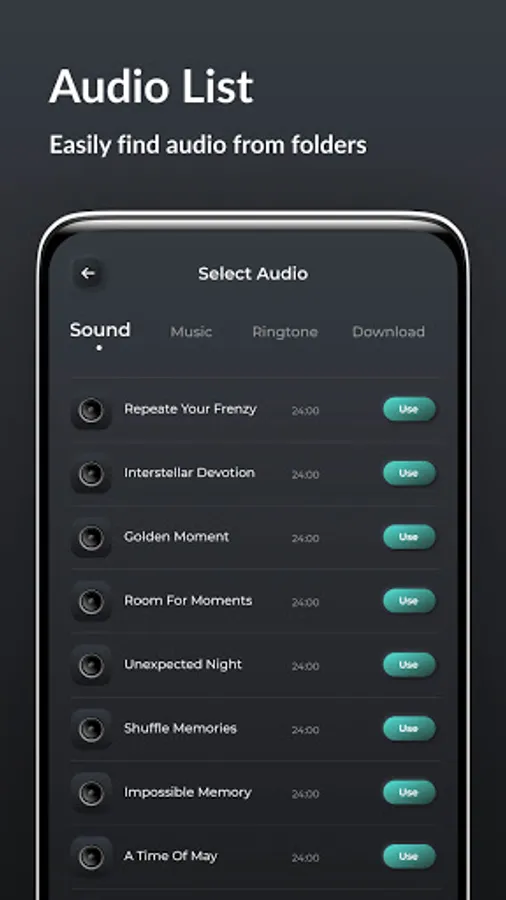
With this audio editing app, you can apply 3D and 8D audio effects, convert files, and modify sound properties. Includes audio conversion, effects application, and noise reduction features.
AppRecs review analysis
AppRecs rating 3.4. Trustworthiness 82 out of 100. Review manipulation risk 26 out of 100. Based on a review sample analyzed.
★★★☆☆
3.4
AppRecs Rating
Ratings breakdown
5 star
53%
4 star
14%
3 star
8%
2 star
6%
1 star
19%
What to know
✓
Low review manipulation risk
26% review manipulation risk
✓
Credible reviews
82% trustworthiness score from analyzed reviews
⚠
Ad complaints
Many low ratings mention excessive ads
About Audio Makeover
8D audio is made by panning audio tracks left to right or right to left with a technique referred to as binaural panning. Convert your audio files to 3D Audio or 8D audio files for creative sound effects. The sound waves move from side to another that can felt easily with 8D audio.
App Features :
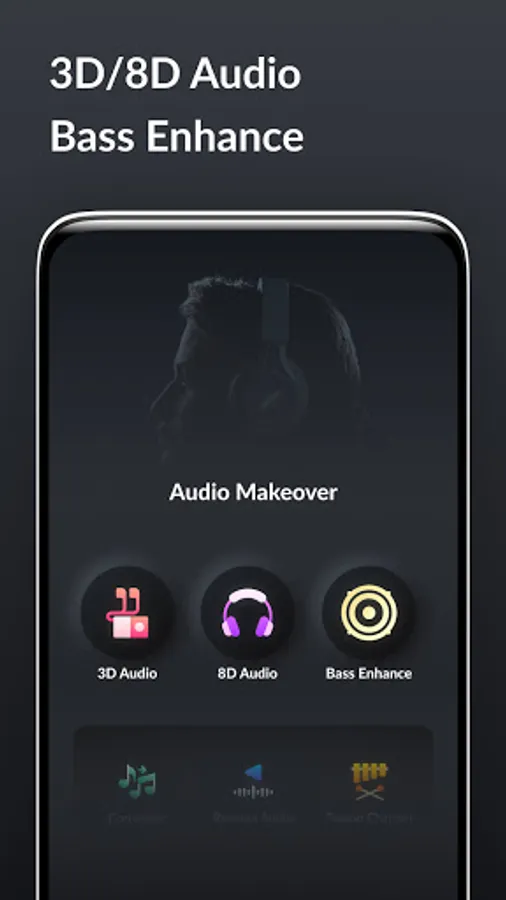
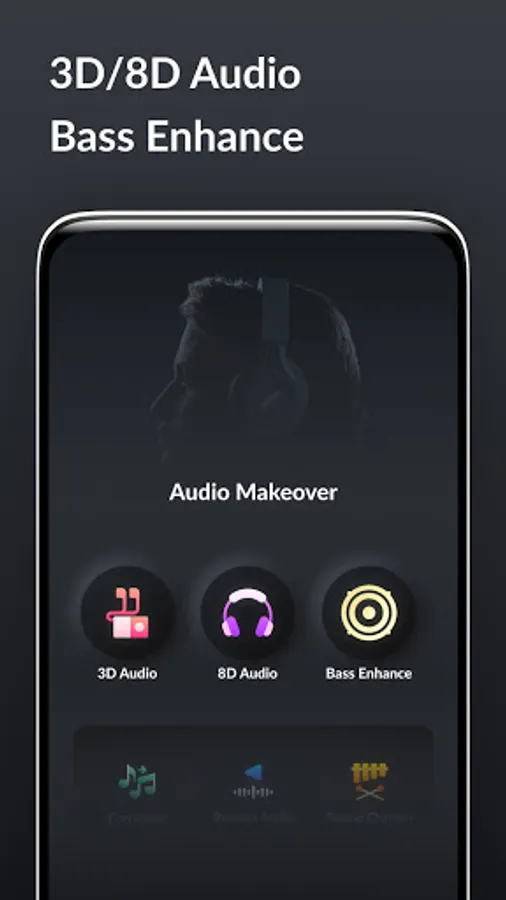
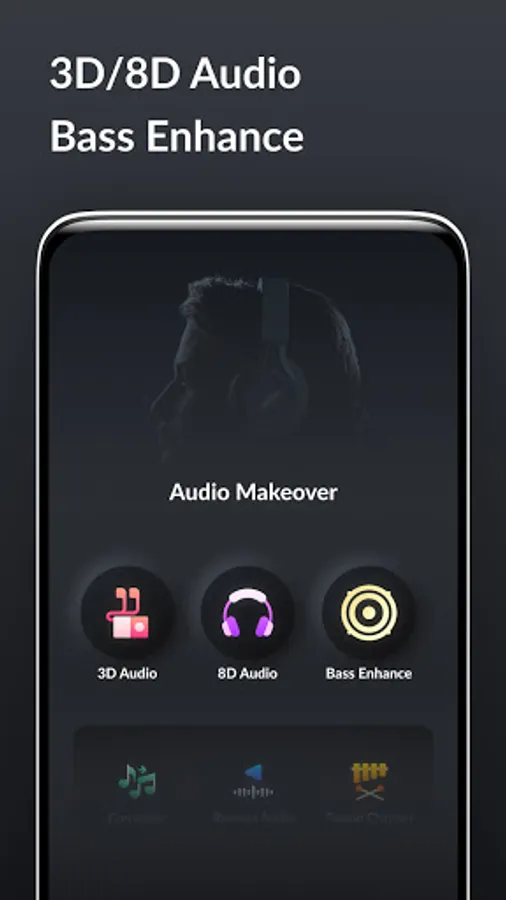
• 3D Audio - Add 3d Audio effect in Audio using 3D Audio.
• 8D Audio - Add 8D Audio effect in Audio using 8D Audio.
• Bass Enhance - Enhance bass of audio with different bass options.
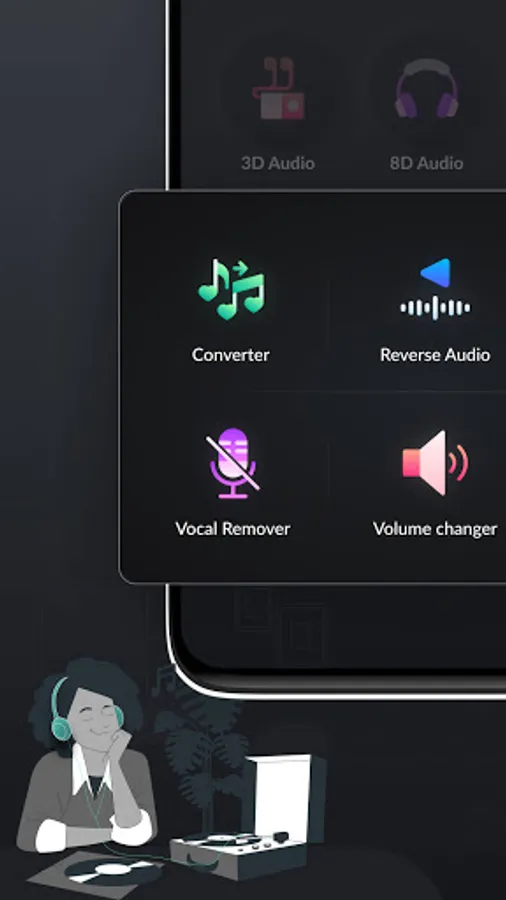
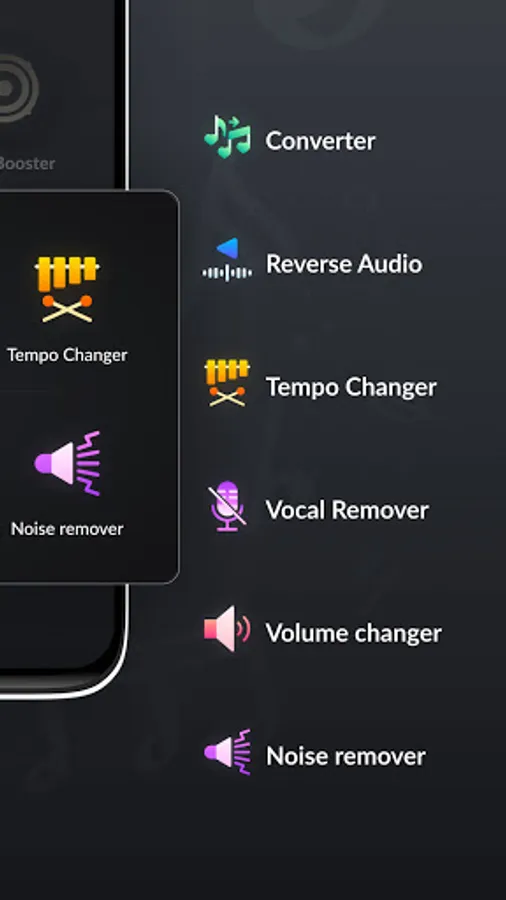
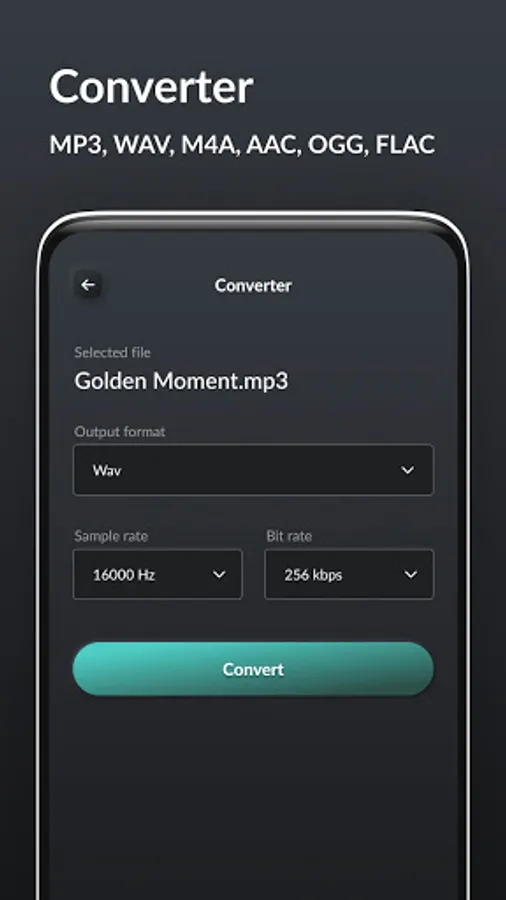
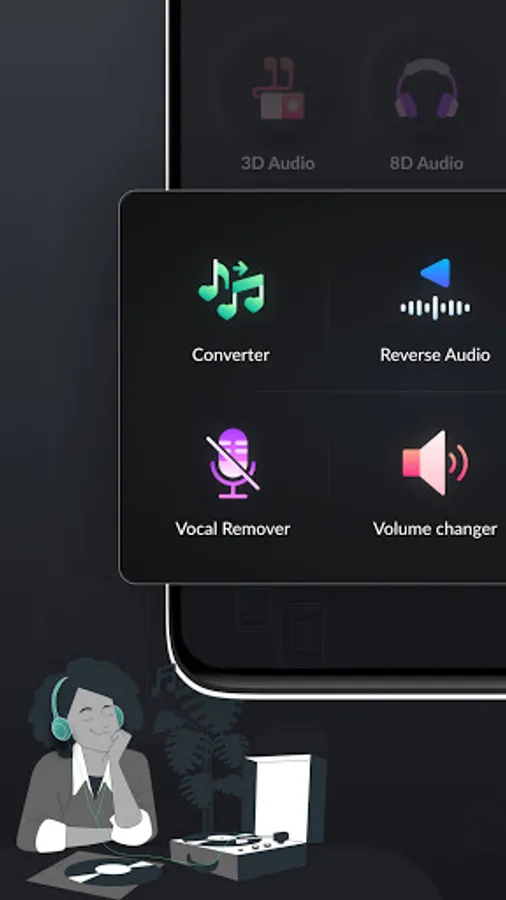
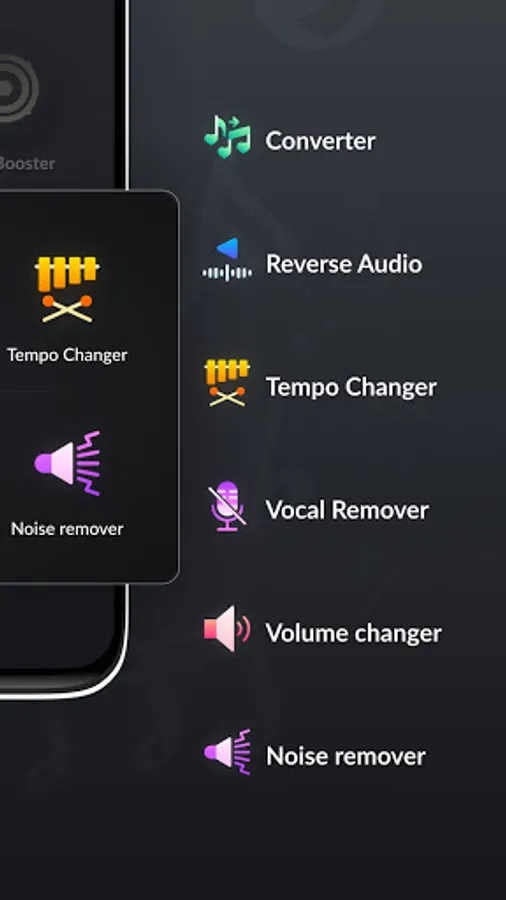
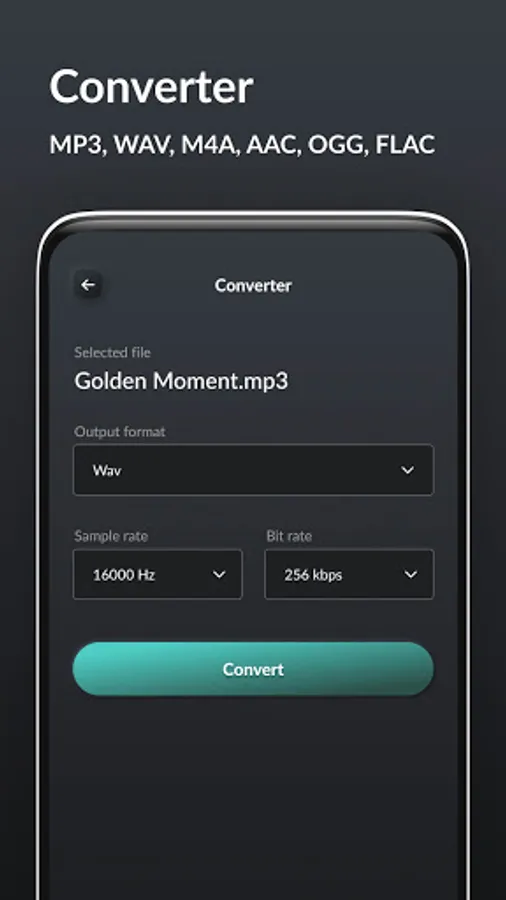
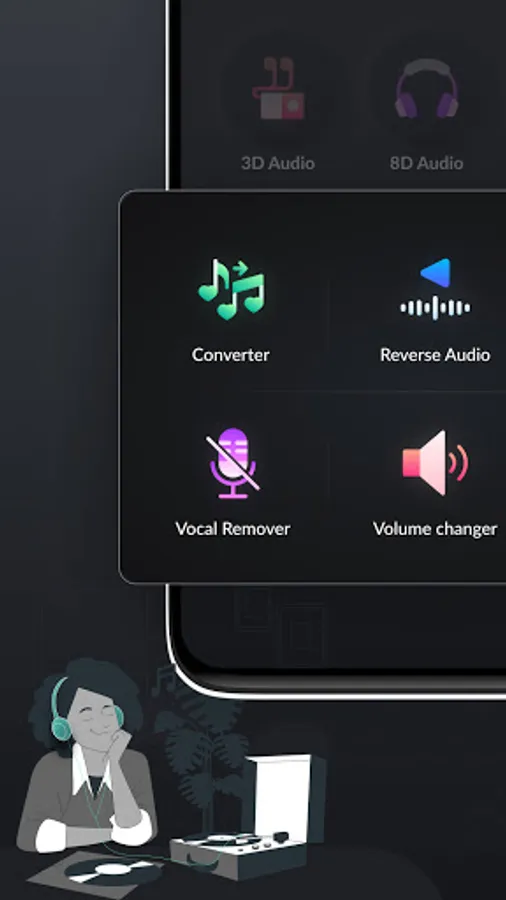
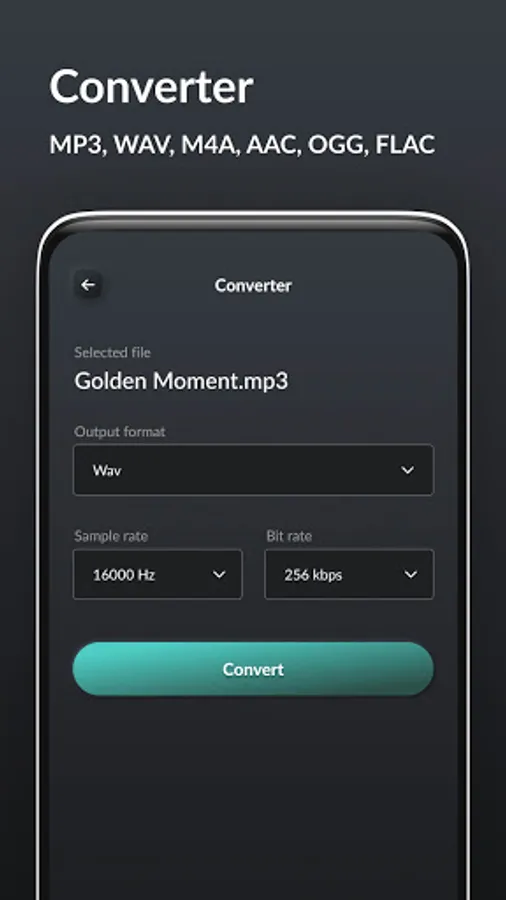
• Audio Converter - Convert Audio with bit rate and sample rate with different options like MP3/ WAV/ M4A/ AAC/ OGG/ FLAC.
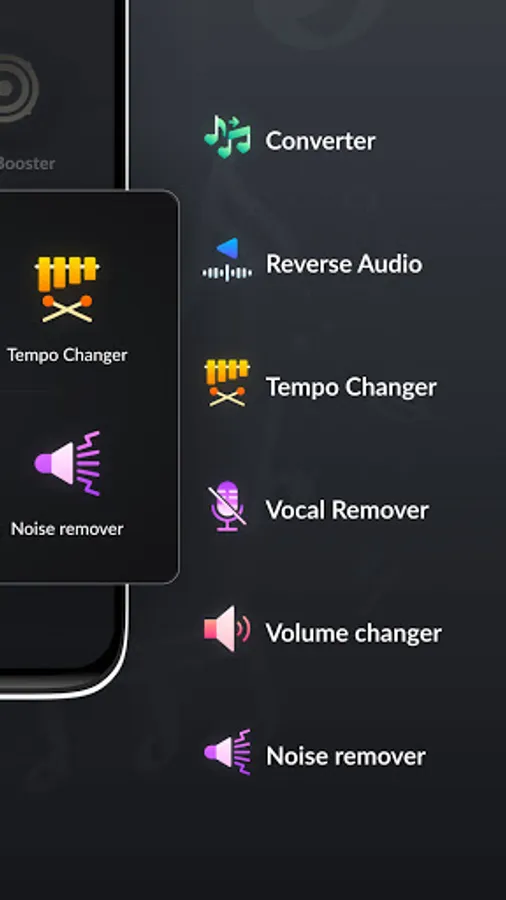
• Reverse Audio - You can reverse the sound of music or generally audio files.
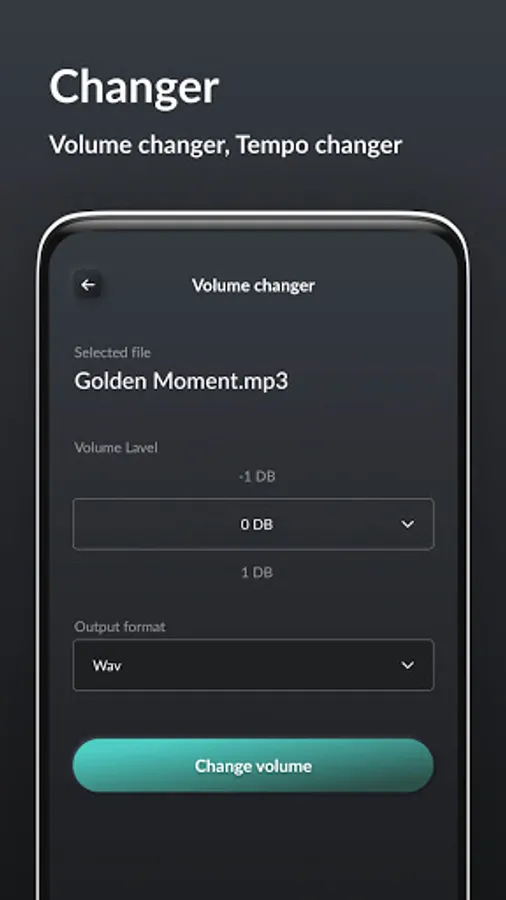
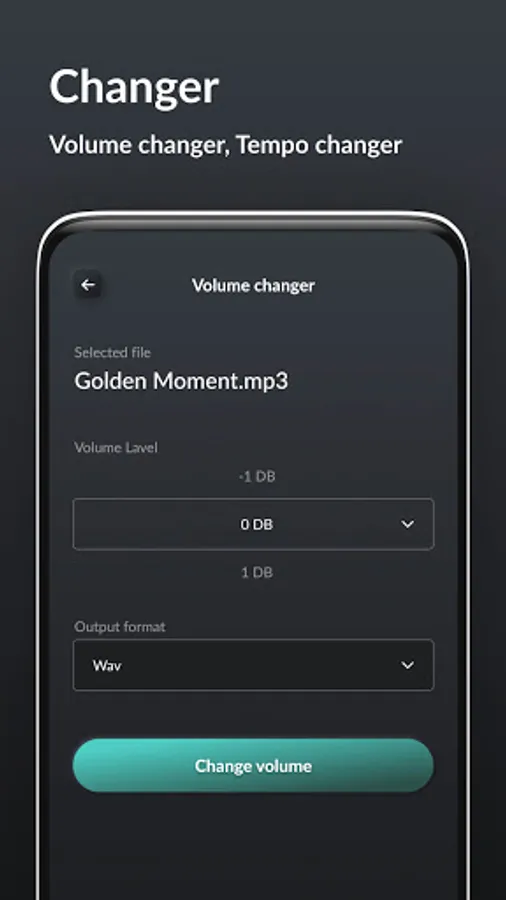
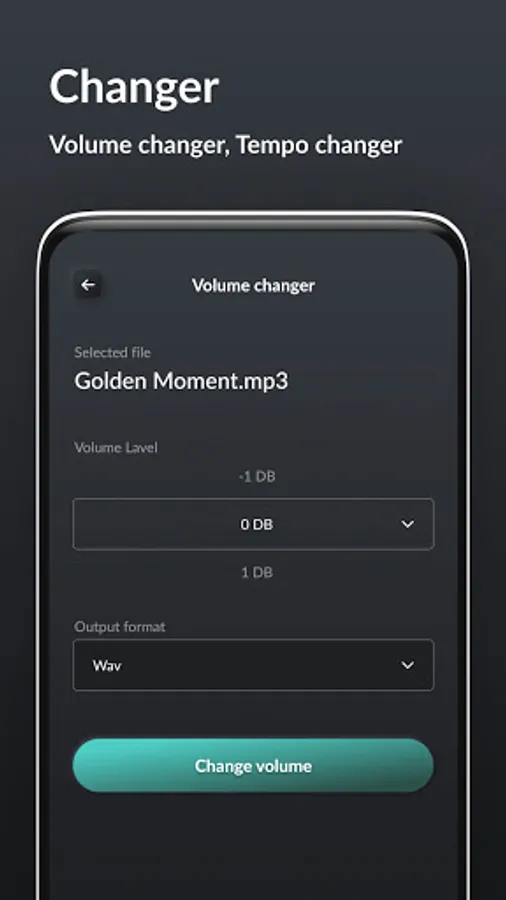
• Tempo Changer - use tempo changer for Speedup or slowdown your audio.
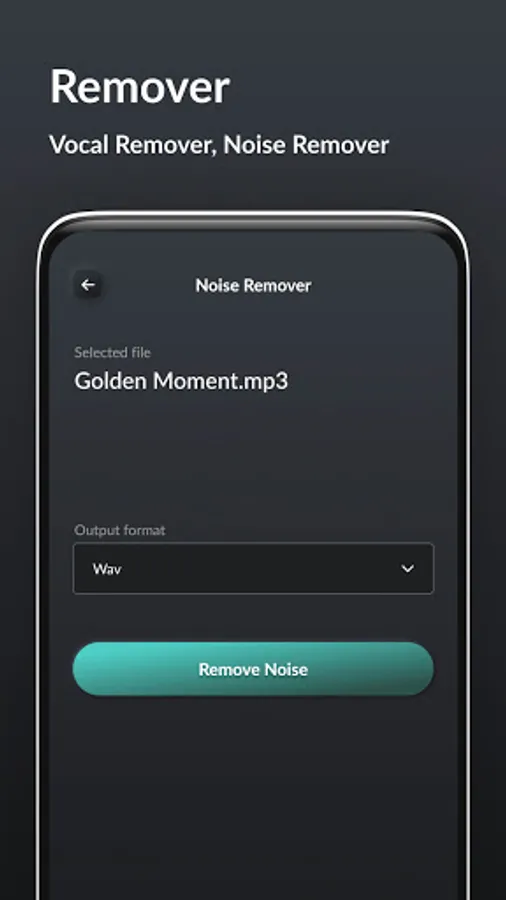
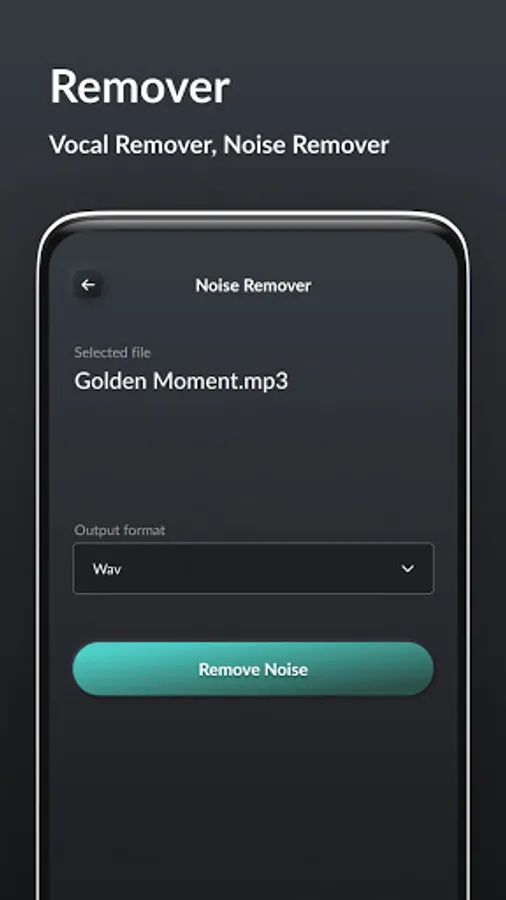
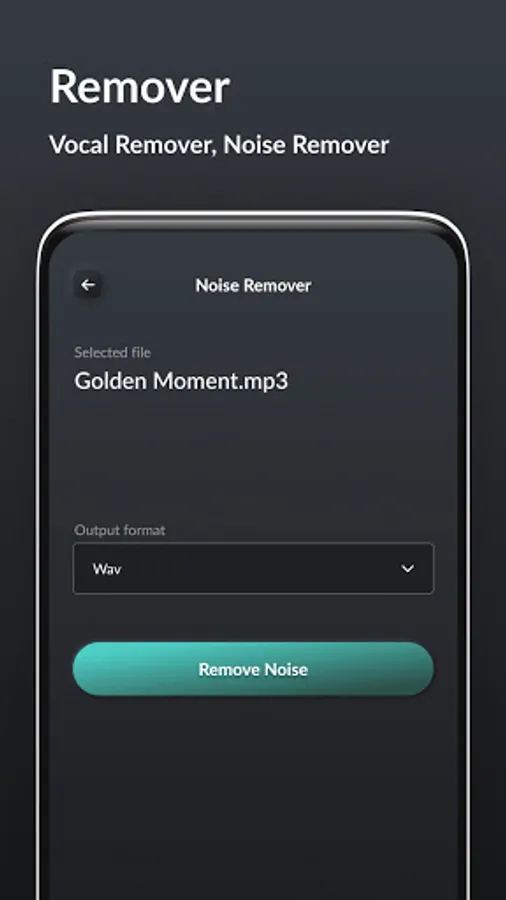
• Vocal Remover - remove vocal from Audio (beta).
• Volume Changer - change the volume of Audio for better experience.
• Noise Reducer - Reduce background noise from Audio for crisp and clear sound.
PERMISSION -> StoragePermission - Storage access require for get and save generated Audio in device.
App Features :
• 3D Audio - Add 3d Audio effect in Audio using 3D Audio.
• 8D Audio - Add 8D Audio effect in Audio using 8D Audio.
• Bass Enhance - Enhance bass of audio with different bass options.
• Audio Converter - Convert Audio with bit rate and sample rate with different options like MP3/ WAV/ M4A/ AAC/ OGG/ FLAC.
• Reverse Audio - You can reverse the sound of music or generally audio files.
• Tempo Changer - use tempo changer for Speedup or slowdown your audio.
• Vocal Remover - remove vocal from Audio (beta).
• Volume Changer - change the volume of Audio for better experience.
• Noise Reducer - Reduce background noise from Audio for crisp and clear sound.
PERMISSION -> StoragePermission - Storage access require for get and save generated Audio in device.
Audio Makeover Screenshots
Tap to Rate:
Reviews for Audio Makeover
John Dyson
12/16/2025
slow sluggish and constantly crashing. rubbish app!
Kino I O
11/27/2025
very good plus I highly recommend