Real-Time FPS Meter & Display
JSK Sol
2.1 ★
3K ratings
1,000,000+
downloads
Free
+ in-app
With this performance monitoring app, you can track FPS rate, screen refresh rate, CPU, and GPU information. Includes customization options for display overlays, appearance, and update intervals.
AppRecs review analysis
AppRecs rating 1.9. Trustworthiness 77 out of 100. Review manipulation risk 24 out of 100. Based on a review sample analyzed.
★☆☆☆☆
1.9
AppRecs Rating
Ratings breakdown
5 star
24%
4 star
1%
3 star
3%
2 star
3%
1 star
69%
What to know
⚠
Ad complaints
Many low ratings mention excessive ads
⚠
Mixed user feedback
Average 2.1★ rating suggests room for improvement
⚠
High negative review ratio
72% of sampled ratings are 1–2 stars
About Real-Time FPS Meter & Display
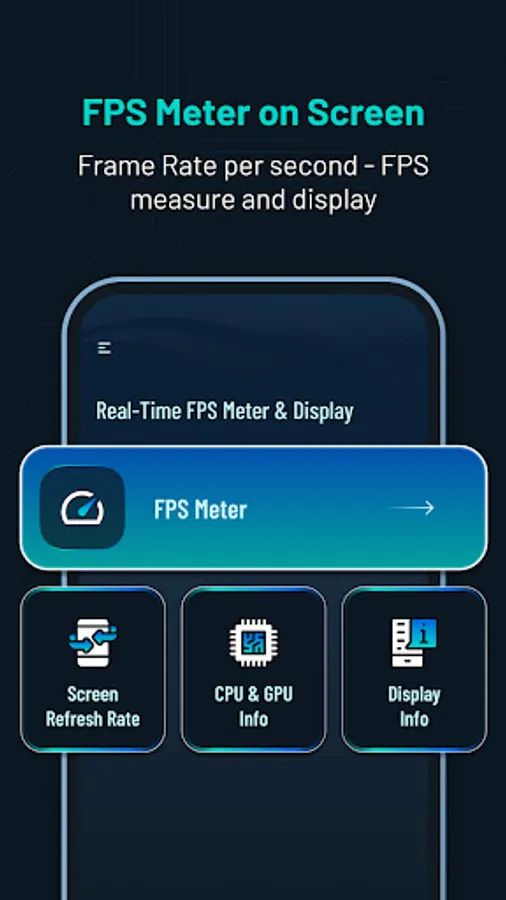
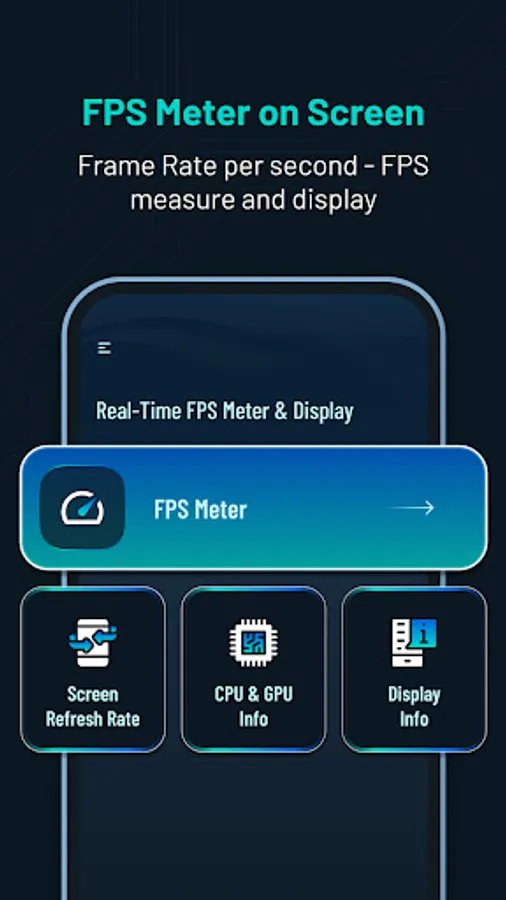
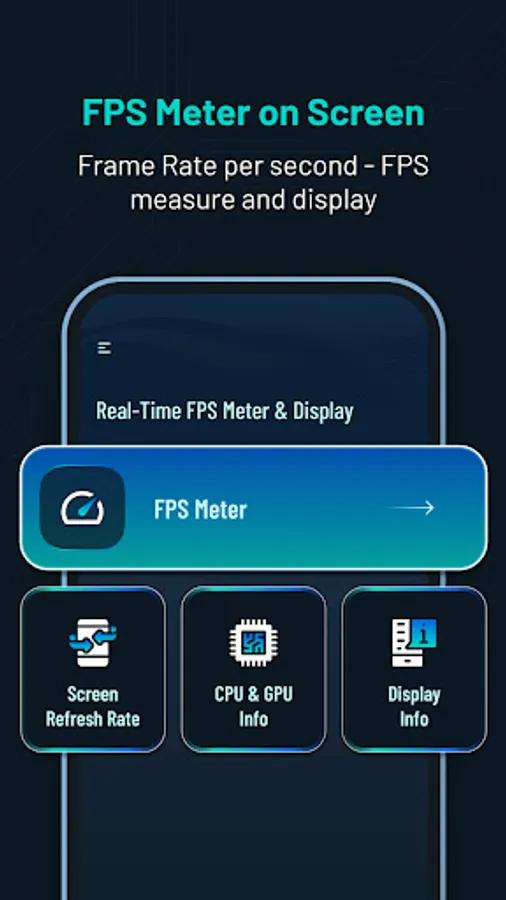
Get real-time performance information and customization for your device. 📲Track FPS rate, screen refresh rate, CPU & GPU info and display details. ⚡️
Main Features:
⏱️FPS Meter Display:
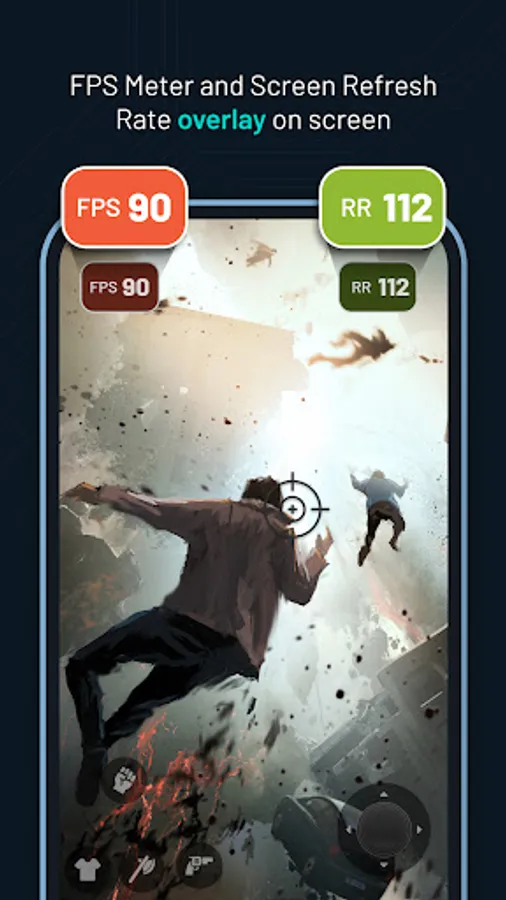
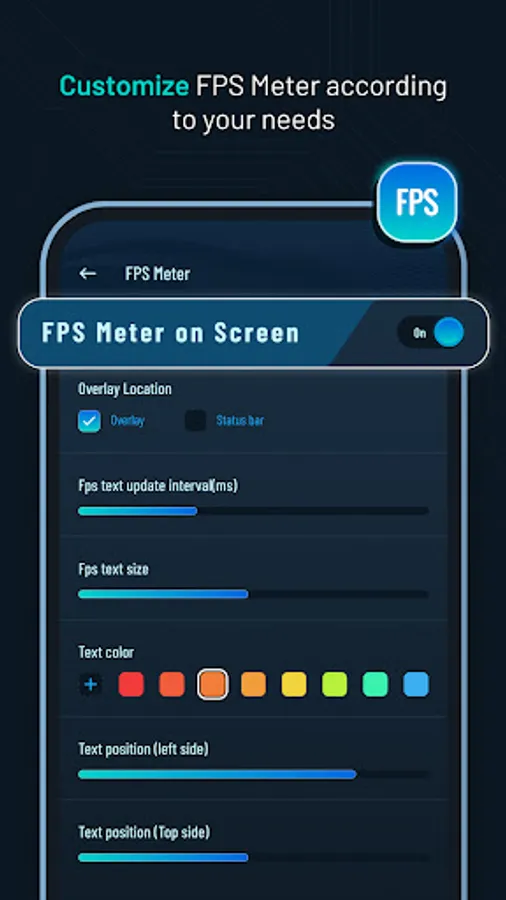
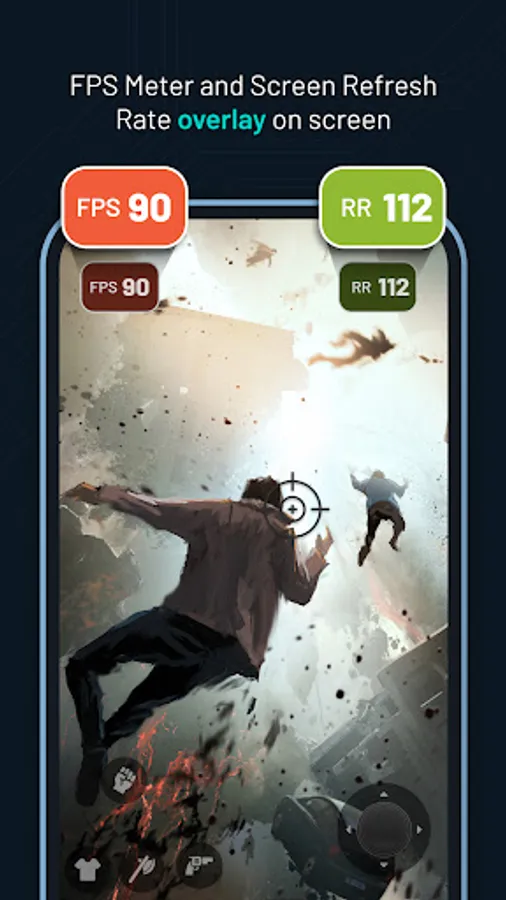
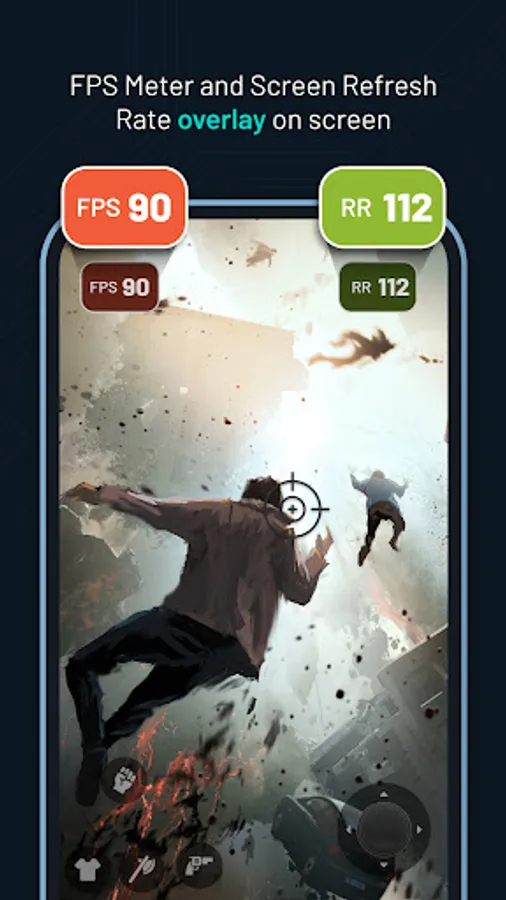
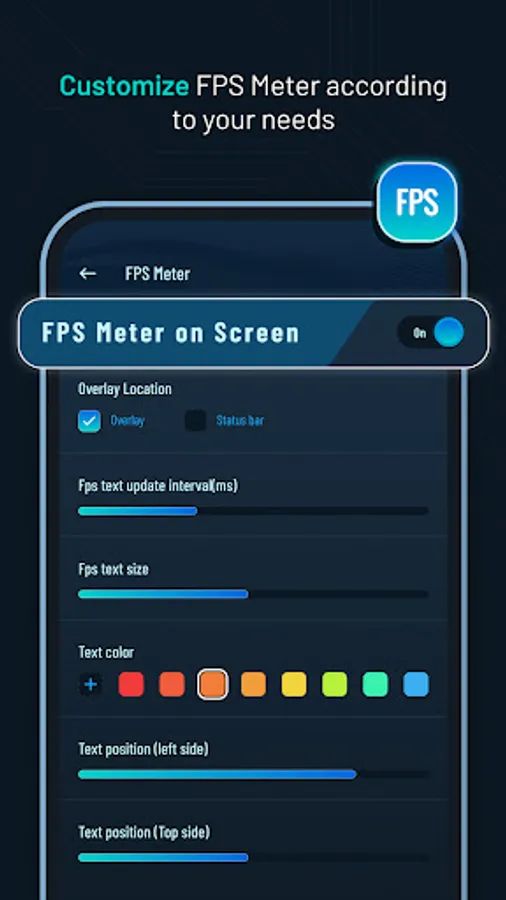
- Display frames per second (FPS) rate🎮 on your screen.
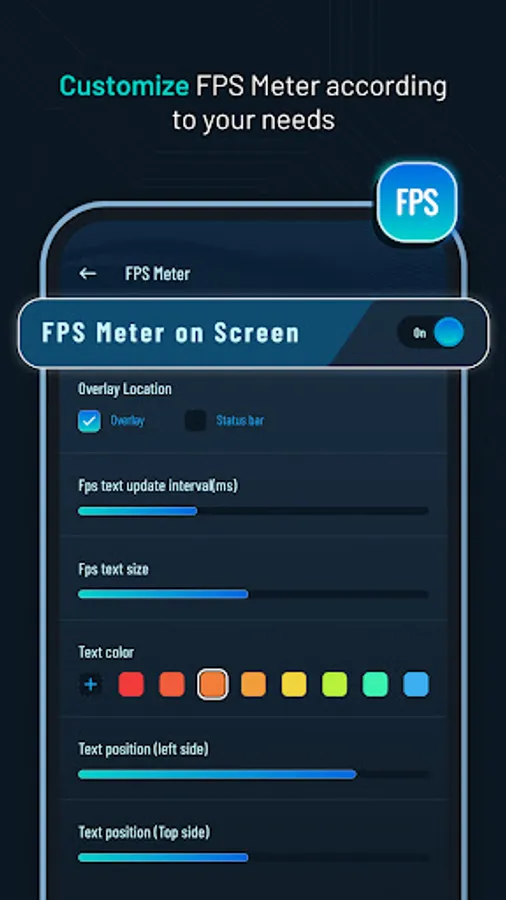
- Customize🎨 the FPS meter's appearance, including overlay and status bar options.
- Set the update interval rate⏱️ for precise monitoring.
- Customize✍️ FPS rate text size, color and position.
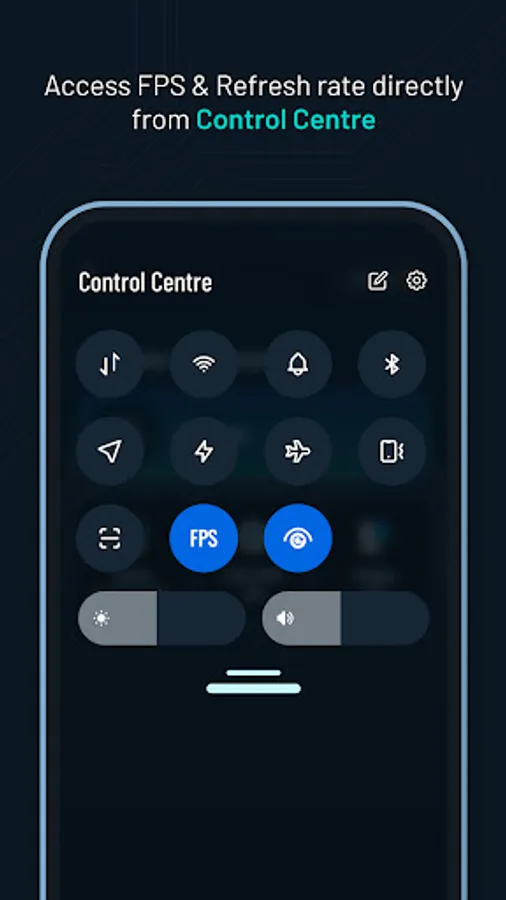
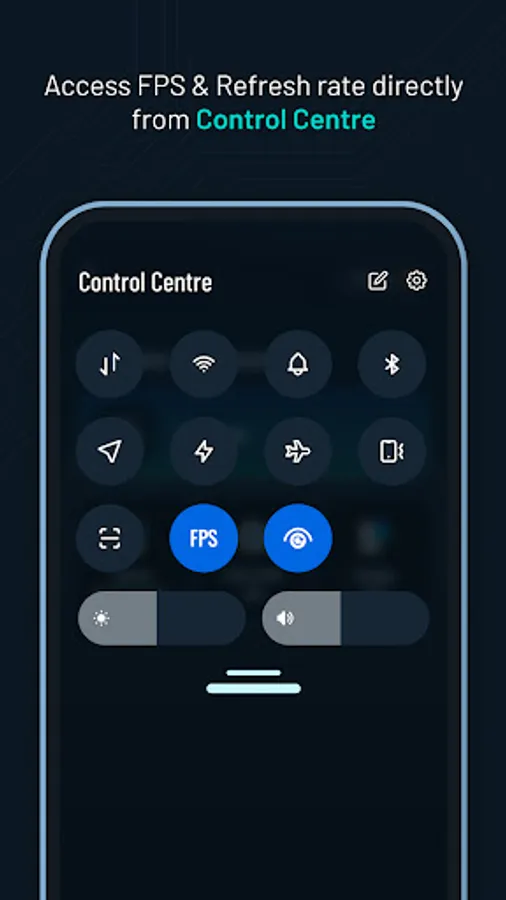
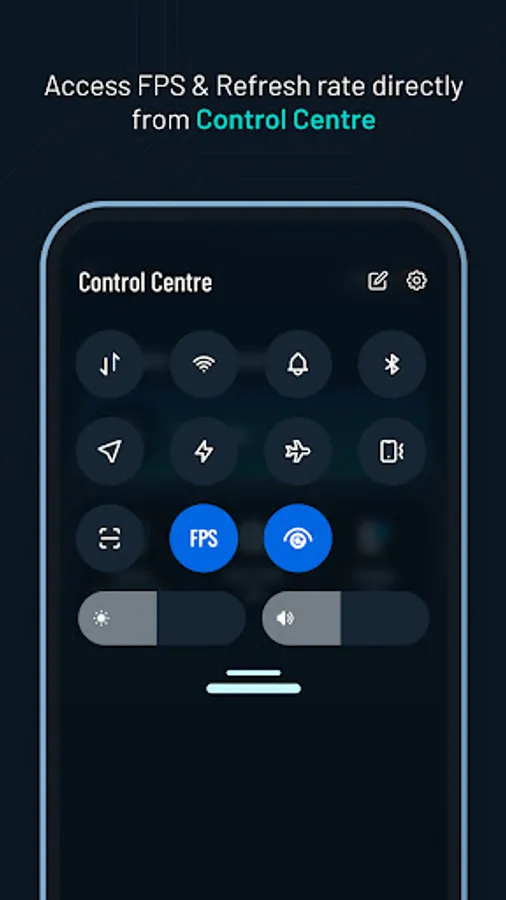
- Easily toggle⚙️ the display of FPS rate on or off from the screen.
🔄Screen Refresh Rate Display:
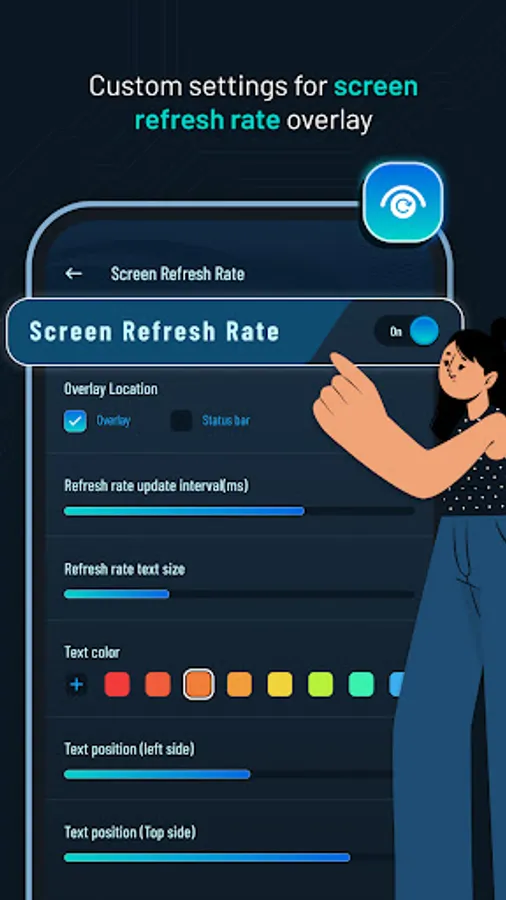
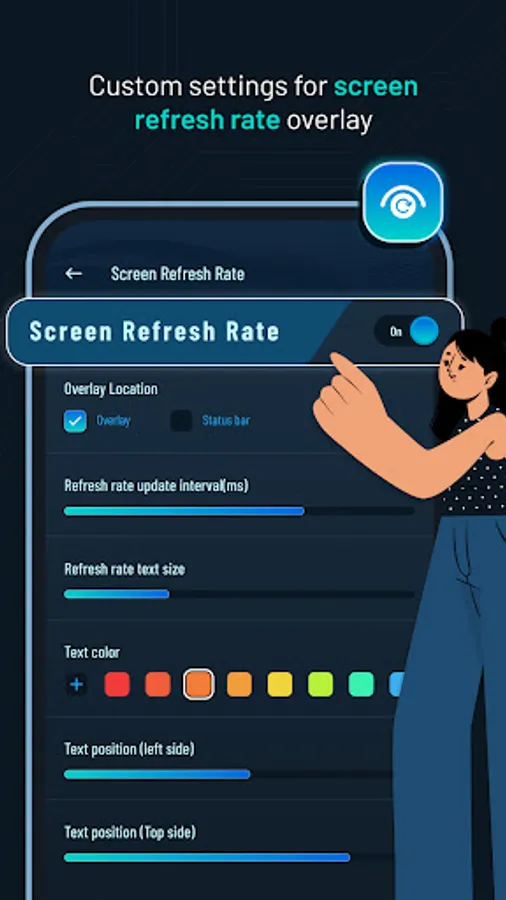
- View the screen refresh rate🔄 on your device's screen.
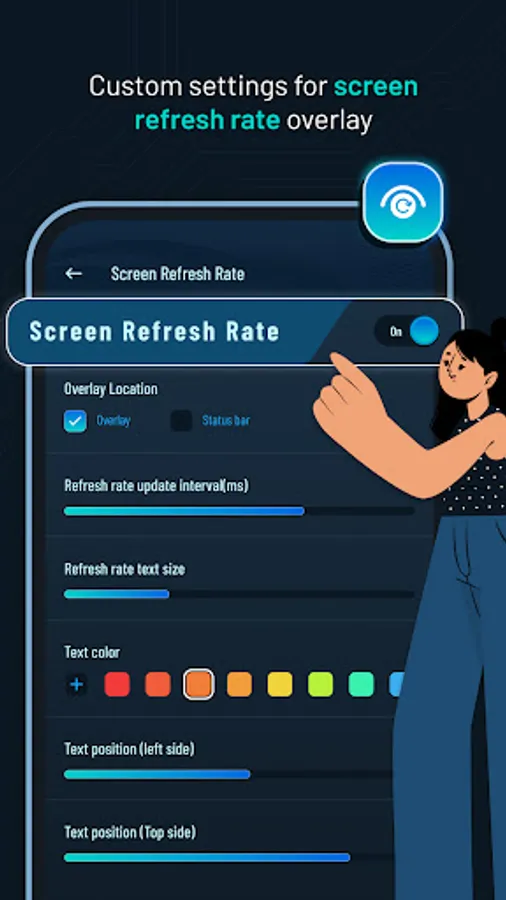
- Customize the appearance of the refresh rate display🎚️, including overlay and status bar options.
- Set the update interval⌛ for accurate monitoring.
- Customize refresh rate text size✏️, color and position.
- Turn on or off the screen rate display from the screen📲.
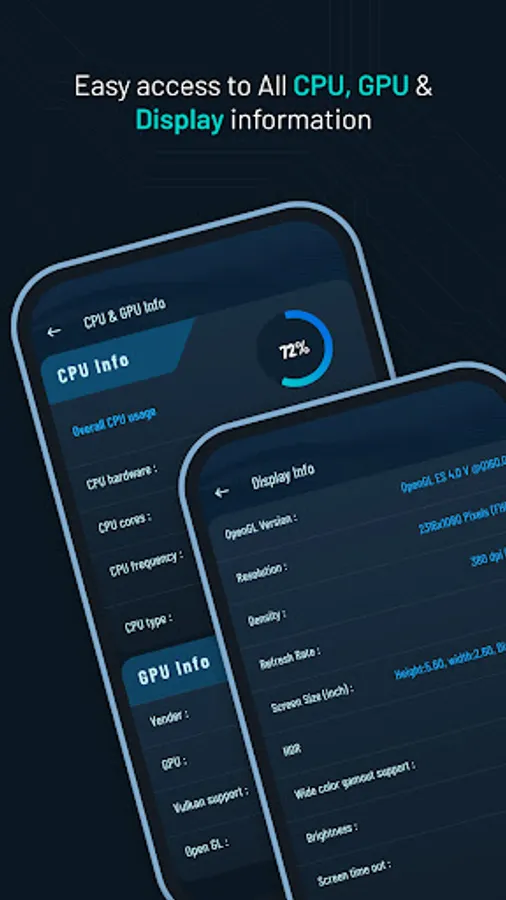
💻CPU & 🎮GPU Info:
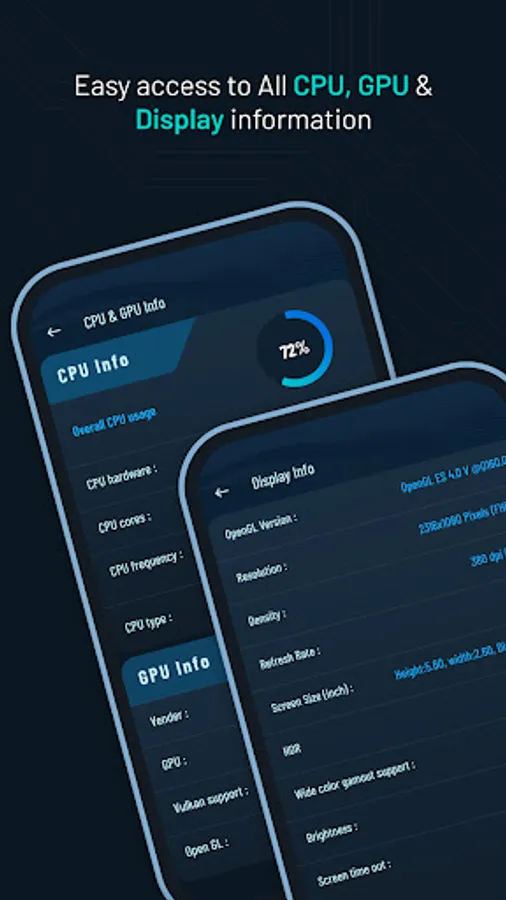
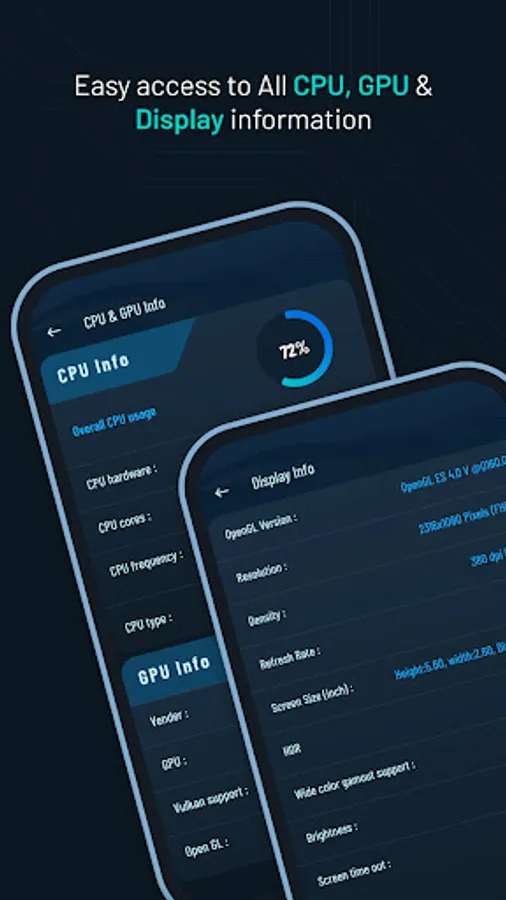
- Access detailed information and specifications about your device's CPU and GPU.
- Gain insights into the capabilities and performance of your CPU and GPU. 💪
🖥️Display Information:
- Explore micro details📊 related to your device's display.
- View information such as OpenGL version 🖥️, resolution, density, refresh rate and more.
Permission :
Overlay permission :To display FPS and Refresh Rate view above other apps, the app requires the Overlay permission.This allows the app to show the information on top of other apps.
Main Features:
⏱️FPS Meter Display:
- Display frames per second (FPS) rate🎮 on your screen.
- Customize🎨 the FPS meter's appearance, including overlay and status bar options.
- Set the update interval rate⏱️ for precise monitoring.
- Customize✍️ FPS rate text size, color and position.
- Easily toggle⚙️ the display of FPS rate on or off from the screen.
🔄Screen Refresh Rate Display:
- View the screen refresh rate🔄 on your device's screen.
- Customize the appearance of the refresh rate display🎚️, including overlay and status bar options.
- Set the update interval⌛ for accurate monitoring.
- Customize refresh rate text size✏️, color and position.
- Turn on or off the screen rate display from the screen📲.
💻CPU & 🎮GPU Info:
- Access detailed information and specifications about your device's CPU and GPU.
- Gain insights into the capabilities and performance of your CPU and GPU. 💪
🖥️Display Information:
- Explore micro details📊 related to your device's display.
- View information such as OpenGL version 🖥️, resolution, density, refresh rate and more.
Permission :
Overlay permission :To display FPS and Refresh Rate view above other apps, the app requires the Overlay permission.This allows the app to show the information on top of other apps.
Real-Time FPS Meter & Display Screenshots
Tap to Rate:
Reviews for Real-Time FPS Meter & Display
Abdullah sahmal141
12/29/2025
very bad and too much adds
Ashley Carnine (Desired)
12/25/2025
unskippable ads