In this photo editing app, users can create clone images and apply split photo effects with adjustable ratios. Includes photo filters, blending options, and image sharing features.
AppRecs review analysis
AppRecs rating 4.1. Trustworthiness 76 out of 100. Review manipulation risk 28 out of 100. Based on a review sample analyzed.
★★★★☆
4.1
AppRecs Rating
Ratings breakdown
5 star
68%
4 star
12%
3 star
3%
2 star
0%
1 star
18%
What to know
✓
Low review manipulation risk
28% review manipulation risk
✓
Credible reviews
76% trustworthiness score from analyzed reviews
✓
High user satisfaction
79% of sampled ratings are 4+ stars (4.1★ average)
About Split Camera
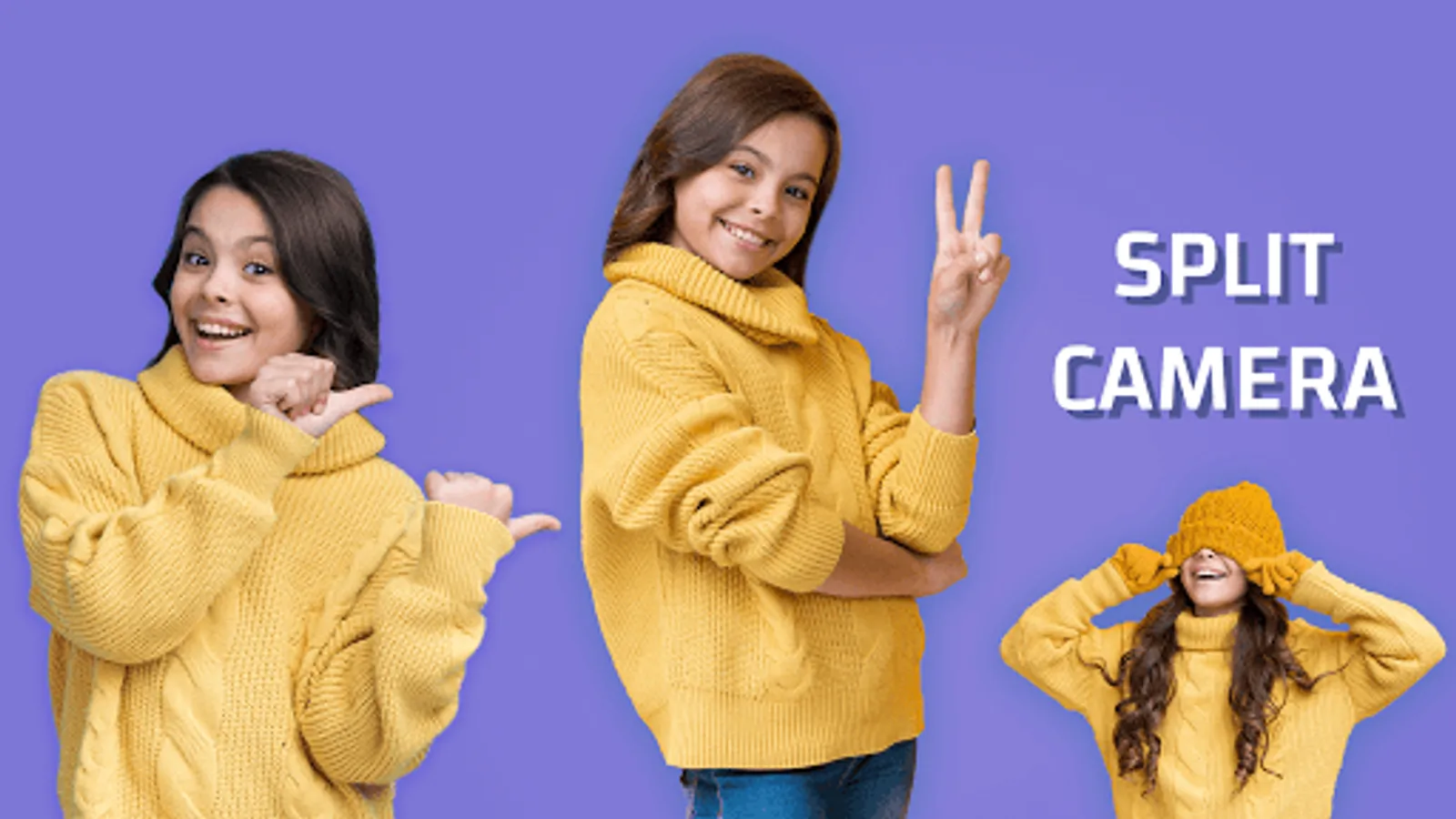
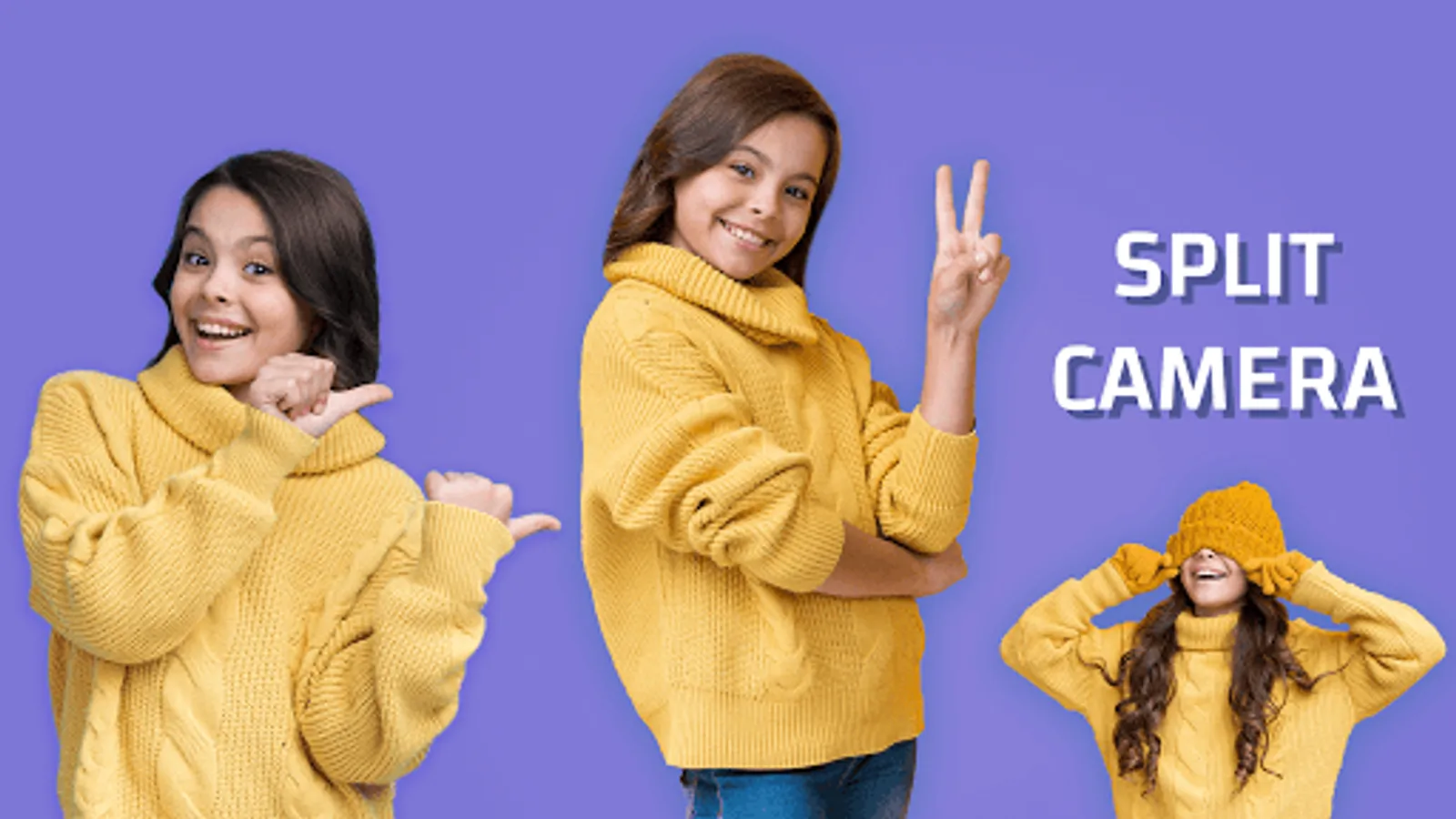
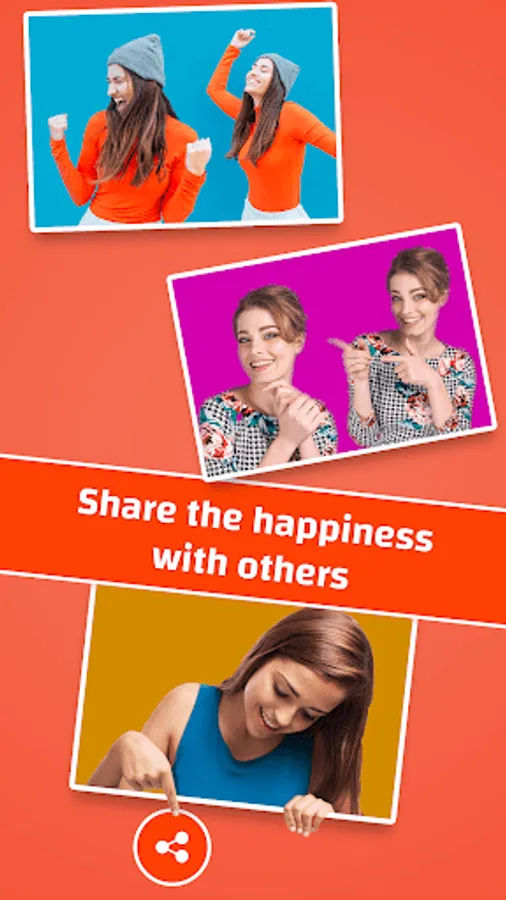
Cloning a photo made easy with this Split Camera app. Use split camera to face swap photos or make multiple clones in one picture.
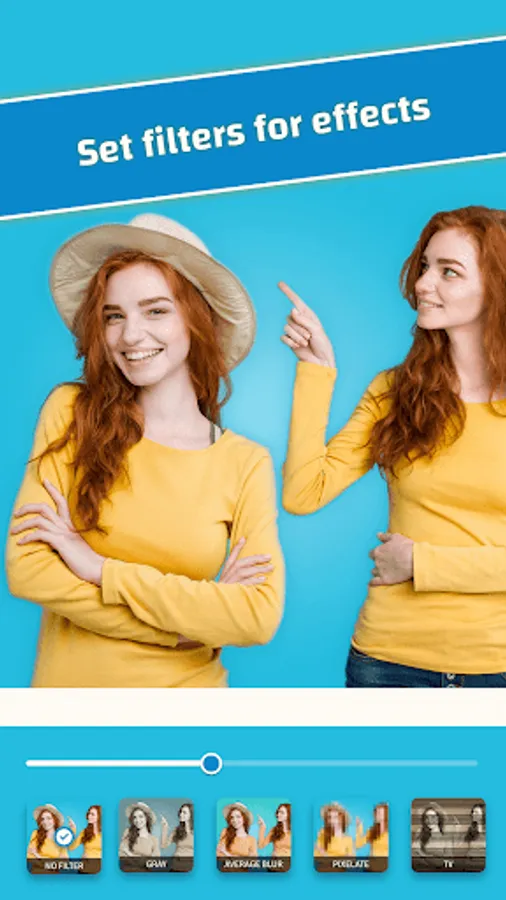
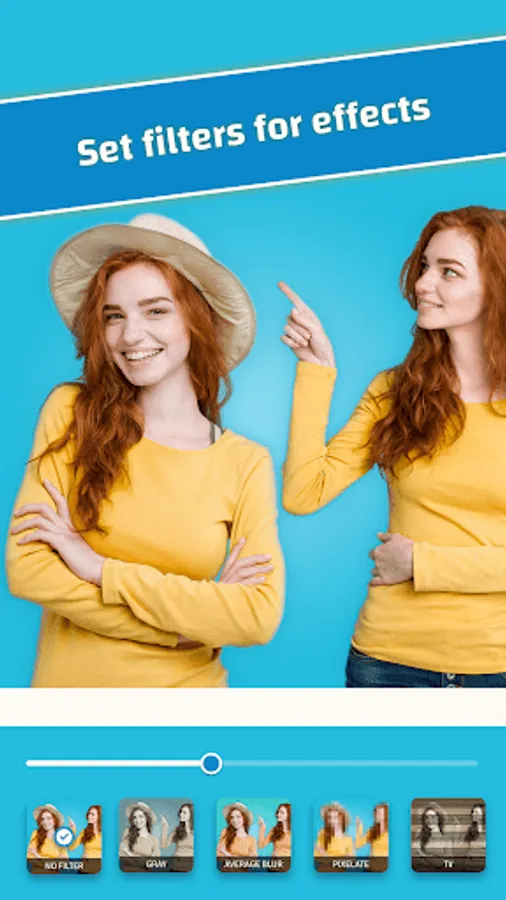
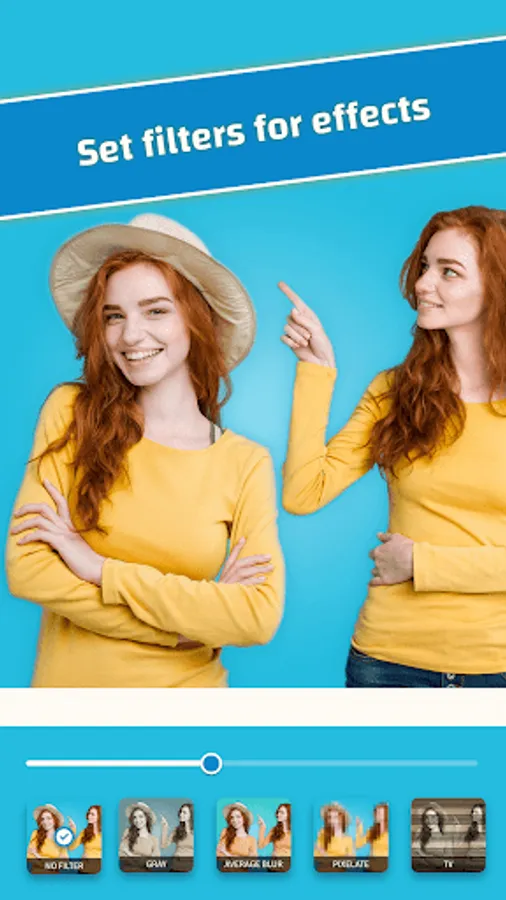
With split camera you cannot limit your imagination and make very interesting photos. Special split photo effects are predefined for you apply. Also cool photo filters available to make split camera photos look very interesting.
You can make a clone of yourself or anyone else by just following some easy steps.
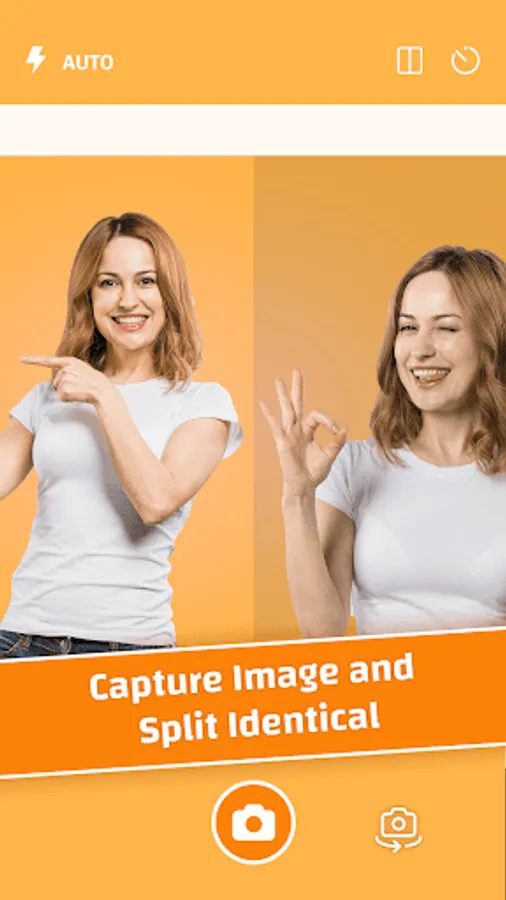
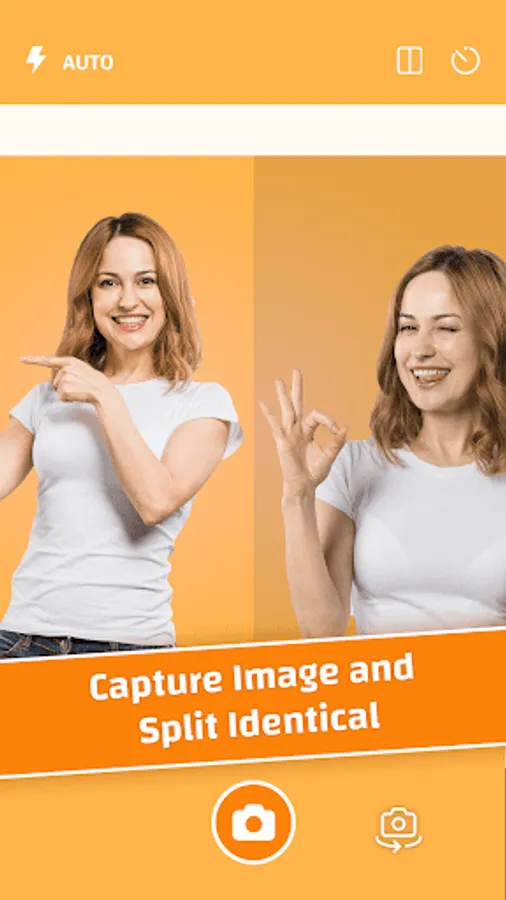
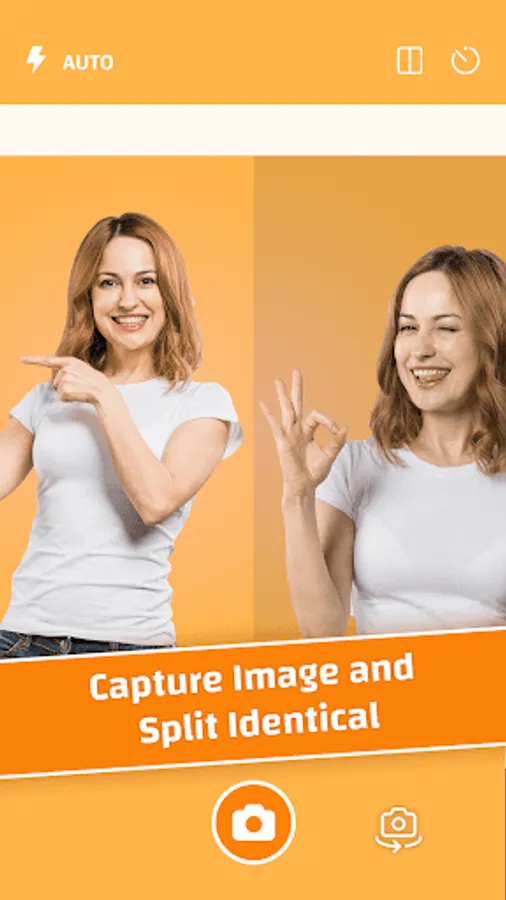
- Capture two different images by using this split camera.
- Blend two images with flexible ratio as you like.
- Edit your image using photo editing tools like add text, filters etc,.
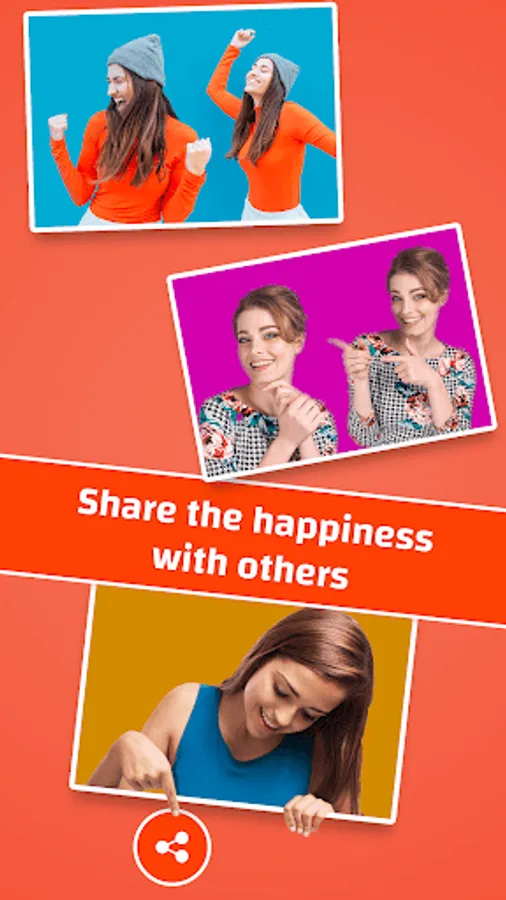
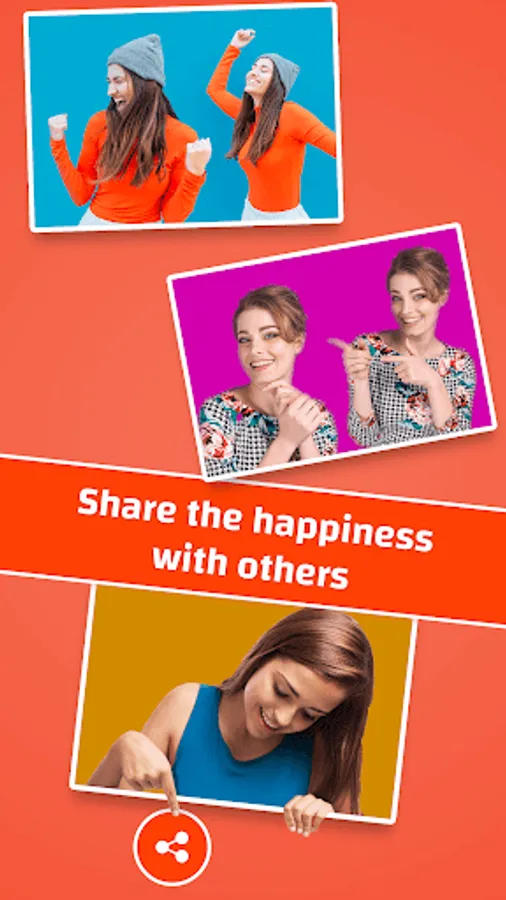
- Save and share the captured image on social media.
App Main Features:
# Camera options
- Live Split camera view - horizontal or vertical - with flexible ratio for both the split view - You can move view by dragging fingers.
- Capture your own shots using self click timer.
- Flash & switch front back camera options available.
# Captured Image Options
- Blending - Blend two image to make it look natural.
- Filters : Cool filters to make photo look real & interesting.
- Save image in app and share it on social media.
- Saved images can be managed within the app itself like - list, view, delete, share, preview etc.
Split Camera is easy to use and fun to create clone images of yourself or others.
# Permissions :
CAMERA - to use device camera and capture.
READ & WRITE_EXTERNAL_STORAGE - to save and display captured images in device.
With split camera you cannot limit your imagination and make very interesting photos. Special split photo effects are predefined for you apply. Also cool photo filters available to make split camera photos look very interesting.
You can make a clone of yourself or anyone else by just following some easy steps.
- Capture two different images by using this split camera.
- Blend two images with flexible ratio as you like.
- Edit your image using photo editing tools like add text, filters etc,.
- Save and share the captured image on social media.
App Main Features:
# Camera options
- Live Split camera view - horizontal or vertical - with flexible ratio for both the split view - You can move view by dragging fingers.
- Capture your own shots using self click timer.
- Flash & switch front back camera options available.
# Captured Image Options
- Blending - Blend two image to make it look natural.
- Filters : Cool filters to make photo look real & interesting.
- Save image in app and share it on social media.
- Saved images can be managed within the app itself like - list, view, delete, share, preview etc.
Split Camera is easy to use and fun to create clone images of yourself or others.
# Permissions :
CAMERA - to use device camera and capture.
READ & WRITE_EXTERNAL_STORAGE - to save and display captured images in device.
Split Camera Screenshots
Tap to Rate:
Reviews for Split Camera
Pradeep Sinha
10/5/2025
Very Practical
Tutu Nath
8/8/2025
excellent