GPS Field Area Measure
JSK Sol
3.5 ★
3K ratings
1,000,000+
downloads
Free
+ in-app
AppRecs review analysis
AppRecs rating 3.2. Trustworthiness 78 out of 100. Review manipulation risk 33 out of 100. Based on a review sample analyzed.
★★★☆☆
3.2
AppRecs Rating
Ratings breakdown
5 star
50%
4 star
9%
3 star
6%
2 star
9%
1 star
26%
What to know
✓
Credible reviews
78% trustworthiness score from analyzed reviews
⚠
Ad complaints
Many low ratings mention excessive ads
⚠
High negative review ratio
35% of sampled ratings are 1–2 stars
About GPS Field Area Measure
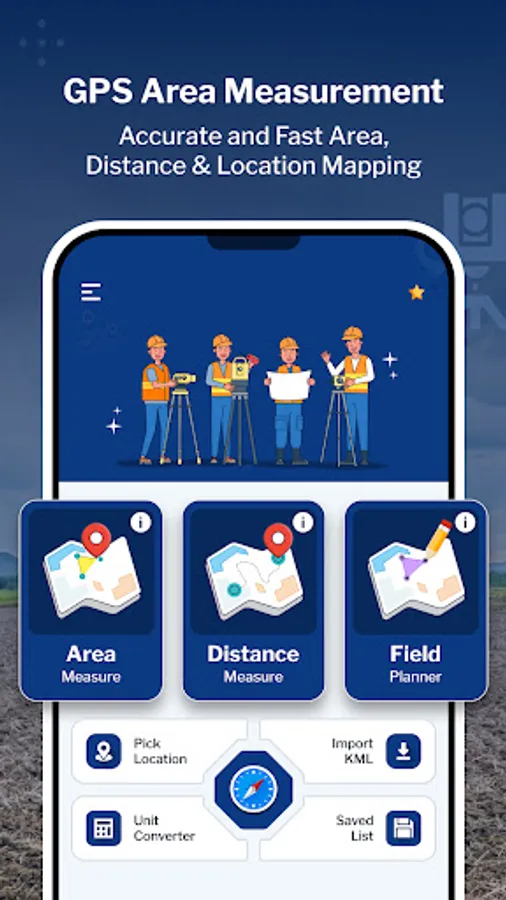
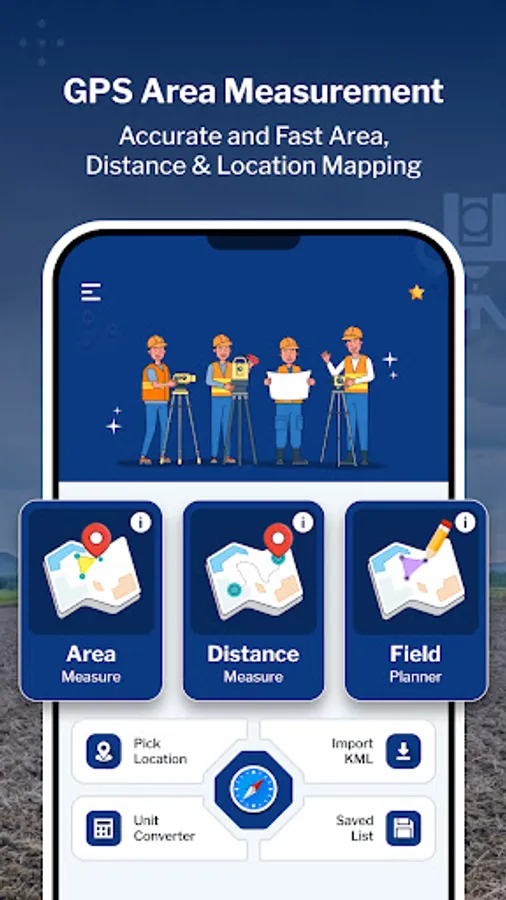
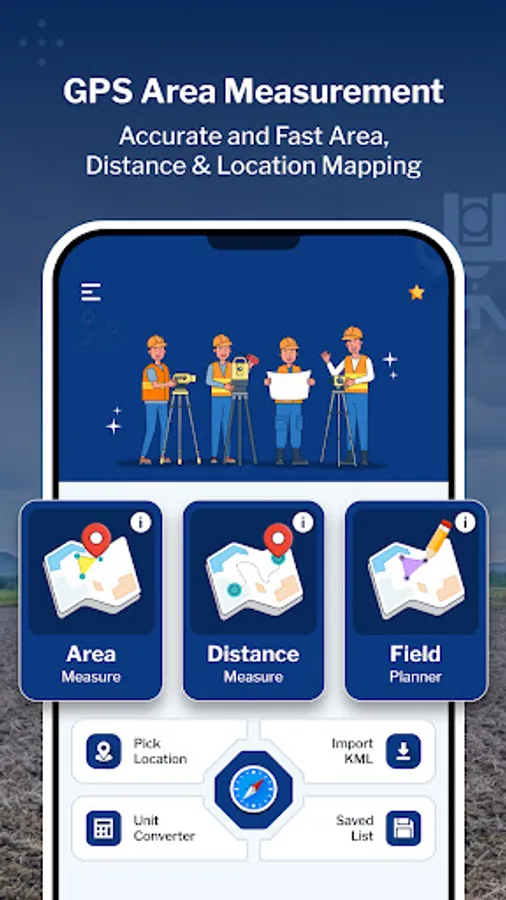
Improve your measurements with GPS Field Area Measure. This app helps you accurately measure areas and distances, pick locations, and generate KML reports. Whether you're surveying land, planning projects, or simply exploring new territories, This app has you covered.
Key Features:
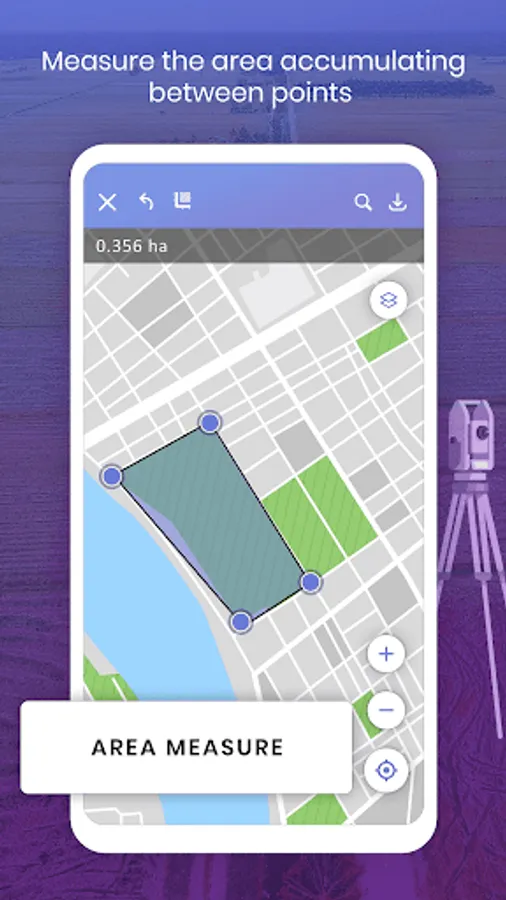
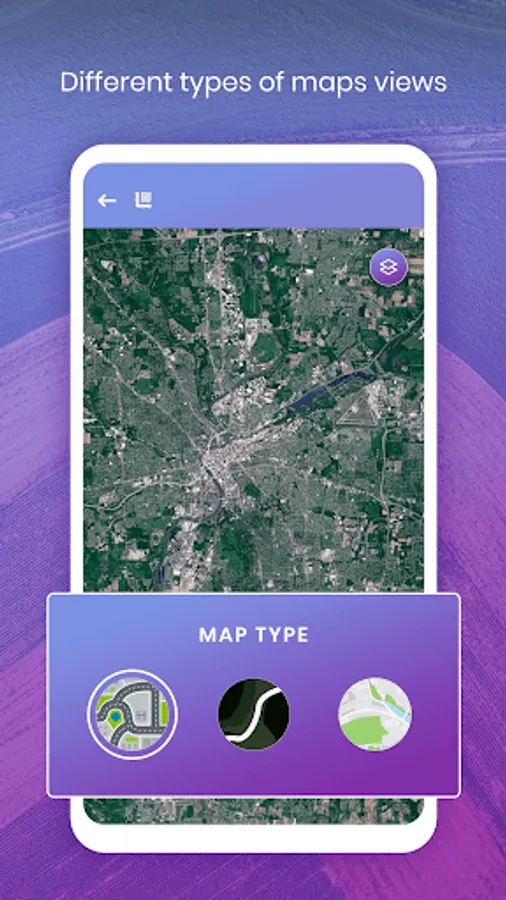
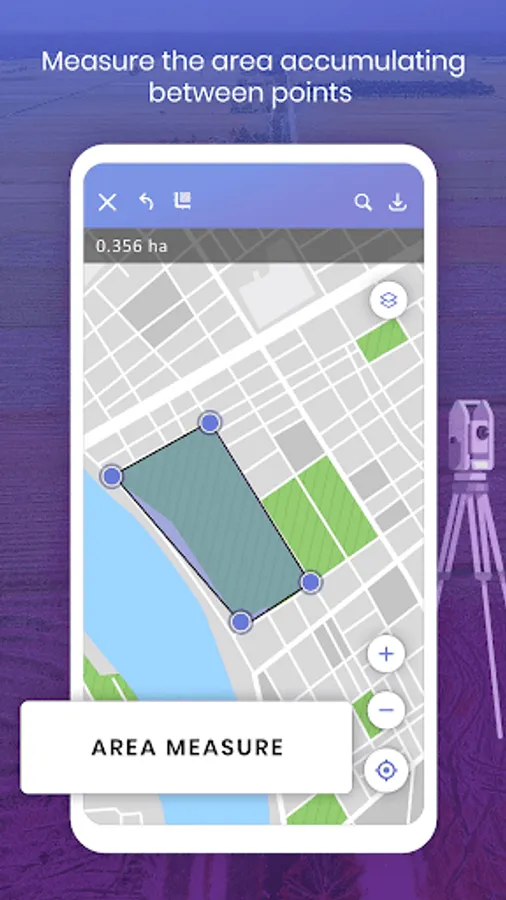
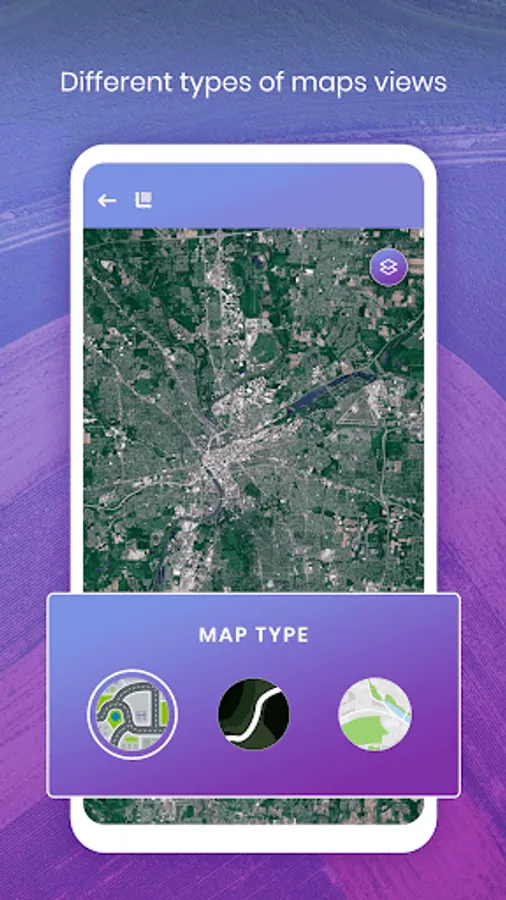
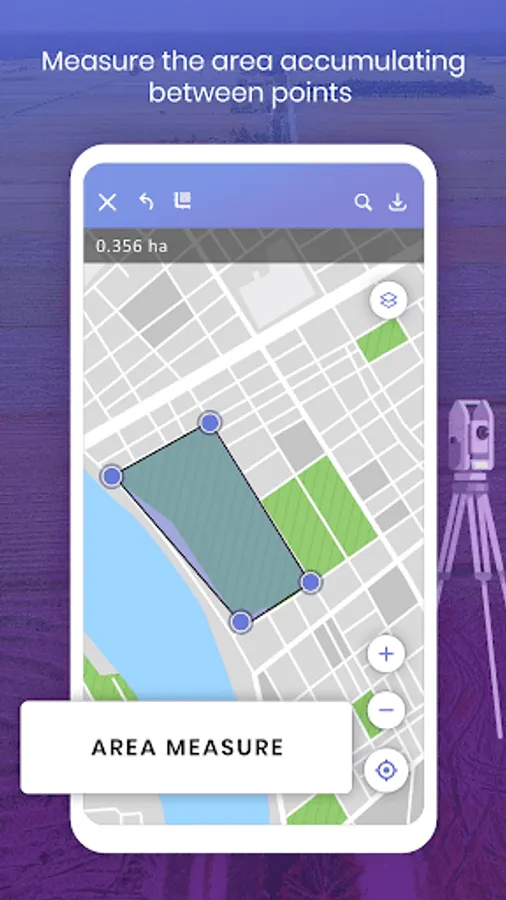
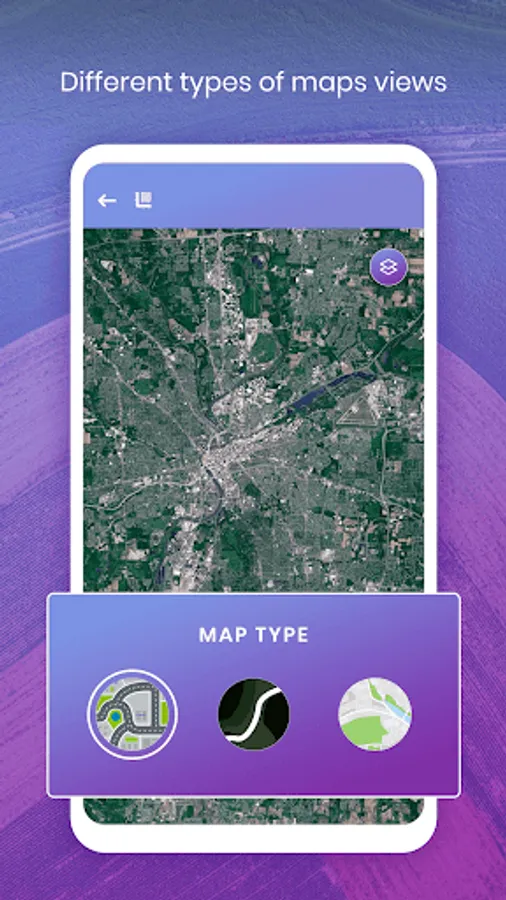
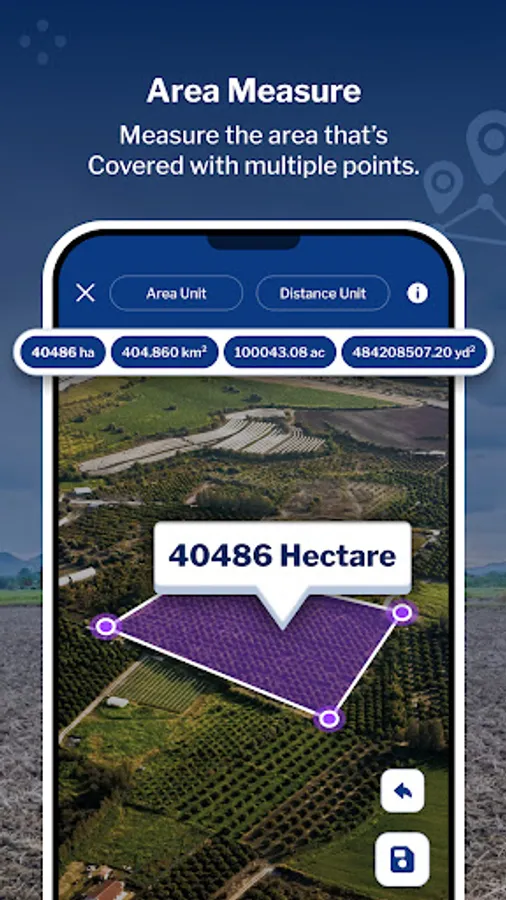
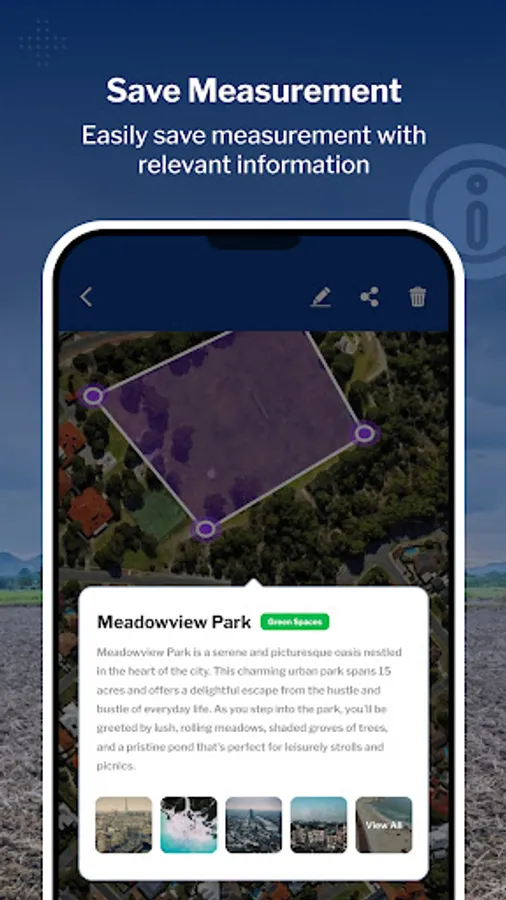
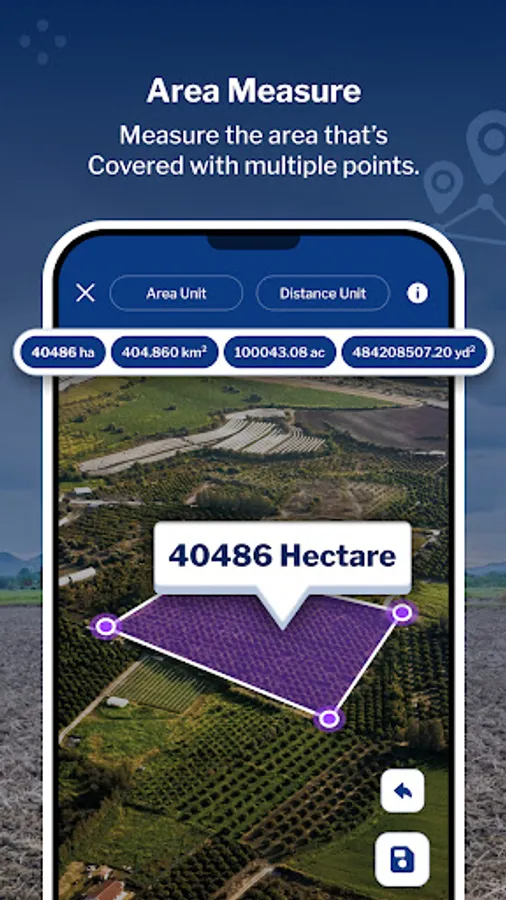
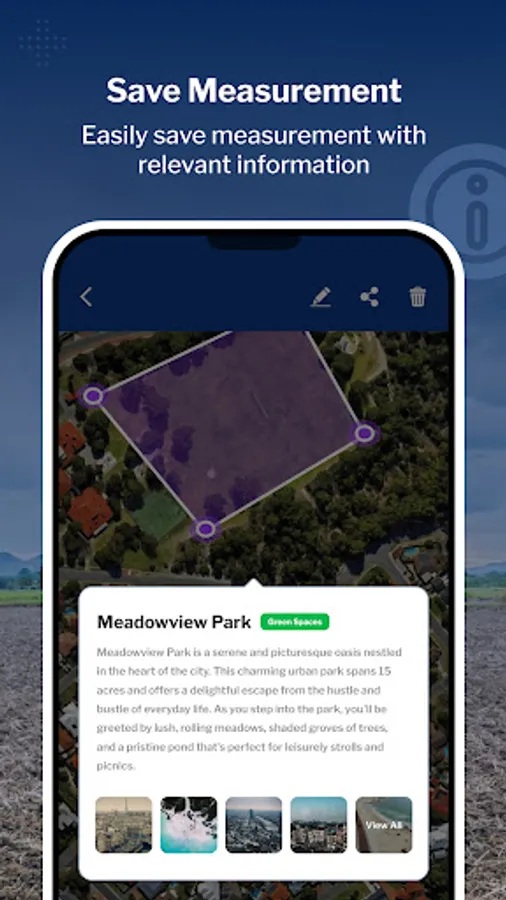
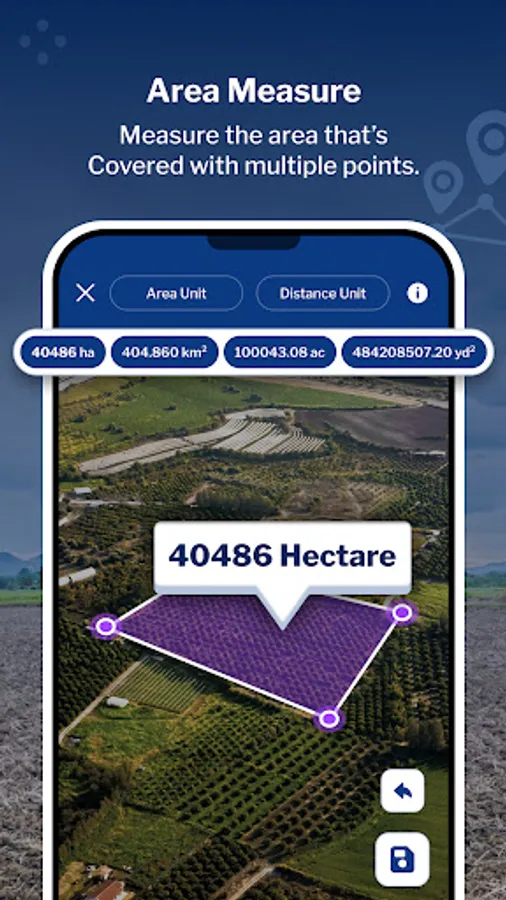
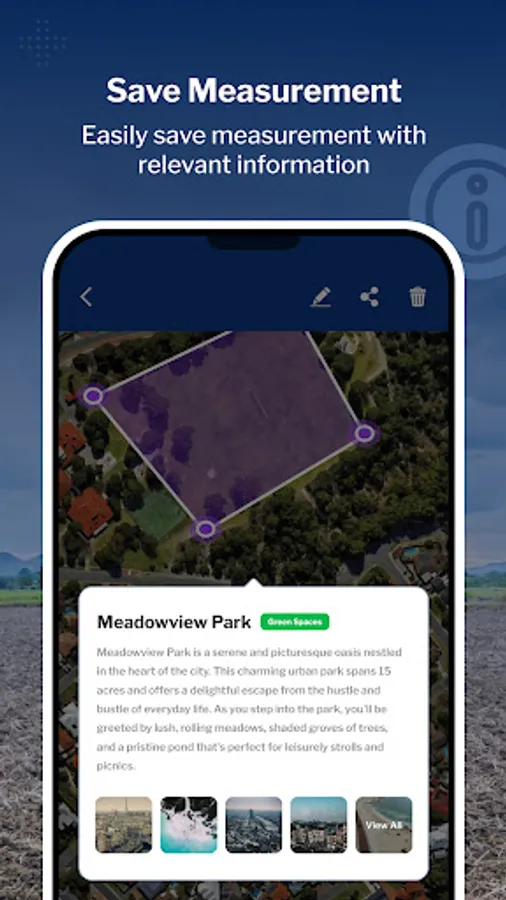
1. Area Measure: Choose between manual or Auto GPS measurement methods to accurately determine the area of any location. Utilize the interactive map screen to define boundaries, select measurable units, and access additional features such as map type changes and information displays. Save your measured areas along with details such as name, description, group classification, and the option to attach photos and notes for future reference.
-Use Land Type annotation for categorize land as agricultural, residential and commercial.
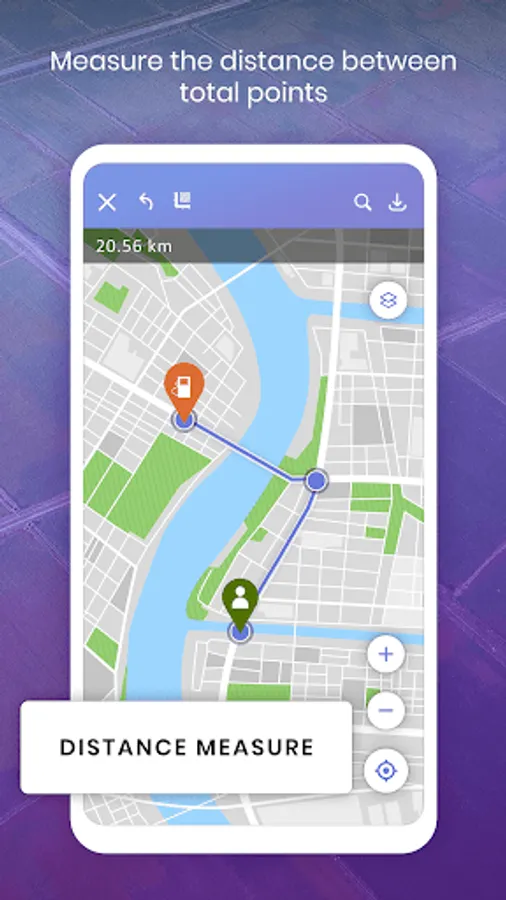
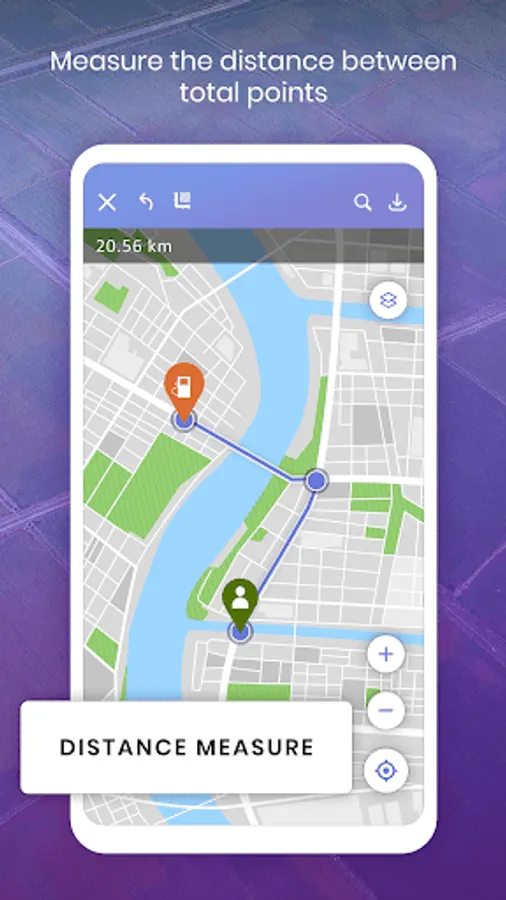
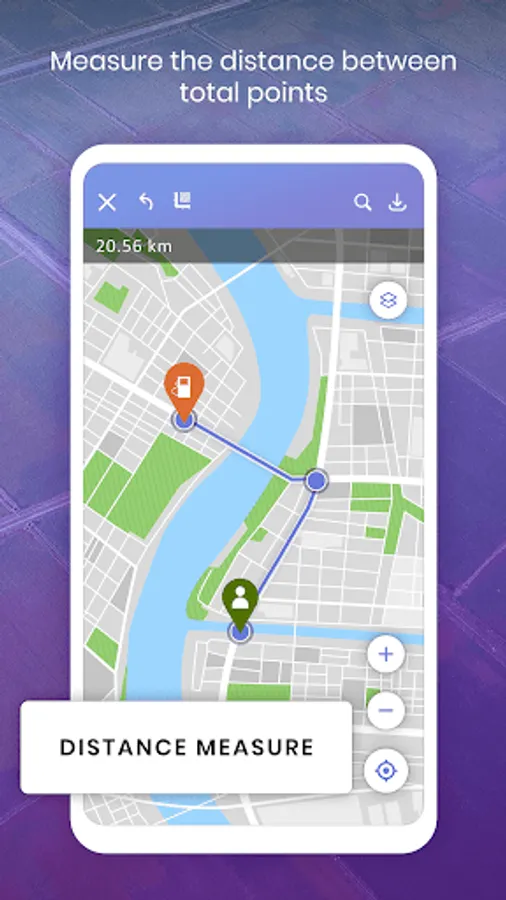
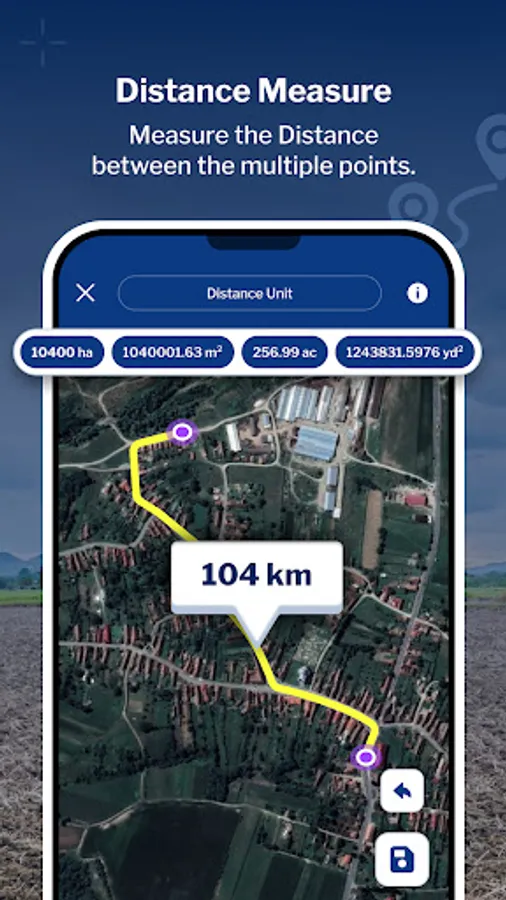
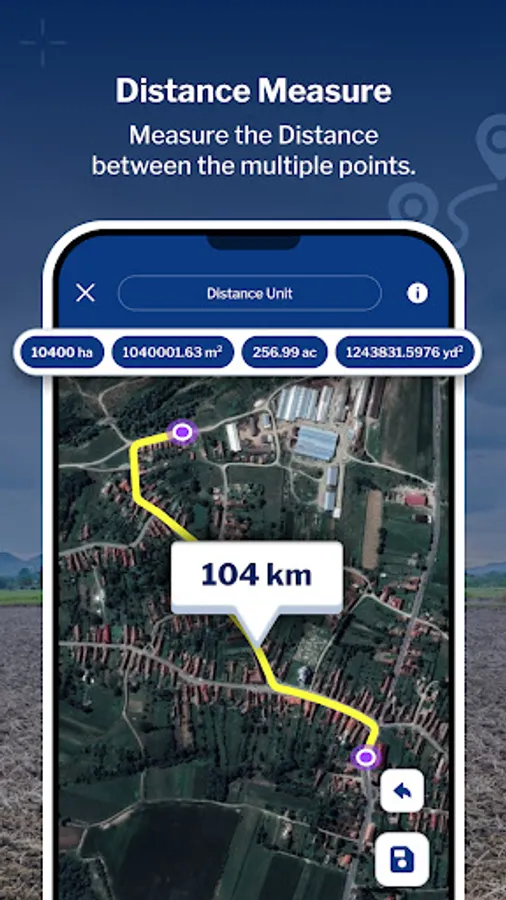
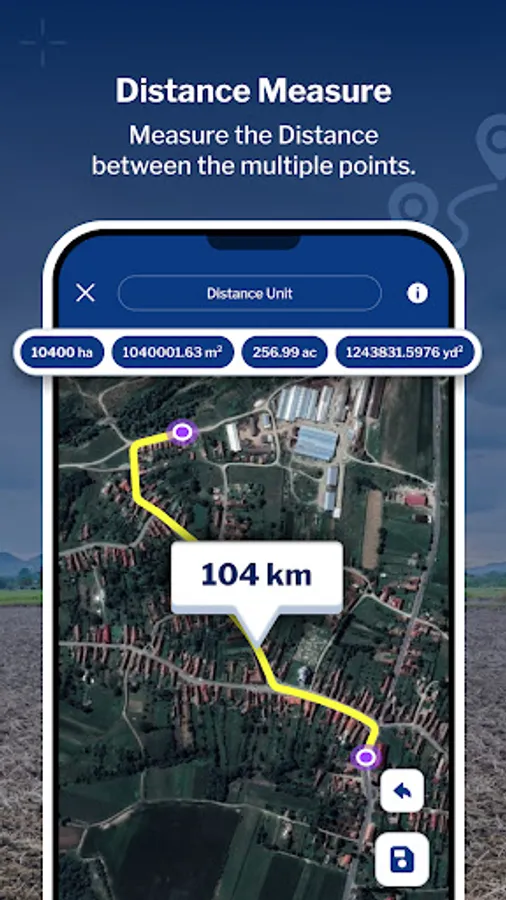
2. Distance Measure: Easily Measure distances using manual or GPS methods. Calculate point-to-point distances on the map screen, view total distances and choose from multiple distance units for convenience. Save your measured distances for quick access and reference along with details such as a name, description, group classification, and the option to attach photos and notes for future reference.
-Use Land Type annotation for categorize land as agricultural, residential and commercial.
-Easily draw plans with support for curved lands or area.
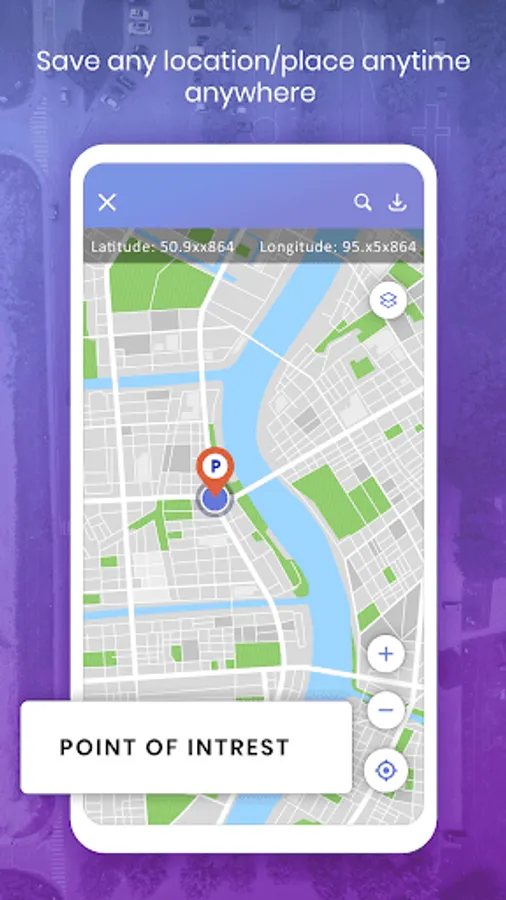
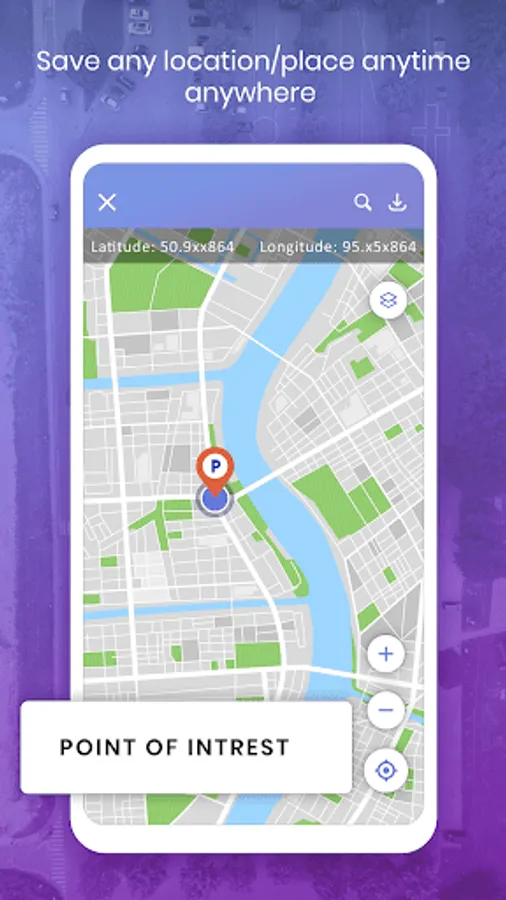
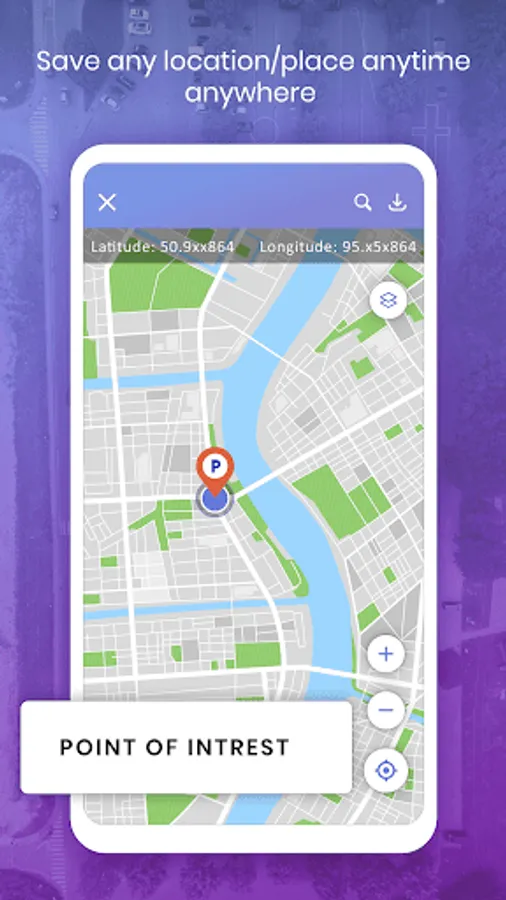
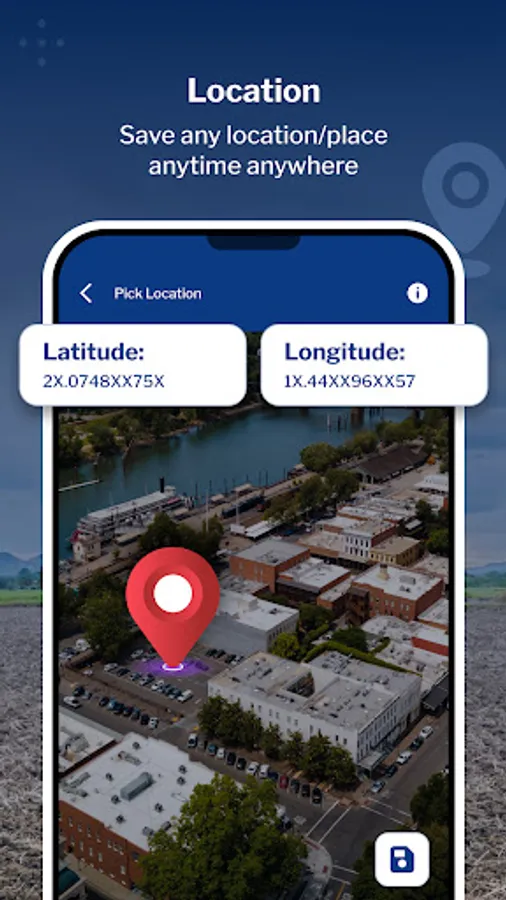
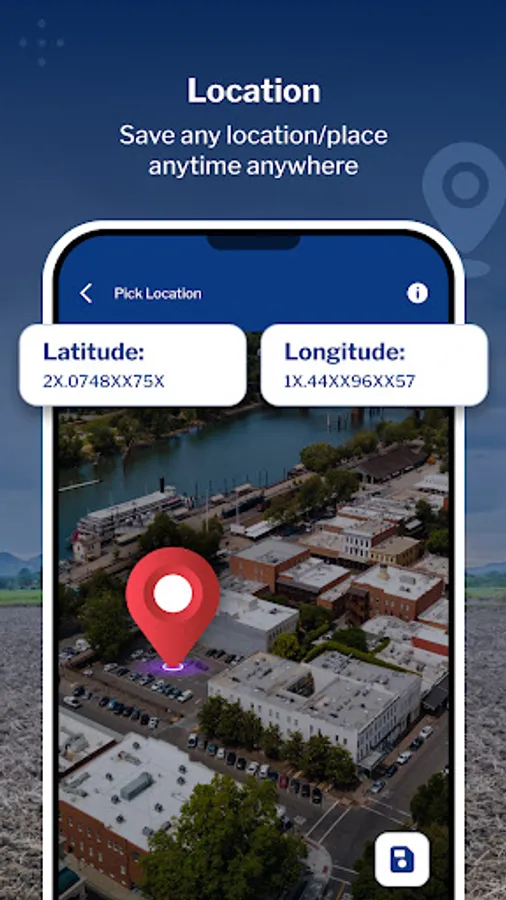
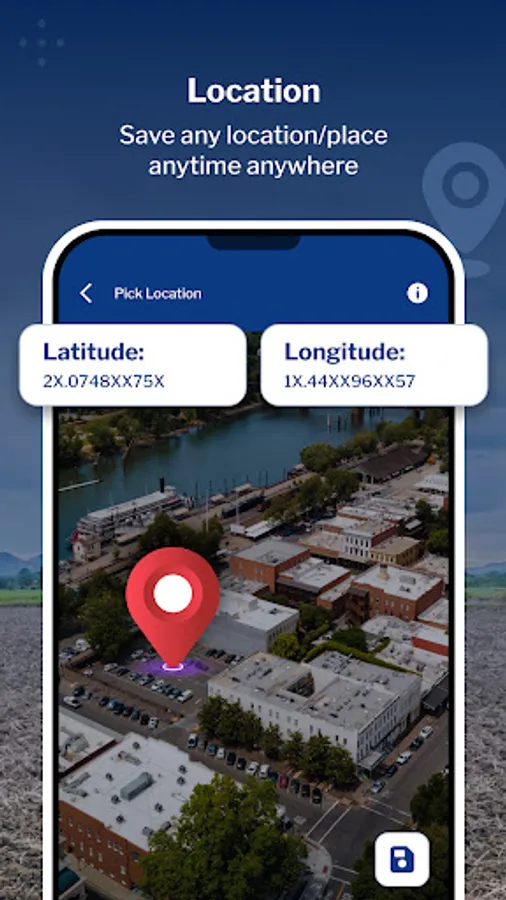
3. Pick Location: Quickly save current or specific locations with customizable details using the Pick Location feature. Store important points of interest for future reference or project planning.
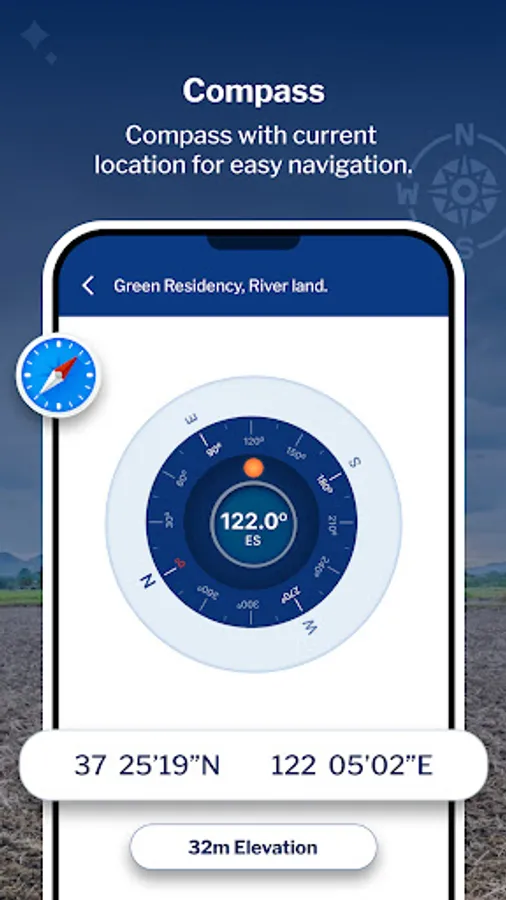
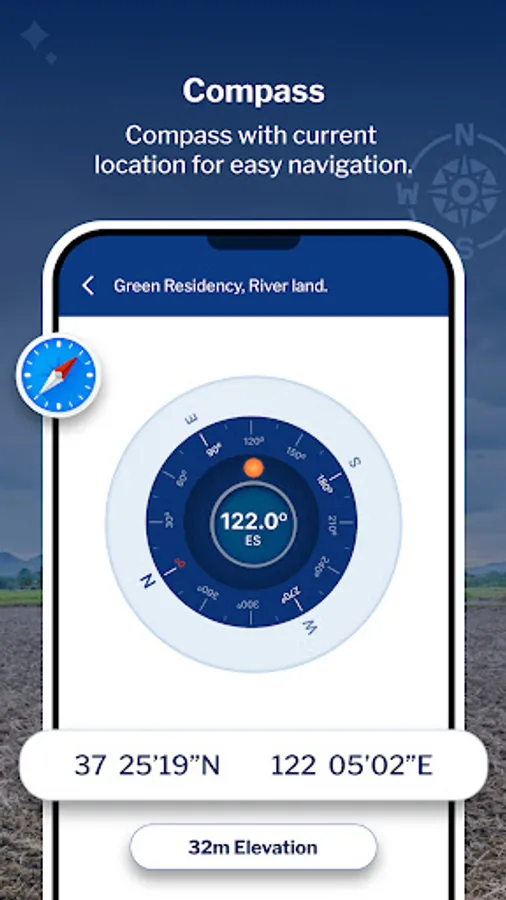
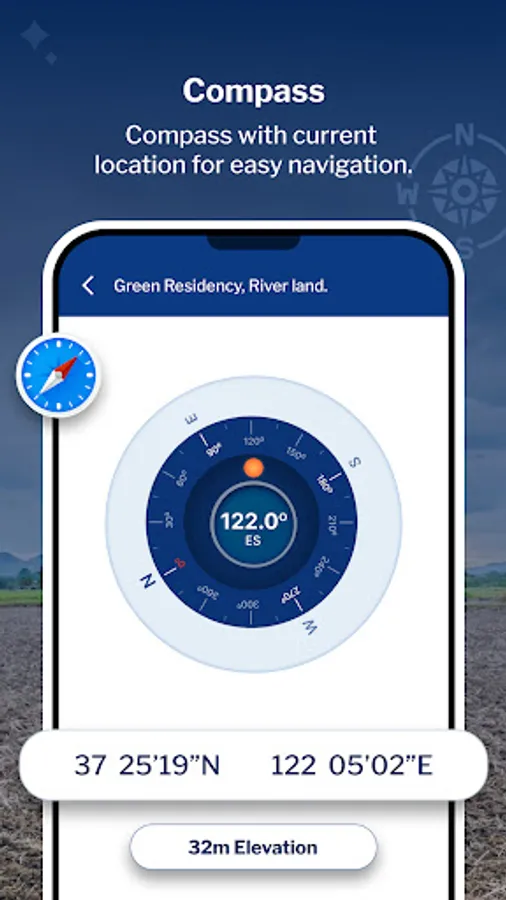
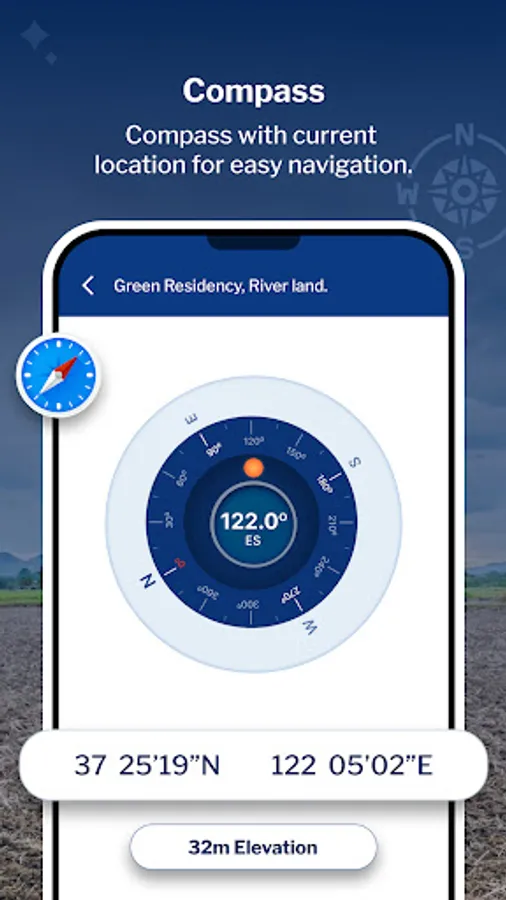
4. Compass: Utilize the built-in compass feature to enhance the accuracy and convenience of your measurements in the field.
5. KML Report: Export KML files to share or analyze your measured data. Generate detailed reports for further analysis or collaboration with team members.
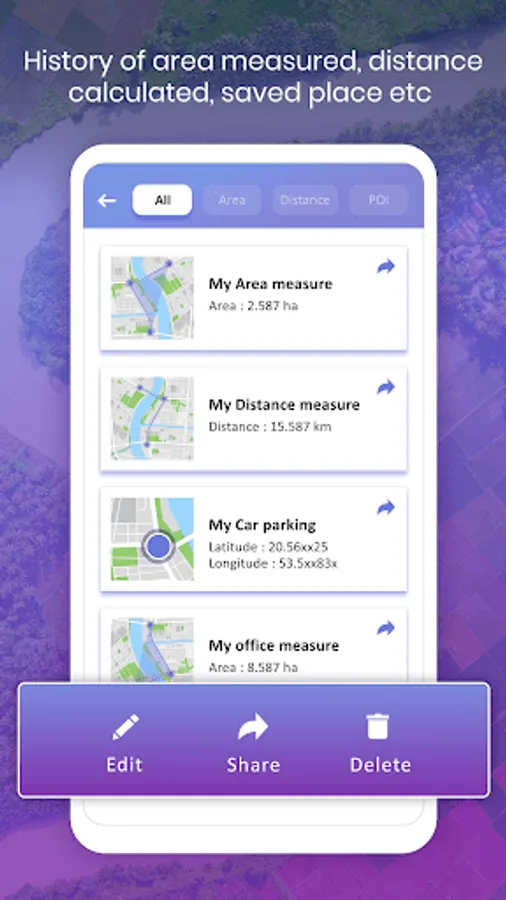
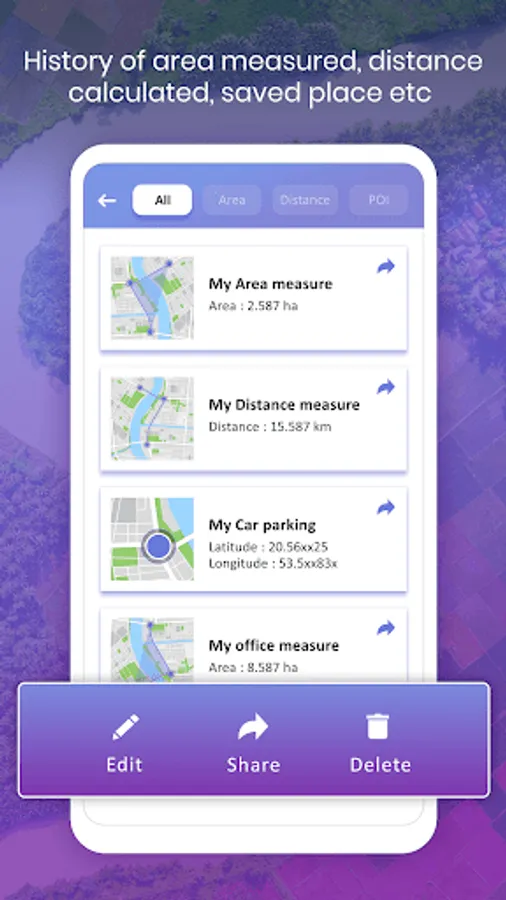
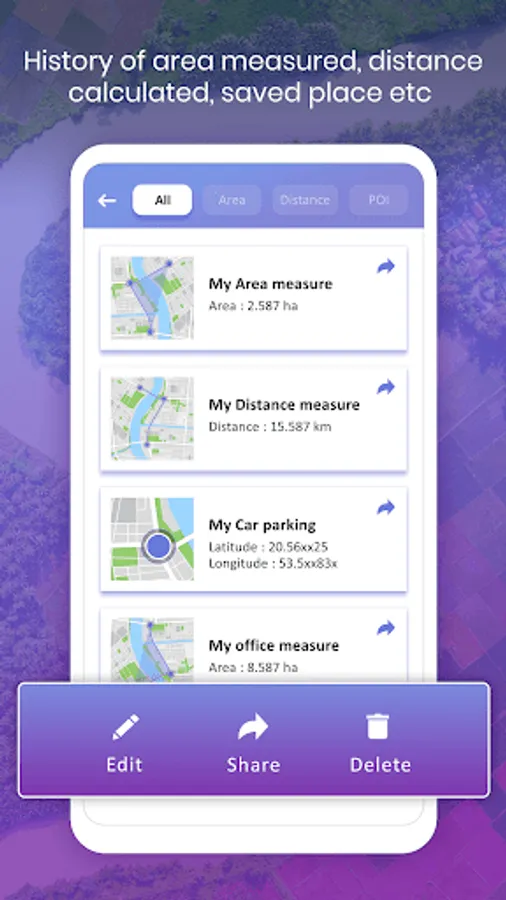
6. Saved List: Access all saved measurements and points of interest in a centralized list format. Organize entries by groups for easy management and retrieval.
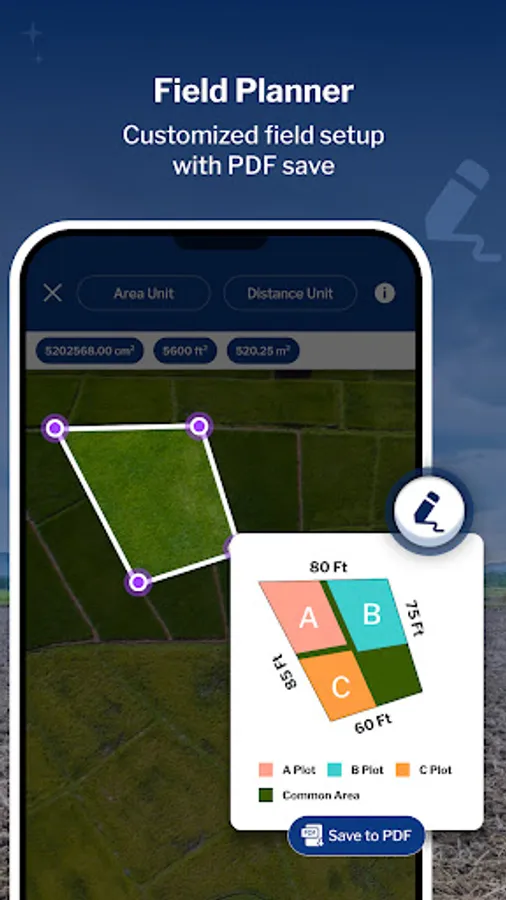
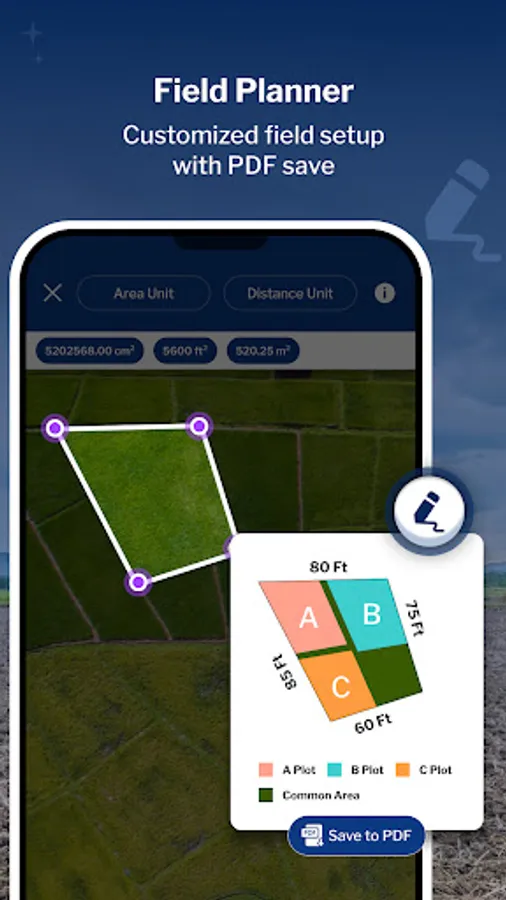
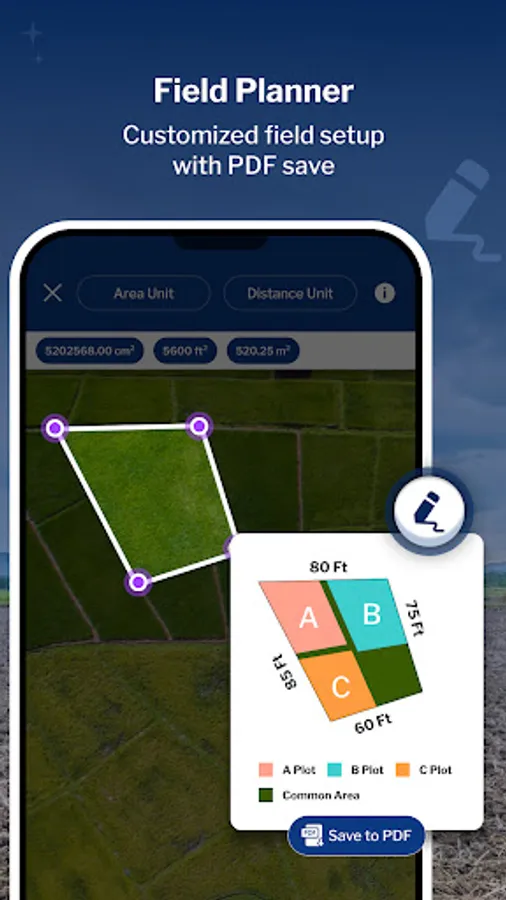
7. Field Planner – Map, Draw, Edit & Share Land Projects
- Perfect for farmers, surveyors, or anyone showcasing land!
- Use map view to draw field boundaries, mark land areas, or plan crop/project layouts.
- Edit or customize your crop area from the map and place it on the canvas as an object.
- Create your plan by adding informative stickers or inserting images from your gallery to make it more detailed
- Export your entire plan as a professional PDF to share or present your land project with ease.
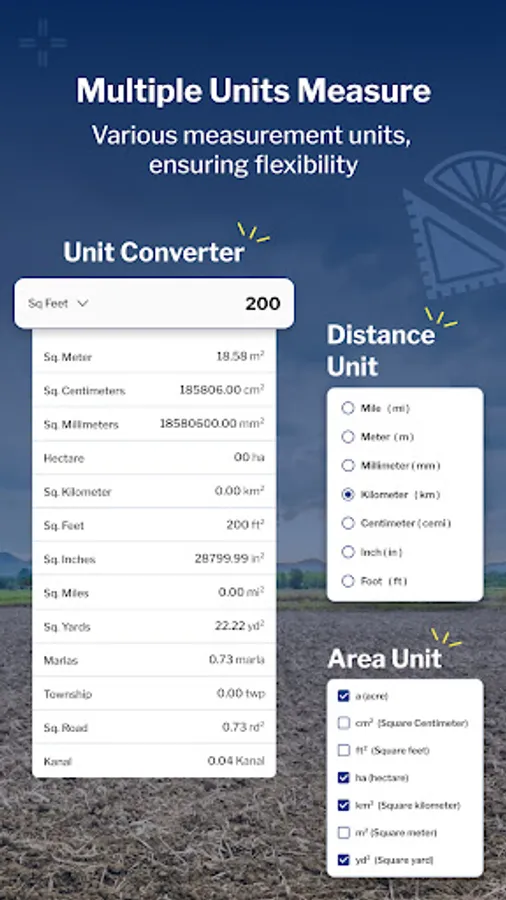
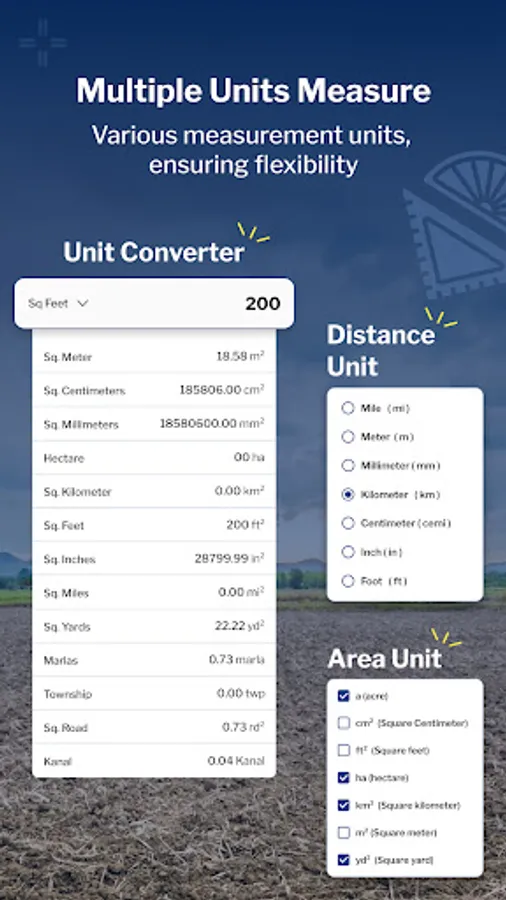
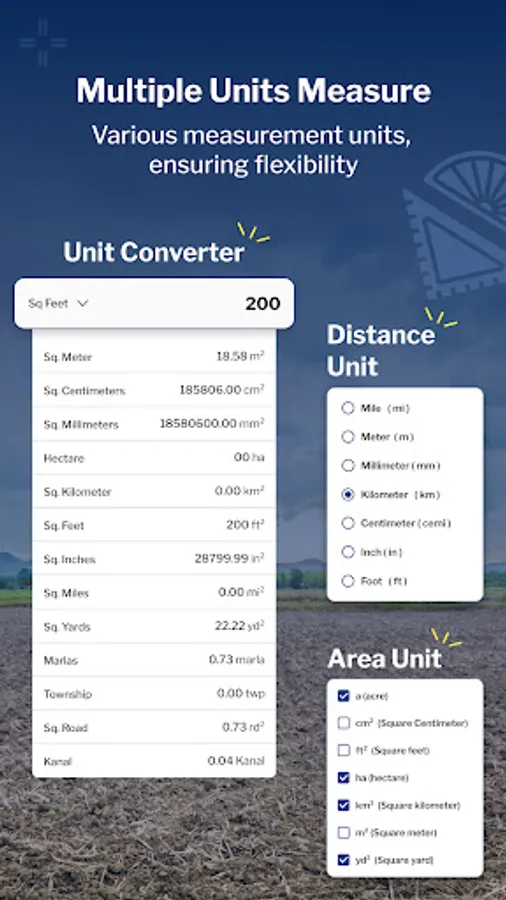
8. Unit Converter – Quick Land & Area Calculations
- Convert between various land units easily—acres, hectares, sq. ft, sq. m, and more. Useful for farmers, builders, and planners who need instant, accurate land conversions on the go.
Permissions
- Location - To get current location and display in map and draw path on map based on location.
- Storage(Android 10) & Read images(Above 10) - To get Images and Save your measured areas along with description.
- Camera - To Capture image for Save with Measurement and description.
Key Features:
1. Area Measure: Choose between manual or Auto GPS measurement methods to accurately determine the area of any location. Utilize the interactive map screen to define boundaries, select measurable units, and access additional features such as map type changes and information displays. Save your measured areas along with details such as name, description, group classification, and the option to attach photos and notes for future reference.
-Use Land Type annotation for categorize land as agricultural, residential and commercial.
2. Distance Measure: Easily Measure distances using manual or GPS methods. Calculate point-to-point distances on the map screen, view total distances and choose from multiple distance units for convenience. Save your measured distances for quick access and reference along with details such as a name, description, group classification, and the option to attach photos and notes for future reference.
-Use Land Type annotation for categorize land as agricultural, residential and commercial.
-Easily draw plans with support for curved lands or area.
3. Pick Location: Quickly save current or specific locations with customizable details using the Pick Location feature. Store important points of interest for future reference or project planning.
4. Compass: Utilize the built-in compass feature to enhance the accuracy and convenience of your measurements in the field.
5. KML Report: Export KML files to share or analyze your measured data. Generate detailed reports for further analysis or collaboration with team members.
6. Saved List: Access all saved measurements and points of interest in a centralized list format. Organize entries by groups for easy management and retrieval.
7. Field Planner – Map, Draw, Edit & Share Land Projects
- Perfect for farmers, surveyors, or anyone showcasing land!
- Use map view to draw field boundaries, mark land areas, or plan crop/project layouts.
- Edit or customize your crop area from the map and place it on the canvas as an object.
- Create your plan by adding informative stickers or inserting images from your gallery to make it more detailed
- Export your entire plan as a professional PDF to share or present your land project with ease.
8. Unit Converter – Quick Land & Area Calculations
- Convert between various land units easily—acres, hectares, sq. ft, sq. m, and more. Useful for farmers, builders, and planners who need instant, accurate land conversions on the go.
Permissions
- Location - To get current location and display in map and draw path on map based on location.
- Storage(Android 10) & Read images(Above 10) - To get Images and Save your measured areas along with description.
- Camera - To Capture image for Save with Measurement and description.
GPS Field Area Measure Screenshots
Tap to Rate:
Reviews for GPS Field Area Measure
Permadi T. J.
2/19/2026
Detected virus in hp realme x2 pro
Imran Twaib
2/13/2026
nice