
With this file synchronization app, you can access and manage files stored on your NAS and monitor synchronization status. Includes folder pairing, connection details, and file exclusion options.
AppRecs review analysis
AppRecs rating 2.5. Trustworthiness 83 out of 100. Review manipulation risk 14 out of 100. Based on a review sample analyzed.
★★☆☆☆
2.5
AppRecs Rating
Ratings breakdown
5 star
22%
4 star
10%
3 star
11%
2 star
20%
1 star
38%
What to know
✓
Low review manipulation risk
14% review manipulation risk
⚠
Mixed user feedback
Average 2.6★ rating suggests room for improvement
⚠
High negative review ratio
57% of sampled ratings are 1–2 stars
About Qsync Pro
[Prerequisites]
- Android 5.0 or later
- A QNAP NAS running QTS 4.3.4 or later and Qsync Central
[Important Notes]
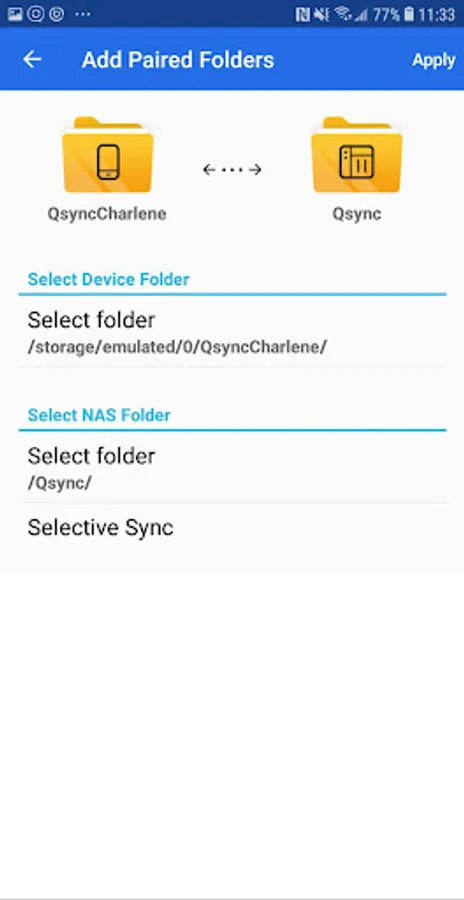
- You now can select subfolders when adding paired folders. (Note: If a folder’s parent or child folder is already paired, this folder cannot be paired again.)
- Support for one-way sync mode.
- Qsync Android has been replaced with a new app, Qsync Pro Android.
[Key Features]
- New user interface design.
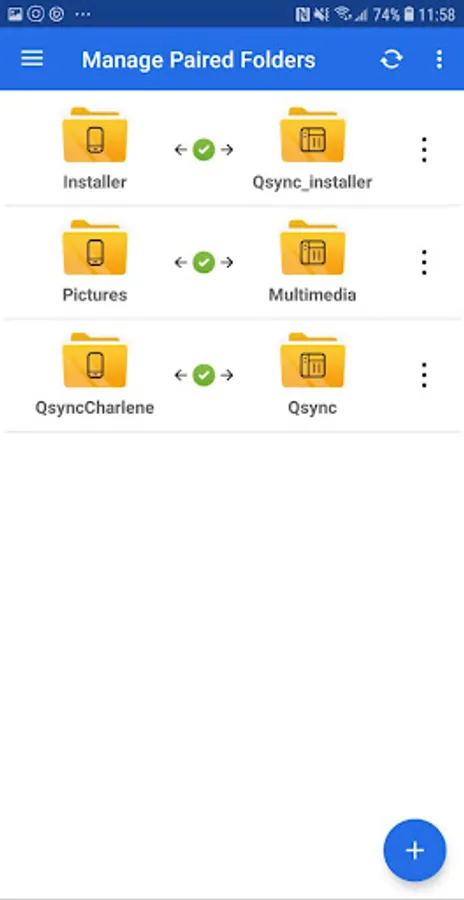
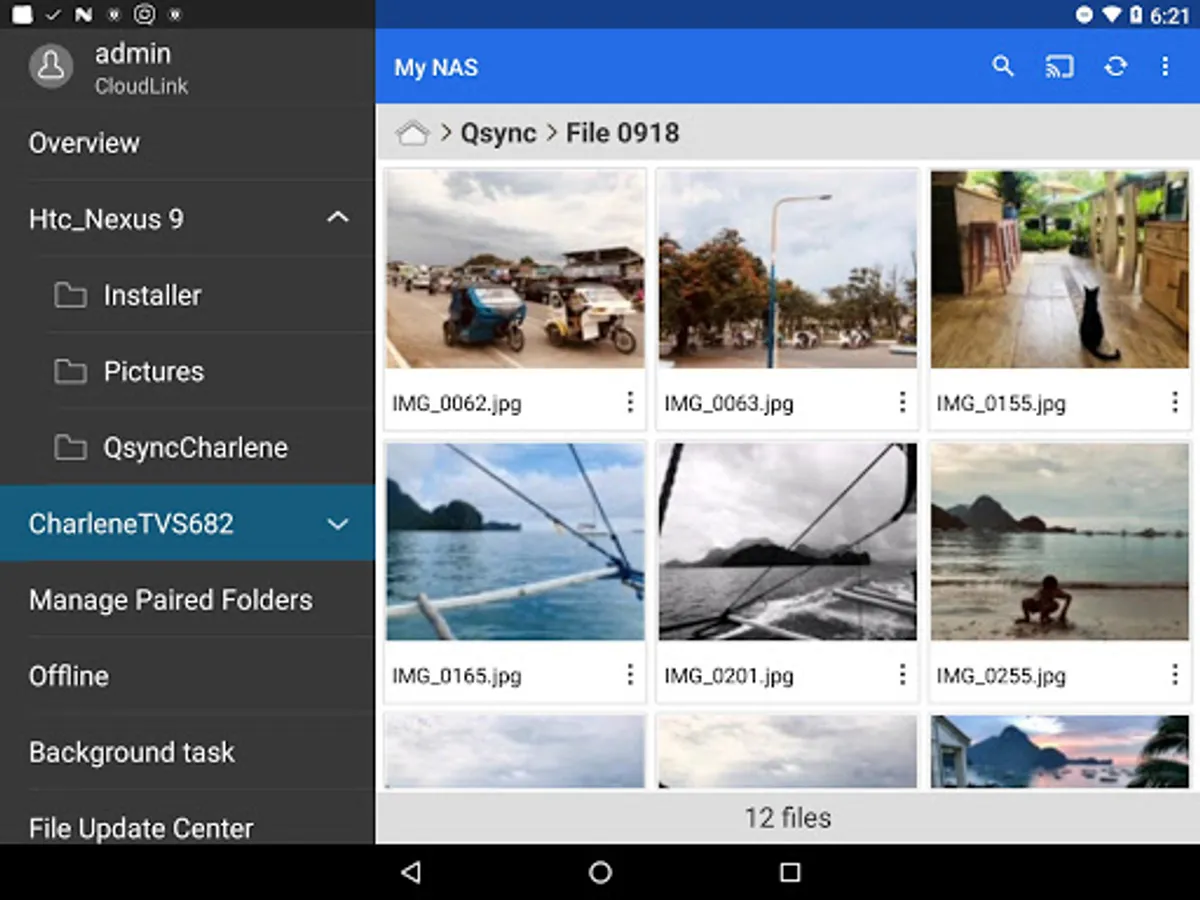
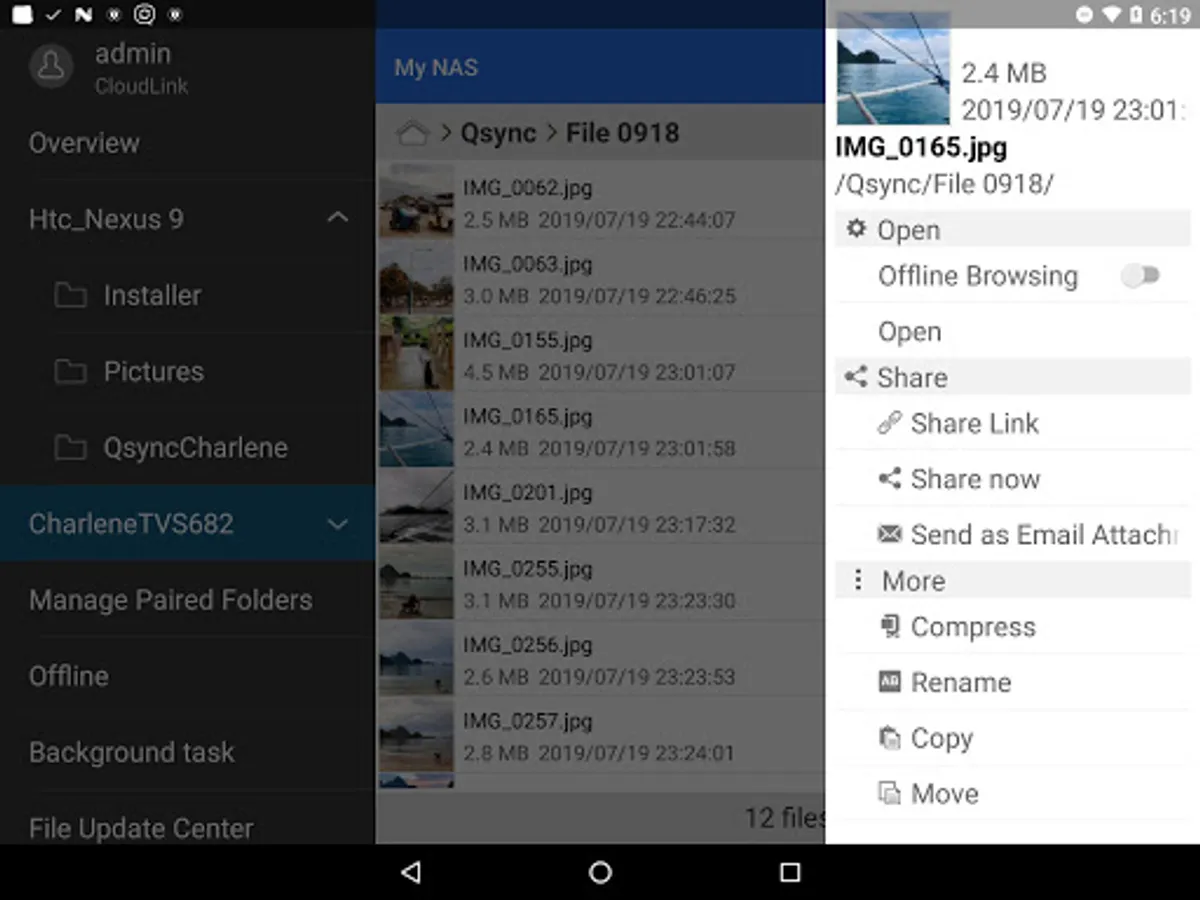
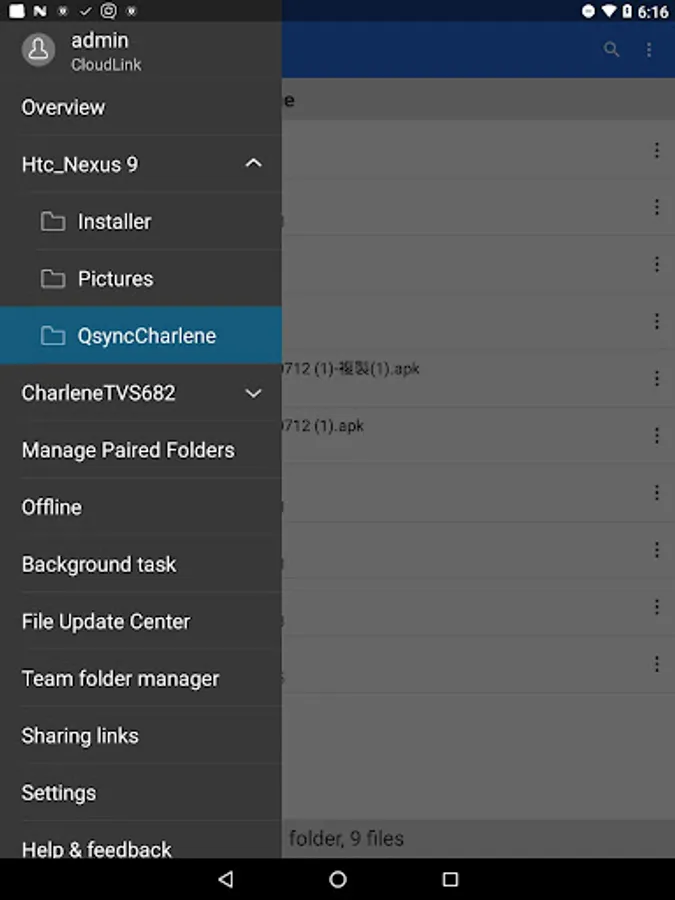
- Pair folders on your NAS with folders on your mobile device with the Manage Paired Folders feature.
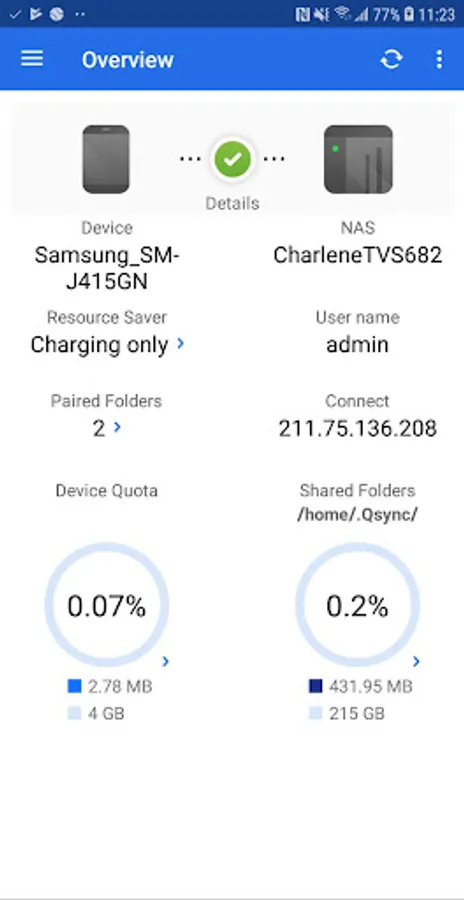
- View the connection details of your synchronized mobile device and NAS on the Overview screen.
- View the synchronization status of files on your mobile device on the Background Tasks screen.
- View files that have been successfully synchronized on the File Update Center screen.
- Specify file extensions that you want to exclude during synchronization with the Filter Settings feature.
Qsync Pro Screenshots
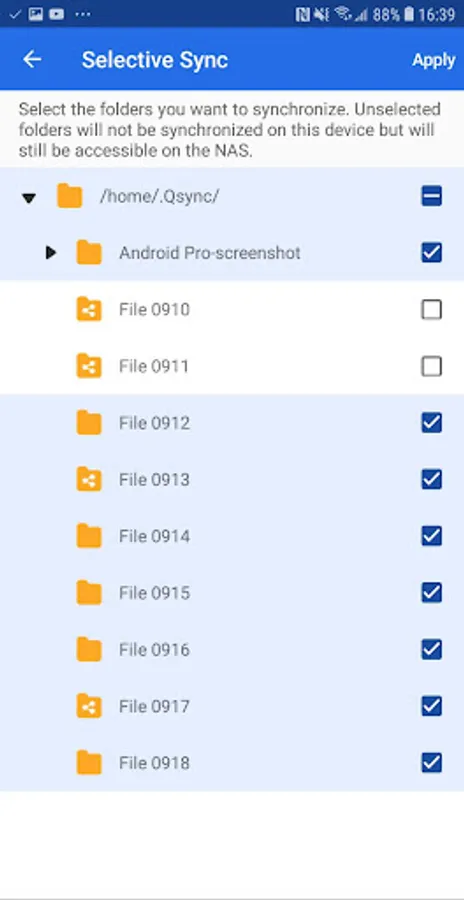
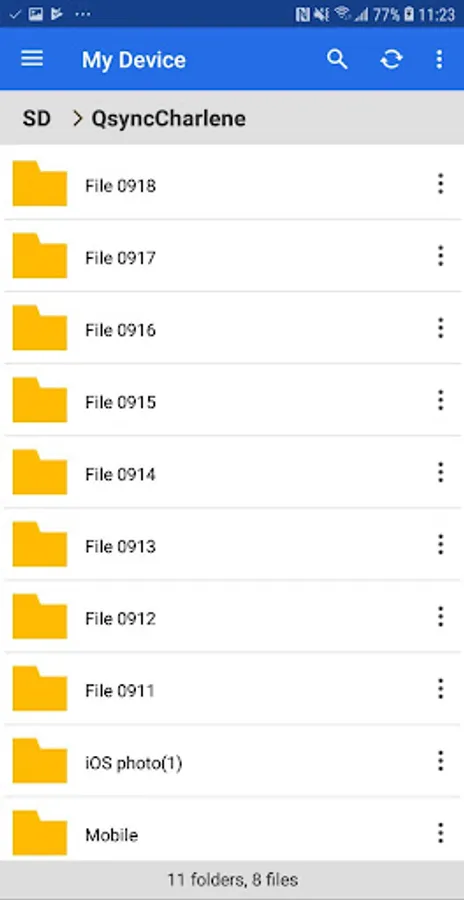
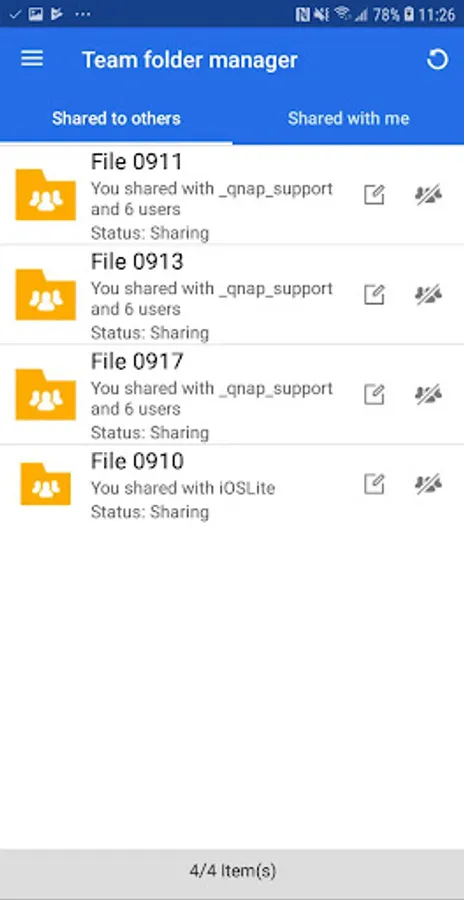
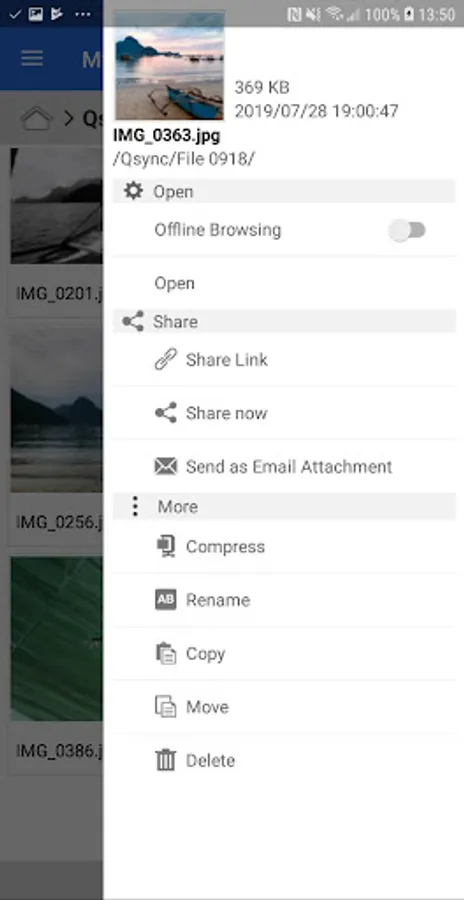
Tap to Rate:
Reviews for Qsync Pro
Offi Dr
10/17/2025
Worked somehow one day, after that crashes and can't be opened at all. After cleaning data returned to work but.. If used to sync WhatsApp Images folder with 10k+ images - it re-scans it every time before sync, it takes a WHILE, just running hours draining battery ! Improve scanning algorithms, I ended removing this folder from sync...
Nick WB
8/31/2025
sync jobs have failed, "no connection" with nas paired folders. the folders & files appear when selected from the side menu.... then disappear. shame as qfile sync is rubbish. can only sync to a "hidden" .qsync folder that pc photo software can't access. have to re-sync to a qsync folder on the pc. aarrrgh!