
Remote Gamepad
SmartFusionLabs
3.5 ★
3K ratings
1,000,000+
downloads
Free
+ in-app
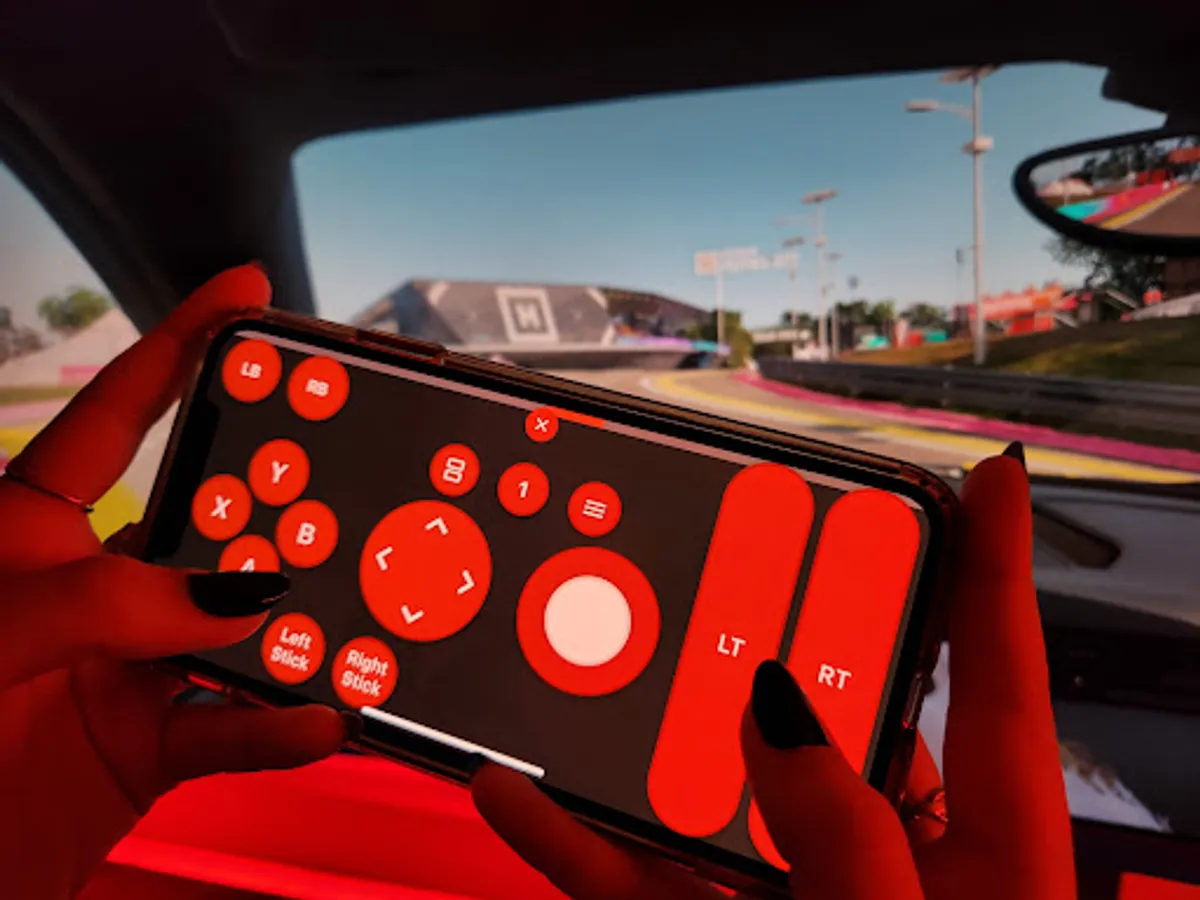
With this app, you can use your phone as a game controller to play PC games via Wi-Fi, USB, or Bluetooth, customizing button layouts and sharing them with others. Includes a layout editor, support for various devices, and compatibility with all PC games supporting controllers.
AppRecs review analysis
AppRecs rating 3.5. Trustworthiness 83 out of 100. Review manipulation risk 23 out of 100. Based on a review sample analyzed.
★★★☆☆
3.5
AppRecs Rating
Ratings breakdown
5 star
55%
4 star
10%
3 star
1%
2 star
4%
1 star
31%
What to know
✓
Low review manipulation risk
23% review manipulation risk
⚠
Pricing complaints
Many low ratings mention paywalls or pricing
⚠
High negative review ratio
35% of sampled ratings are 1–2 stars
About Remote Gamepad
Supported devices
• Windows 10/11
• Linux
• Android phone or tablet
• Google TV / Android TV
• Generic Bluetooth controller (BETA)
This app is compatible with all PC games which support game controllers. Use Wi-Fi, USB, or Bluetooth for the connection. No additional hardware is needed.
Button presses on game controllers connected to your phone are forwarded. This allows you to use mobile game controllers with your PC.
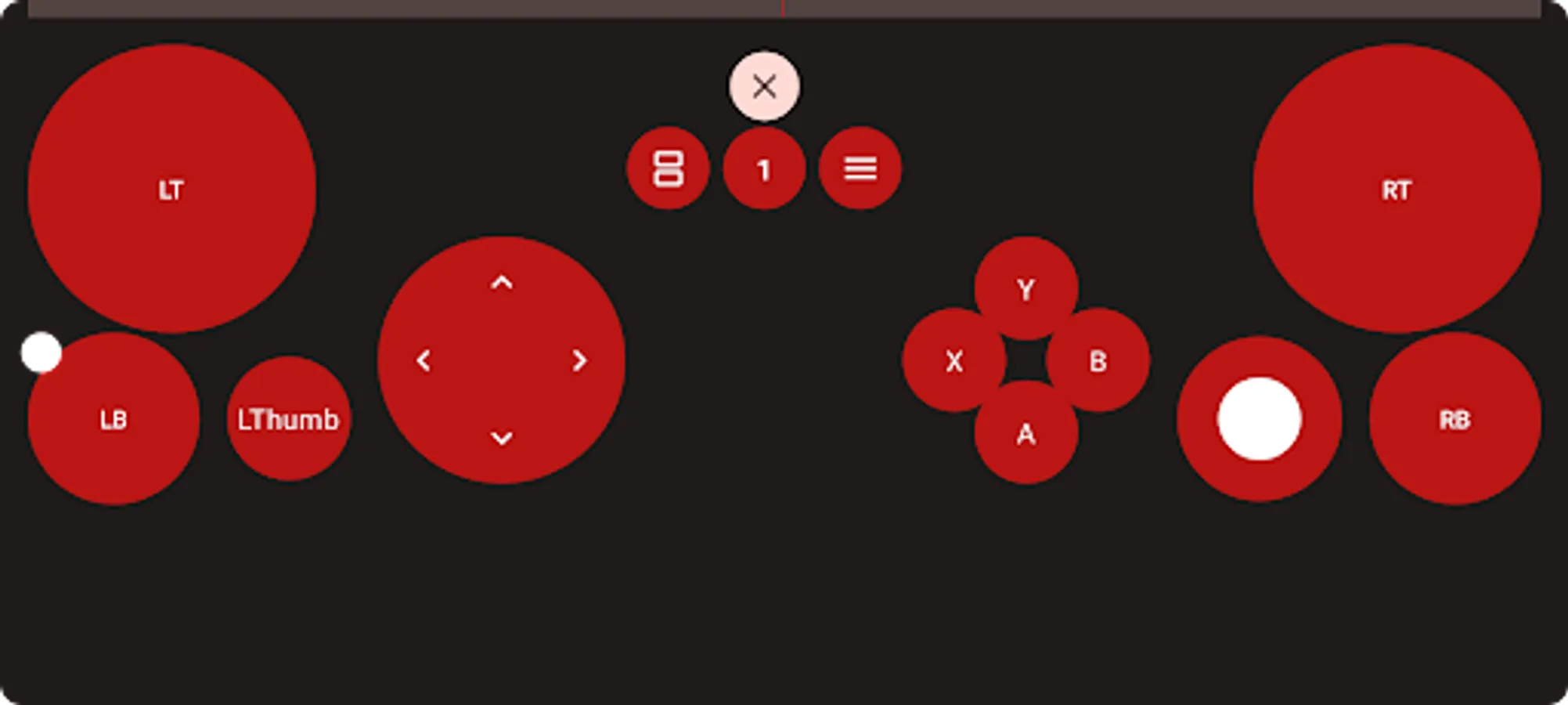
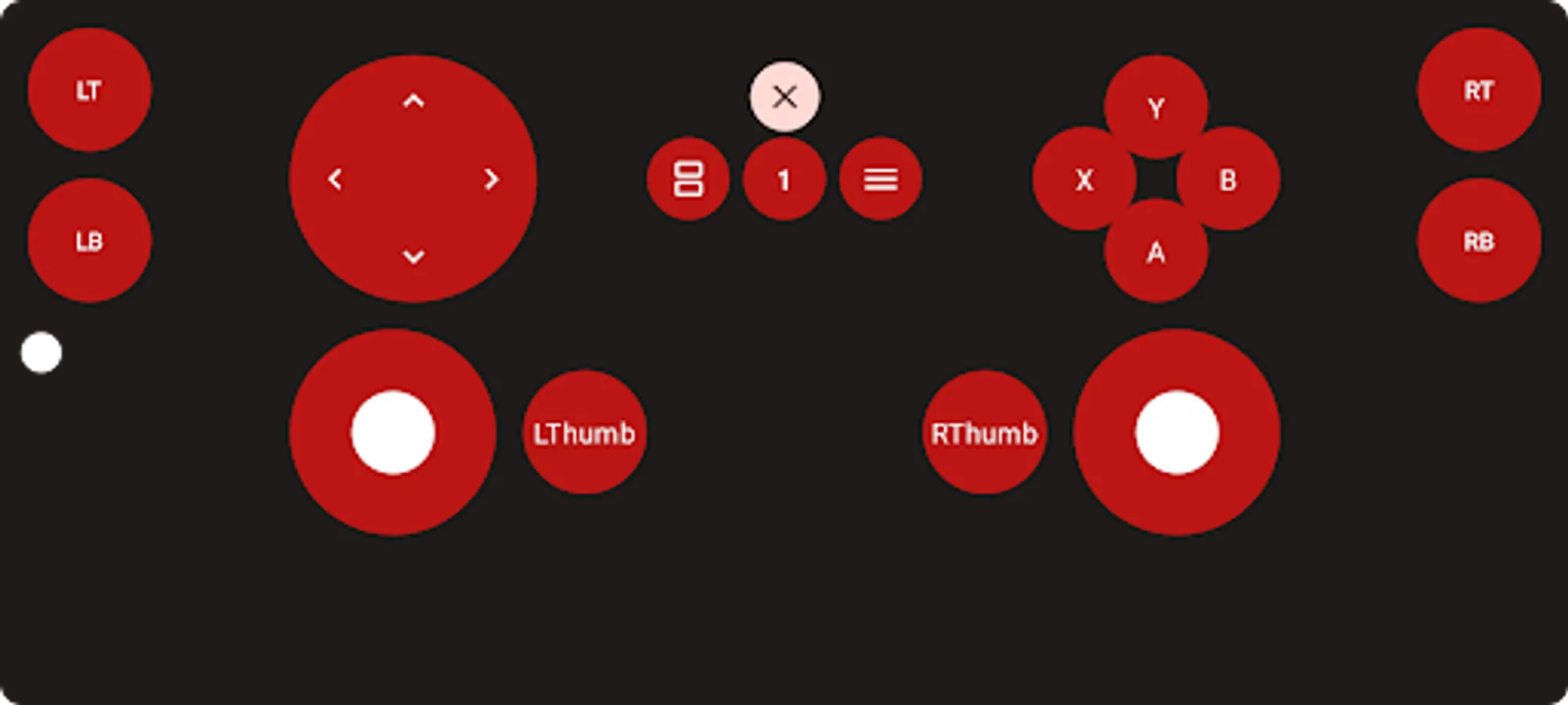
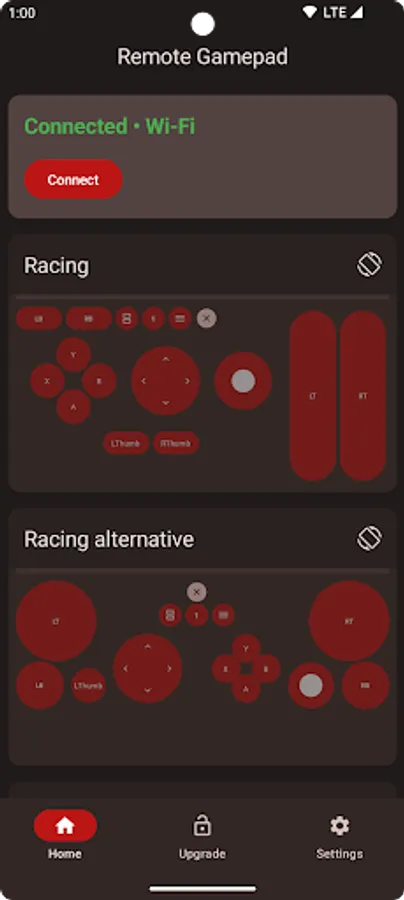
The included layout editor allows you to create and use your own game controller layouts. You can customize the button position, size, color, shape, and more. Layouts can be shared with other users using a link.
A trial is available within the app. To continue using the app after the time limit, you can upgrade to the premium version or watch ads.
Remote Gamepad Screenshots
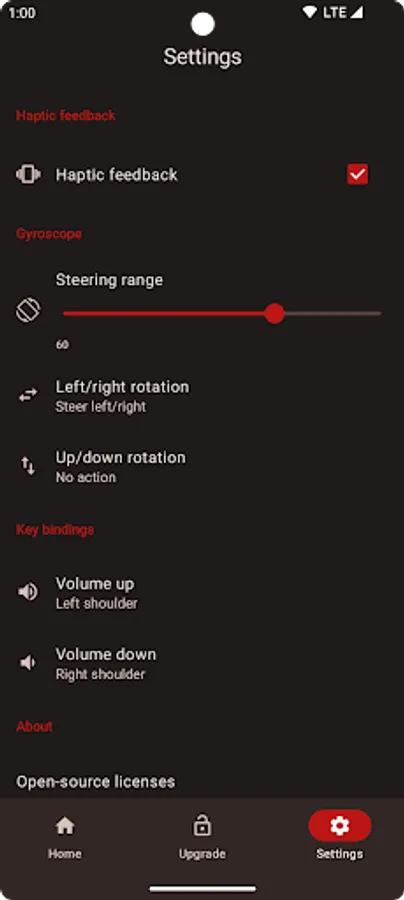
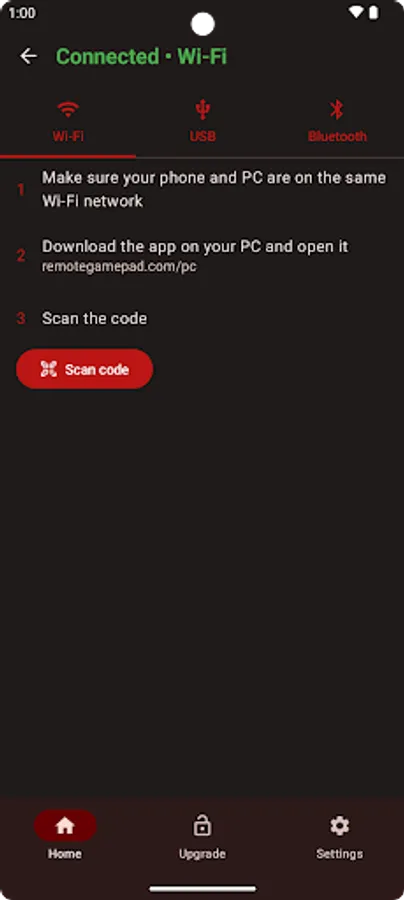
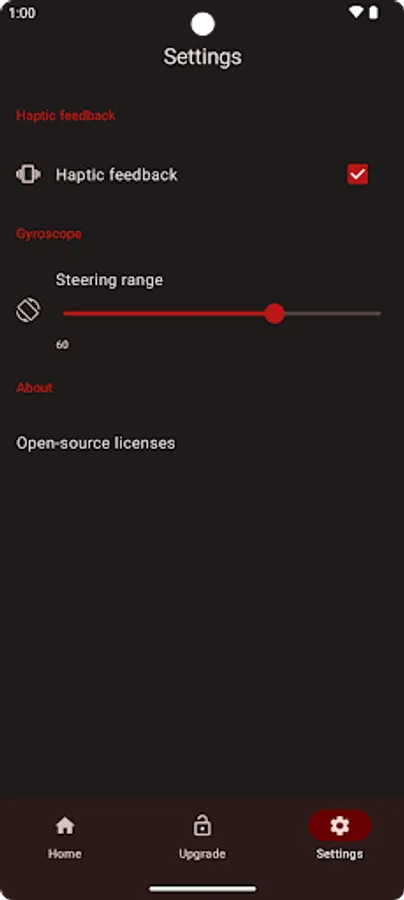
Tap to Rate:
Reviews for Remote Gamepad
ip id
12/30/2025
Took some finicking with the controls to get it to connect with the emulator on my pc (usb), but once I figured it out, it worked pretty well. I love that the developer gave us an opportunity to do a free trial so we can see if the app actually works for our use case. In my opinion, the premium is 100% worth it at only 1.99. The only issue I had was the bluetooth constantly disconnecting (it's beta, so that's understandable) & not being able to rename the buttons (please make that a feature).
Pramila Tripura
12/29/2025
nice for a trial