Fingerprint Gestures
SmartFusionLabs
3.1 ★
9K ratings
1,000,000+
downloads
Free
+ in-app
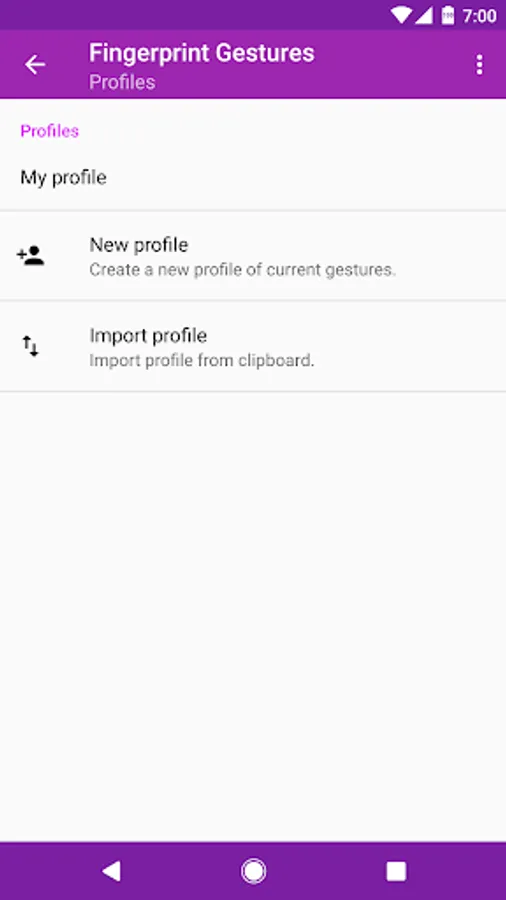
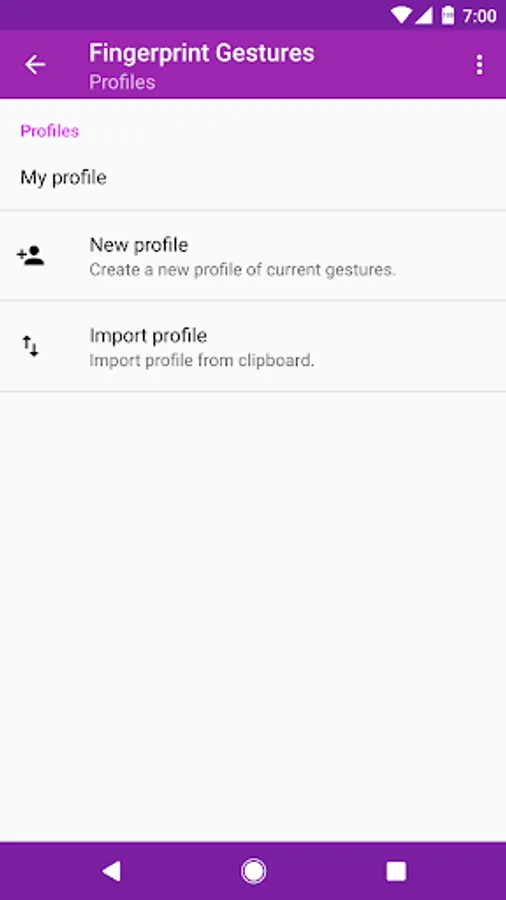
In this app, you can customize fingerprint gestures to control various functions on your device. Includes gesture mapping, quick access to notifications, and app shortcuts.
AppRecs review analysis
AppRecs rating 3.1. Trustworthiness 0 out of 100. Review manipulation risk 0 out of 100. Based on a review sample analyzed.
★★★☆☆
3.1
AppRecs Rating
Ratings breakdown
5 star
41%
4 star
10%
3 star
4%
2 star
9%
1 star
36%
What to know
✓
Authentic reviews
Natural distribution, no red flags
⚠
High negative review ratio
45% of sampled ratings are 1–2 stars
About Fingerprint Gestures
Requirements: Android 6.0+ / Samsung Android 5.0+
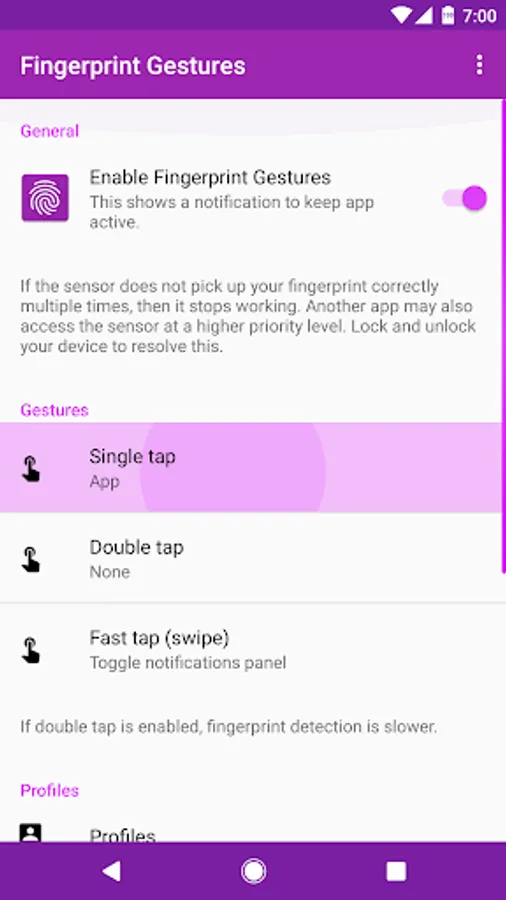
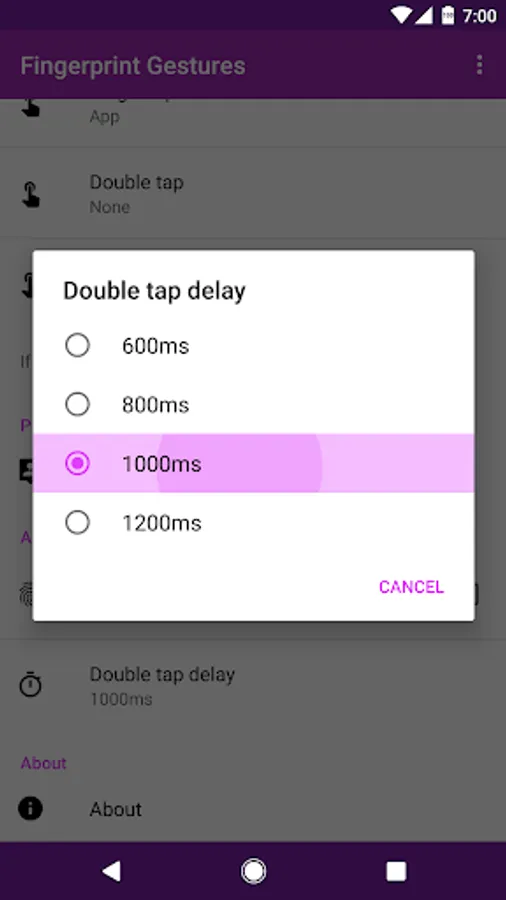
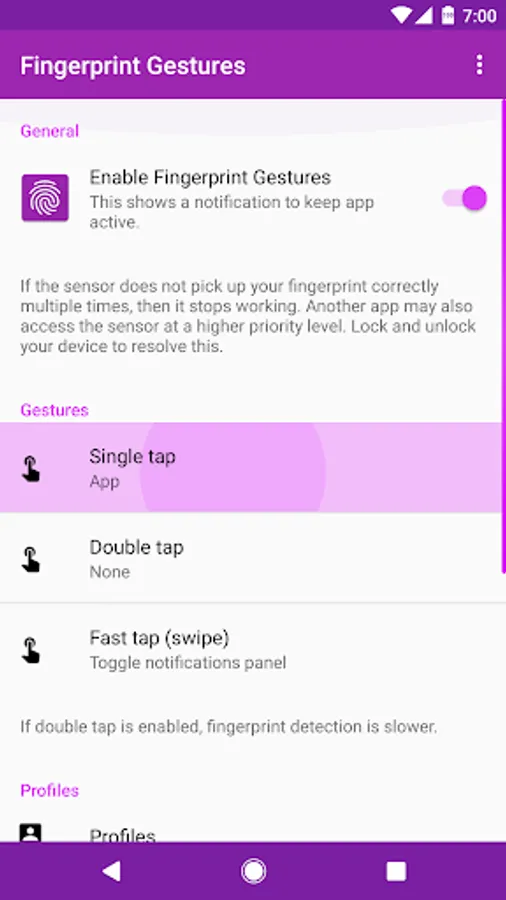
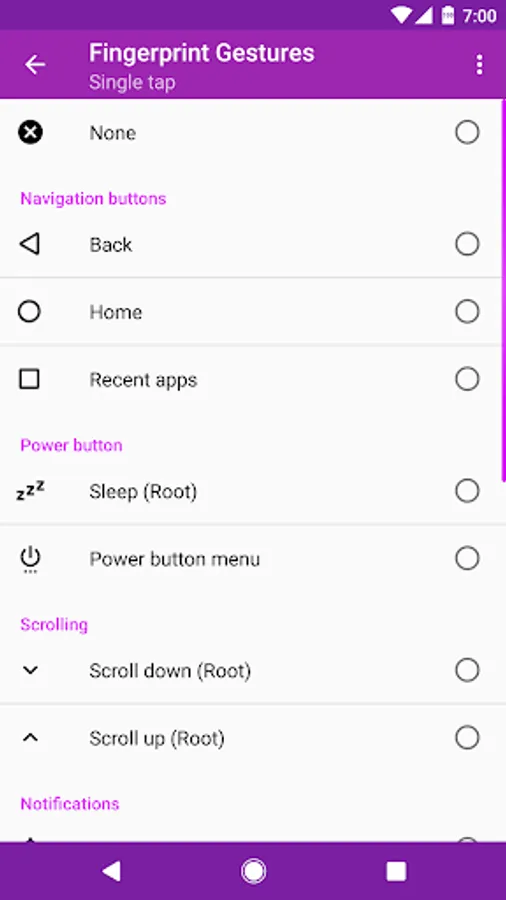
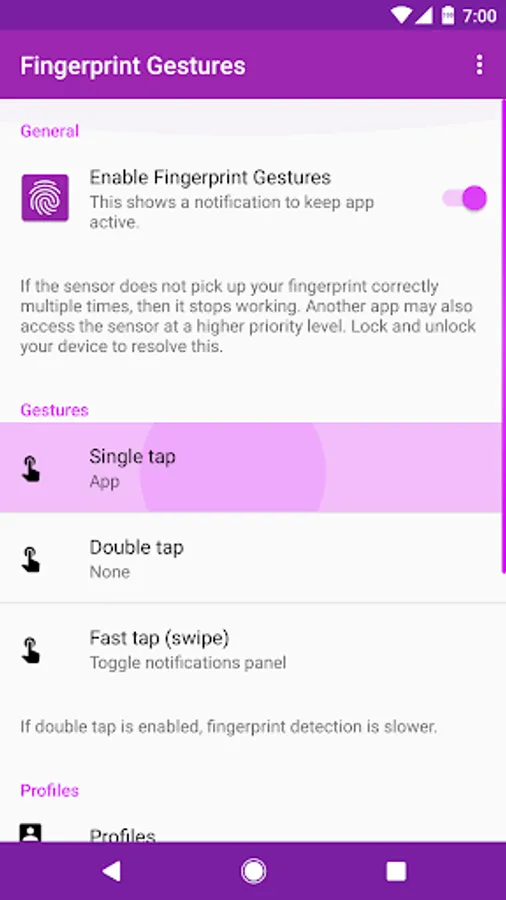
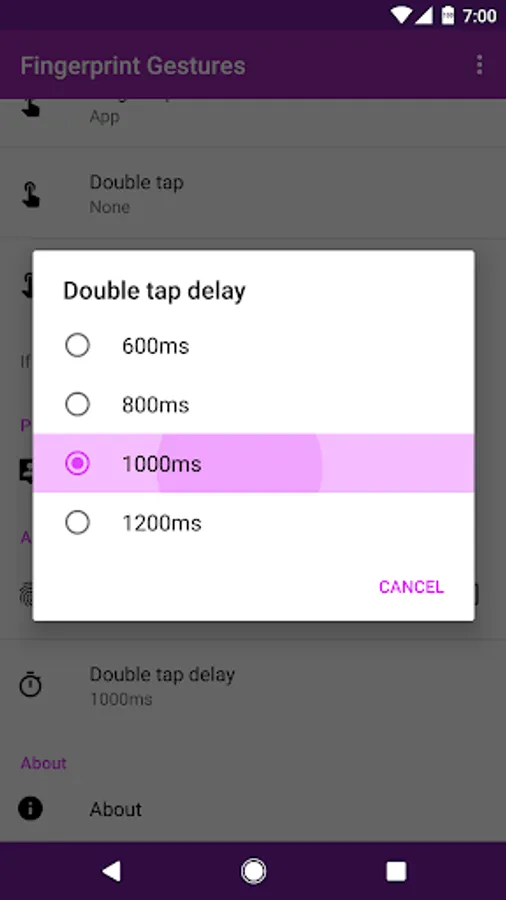
Enable the fingerprint actions of Google Pixel on your device. Use gestures like single tap, double tap, or fast tap (swipe) to control your phone and/or tablet.
To check your notifications, swipe down on the fingerprint sensor on your phone. Touch your fingerprint sensor and scroll through an app of your choice. To quickly turn your phone to sleep, just tap the sensor. And so much more!
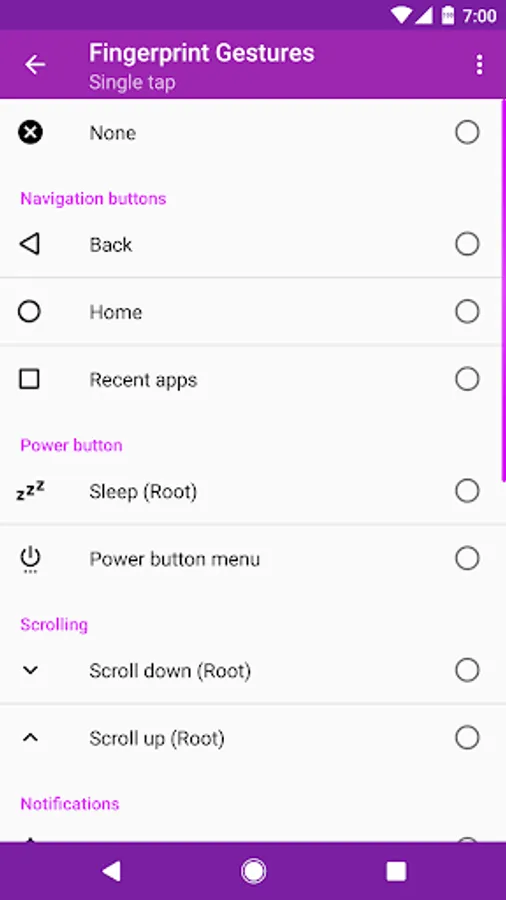
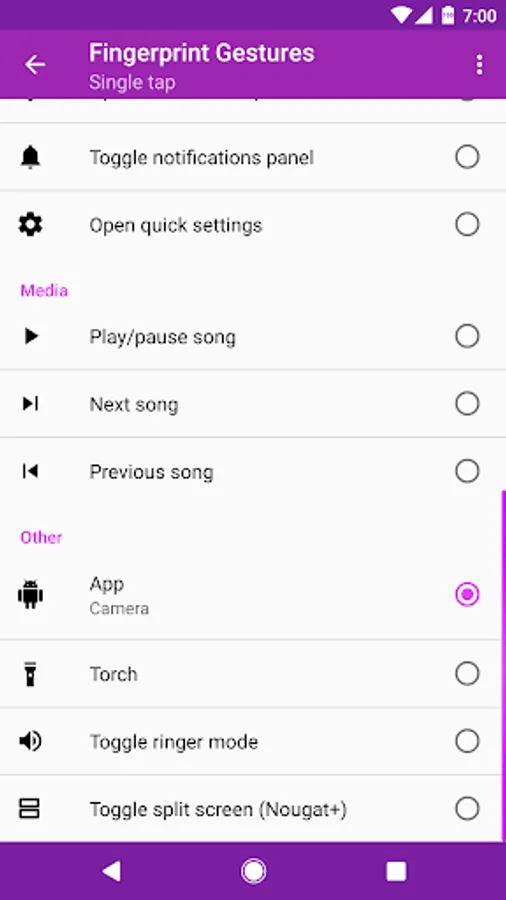
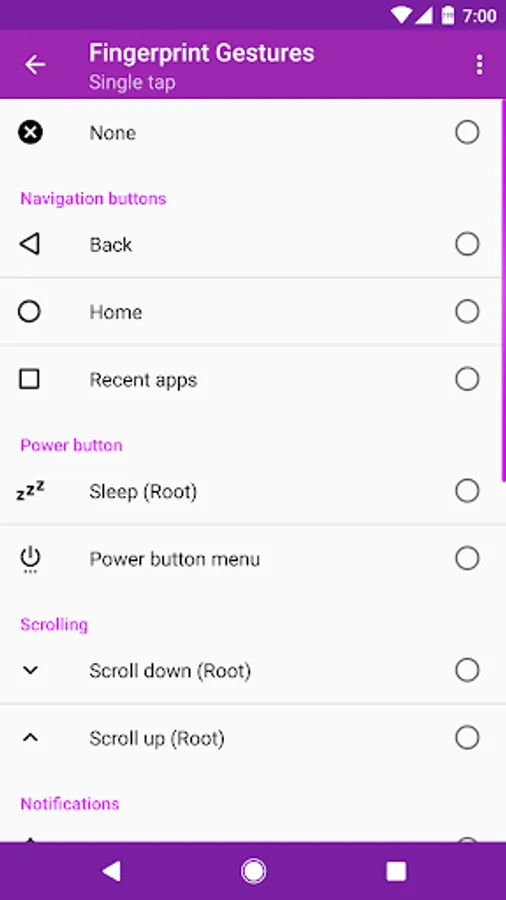
Available actions
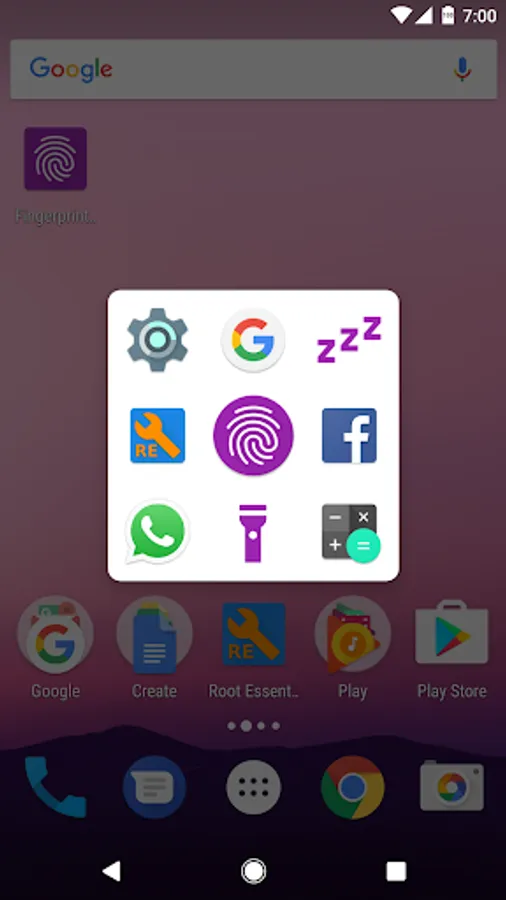
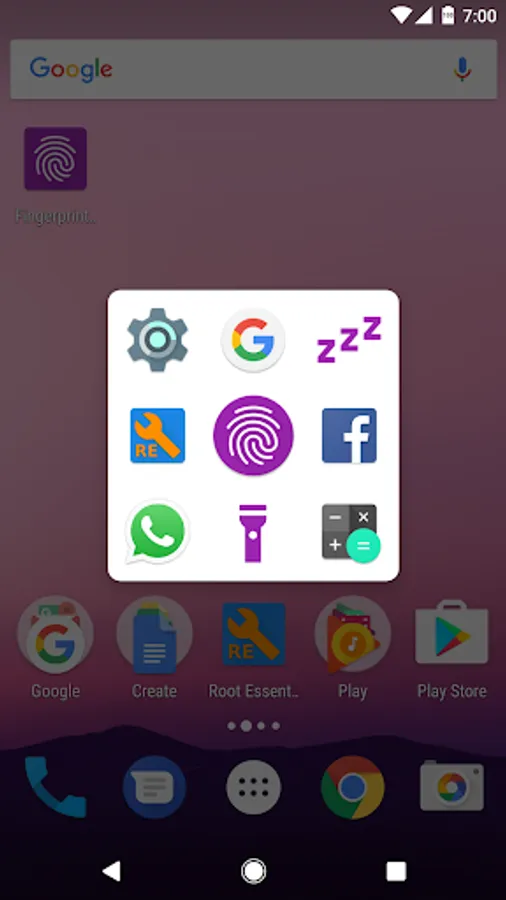
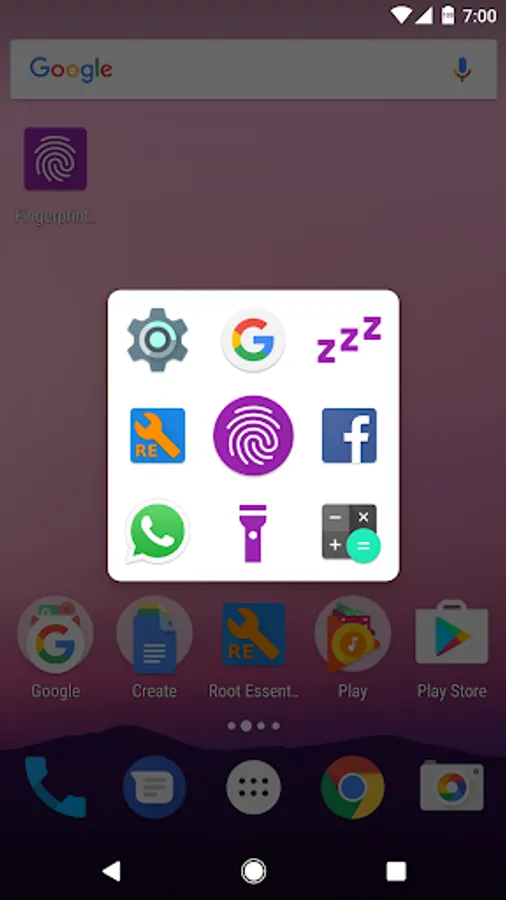
• Icon touch panel
• Back
• Home
• Recent apps
• Sleep (Root)
• Power button menu
• Scroll down (Root)
• Scroll up (Root)
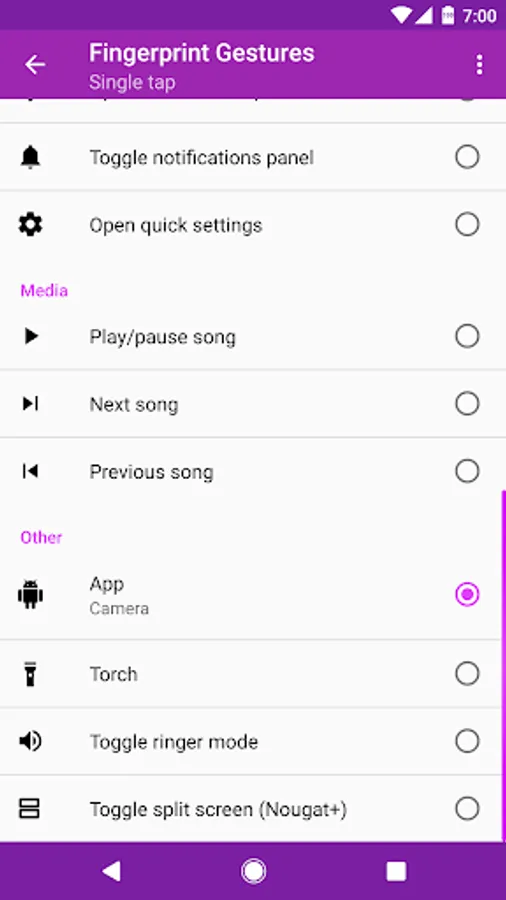
• Open notifications panel
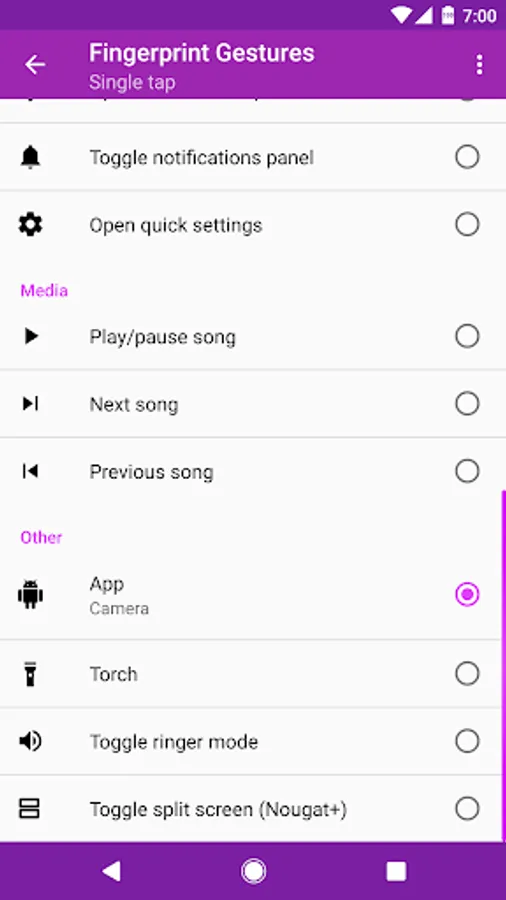
• Toggle notifications panel
• Open quick settings
• Toggle quick settings
• Play/pause song (6.0+)
• Next song (6.0+)
• Previous song (6.0+)
• Toggle auto-rotate (6.0+)
• Torch (6.0+)
• Toggle ringer mode
• App
• App shortcut
• Search
• Screenshot (Root)
• Assistant (Root)
• Toggle split screen (7.0+)
• Switch to last app (7.0+)
Requirements
• Marshmallow+: Android device running Marshmallow or higher with a fingerprint sensor. A fingerprint sensor is supported if the device manufacturer implemented Google's fingerprint API.
• Lollipop+: Samsung Pass API is also supported. Not supported on all devices. Requirements: Samsung Device & Samsung Pass API
• Only some functionality requires root. Root is needed to control extra functionality.
Accessibility Service
Usage of accessibility service privileges is for purpose of providing accessibility features and non-accessibility purposes. This service is used for responsible, innovative purpose which may include:
• Triggering of automated action: back, home, recents, power button menu, open notifications panel / quick settings, toggle split screen, switch to last app.
• Disabled persons can facilitate actions.
You need to confirm the permission dialogue to grant these actions.
Enable the fingerprint actions of Google Pixel on your device. Use gestures like single tap, double tap, or fast tap (swipe) to control your phone and/or tablet.
To check your notifications, swipe down on the fingerprint sensor on your phone. Touch your fingerprint sensor and scroll through an app of your choice. To quickly turn your phone to sleep, just tap the sensor. And so much more!
Available actions
• Icon touch panel
• Back
• Home
• Recent apps
• Sleep (Root)
• Power button menu
• Scroll down (Root)
• Scroll up (Root)
• Open notifications panel
• Toggle notifications panel
• Open quick settings
• Toggle quick settings
• Play/pause song (6.0+)
• Next song (6.0+)
• Previous song (6.0+)
• Toggle auto-rotate (6.0+)
• Torch (6.0+)
• Toggle ringer mode
• App
• App shortcut
• Search
• Screenshot (Root)
• Assistant (Root)
• Toggle split screen (7.0+)
• Switch to last app (7.0+)
Requirements
• Marshmallow+: Android device running Marshmallow or higher with a fingerprint sensor. A fingerprint sensor is supported if the device manufacturer implemented Google's fingerprint API.
• Lollipop+: Samsung Pass API is also supported. Not supported on all devices. Requirements: Samsung Device & Samsung Pass API
• Only some functionality requires root. Root is needed to control extra functionality.
Accessibility Service
Usage of accessibility service privileges is for purpose of providing accessibility features and non-accessibility purposes. This service is used for responsible, innovative purpose which may include:
• Triggering of automated action: back, home, recents, power button menu, open notifications panel / quick settings, toggle split screen, switch to last app.
• Disabled persons can facilitate actions.
You need to confirm the permission dialogue to grant these actions.
Fingerprint Gestures Screenshots
Tap to Rate: