
Root Essentials
SmartFusionLabs
4.1 ★
10K ratings
1,000,000+
downloads
Free
+ in-app
In this utility app, you can manage root access, edit system files, and customize device settings. Includes features for app control, system modifications, and device info management.
AppRecs review analysis
AppRecs rating 4.1. Trustworthiness 0 out of 100. Review manipulation risk 0 out of 100. Based on a review sample analyzed.
★★★★☆
4.1
AppRecs Rating
Ratings breakdown
5 star
63%
4 star
11%
3 star
7%
2 star
6%
1 star
13%
What to know
✓
High user satisfaction
74% of sampled ratings are 4+ stars (4.0★ average)
✓
Authentic reviews
Natural distribution, no red flags
About Root Essentials
All in one toolbox for your rooted phone, tablet and Android Wear. This set of tools delivers all you need for your rooted handheld. "Do you need more in this all in one root toolbox? Why don't you tell us!"
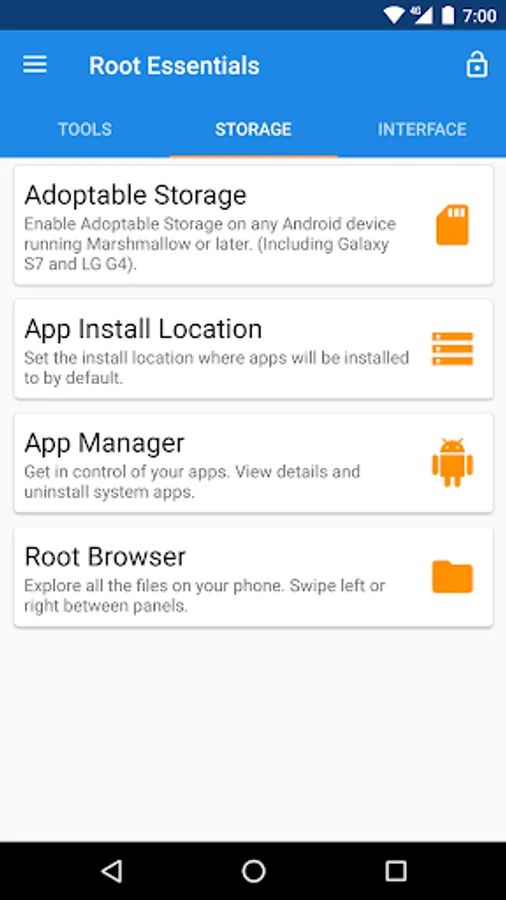
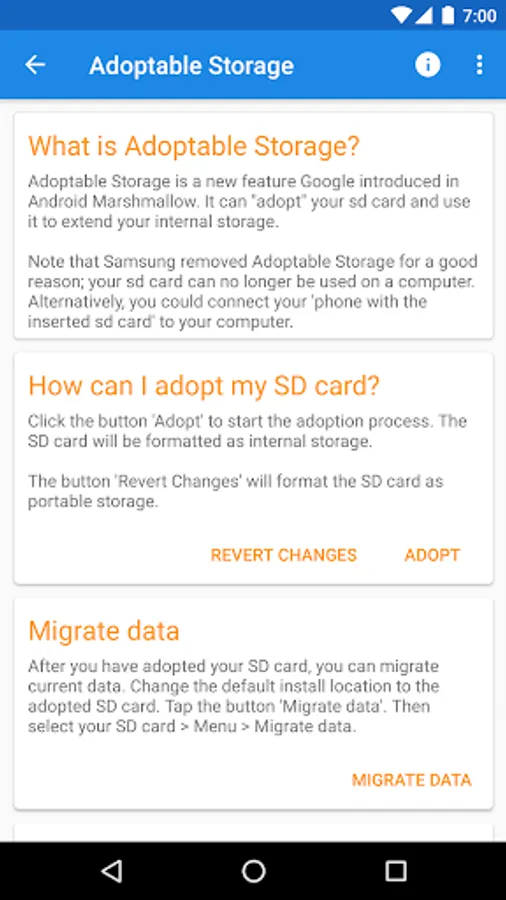
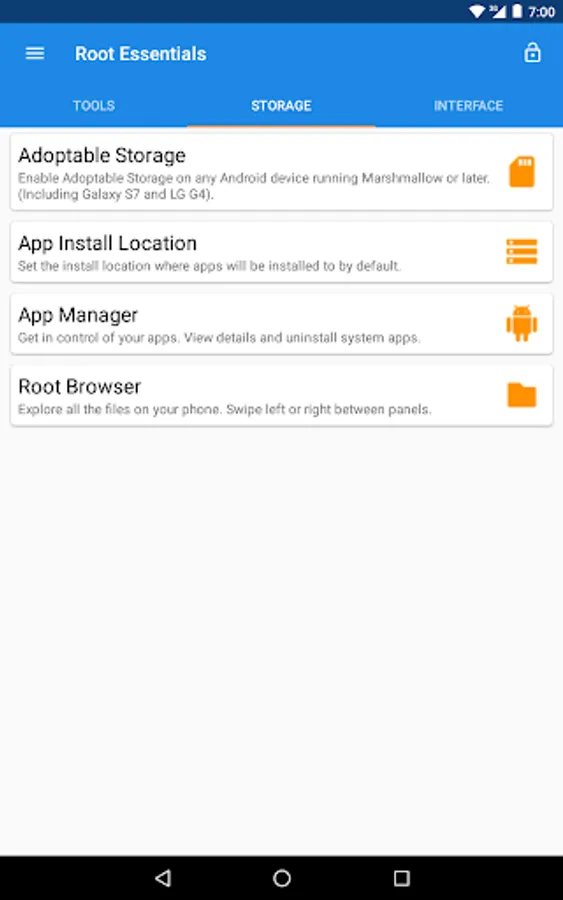
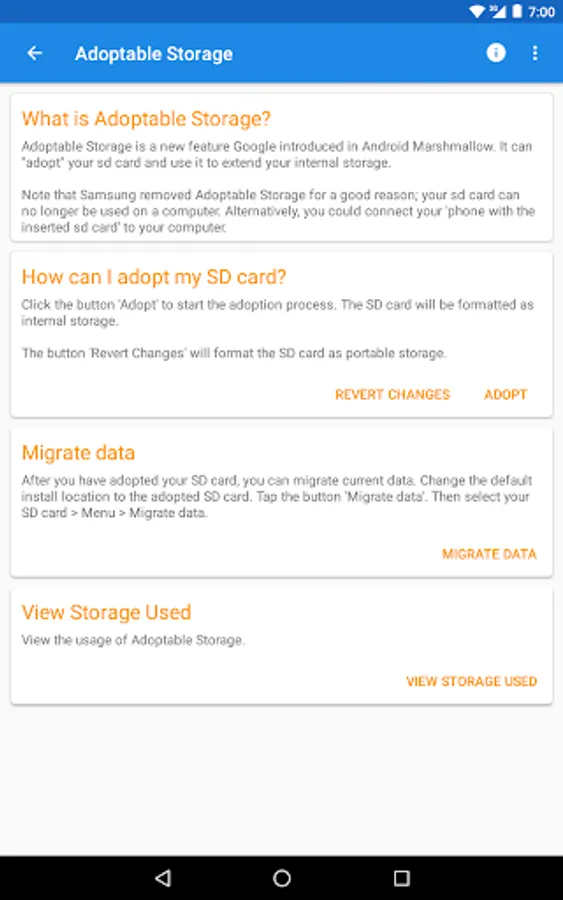
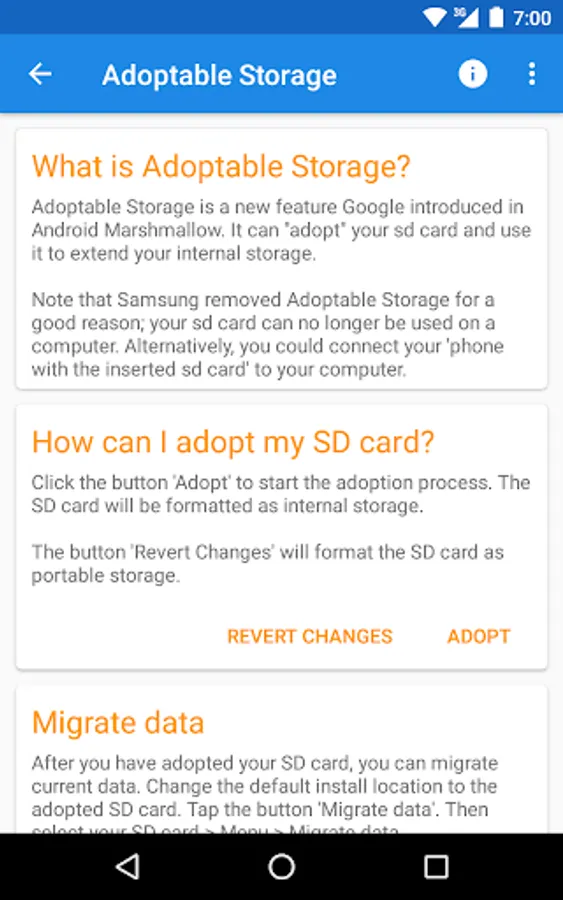
★Adoptable Storage★
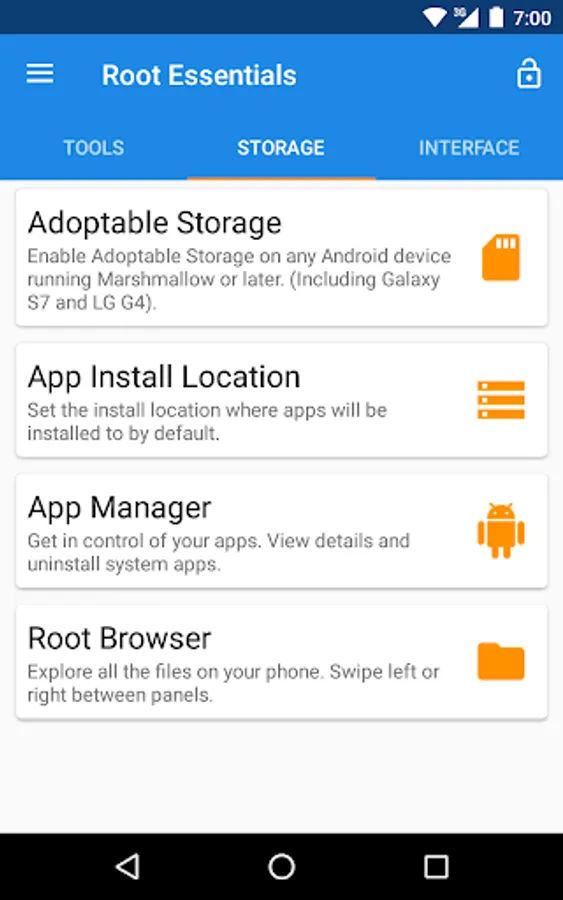
Enable Adoptable Storage on any Android device running Marshmallow or later. (Including Galaxy S7 and LG G4).
★App Install Location★
Set the install location where apps will be installed to by default.
★App Manager★
Get in control of your apps. View details and uninstall system apps.
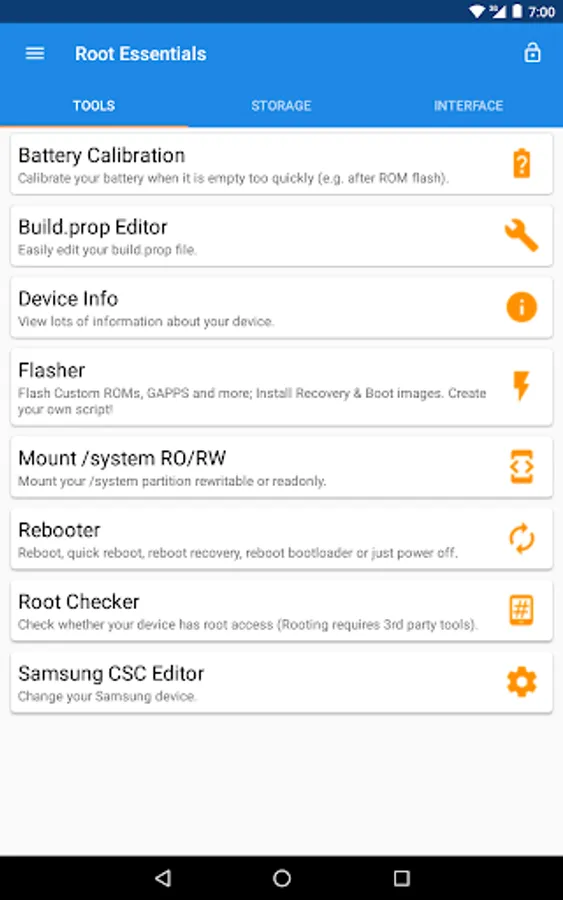
★Battery Calibration★
Calibrate your battery when it is empty too quickly (e.g. after ROM flash).
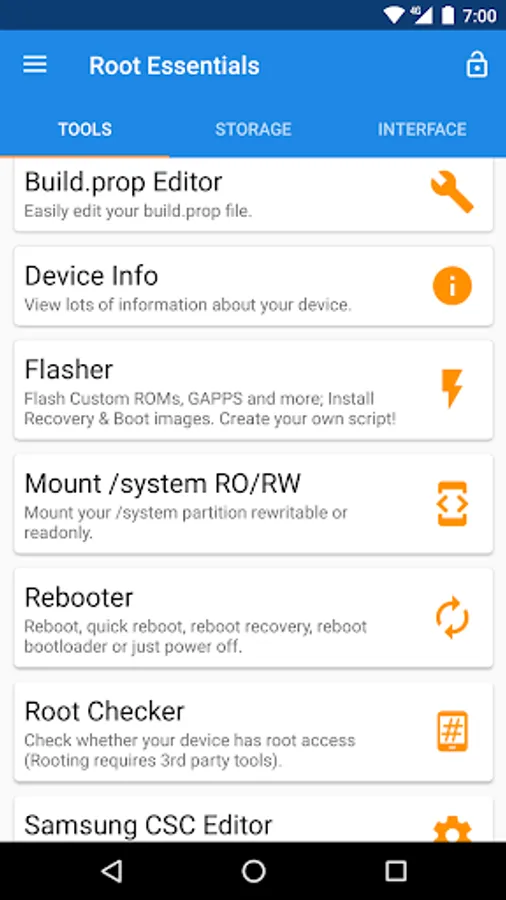
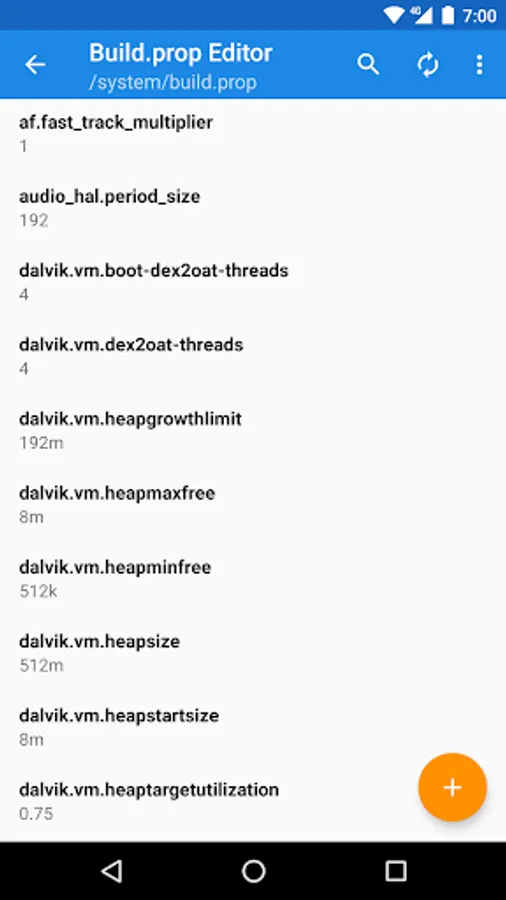
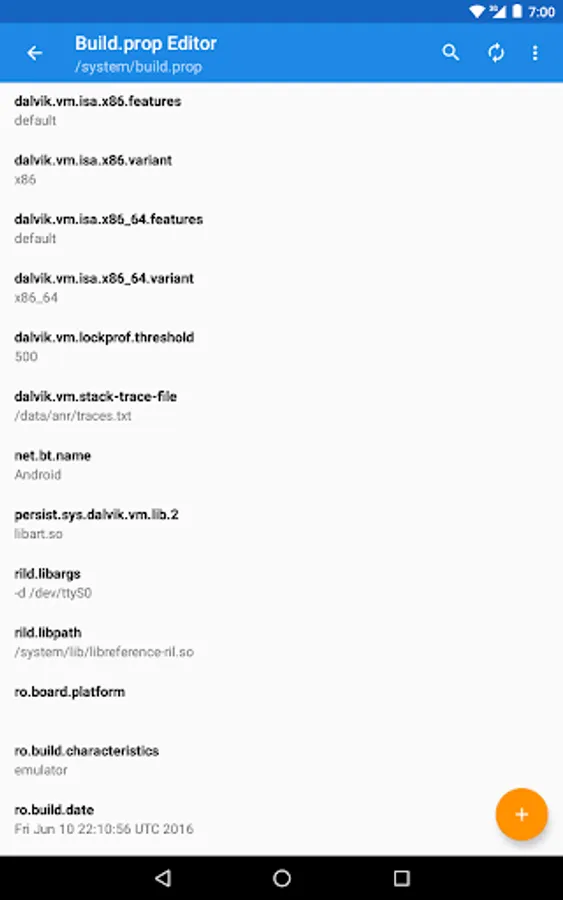
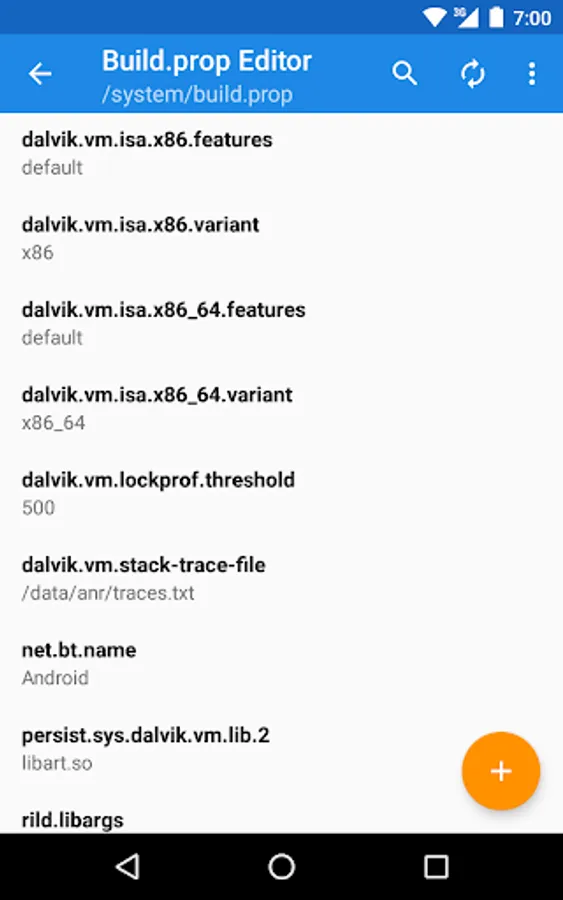
★Build.prop Editor★
Easily edit your build.prop file.
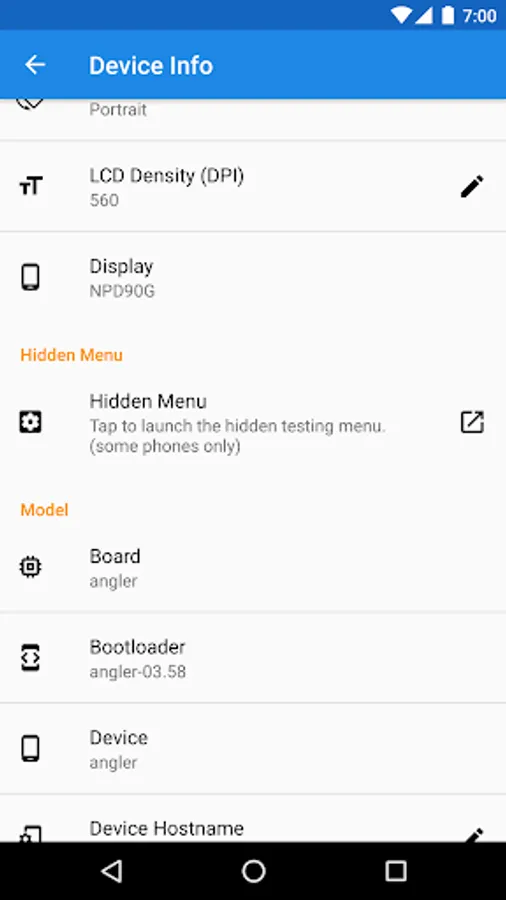
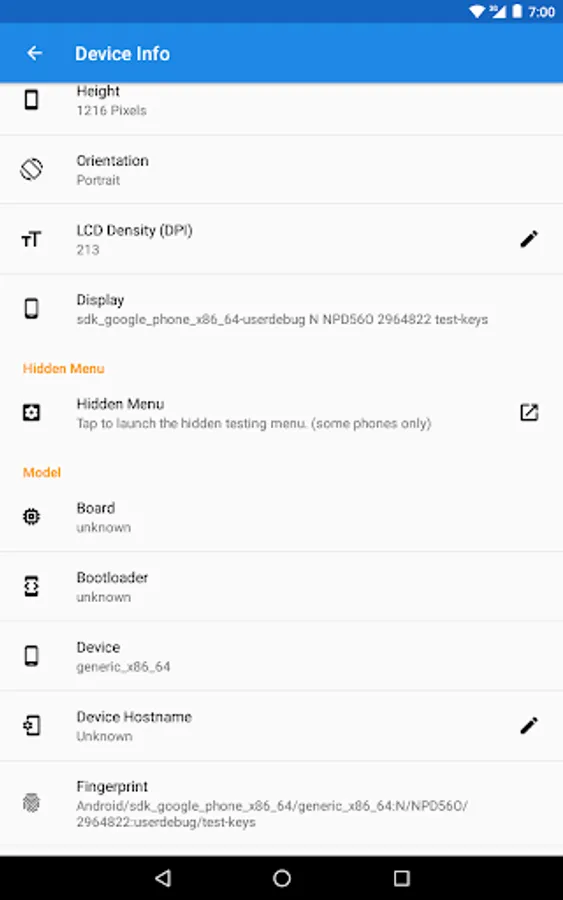
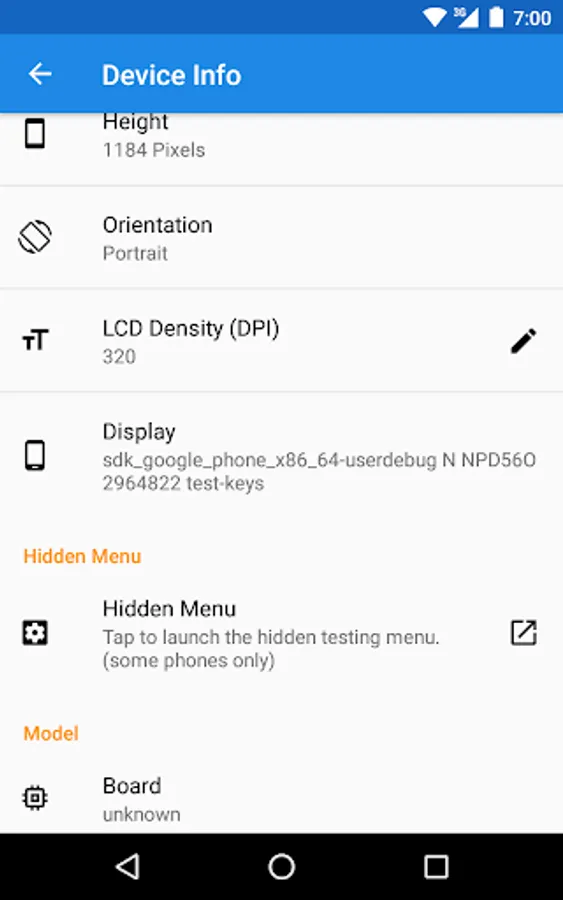
★Device Info★
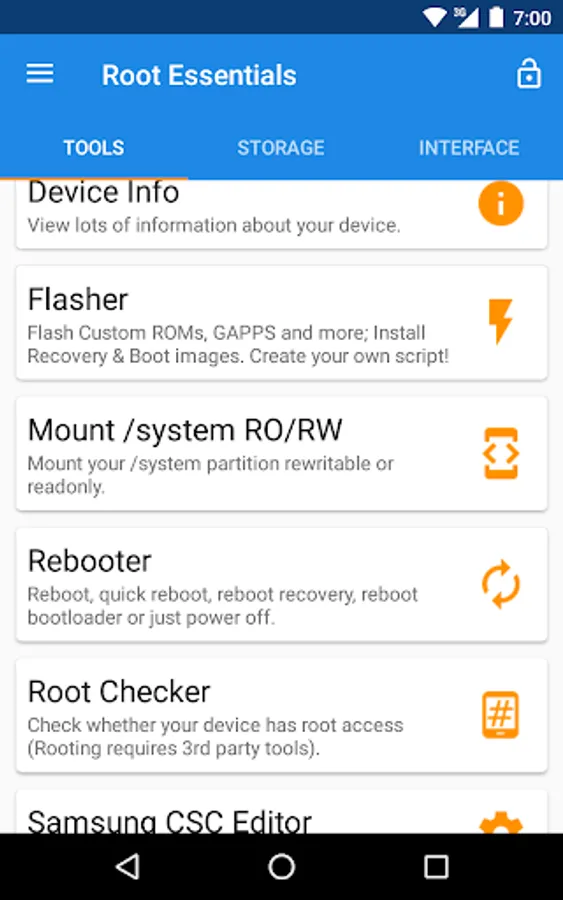
View lots of information about your device.
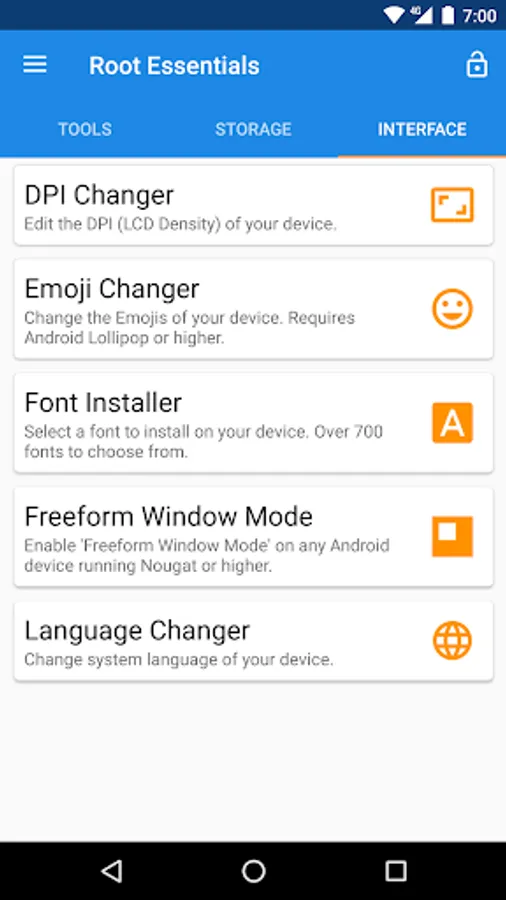
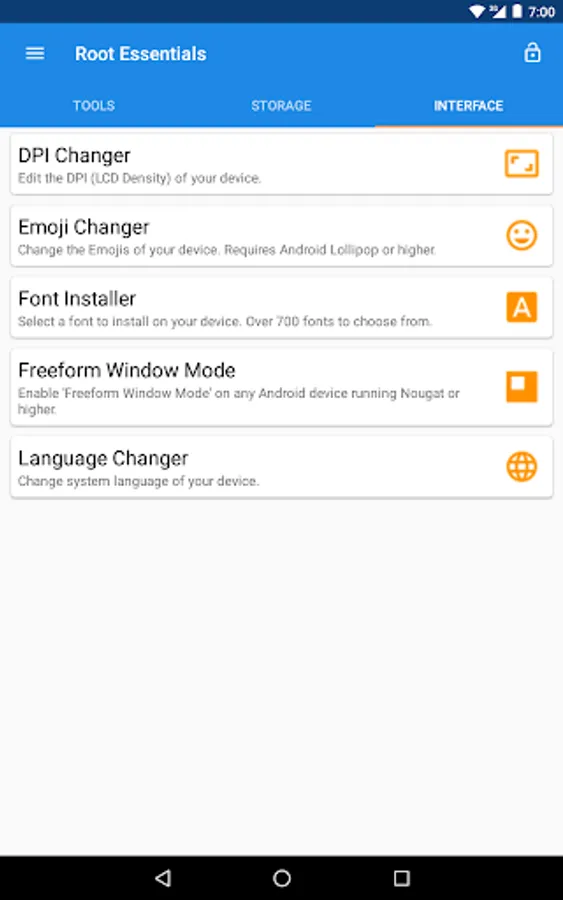
★DPI Changer★
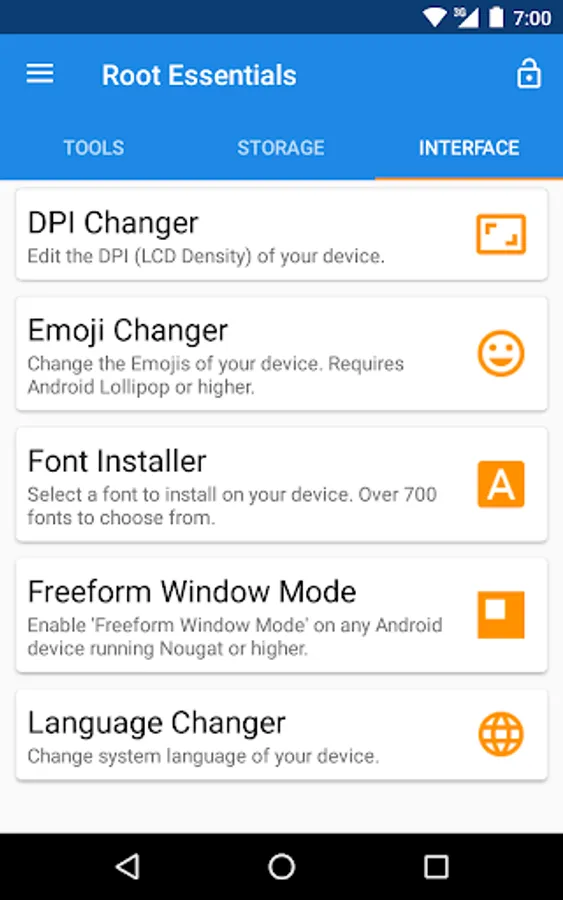
Edit the DPI (LCD Density) of your device.
★Emoji Changer★
Change the Emojis of your device. Requires Android Lollipop or higher.
★Flasher★
Flash Custom ROMs, GAPPS and more; Install Recovery & Boot images. Create your own script!
★Font Installer★
Select a font to install on your device. Over 700 fonts to choose from.
★Freeform Window Mode★
Enable 'Freeform Window Mode' on any Android device running Nougat or higher.
★Language Changer★
Change system language of your device.
★Mount /system RO/RW★
Mount your /system partition rewritable or readonly.
★Rebooter★
Reboot, quick reboot, reboot recovery, reboot bootloader or just power off.
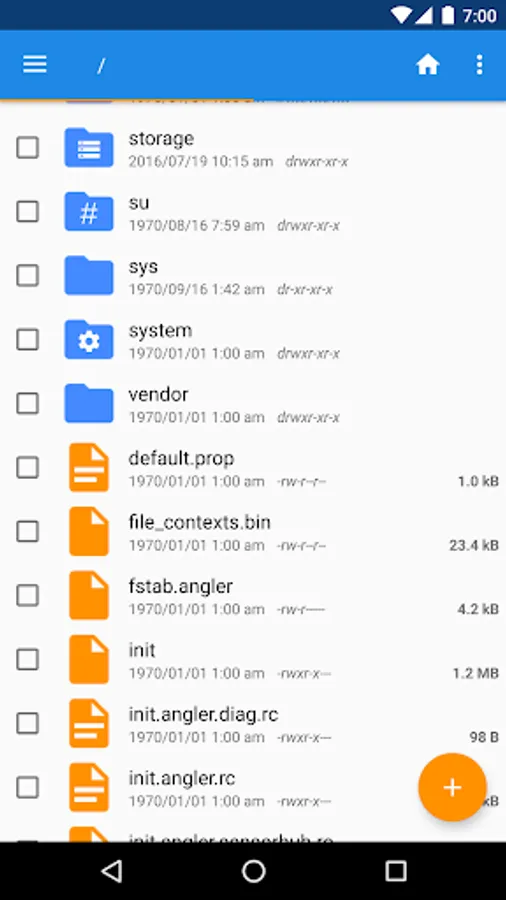
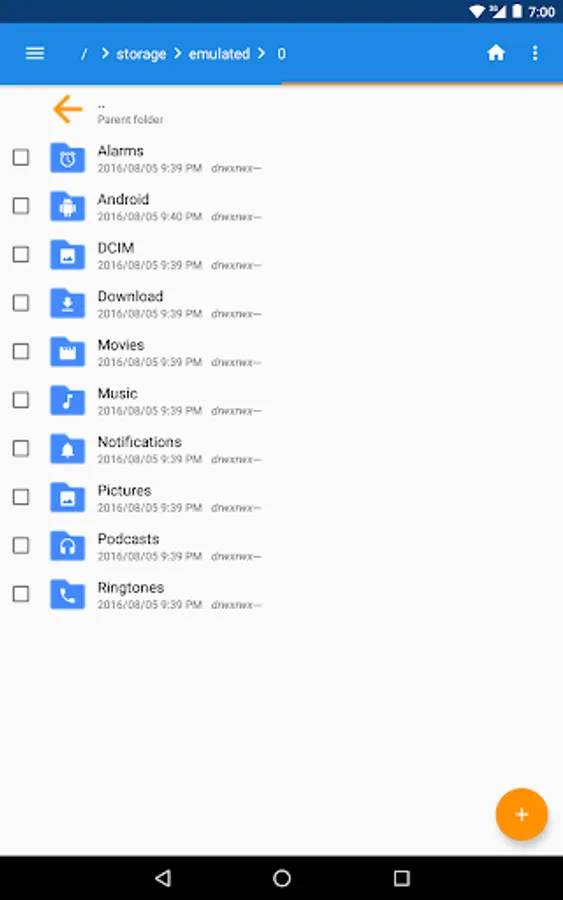
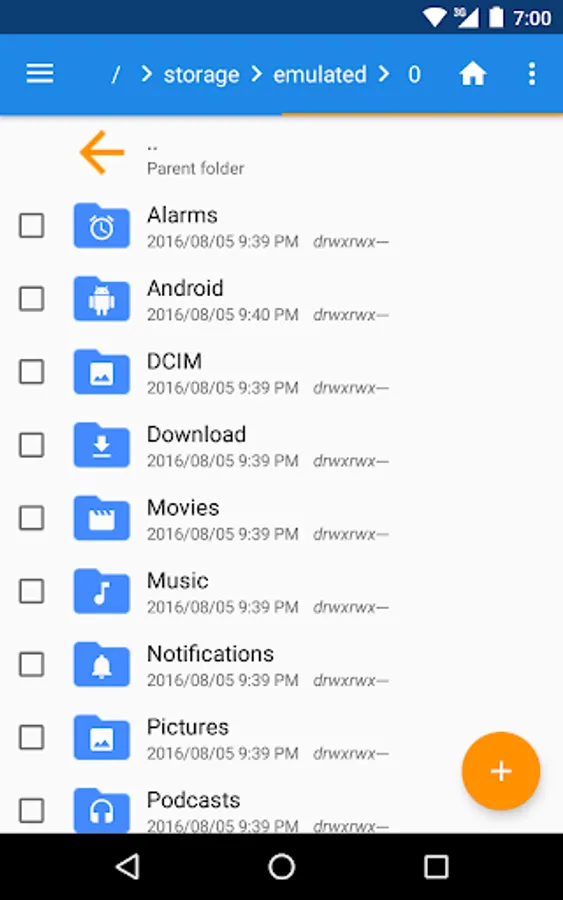
★Root Browser★
Explore all the files on your phone. Swipe left or right between panels.
★Root Checker★
Check whether your device has root access (Rooting requires 3rd party tools).
★Samsung CSC Editor★
Change your Samsung device.
Android Wear
Some features of this app are also available on Android Wear. The wearable device must be rooted for most features and takes advantage of your handheld.
What is root?
Root provides access to all system files under Linux and Android. A required tool is SuperUser (also known as SuperSU). The command su grants elevated access to your files. Many ROMs including AOSP, Cyanogenmod, Paranoid and Miui can be rooted or have 'administrator rights' included in the ROM.
Accessibility Service
All usage of the accessibility service privileges is for the purpose of providing accessibility features and non-accessibility purposes to users. This service is used for responsible, innovative purpose which may include the following:
• Triggering of automated action: back, home, recents, power button menu, open notifications panel / quick settings, toggle split screen, switch to last app.
• Disabled persons can facilitate actions.
You will need to confirm the permission dialogue to grant these actions.
Google+ Community: https://goo.gl/7ftDzw
Facebook: https://goo.gl/0iidNv
★Adoptable Storage★
Enable Adoptable Storage on any Android device running Marshmallow or later. (Including Galaxy S7 and LG G4).
★App Install Location★
Set the install location where apps will be installed to by default.
★App Manager★
Get in control of your apps. View details and uninstall system apps.
★Battery Calibration★
Calibrate your battery when it is empty too quickly (e.g. after ROM flash).
★Build.prop Editor★
Easily edit your build.prop file.
★Device Info★
View lots of information about your device.
★DPI Changer★
Edit the DPI (LCD Density) of your device.
★Emoji Changer★
Change the Emojis of your device. Requires Android Lollipop or higher.
★Flasher★
Flash Custom ROMs, GAPPS and more; Install Recovery & Boot images. Create your own script!
★Font Installer★
Select a font to install on your device. Over 700 fonts to choose from.
★Freeform Window Mode★
Enable 'Freeform Window Mode' on any Android device running Nougat or higher.
★Language Changer★
Change system language of your device.
★Mount /system RO/RW★
Mount your /system partition rewritable or readonly.
★Rebooter★
Reboot, quick reboot, reboot recovery, reboot bootloader or just power off.
★Root Browser★
Explore all the files on your phone. Swipe left or right between panels.
★Root Checker★
Check whether your device has root access (Rooting requires 3rd party tools).
★Samsung CSC Editor★
Change your Samsung device.
Android Wear
Some features of this app are also available on Android Wear. The wearable device must be rooted for most features and takes advantage of your handheld.
What is root?
Root provides access to all system files under Linux and Android. A required tool is SuperUser (also known as SuperSU). The command su grants elevated access to your files. Many ROMs including AOSP, Cyanogenmod, Paranoid and Miui can be rooted or have 'administrator rights' included in the ROM.
Accessibility Service
All usage of the accessibility service privileges is for the purpose of providing accessibility features and non-accessibility purposes to users. This service is used for responsible, innovative purpose which may include the following:
• Triggering of automated action: back, home, recents, power button menu, open notifications panel / quick settings, toggle split screen, switch to last app.
• Disabled persons can facilitate actions.
You will need to confirm the permission dialogue to grant these actions.
Google+ Community: https://goo.gl/7ftDzw
Facebook: https://goo.gl/0iidNv
Root Essentials Screenshots
Tap to Rate: