
About DocsConnect V2
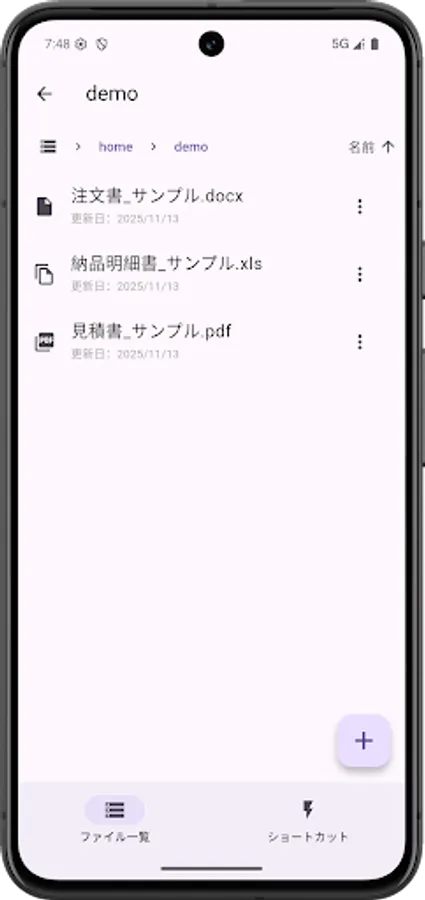
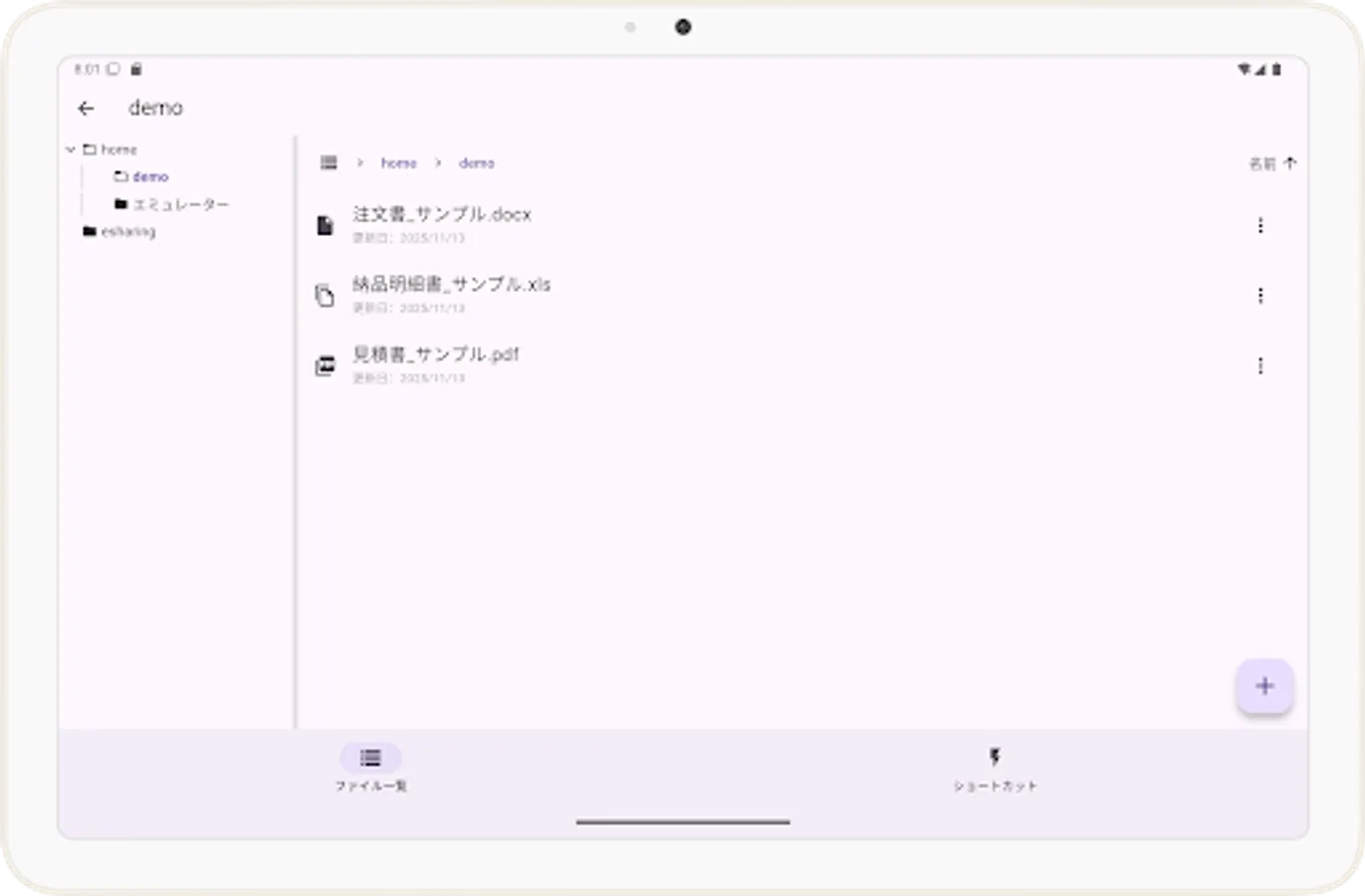
You can view files stored on the RICOH e-Sharing Service V2.
You can also upload images stored on various devices to the RICOH e-Sharing Service V2.
You can also easily connect to RICOH multifunction devices.
■How to Use
1) Scan the "Connect Code" displayed on the RICOH e-Sharing Service V2 UI screen to connect to the RICOH e-Sharing Service V2.
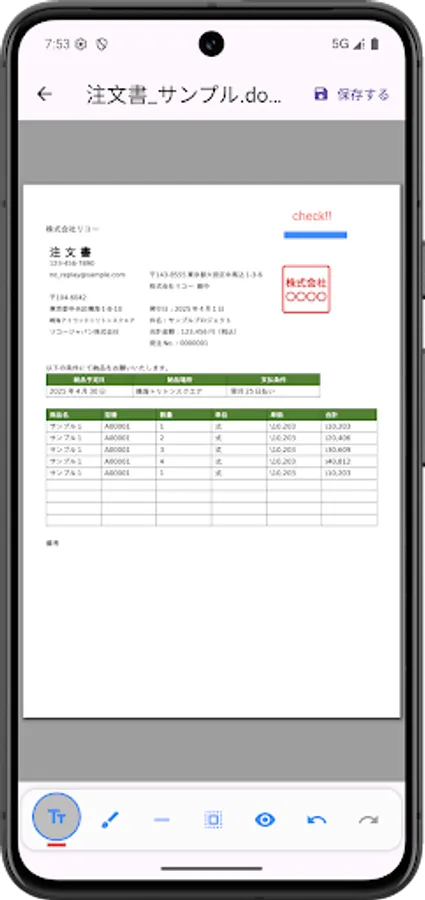
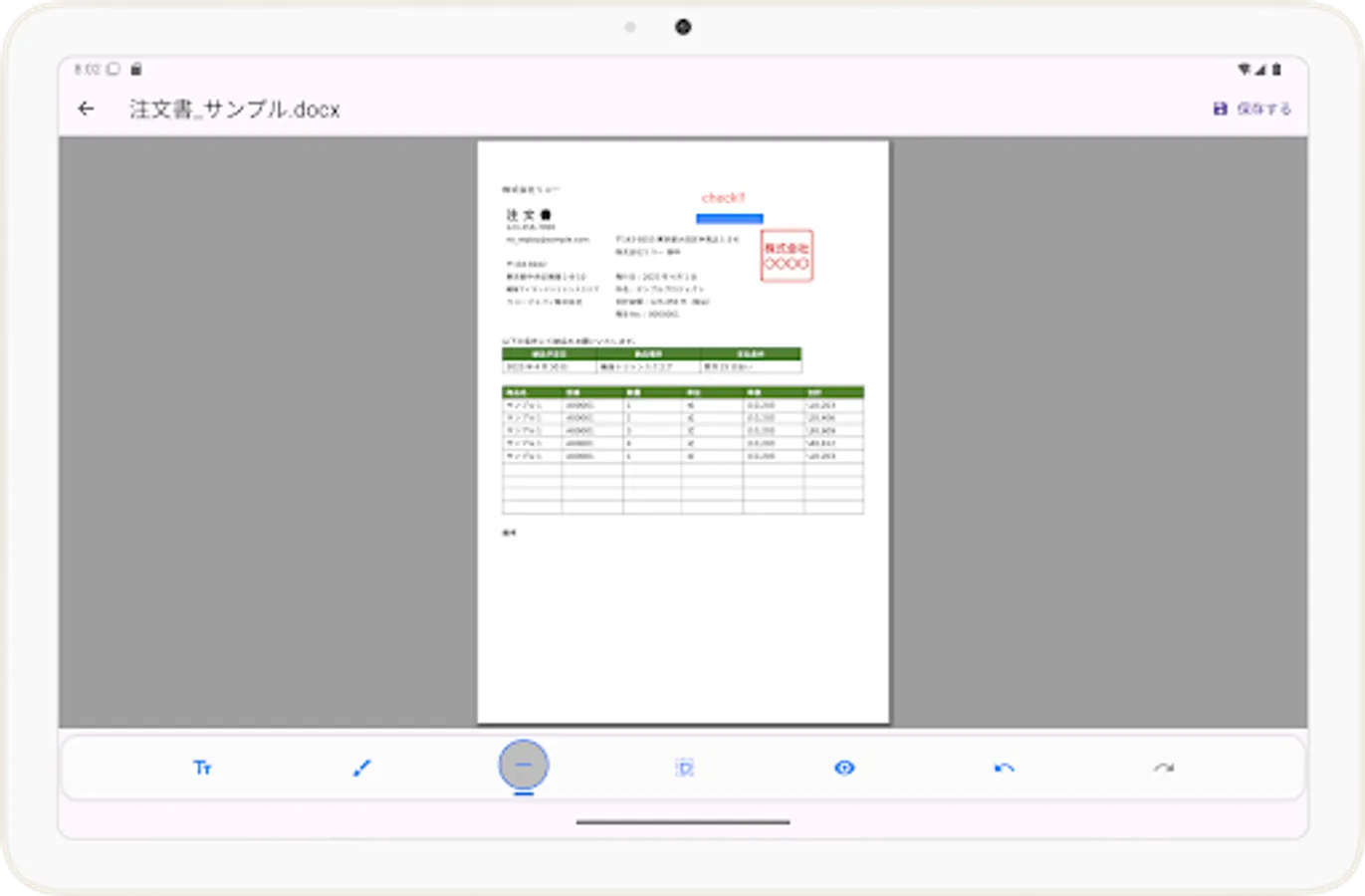
2) Select a file from the displayed RICOH e-Sharing Service V2 file list to view the selected file.
3) Use the Upload menu to upload images stored on your device or captured images to the RICOH e-Sharing Service V2.
4) You can fax the file you are viewing.
You can also upload images stored on various devices to the RICOH e-Sharing Service V2.
You can also easily connect to RICOH multifunction devices.
■How to Use
1) Scan the "Connect Code" displayed on the RICOH e-Sharing Service V2 UI screen to connect to the RICOH e-Sharing Service V2.
2) Select a file from the displayed RICOH e-Sharing Service V2 file list to view the selected file.
3) Use the Upload menu to upload images stored on your device or captured images to the RICOH e-Sharing Service V2.
4) You can fax the file you are viewing.
DocsConnect V2 Screenshots
Tap to Rate: