AppRecs review analysis
AppRecs rating . Trustworthiness 55 out of 100. Review manipulation risk 51 out of 100. Based on a review sample analyzed.
★
AppRecs Rating
Ratings breakdown
5 star
100%
4 star
0%
3 star
0%
2 star
0%
1 star
0%
What to know
⚠
Questionable review patterns
51% review manipulation risk - some review patterns appear unusual
⚠
Unusually uniform ratings
100% of sampled ratings are 5 stars with very little variation
About RICOH Support Station
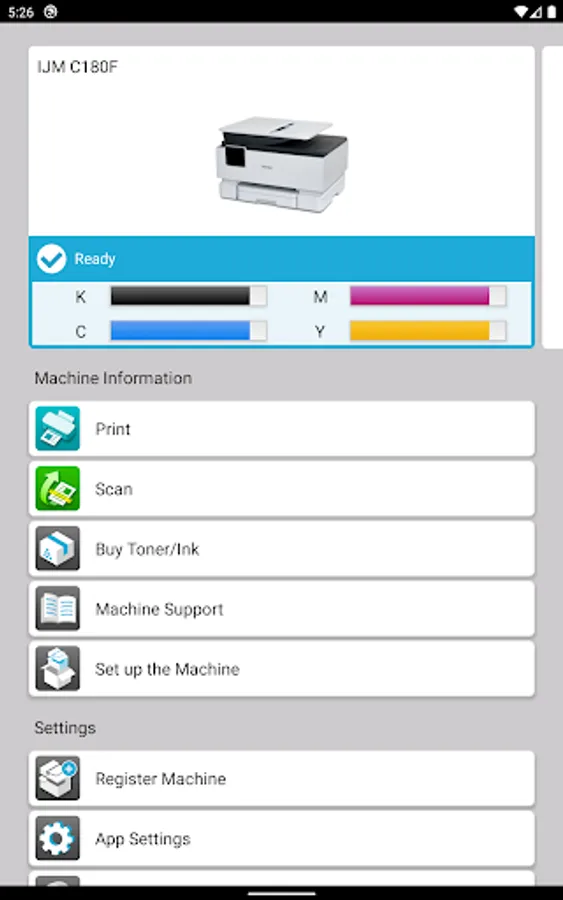
"RICOH Support Station" assists you in every step of the way in working with your RICOH printer.
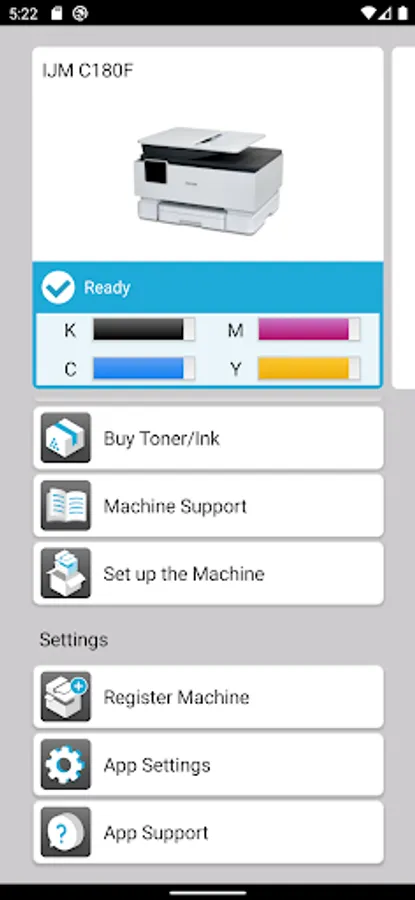
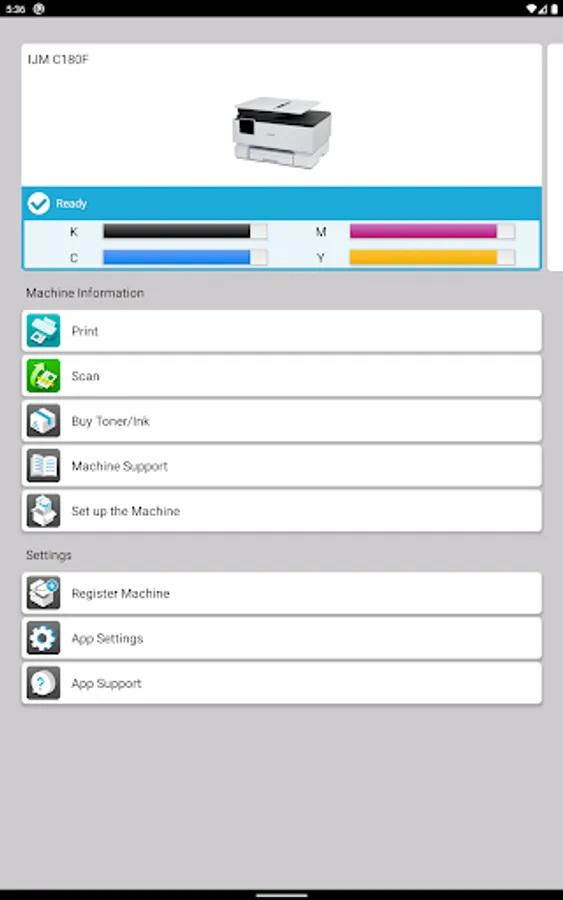
You can directly access easy setup guide, check the machine’s status and toner levels, and order supplies from your smart device.
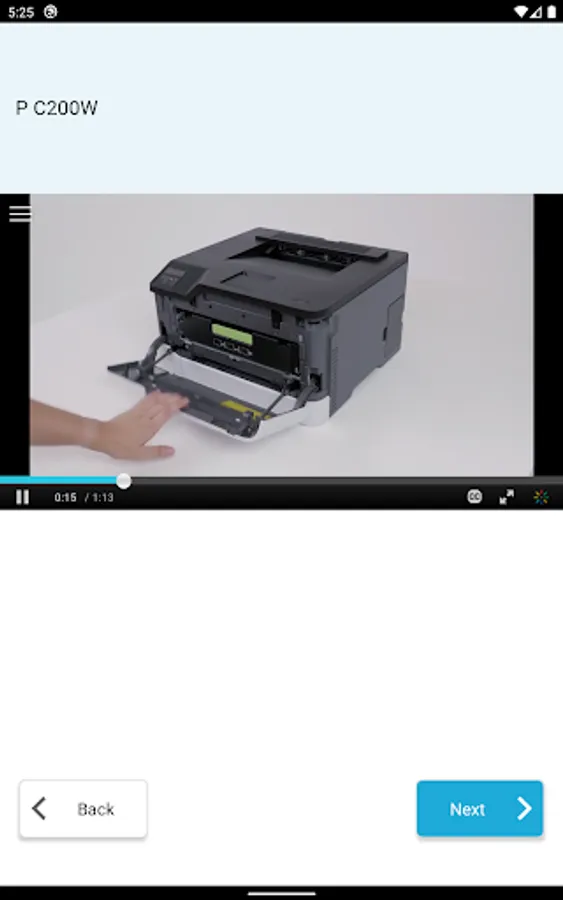
RICOH Support Station also navigates you to find answers to your questions about your printer or MFP.
Main features
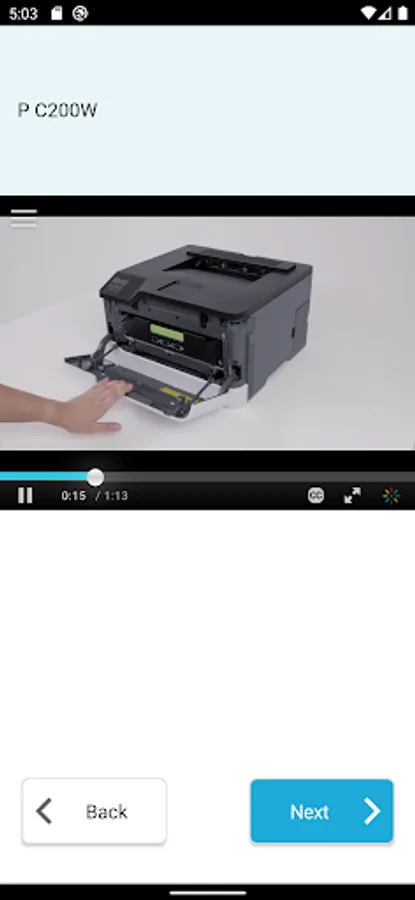
Easy printer or MFP setup guide:
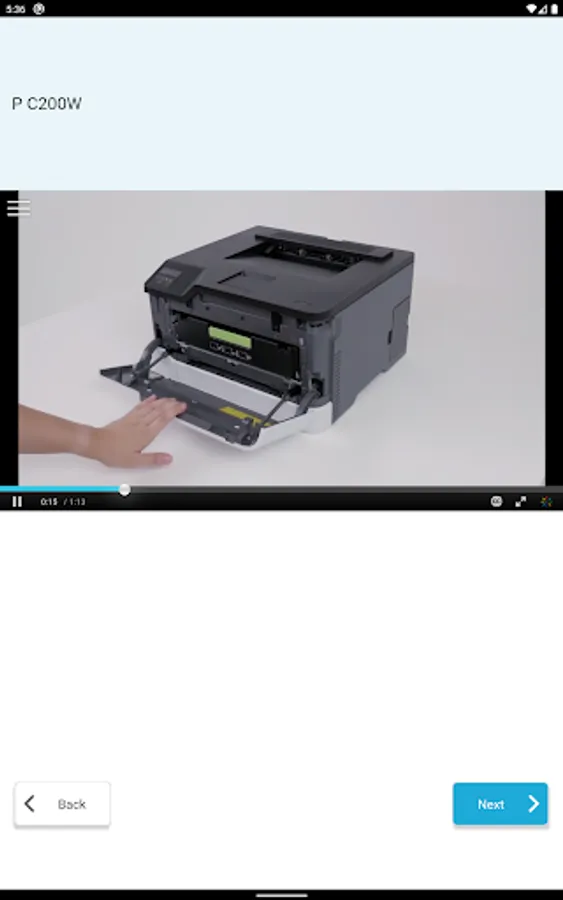
- Provides guidance for every step of the process from unboxing, loading paper and installing toner or ink for ready to use.
Network setting guide and registration on your smart device:
- Provides guidance on how to connect your printer or MFP to network.
- Automatically searches for your printer or MFP to register it on RICOH Support Station App.
*Your smart device and printer or MFP must be connected to the same network.
Printer driver installation guide:
- Provides guidance to a website to download printer drivers to your PC.
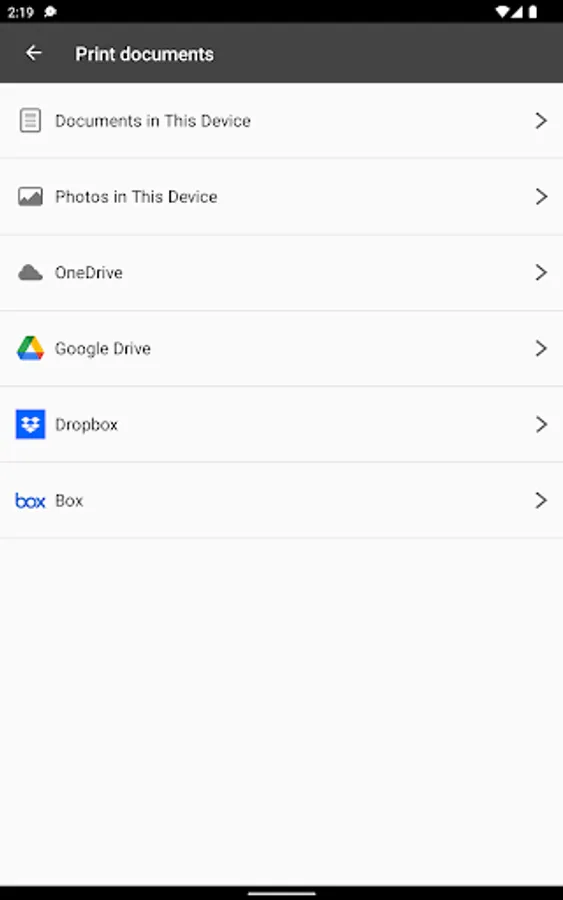
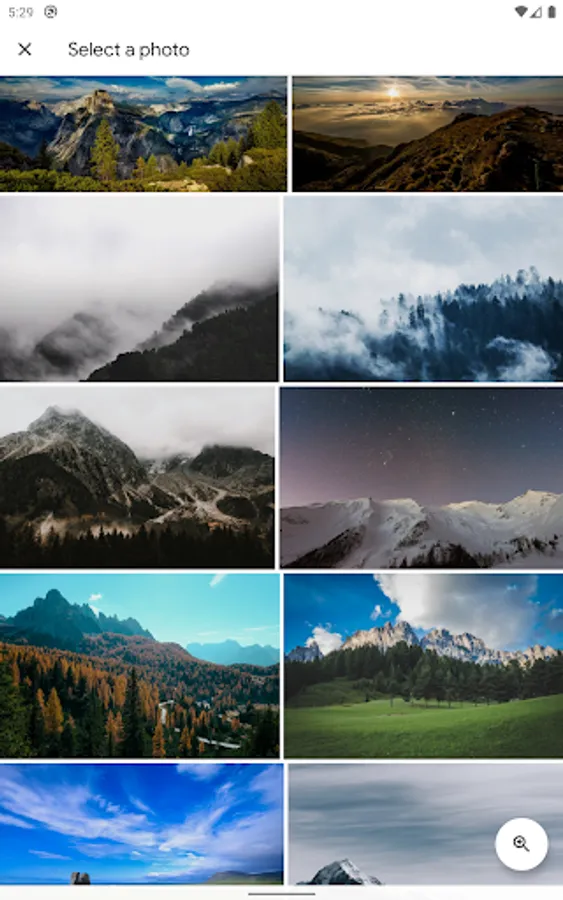
Printing:
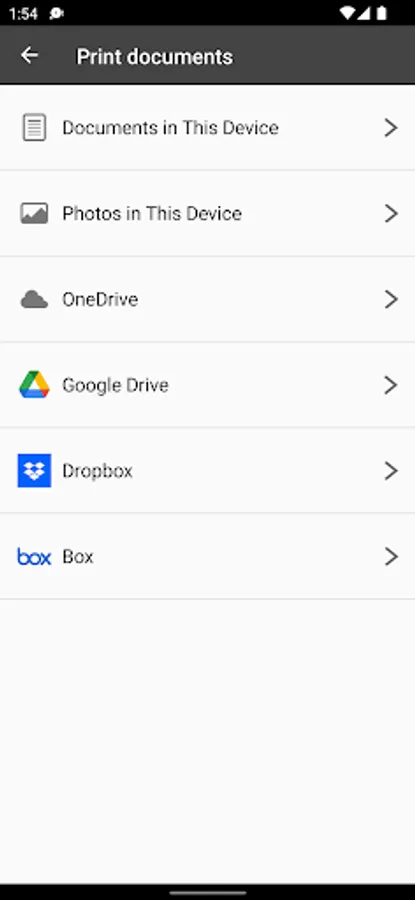
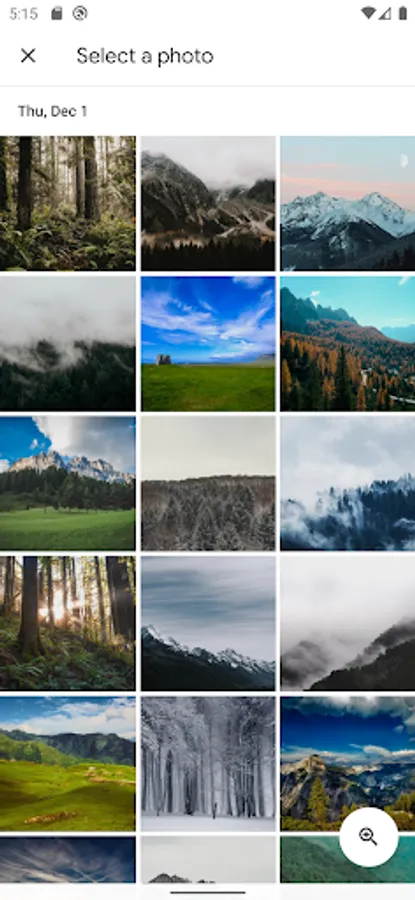
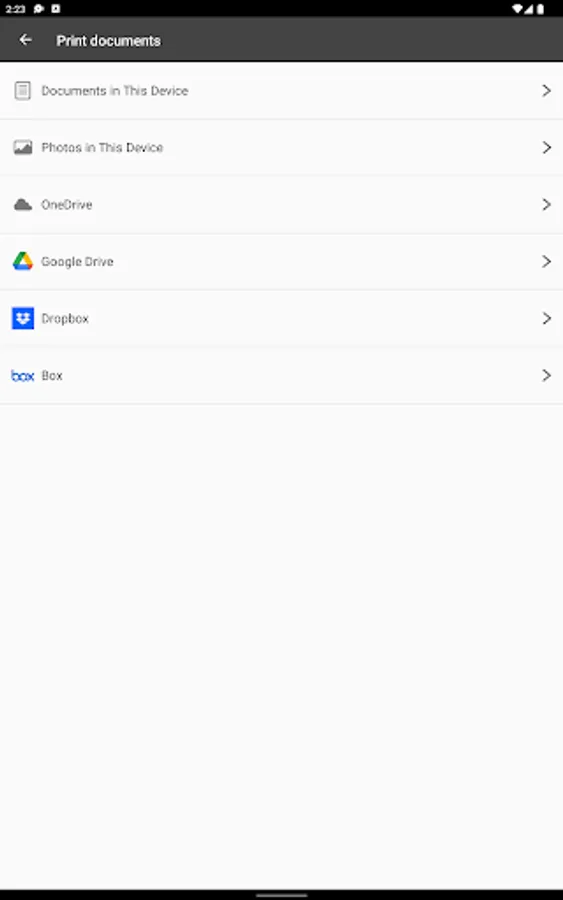
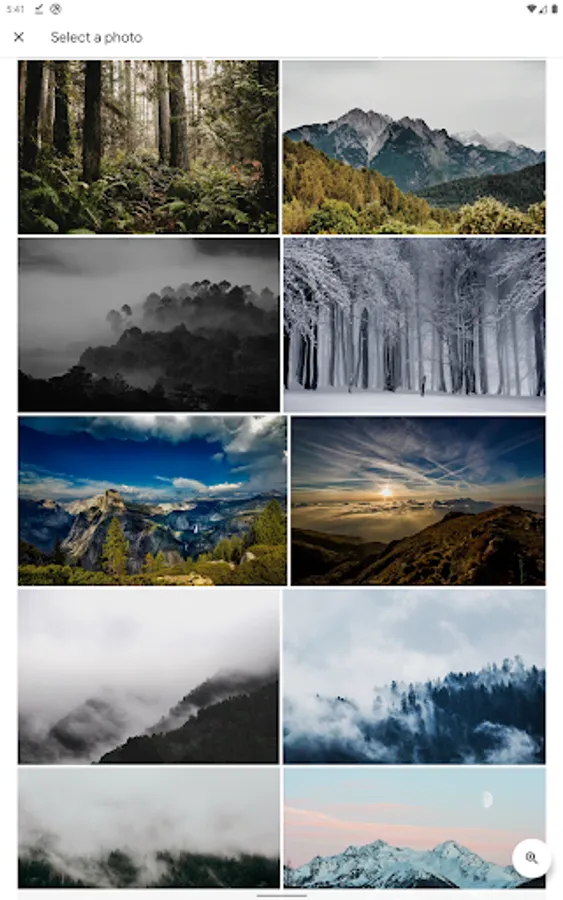
- Available to print documents and photos stored locally in your device or in OneDrive, Dropbox, Google Drive or Box.
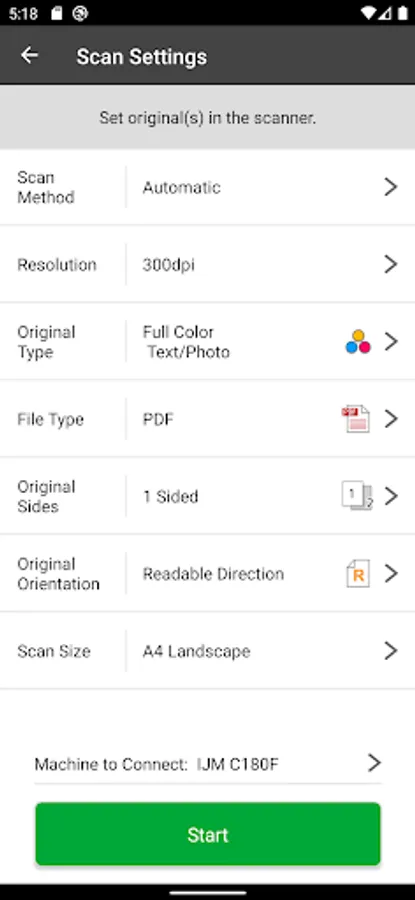
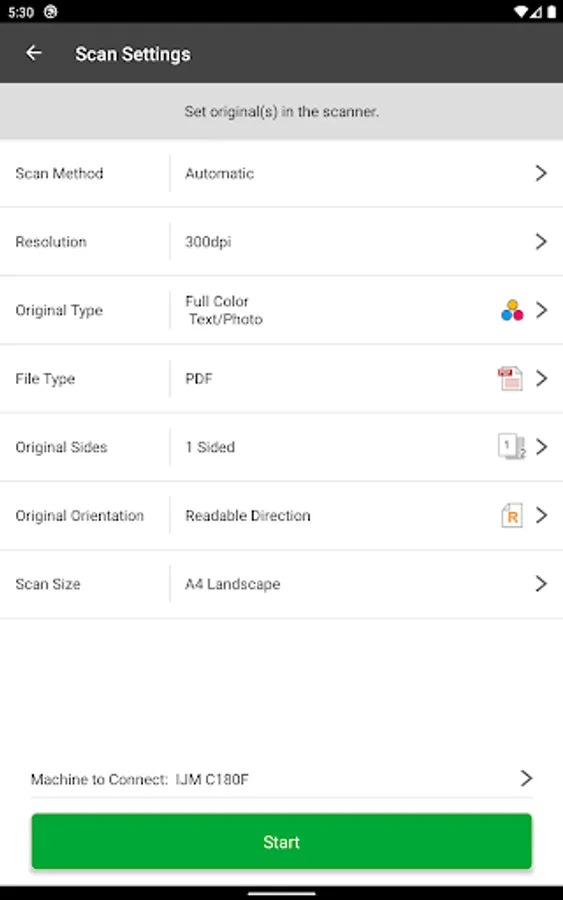
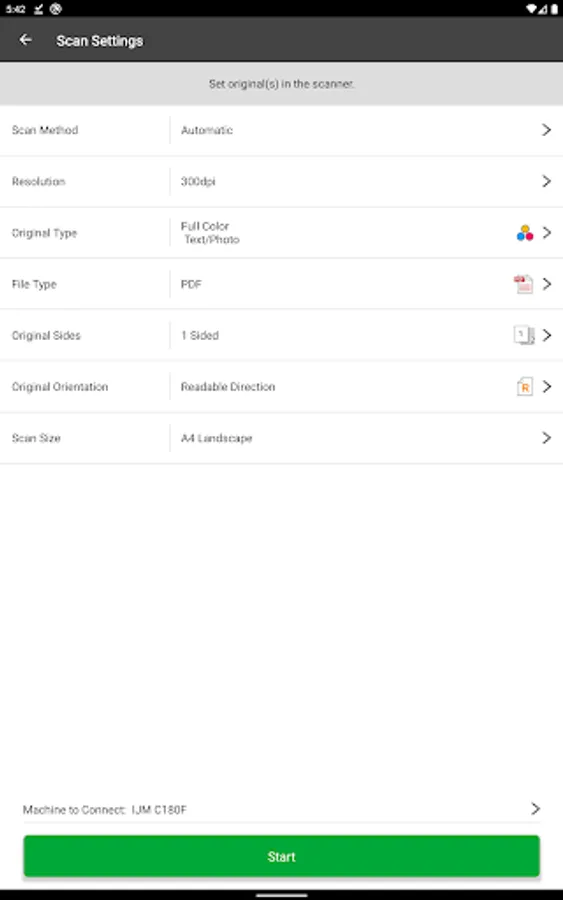
Scanning:
- Available to save scanned documents and photos to your device.
- Available to share scanned documents and photos with other apps.
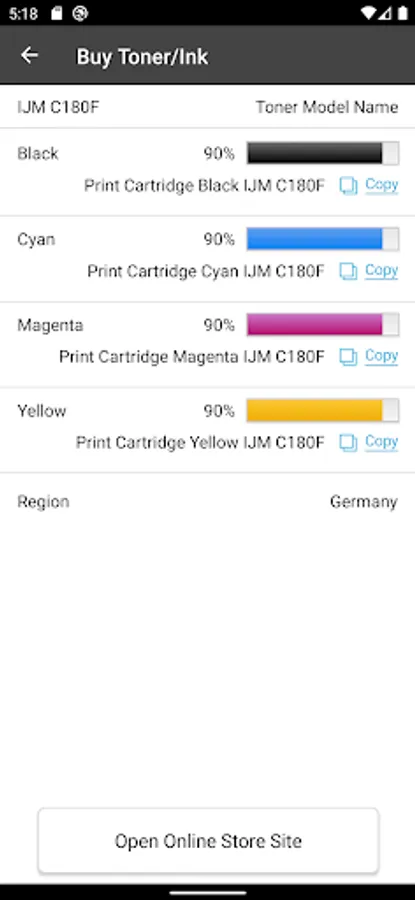
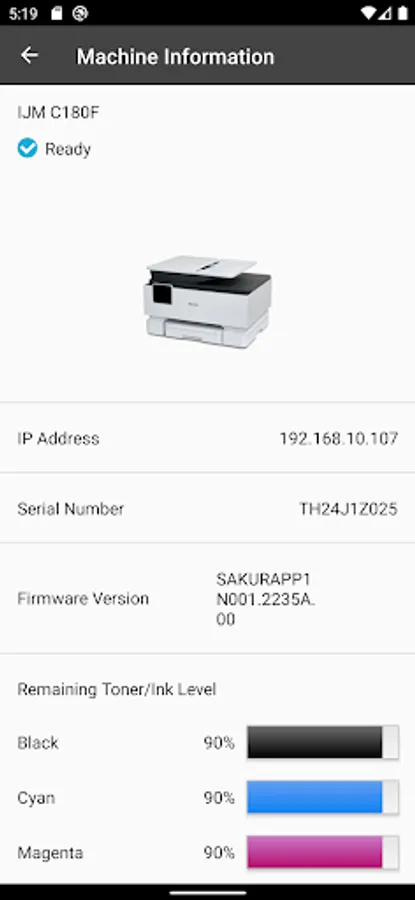
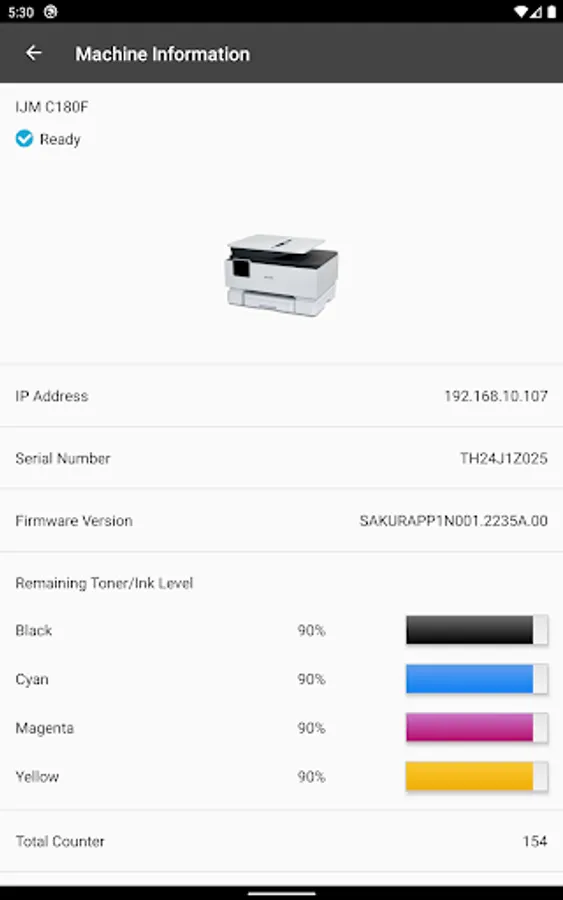
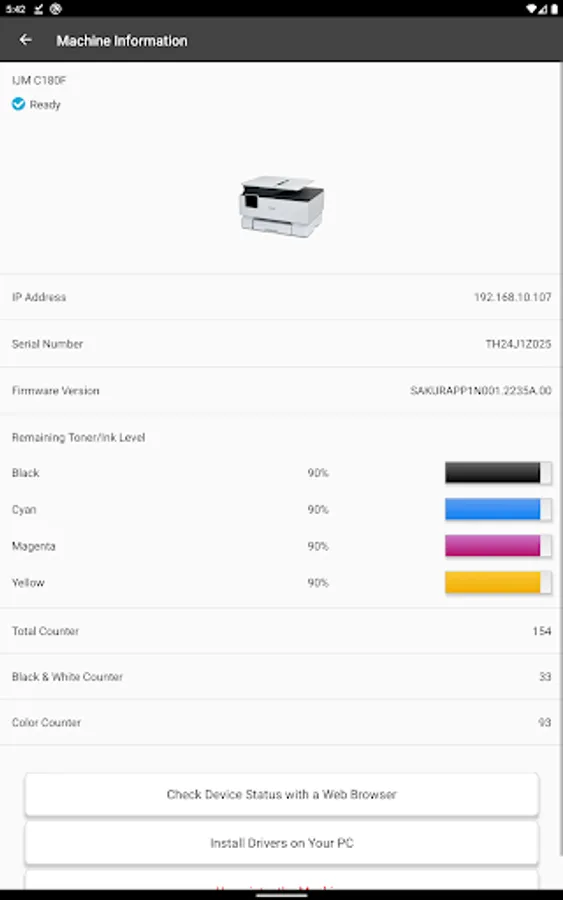
Checking printer or MFP status and toner or ink levels:
- Available to check how much toner remains.
- When it is almost depleted, a message notifies that a replacement toner is required.
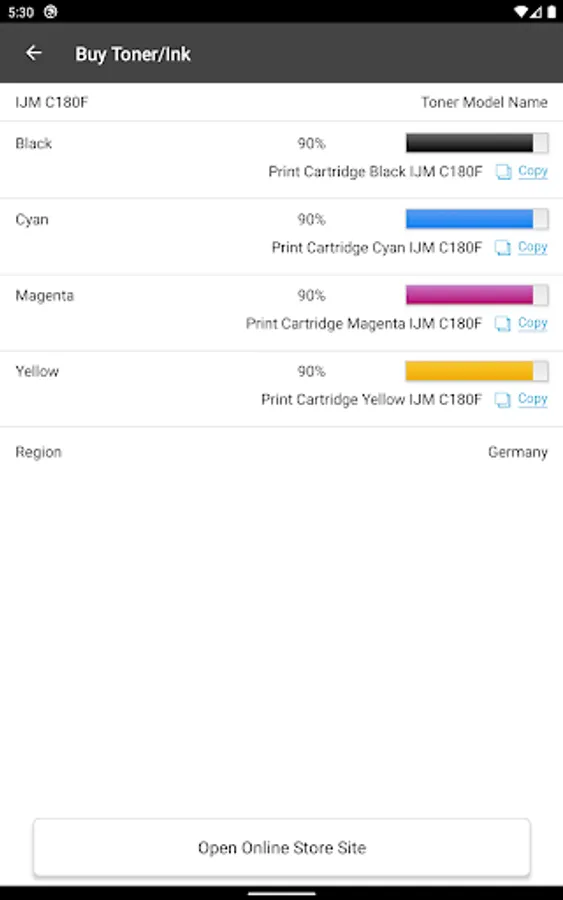
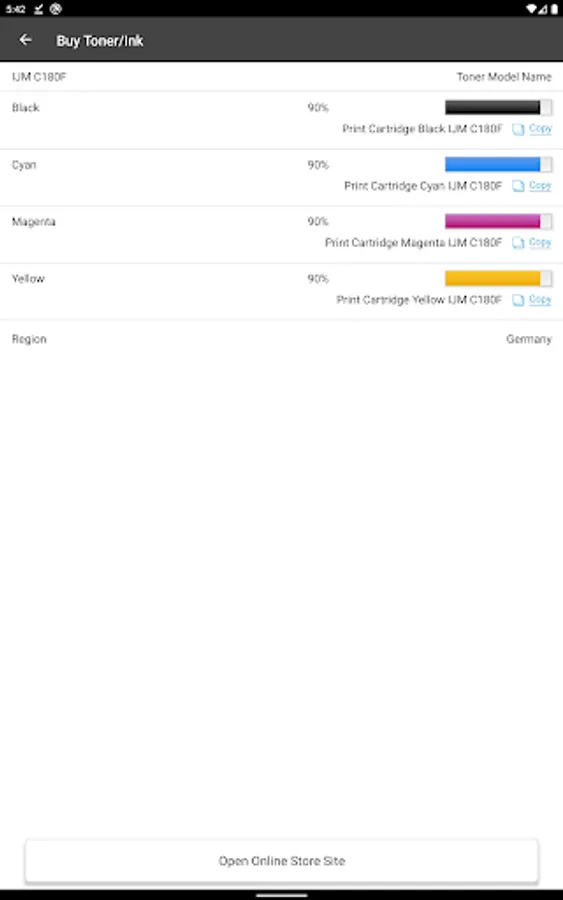
Easy supply ordering guide:*
- Guides you access to ordering page for replacement toner.
*Pre-registration is required.
*This function may not be available in some regions.
Troubleshooting guide of your printer or MFP
- Guides you to access FAQ or operating manual of the registered printer or MFP.
Supported languages:
- English, French, German, Italian, Spanish, Dutch, Japanese
For details, please refer to the following URL:
https://www.ricoh.com/software/support-station/gateway
You can directly access easy setup guide, check the machine’s status and toner levels, and order supplies from your smart device.
RICOH Support Station also navigates you to find answers to your questions about your printer or MFP.
Main features
Easy printer or MFP setup guide:
- Provides guidance for every step of the process from unboxing, loading paper and installing toner or ink for ready to use.
Network setting guide and registration on your smart device:
- Provides guidance on how to connect your printer or MFP to network.
- Automatically searches for your printer or MFP to register it on RICOH Support Station App.
*Your smart device and printer or MFP must be connected to the same network.
Printer driver installation guide:
- Provides guidance to a website to download printer drivers to your PC.
Printing:
- Available to print documents and photos stored locally in your device or in OneDrive, Dropbox, Google Drive or Box.
Scanning:
- Available to save scanned documents and photos to your device.
- Available to share scanned documents and photos with other apps.
Checking printer or MFP status and toner or ink levels:
- Available to check how much toner remains.
- When it is almost depleted, a message notifies that a replacement toner is required.
Easy supply ordering guide:*
- Guides you access to ordering page for replacement toner.
*Pre-registration is required.
*This function may not be available in some regions.
Troubleshooting guide of your printer or MFP
- Guides you to access FAQ or operating manual of the registered printer or MFP.
Supported languages:
- English, French, German, Italian, Spanish, Dutch, Japanese
For details, please refer to the following URL:
https://www.ricoh.com/software/support-station/gateway
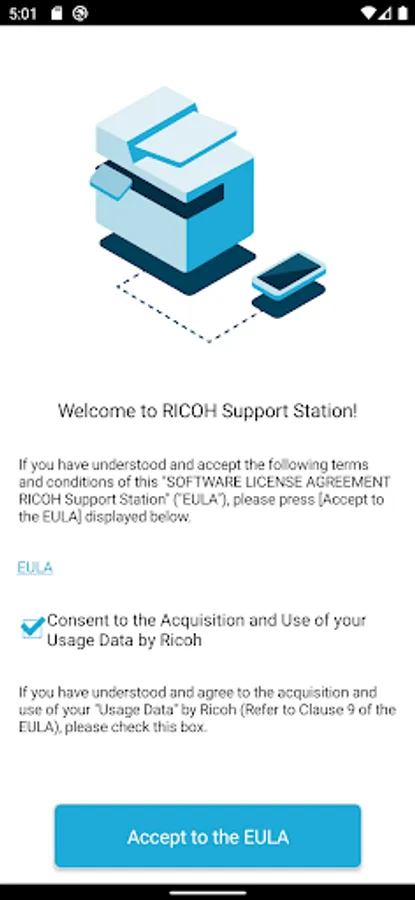
RICOH Support Station Screenshots
Tap to Rate:
Reviews for RICOH Support Station
Dinesh Khatri
2/6/2025
Very nice pics
David Gachui
2/25/2024
Fantastic