In this app, you can remotely control the RICOH THETA camera, capture images and videos, and view spherical content. Includes live view, device connection, and sharing options.
AppRecs review analysis
AppRecs rating 3.3. Trustworthiness 86 out of 100. Review manipulation risk 22 out of 100. Based on a review sample analyzed.
★★★☆☆
3.3
AppRecs Rating
Ratings breakdown
5 star
49%
4 star
11%
3 star
5%
2 star
6%
1 star
29%
What to know
✓
Low review manipulation risk
22% review manipulation risk
✓
Credible reviews
86% trustworthiness score from analyzed reviews
⚠
High negative review ratio
35% of sampled ratings are 1–2 stars
About RICOH THETA
Make life fun and work convenient with the 360° camera RICOH THETA
The 360° camera RICOH THETA greatly surpasses your field of view to capture the entire surroundings with a single shutter click.
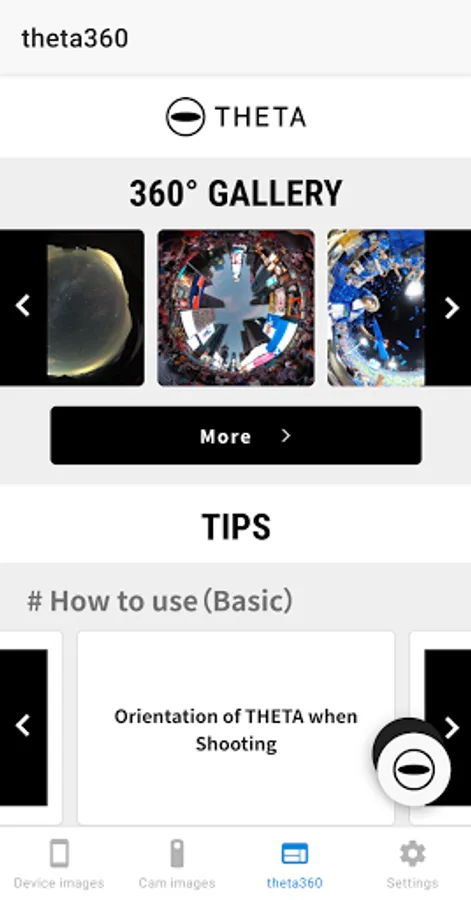
You can view and share on a computer or smartphone the images and videos you shoot.
This app enables you to do every task, specifically taking images and videos, viewing them and also sharing them, on your smartphone.
* A separately sold RICOH THETA series camera is required to shoot spherical images.
◊ RICOH THETA and Wi-Fi connection
Be sure to install this app onto your smartphone and connect it to a RICOH THETA series camera.
Using this app will enable you to capture images remotely and view spherical images.
- Remote shooting
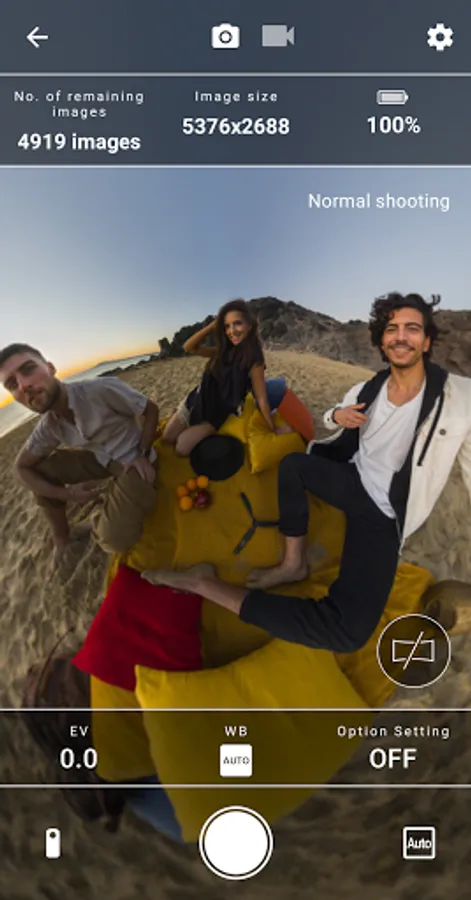
In still image mode, you can shoot while checking images in live view.
You can also switch between still image mode and video mode by the app.
- Viewing
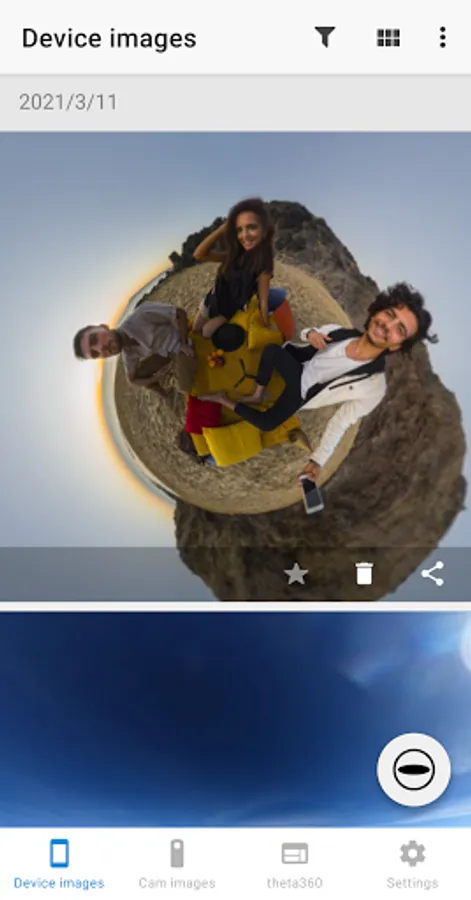
Captured images and videos can be viewed using this app.
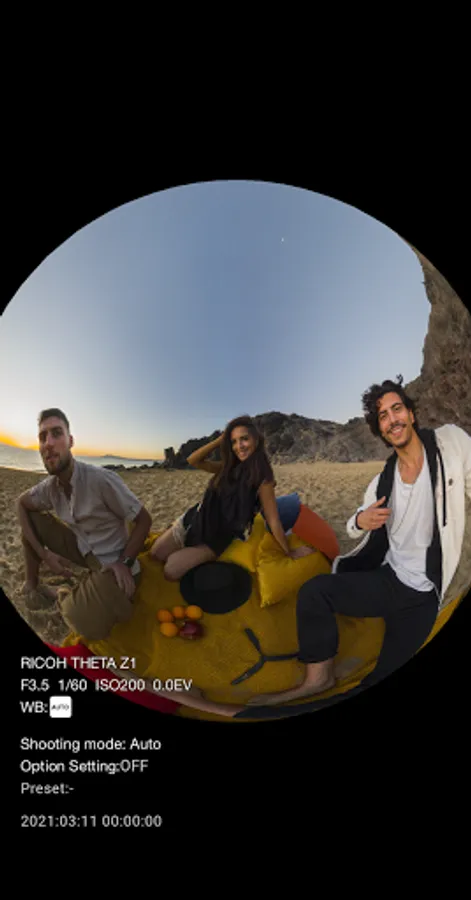
Spin around, enlarge, or shrink... Experience the fun of seeing the entire space around you in a spherical image.
◊ Sharing on Social Networking Services
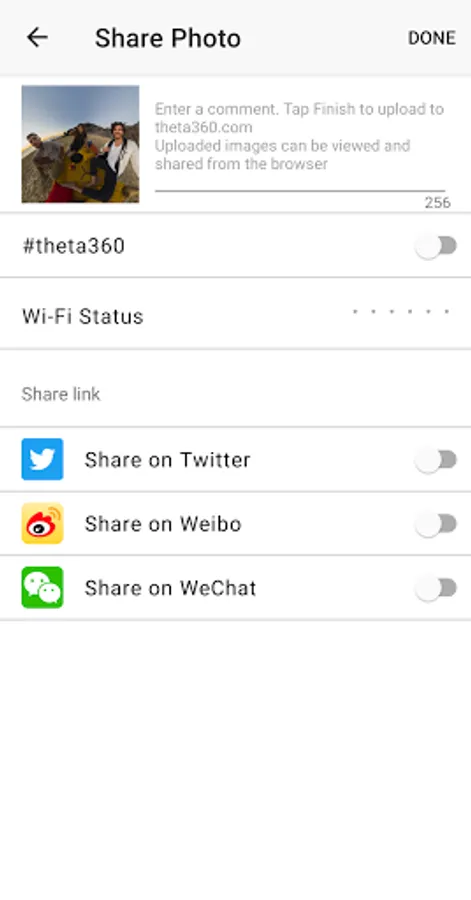
You can share on Twitter, Facebook, and other social network services the spherical images you shoot.
Show the world a new way of enjoying photos by 360° images that provide a feeling of being where the image was taken.
◊ Note
Compatibility is not guaranteed for all devices
Compatibility is not guaranteed for devices without GPS capabilities.
Compatibility information may be changed at any time
◊ RICOH THETA Website
https://theta360.com/en/
The 360° camera RICOH THETA greatly surpasses your field of view to capture the entire surroundings with a single shutter click.
You can view and share on a computer or smartphone the images and videos you shoot.
This app enables you to do every task, specifically taking images and videos, viewing them and also sharing them, on your smartphone.
* A separately sold RICOH THETA series camera is required to shoot spherical images.
◊ RICOH THETA and Wi-Fi connection
Be sure to install this app onto your smartphone and connect it to a RICOH THETA series camera.
Using this app will enable you to capture images remotely and view spherical images.
- Remote shooting
In still image mode, you can shoot while checking images in live view.
You can also switch between still image mode and video mode by the app.
- Viewing
Captured images and videos can be viewed using this app.
Spin around, enlarge, or shrink... Experience the fun of seeing the entire space around you in a spherical image.
◊ Sharing on Social Networking Services
You can share on Twitter, Facebook, and other social network services the spherical images you shoot.
Show the world a new way of enjoying photos by 360° images that provide a feeling of being where the image was taken.
◊ Note
Compatibility is not guaranteed for all devices
Compatibility is not guaranteed for devices without GPS capabilities.
Compatibility information may be changed at any time
◊ RICOH THETA Website
https://theta360.com/en/
RICOH THETA Screenshots
Tap to Rate:
Reviews for RICOH THETA
Krx
2/26/2026
This app is communicating end of usage life. And advises to use Ricoh360 instead. Please dont remove this app from the store! Ricoh360 app is unusable.
Nayim Muddin
2/5/2026
Bakwas