RICOH Device Manager NX
Ricoh Co., Ltd.
3.7 ★
81 ratings
50,000+
downloads
Free
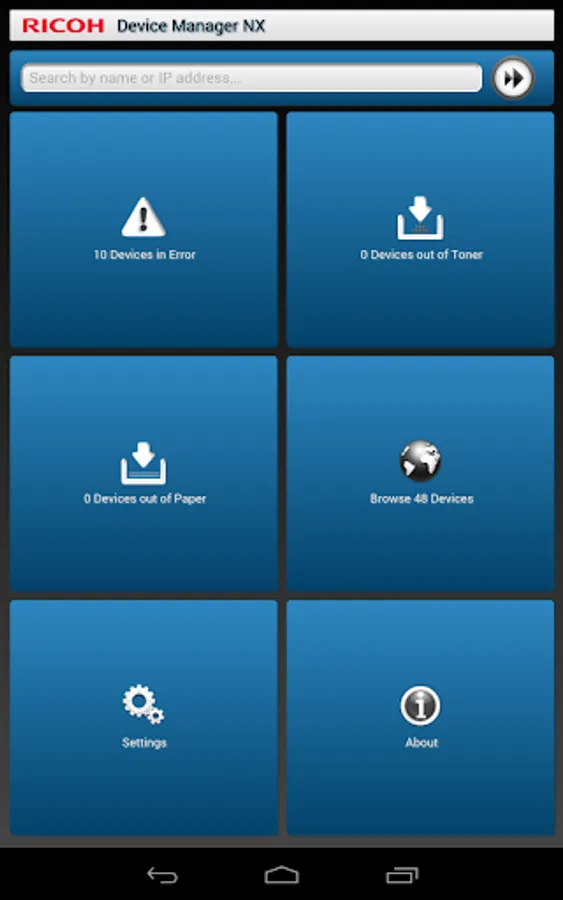
With this app, you can monitor managed devices, view status overviews, and upload photos. Includes device lists, error reports, and status histories.
AppRecs review analysis
AppRecs rating 3.7. Trustworthiness 59 out of 100. Review manipulation risk 37 out of 100. Based on a review sample analyzed.
★★★☆☆
3.7
AppRecs Rating
Ratings breakdown
5 star
67%
4 star
0%
3 star
0%
2 star
0%
1 star
33%
What to know
✓
Good user ratings
67% positive sampled reviews
✓
Authentic reviews
No red flags detected
⚠
High negative review ratio
33% of sampled ratings are 1–2 stars
About RICOH Device Manager NX
To use this application, the Device Manager NX Pro/Enterprise server software is required. For customers who wish to use this, please contact your nearest RICOH subsidiary or distributor.
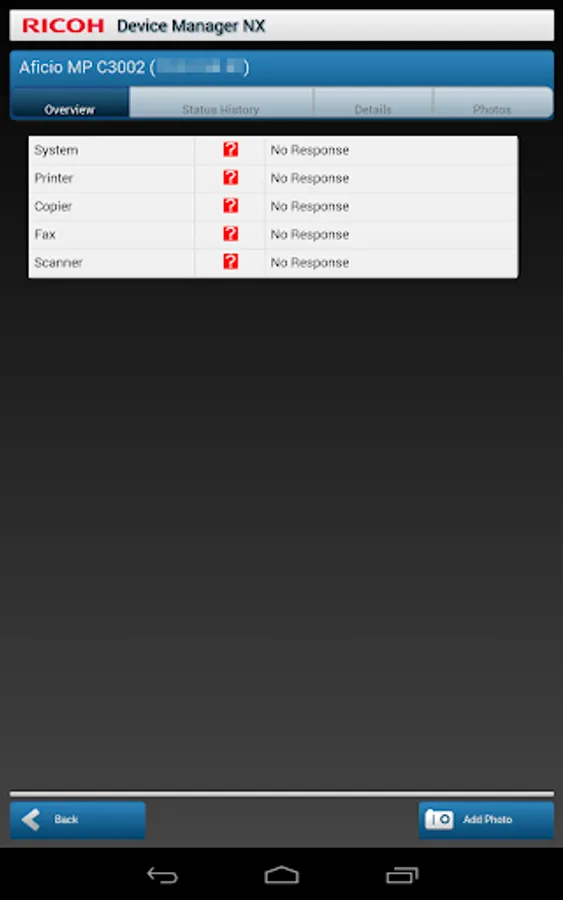
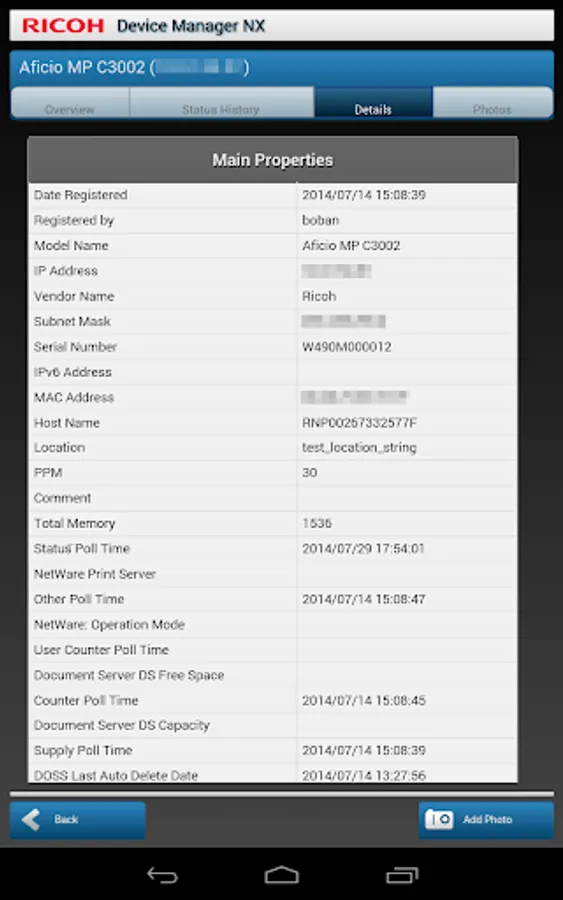
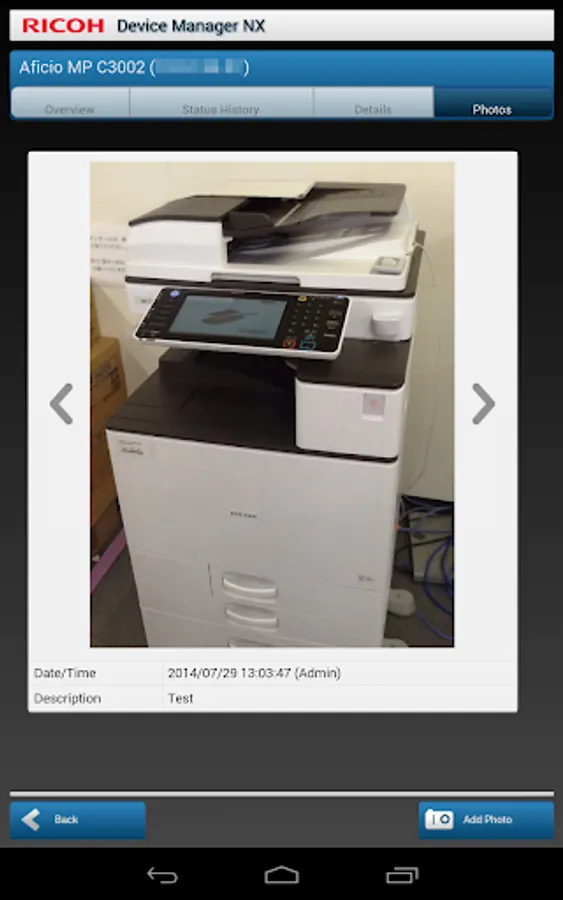
When connected to Device Manager NX Pro/Enterprise, RICOH Device Manager NX allows for highly efficient device management. In addition to displaying a list of managed devices and device overviews, it allows users to upload photos and register them to devices in Device Manager NX Pro/Enterprise.
Major features:
- Display a list of managed devices
- Display a list of devices encountering errors, out of toner, and out of paper statuses
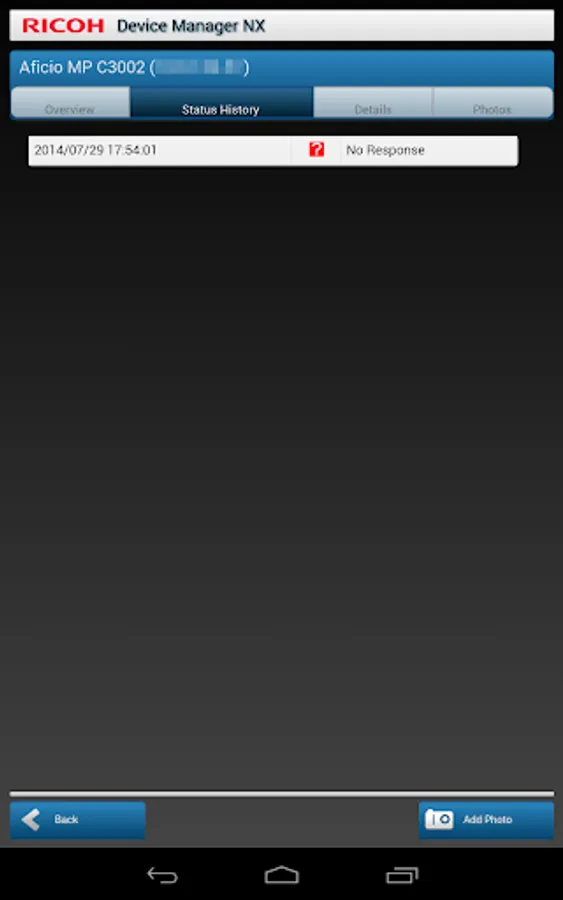
- Display device overviews, details, status histories, and photos
- Upload photos to Device Manager NX Pro/Enterprise
Usage preparation:
1. Turn on the Mobile Device Access function in Device Manager NX Pro/Enterprise.
2. Activate RICOH Device Manager NX on the smart devices and configure the connection to Device Manager NX Pro/Enterprise.
When connected to Device Manager NX Pro/Enterprise, RICOH Device Manager NX allows for highly efficient device management. In addition to displaying a list of managed devices and device overviews, it allows users to upload photos and register them to devices in Device Manager NX Pro/Enterprise.
Major features:
- Display a list of managed devices
- Display a list of devices encountering errors, out of toner, and out of paper statuses
- Display device overviews, details, status histories, and photos
- Upload photos to Device Manager NX Pro/Enterprise
Usage preparation:
1. Turn on the Mobile Device Access function in Device Manager NX Pro/Enterprise.
2. Activate RICOH Device Manager NX on the smart devices and configure the connection to Device Manager NX Pro/Enterprise.
RICOH Device Manager NX Screenshots
Tap to Rate:
Reviews for RICOH Device Manager NX
mukesh & kumar n.1
12/6/2022
Good
A Google user
4/14/2016
Wast of time