
BarMaker - Creating/Scanning Q
沈垚 / ShenYao China
4.5 ★
1K ratings
100,000+
downloads
Free
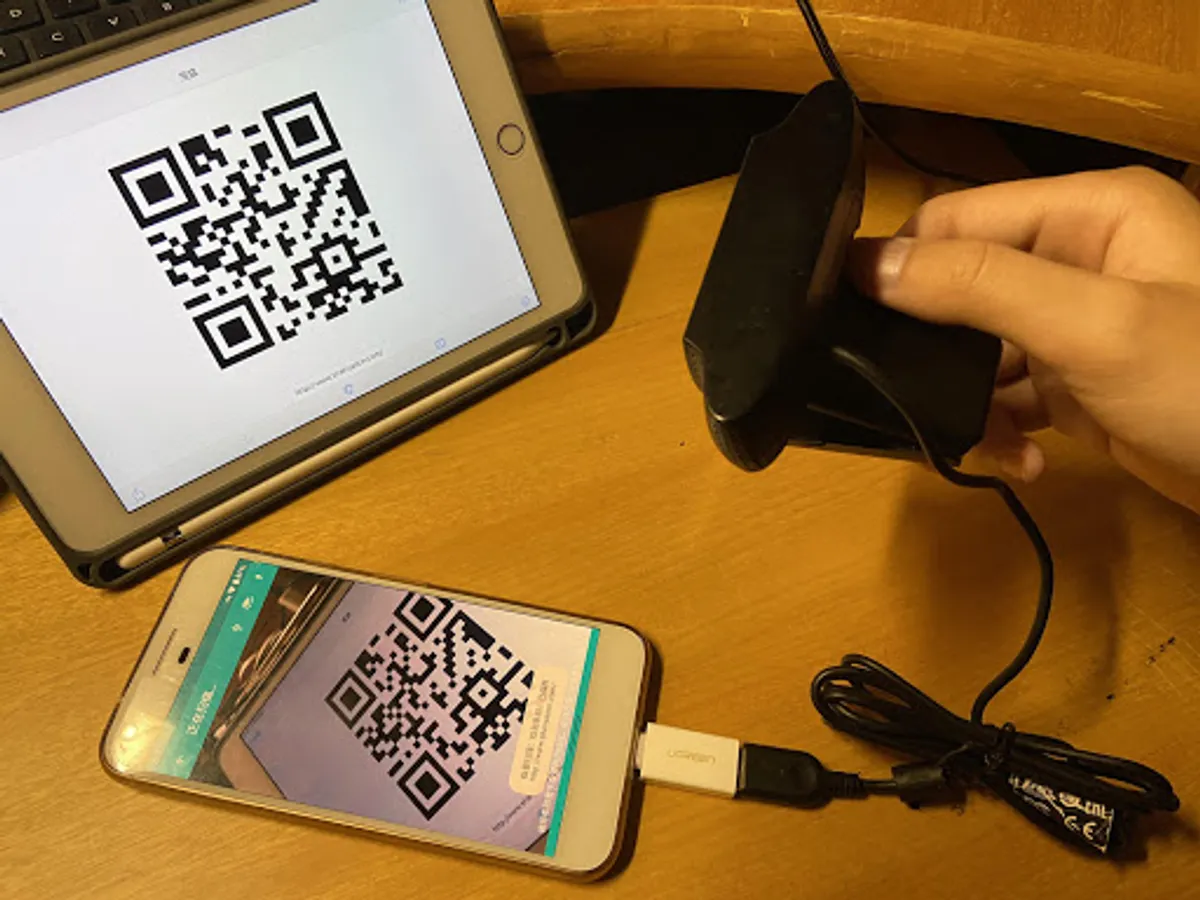
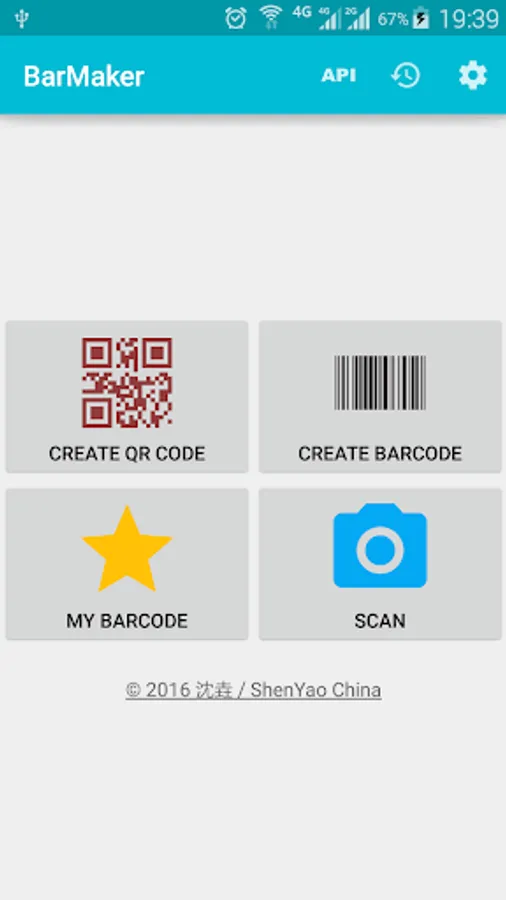
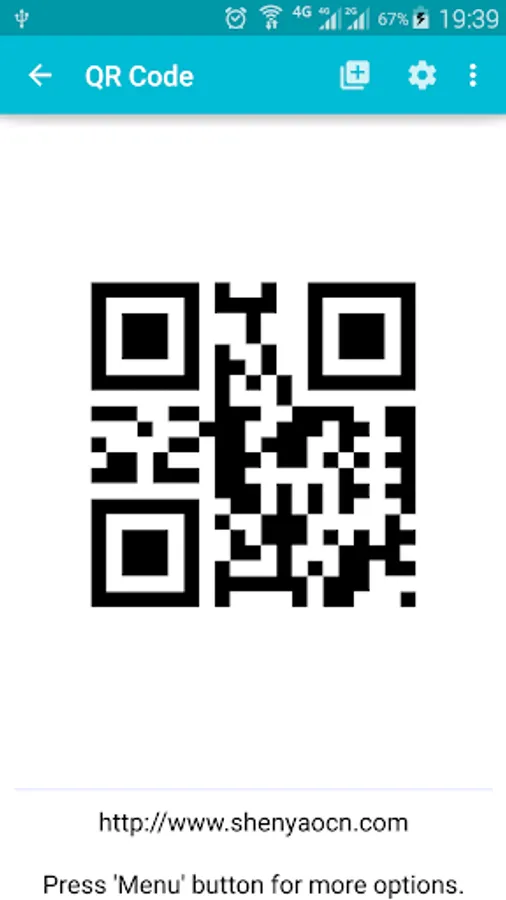
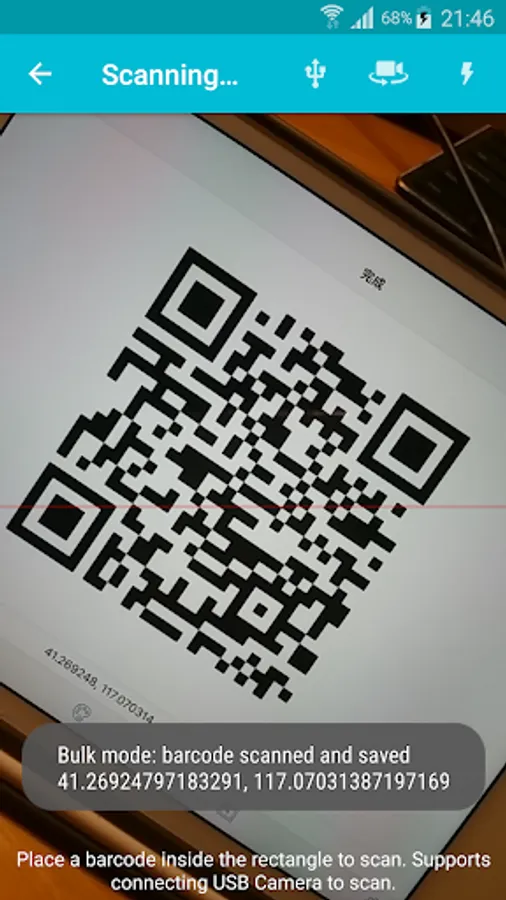
With this app, you can create and scan QR codes or barcodes using your device's camera or external USB. Includes options for sharing images, printing, and creating desktop or lock screen widgets.
AppRecs review analysis
AppRecs rating 4.6. Trustworthiness 53 out of 100. Review manipulation risk 47 out of 100. Based on a review sample analyzed.
★★★★☆
4.6
AppRecs Rating
Ratings breakdown
5 star
72%
4 star
17%
3 star
7%
2 star
0%
1 star
4%
What to know
⚠
Questionable review patterns
47% review manipulation risk - some review patterns appear unusual
⚠
Limited rating diversity
89% high ratings in sampled reviews
⚠
Review quality concerns
61% of sampled 5-star reviews are very short
About BarMaker - Creating/Scanning Q
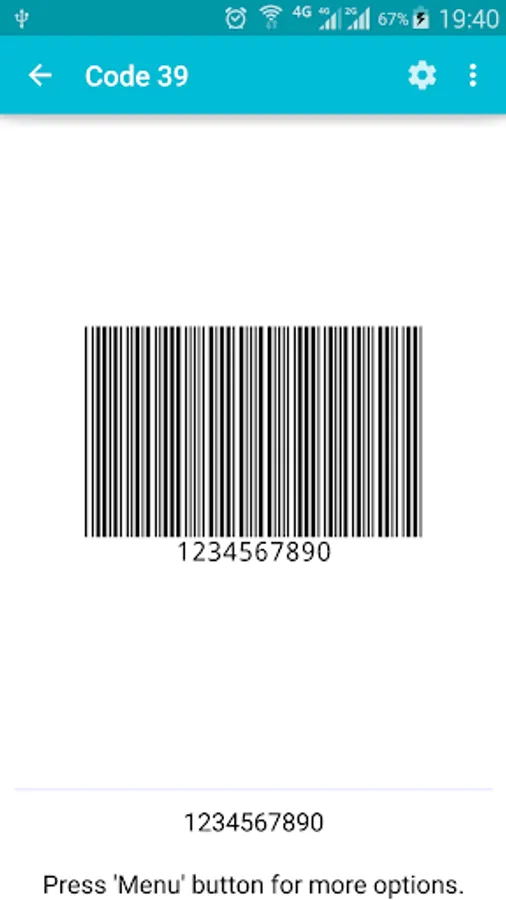
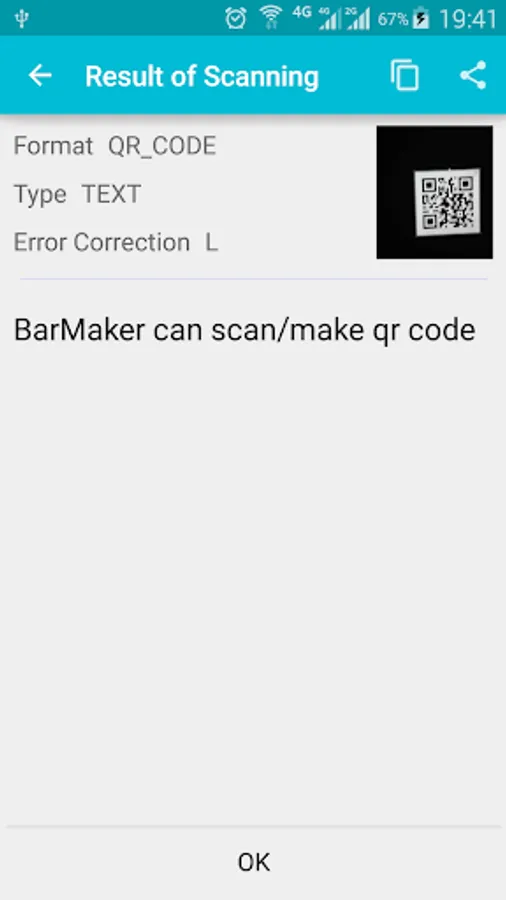
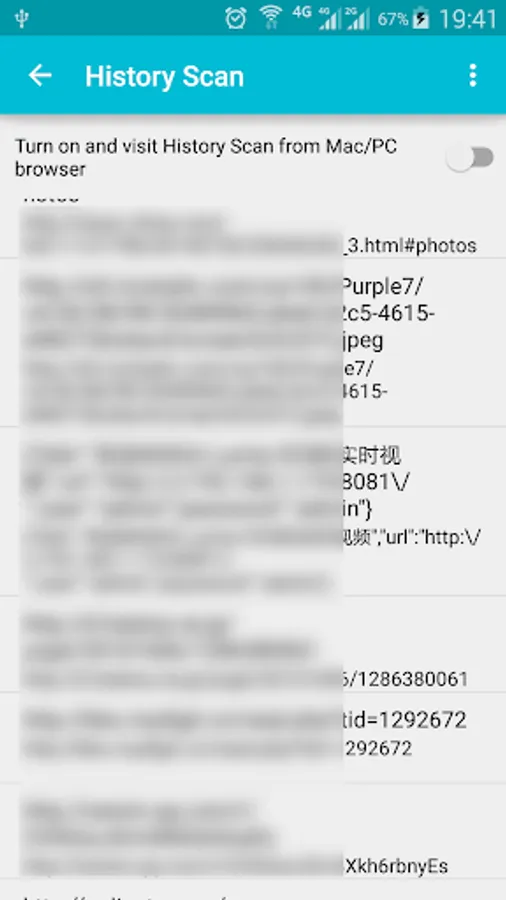
BarMaker is a convenient tool that help you create/scan QR Code or Barcode images. You can use it to create/scan QR Code from contacts, clipboard and text. You can connect external USB Camera to scan barcode. You can also push the result into PC after scanned and visit the Scanning Result from PC/Mac's browser. After you have created it, you can share the QR Code or Barcode image with you friends, or output to printer directly. Finally, you can make a widget from barcode and put it on desktop or lockscreen. It also supports scanning for white barcodes on black background.
BarMaker supports following formats:
QR Code
Code-39
Code-128
EAN-8
EAN-13
ITF
UPC-A
Codabar
PDF 417
Aztec
DataMatrix
BarMaker supports following formats:
QR Code
Code-39
Code-128
EAN-8
EAN-13
ITF
UPC-A
Codabar
PDF 417
Aztec
DataMatrix
BarMaker - Creating/Scanning Q Screenshots
Tap to Rate:
Reviews for BarMaker - Creating/Scanning Q
NA SA
7/5/2024
Using for this type
emad david
10/8/2023
Its a hood one