USB Dual Camera
沈垚 / ShenYao China
3.9 ★
1K ratings
100,000+
downloads
Free
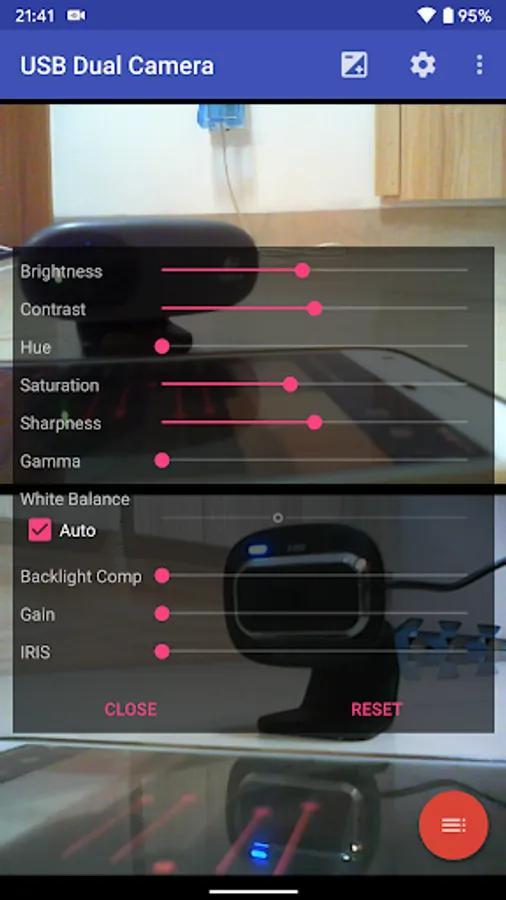
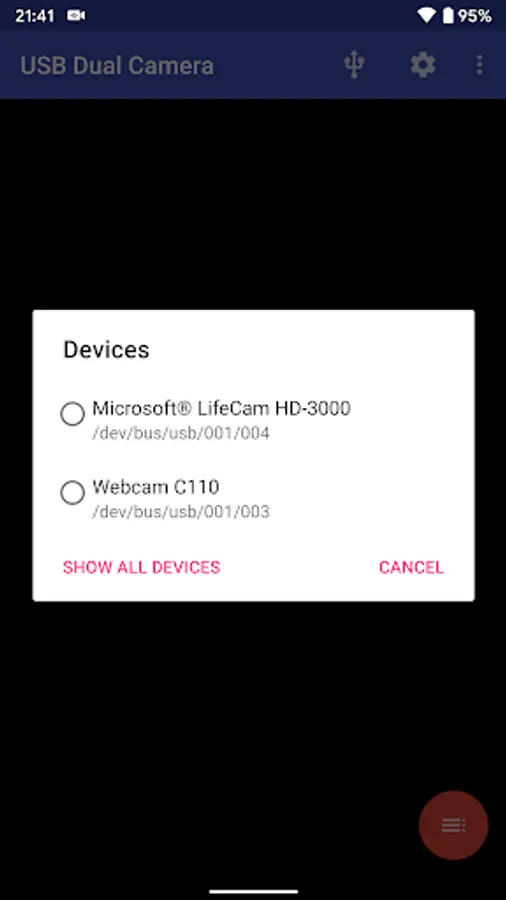
In this camera app, users can connect and record from two USB webcams or video capture cards using USB-OTG. It supports live streaming, snapshot capture, and remote viewing via built-in RTSP and HTTP servers. Includes external storage support, multi-camera operation, and live broadcast features.
AppRecs review analysis
AppRecs rating 3.8. Trustworthiness 82 out of 100. Review manipulation risk 32 out of 100. Based on a review sample analyzed.
★★★☆☆
3.8
AppRecs Rating
Ratings breakdown
5 star
59%
4 star
11%
3 star
9%
2 star
6%
1 star
15%
What to know
✓
Credible reviews
82% trustworthiness score from analyzed reviews
✓
Good user ratings
69% positive sampled reviews
⚠
Ad complaints
Many low ratings mention excessive ads
About USB Dual Camera
*** The Pro version can save video record and snapshot into external SD Card or USB Disk, supports loop-recording and provides some extra features (e.g. 'Picture In Picture', 'Display Video On Lock Screen', 'Auto-record after connected' and so on) from General Settings and without ads***
Tip:
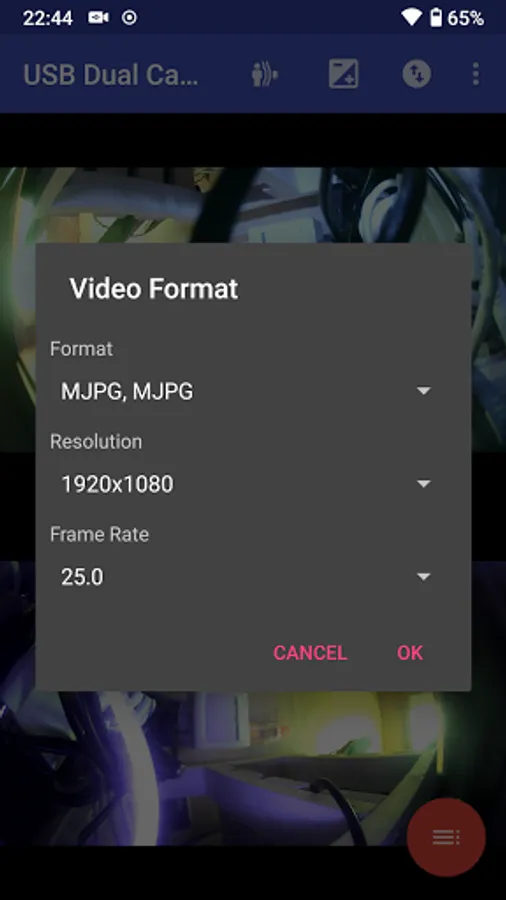
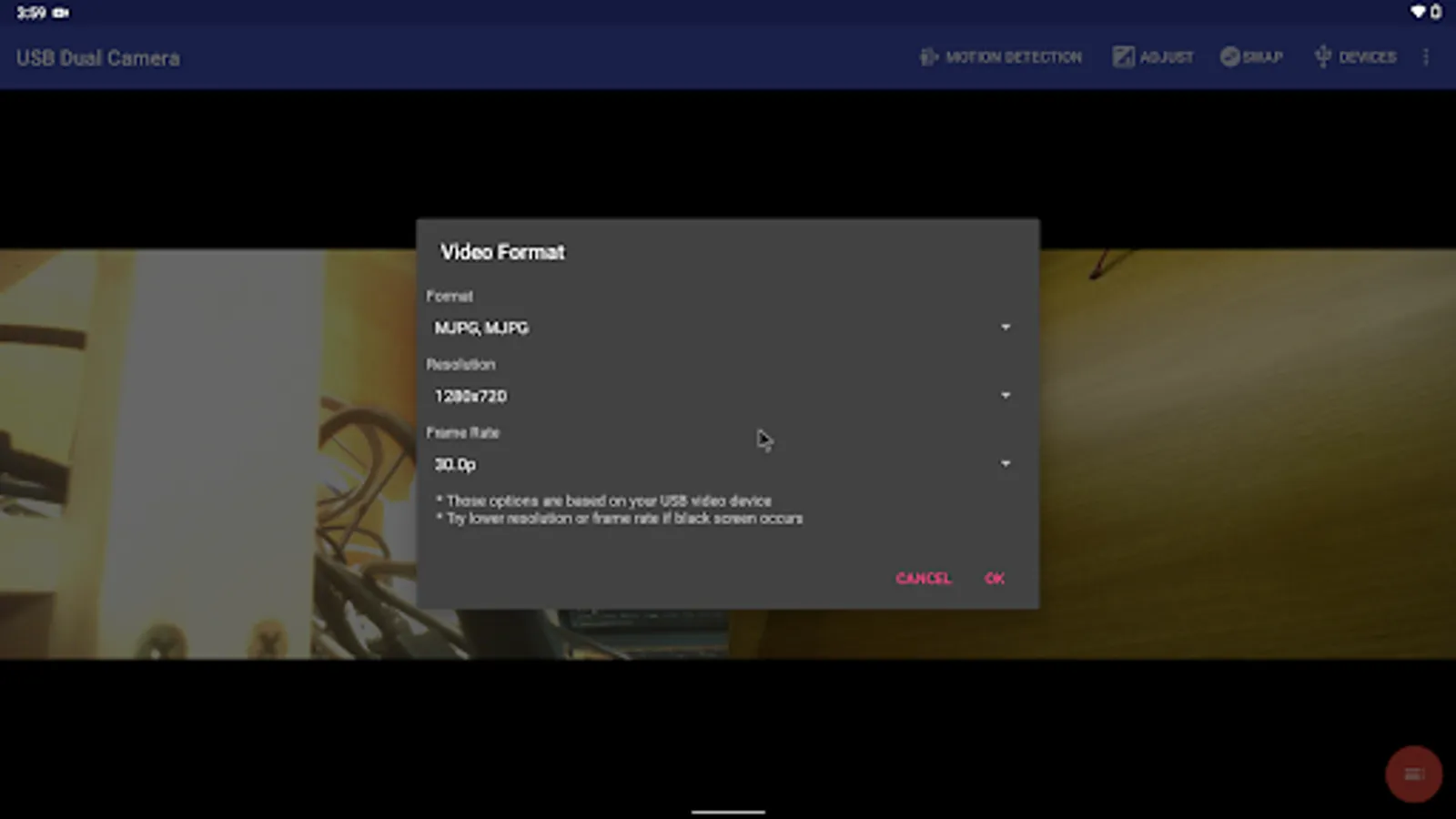
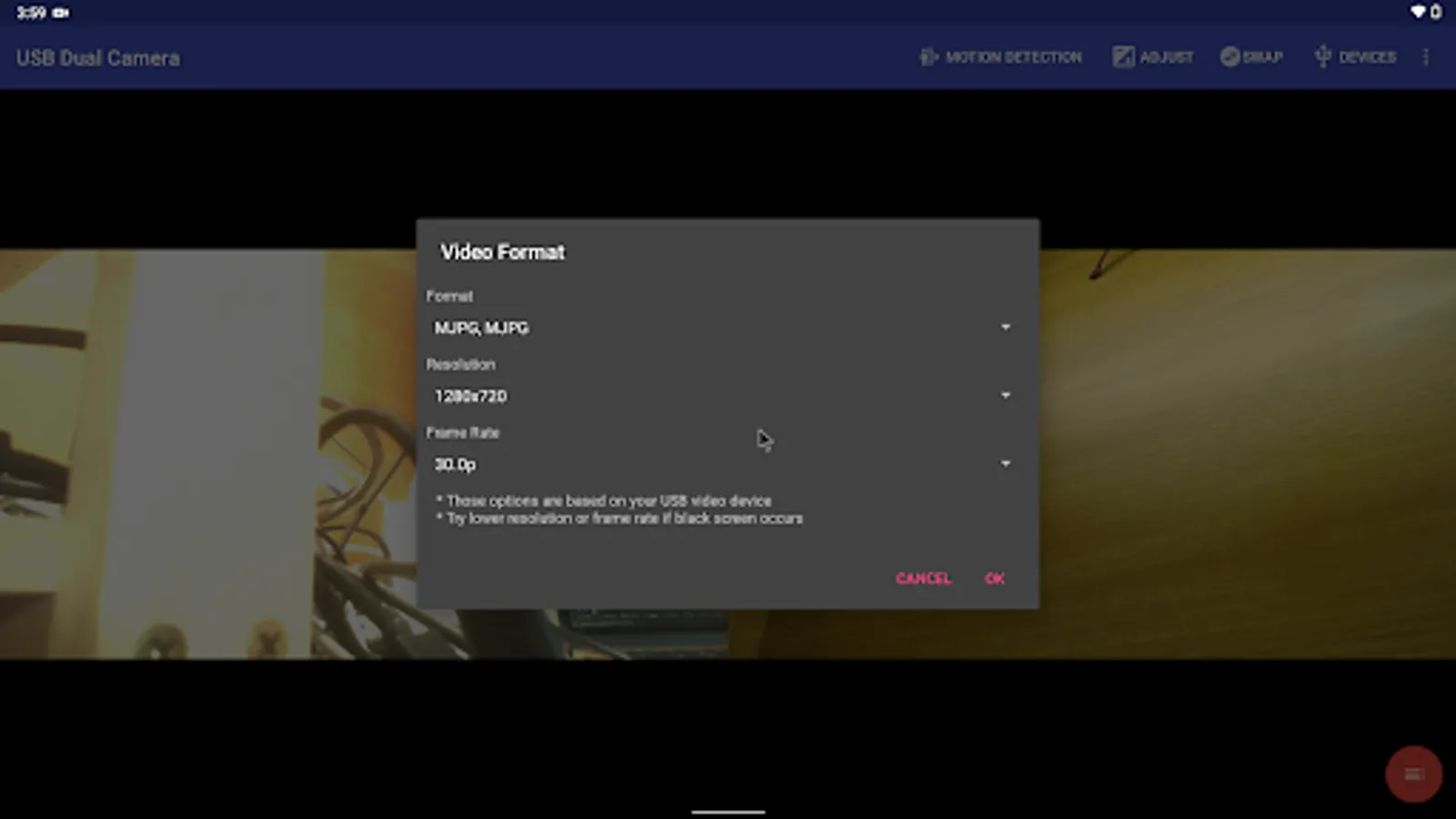
* Supports UVC WebCam WITH microphone and UVC video grabber WITH audio input(Up to 4K via HDMI, Supports progressive and interlaced video). MJPEG(or H.264, H.265, HEVC) format is required when using 2 cameras at the same time.
* Windows Hello Camera and IR Camera
* Geek szitman supercamera(2ce3:3828)non-UVC devices, e.g. USB Endoscope
Please use a good quality OTG cable and ensure power supply
Please ensure that the 2 cameras have sufficient power supply. It is recommended to use HUB with external power supply! Some devices may need to bridge HUB to work properly, e.g. Elgato Cam link.
Using HEVC for video recording/streaming requires Android 5.0 or above, and the device must supports HEVC codec.
Using AV1 for video streaming requires Android 10 or above, and the device must supports AV1 codec.
See the video for more info: https://youtu.be/B569qfWx83U
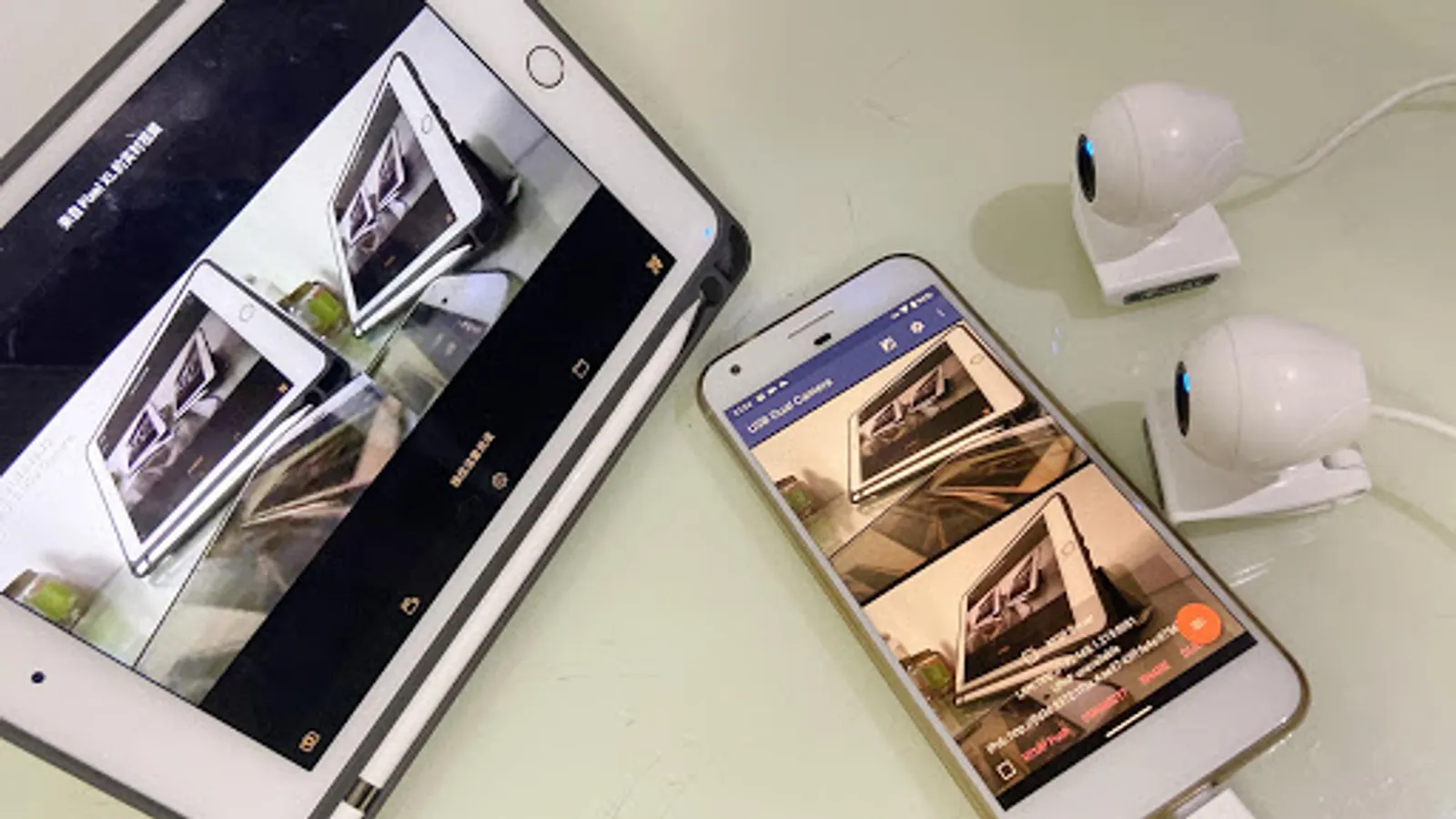
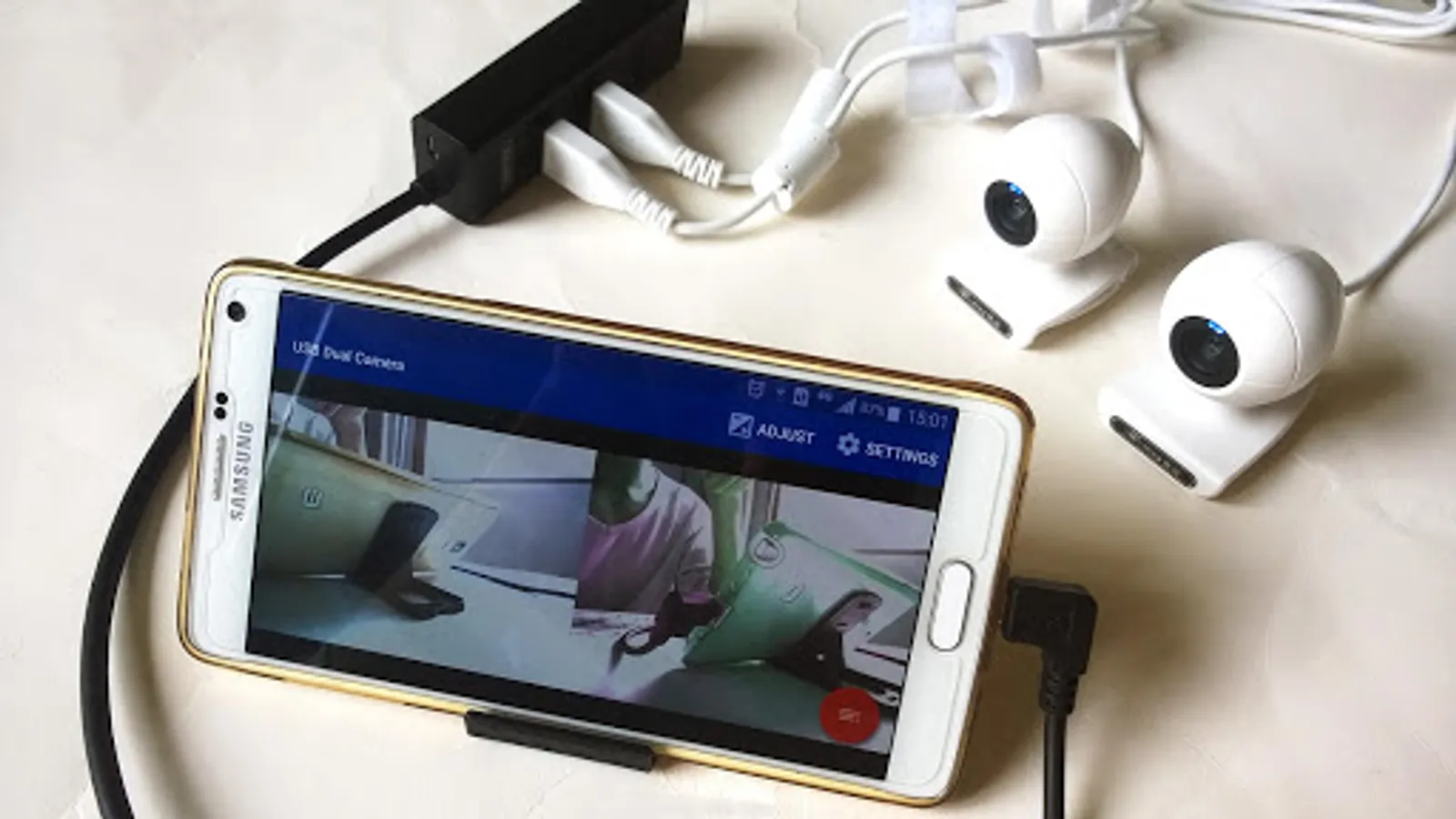
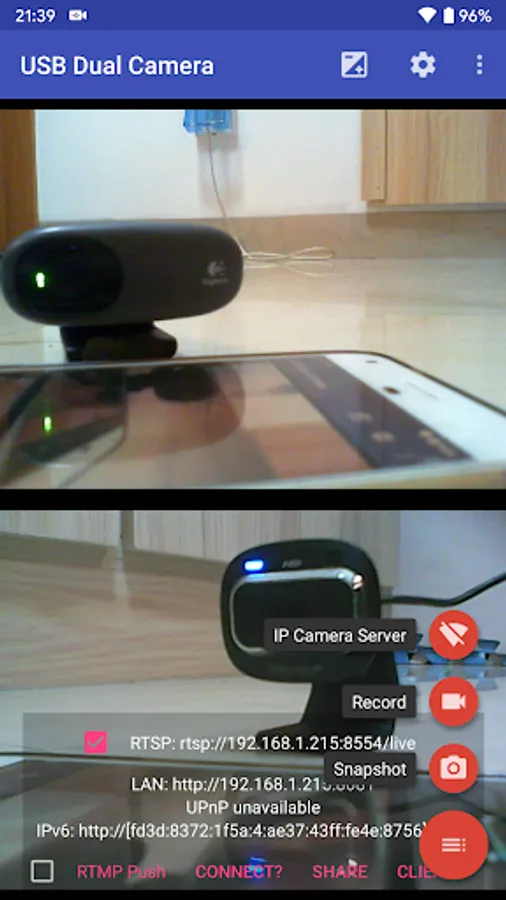
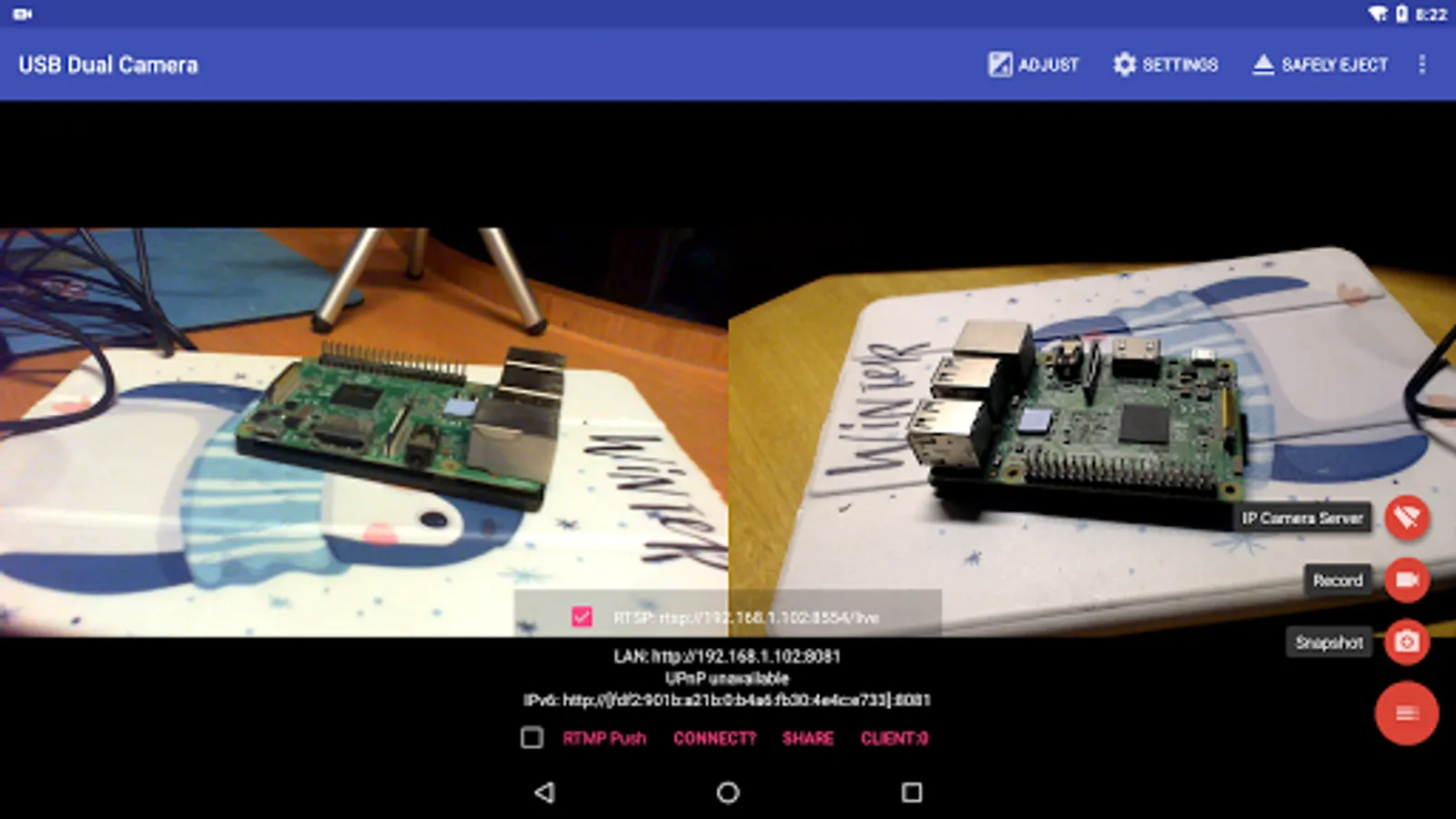
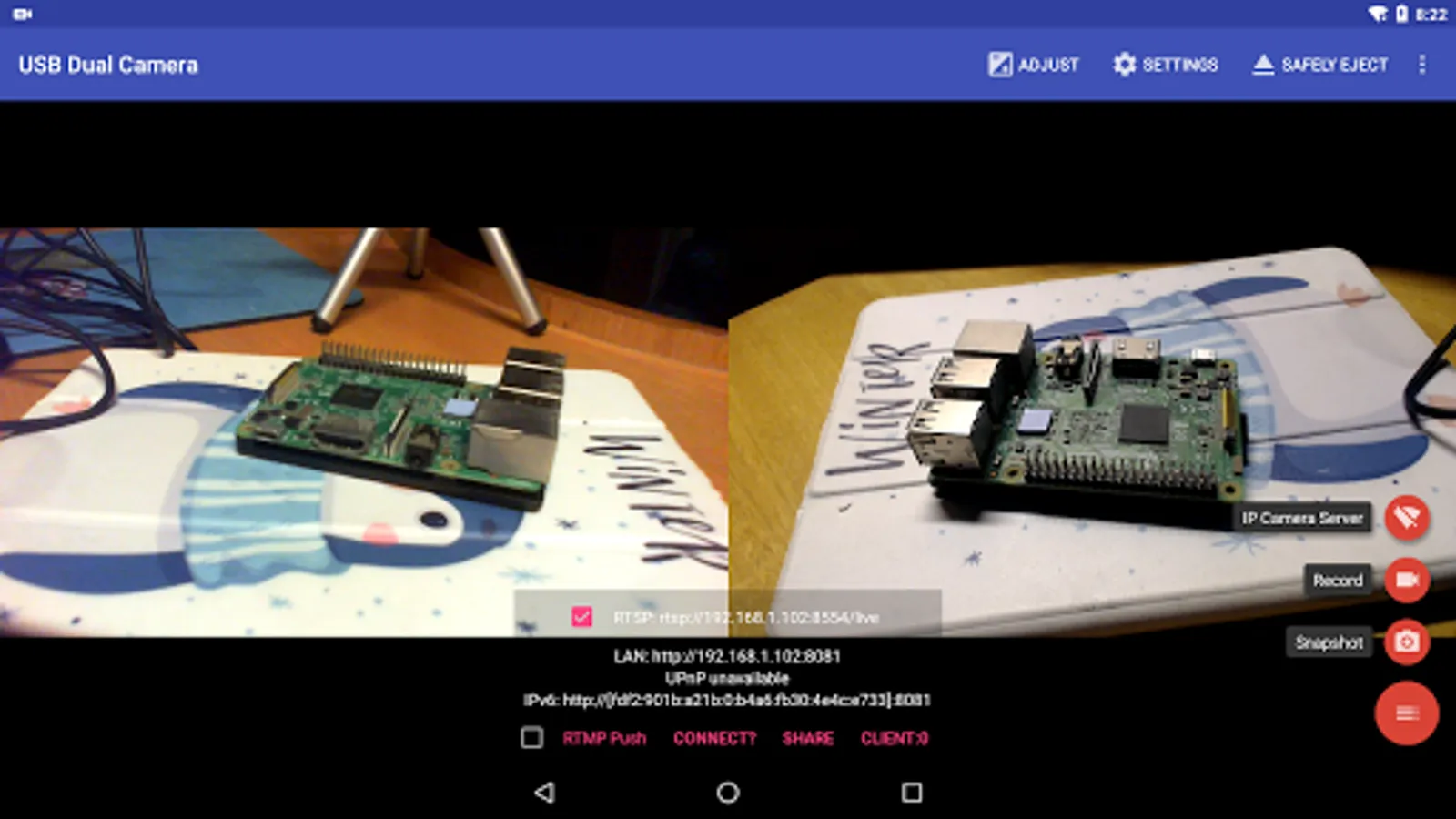
"USB Dual Camera" can let your android device connect to 2 USB WebCams or video capture cards via USB-OTG at the same time. You can record video or capture snapshot., OR turn your phone into a wireless IP Camera via build-in RTSP and HTTP Server for security monitoring WITH Bi-directional audio support, you can use your browser to view, of course, include "IP Camera" App.
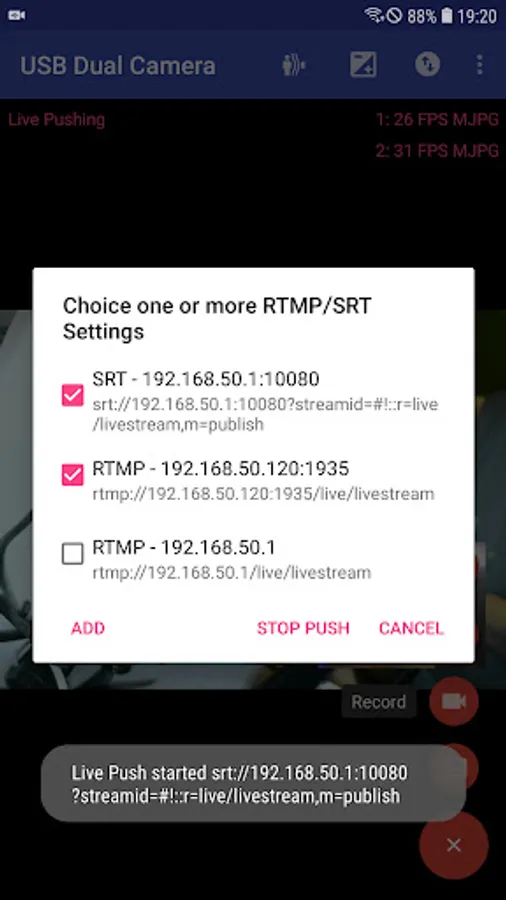
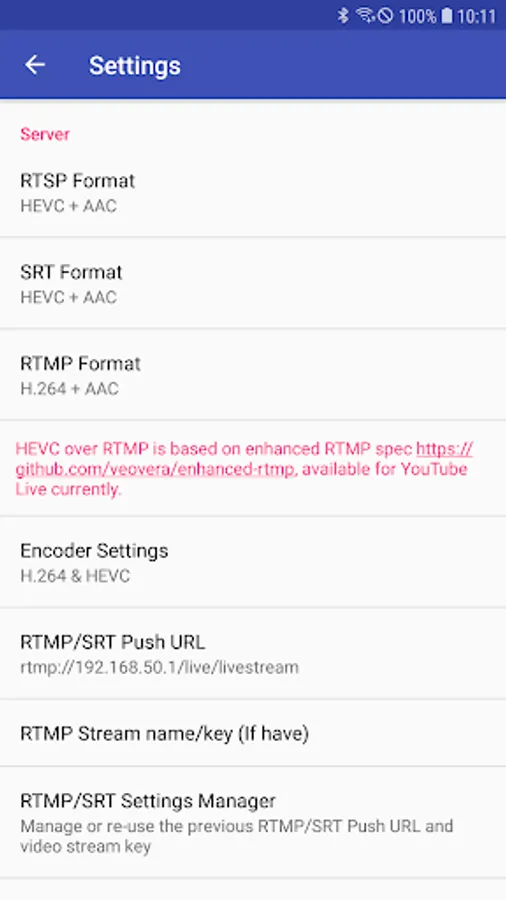
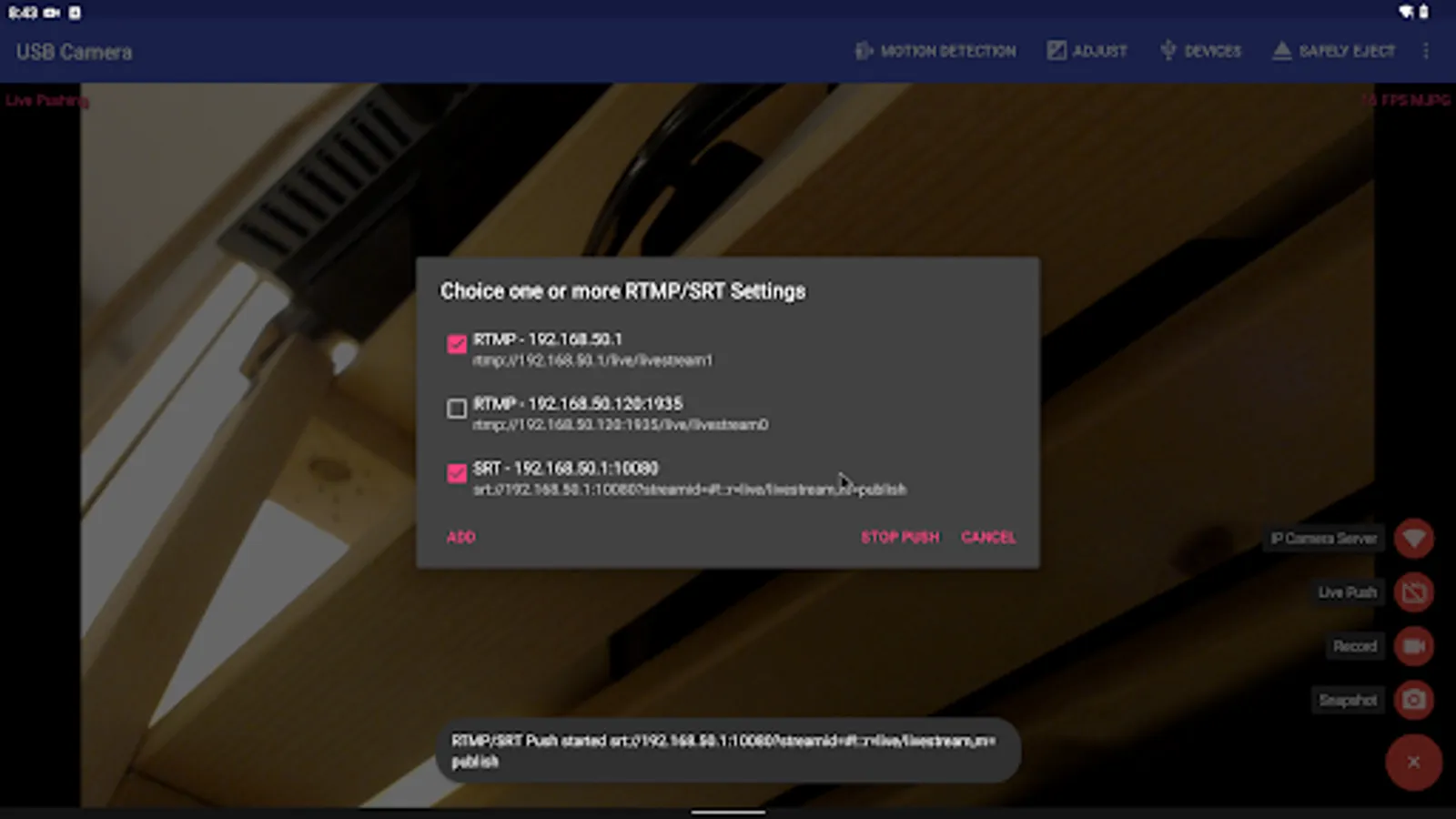
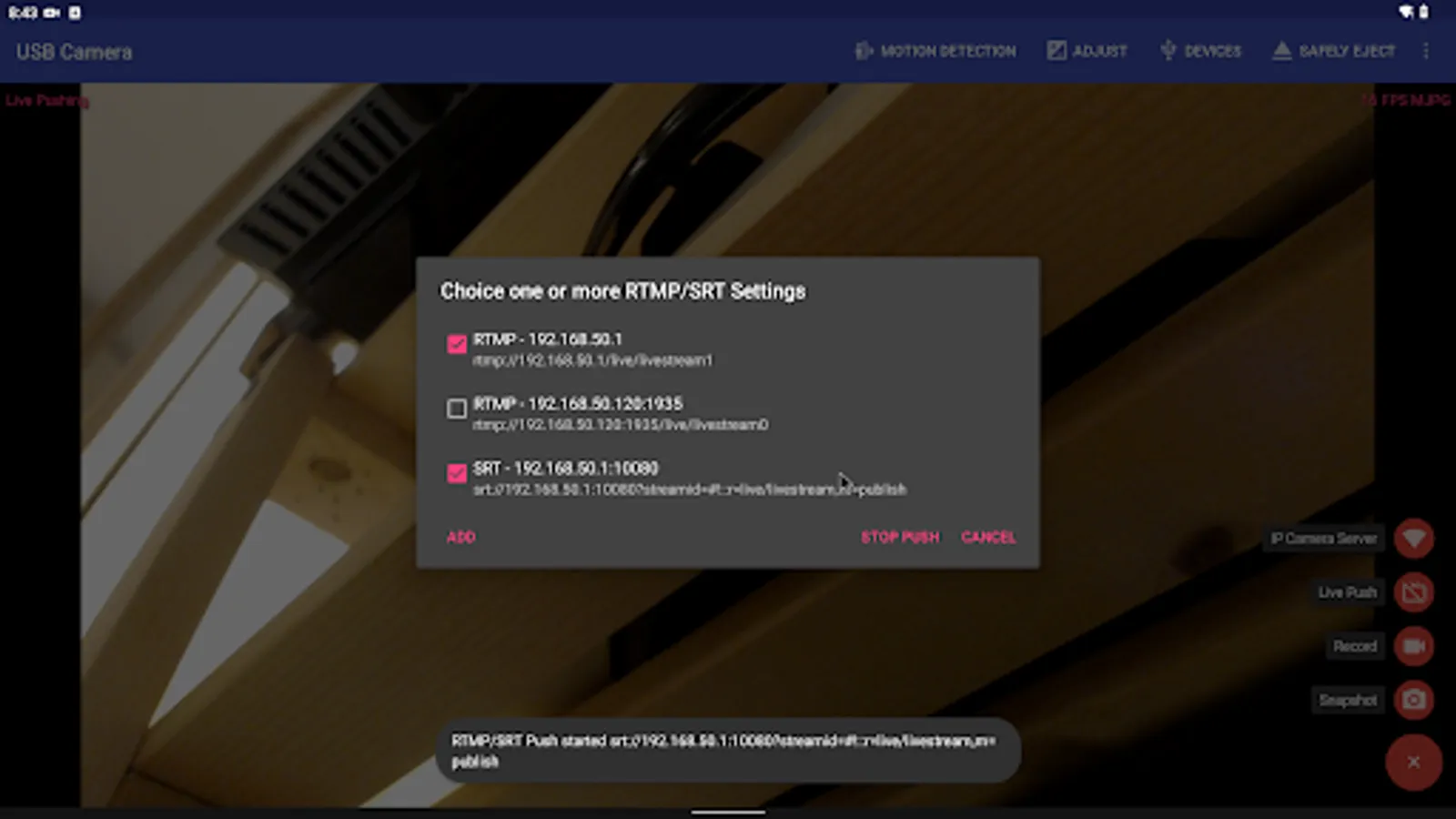
"USB Dual Camera" can push the video and audio to RTMP/SRT live media server and use for network live broadcast. It supports the rtmps security protocol and SRT protocol and it can also push the media to multiple media server at the same time. It also supports HEVC/AV1 over RTMP and can be used for YouTube Live currently.
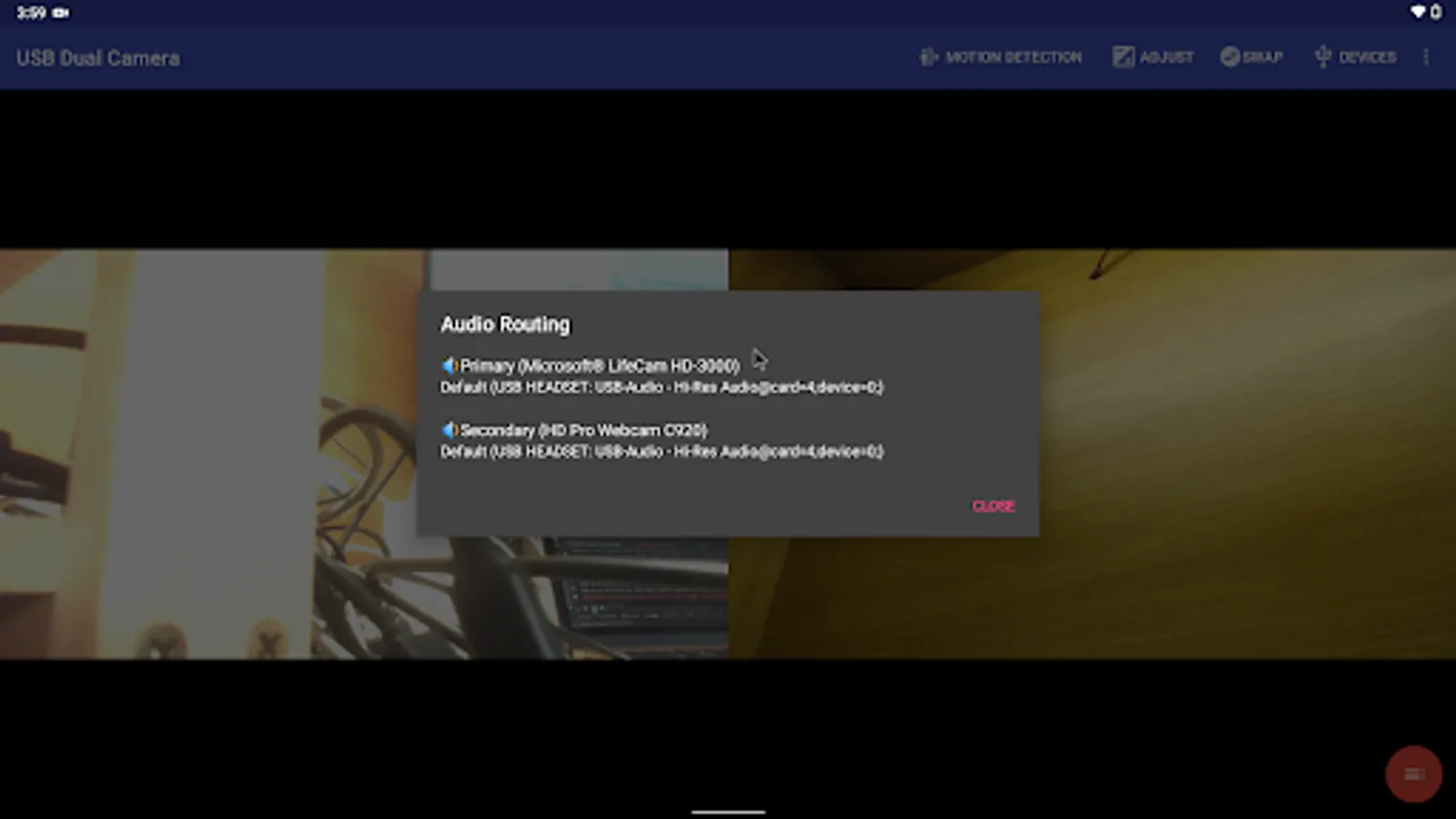
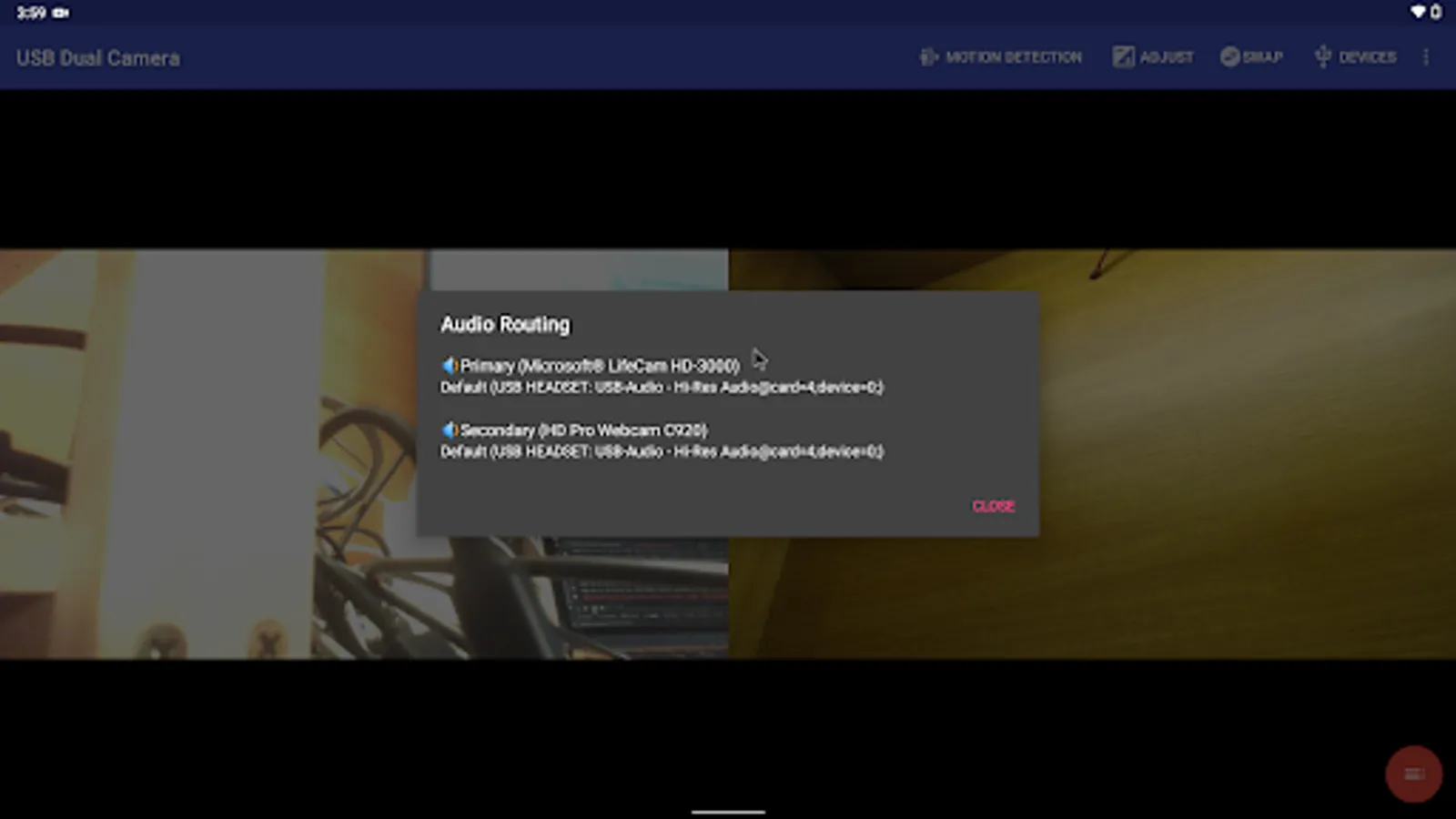
"USB Dual Camera" can mix USB Audio with a built-in microphone or system audio and output, or overlay the built-in camera/screen video onto the external camera video.
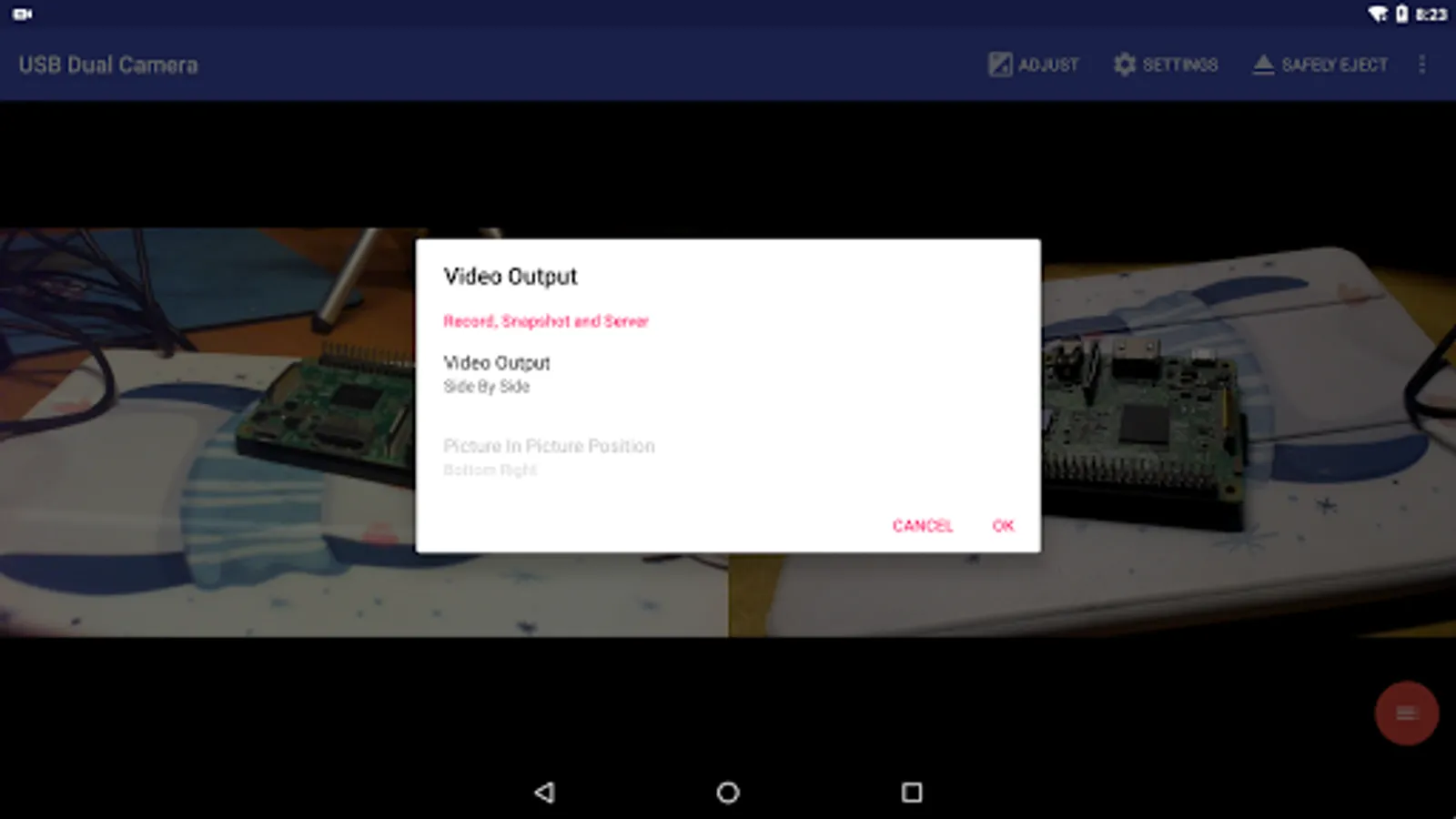
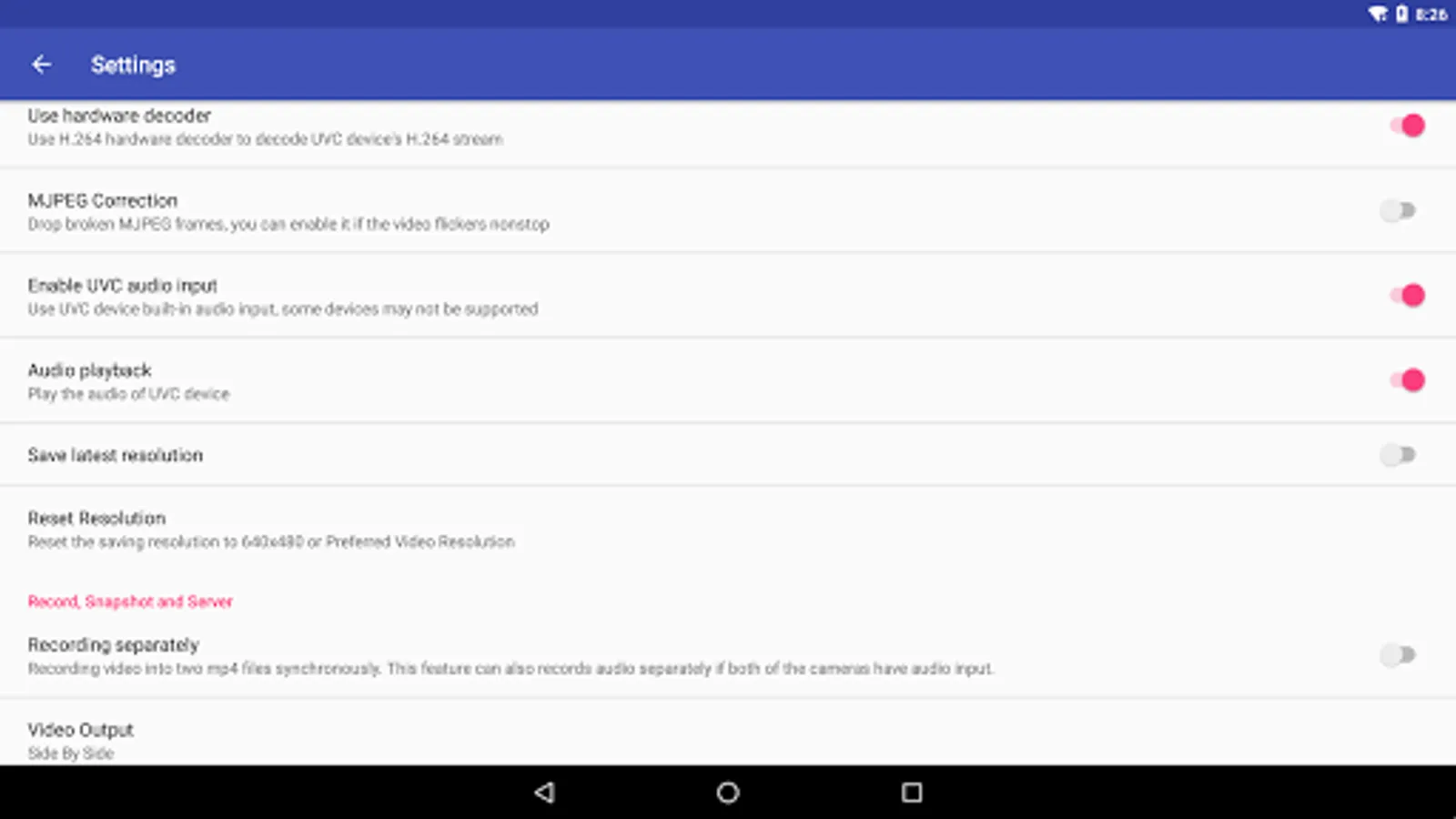
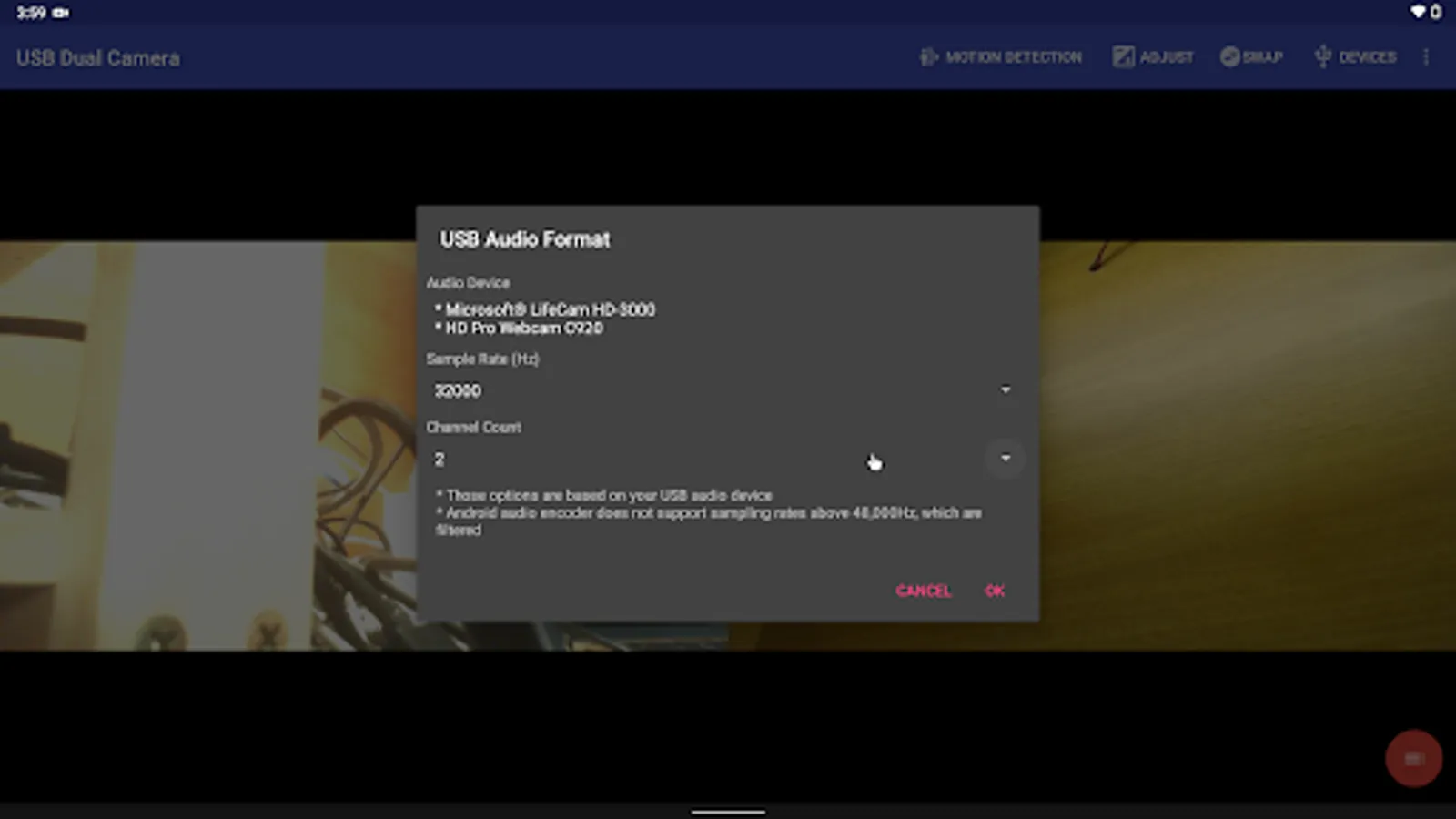
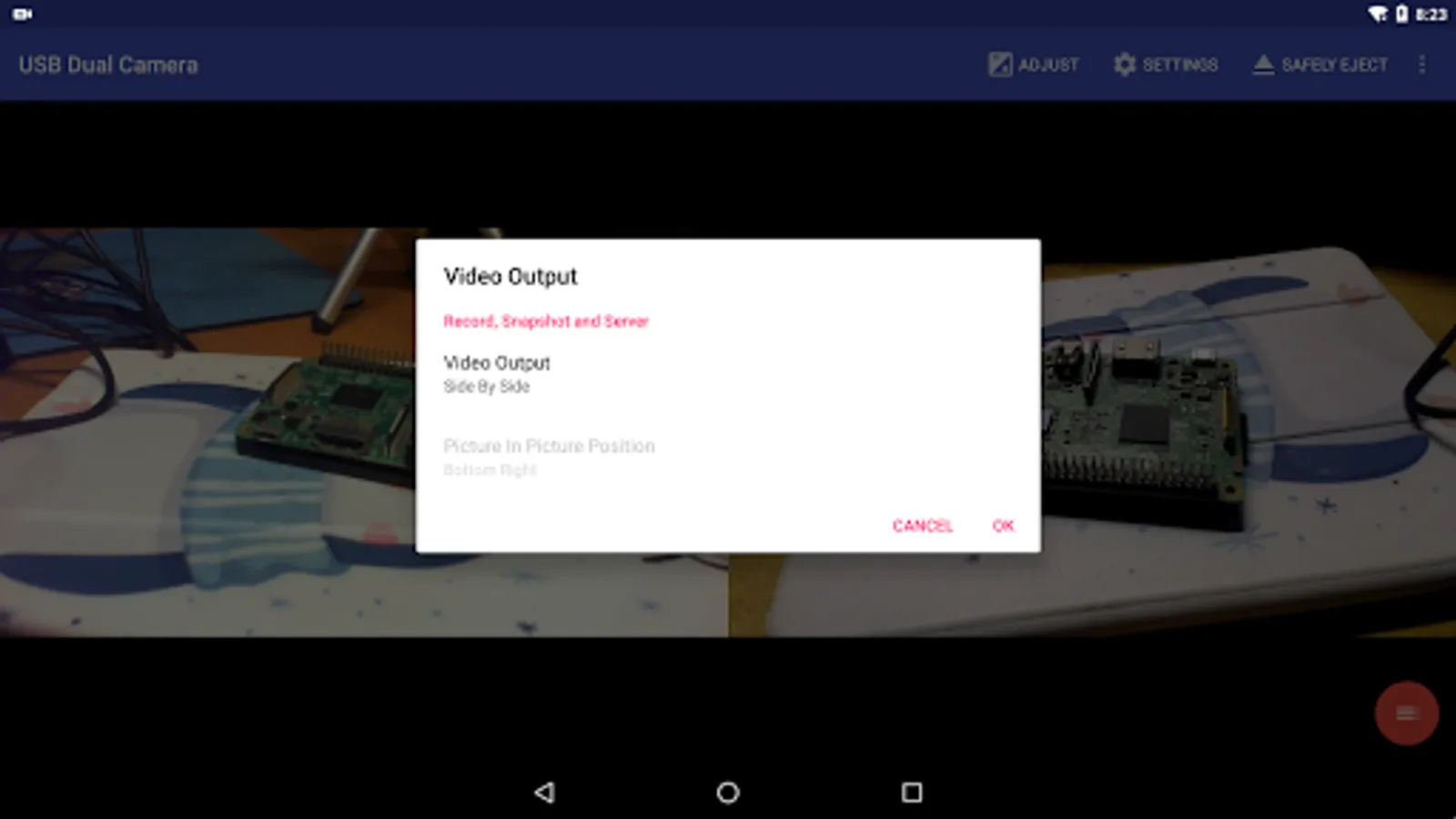
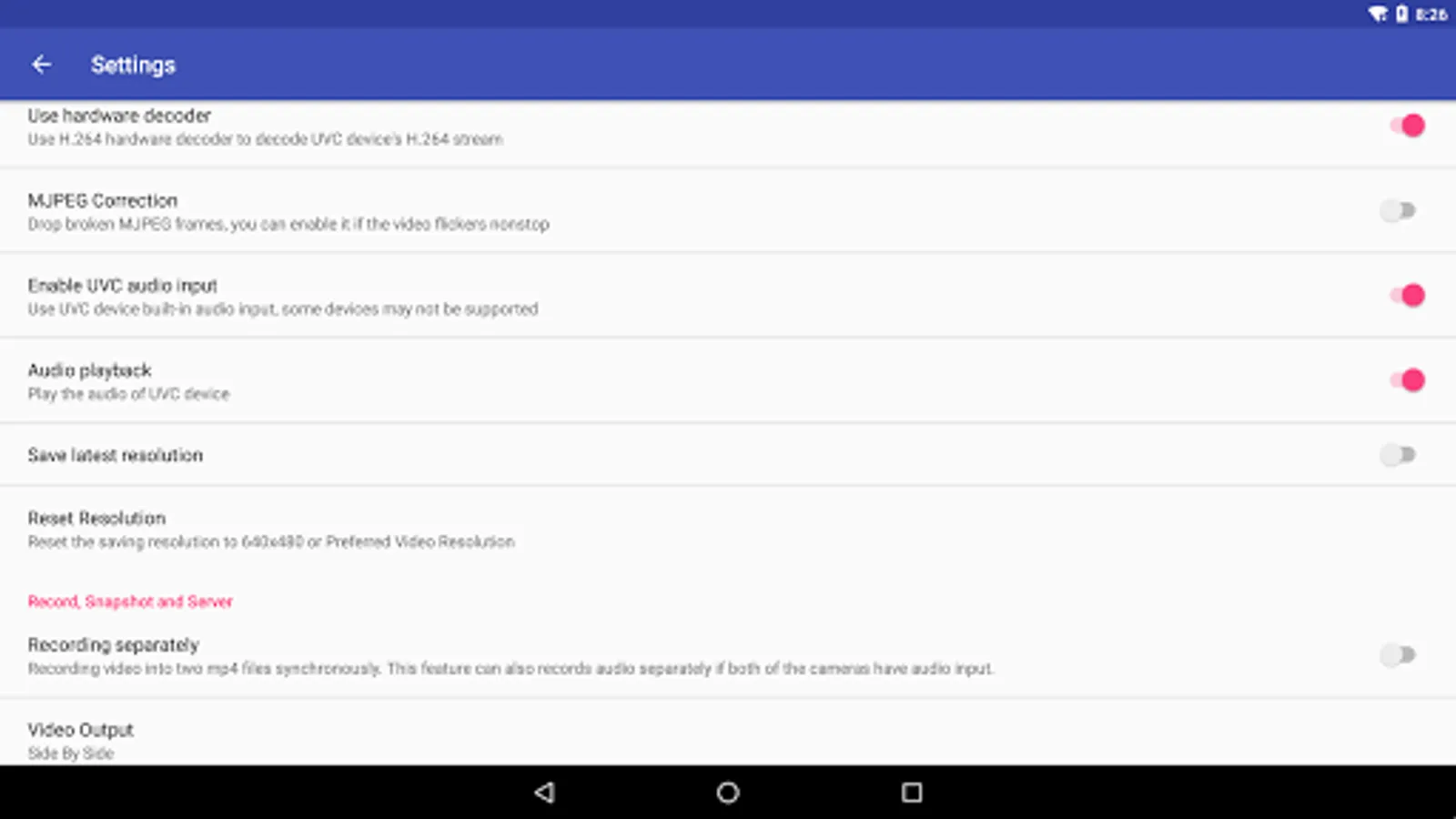
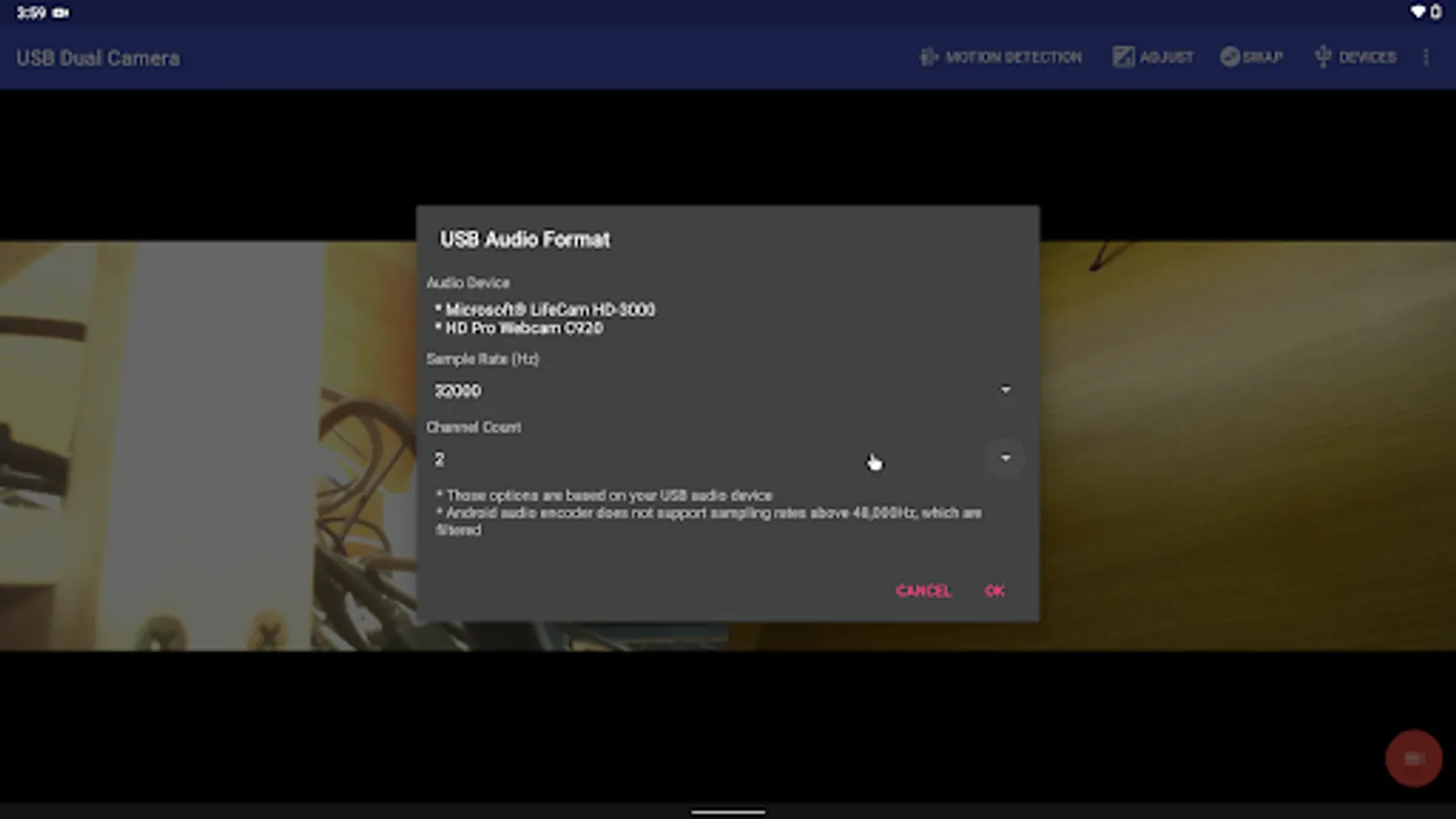
"USB Dual Camera" can record video into two mp4 files synchronously if you connect to 2 USB WebCams at the same time and record. This feature can also records audio separately if both of the cameras have audio input. It can also set to create full Side-by-Side (SBS) 3D video. You can use your 3D video player to view 3D video. It can mix audio automatically if both cameras have audio input.
"USB Dual Camera" can add timestamp, GPS, speed and other info on the video frames while recording. Or overlay the built-in camera video onto the external camera video.
USB Dual Camera can seamless switching between foreground and background. Just press 'Enter background' from menu. The recording will not interrupted during switching!
It support auto video recording which based on Motion Detection and the video record can be uploaded to FTP server automatically and notify you via Email!
For Pro version
"USB Dual Camera" supports loop-recording. Can set auto-segment when recording and auto-delete old video archives when no enough storage. "USB Dual Camera" can be used as "Dash Cam"
Bi-directional audio requires IP Camera App, you can get it from https://play.google.com/store/apps/details?id=com.shenyaocn.android.WebCam
IMPORTANT! On Android 9 and above, Camera permission is required to get fully USB Video device access.
This is userspace driver so it used for the app only. Android does not allow to install kernel driver so it unable to use for third-party apps.
Tip:
* Supports UVC WebCam WITH microphone and UVC video grabber WITH audio input(Up to 4K via HDMI, Supports progressive and interlaced video). MJPEG(or H.264, H.265, HEVC) format is required when using 2 cameras at the same time.
* Windows Hello Camera and IR Camera
* Geek szitman supercamera(2ce3:3828)non-UVC devices, e.g. USB Endoscope
Please use a good quality OTG cable and ensure power supply
Please ensure that the 2 cameras have sufficient power supply. It is recommended to use HUB with external power supply! Some devices may need to bridge HUB to work properly, e.g. Elgato Cam link.
Using HEVC for video recording/streaming requires Android 5.0 or above, and the device must supports HEVC codec.
Using AV1 for video streaming requires Android 10 or above, and the device must supports AV1 codec.
See the video for more info: https://youtu.be/B569qfWx83U
"USB Dual Camera" can let your android device connect to 2 USB WebCams or video capture cards via USB-OTG at the same time. You can record video or capture snapshot., OR turn your phone into a wireless IP Camera via build-in RTSP and HTTP Server for security monitoring WITH Bi-directional audio support, you can use your browser to view, of course, include "IP Camera" App.
"USB Dual Camera" can push the video and audio to RTMP/SRT live media server and use for network live broadcast. It supports the rtmps security protocol and SRT protocol and it can also push the media to multiple media server at the same time. It also supports HEVC/AV1 over RTMP and can be used for YouTube Live currently.
"USB Dual Camera" can mix USB Audio with a built-in microphone or system audio and output, or overlay the built-in camera/screen video onto the external camera video.
"USB Dual Camera" can record video into two mp4 files synchronously if you connect to 2 USB WebCams at the same time and record. This feature can also records audio separately if both of the cameras have audio input. It can also set to create full Side-by-Side (SBS) 3D video. You can use your 3D video player to view 3D video. It can mix audio automatically if both cameras have audio input.
"USB Dual Camera" can add timestamp, GPS, speed and other info on the video frames while recording. Or overlay the built-in camera video onto the external camera video.
USB Dual Camera can seamless switching between foreground and background. Just press 'Enter background' from menu. The recording will not interrupted during switching!
It support auto video recording which based on Motion Detection and the video record can be uploaded to FTP server automatically and notify you via Email!
For Pro version
"USB Dual Camera" supports loop-recording. Can set auto-segment when recording and auto-delete old video archives when no enough storage. "USB Dual Camera" can be used as "Dash Cam"
Bi-directional audio requires IP Camera App, you can get it from https://play.google.com/store/apps/details?id=com.shenyaocn.android.WebCam
IMPORTANT! On Android 9 and above, Camera permission is required to get fully USB Video device access.
This is userspace driver so it used for the app only. Android does not allow to install kernel driver so it unable to use for third-party apps.
USB Dual Camera Screenshots
Tap to Rate:
Reviews for USB Dual Camera
pedro martinez
12/27/2025
sucks
Michael Kautzman
12/27/2025
Ad overload now, with full screen ads every 30s or so. It disconnects the camera with every ad, making it almost unusable now.