EasyCap Recorder
沈垚 / ShenYao China
3.4 ★
452 ratings
100,000+
downloads
Free
In this app, you can connect your Android device to EasyCap video capture cards to record videos and take snapshots with audio support. Includes external storage options and background recording capabilities.
AppRecs review analysis
AppRecs rating 3.5. Trustworthiness 55 out of 100. Review manipulation risk 34 out of 100. Based on a review sample analyzed.
★★★☆☆
3.5
AppRecs Rating
Ratings breakdown
5 star
53%
4 star
0%
3 star
12%
2 star
6%
1 star
29%
What to know
✓
Authentic reviews
Natural distribution, no red flags
⚠
High negative review ratio
35% of sampled ratings are 1–2 stars
About EasyCap Recorder
*** The Pro version can save video record and snapshot into external SD Card or USB Disk and without ads ***
Tip:
Supports following devices:
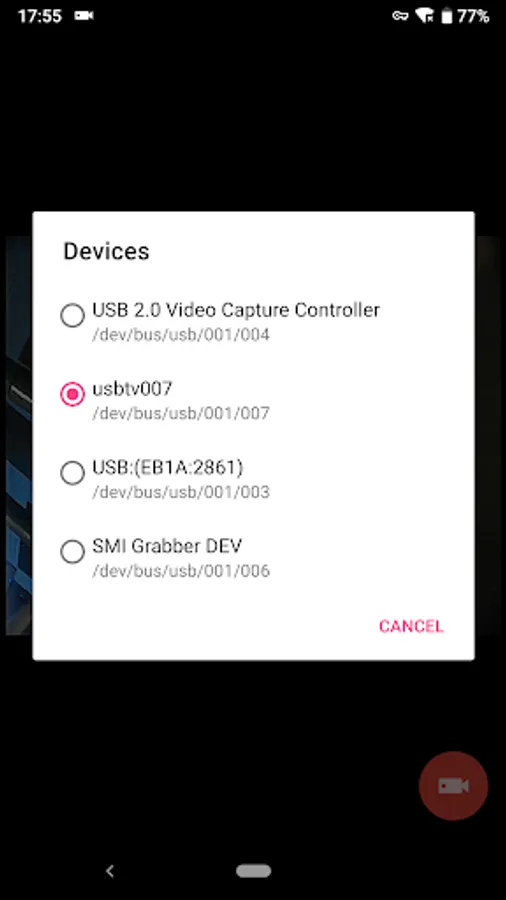
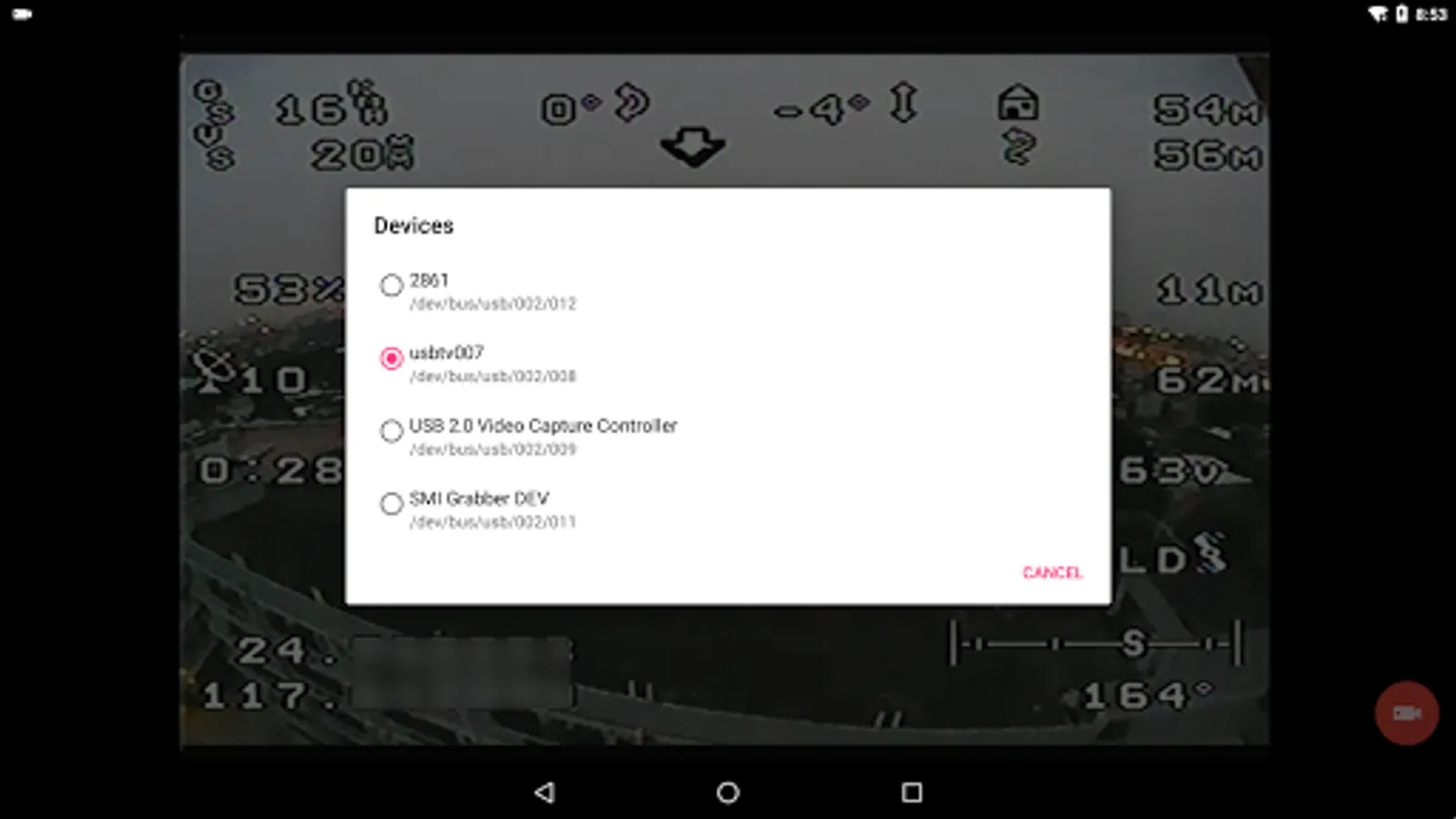
1) EasyCap including audio with UTV007 / HTV600 / HTV800 chipsets (VID_1B71&PID_3002)
2) EasyCap including audio with STK1160 + SAA7113/GM7113 + AC97 chipsets (Audio 48kHz stereo version VID_05E1&PID_0408)
3) EasyCap including audio with STK1160 + SAA7113/GM7113 (Audio 8kHz mono version VID_05E1&PID_0408)
4) EasyCap including audio with EM2860 + SAA7113/GM7113 + AC97 chipsets (VID_EB1A&PID_2861)
5) EasyCap including audio with SMI2021 + SAA7113/GM7113 + ES7240/CS5340 chipsets (VID_1C88&PID_0007, PID_003C, PID_003D, PID_003E, PID_003F, PID_1001)
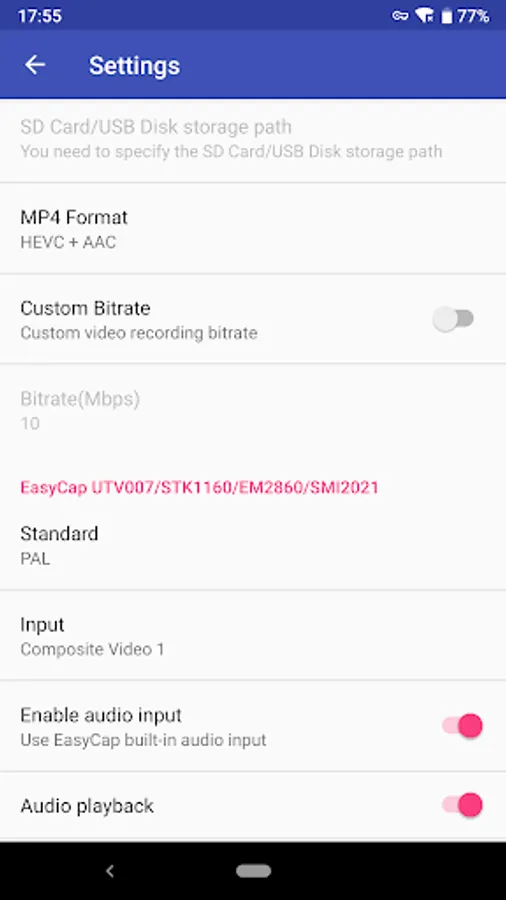
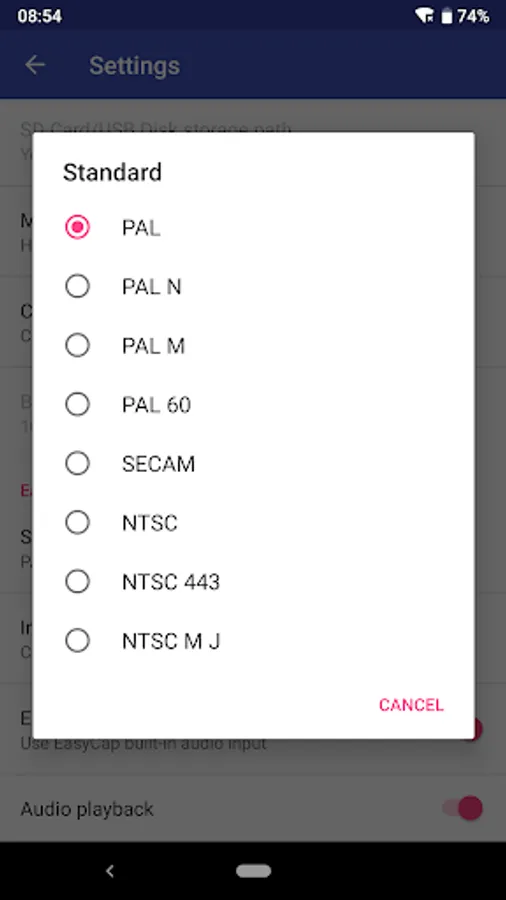
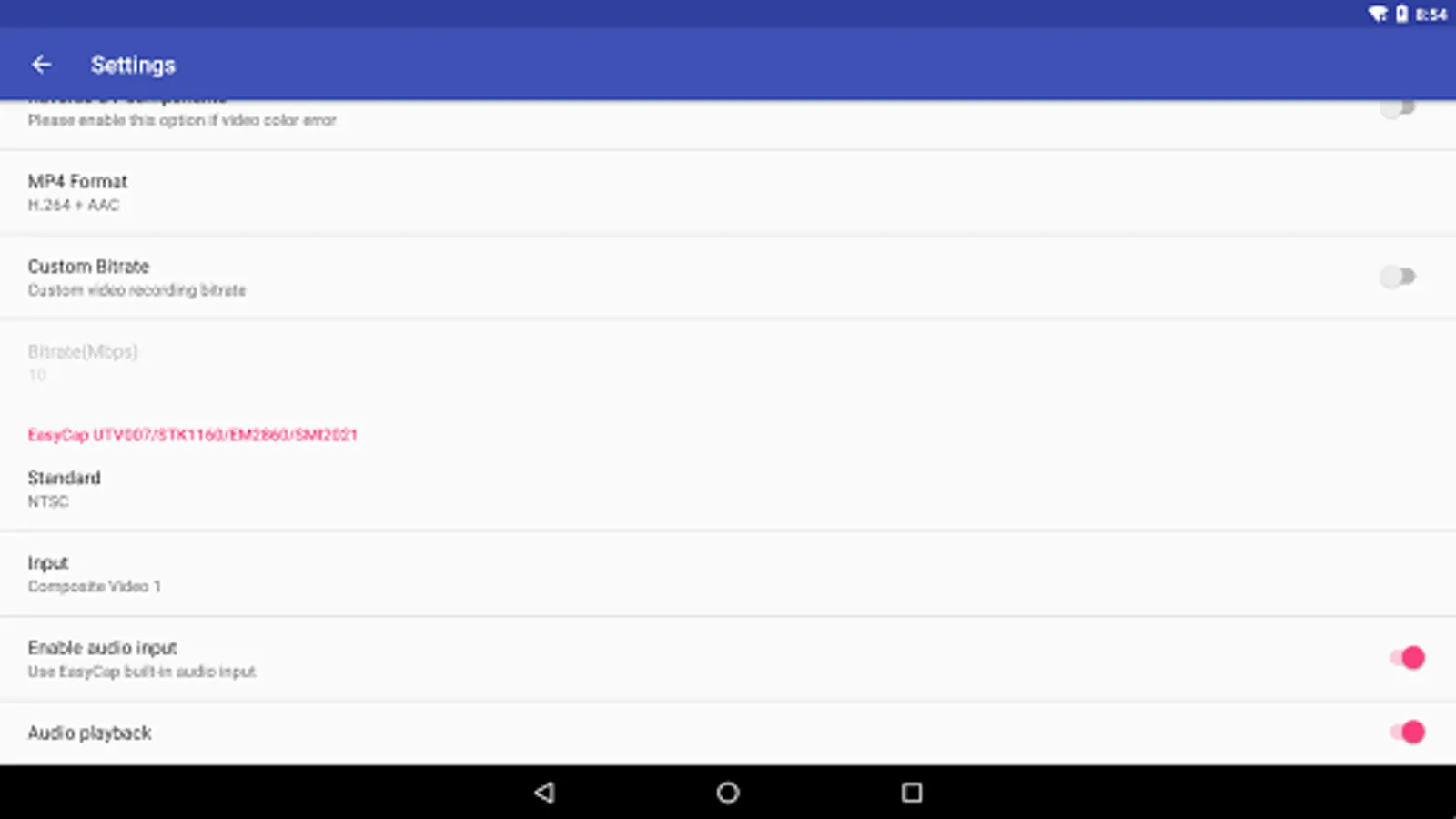
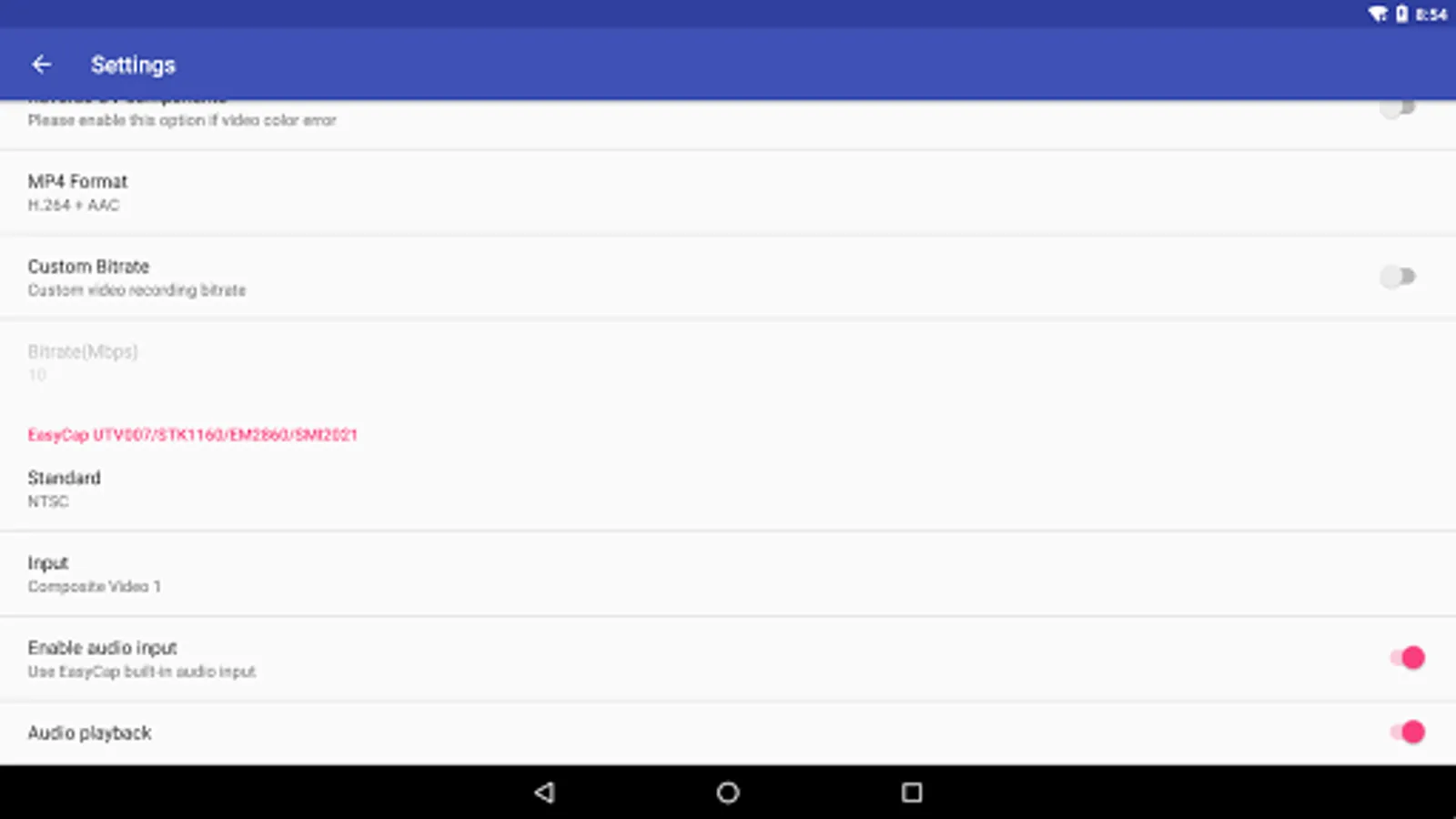
Please switch the video Standard(PAL/NTSC/SECAM) if video freeze when using EasyCap.
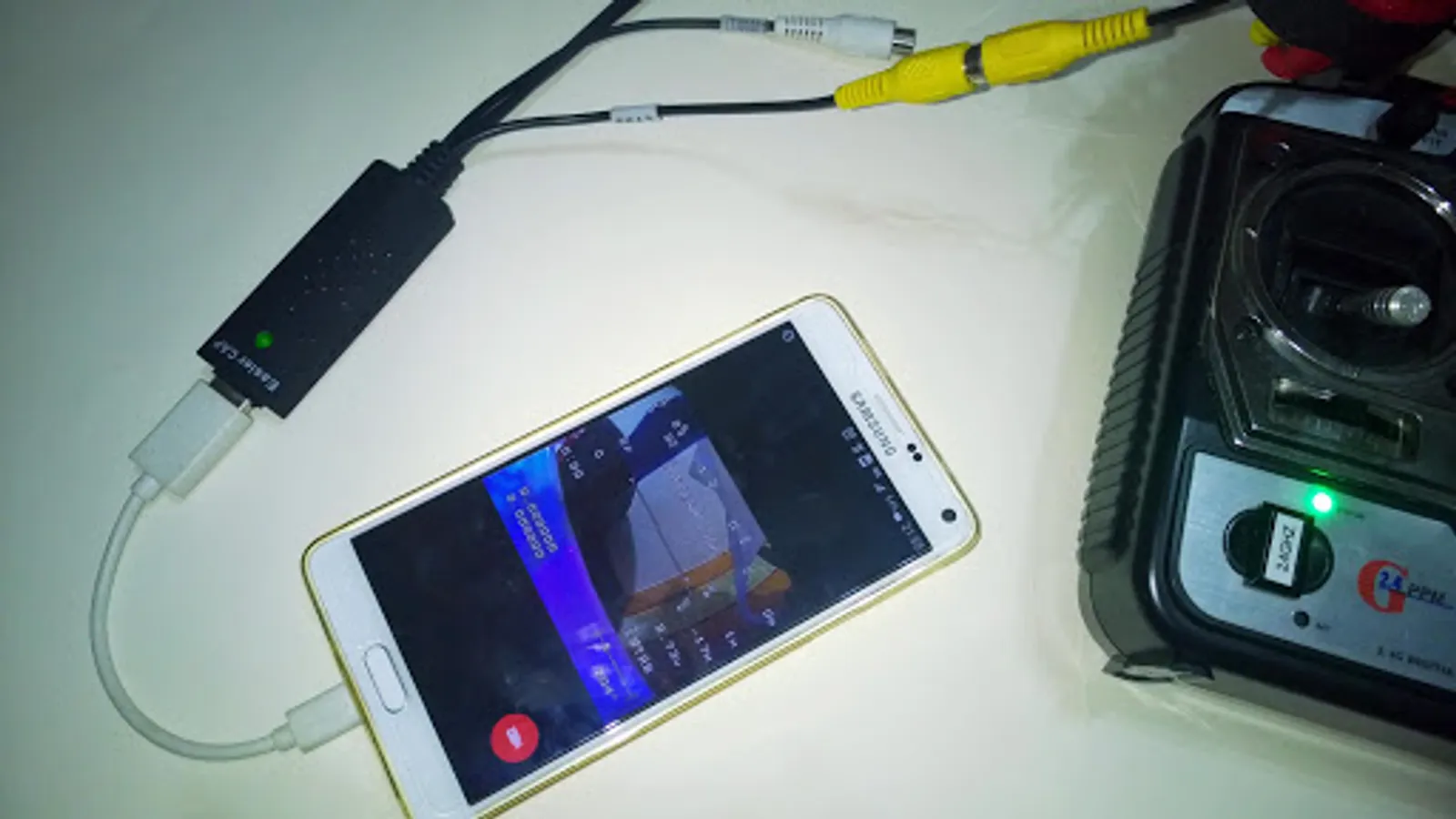
Please use a good quality OTG cable and ensure power supply. Some devices may need to bridge HUB to enhanced USB signals to work properly, e.g. ezcap Video Grabber.
Using HEVC for video recording requires Android 5.0 or above, and the device must supports HEVC codec.
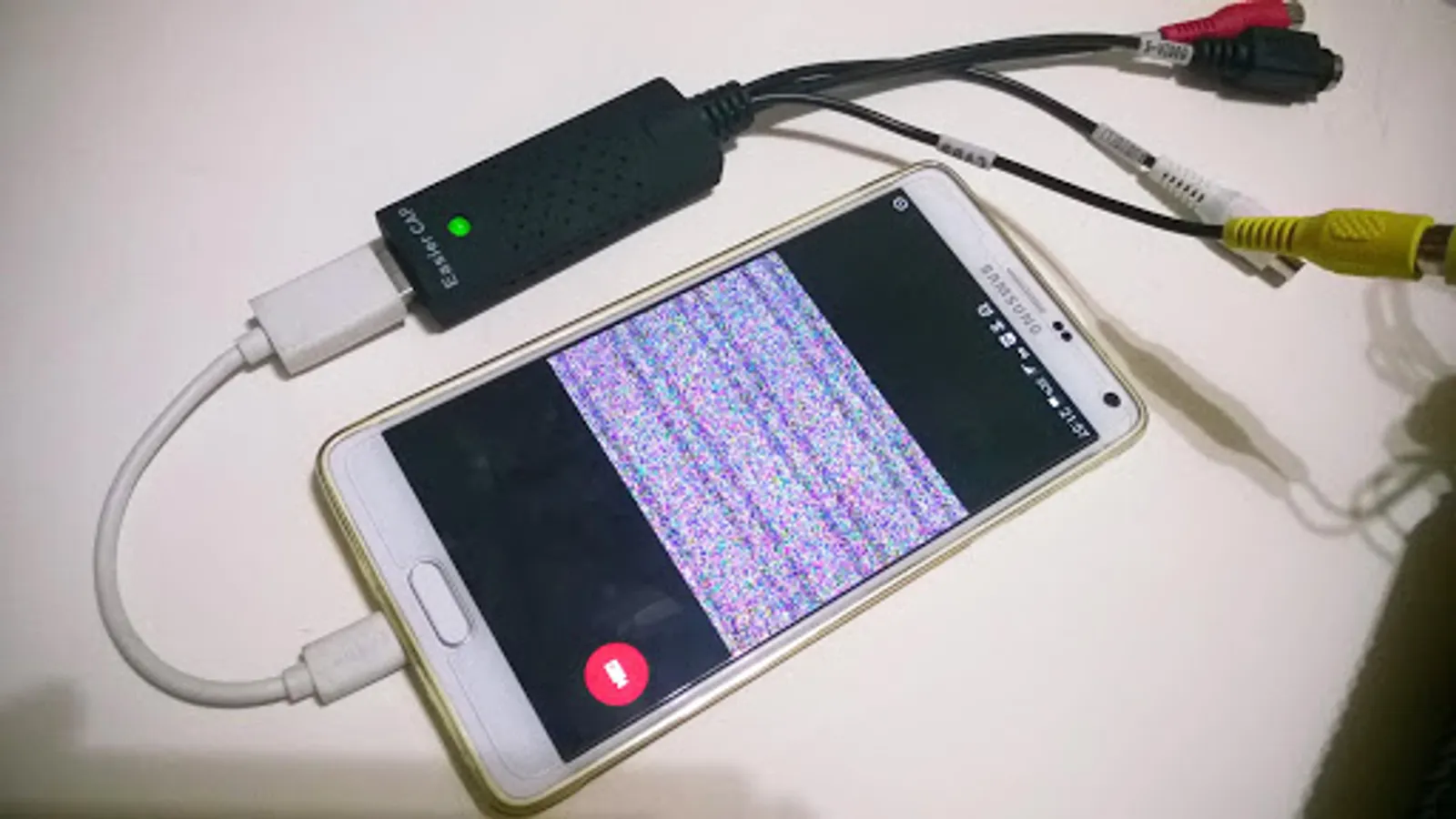
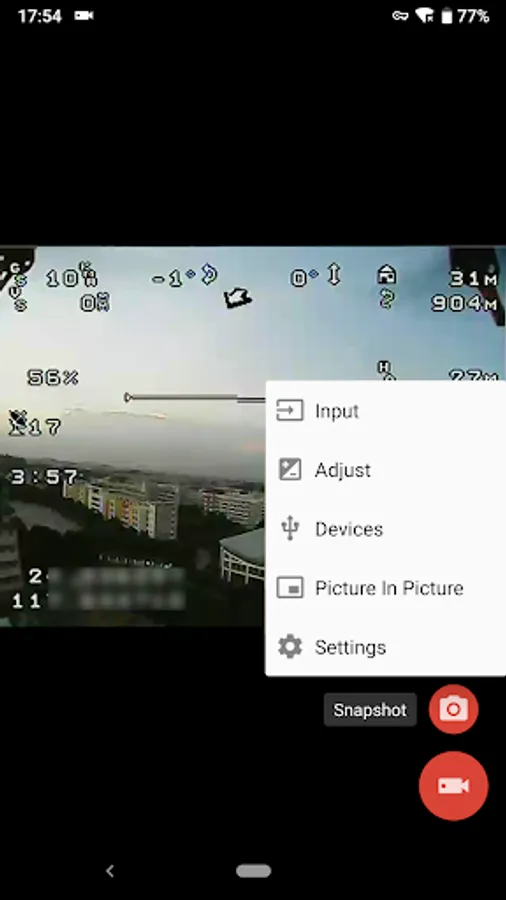
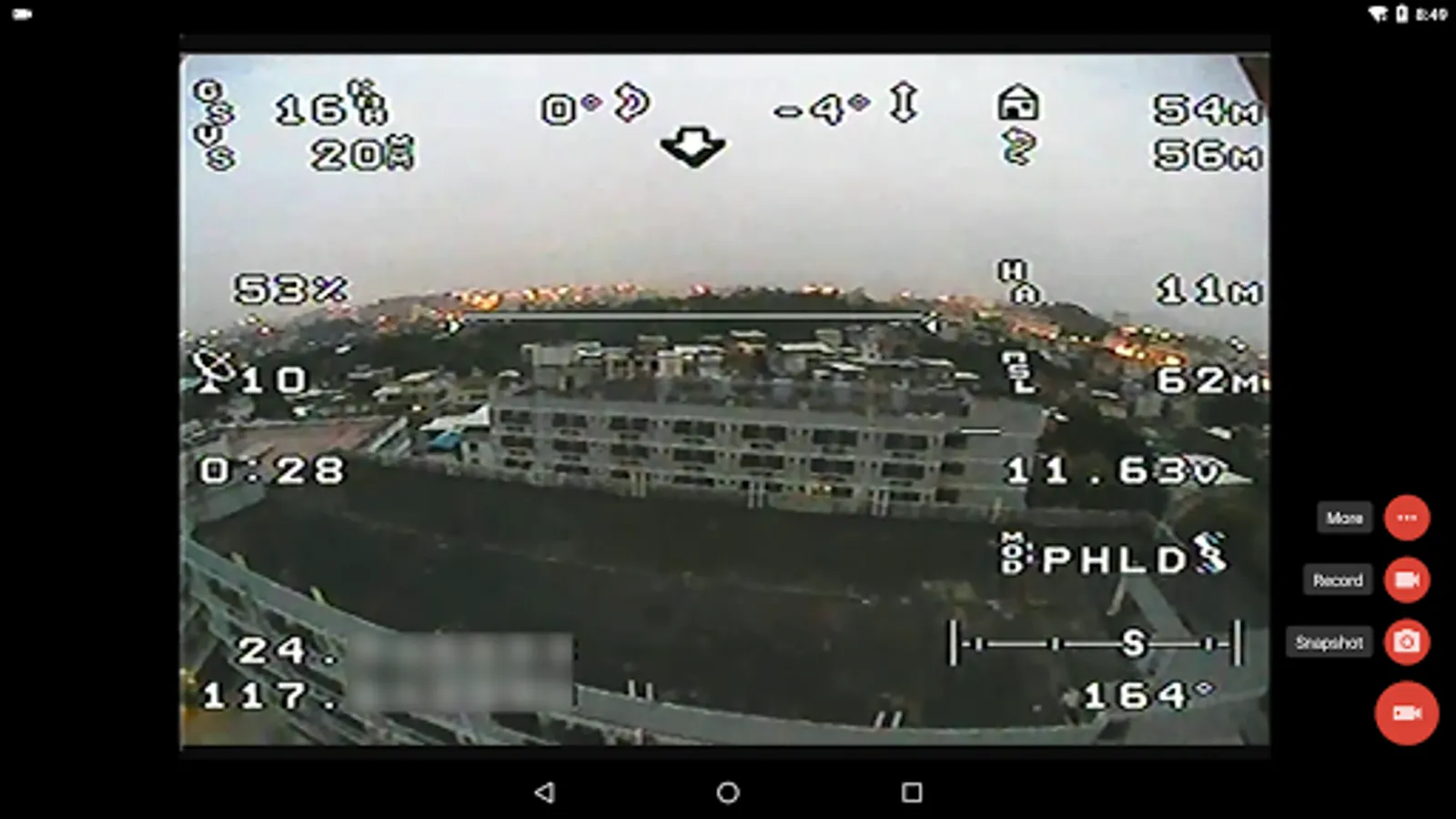
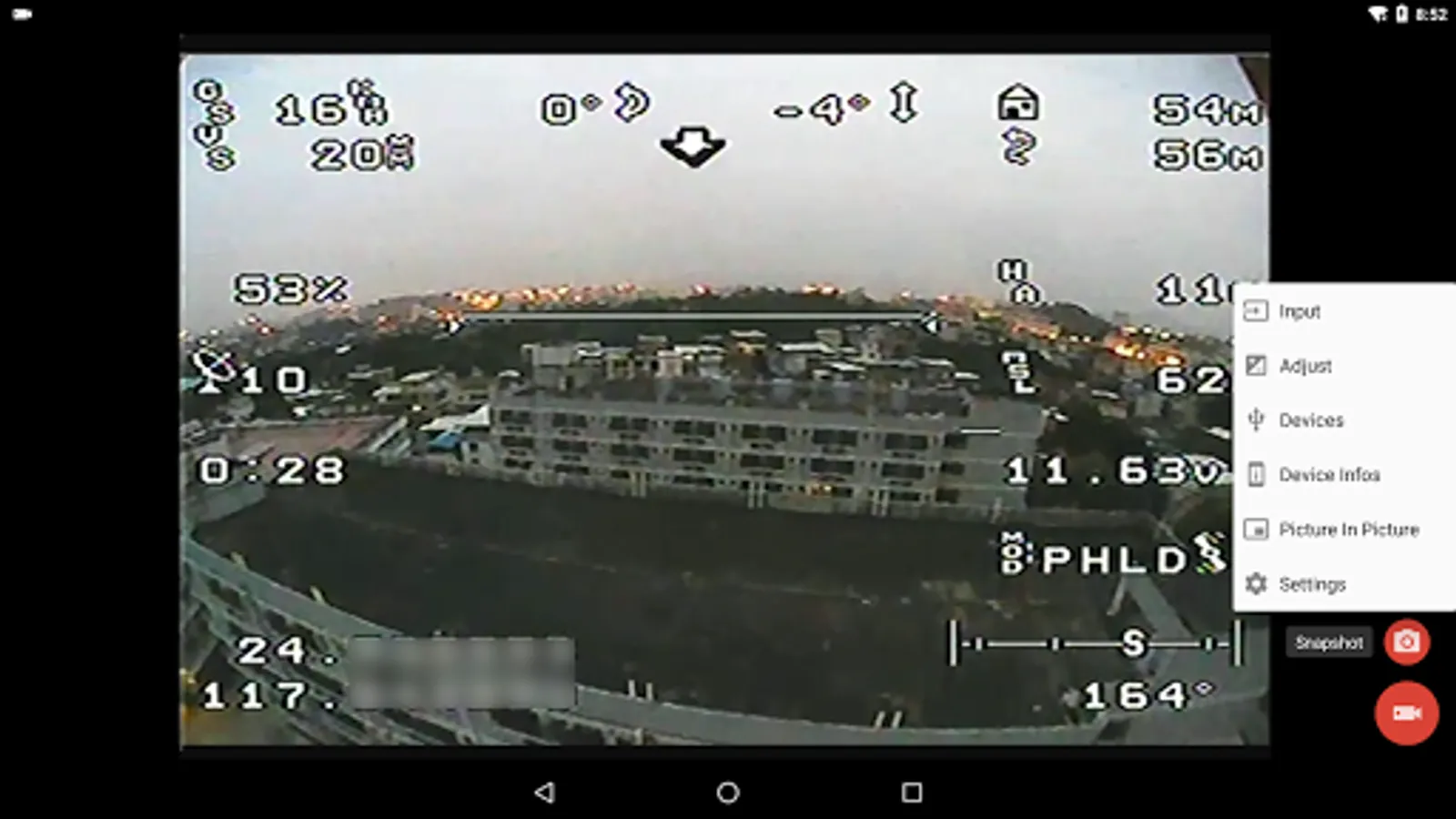
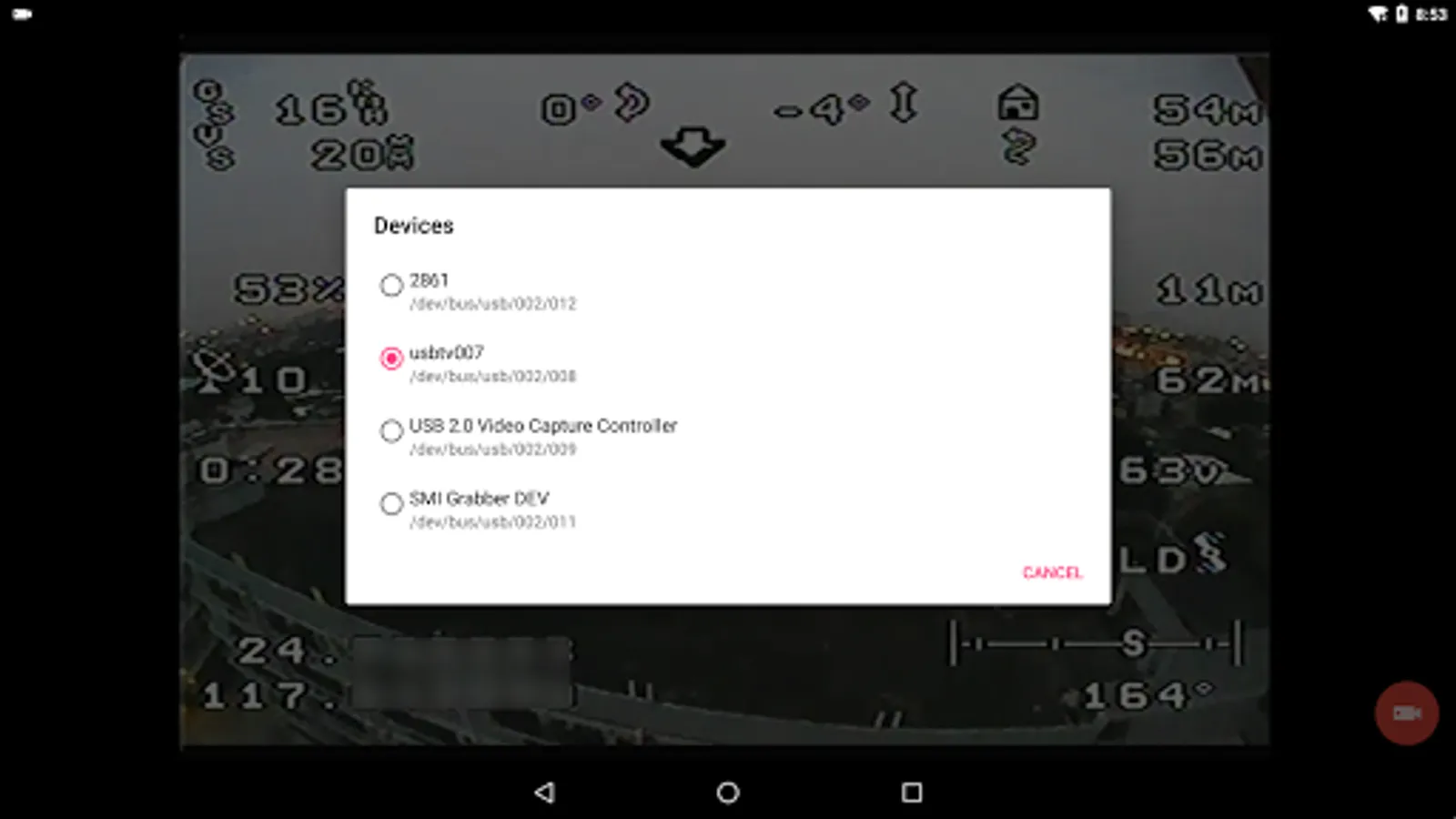
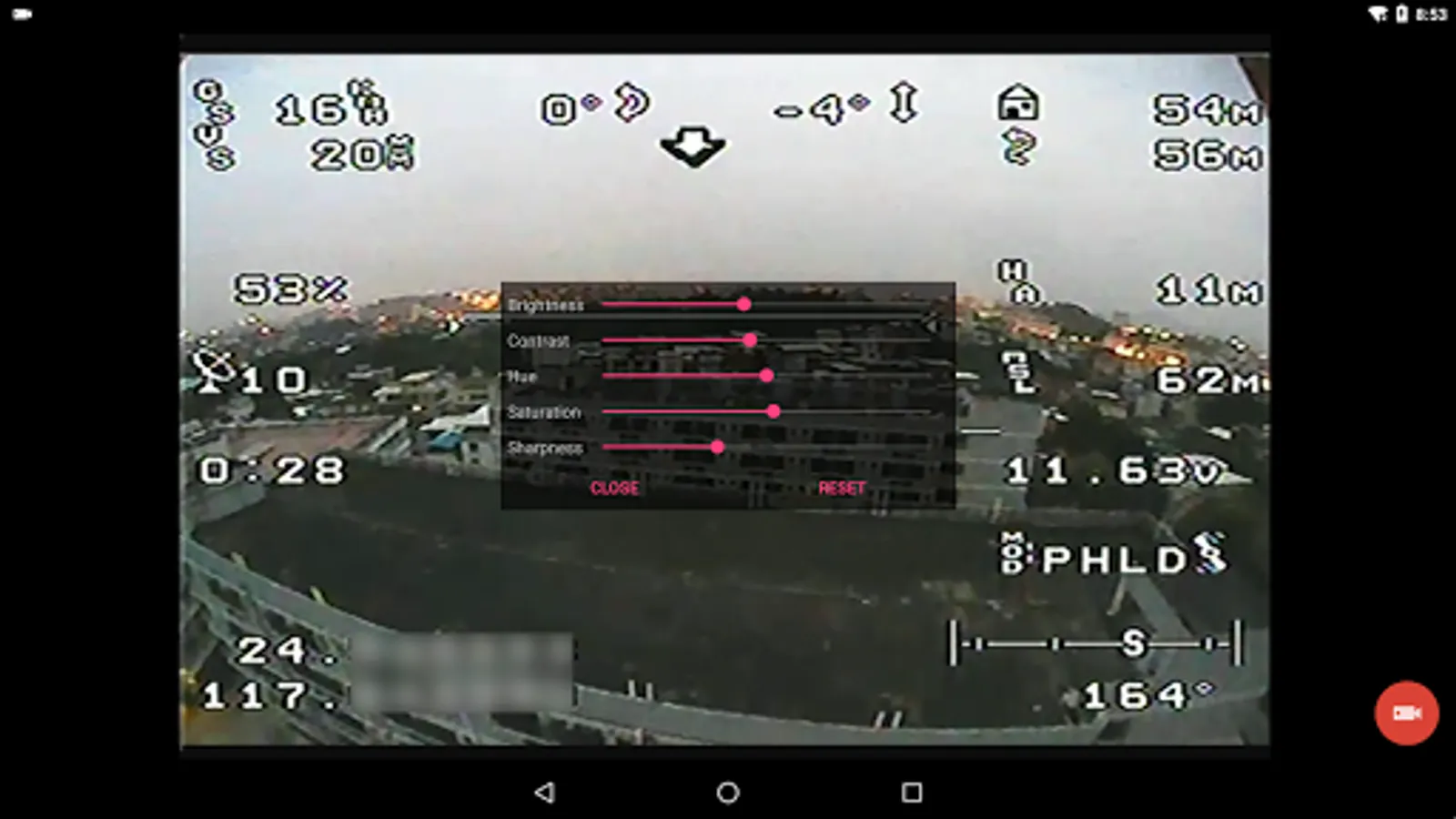
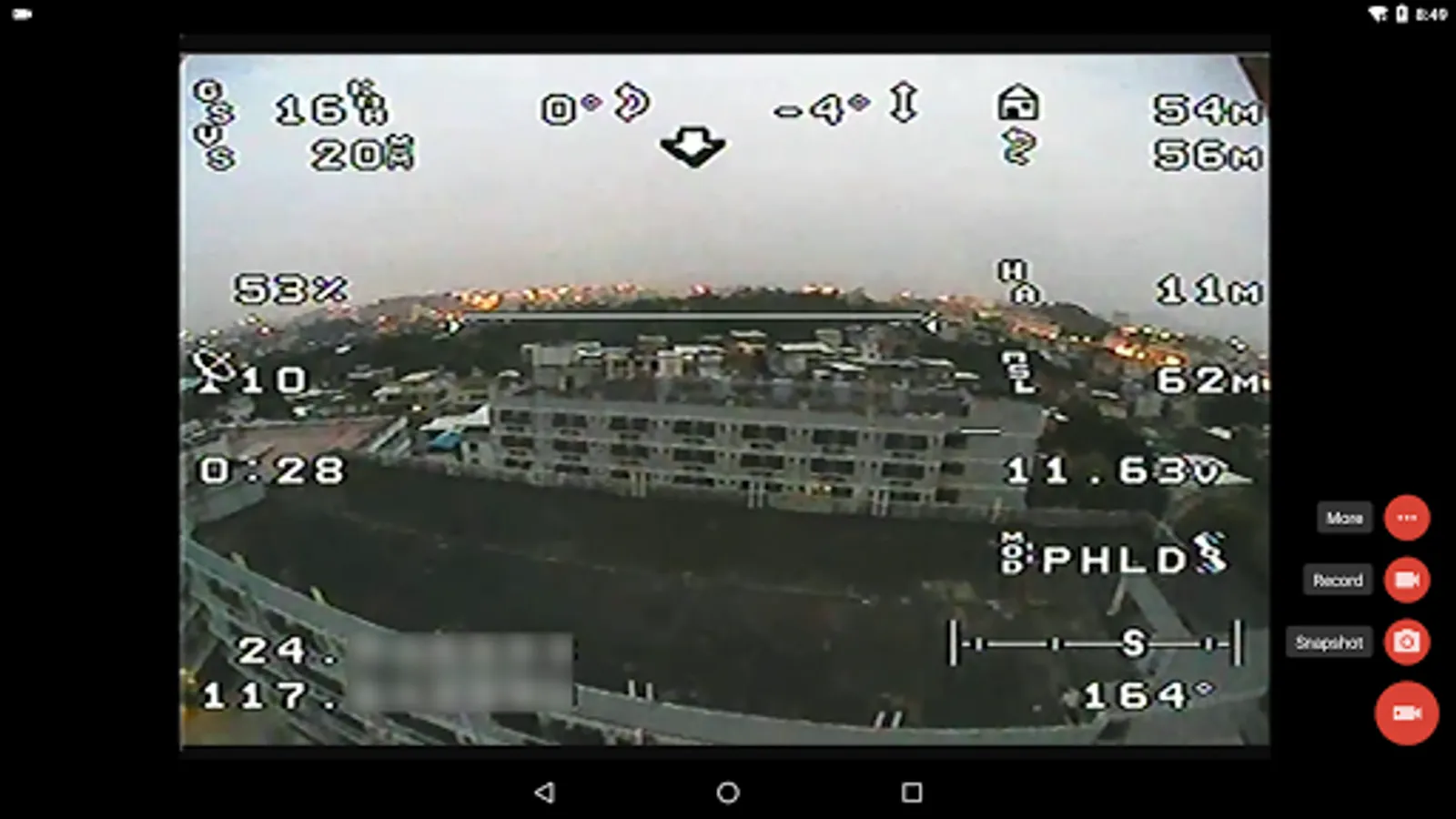
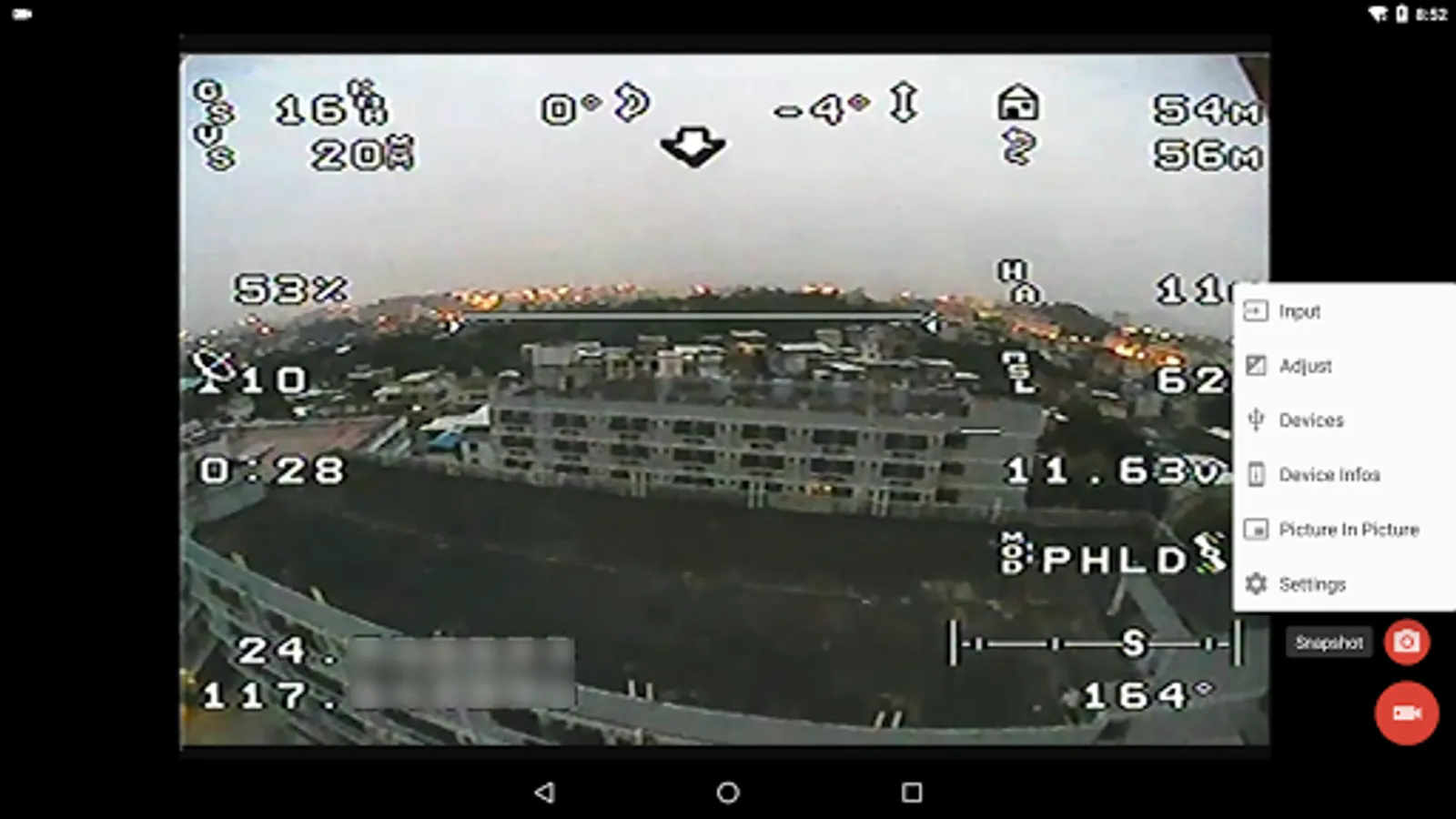
"EasyCap Recorder" can let your android device connect to EasyCap video capture card via USB-OTG. You can capture snapshot or record video WITH audio support.
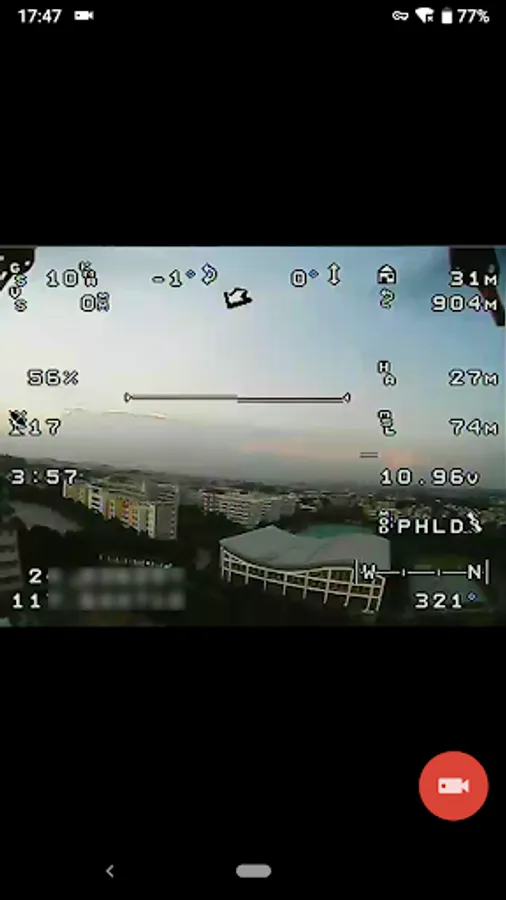
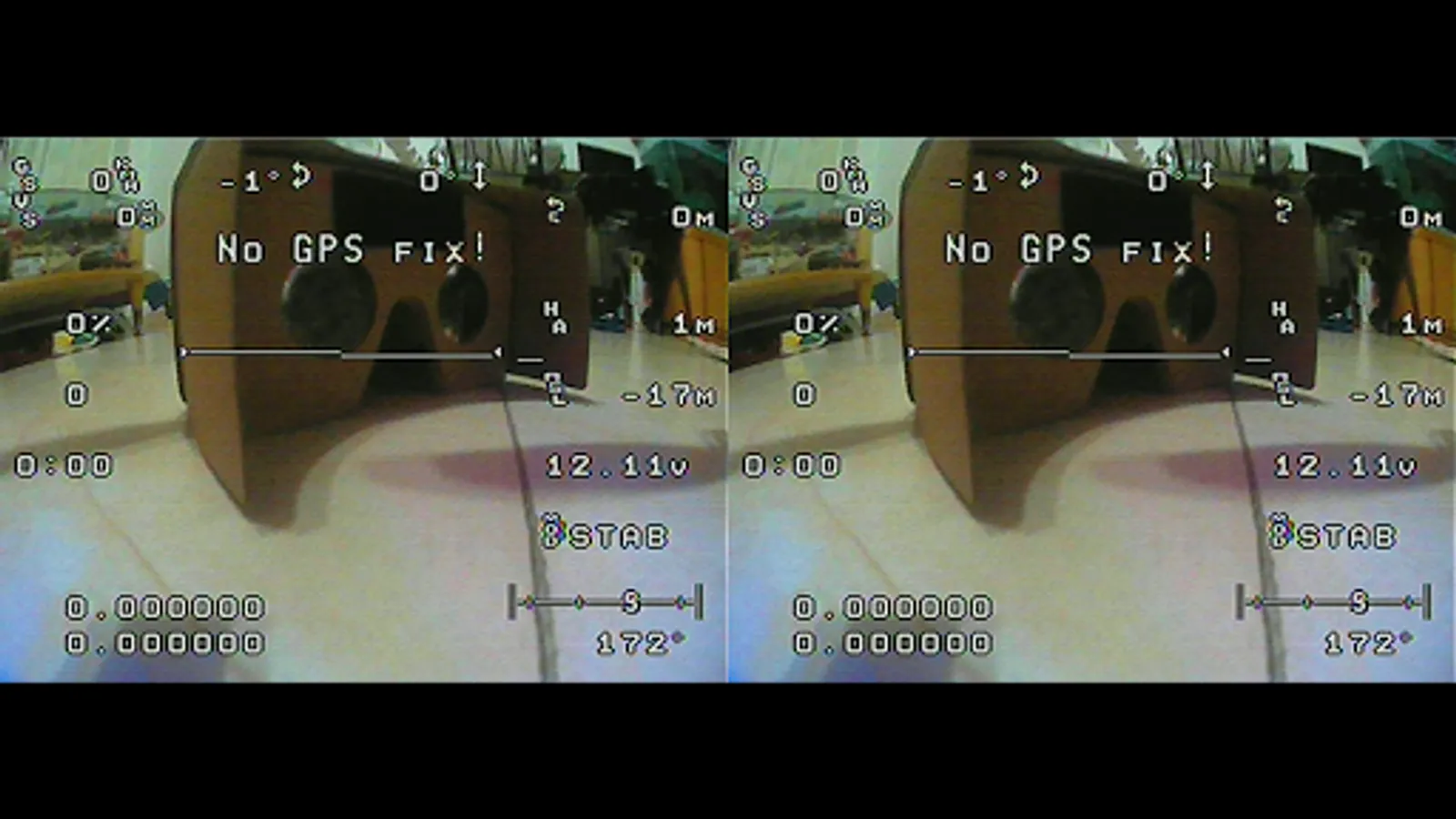
"EasyCap Recorder" supports Side by Side(SBS) view and it can work with FPV goggle.
"EasyCap Recorder" can seamless switching between foreground and background. The recording will not interrupted during switching!
This is userspace driver so it used for the app only. Android does not allow to install kernel driver so it unable to use for third-party apps.
Tip:
Supports following devices:
1) EasyCap including audio with UTV007 / HTV600 / HTV800 chipsets (VID_1B71&PID_3002)
2) EasyCap including audio with STK1160 + SAA7113/GM7113 + AC97 chipsets (Audio 48kHz stereo version VID_05E1&PID_0408)
3) EasyCap including audio with STK1160 + SAA7113/GM7113 (Audio 8kHz mono version VID_05E1&PID_0408)
4) EasyCap including audio with EM2860 + SAA7113/GM7113 + AC97 chipsets (VID_EB1A&PID_2861)
5) EasyCap including audio with SMI2021 + SAA7113/GM7113 + ES7240/CS5340 chipsets (VID_1C88&PID_0007, PID_003C, PID_003D, PID_003E, PID_003F, PID_1001)
Please switch the video Standard(PAL/NTSC/SECAM) if video freeze when using EasyCap.
Please use a good quality OTG cable and ensure power supply. Some devices may need to bridge HUB to enhanced USB signals to work properly, e.g. ezcap Video Grabber.
Using HEVC for video recording requires Android 5.0 or above, and the device must supports HEVC codec.
"EasyCap Recorder" can let your android device connect to EasyCap video capture card via USB-OTG. You can capture snapshot or record video WITH audio support.
"EasyCap Recorder" supports Side by Side(SBS) view and it can work with FPV goggle.
"EasyCap Recorder" can seamless switching between foreground and background. The recording will not interrupted during switching!
This is userspace driver so it used for the app only. Android does not allow to install kernel driver so it unable to use for third-party apps.
EasyCap Recorder Screenshots
Tap to Rate:
Reviews for EasyCap Recorder
Rezaul Karim Titu
2/13/2025
Device camerab is blocked on
Manjinder Singh
1/20/2025
Good