Pastel Floral Watch Face
jigu watchface
3.8 ★
52 ratings
5,000+
downloads
Free
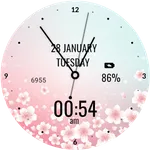
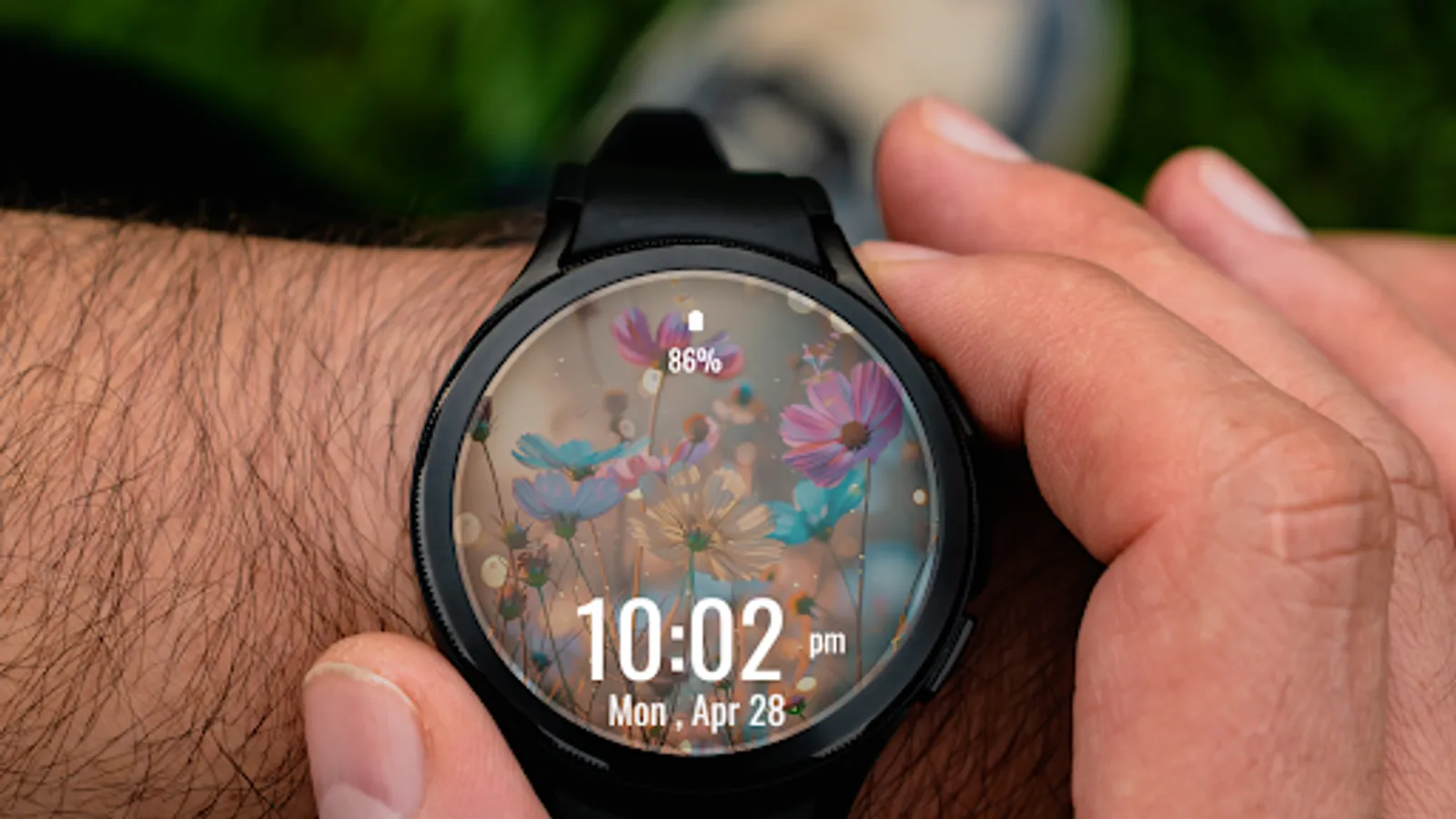
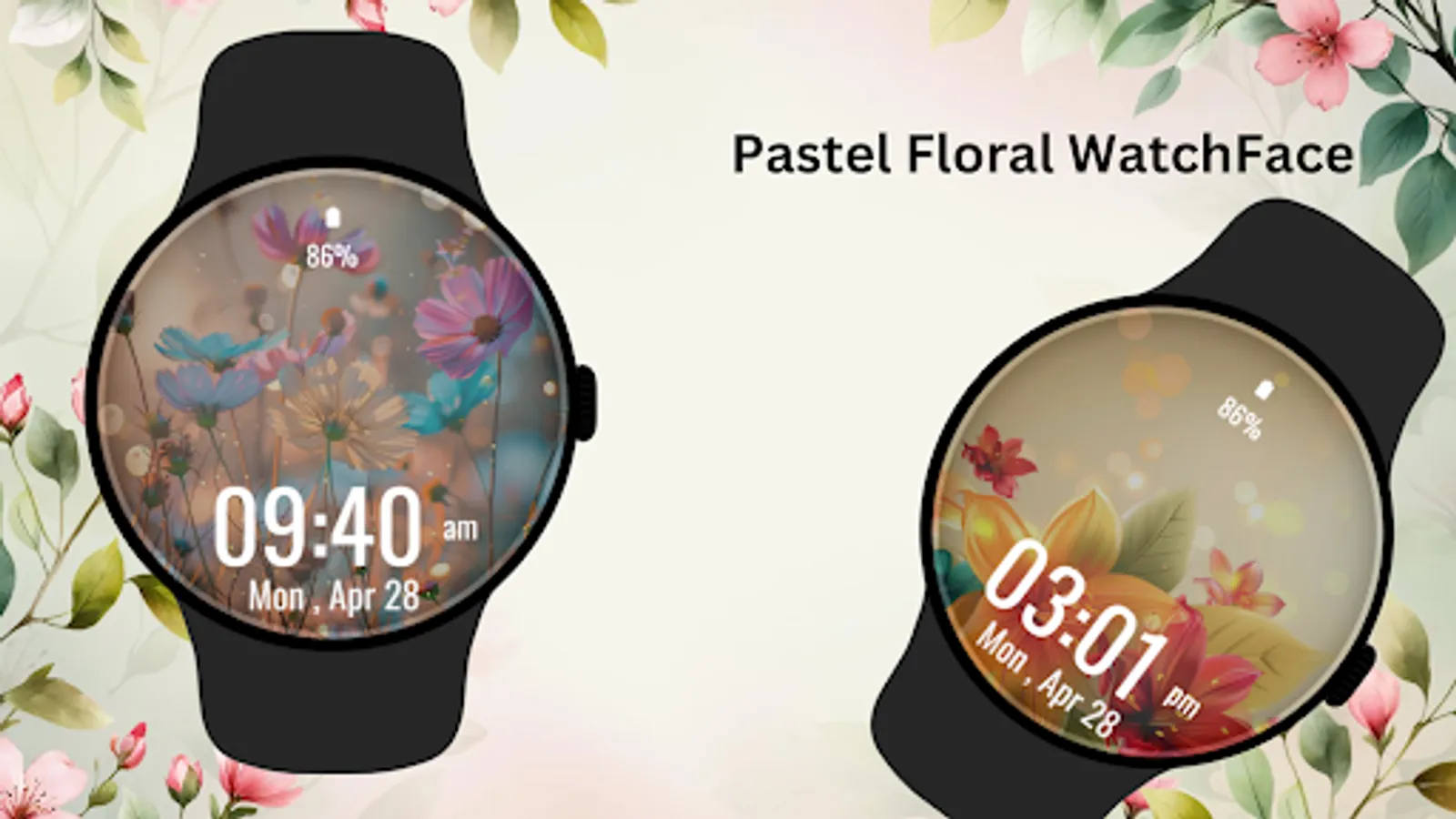
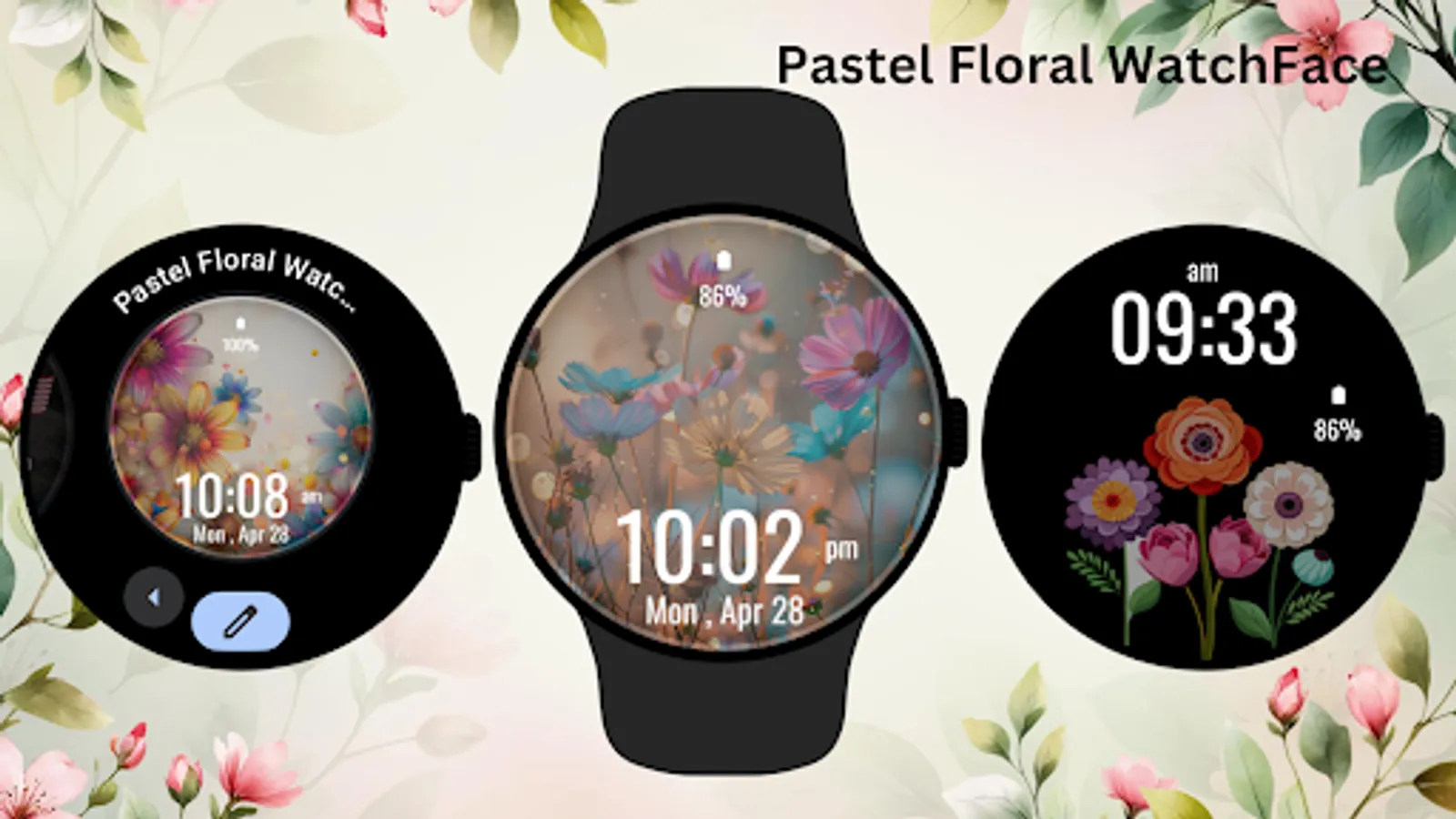
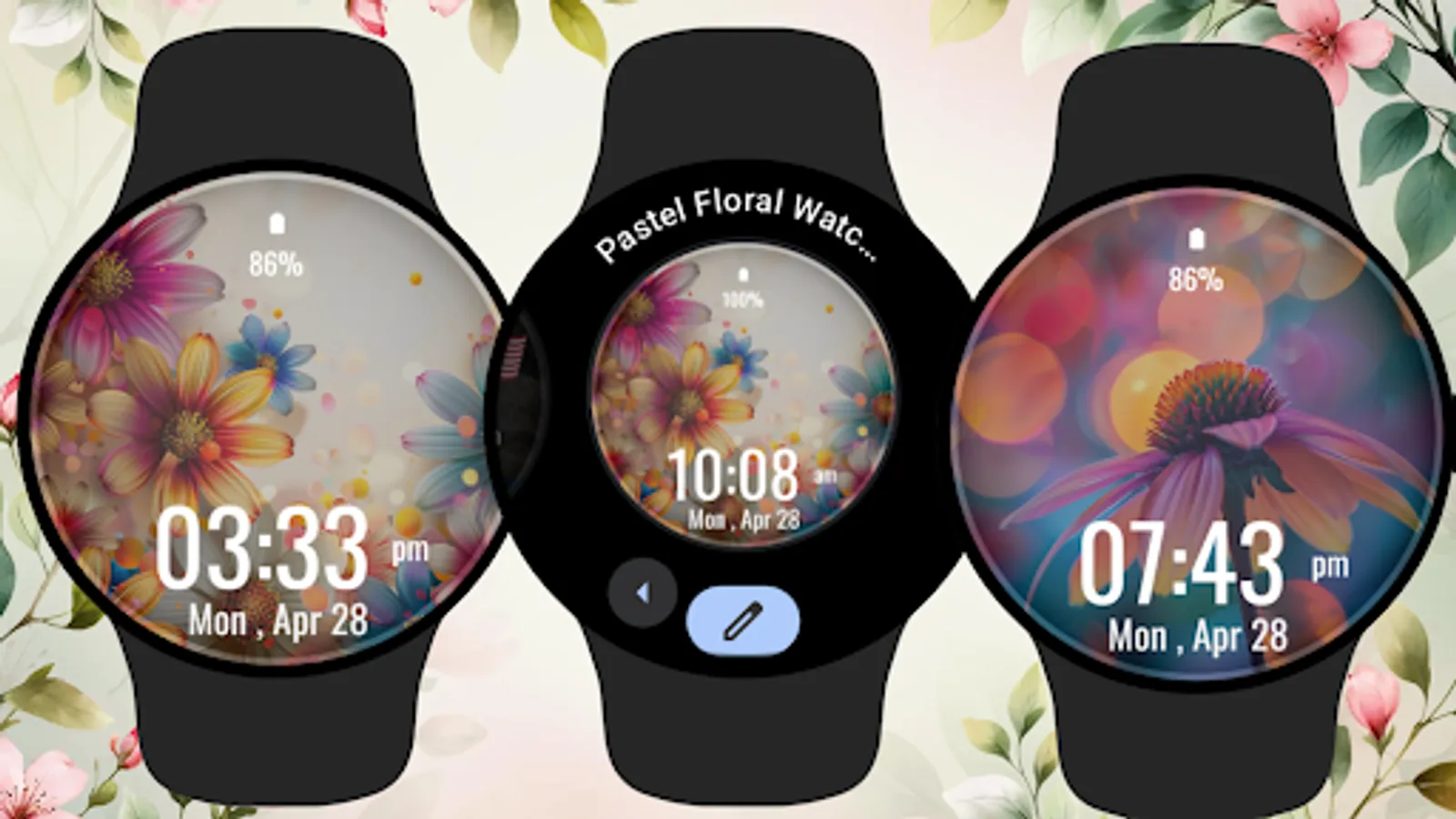
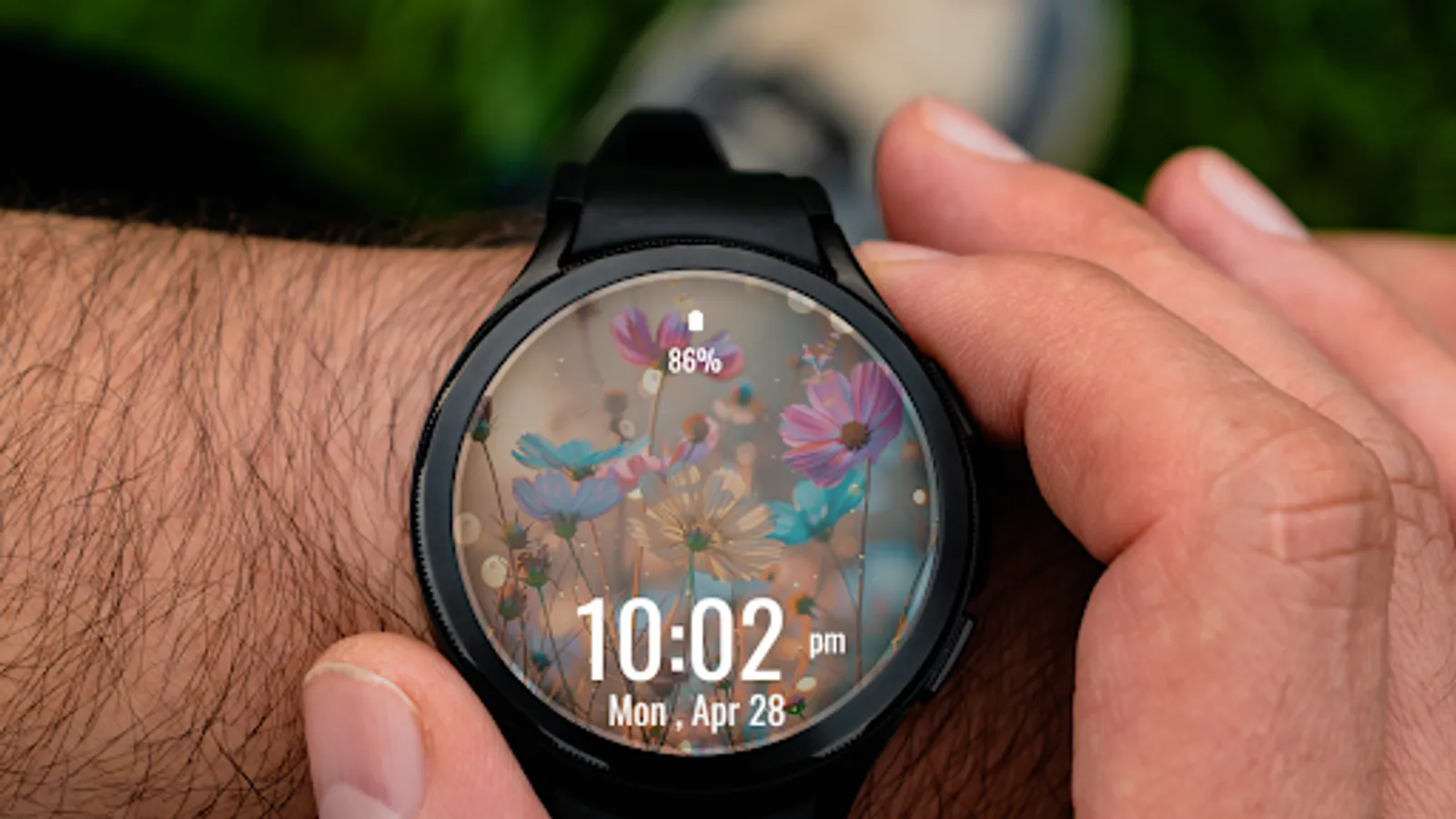
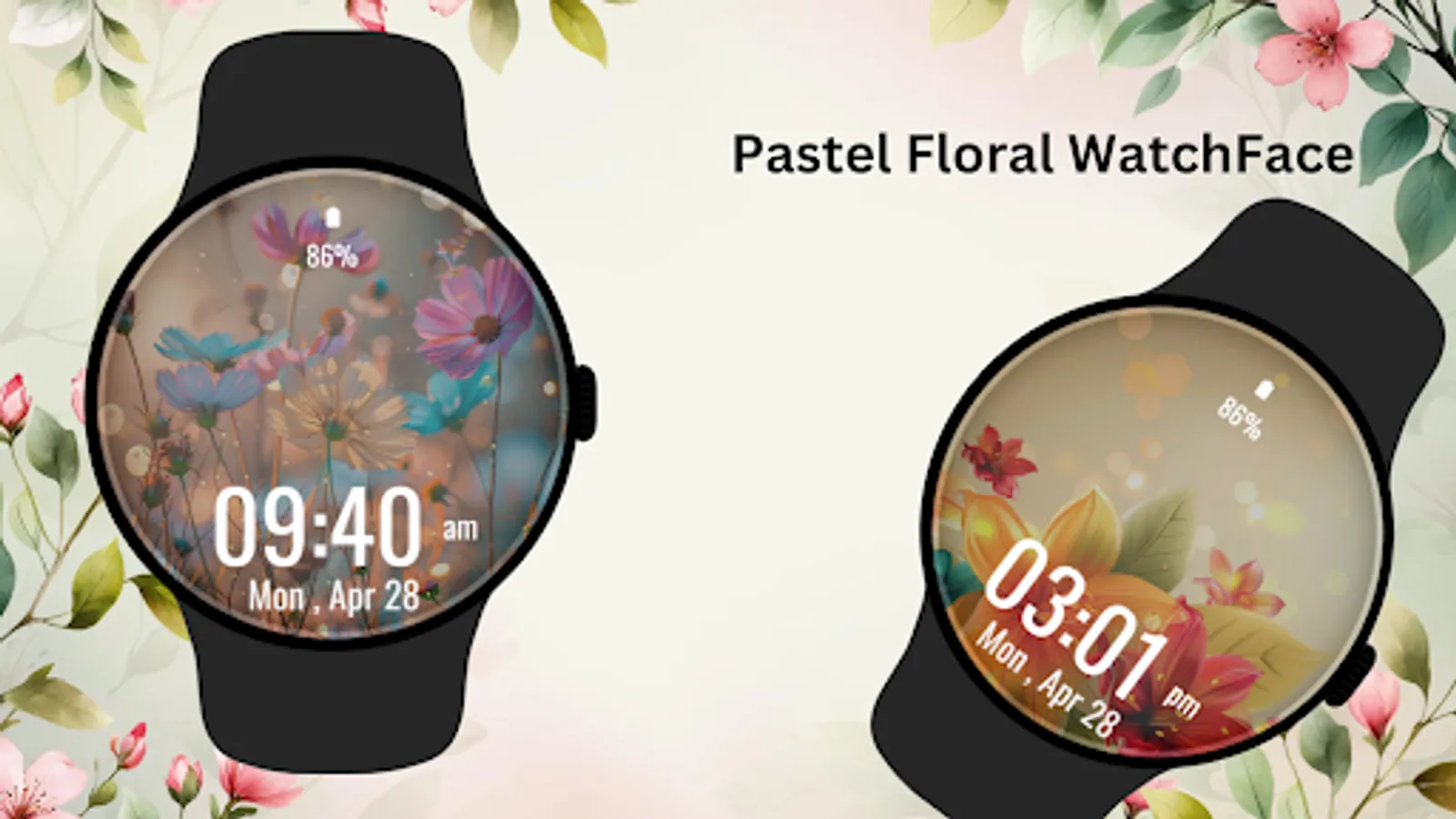
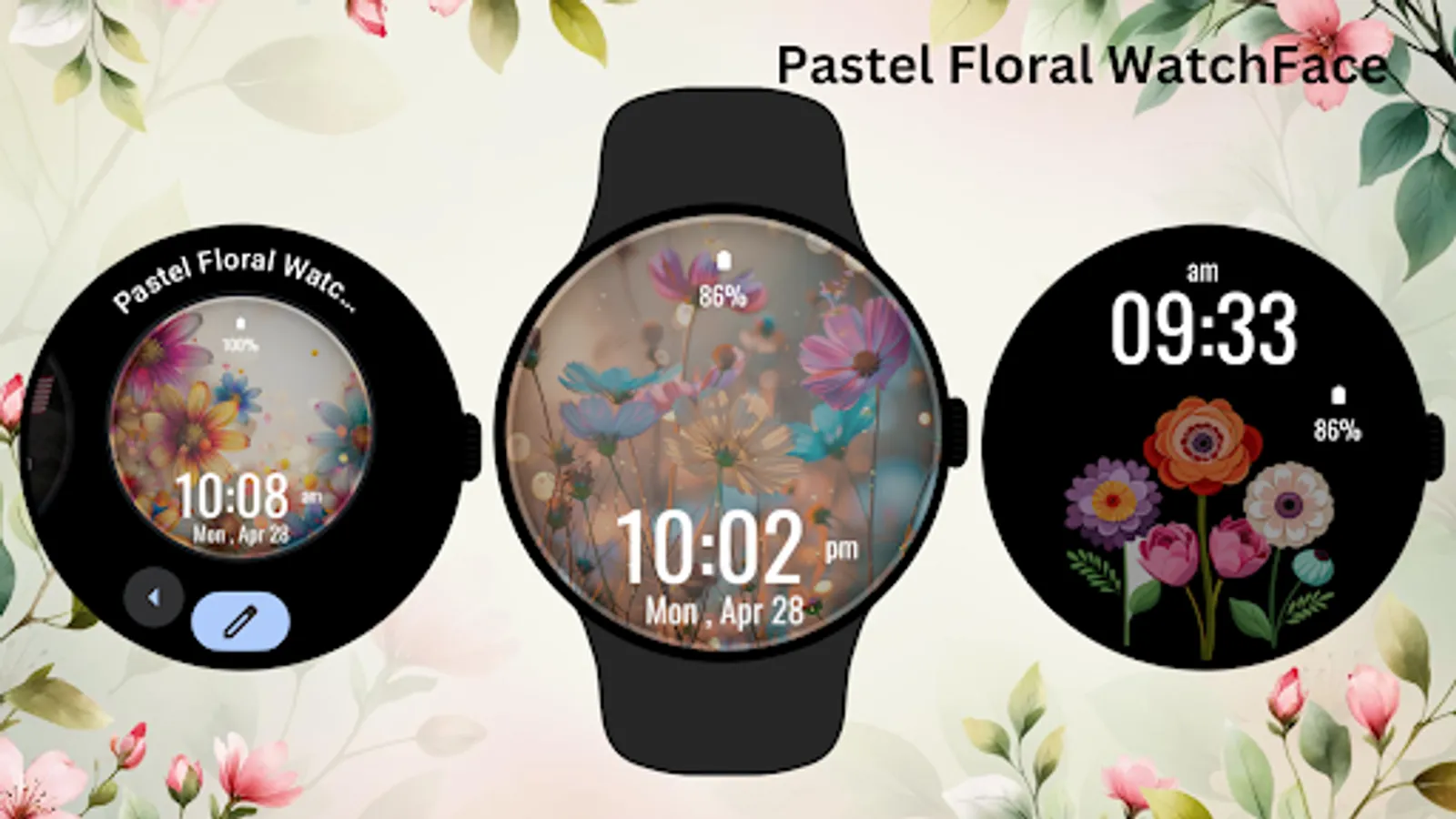
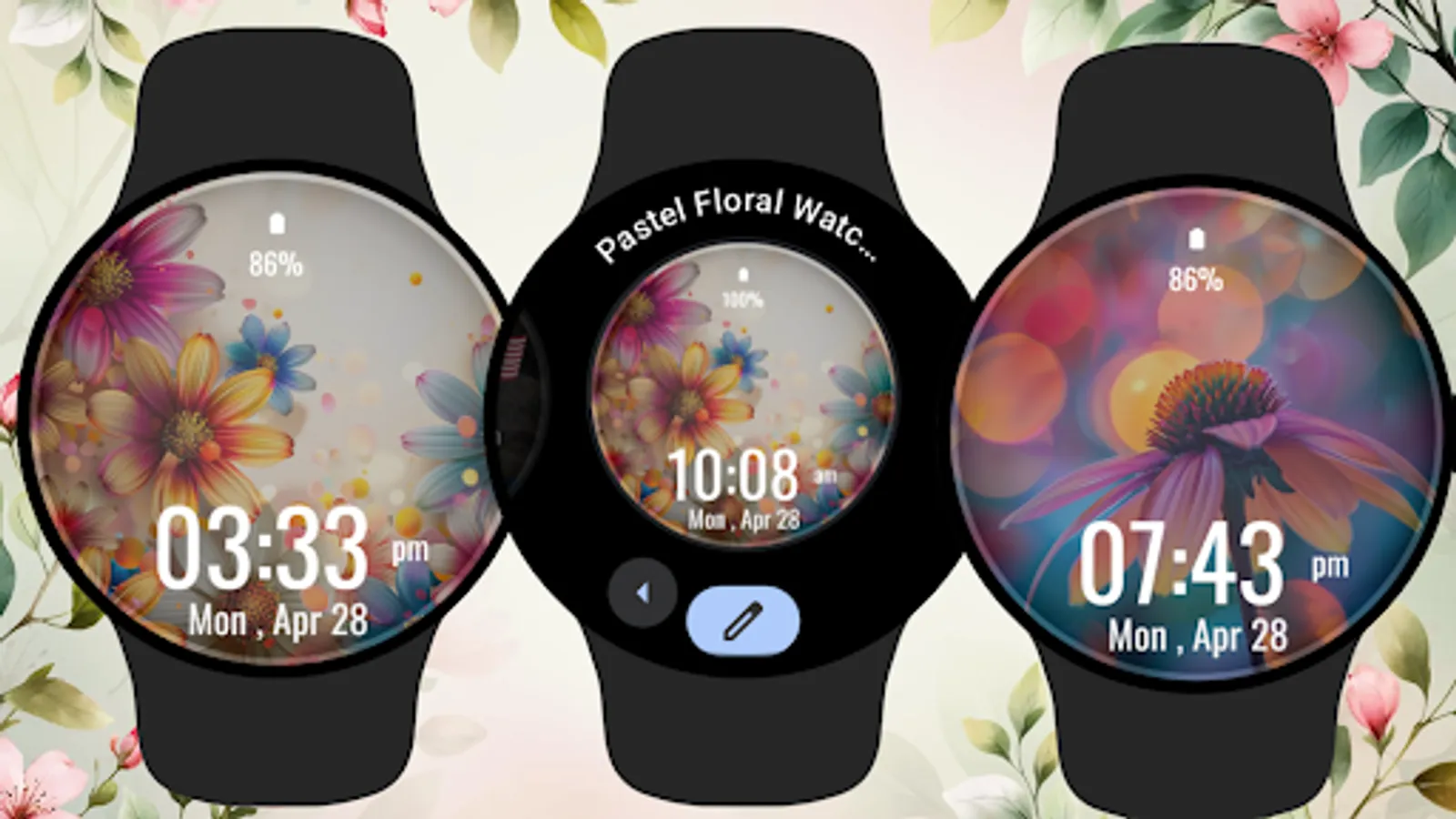
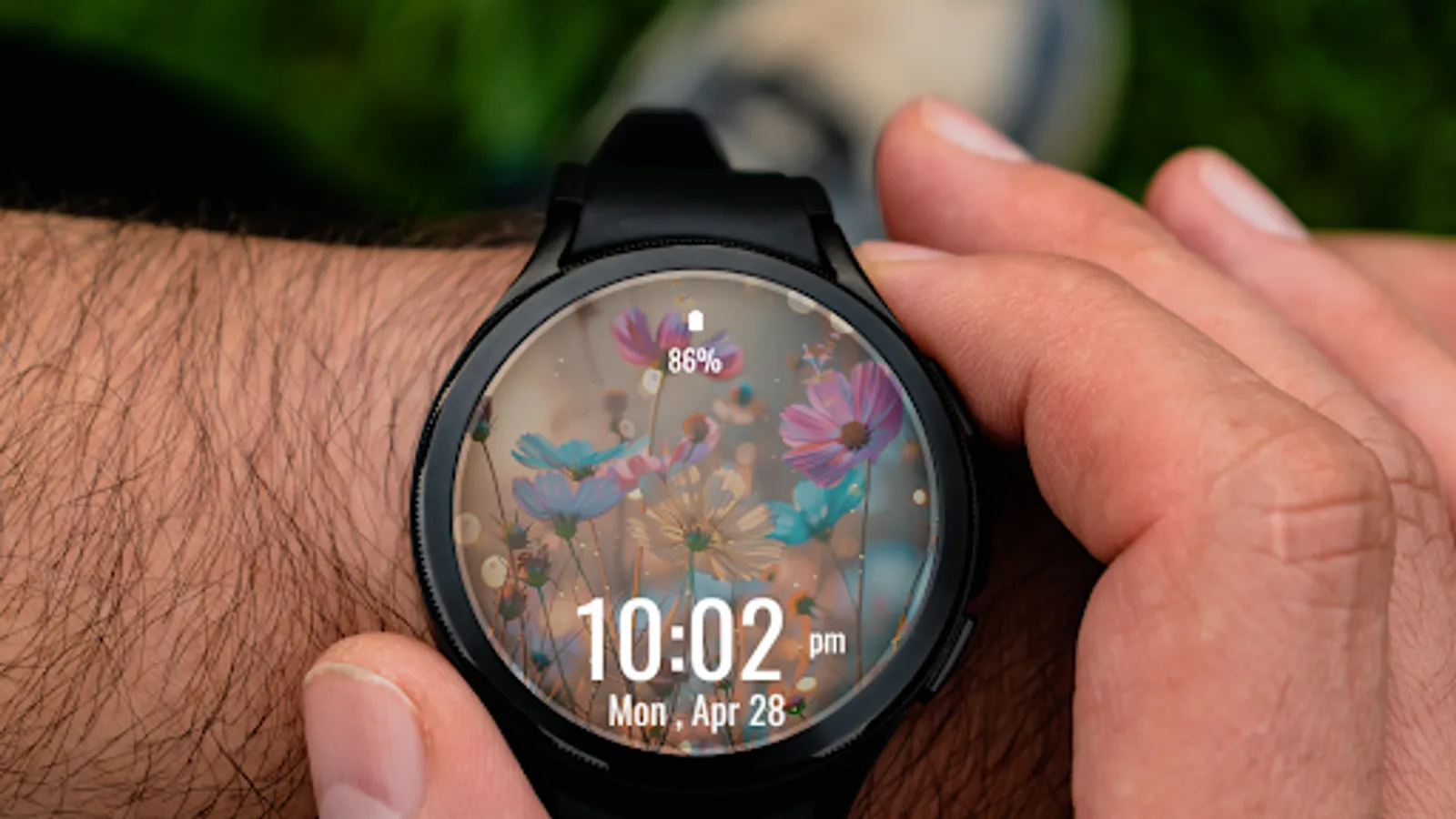
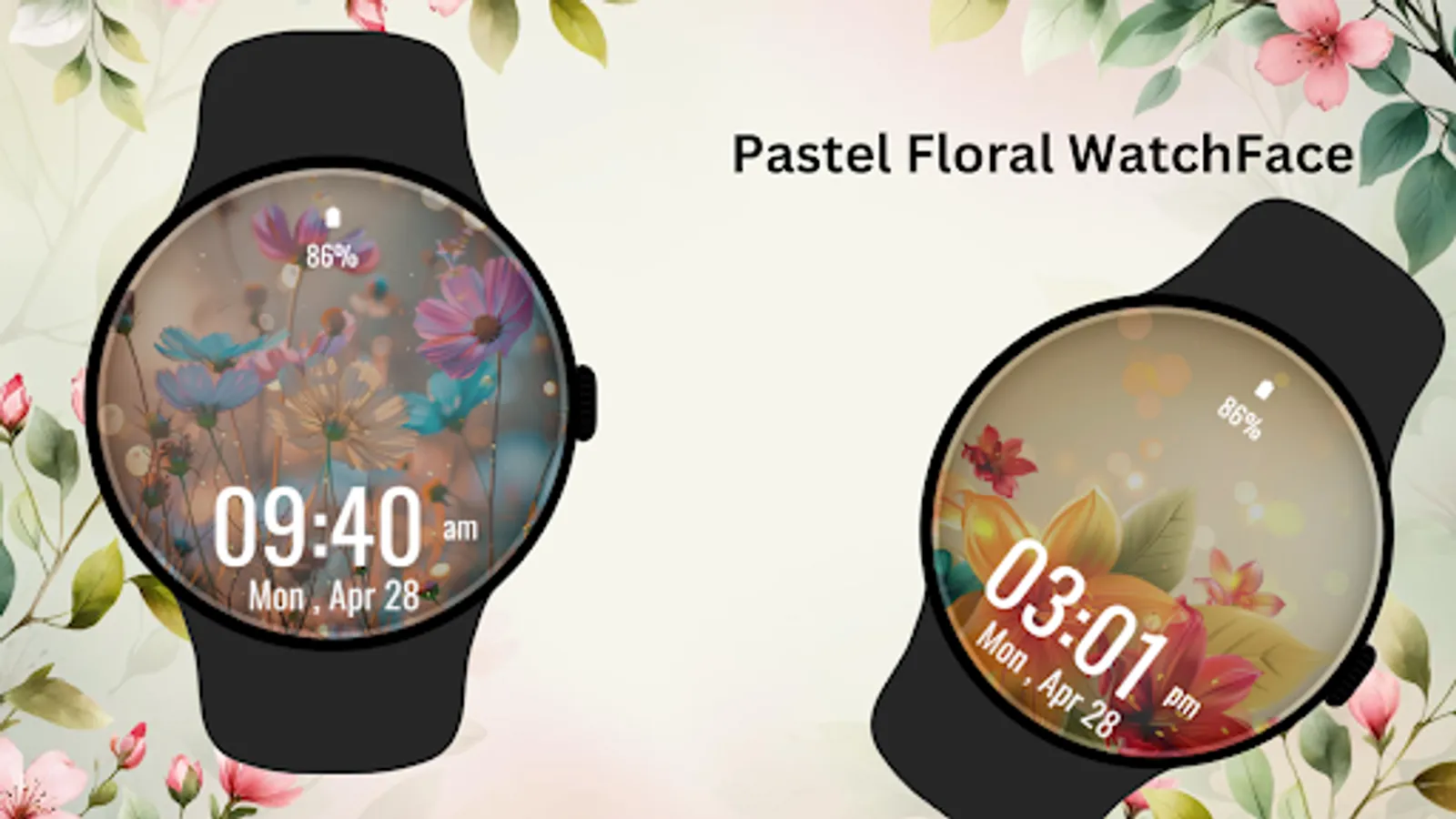
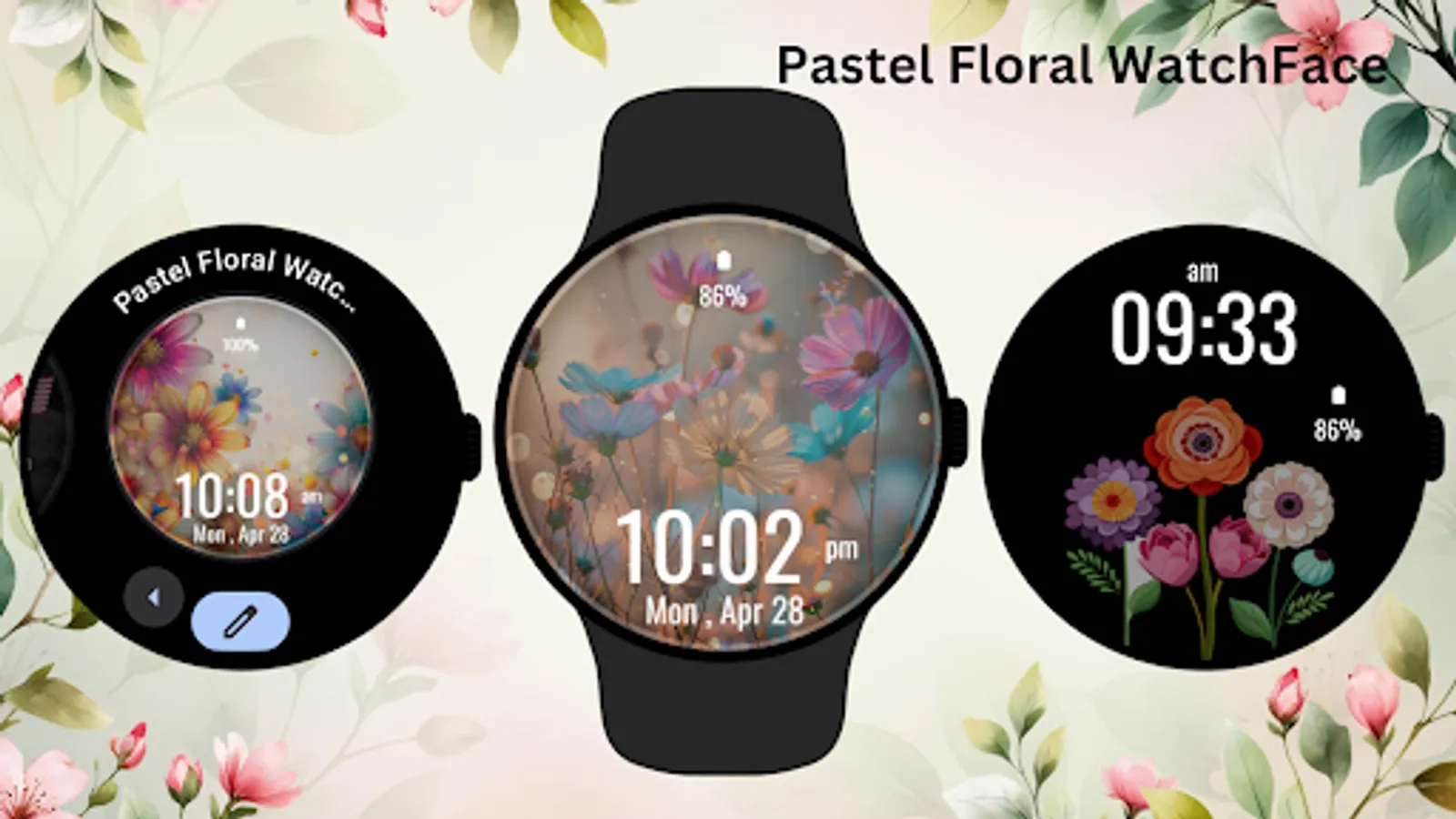
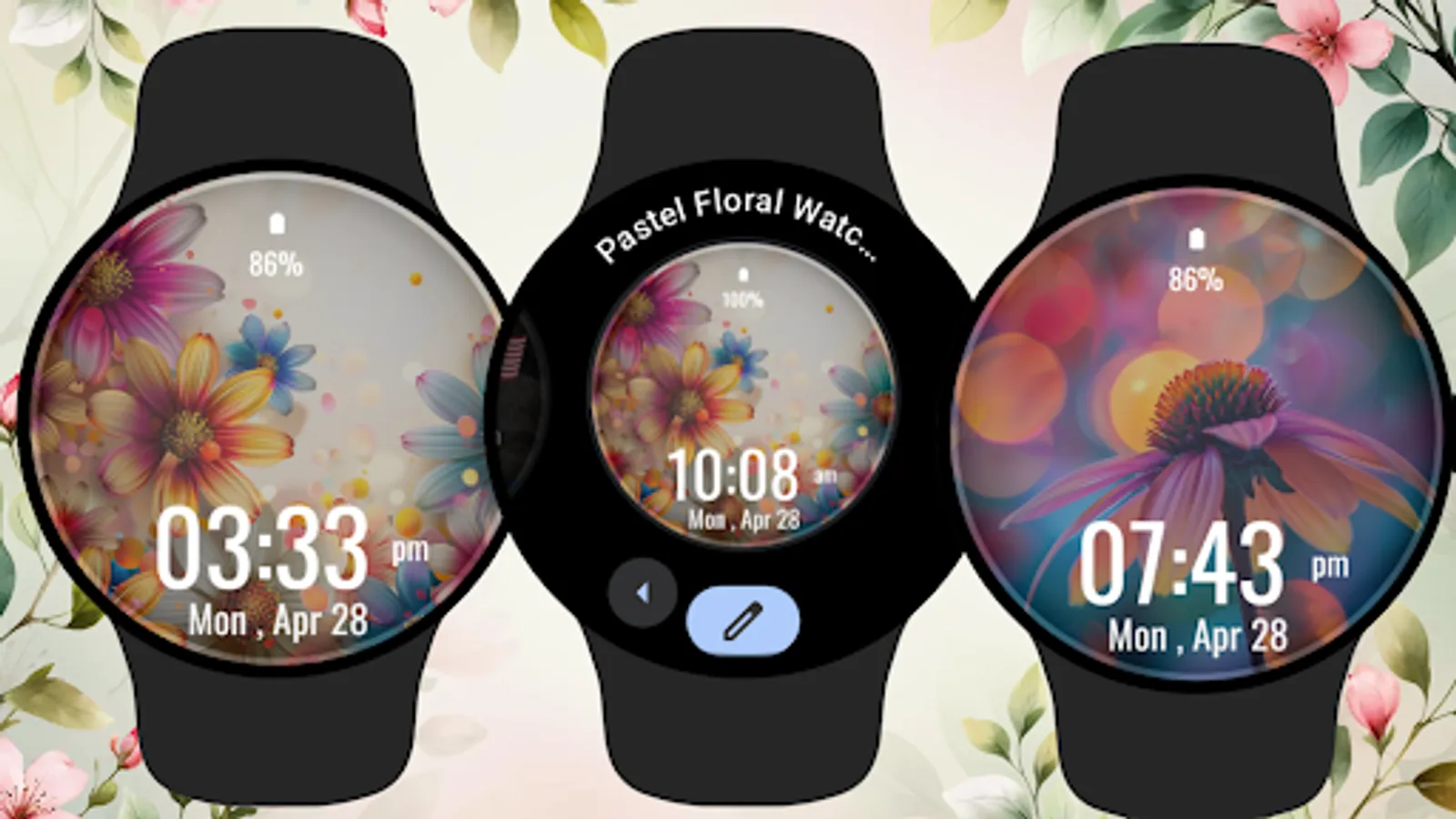
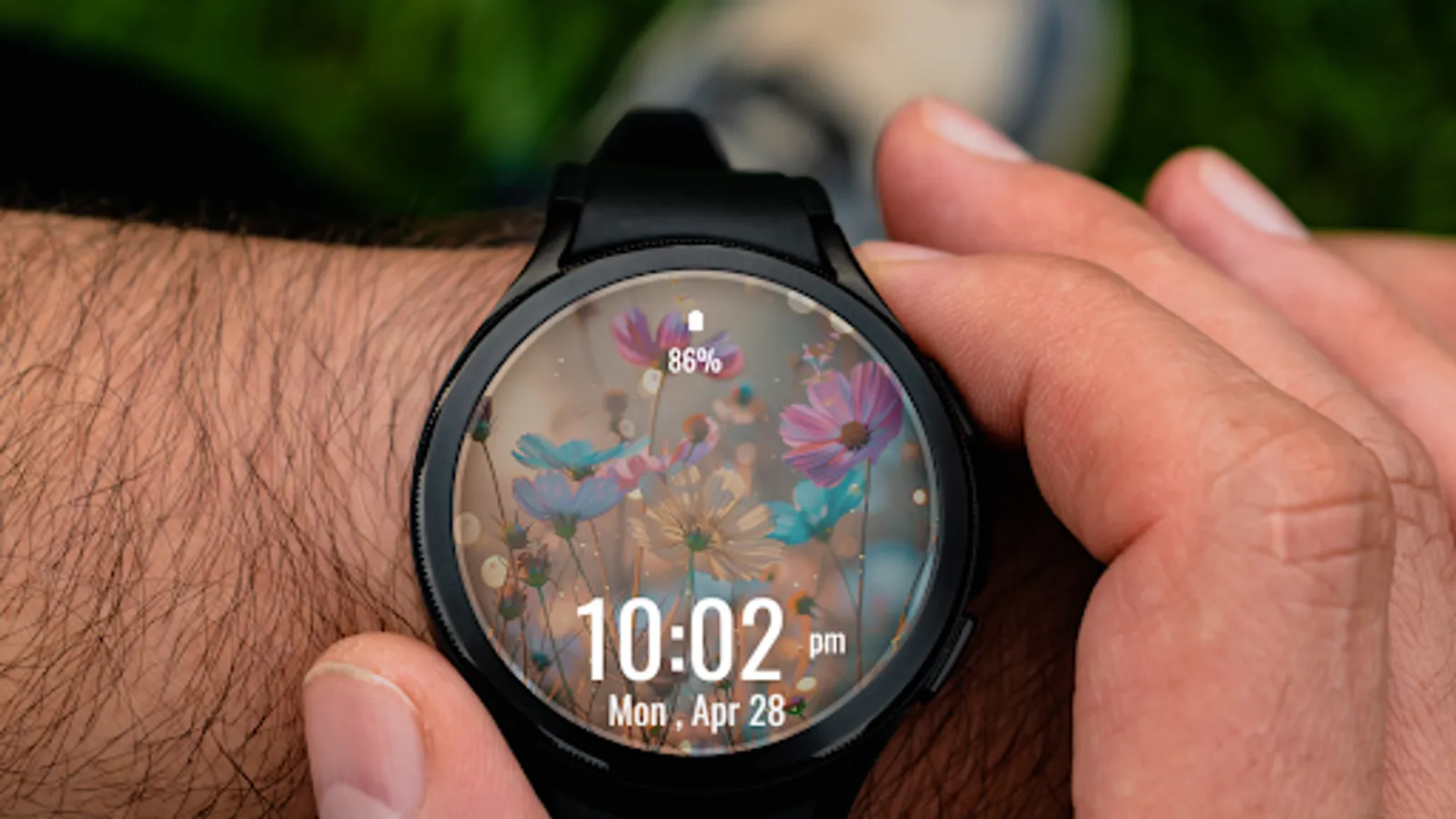
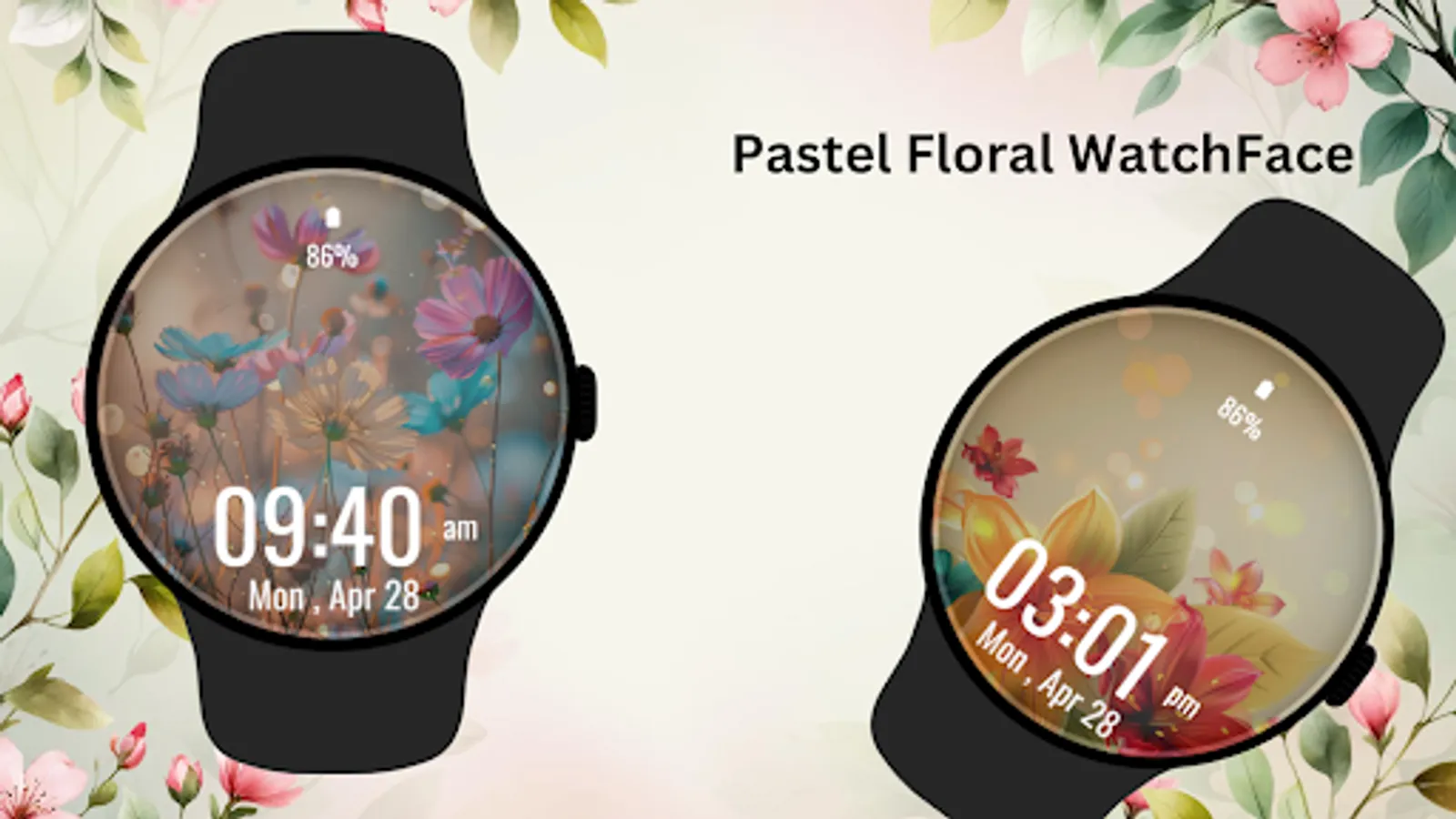
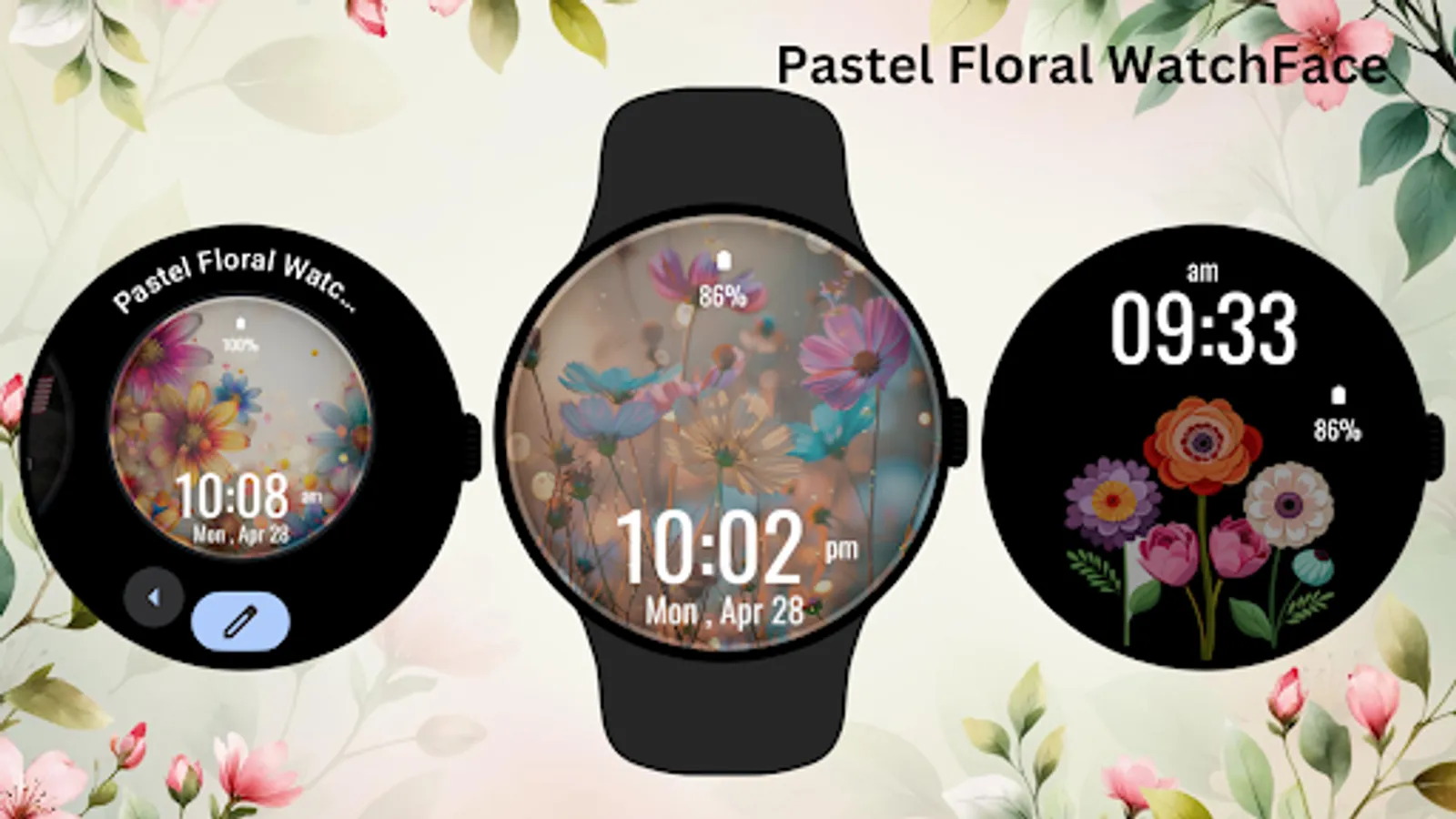
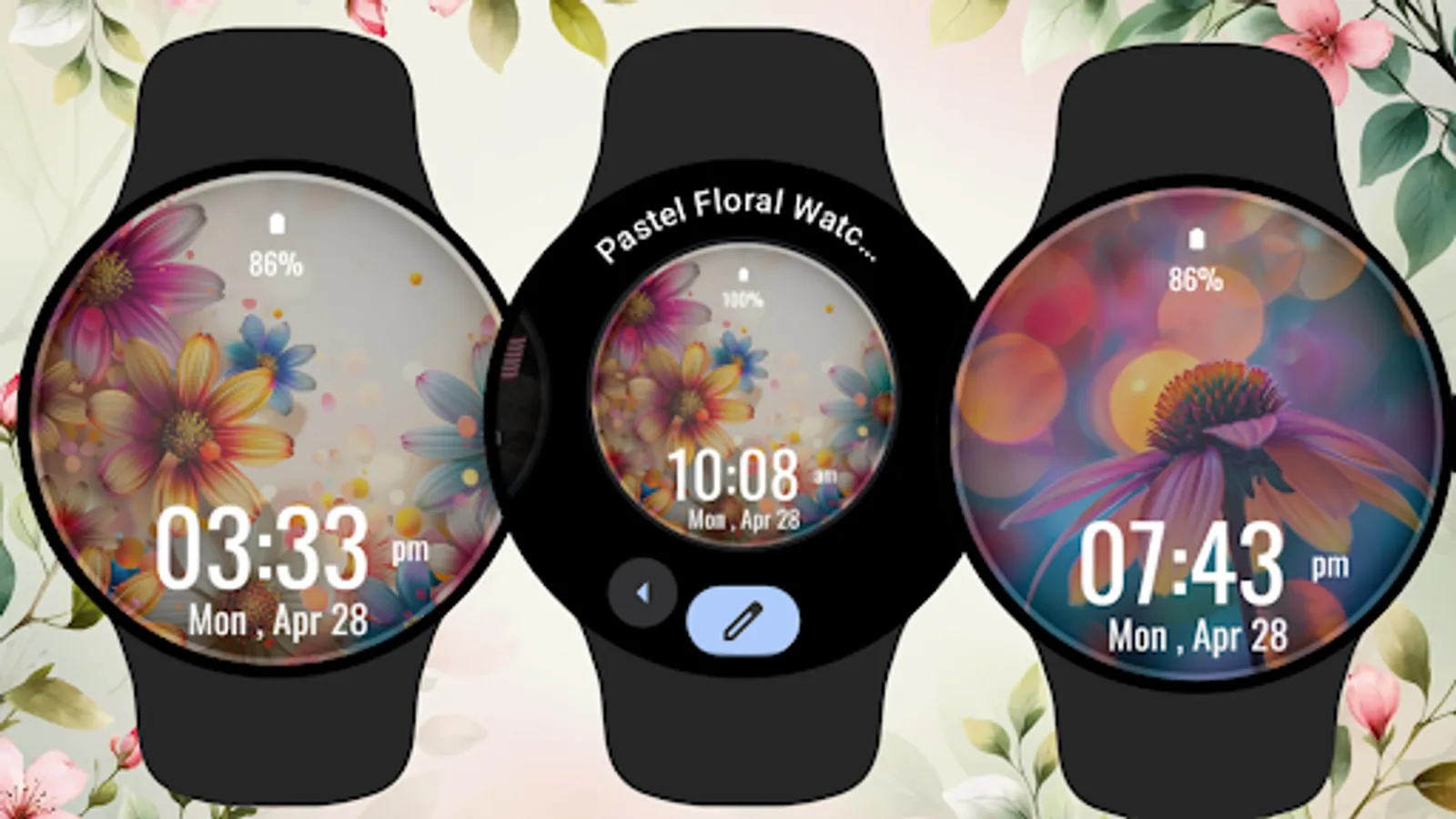
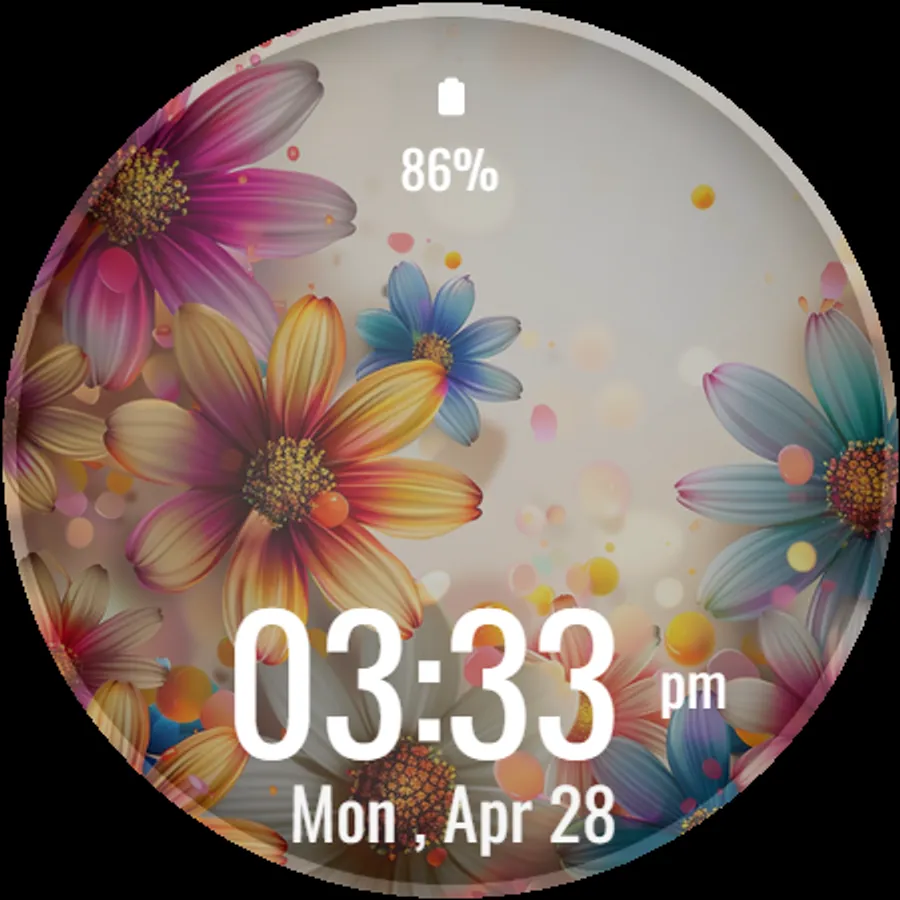
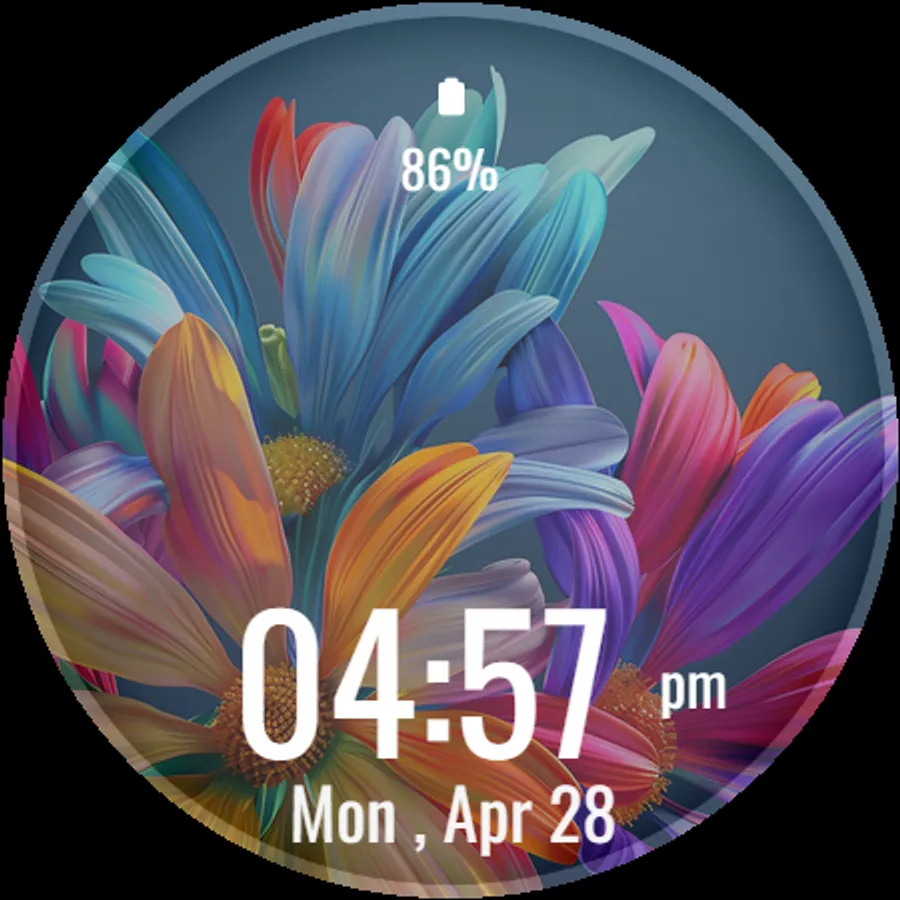
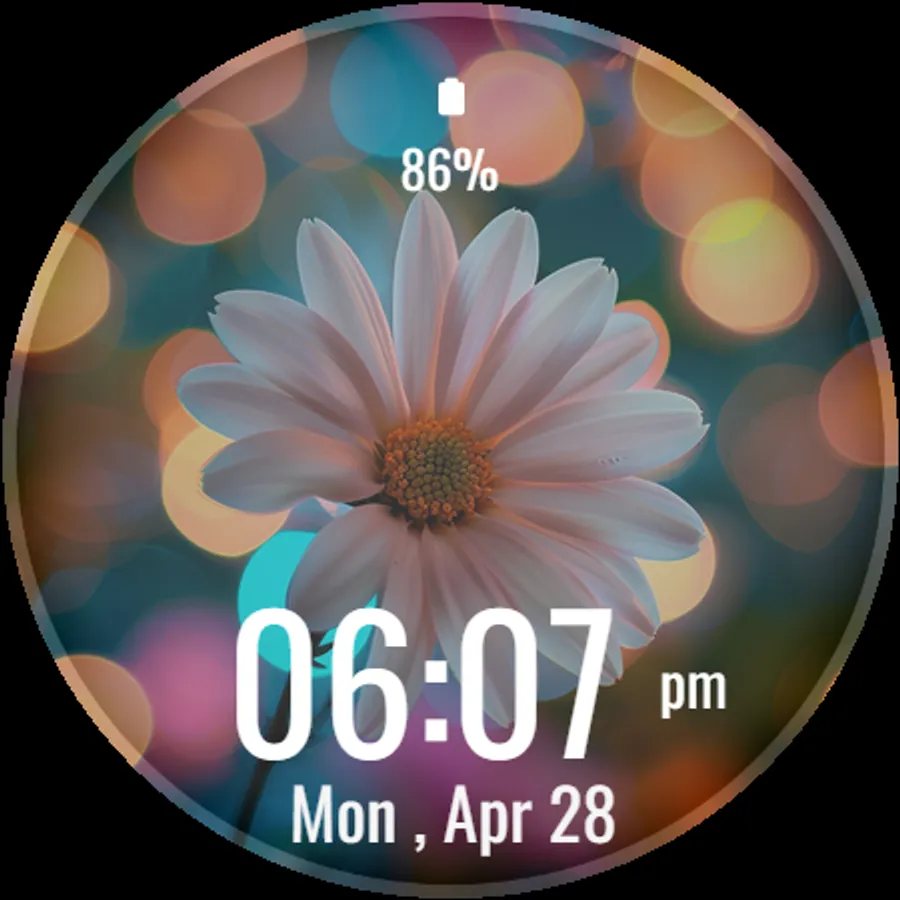
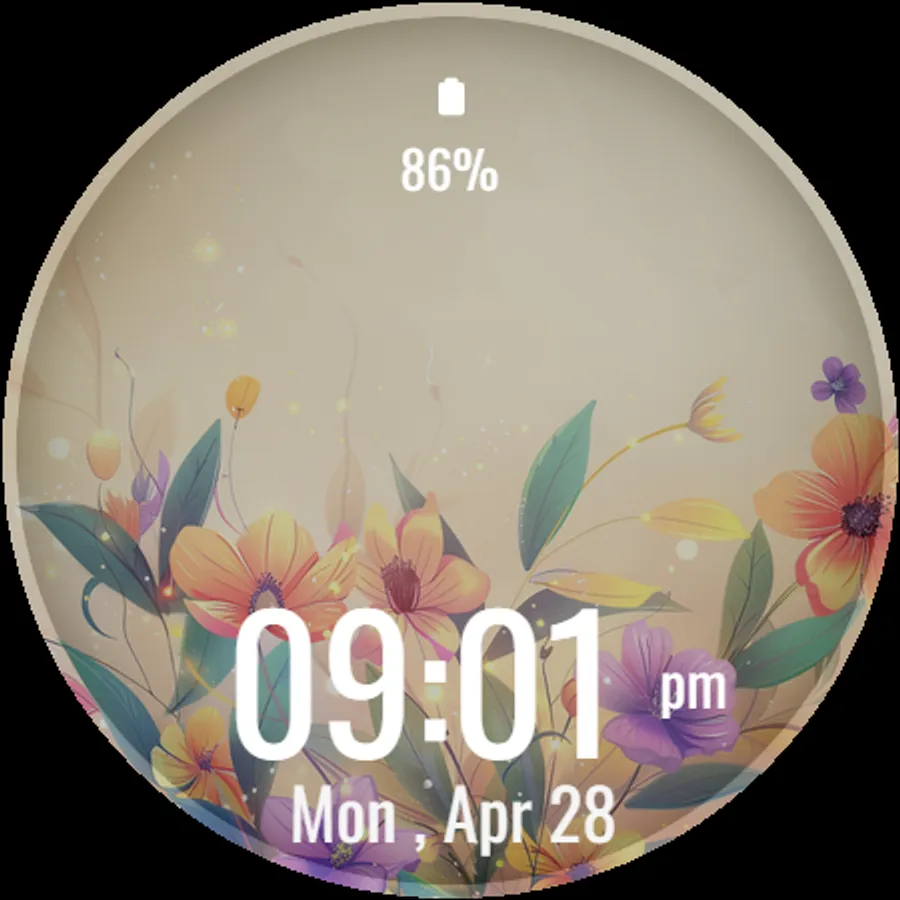
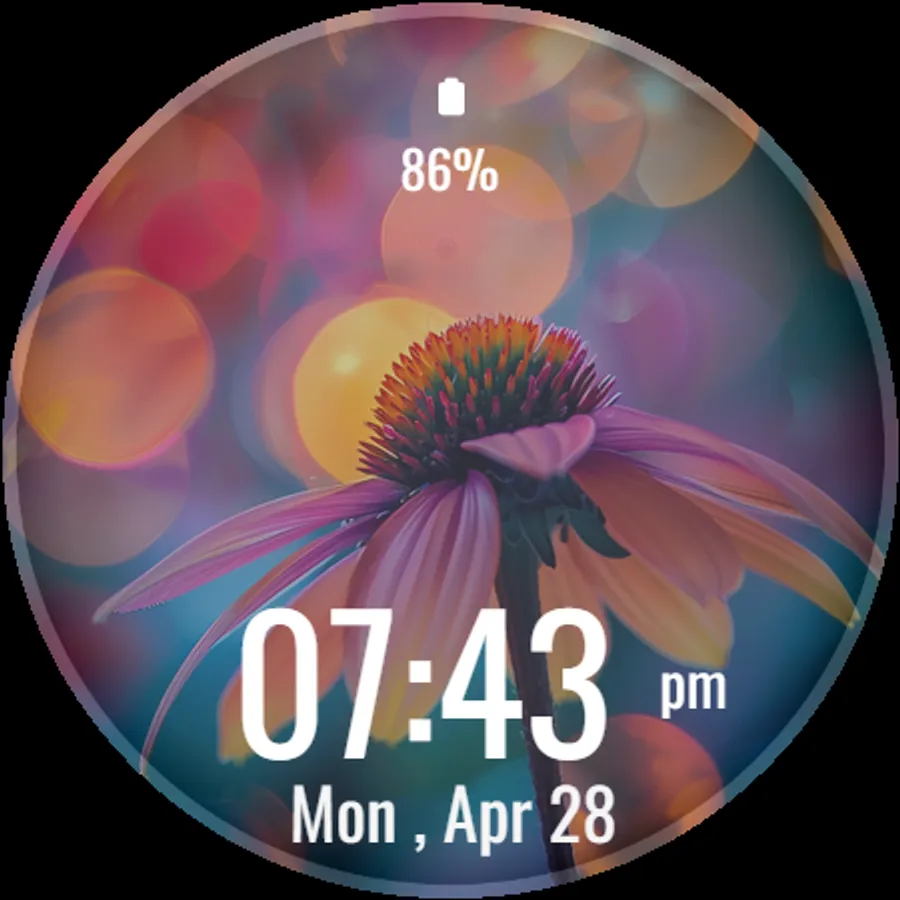
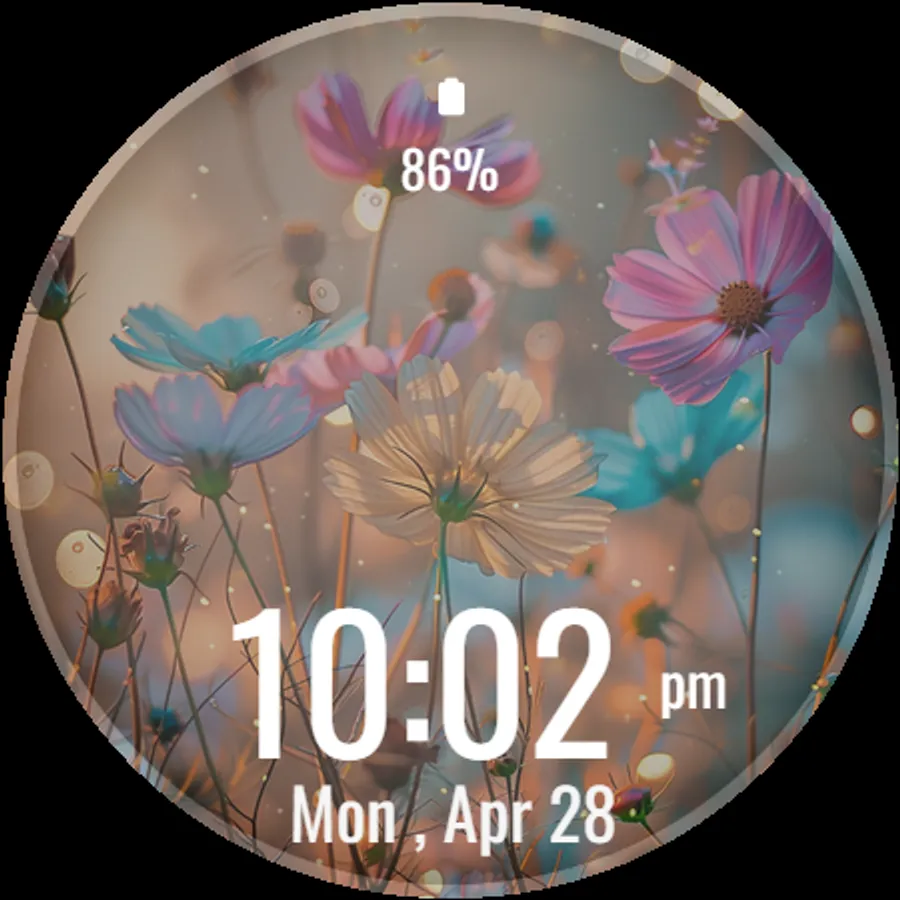
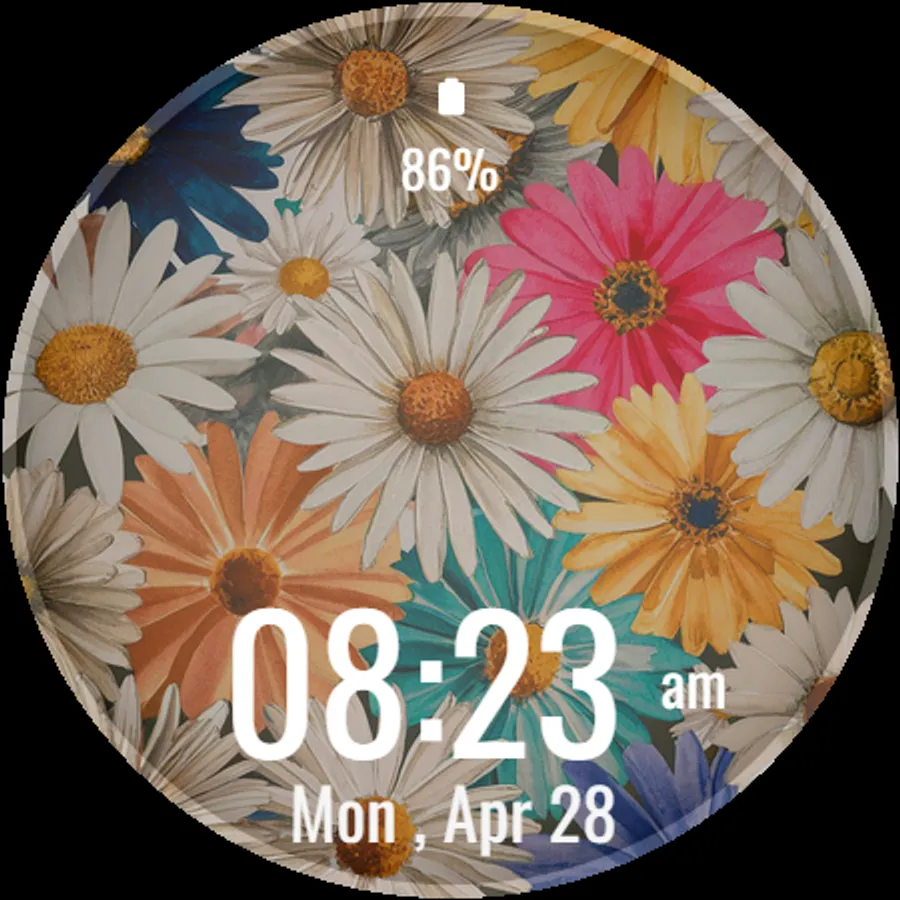
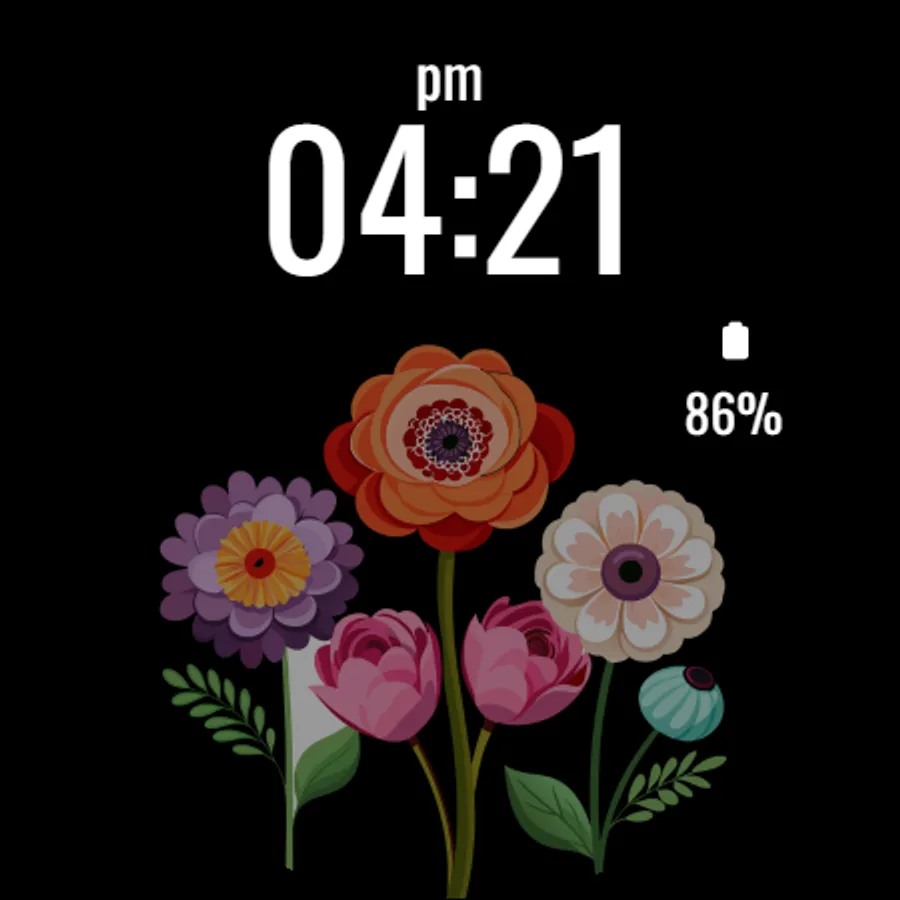
With this watch face app, you can customize your Wear OS device with a pastel floral design and view time, date, and battery status. Includes ambient and always-on display modes, optimized for circular watches.
AppRecs review analysis
AppRecs rating 3.8. Trustworthiness 76 out of 100. Review manipulation risk 24 out of 100. Based on a review sample analyzed.
★★★☆☆
3.8
AppRecs Rating
Ratings breakdown
5 star
56%
4 star
8%
3 star
18%
2 star
0%
1 star
18%
What to know
✓
Low review manipulation risk
24% review manipulation risk
✓
Credible reviews
76% trustworthiness score from analyzed reviews
✓
Good user ratings
64% positive sampled reviews
About Pastel Floral Watch Face
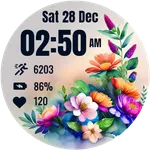
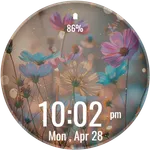
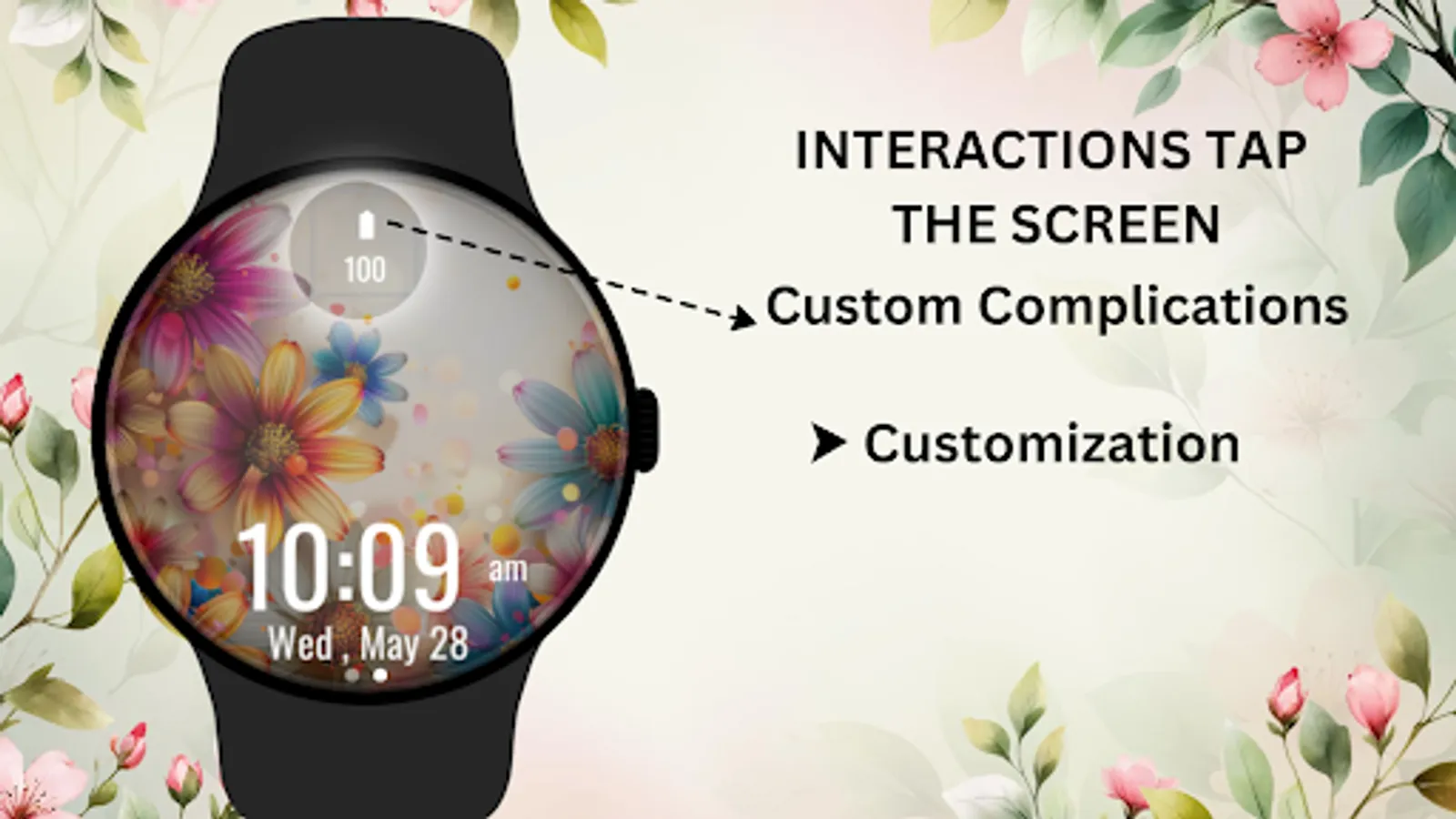
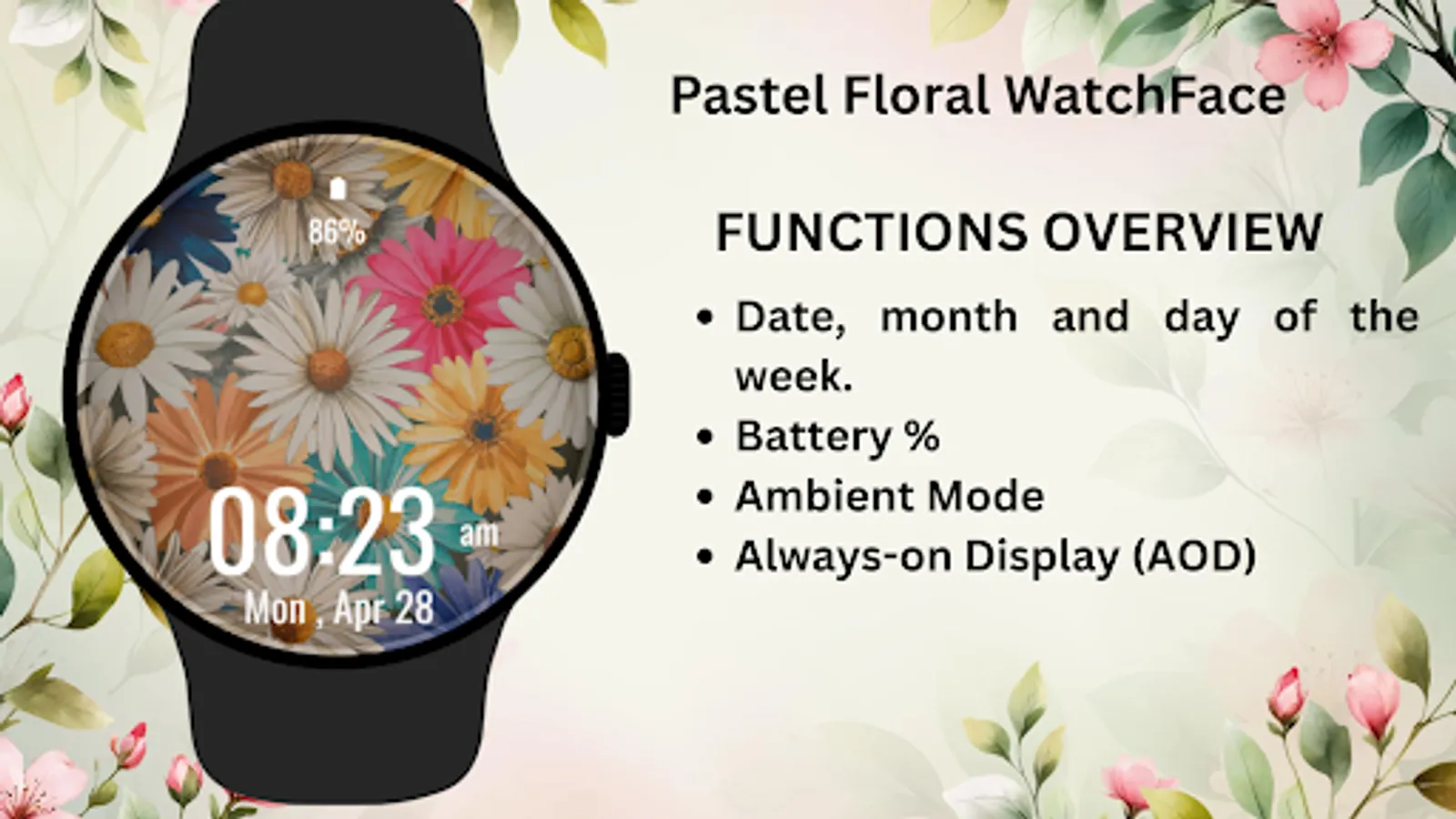
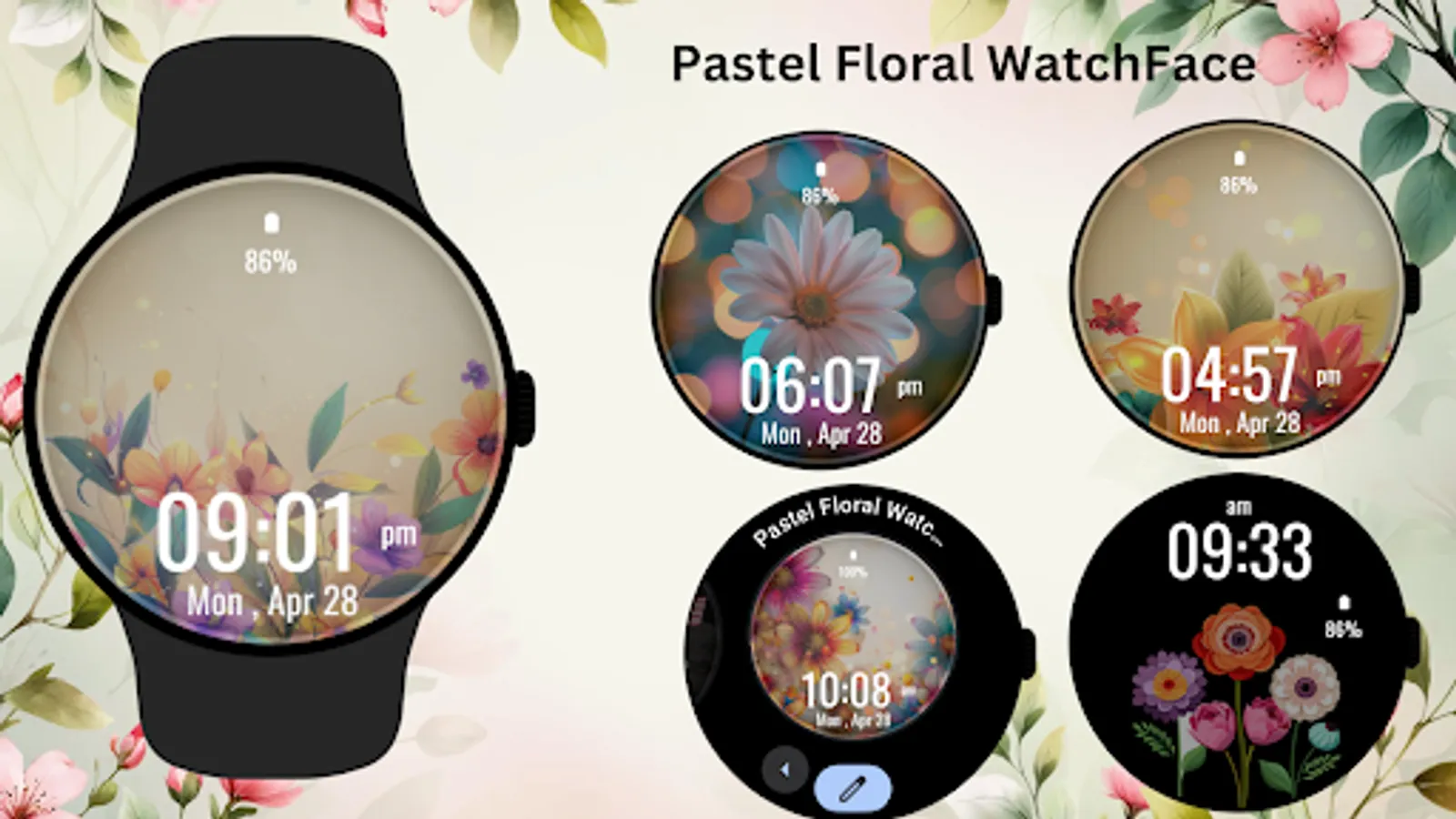
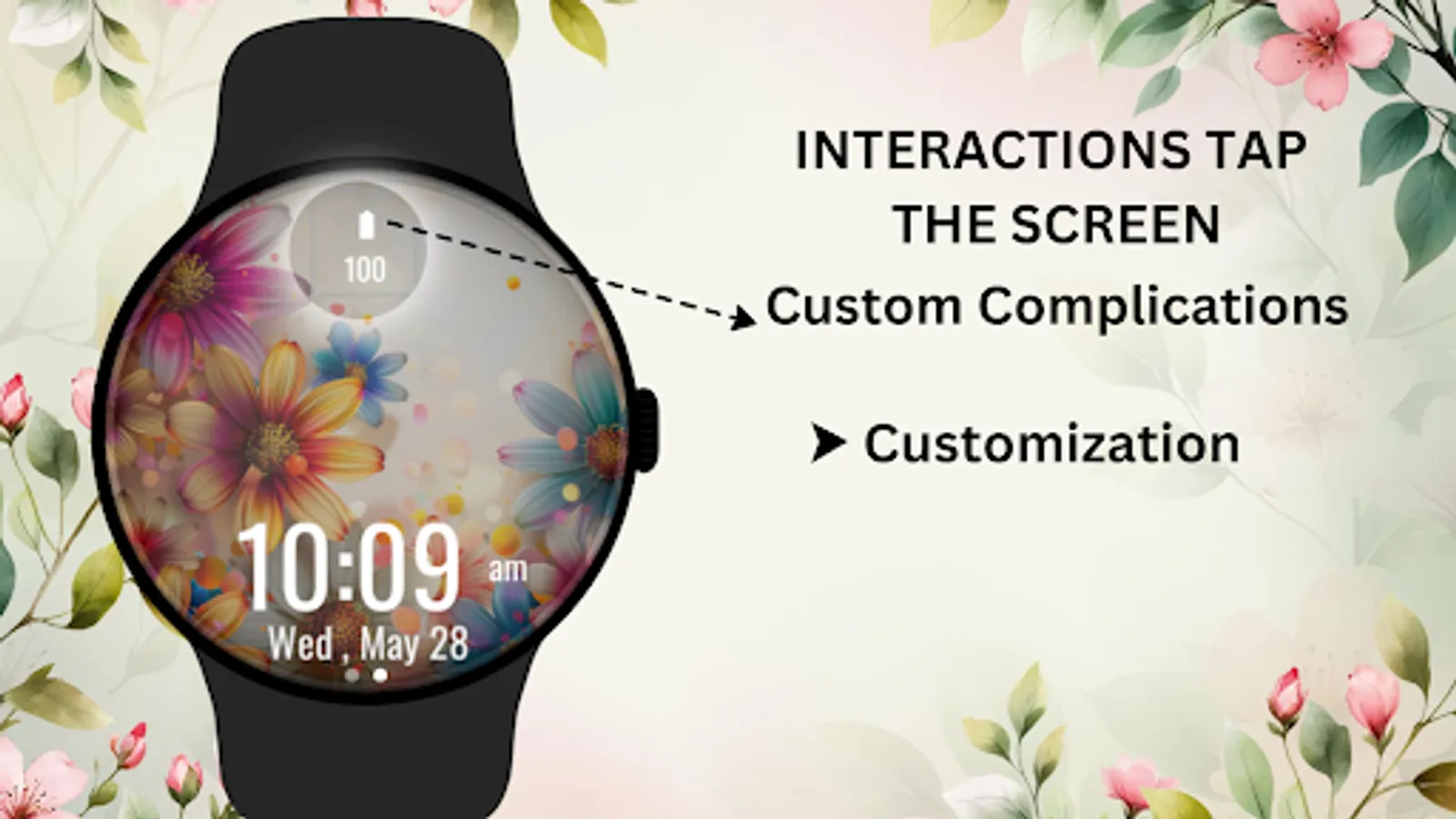
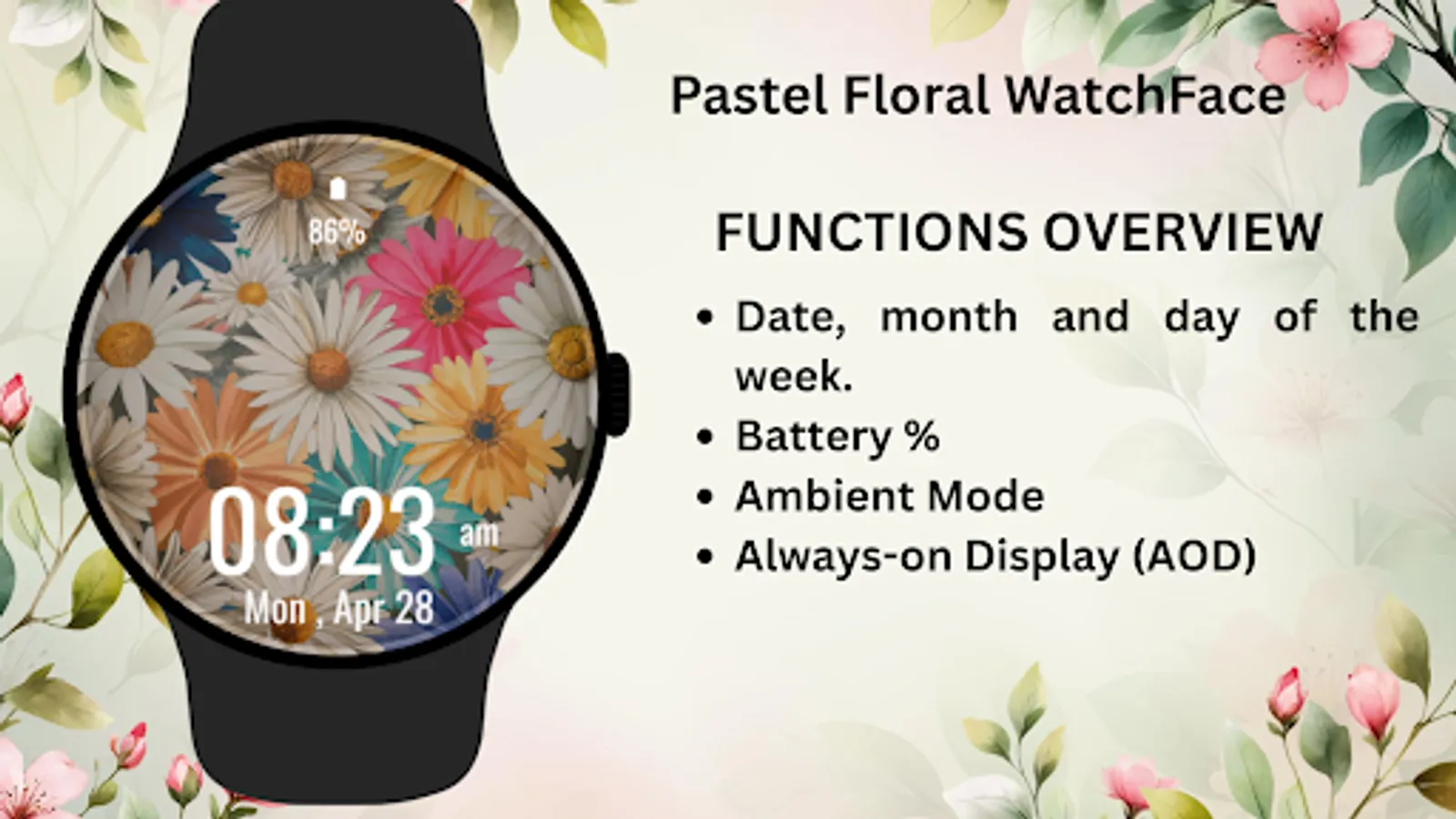
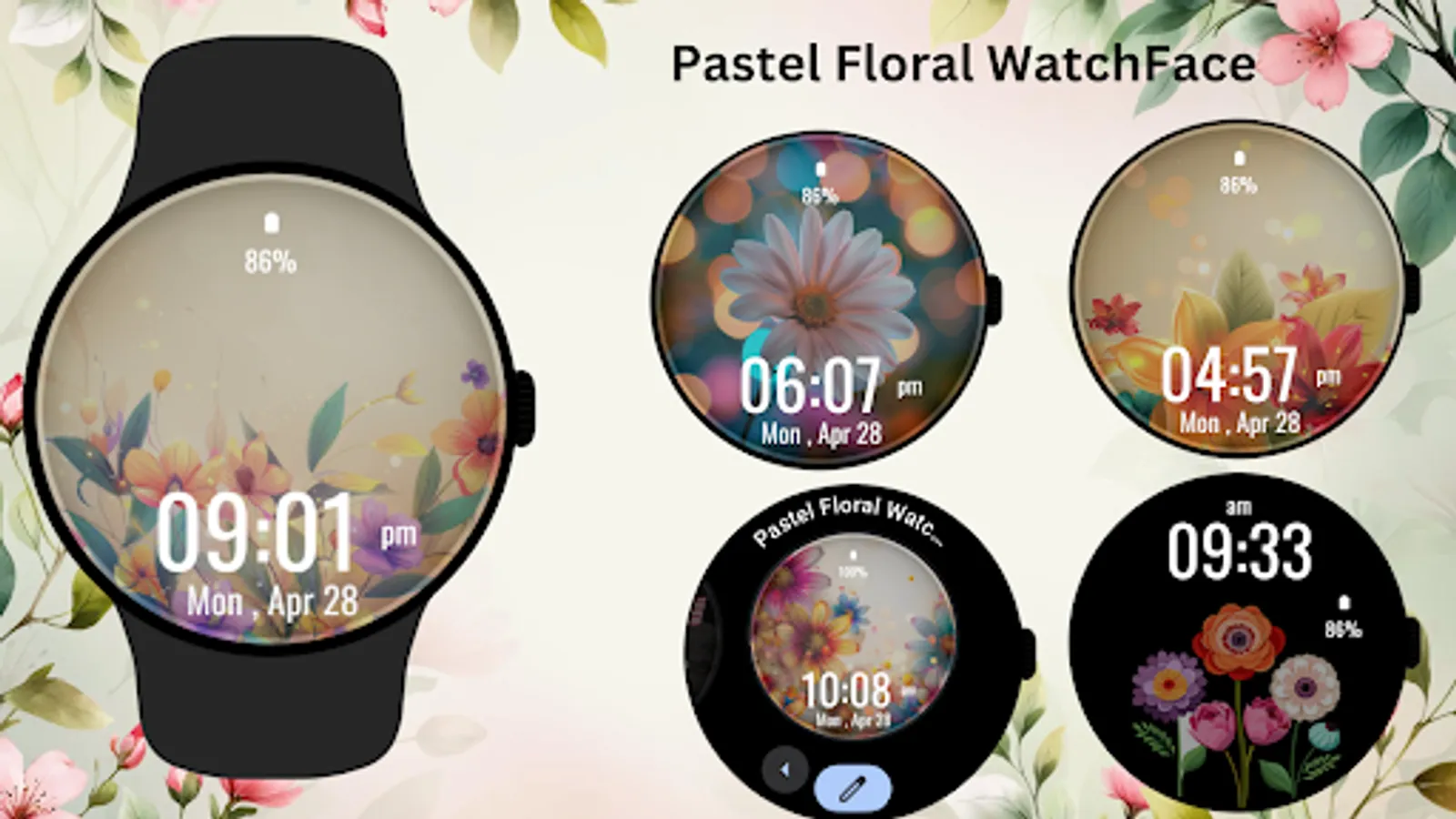
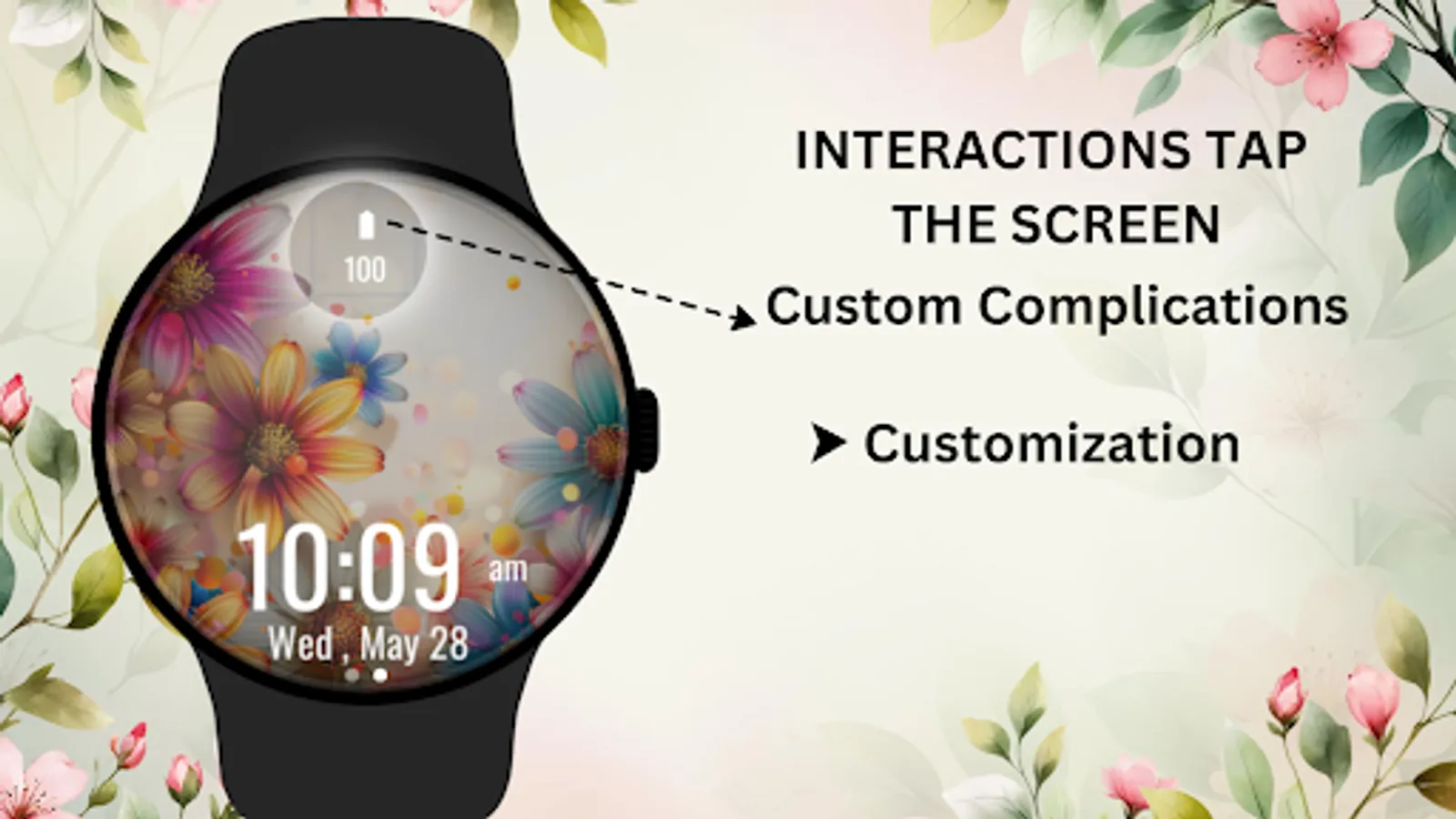
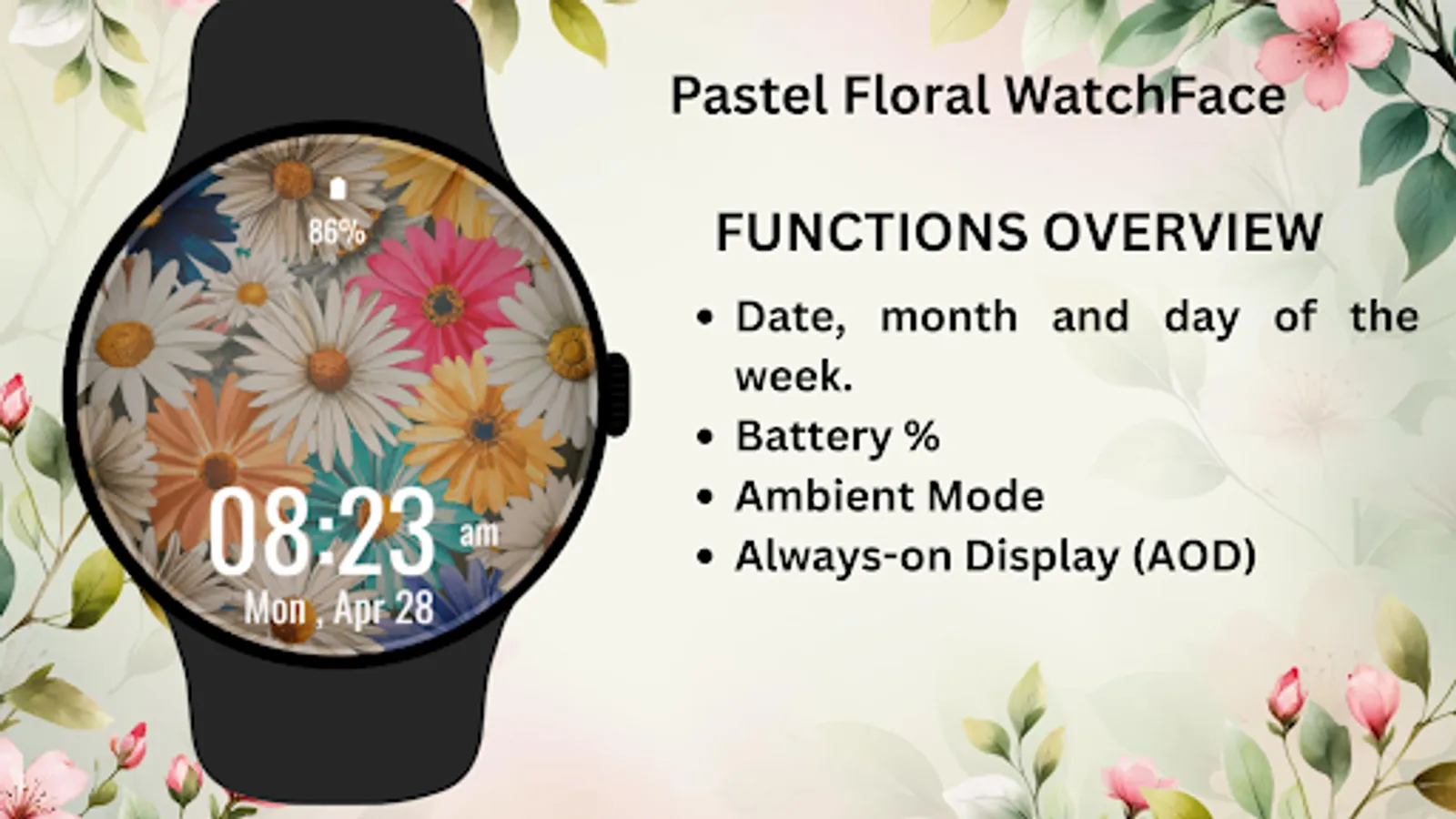
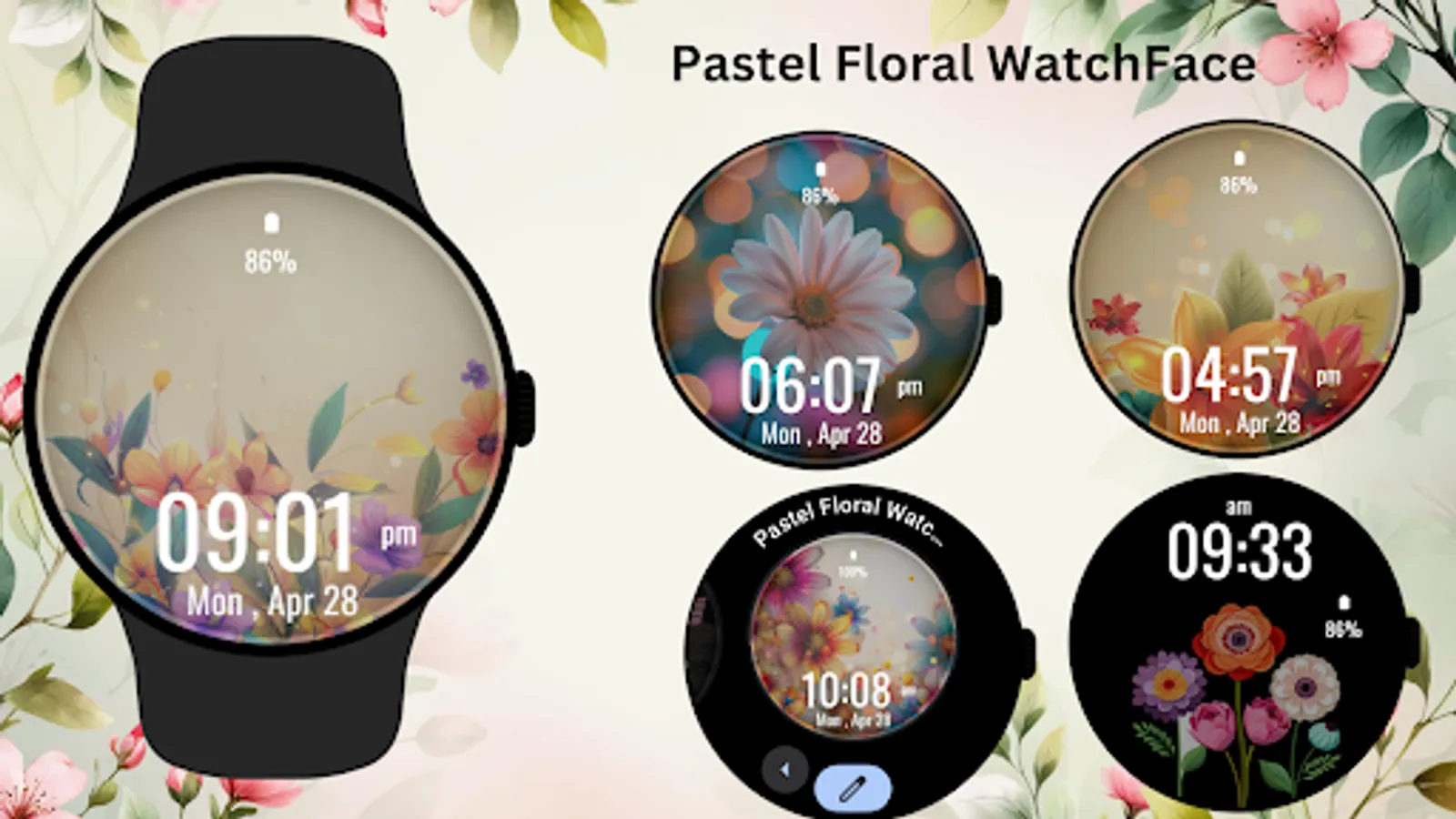
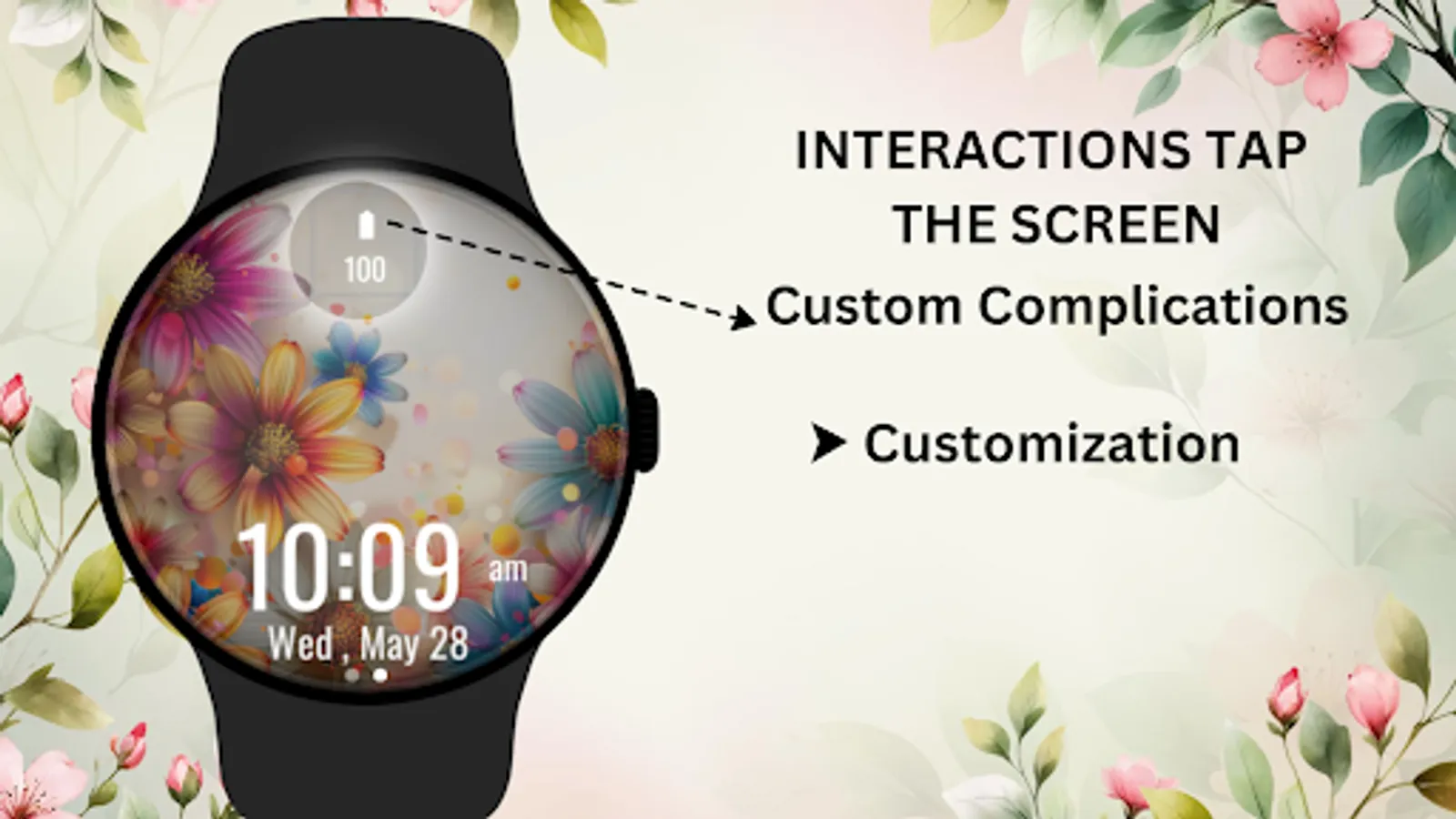
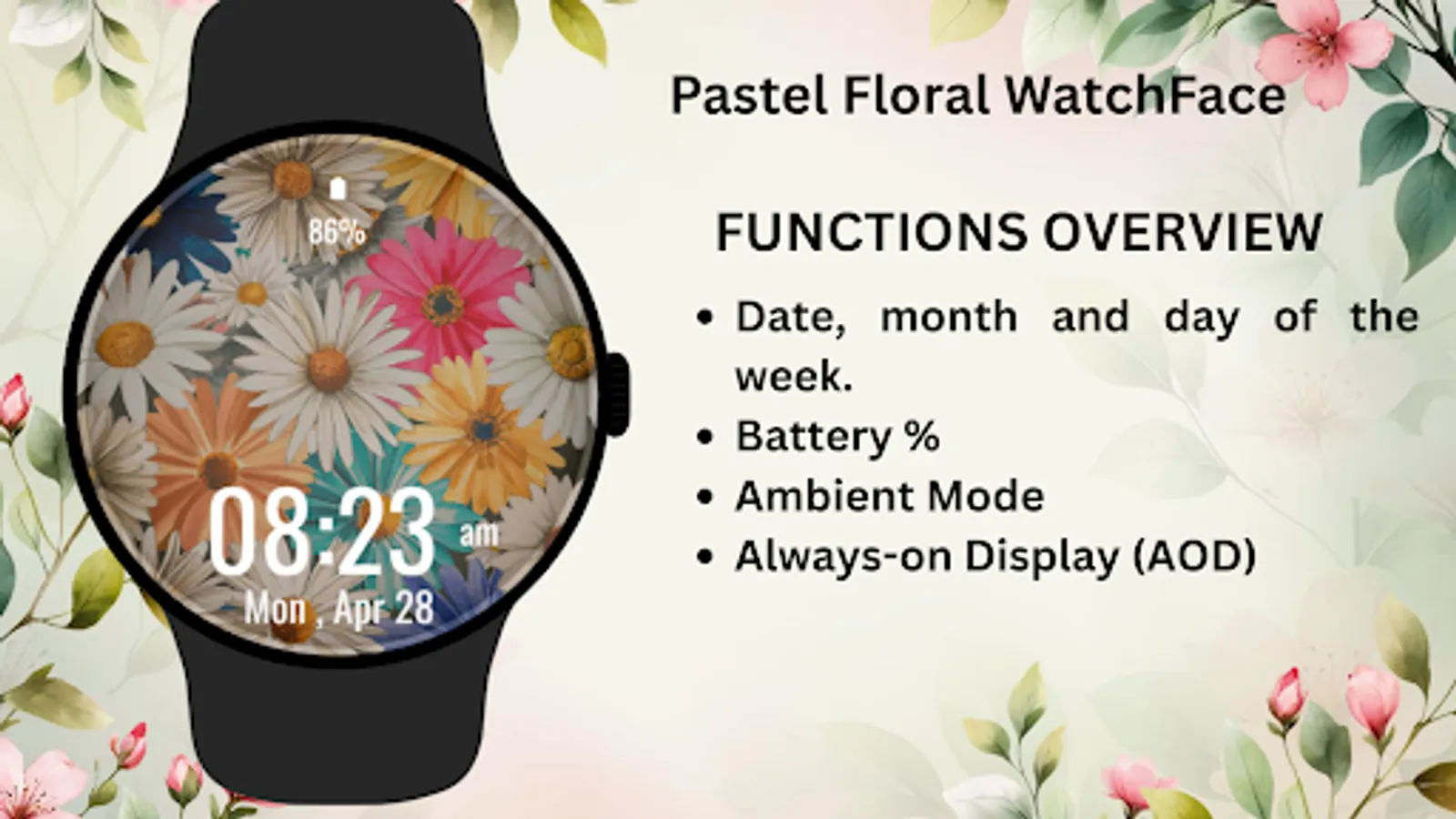
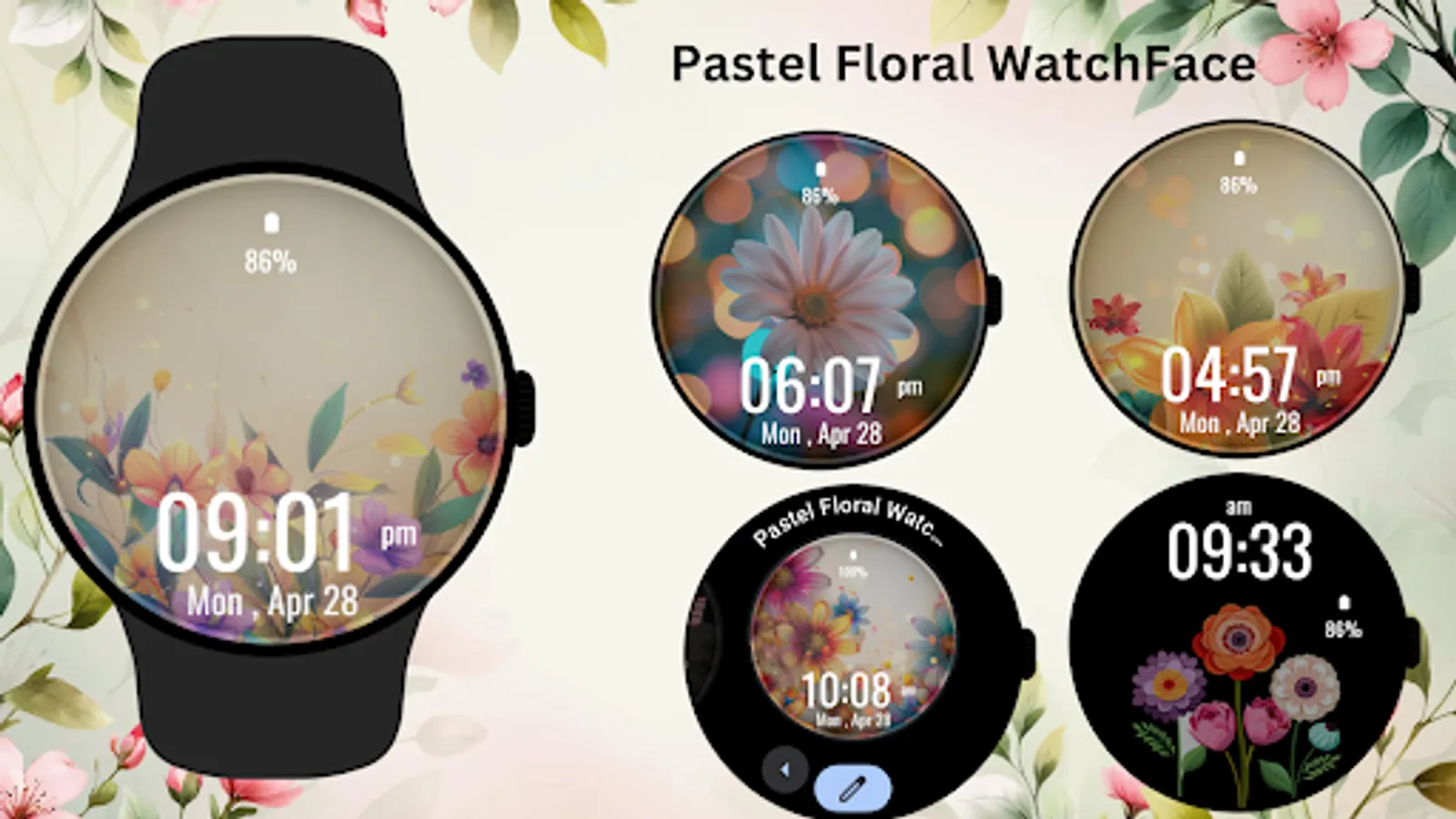
Bring the beauty of spring to your wrist with the Pastel Floral Watch Face for Wear OS. This charming design showcases delicate pastel blossoms with a dreamy background, perfect for those who appreciate elegance and tranquility. Stay on top of your day with a clear digital display showing time, date, and battery status—all wrapped in a serene floral aesthetic.
🌸 Ideal For:
Nature lovers, floral design fans, and those who enjoy calm, soft visuals.
✨ Perfect for Daily Wear:
Brighten your watch with floral charm any day of the week—spring vibes all year round!
Key Features:
1)Dreamy pastel flower theme background
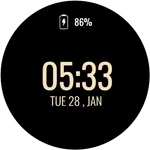
2)Digital clock with date and battery display
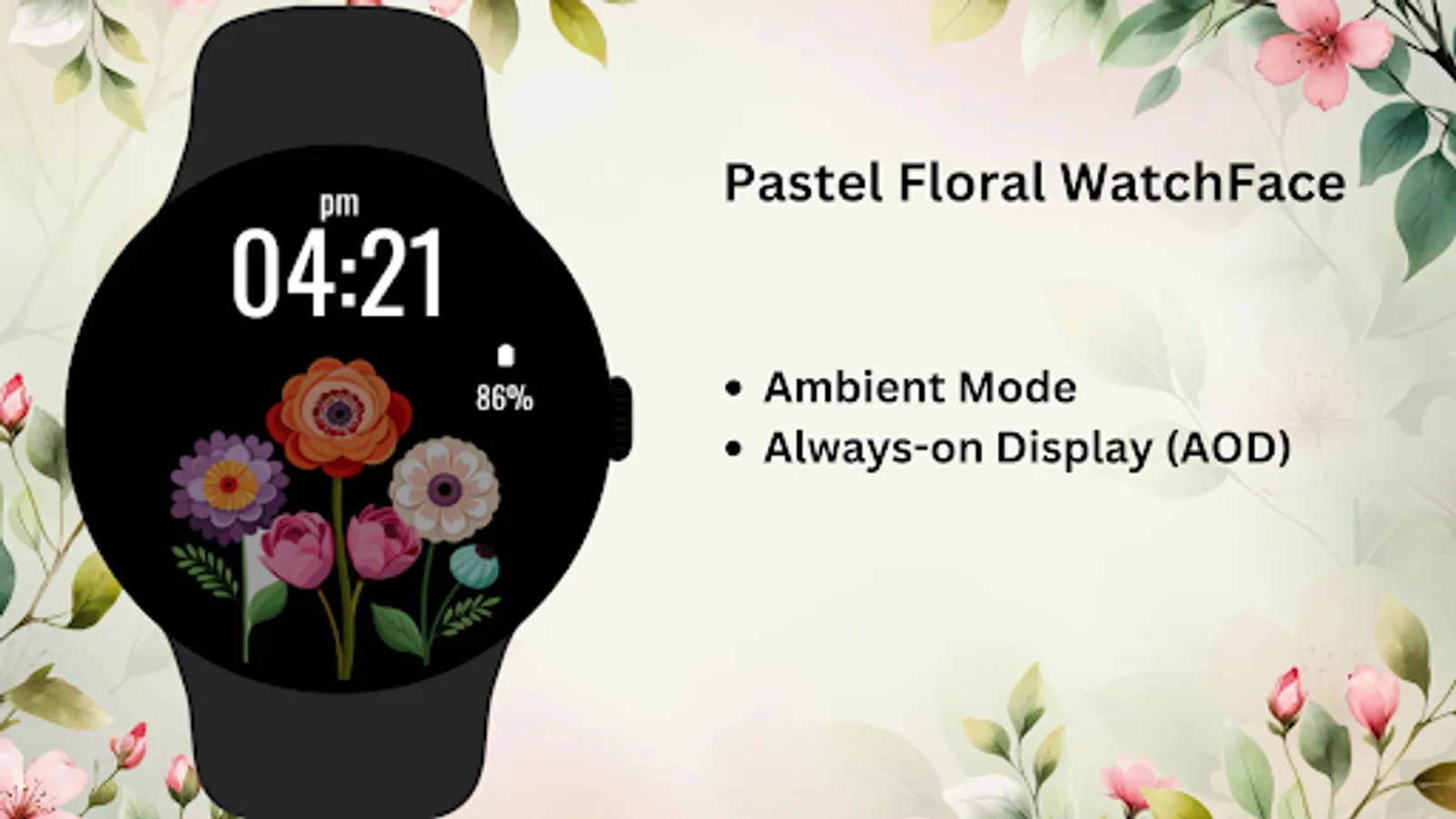
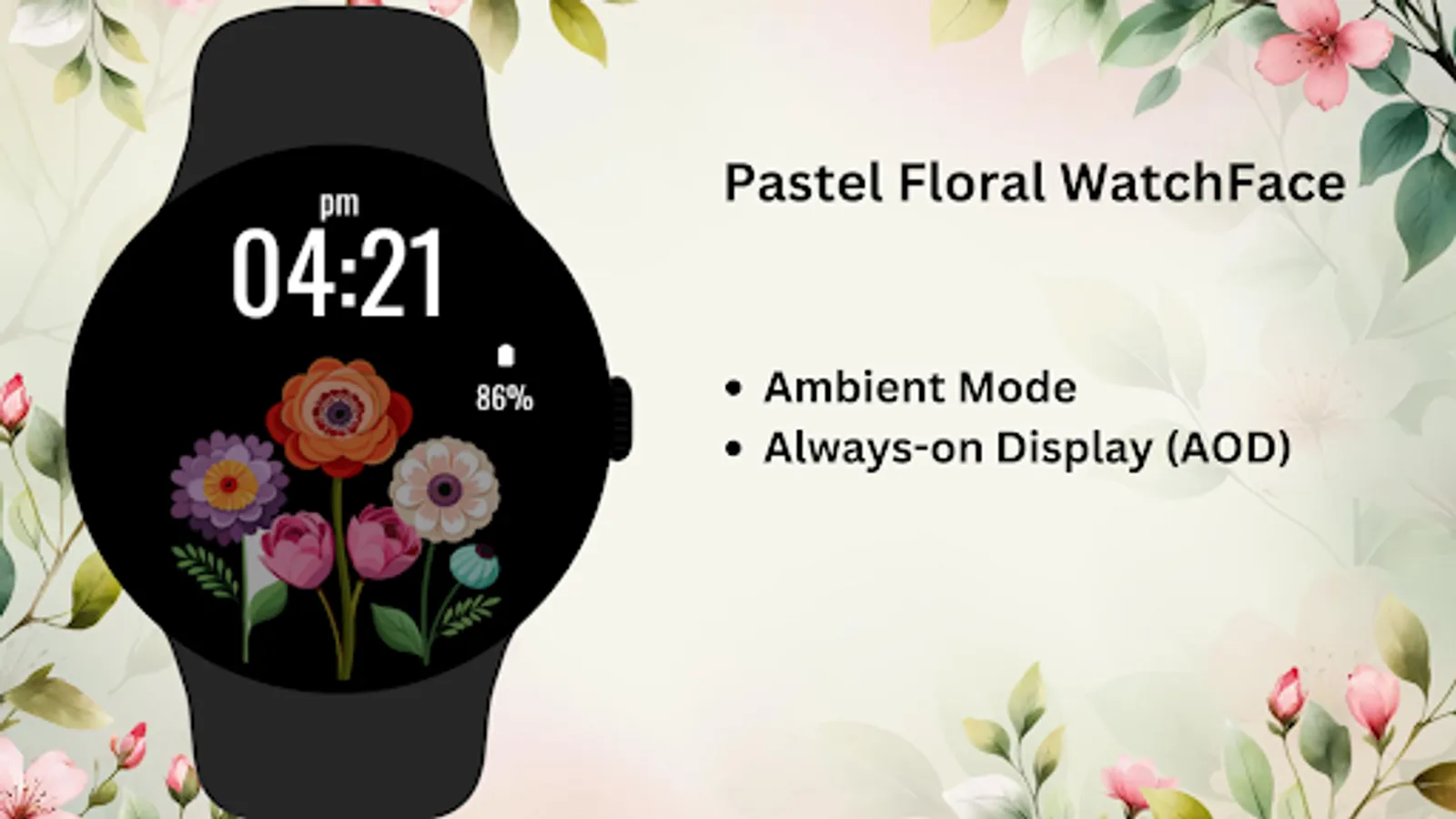
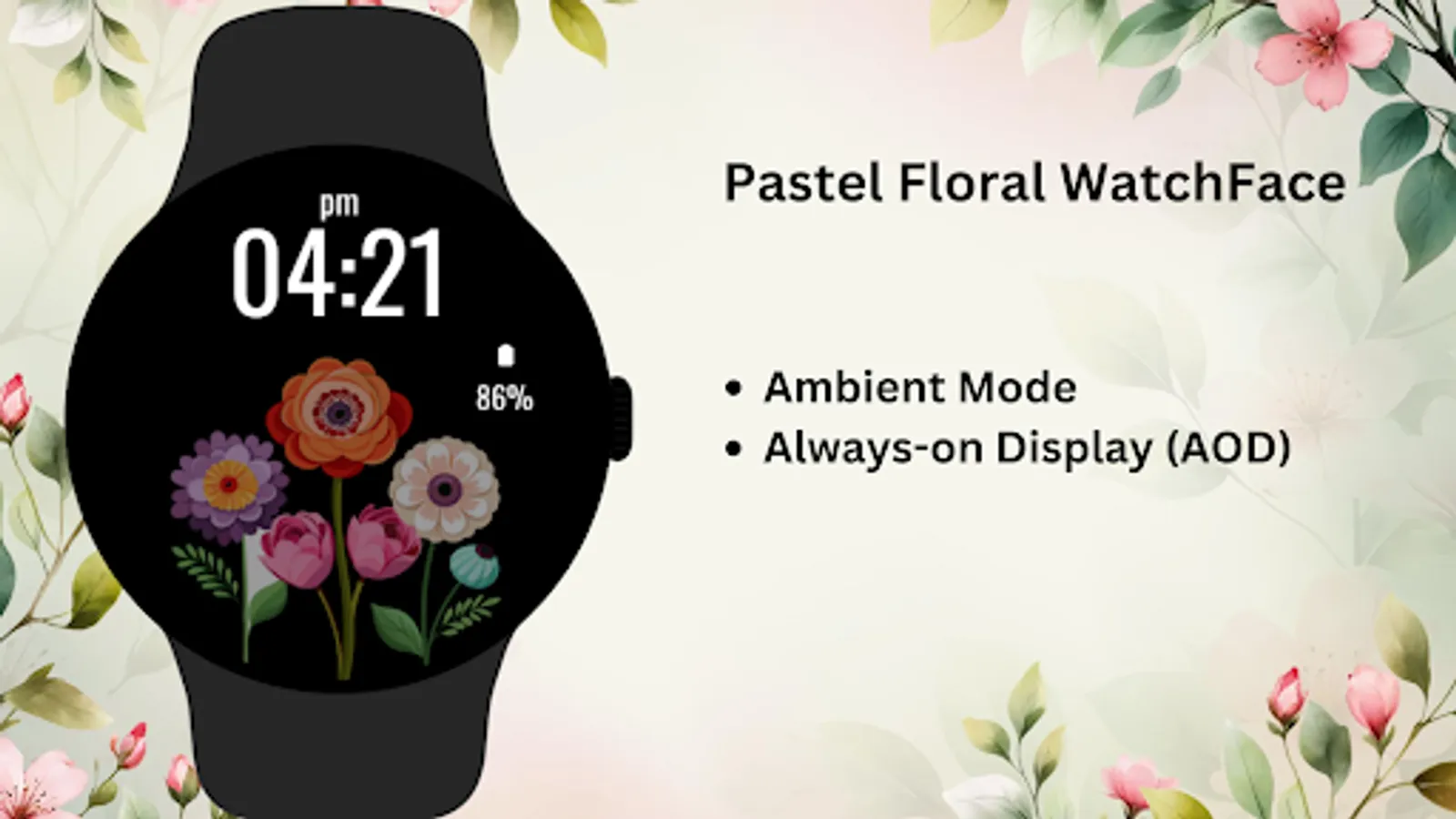
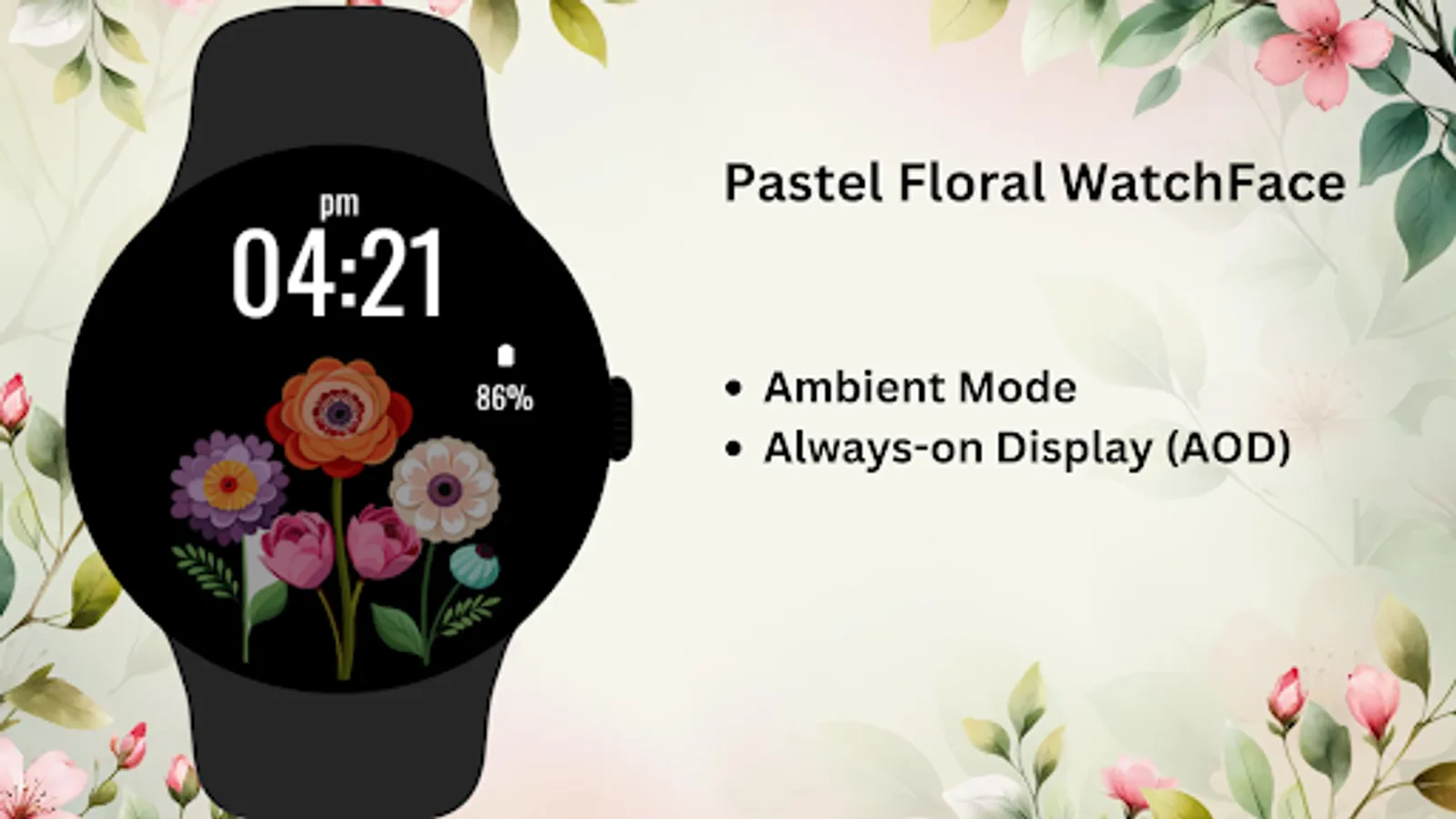
3)Ambient mode & Always-On Display supported
4)Optimized for Wear OS circular smartwatches
Installation Steps:
1)Open the Companion App on your phone
2)Tap "Install on Watch"
3)Select "Pastel Floral Watch Face" from your watch’s face settings
Compatibility:
✅ Compatible with all Wear OS devices API 33+ (Google Pixel Watch, Samsung Galaxy Watch)
❌ Not suitable for rectangular smartwatches
Let pastel flowers bloom on your wrist—serenity in every glance.
🌸 Ideal For:
Nature lovers, floral design fans, and those who enjoy calm, soft visuals.
✨ Perfect for Daily Wear:
Brighten your watch with floral charm any day of the week—spring vibes all year round!
Key Features:
1)Dreamy pastel flower theme background
2)Digital clock with date and battery display
3)Ambient mode & Always-On Display supported
4)Optimized for Wear OS circular smartwatches
Installation Steps:
1)Open the Companion App on your phone
2)Tap "Install on Watch"
3)Select "Pastel Floral Watch Face" from your watch’s face settings
Compatibility:
✅ Compatible with all Wear OS devices API 33+ (Google Pixel Watch, Samsung Galaxy Watch)
❌ Not suitable for rectangular smartwatches
Let pastel flowers bloom on your wrist—serenity in every glance.
Pastel Floral Watch Face Screenshots
Tap to Rate:
Reviews for Pastel Floral Watch Face
Marie Erickson
12/5/2025
didn't work
Wilma Brickner
7/13/2025
It stopped working, screen went black