
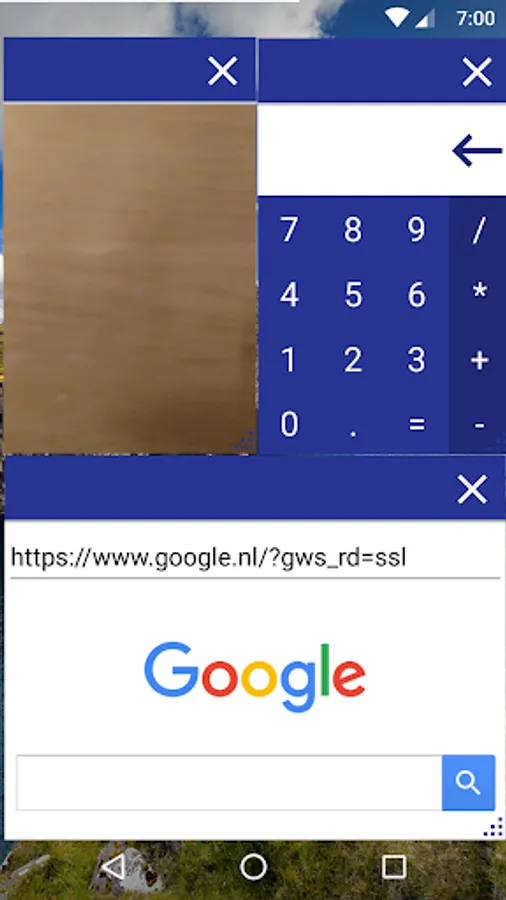
With this app, you can add and launch floating applications such as calculator, camera, and browser for multitasking. Includes options for quick access through status bar tiles and floating action buttons.
AppRecs review analysis
AppRecs rating 3.5. Trustworthiness 64 out of 100. Review manipulation risk 42 out of 100. Based on a review sample analyzed.
★★★☆☆
3.5
AppRecs Rating
Ratings breakdown
5 star
63%
4 star
0%
3 star
0%
2 star
0%
1 star
37%
What to know
✓
Authentic reviews
No red flags detected
⚠
Questionable review patterns
42% review manipulation risk - some review patterns appear unusual
⚠
High negative review ratio
37% of sampled ratings are 1–2 stars
About Floating Apps
This app adds floating apps which you can start in several ways.
Current floating apps
• Calculator
• Camera
• Widget - Launch a widget from any app in a floating window
• Browser
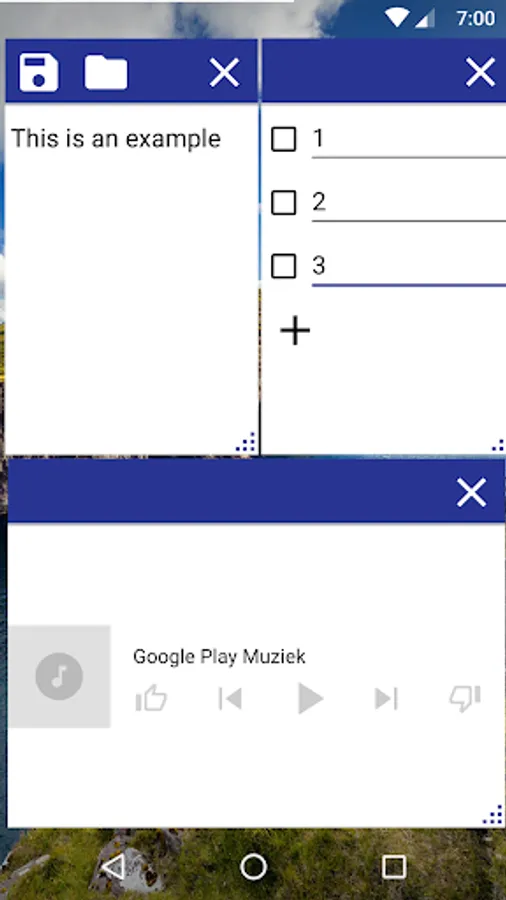
• Note - Write and save notes
• Todo List
How it works
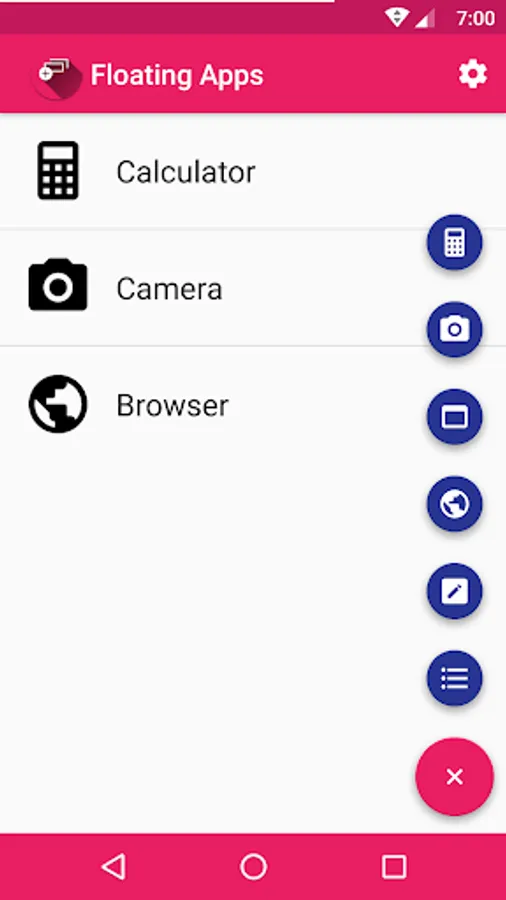
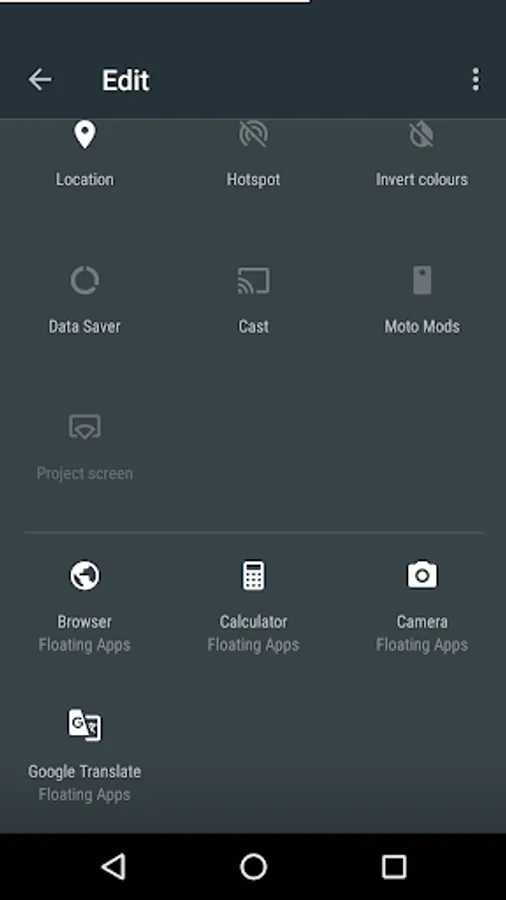
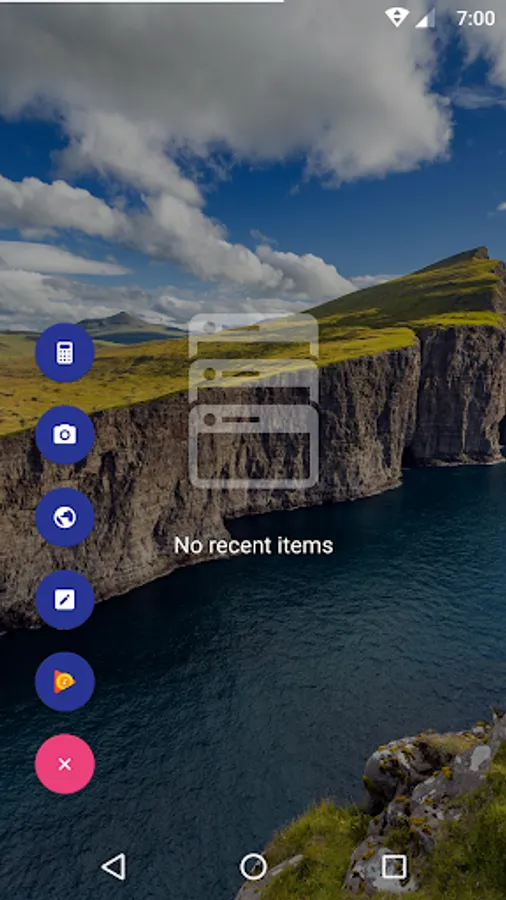
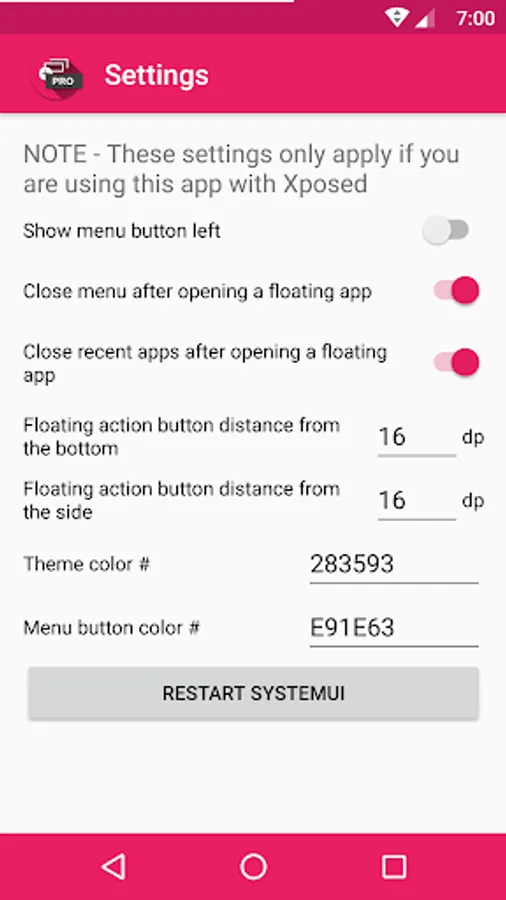
You add floating apps by clicking the plus button, and then the app you want to add to the list. After that you can launch the app by clicking the list item. You can also add a quick settings tile to your status bar that launches the app if you are using at least Android 7.0. If you are using Xposed you can also get a floating action button on your Recent Apps screen from which you can launch the floating apps in your list.
The free version is limited to three floating apps at a time. If you want to use more floating apps, please consider purchasing the pro version and support the development of this app.
Current floating apps
• Calculator
• Camera
• Widget - Launch a widget from any app in a floating window
• Browser
• Note - Write and save notes
• Todo List
How it works
You add floating apps by clicking the plus button, and then the app you want to add to the list. After that you can launch the app by clicking the list item. You can also add a quick settings tile to your status bar that launches the app if you are using at least Android 7.0. If you are using Xposed you can also get a floating action button on your Recent Apps screen from which you can launch the floating apps in your list.
The free version is limited to three floating apps at a time. If you want to use more floating apps, please consider purchasing the pro version and support the development of this app.
Floating Apps Screenshots
Tap to Rate:
Reviews for Floating Apps
animesh shah
2/28/2023
Worst app ever
Legal
12/21/2022
Not yet