
With this settings editor app, you can customize and organize your Android Settings by adding, editing, and removing items, adjusting their order and appearance. Includes options to change icon size, background colors, text colors, and hide or launch specific apps.
AppRecs review analysis
AppRecs rating 4.3. Trustworthiness 48 out of 100. Review manipulation risk 25 out of 100. Based on a review sample analyzed.
★★★★☆
4.3
AppRecs Rating
Ratings breakdown
5 star
69%
4 star
14%
3 star
0%
2 star
14%
1 star
4%
What to know
✓
Authentic reviews
Natural distribution, no red flags
About Settings Editor Pro
--------NOTE--------
This is an Xposed Module which requires the Xposed Framework to work. You can find more about the Xposed Framework here: http://forum.xda-developers.com/showthread.php?t=3034811
Devices below Android 5.0 (Lollipop) are not supported
This app allows you to easily add, change or remove items in (close to) stock Android Settings.
Features
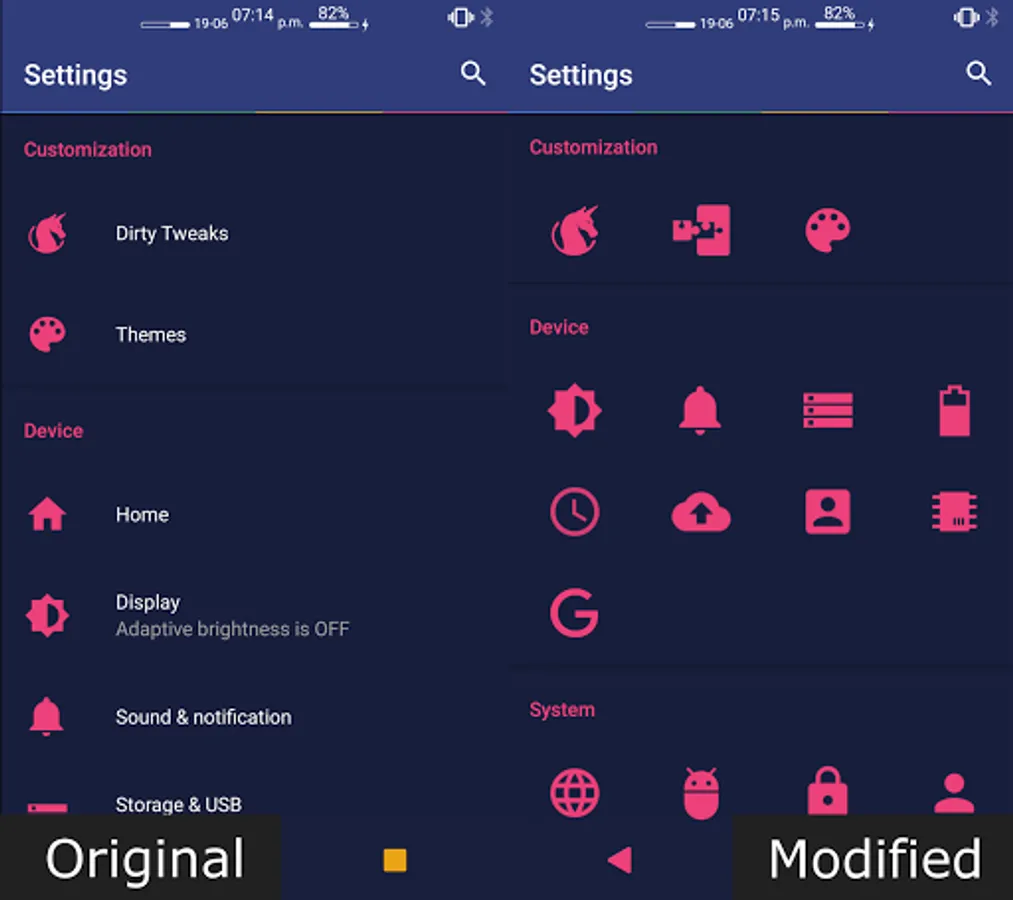
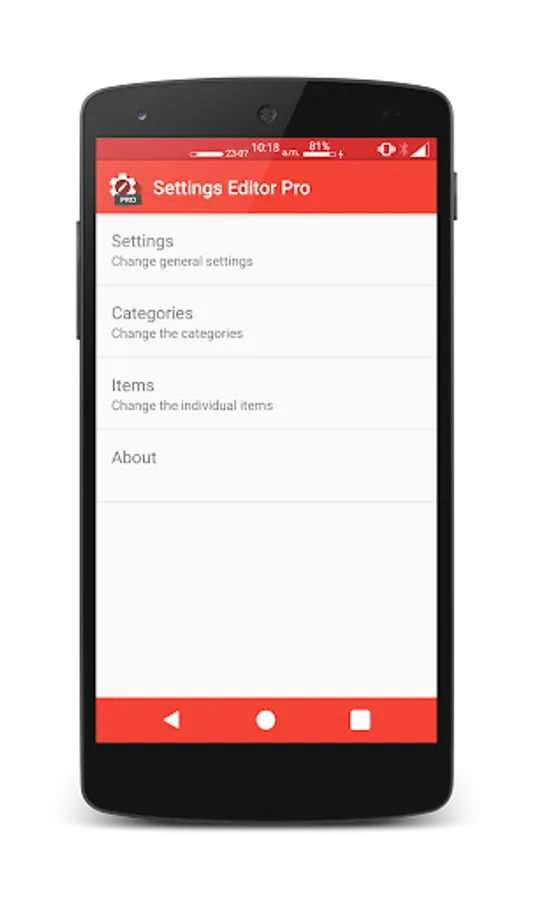
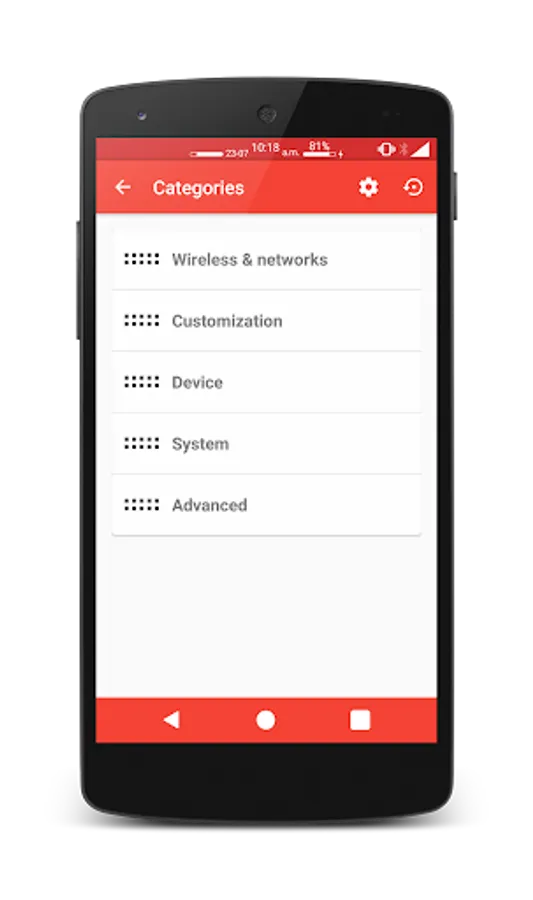
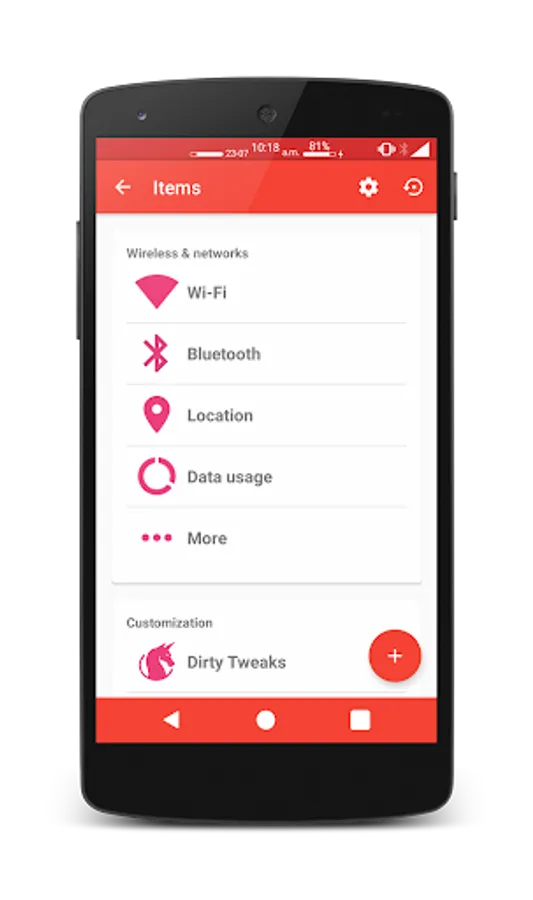
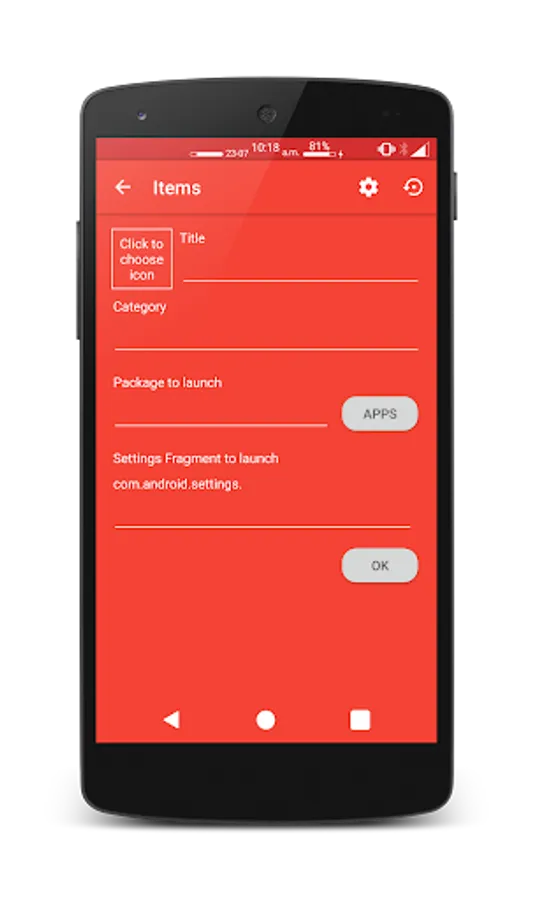
On first launch this app will get a list of all the settings items. You can add one by simply clicking the plus button. You can remove an item by long pressing it or edit one by clicking it. You can change the name, category, icon and application/fragment to launch. You can also change the order of the items and categories.
Other settings
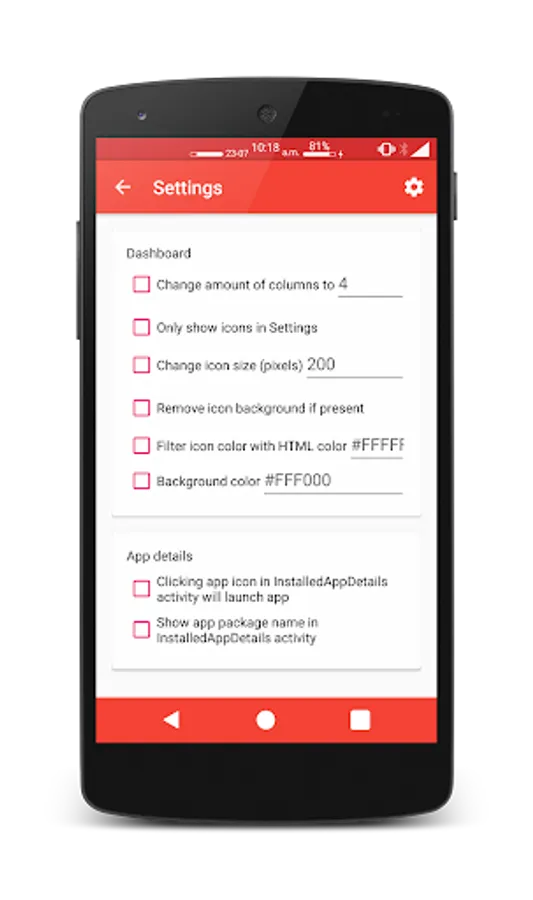
• Change amount of columns
• Only show icons
• Change icon size
• Remove icon background
• Enable or disable color filter of icons
• Change the background color of the main settings screen
• Change text color
• Hide status text
• Launch an app by clicking its icon in the InstalledAppDetails activity
• Show the apps package name in the InstalledAppDetails activity
• Hide app icon from launcher
You can easily modify a setting by just clicking it or remove the modification by long clicking it.
This is an Xposed Module which requires the Xposed Framework to work. You can find more about the Xposed Framework here: http://forum.xda-developers.com/showthread.php?t=3034811
Devices below Android 5.0 (Lollipop) are not supported
This app allows you to easily add, change or remove items in (close to) stock Android Settings.
Features
On first launch this app will get a list of all the settings items. You can add one by simply clicking the plus button. You can remove an item by long pressing it or edit one by clicking it. You can change the name, category, icon and application/fragment to launch. You can also change the order of the items and categories.
Other settings
• Change amount of columns
• Only show icons
• Change icon size
• Remove icon background
• Enable or disable color filter of icons
• Change the background color of the main settings screen
• Change text color
• Hide status text
• Launch an app by clicking its icon in the InstalledAppDetails activity
• Show the apps package name in the InstalledAppDetails activity
• Hide app icon from launcher
You can easily modify a setting by just clicking it or remove the modification by long clicking it.
Settings Editor Pro Screenshots
Tap to Rate:
Reviews for Settings Editor Pro
A Google user
8/7/2019
Works really well with the Xposed Framework
A Google user
3/7/2019
did not work on nougat system unfortunately