
AppRecs review analysis
AppRecs rating . Trustworthiness 54 out of 100. Review manipulation risk 44 out of 100. Based on a review sample analyzed.
★
AppRecs Rating
Ratings breakdown
5 star
80%
4 star
20%
3 star
0%
2 star
0%
1 star
0%
What to know
⚠
Questionable review patterns
44% review manipulation risk - some review patterns appear unusual
⚠
Rating authenticity concerns
High rating concentration (80% 5-star) in sampled ratings
About Floating Apps Pro
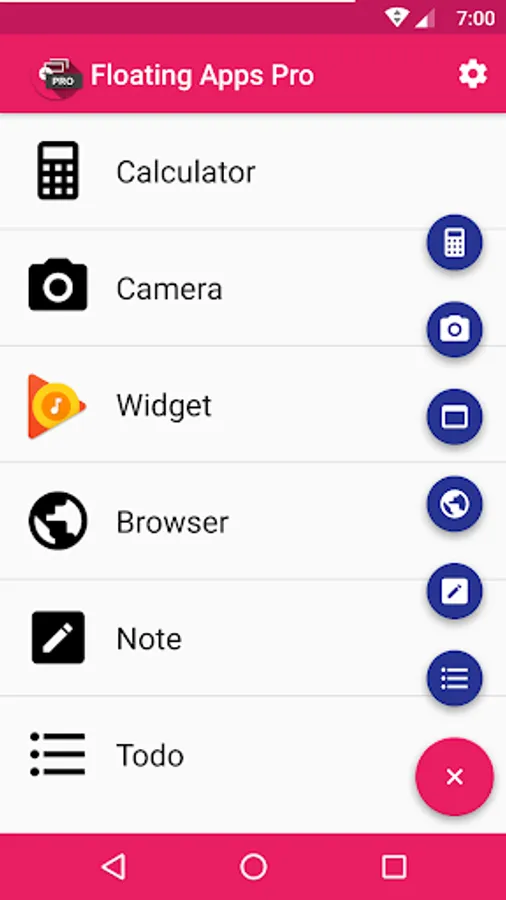
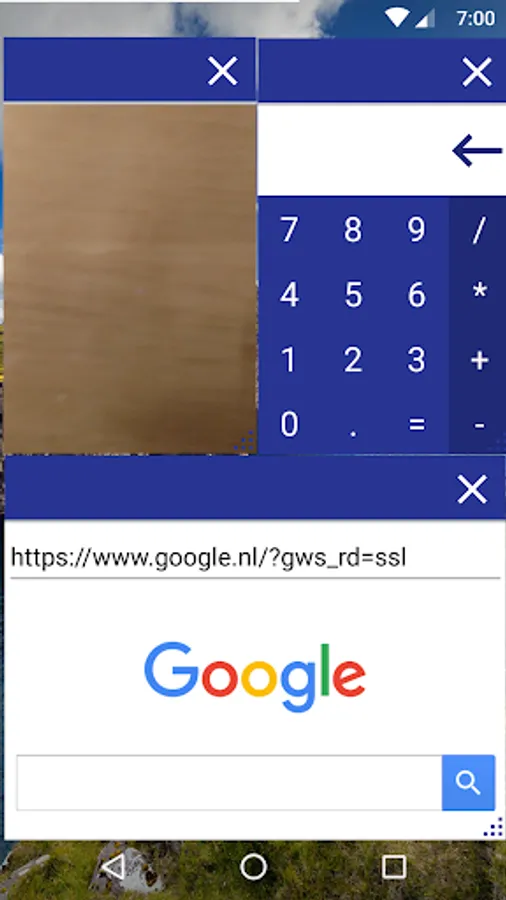
Current floating apps
• Calculator
• Camera
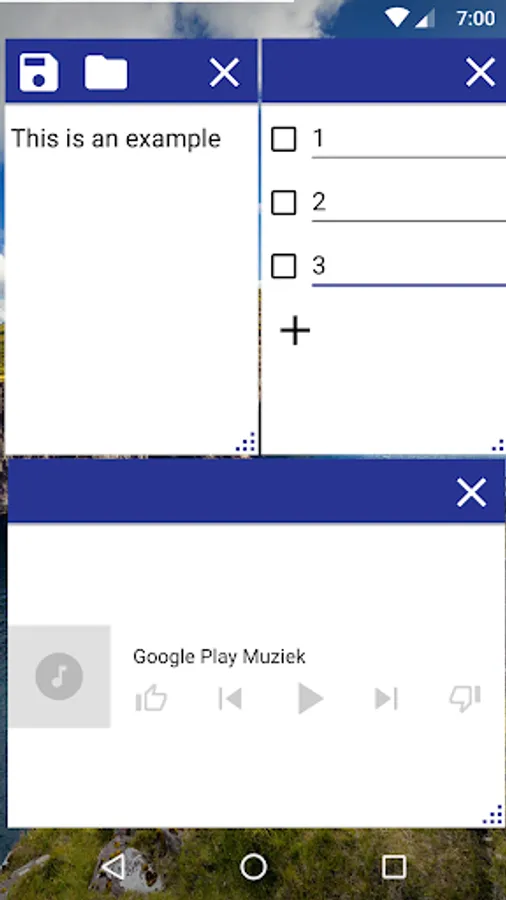
• Widget - Launch a widget from any app in a floating window
• Browser
• Note - Write and save notes
• Todo List
How it works
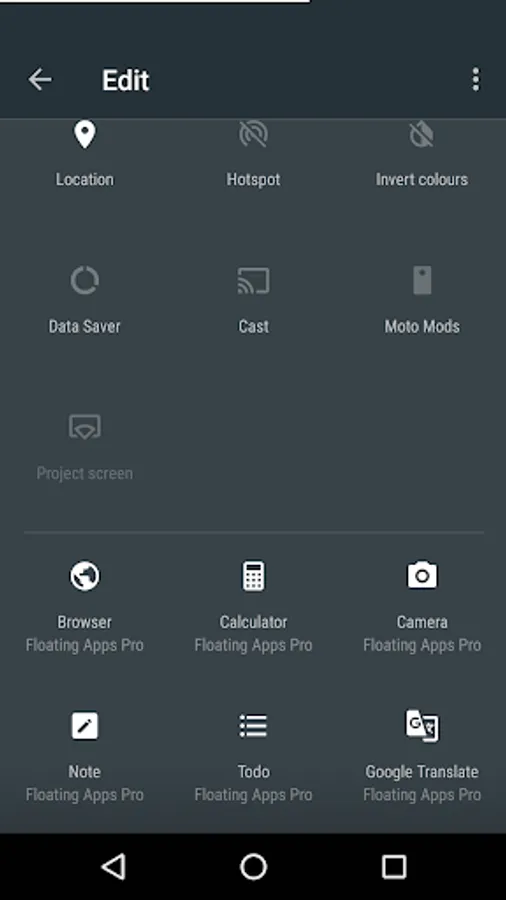
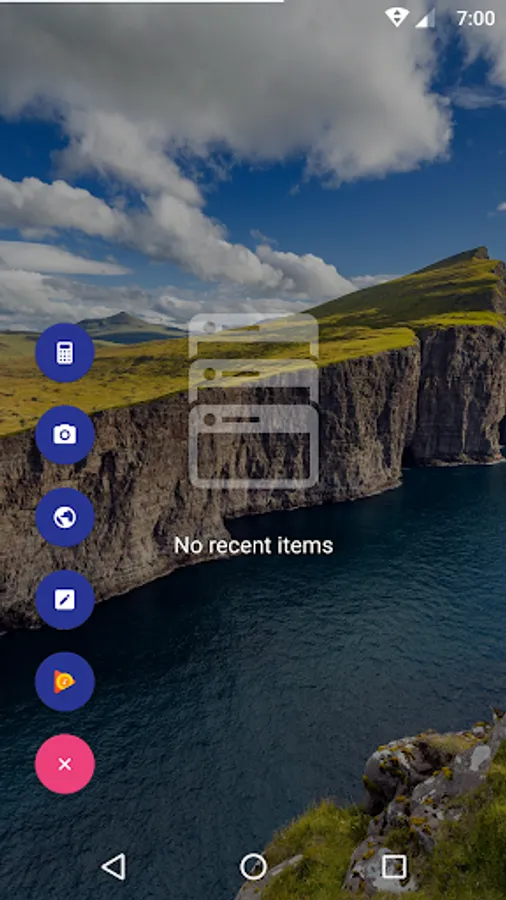
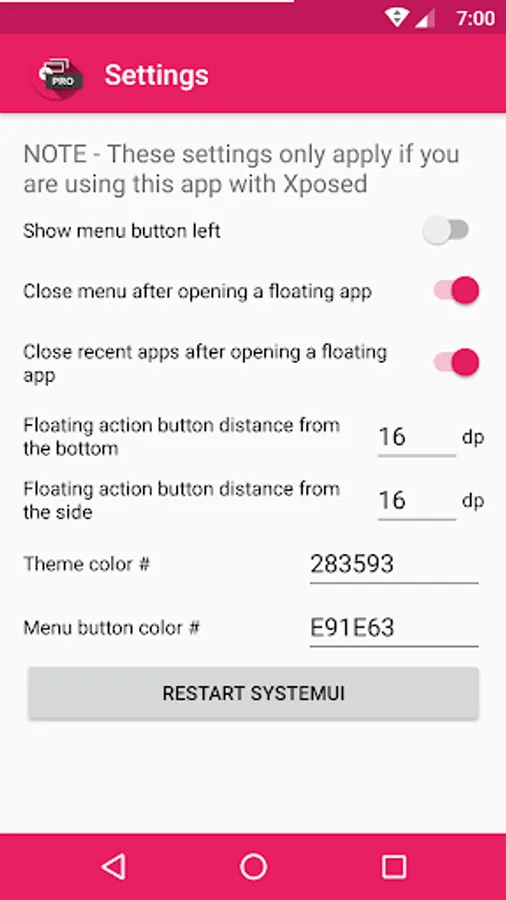
You add floating apps by clicking the plus button, and then the app you want to add to the list. After that you can launch the app by clicking the list item. You can also add a quick settings tile to your status bar that launches the app if you are using at least Android 7.0. If you are using Xposed you can also get a floating action button on your Recent Apps screen from which you can launch the floating apps in your list.
Floating Apps Pro Screenshots
Tap to Rate:
Reviews for Floating Apps Pro
Josh O'Neill
9/9/2022
The camera widget when out walking and using phone really handy and the other widget are cool as well
Josh O'Niell
5/24/2022
I came to believe having more wedges I enjoy I was quite happy just using the camera when walking on the street but after time I also was using calculator popping on shopping screen search engine Todo list for me the more time the more I find a completely different app useful