
AirStationアプリ (旧StationRadar)
BUFFALO INC.
2.6 ★
3K ratings
1,000,000+
downloads
Free
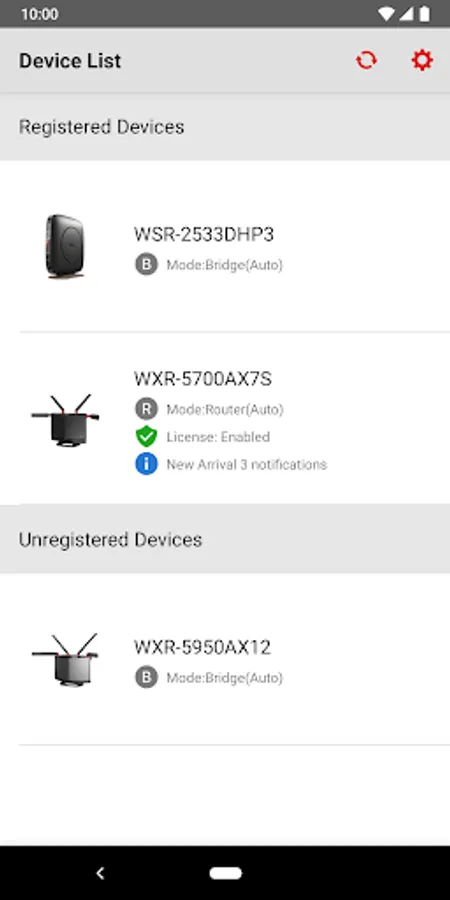
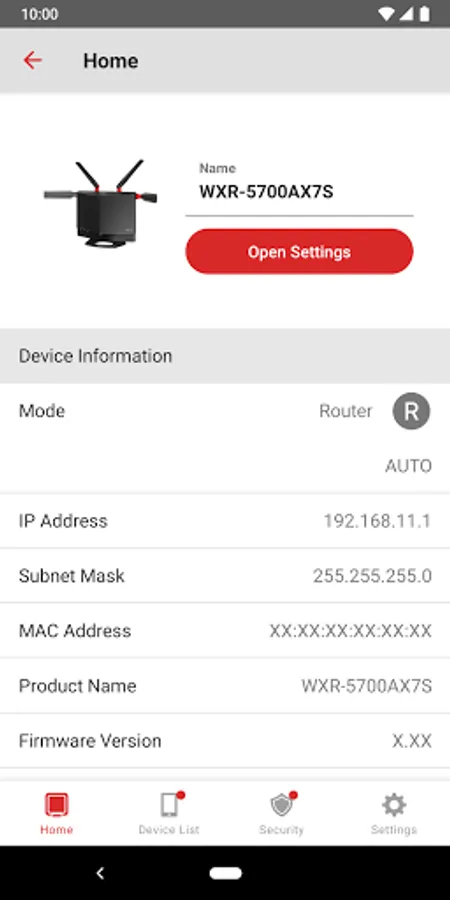
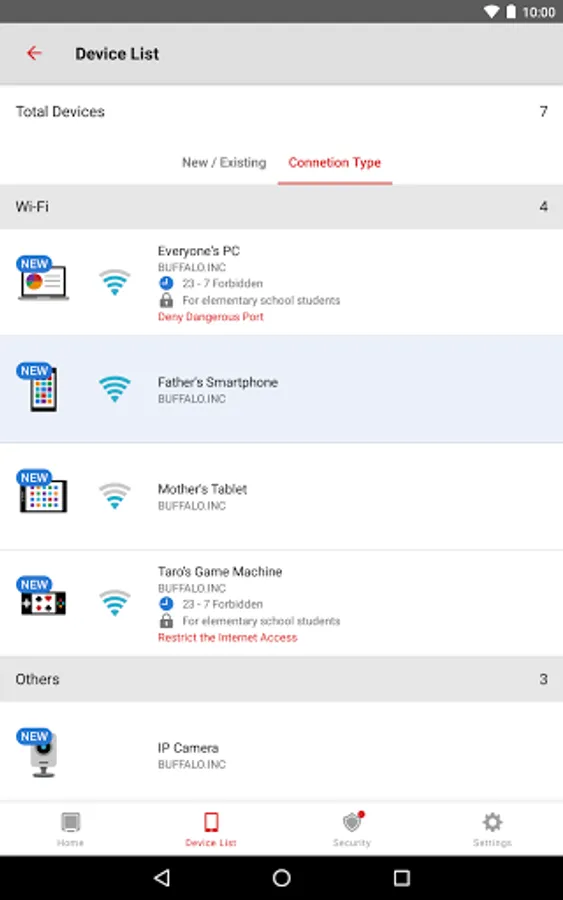
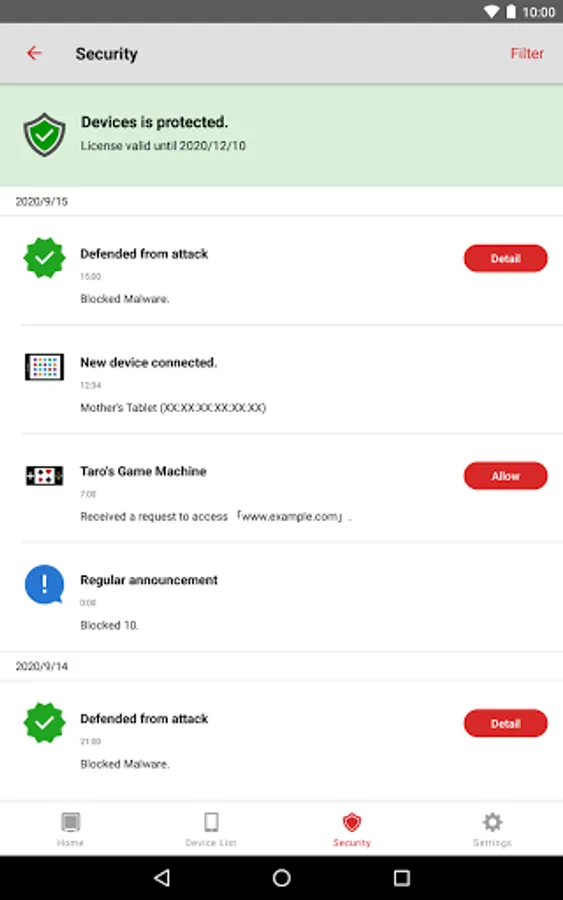
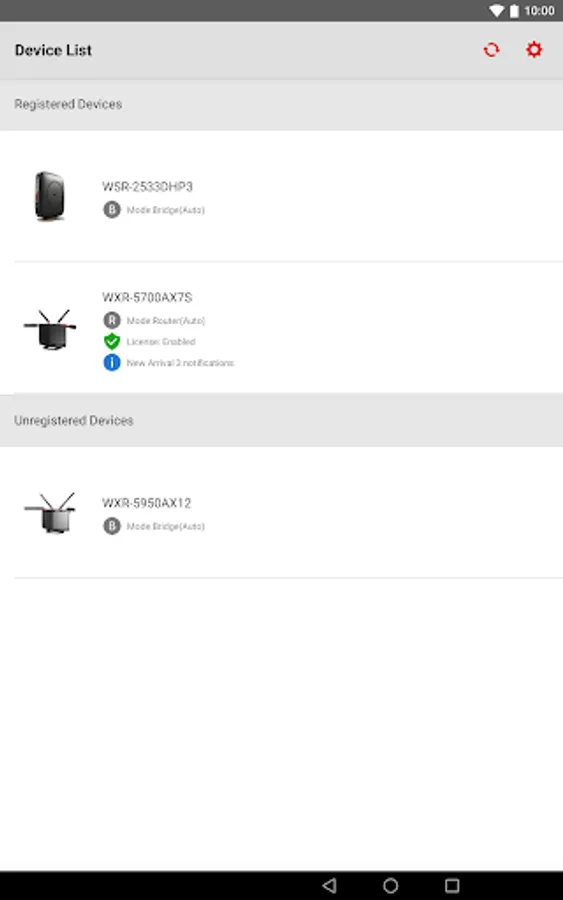
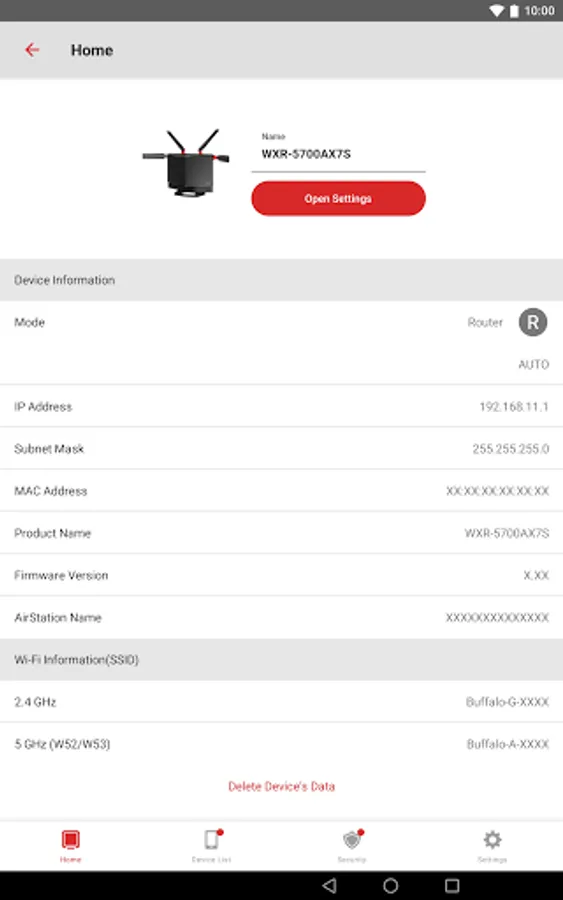
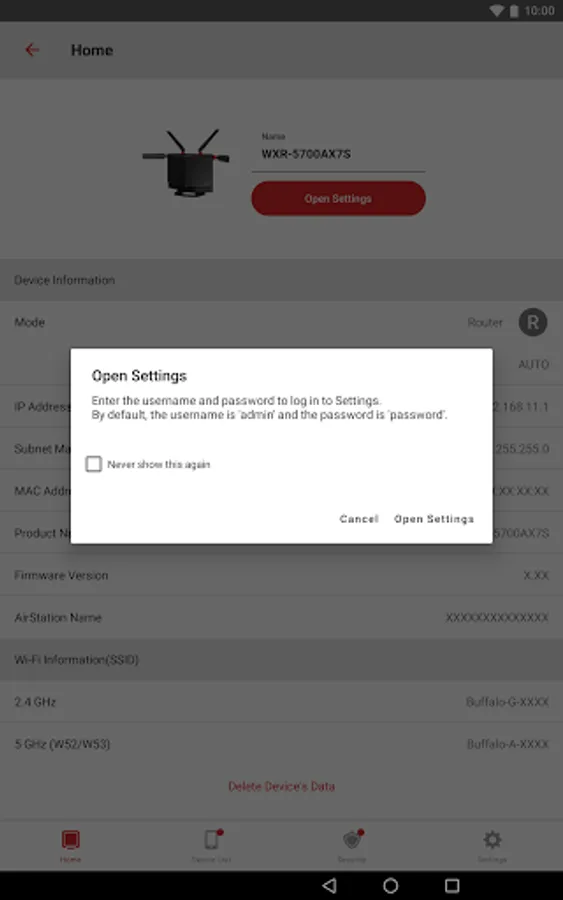
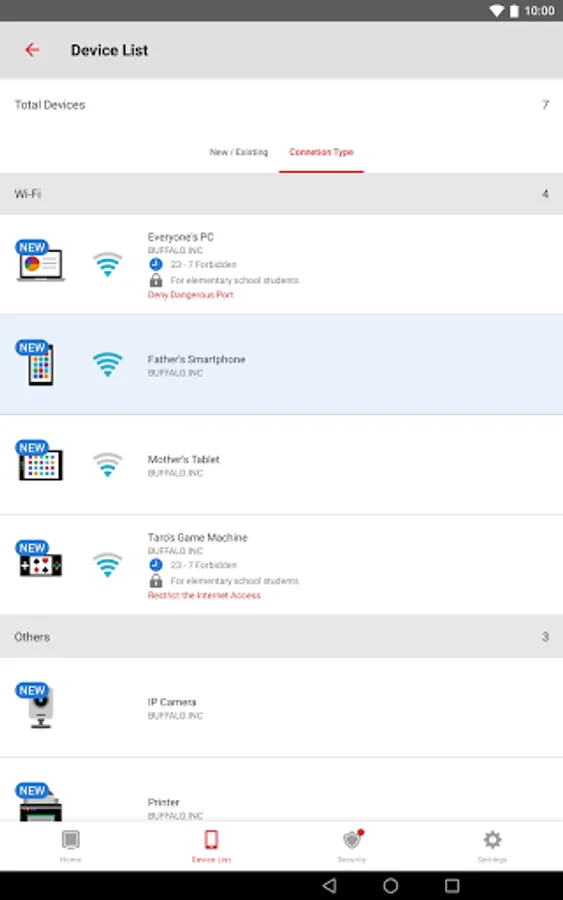
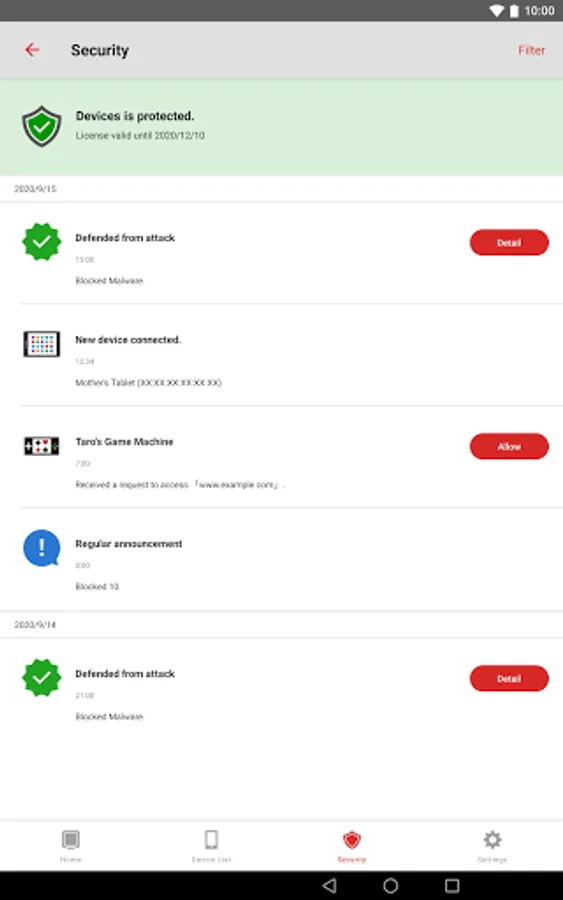
With this app, you can set up, configure, and manage AirStation Wi-Fi routers, including security features and firmware updates. Includes device status checks, security settings, and backup options.
AppRecs review analysis
AppRecs rating 2.6. Trustworthiness 59 out of 100. Review manipulation risk 24 out of 100. Based on a review sample analyzed.
★★☆☆☆
2.6
AppRecs Rating
Ratings breakdown
5 star
40%
4 star
0%
3 star
0%
2 star
0%
1 star
60%
What to know
⚠
Mixed user feedback
Average 2.6★ rating suggests room for improvement
⚠
High negative review ratio
60% of sampled ratings are 1–2 stars
About AirStationアプリ (旧StationRadar)
You can set up, configure, and adjust the settings of the AirStation* through this app.
• Make sure your mobile device is connected to the same Wi-Fi network as the AirStation when using this app. If your AirStation supports remote access, you can also use the app from outside your local network.
• Product features may vary depending on the AirStation model. For more details, refer to the product package or visit the product page on our website.
Version 3.4 Features:
○ Setup
The app allows you to set up the following:
• Wi-Fi router (setup guide provided)
• Migration of Wi-Fi router settings through the settings backup function
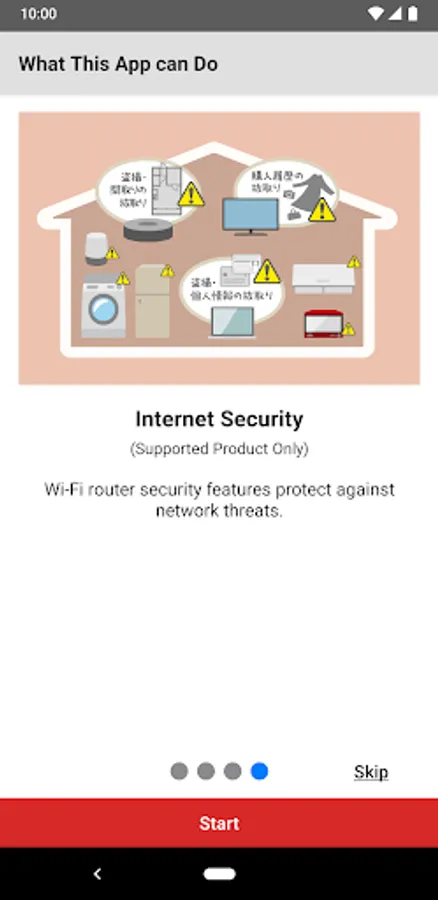
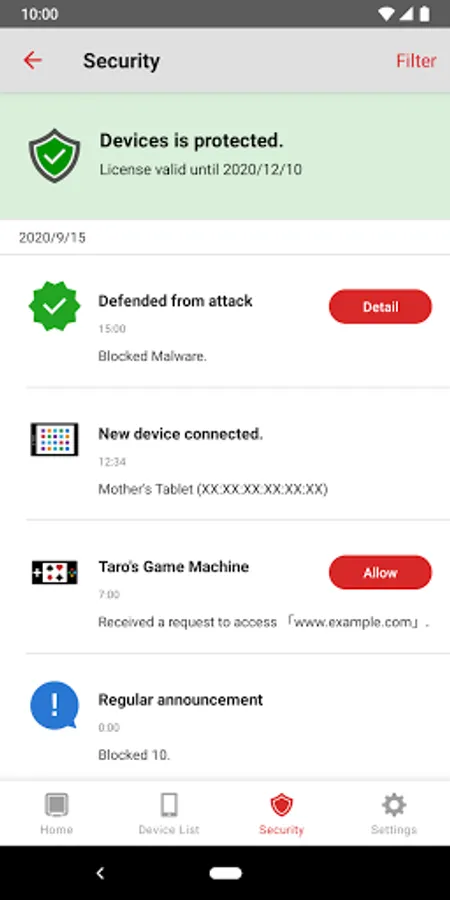
• Activation of Internet Security/Internet Security 2 feature
○ Administration
You can check the following through the app:
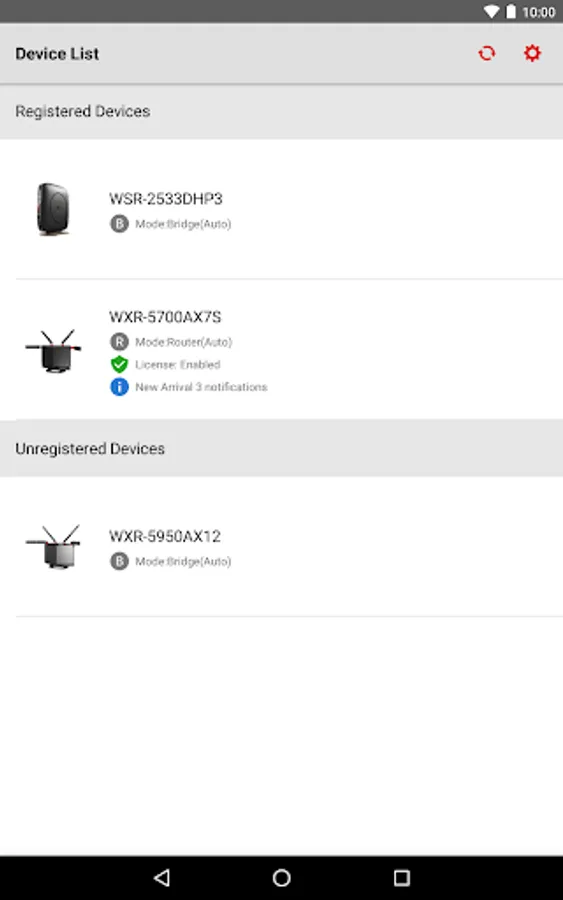
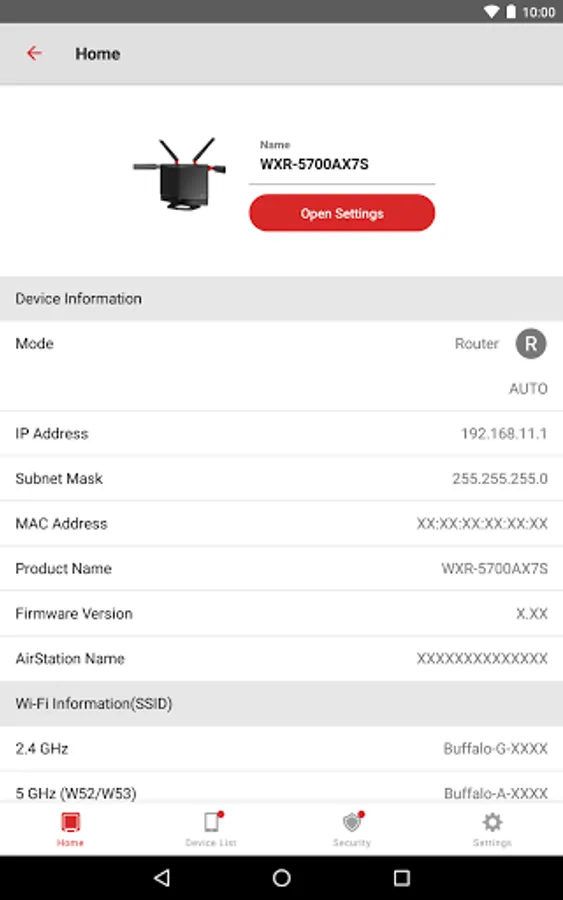
• Device status
• SSID, encryption key, or QR code for Wi-Fi connection
• Settings
You can use the following features through the app:
• Internet Security/Internet Security 2 feature
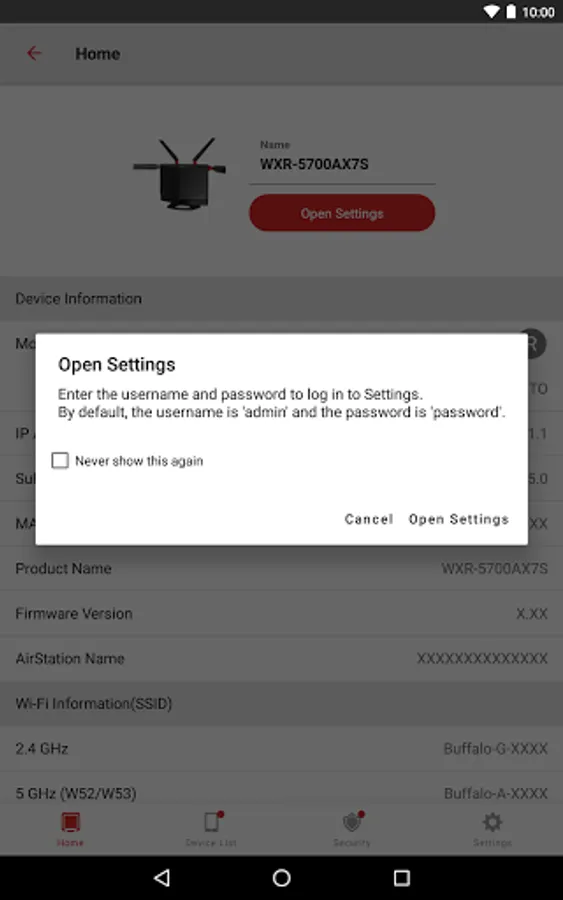
• Automatic login**
○ Settings
You can configure the following features or settings through the app:
• Internet Security 2 feature (or Internet Security feature)
• Settings backup function
• SSID name and encryption key
• Guest port on/off
• Kids-Timer
• Internet connection settings
• Firmware update
• Administrator password
• etc
*Use the connect app for the AirStation connect series.
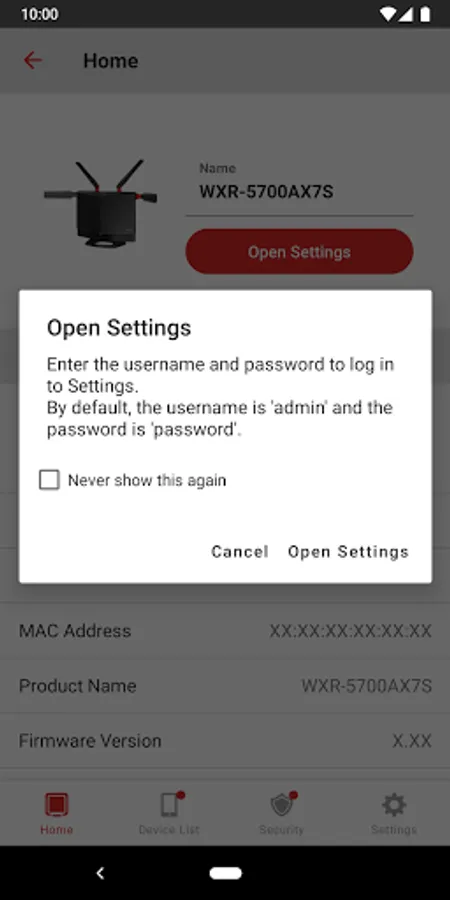
**You can log in automatically using the username and password previously entered and saved in the app.
• Make sure your mobile device is connected to the same Wi-Fi network as the AirStation when using this app. If your AirStation supports remote access, you can also use the app from outside your local network.
• Product features may vary depending on the AirStation model. For more details, refer to the product package or visit the product page on our website.
Version 3.4 Features:
○ Setup
The app allows you to set up the following:
• Wi-Fi router (setup guide provided)
• Migration of Wi-Fi router settings through the settings backup function
• Activation of Internet Security/Internet Security 2 feature
○ Administration
You can check the following through the app:
• Device status
• SSID, encryption key, or QR code for Wi-Fi connection
• Settings
You can use the following features through the app:
• Internet Security/Internet Security 2 feature
• Automatic login**
○ Settings
You can configure the following features or settings through the app:
• Internet Security 2 feature (or Internet Security feature)
• Settings backup function
• SSID name and encryption key
• Guest port on/off
• Kids-Timer
• Internet connection settings
• Firmware update
• Administrator password
• etc
*Use the connect app for the AirStation connect series.
**You can log in automatically using the username and password previously entered and saved in the app.
AirStationアプリ (旧StationRadar) Screenshots
Tap to Rate:
Reviews for AirStationアプリ (旧StationRadar)
James Valentine
8/3/2024
Why have you gotta be extra and need an app to change settings?
Paul Reibold
1/17/2022
Doesn't work